-
-
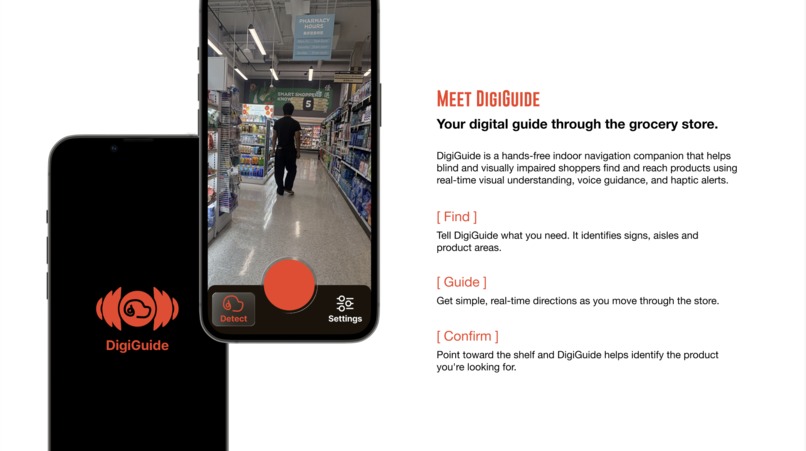
Meet DigiGuide
-
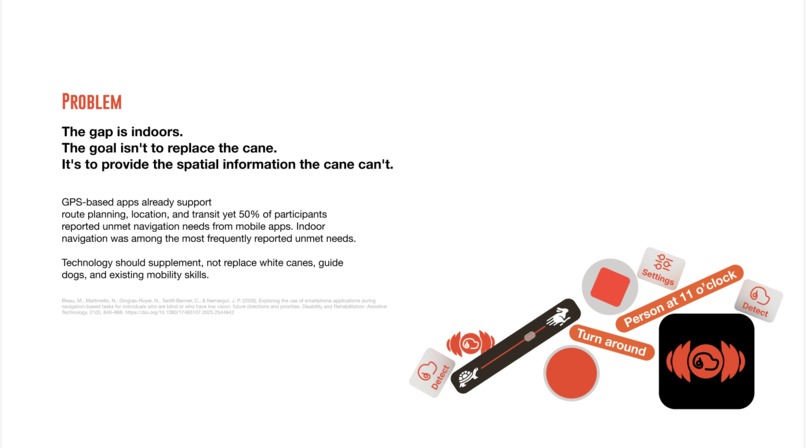
Our solution to our problem
-
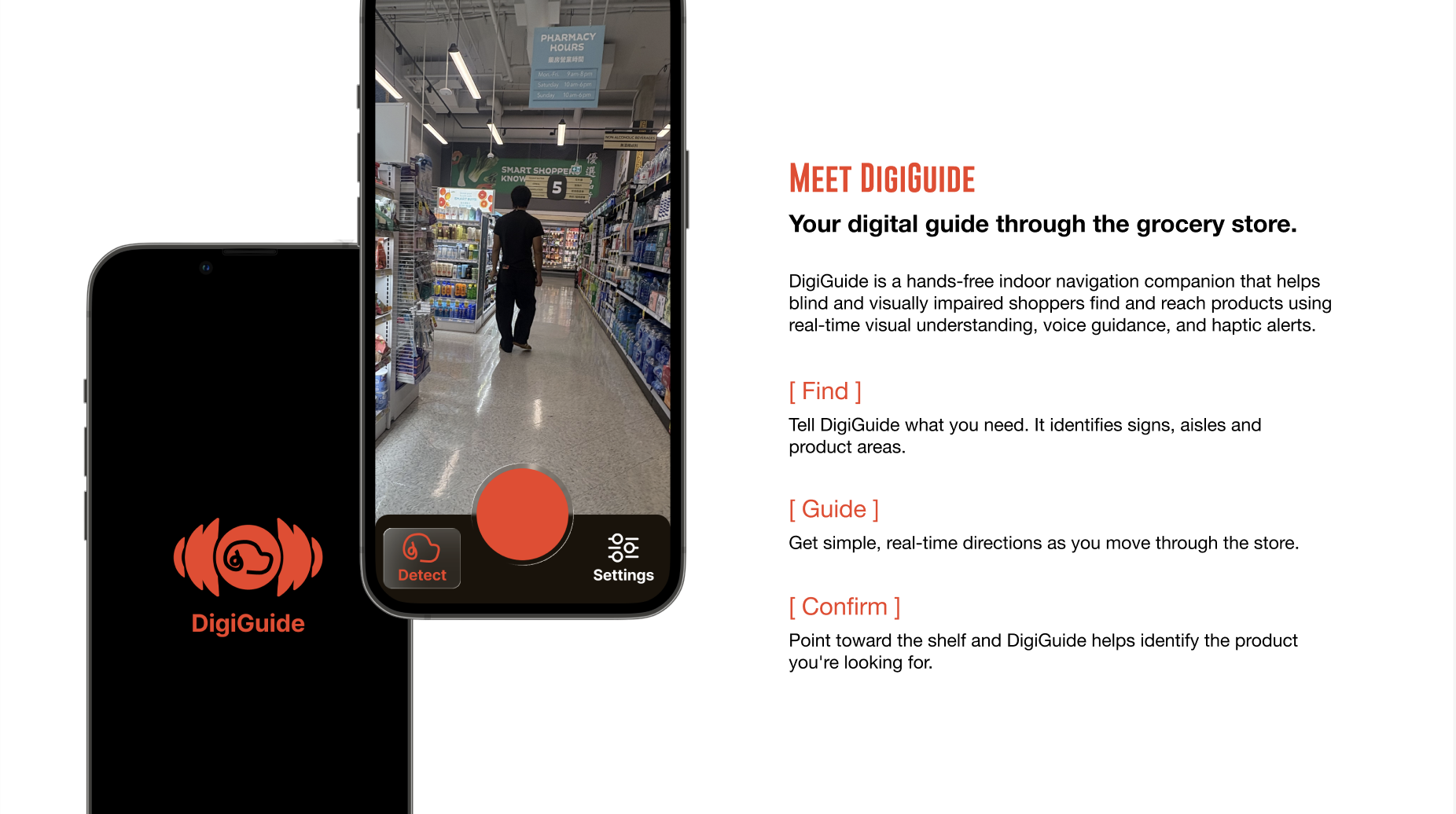
DigiGuide
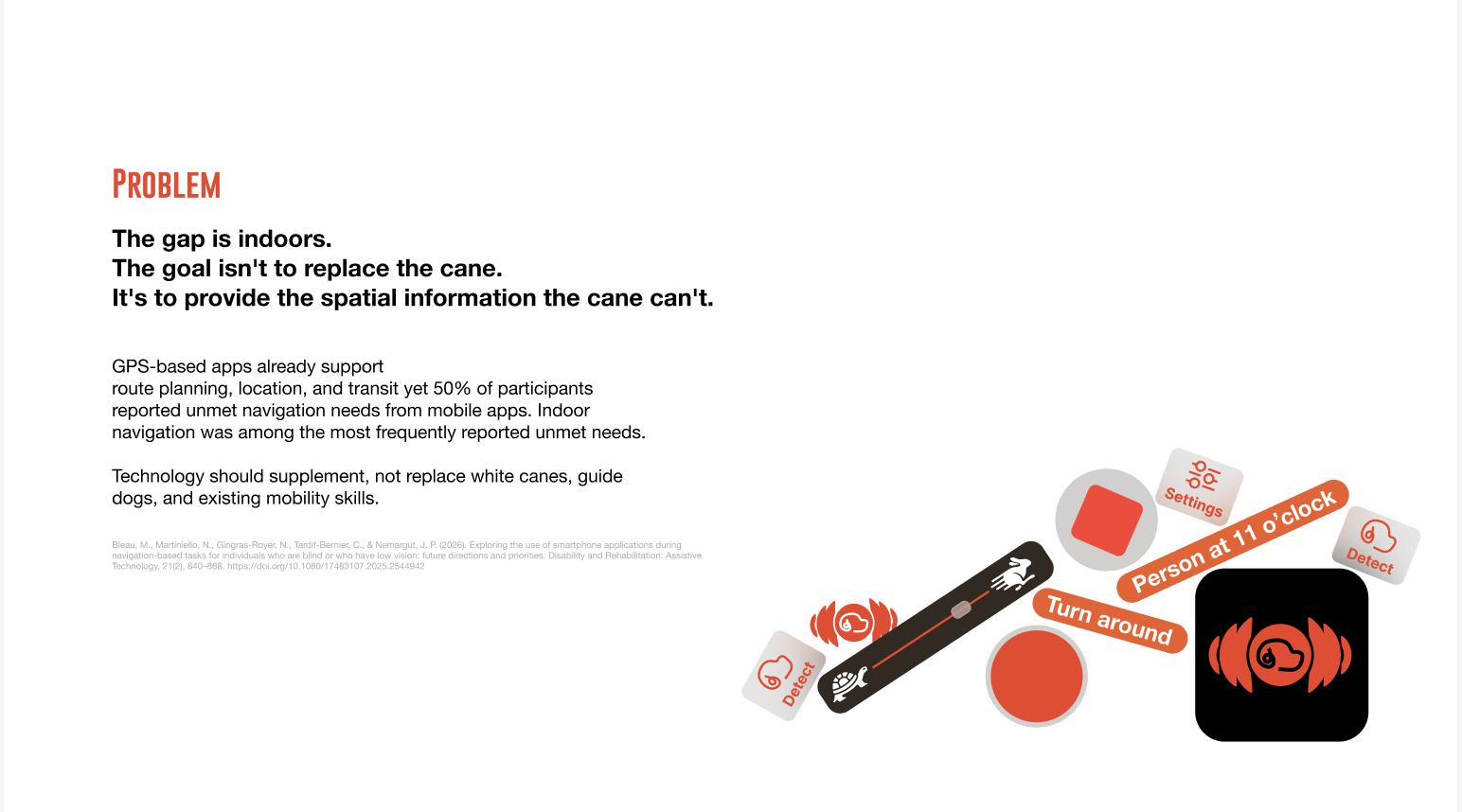
A lanyard-worn iPhone app that acts as a digital guide dog for low-vision users: it helps them find what they need, guides them to it, and warns them only when something is actually in the way.
Inspiration
Grocery shopping is one of the most routine errands there is, and one of the hardest to do independently without sight. Aisles look identical, products feel the same in your hand, and labels and menus are written for people who can see them. Most blind shoppers rely on a store employee, a friend, or a volunteer on a video call. Existing AI apps can describe a photo, but they make you hold the phone, aim it, and wait, which is awkward when one hand is on a cane or a basket. We wanted something that works hands-free and stays quiet until it's needed.
What it does
DigiGuide runs on an iPhone worn on a chest lanyard, with the camera facing forward.
- Passive danger detection: in the background, LiDAR depth watches for obstacles. DigiGuide stays silent until something is close or appears suddenly, then says "Danger, barrier ahead!" with a haptic buzz. No constant chatter. YOLO, an object detector trained on open-source images, works out what the obstacle is (a person, a cart, a table, a door).
- Find an item: the user says what they're looking for, like "oat milk." DigiGuide uses Gemini's vision to scan shelves as they walk and guides them toward it by voice: "Oat milk, top shelf, at 2 o'clock."
- Read long text aloud: menus, labels, and signs are sent to Gemini, which summarizes them and reads back what matters instead of every word.
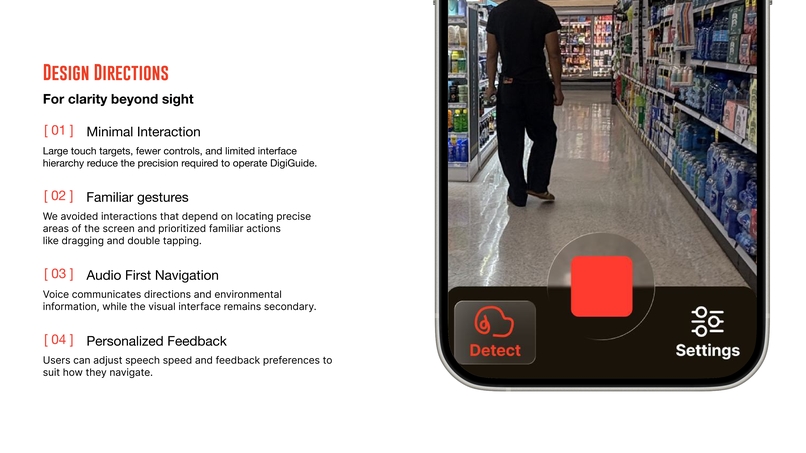
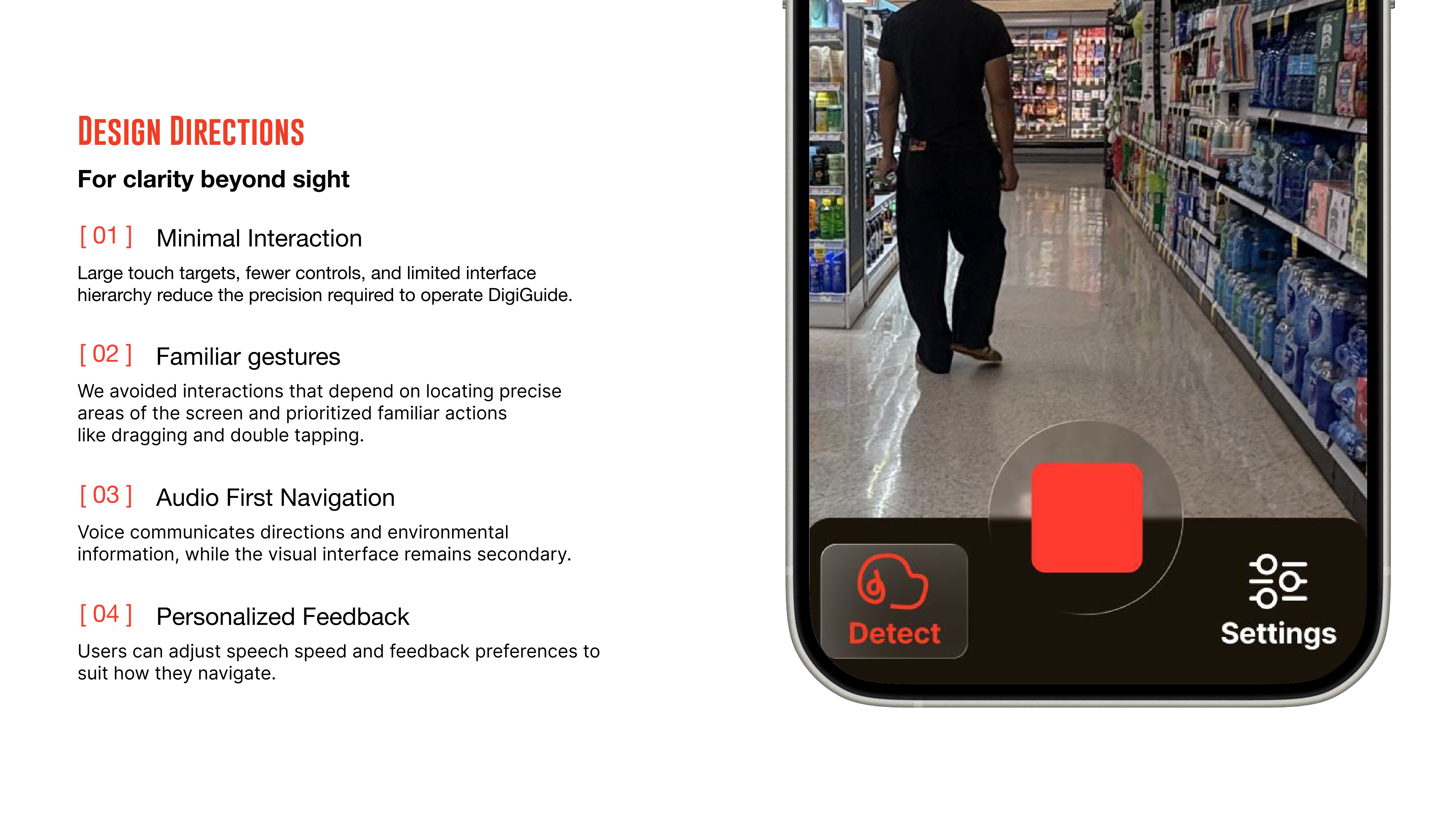
- Hands-free by design: audio comes through the iPhone speaker, haptics are reserved for urgent alerts, and the interface is built around VoiceOver and large touch targets.
How we built it
- Swift and SwiftUI with MVVM, native on iOS for direct access to the camera, sensors, and Neural Engine.
- Ultralytics YOLOv8, trained on Open Images V7 (601 object classes), exported to Core ML and run on-device with Apple's Vision framework. It labels obstacles so alerts say what is ahead, not just that something is there, and it recognizes things like tables and carts that need different warning distances.
- Google Gemini API for item recognition, shelf and label reading, and menu summarization, using structured JSON output decoded straight into Swift
Codablemodels so responses never break the app. - A custom risk filter that combines LiDAR distance, closing speed, and YOLO labels to decide whether something is worth an alert. It only considers objects in the user's walking path, from table height to head height, and checks that a detection holds across several frames. Each obstacle is announced once instead of repeatedly.
- AVSpeechSynthesizer for instant on-device speech, and Core Haptics for danger alerts.
- ARKit with LiDAR (
sceneDepth) on the iPhone 13 Pro for real metric distances to obstacles, with estimated depth as a fallback.
Challenges we ran into
This was a very challenging project.
- Making detection work while walking: a phone on a lanyard bounces, sways, and tilts as the user walks. That causes motion blur, jittery distances, and objects that seem to jump from left to right. We skipped frames during fast motion using the gyroscope, smoothed distances over time, and required a detection to persist for several frames before announcing anything, so one bad frame never triggers a false alarm.
- Knowing when to stay quiet: an app that narrates everything is exhausting and drowns out the sounds blind people rely on, like traffic, footsteps, and announcements. We designed danger alerts to speak only when something is close or sudden.
- Distance and object detection algorithms: ARKit's camera data is always landscape, but the phone hangs in portrait, so getting left and right correct meant converting coordinates between the two. Object detection also sometimes picked the wrong object, and it needed tweaking to run consistently in different environments.
Built With
- swift
- swiftui


Log in or sign up for Devpost to join the conversation.