-
-
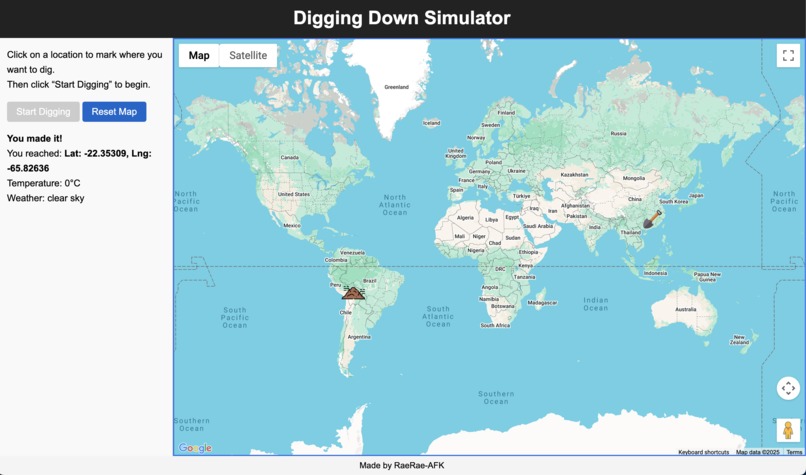
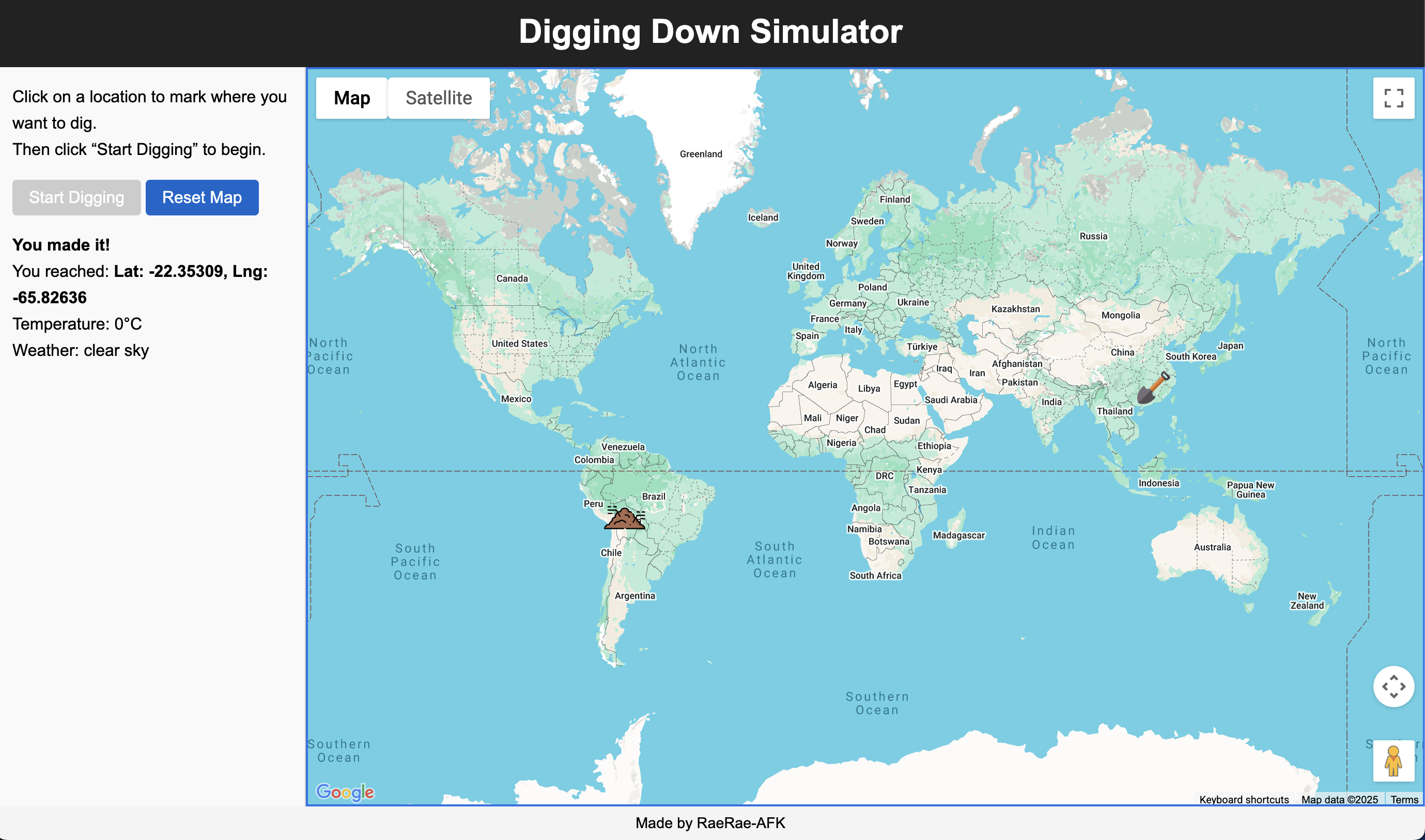
A screenshot of Digging Down Simulator where I attempted to dig from Hong Kong and ended up in Bolivia.
Inspiration
People often say they want to “dig to China” as a joke. Therefore, I thought it would be fun to make something where you can actually try it and see what’s on the other side. I also included the weather and location to make it feel more immersive.
What it does
You click anywhere on the map to choose where to dig. After a short wait, the site shows you the spot on the opposite side of the Earth. It also shows the exact coordinates and the current weather conditions there.
How I built it
I used HTML, CSS and JavaScript to build the site, Google Maps to show the map and markers, Google's Geocoding API to get place names from coordinates, OpenWeatherApp to display the weather, and GitHub Pages to publish the site online.
Challenges I ran into
I've never used Google Maps API before so that was a massive challenge to me. Figuring out how to show the map, place markers, and get the opposite location took a lot of time. I also had to fix problems where the weather data won't show up and custom icons not loading correctly in the browser.
Accomplishments that I'm proud of
I'm proud that the website looks clean and everything is running smoothly without issues. I enjoy the fact that I was able to publish the website so I can show it to my friends and let them play around with it.
What I learned
I learned how to use the different APIs together. I got better at coding in JavaScript. I learnt how to publish a website on Github Pages. Also, I learnt that if I dig from Hong Kong, my home town, I'll end up in Bolivia!
What's next for Digging Down Simulator
I want to add a digging animation in the future as well as a way to quickly share your results with other people in social media. Additionally, I want it to make it work well on phones.
Built With
- css
- github
- googlemapsgeocodingapi
- googlemapsjavascriptapi
- html
- javascript
- openweathermapapi

Log in or sign up for Devpost to join the conversation.