-
-
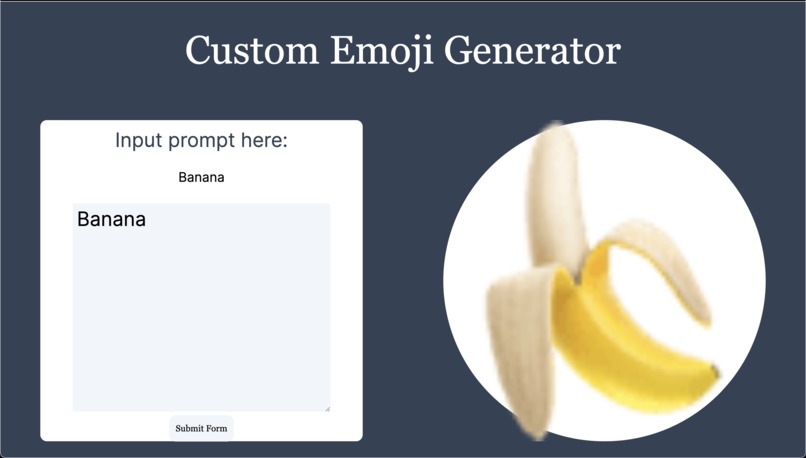
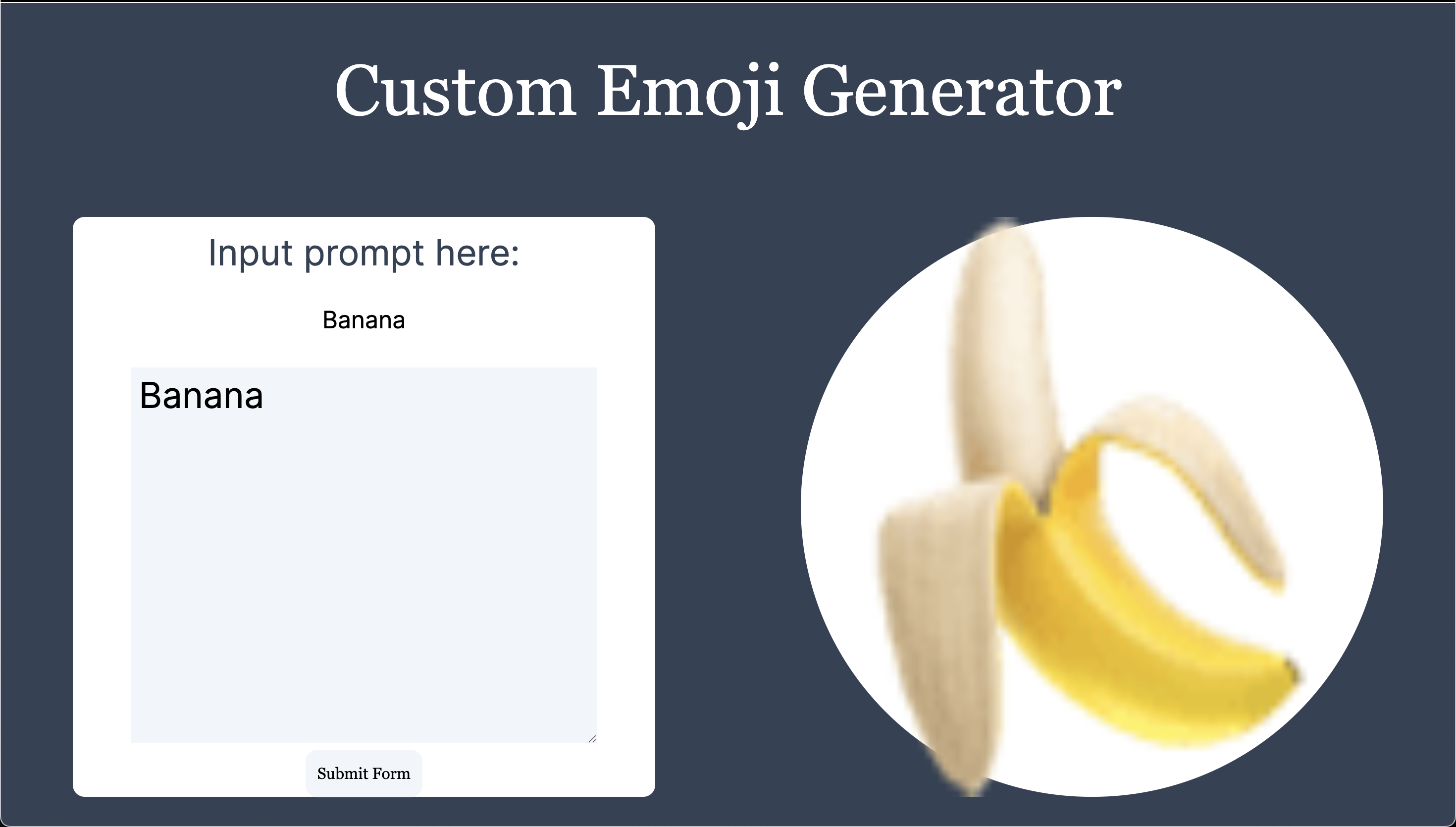
Web page design
-
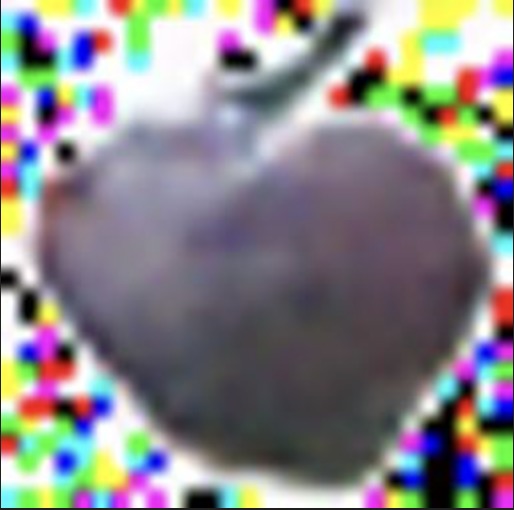
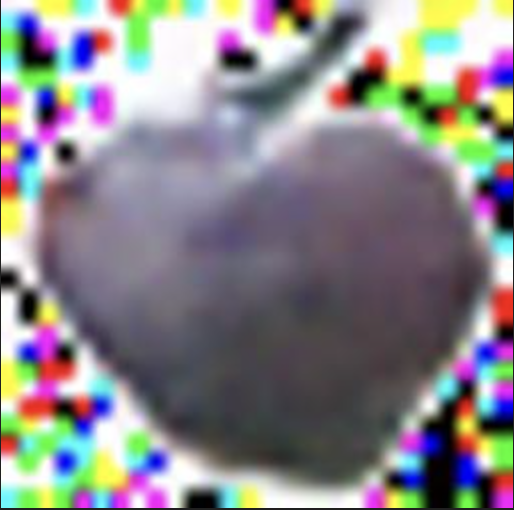
Example generated image - "blue apple"
Inspiration
It would be fun to have an emoji generator in case an emoji I want isn't found.
What it does
Our project takes in a user text input, and spits out a custom emoji generated with a diffusion machine learning model.
How we built it
We built the backend with PyTorch - creating vector encodings for different words and a diffusion model to generate new images from a given vector, which allows us to generate an image given a written prompt. It was trained with a Kaggle public database of emojis. The application tech stack uses python on the backend, incorporating FastAPI to connect with our frontend. Our frontend is constructed with Tailwind CSS, Next.js, and JavaScript.
Challenges we ran into
- Tried a GAN that did not work well - Trial GAN
- Not enough data to train our Neural Network
- Long times to train the Neural Network
- CORS proxy issues blocking api calls
- Setting up static image rendering with next.js
Accomplishments that we're proud of
Given the 42 hour time frame, we believe constructing a full stack application and a diffusion neural network is very impressive. We were suprised that we were even able to deploy it in time, even though the image generation isn't perfect.
What we learned
Diffusion Neural Networks, deploying PyTorch models, FastAPI connection, Static image rendering, CORS policy workarounds.
What's next for Diffusion Emoji Generator
Our next move would be to collect more emoji data to train our model. The dataset of emojis has roughly 2000 emojis, which is nowhere near enough to train a diffusion model. In the future, given more data, we believe the clarity of our images would go up, as well as the creativity.
Built With
- diffusion
- fastapi
- javascript
- nextjs
- python
- pytorch
- react
- tailwindcss
- word-embeddings


Log in or sign up for Devpost to join the conversation.