-
-
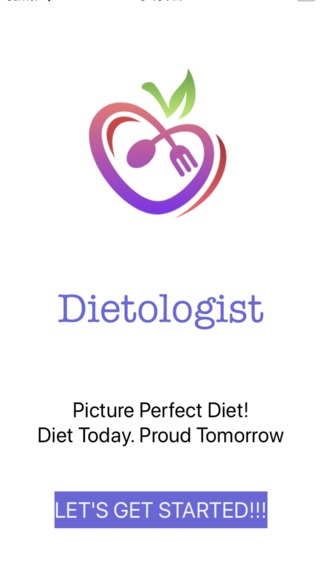
Home!
-
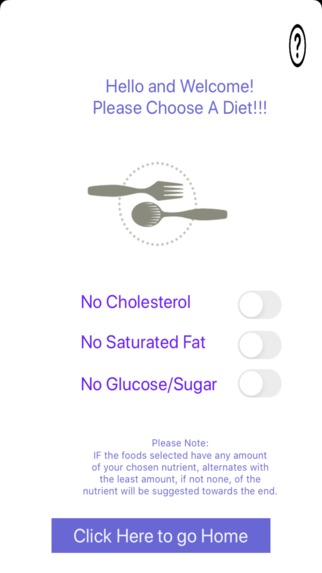
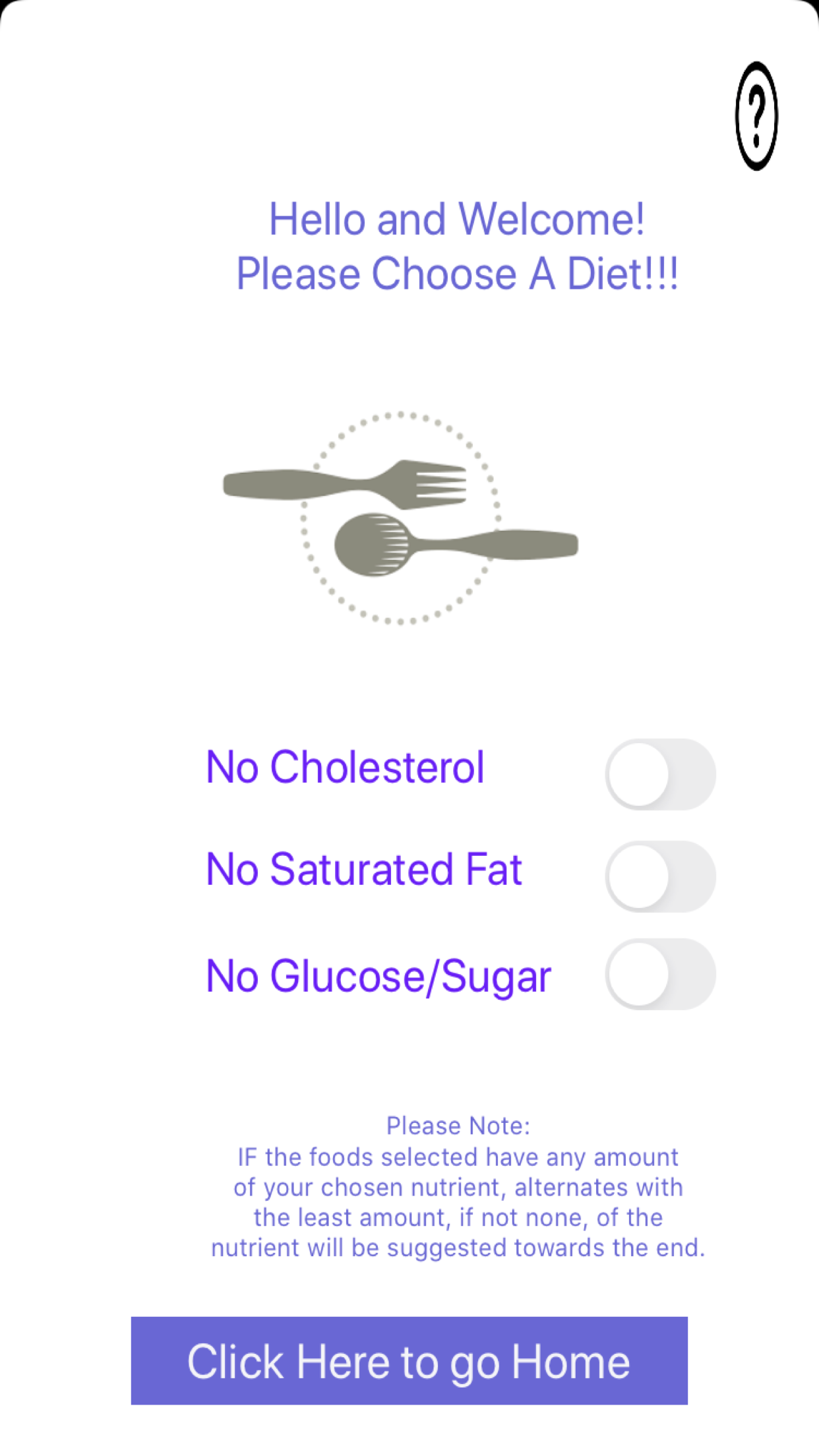
Choose Your Diet!
-
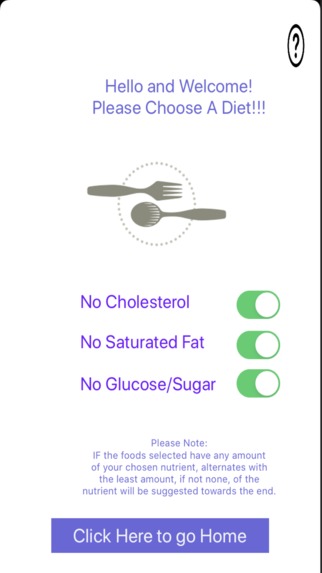
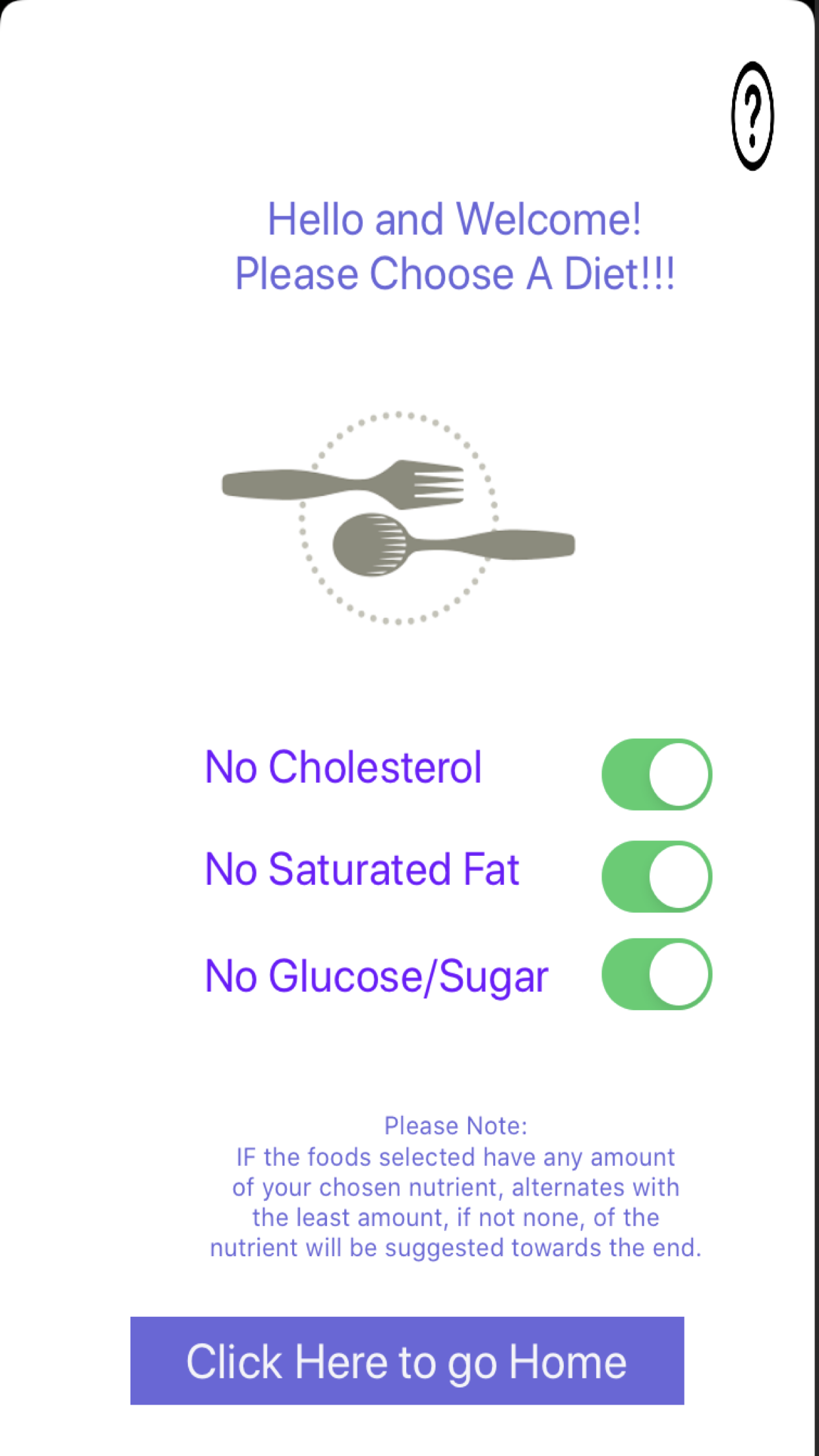
Diet Chosen!
-
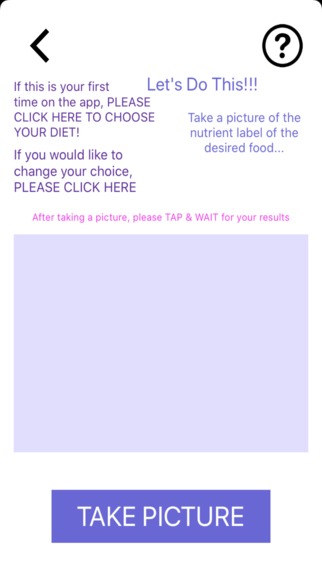
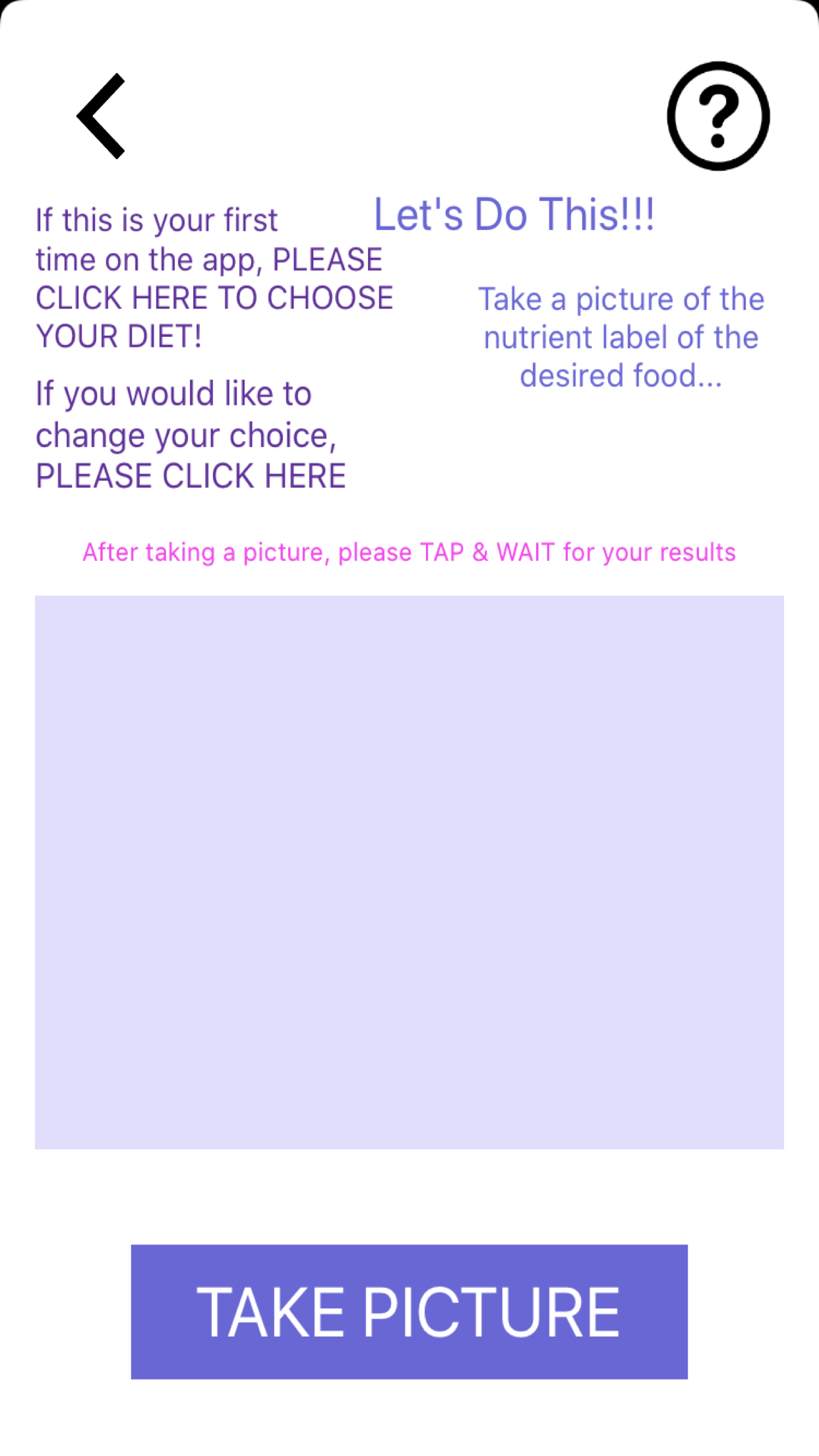
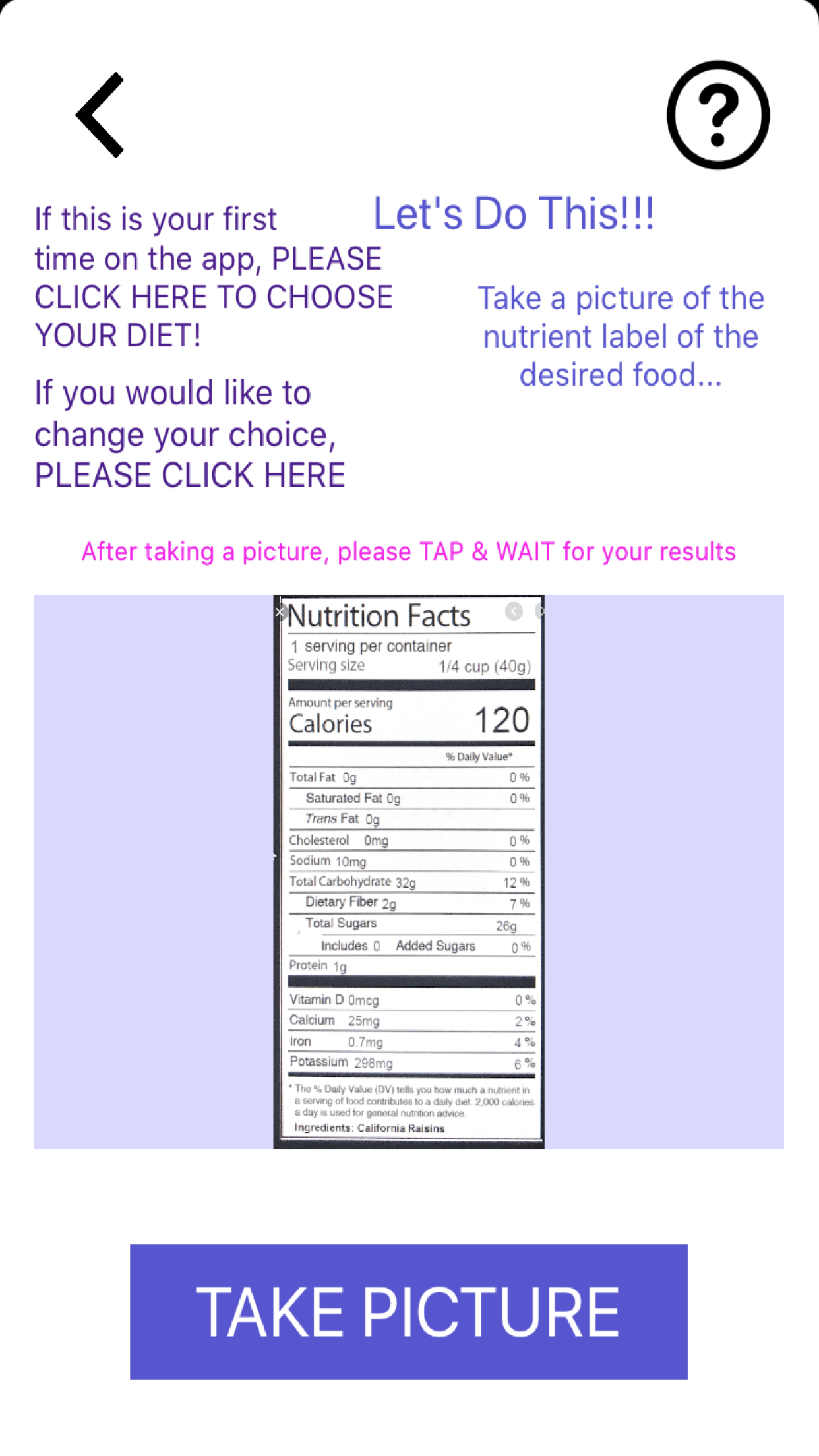
Scan the Nutrition Label of Desired Food!
-
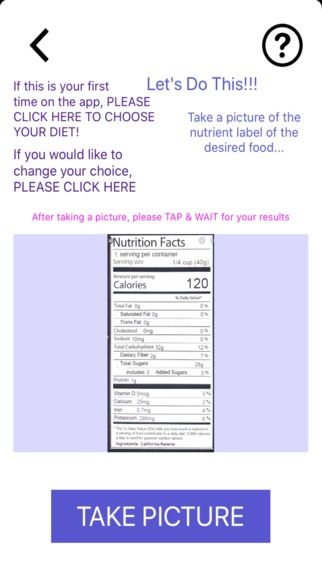
Nutrition Label Scanned!
-
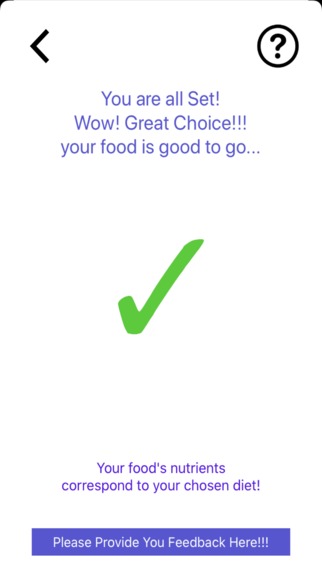
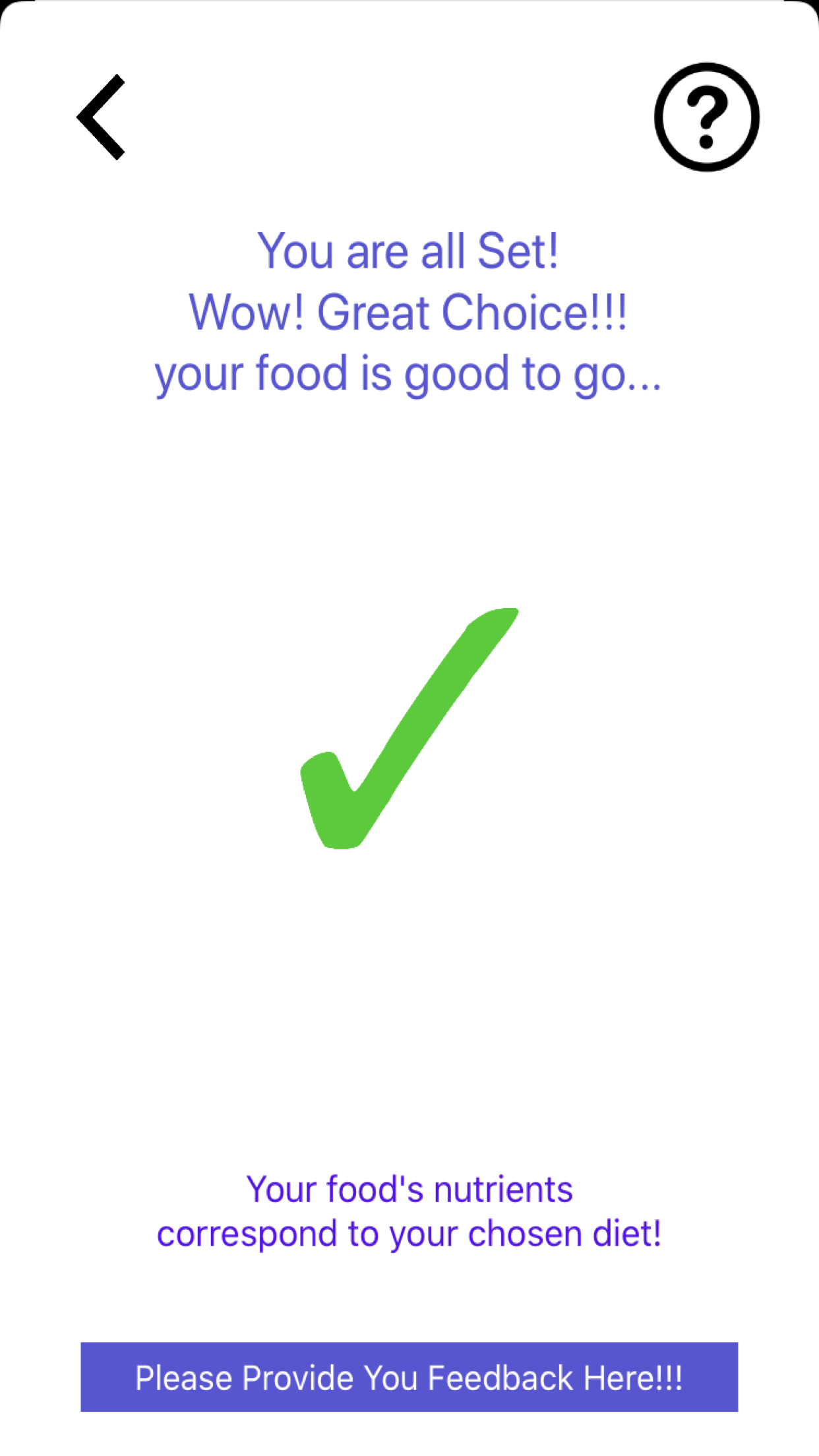
Your Food Met Your Dietary Restrictions!
-
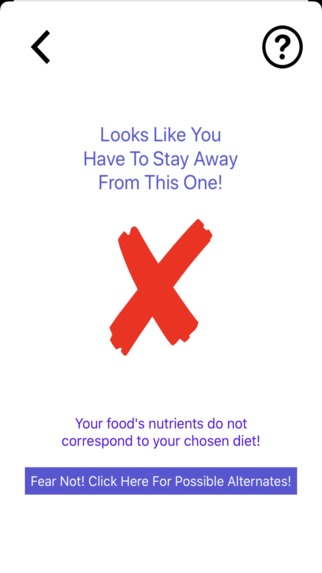
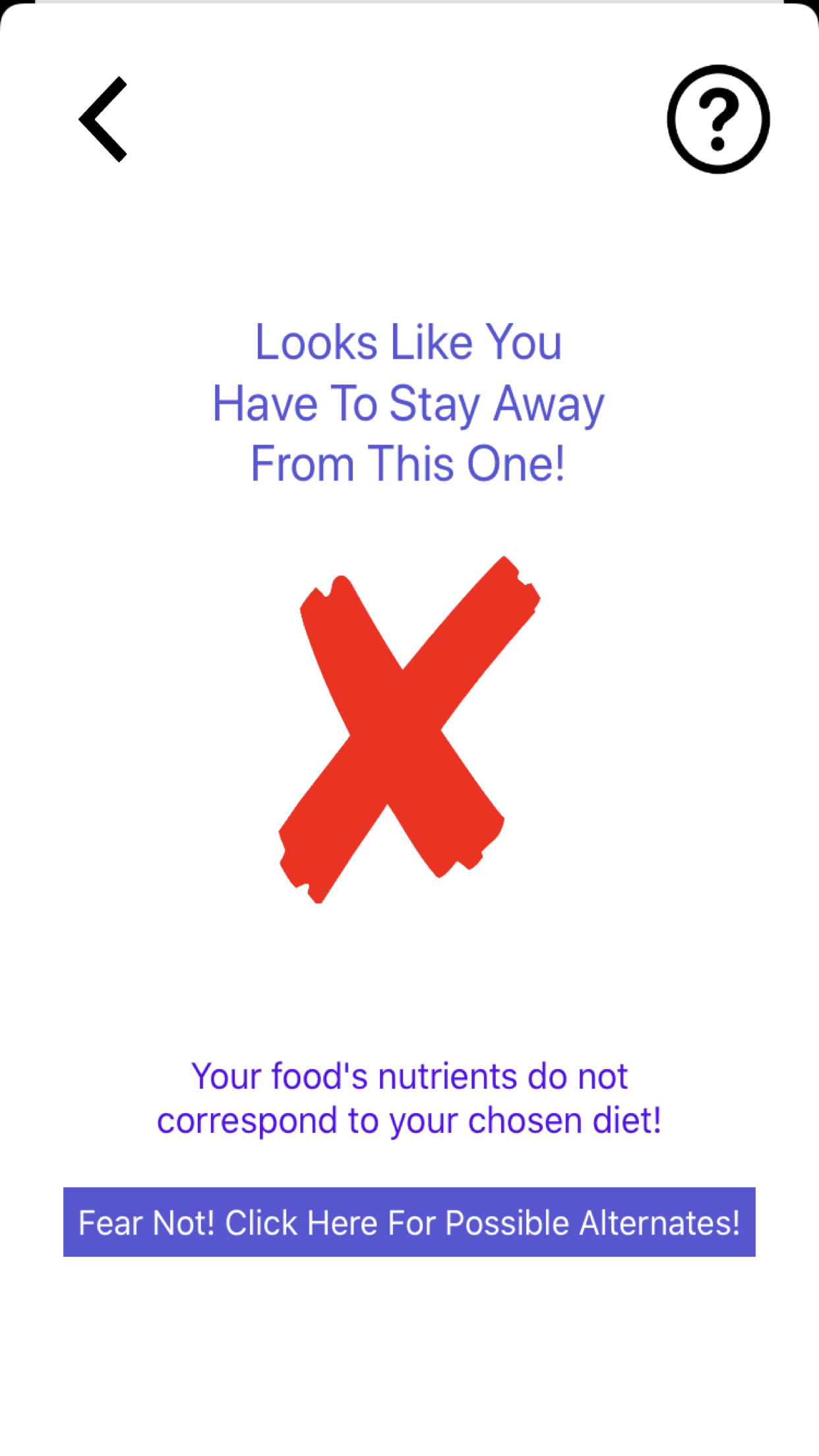
Your Food Did Not Meet Your Dietary Restrictions!
-
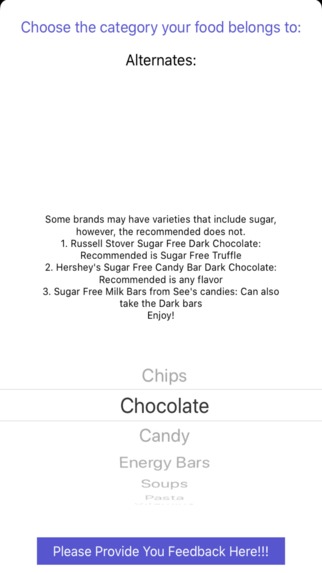
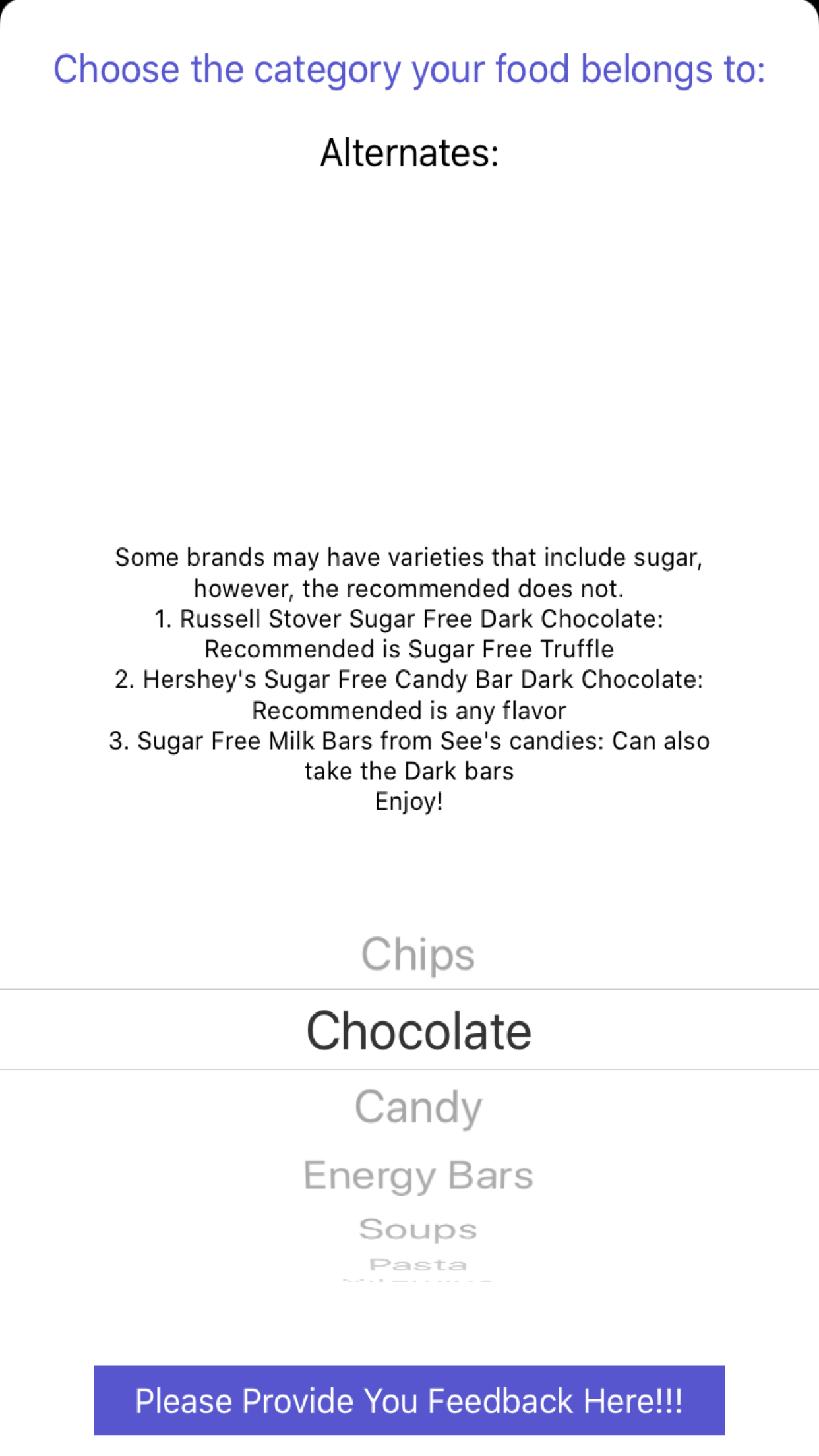
Look At the List of Alternate Foods that You can Consume Instead!
Inspiration
My grandfather had atherosclerosis, and unfortunately passed away due to it. This inspired me to research more about the disease and others of the sort, and found out that a major cause is problematic dieting. Once I researched, and realized it was such a big problem in the community even today, I knew I had to create something to help society. Now I know that if my grandfather had my app when he had meningioma, he could have had a little bit of a longer life, preventing is 5 heart attacks with a proper diet, using my app.
What it does
Many of us struggle with diets because of the diverse food environments that tempt us, according to Dr. Kelly D. Brownell, director of the Yale Center for Eating and Weight Disorders. In fact, according to Ashkan Afshin, an epidemiologist at Washington University, poor diets cause more deaths than any other risk, including cigarettes. This is because we live in a world where, sometimes, the information we hear is not clear, or accurate, causing us to make rash decisions leading to our demise. My smartphone app helps users in making informed choices about the food they are consuming in diverse food environments like what we have today. The issues surrounding diet choices is an active research topic that has the potential to significantly change our nutrition management skills. With the many tempting food environments around us, it is easy to make poor diet choices, leading to more deaths in the population than any other risk factor, primarily due to diabetes and cardiovascular diseases. This necessitates us to learn more about how to make better choices regarding what foods we consume. So, my iOS app, Dietologist, allows users to have a quick and easy way to scan the nutrient label of a food product, find out if it meets their dietary restrictions, and, if not, provides a recommendation for an alternate food product that does.
How I built it
I built this app using Swift 5 and Xcode 11. I first designed the user interface of the app using the SwiftUI Storyboard, where I can implement buttons, images, and more elements. Then, I added code in the backend of the app, so that the scanned text can be saved and read through, to see if any nutrients that the user doesn't want are present, to then provide an alternate food of a similar genre if needed. Then, to test the app, I connected it to my dad's iPhone8, and was able to see the app's function, to make changes.
Challenges I ran into
- When coding the image scanner (to read the nutrition label), I realized that I had designed the whole app using a tab view, rather than the single view. The vision framework code I used only worked in the single view. However, since I wasn't too far into the process, as I wanted to target the hardest parts of code (vision framework) first, it was relatively easy to transfer everything to a single view app project.
- At first, I had no idea how to save the user's diet choice, and the switches would automatically reset after the page had been left. However, I figured out that the user defaults API offered an optimal way of doing exactly what I needed. So, I researched on that and implemented it into my code.
- There weren't too many tutorials in the new Swift5 code, and since I was learning most of the code in the process, is was a bit hard. However, I was able to find a few and work with them. I hope that in the future, I can provide some tutorials so that others won't run into this purpose.
Accomplishments that I'm proud of
- I am proud that I was able to learn most of Xcode and Swift (when I created the app - about 9 months ago - I barely knew anything about these languages)!
- I'm proud that my initial plan for the app was carried out as I expected, although there were a few obstacles on the way, which is completely normal.
- I'm glad that I was able to make an app that can actually make a different in someone's life, helping out the field I am so passionate in, nutritional science.
- I'm proud of my incorporation of the vision and user defaults frameworks, since those were the most complicated parts of my code.
What I learned
- I learned so much about Xcode and Swift in general. I mainly knew JAVA, and learning this new language was insanely awesome.
- I learned how to use Vision Framework, which I think is really cool, as I know that there are so many different apps that also have implemented Vision Framework after it came out, such as notes and google's scanning app.
- I learned that it is possible to implement saving user choices using code! I wasn't sure if this would be possible using Swift, especially since I didn't know much to start with, however, I was able to do so by implementing the user defaults framework. This was incredibly cool to me, since this was so out of the box for me!
What's next for Dietologist
- This app is already published to the App Store, so I would like to expand the app to create a business and even get sponsors!
- I would like to offer this app to people suffering from cardiovascular diseases, so that it can help in the management and treatment process of diseases like diabetes and atherosclerosis.
- After initial testing, I made some updates to my app, as participants commented on the formatting of the app on the google form I used to collect data, and then retested the product. I redesigned by adding a help menu, adding more alternates, adding a home button, and fixing spacing.
- I want to expand my food database, so that the app will be able to find alternates without the user having to input what type their desired food is.
- I want to add an option enabling the user to input the amount of the nutrient they would like, instead of the only option being none of the nutrient (ex. max. is 5g sugar), with my app also reading the serving size. Increase the diet options provided in the app (ex. low sodium, low calories, etc.)
Built With
- fooddatabase
- swift5
- userdefaults
- visionframework
- xcode11

Log in or sign up for Devpost to join the conversation.