Inspiration
\section*{About the Project}
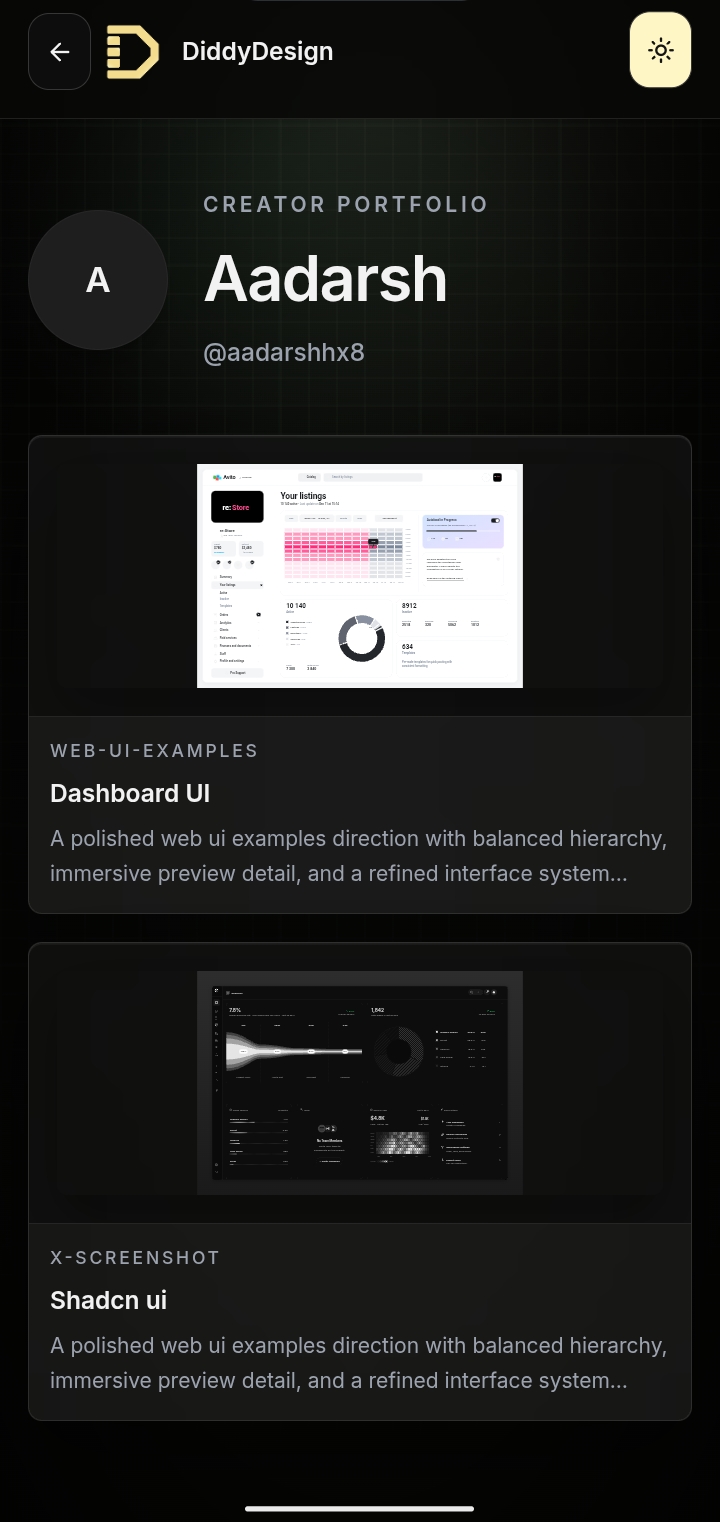
I’m building \textbf{DiddyDesign}, an AI-powered Image-to-Figma platform that converts screenshots, inspiration images, generated UI concepts, and product ideas into editable, structured Figma designs.
I come from Jabalpur, a smaller city in India, and most of what I’ve learned has come from building products directly from scratch. Over time, I became deeply interested in the gap between AI-generated visuals and actual production-ready UI workflows.
Most current AI design tools generate visually impressive concepts, but the outputs often break when used inside real product pipelines. Layers are messy, spacing becomes inconsistent, components are not reusable, and the final result usually requires rebuilding manually in Figma.
That problem became the inspiration behind DiddyDesign.
The core goal of the project is to generate structured, near pixel-perfect UI outputs that feel usable inside real design workflows instead of only creating static mockups.
One simplified way I think about the problem is:
[ \text{Generated UI} \neq \text{Production-Ready Design} ]
The real challenge is minimizing the gap:
[ \Delta = |\text{Visual Quality} - \text{Usability in Real Workflow}| ]
My goal is to make:
[ \Delta \rightarrow 0 ]
Meaning the generated output should not only look good, but also remain editable, structured, reusable, and production-ready inside Figma.
\section*{How I Built It}
The platform combines multiple systems working together:
\begin{itemize} \item AI-powered UI understanding and generation \item Image and screenshot analysis pipelines \item Layout reconstruction logic \item Structured component generation \item Frontend rendering and preview systems \item Figma-compatible export workflows \item Real-time progressive rendering for generated interfaces \end{itemize}
Instead of treating UI generation like image generation, the platform approaches interfaces as structured layouts with hierarchy, reusable elements, spacing rules, and component relationships.
A simplified representation of the pipeline looks like:
[ \text{Input Inspiration} \rightarrow \text{Layout Understanding} \rightarrow \text{Structured UI Generation} \rightarrow \text{Editable Figma Output} ]
A large amount of work also went into performance optimization, rendering pipelines, infrastructure handling, edge cases, and improving generation consistency.
\section*{Challenges I Faced}
One of the hardest problems was maintaining design accuracy while still keeping outputs editable and structured.
Generating beautiful UI images is relatively easy compared to generating designs that: \begin{itemize} \item maintain consistent spacing, \item preserve hierarchy, \item use reusable components, \item remain editable, \item and feel production-ready inside Figma. \end{itemize}
Another major challenge was handling the unpredictability of AI-generated outputs. Different layouts, image qualities, styles, and structures required building systems that could adapt dynamically while still maintaining consistency.
Building everything independently also meant learning across multiple domains simultaneously, including frontend systems, infrastructure, optimization, rendering workflows, and AI integration.
\section*{What I Learned}
This project taught me that building AI products is not just about model output quality --- it’s about creating systems around the models that make the output actually usable.
I also learned how important iteration speed is. Many of the current improvements came from repeatedly rebuilding systems, testing workflows, identifying edge cases, and refining the product through constant experimentation.
Most importantly, I learned how much execution quality matters when turning ambitious ideas into something people can genuinely use.
\section*{Why I’m Building This}
I care deeply about design tooling, creative workflows, and making high-quality UI creation more accessible and faster.
My long-term vision is to bridge the gap between AI-generated concepts and real production-ready product design workflows --- enabling designers, developers, founders, and creators to move from ideas to usable interfaces significantly faster.
I’m still early in the journey, but I’m extremely serious about building and improving the product every day.


Log in or sign up for Devpost to join the conversation.