-
-
Launch window
-
Regular notebook
-
Microscopes
Inspiration
LLMs have been a game changer for how we learn something new now. Autodidacts can satiate their curiosity to infinite bounds, ask however many question we would like within our token budgets.
But it can also be very tiring when an LLM blurts out lot of text, and UIs are trapped inside boxes. For difficult concepts, I often find myself slowing down and trying to see things step by step, or illustrate visually wishing lesser friction between what in my head and what I can put down on something external- the monitor or on paper.
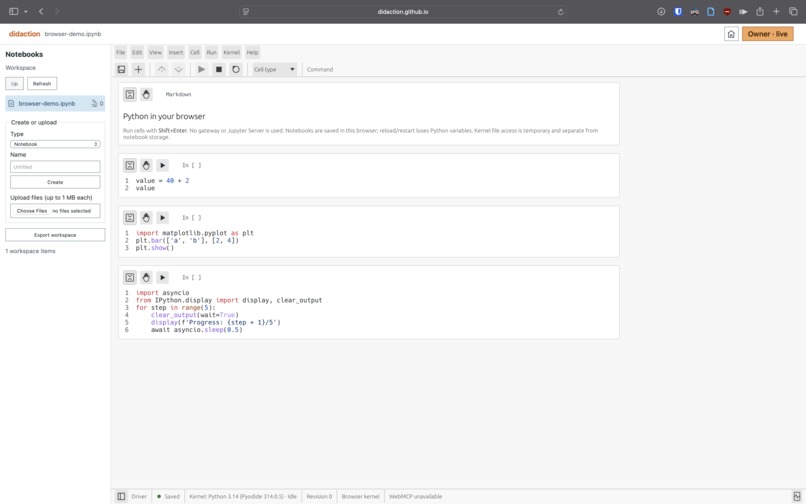
This is an attempt to bring that to jupyter notebooks which are versatile in learning. For each cell, this is an attempt to slow things down and understand things step by step with some visualization, and play around with a segment of code deeper.
What it does
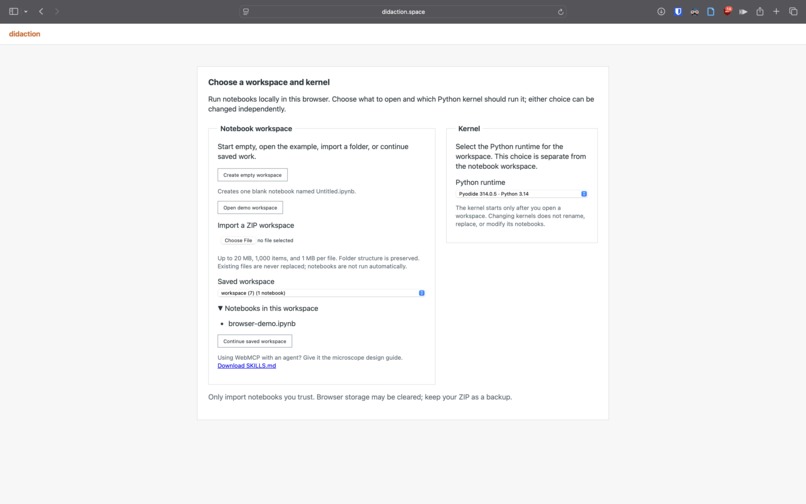
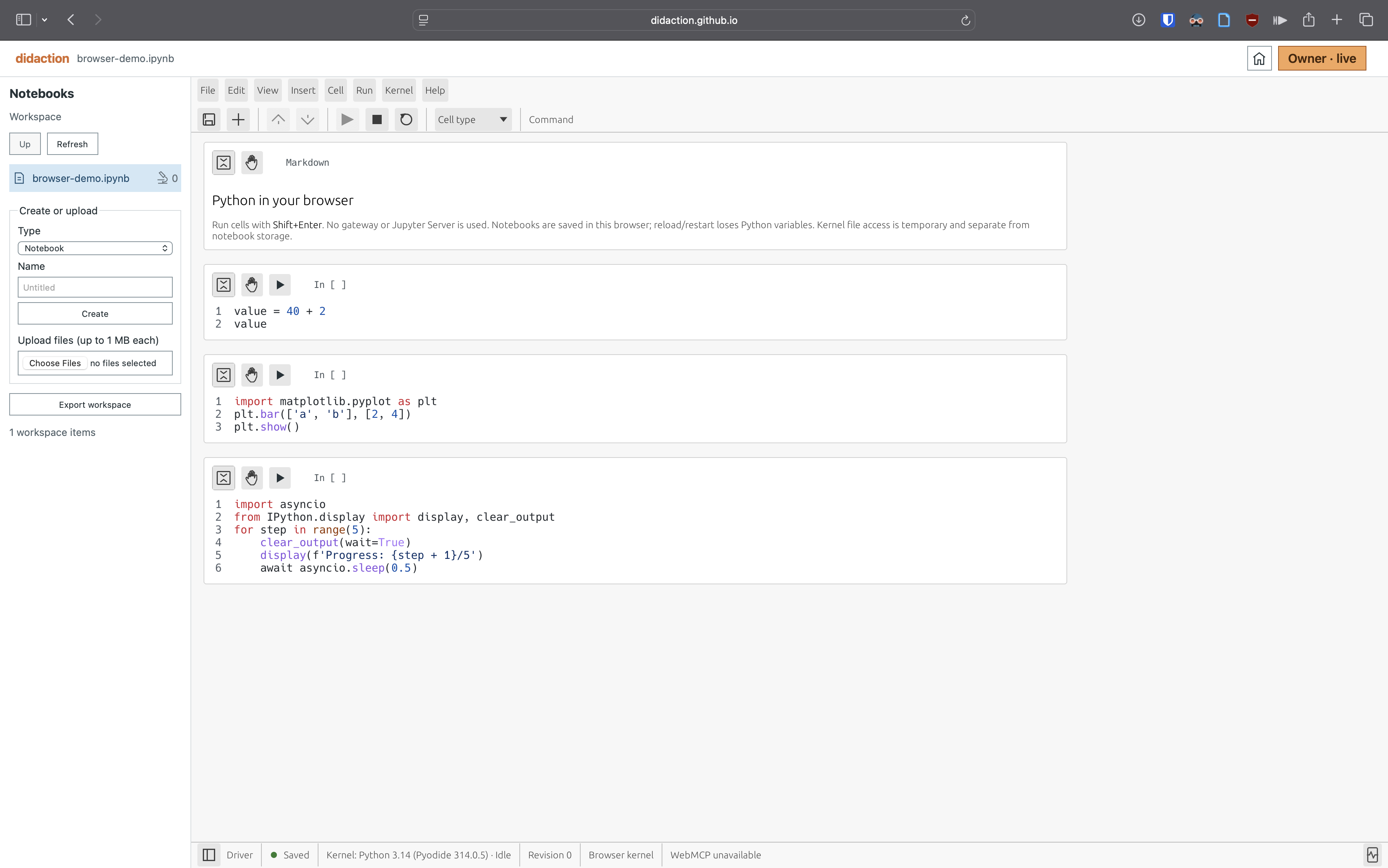
didaction space is agent-enabled Jupyter-kernel frontend centered on ability to do deep dive into each small snippet of code called a“cell”.
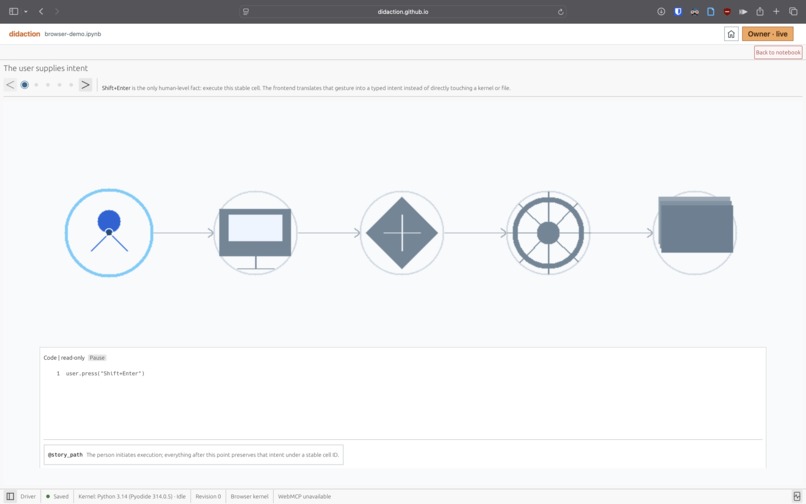
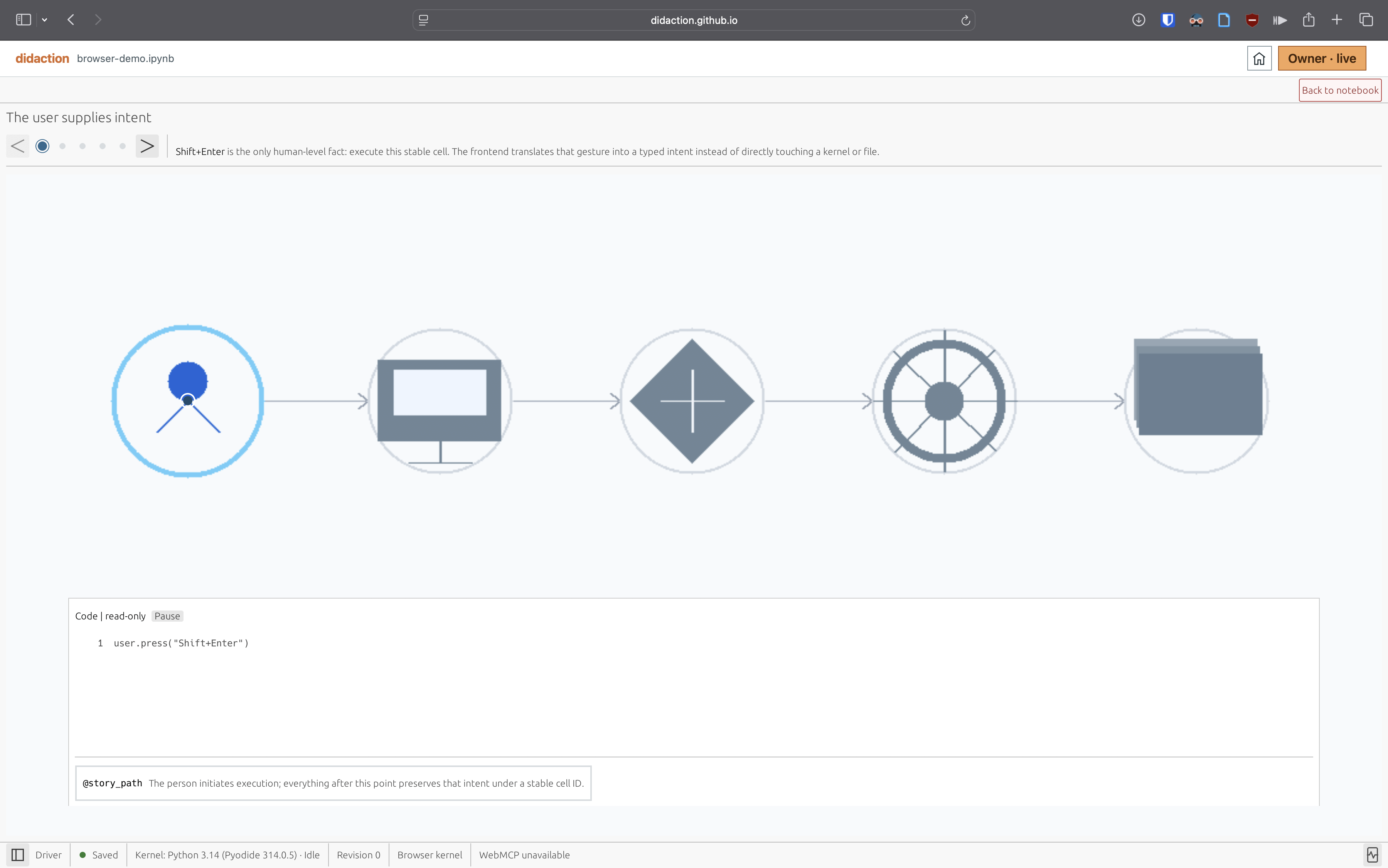
An agent creates a “microscope” to create rich interactive walkthrough about the cell's contents through WebMCP. It provides the following primitives for agents:
- code examples with annotations
- animated graphics canvas to illustrate concepts
- executable playgrounds to spawn quick tests
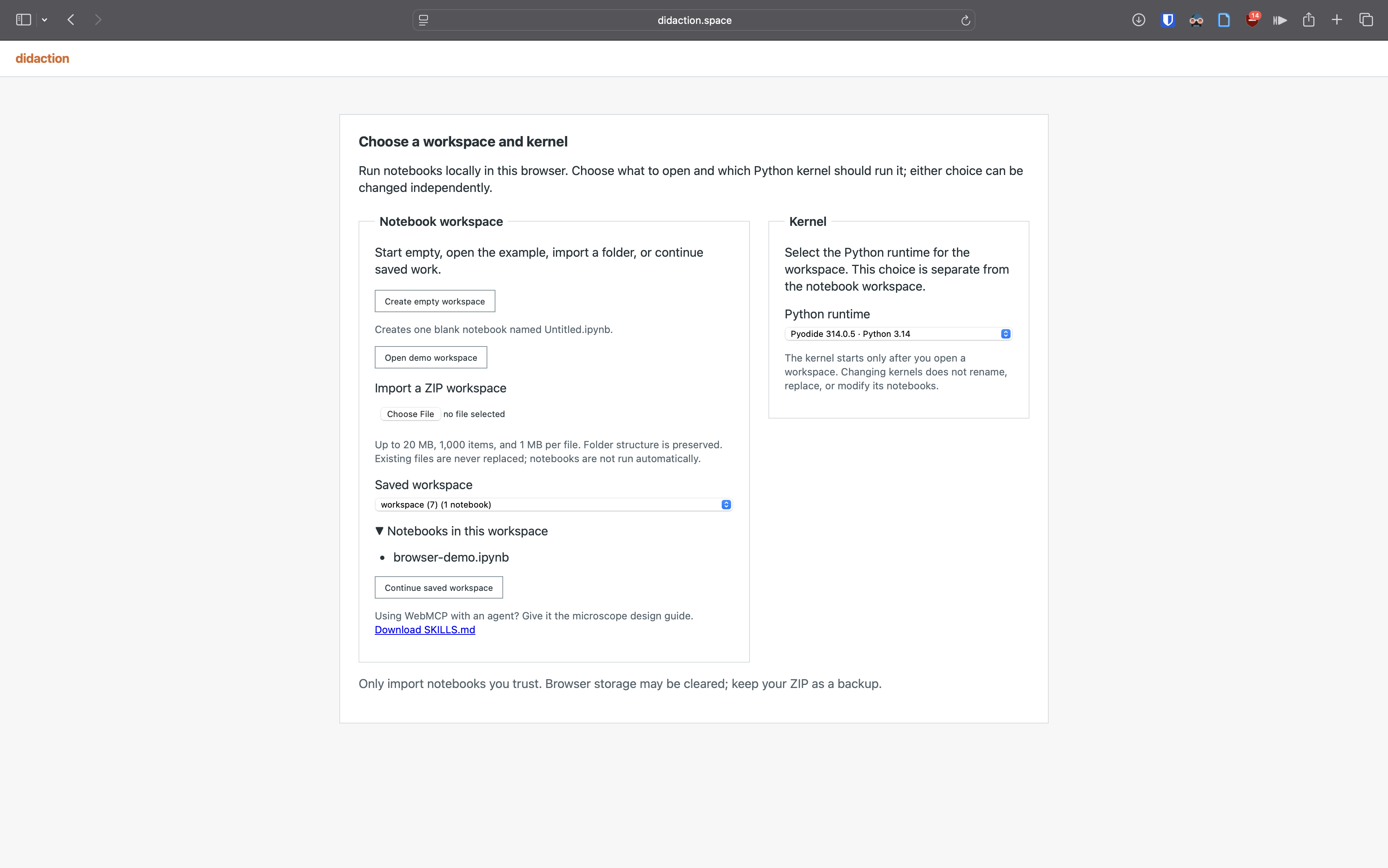
It can run in your browser completely locally executing Jupyter kernels in browser, or through self-hosted docker instances of kernels executing on your local platform. With server mode, you can also have multiple collaborators with one driver and remaining following the session.
WebMCP allows you to bring your own agent and leverage your context/memory about knowledge, learning preferences, and technical interests. Conventional hosted segmented LLM wrapper tools have to learn that, and have to trust them with your data too.
How we built it
Most of the heavy lifting was done by Codex with hackathon skills and TDD skills. I gave it the architectural decisions, feedback and guidance.
Frontend
Jupyter's ecosystem has kernels for various languages, and documented protocol for interaction between frontend and backend.
Instead of using Jupyter's existing frontend, we chose to use egui, a Rust based immediate mode GUI rendering to the frontend canvas. This was a decision due to familiarity with that ecosystem. The WebMCP calls hook through this Rust based frontend providing much richer client-side interactivity.
"Backend"
A rust based gateway handles communication with "backend".
For local only mode, our "backend" leveraged JupyterLite's kernel implementation for in-browser kernels, through the gateway.
For docker based server backend, the gateway is a sidecar to the language specific jupyter kernel streaming updates to all clients, and controlling who is the driver for the session & is allowed to send actions to jupyter server.
Jupyter's architecture helped a lot, with common gateway code implemented to interact between frontend & backend .
Challenges we ran into
- Things that were complex to keep in scope of hackathon:
- Using WebAuthn authentication, but that is currently not supported in Codex browser
- WebRTC to talk between collaborators directly, and server
- WebMCP design decisions:
- WebMCP design applied to jupyter model- idempotic actions, such as insert relative to cell-id rather than specifying index
- WebMCP orchestration with different collaborators - viewing is allowed by agents, but not active operations- controlled by central server
- For a complex multi-mcp invocation, WebMCP description should be given enough information to pick up context from it
- Local pyodide packages and constraints
Accomplishments that we're proud of
A fixed visualization API would be difficult to maintain. So we used an arbitrary AssemblyScript to provide more flexibility with a smaller host interface. So microscope graphics are dispatched as compiled wasm artifacts compiled using a inbrowser compiler.
What we learned
The important capability is not more agent control. It is shared access to the application’s concepts and state.
For notebooks, agents should understand cells, execution, annotations, walkthroughs, Playgrounds, graphics, and notebook state—not reconstruct them from screenshots.
For effective use, a SKILLS.md is still important and a mechanism to discover this would be a great addition to WebMCP.
What's next for didaction space
Microscopes are a first step toward software that can explain itself with an agent.
We want to make walkthroughs richer by combining:
- code,
- narration,
- animation,
- graphics,
- experiments,
- domain-specific tools.
The same approach could support mathematics, robotics, simulations, engineering, and scientific computing.
The long-term goal is to reduce the distance between using a technical tool and learning how it works.
Built With
- egui
- jupyter
- rust
- typescript

Log in or sign up for Devpost to join the conversation.