-
-
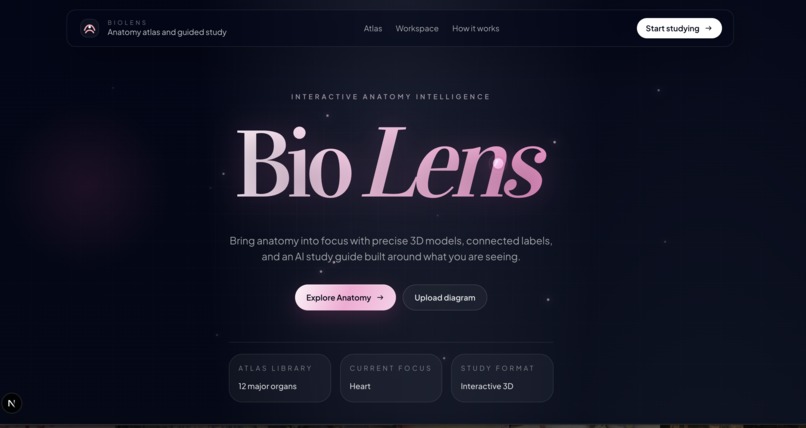
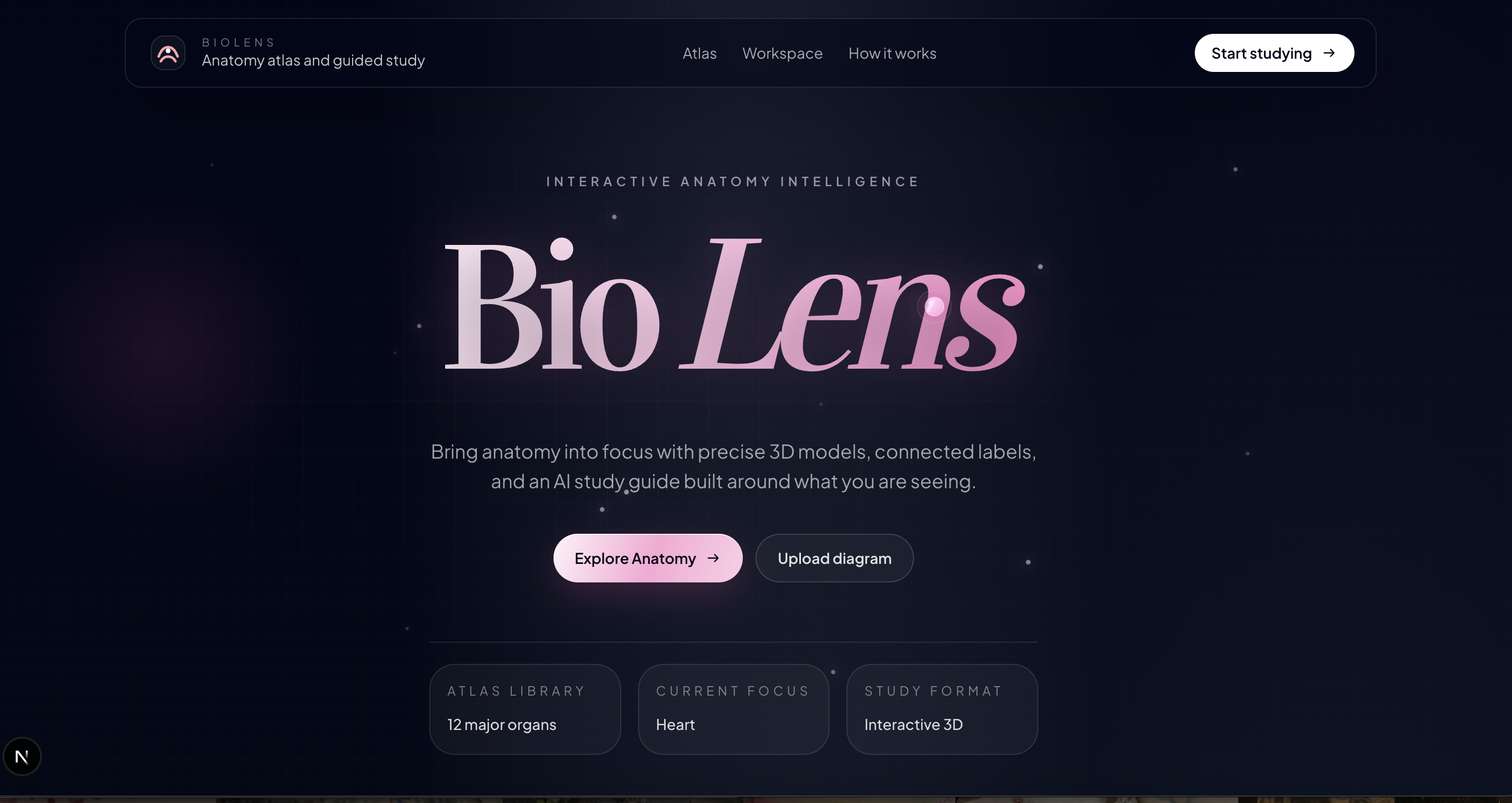
main page
-
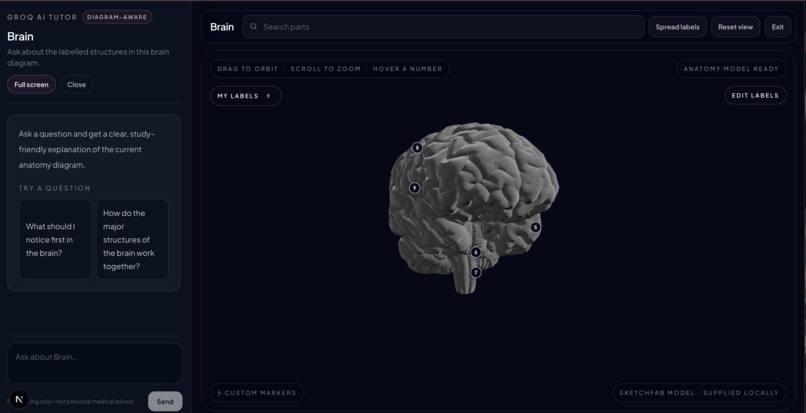
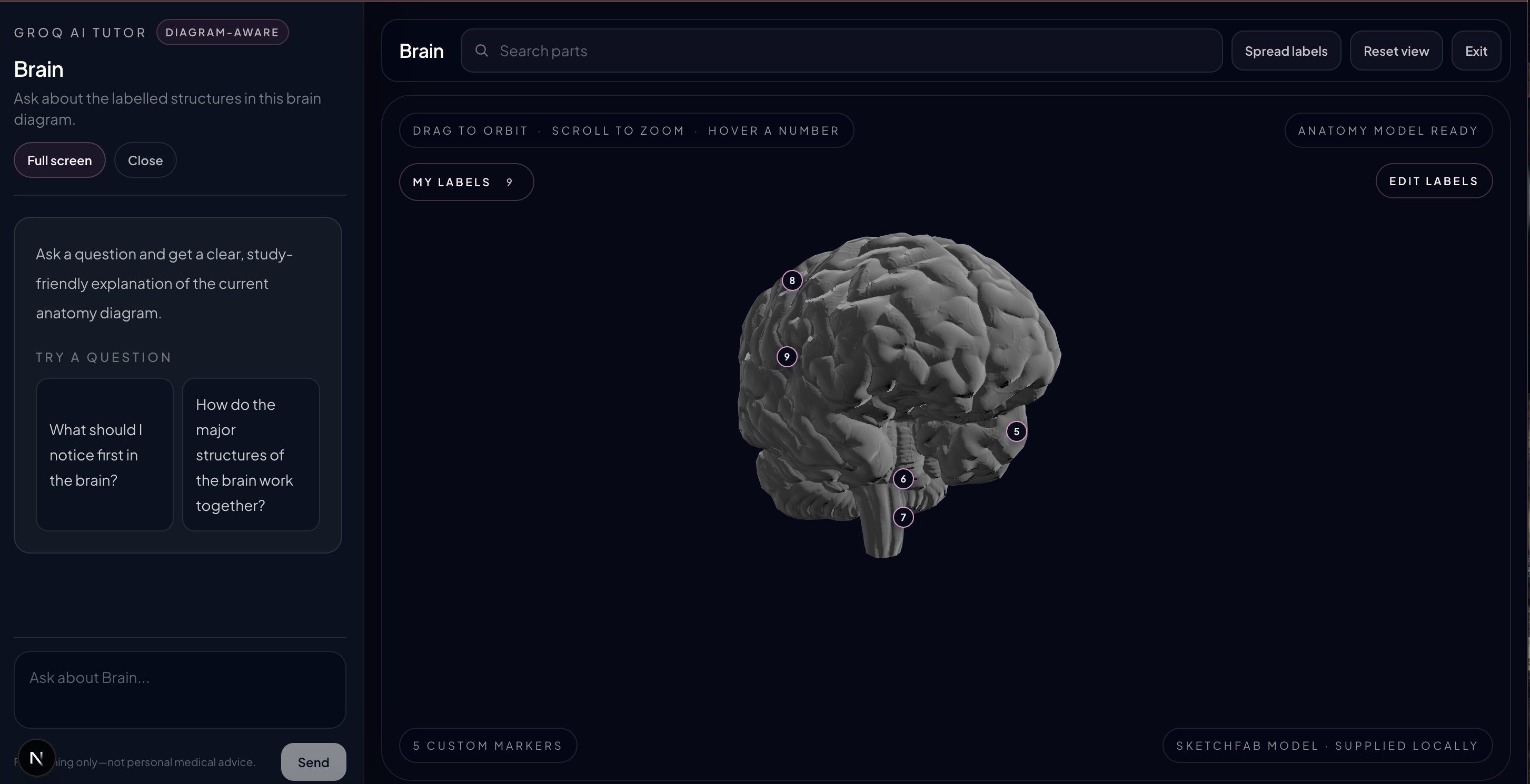
3D view of Human brain
-
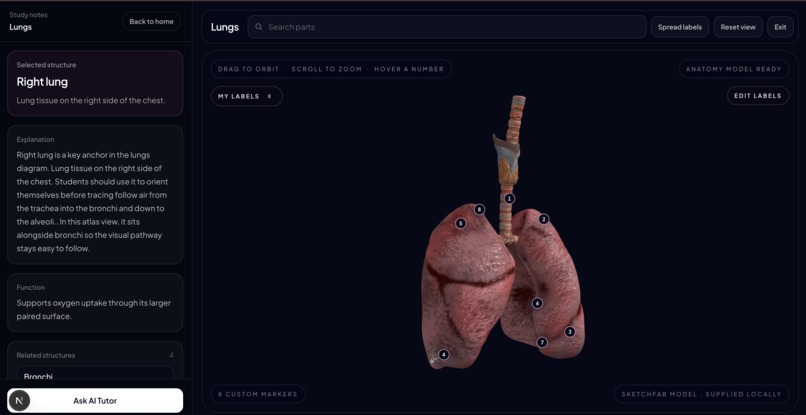
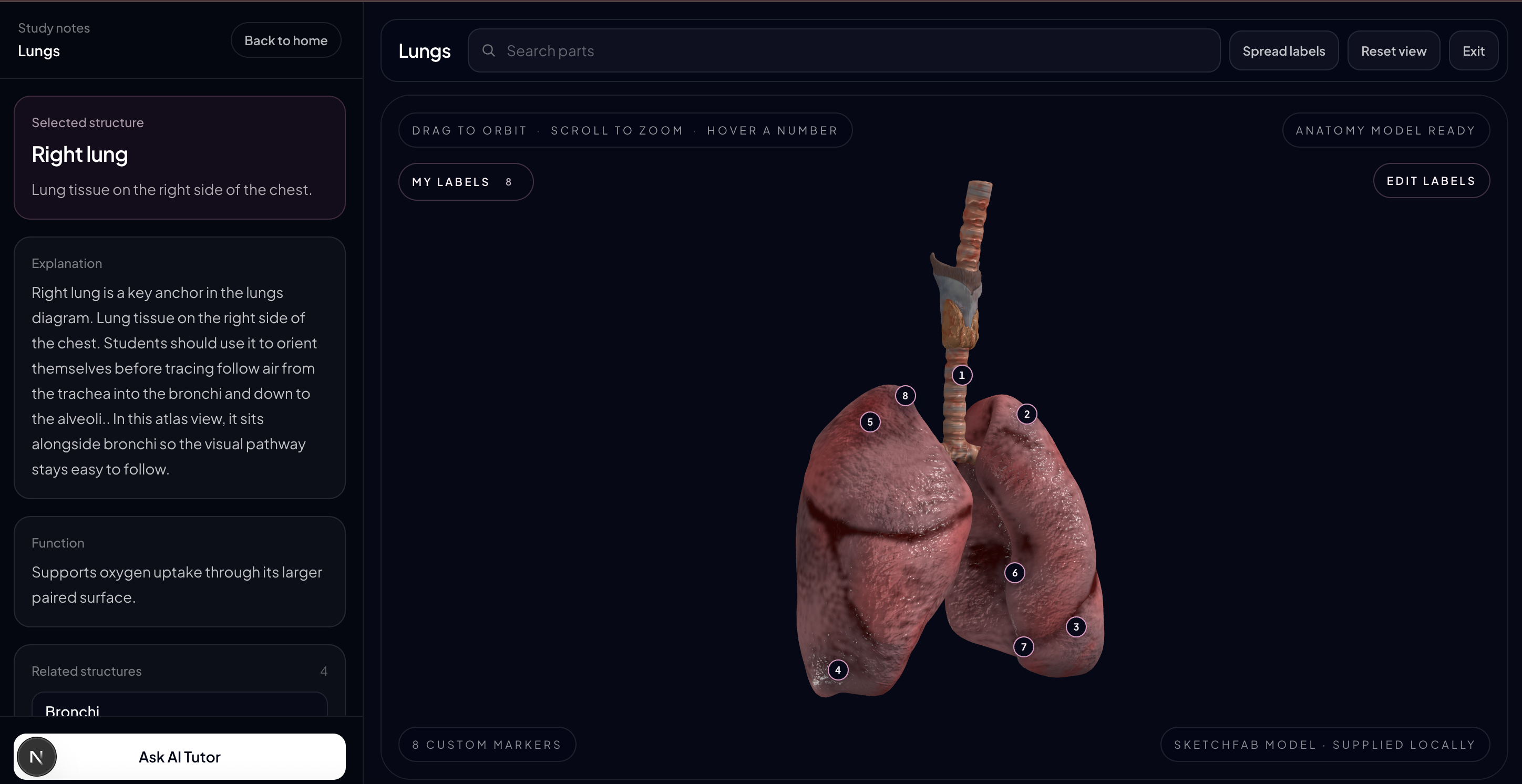
3D view of Human lungs
-
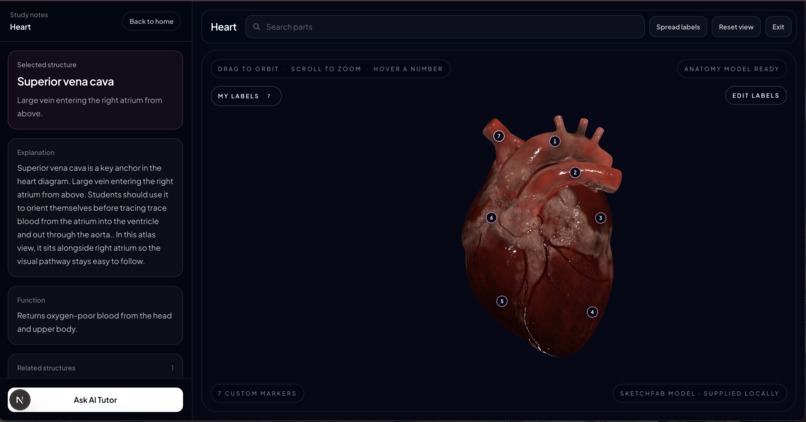
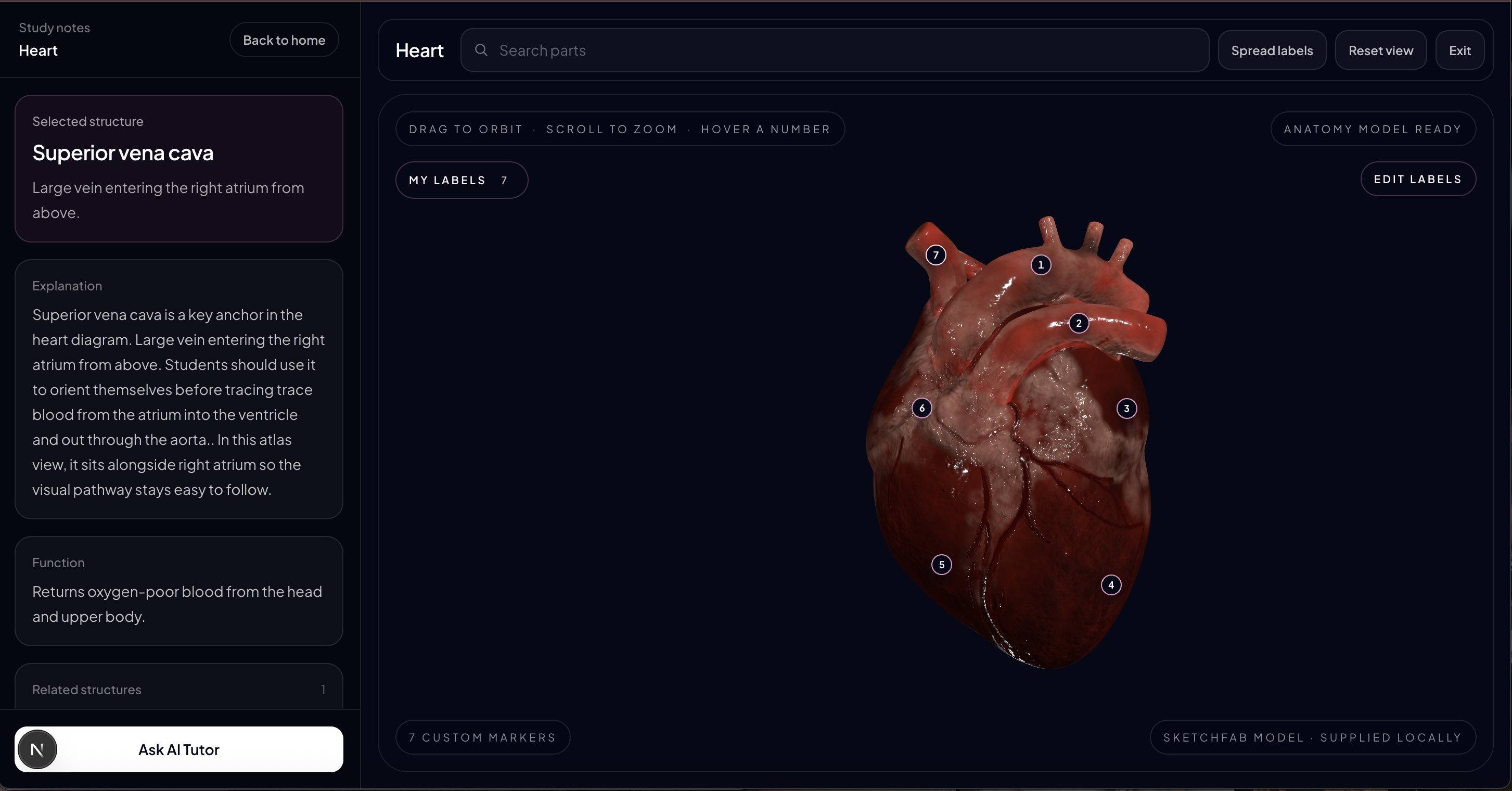
3D view of Human heart
-
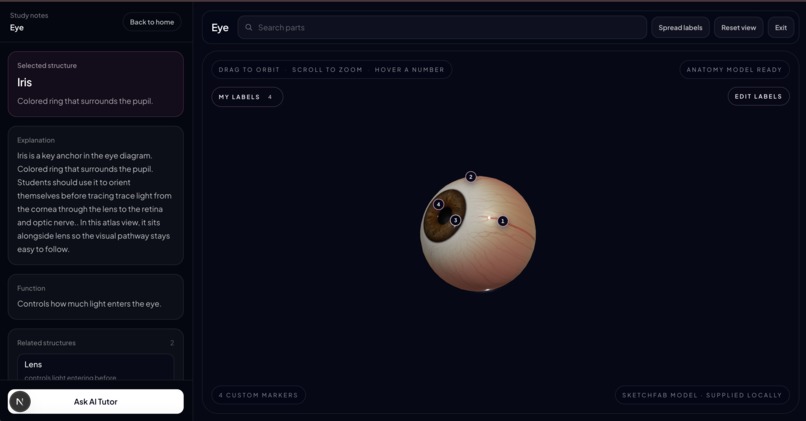
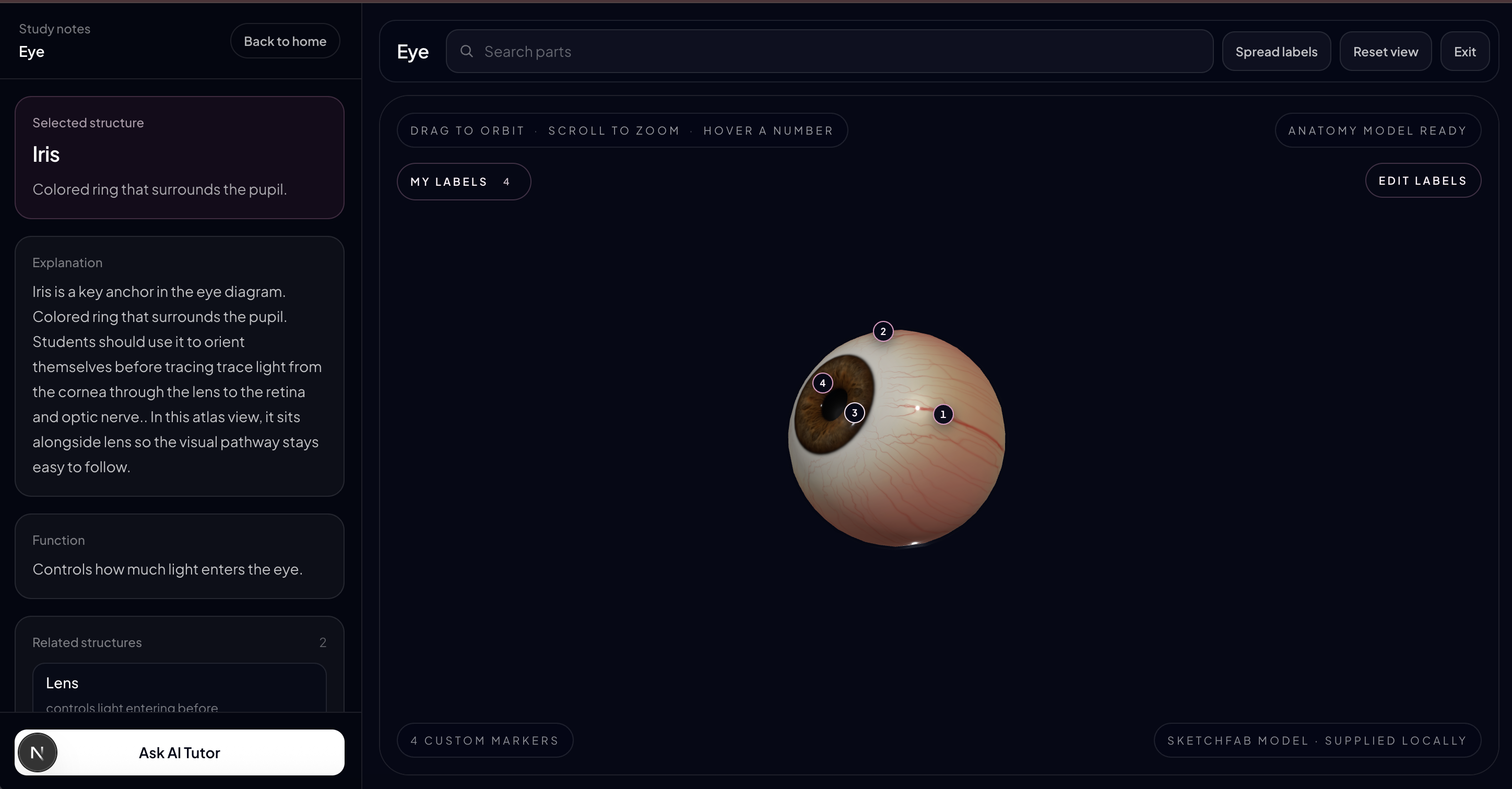
3D view of Human eye
-
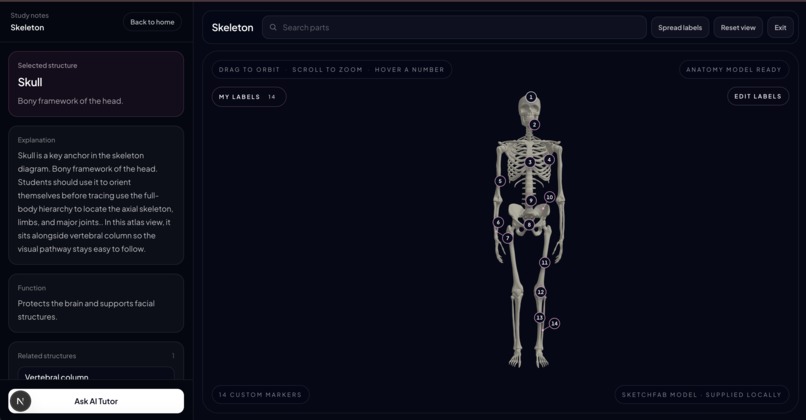
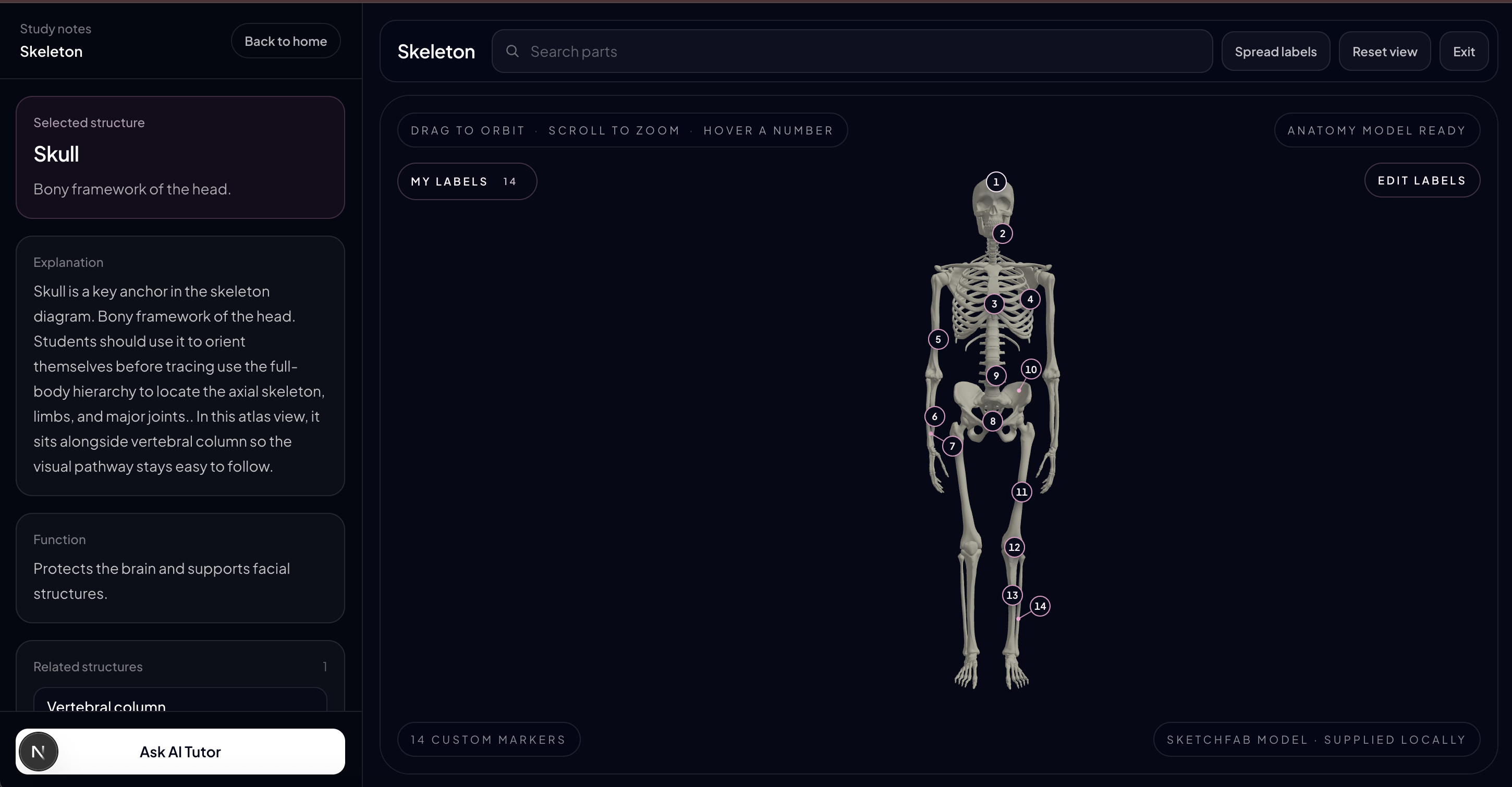
3D view of Human Skeleton
-
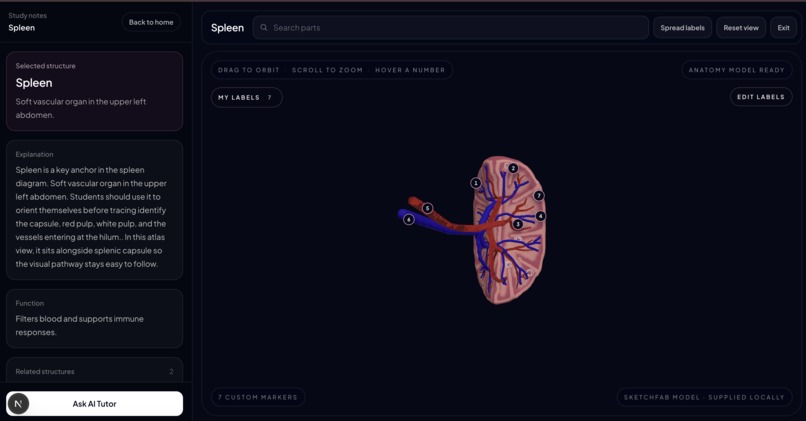
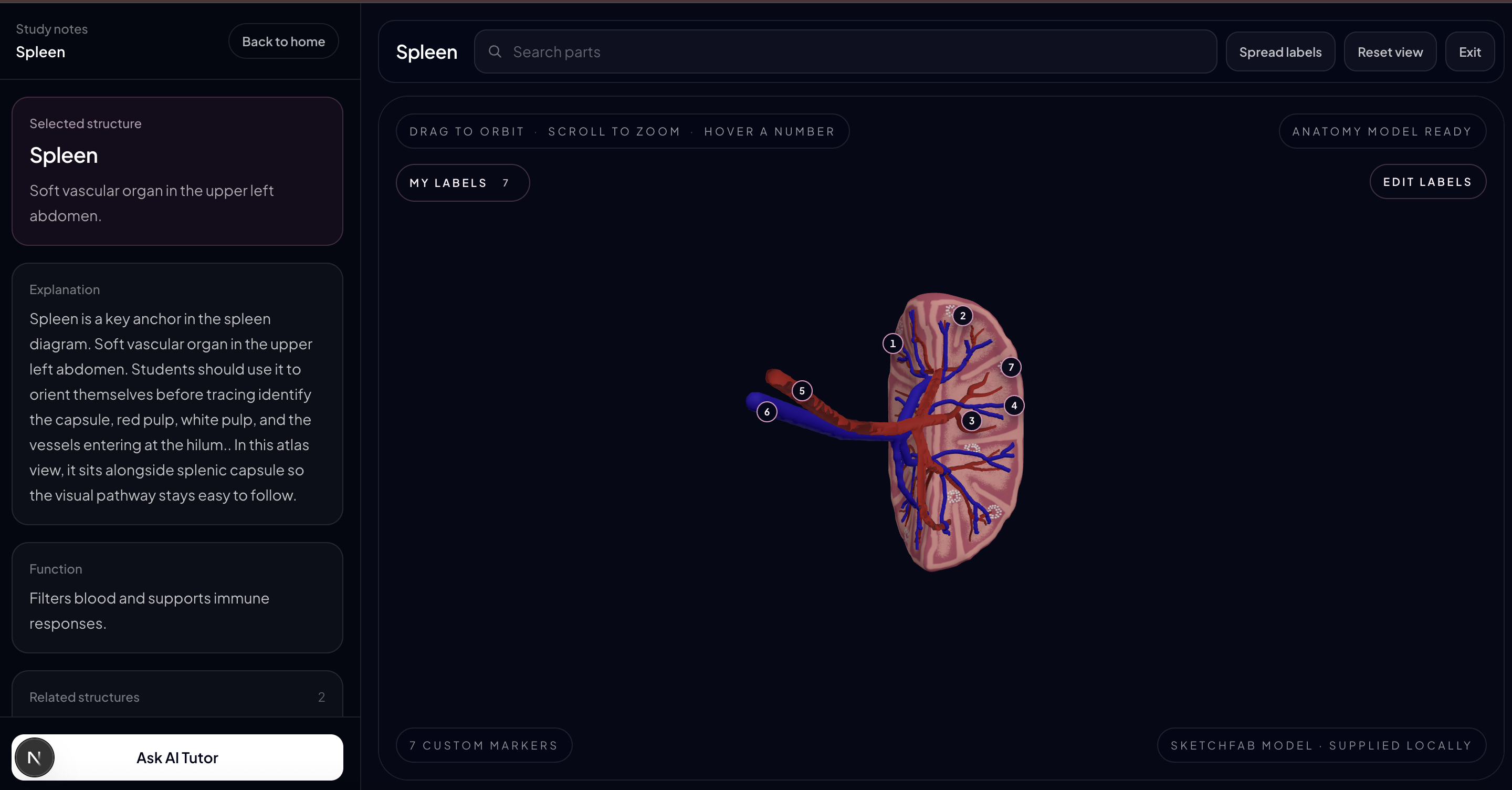
3D view of Human spleen
-
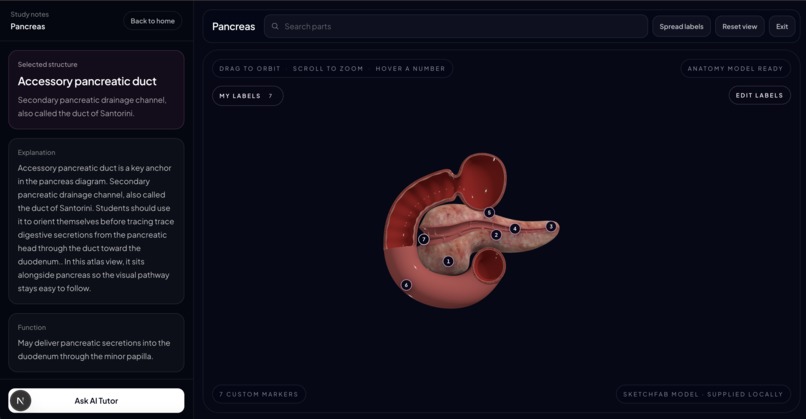
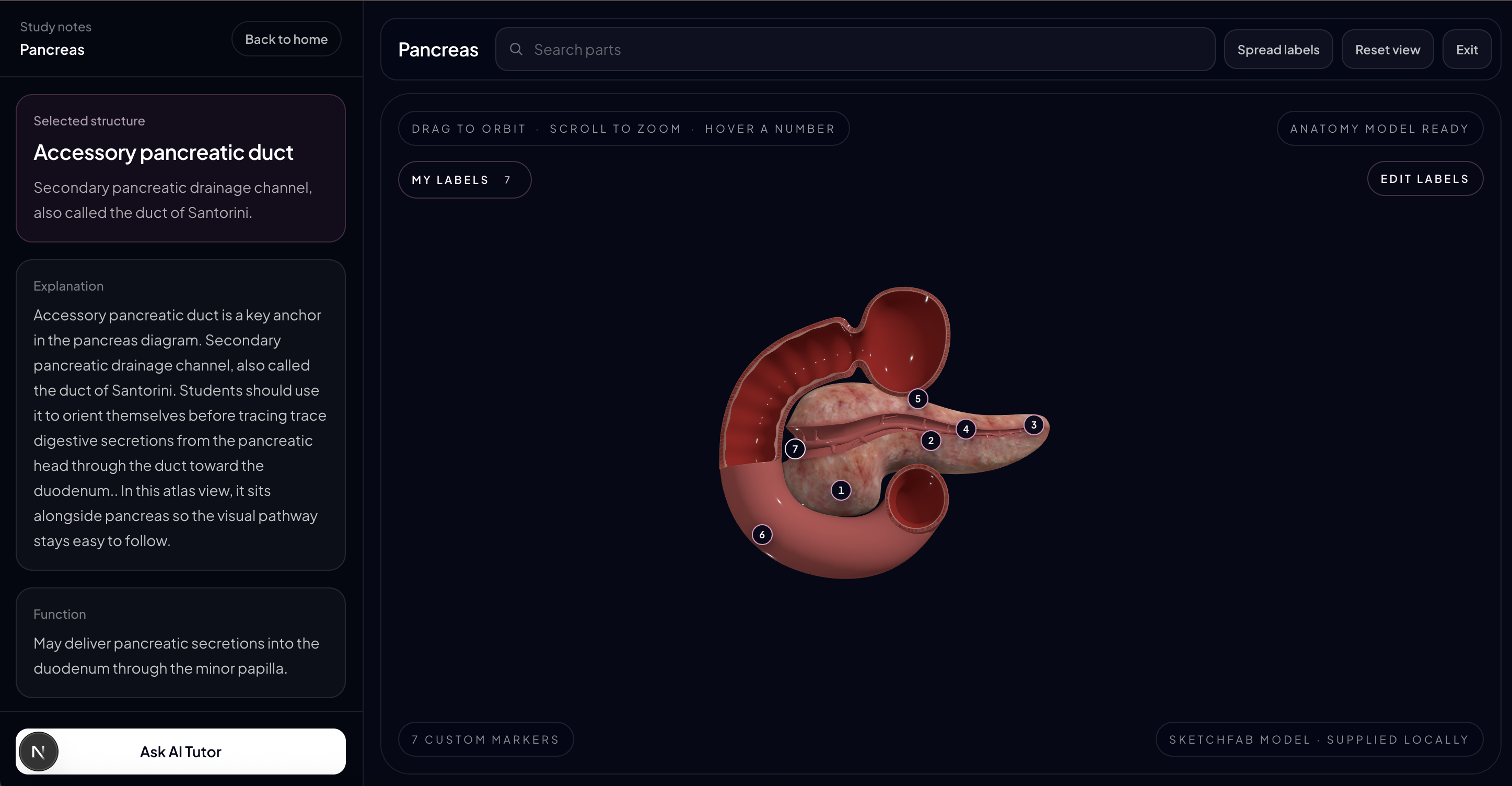
3D view of Human pancreas
-
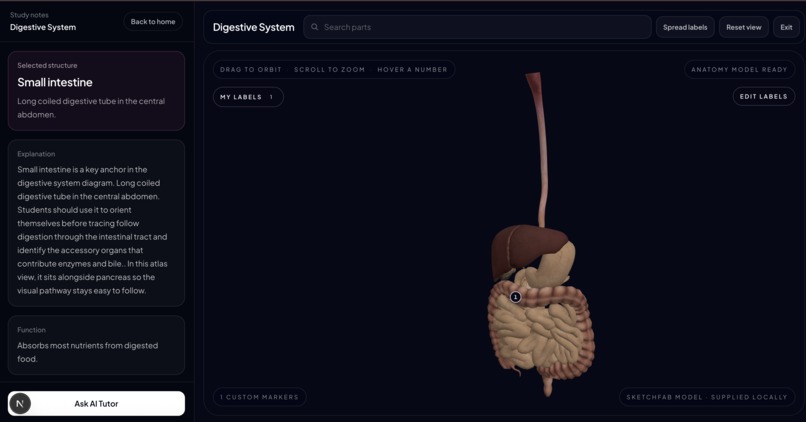
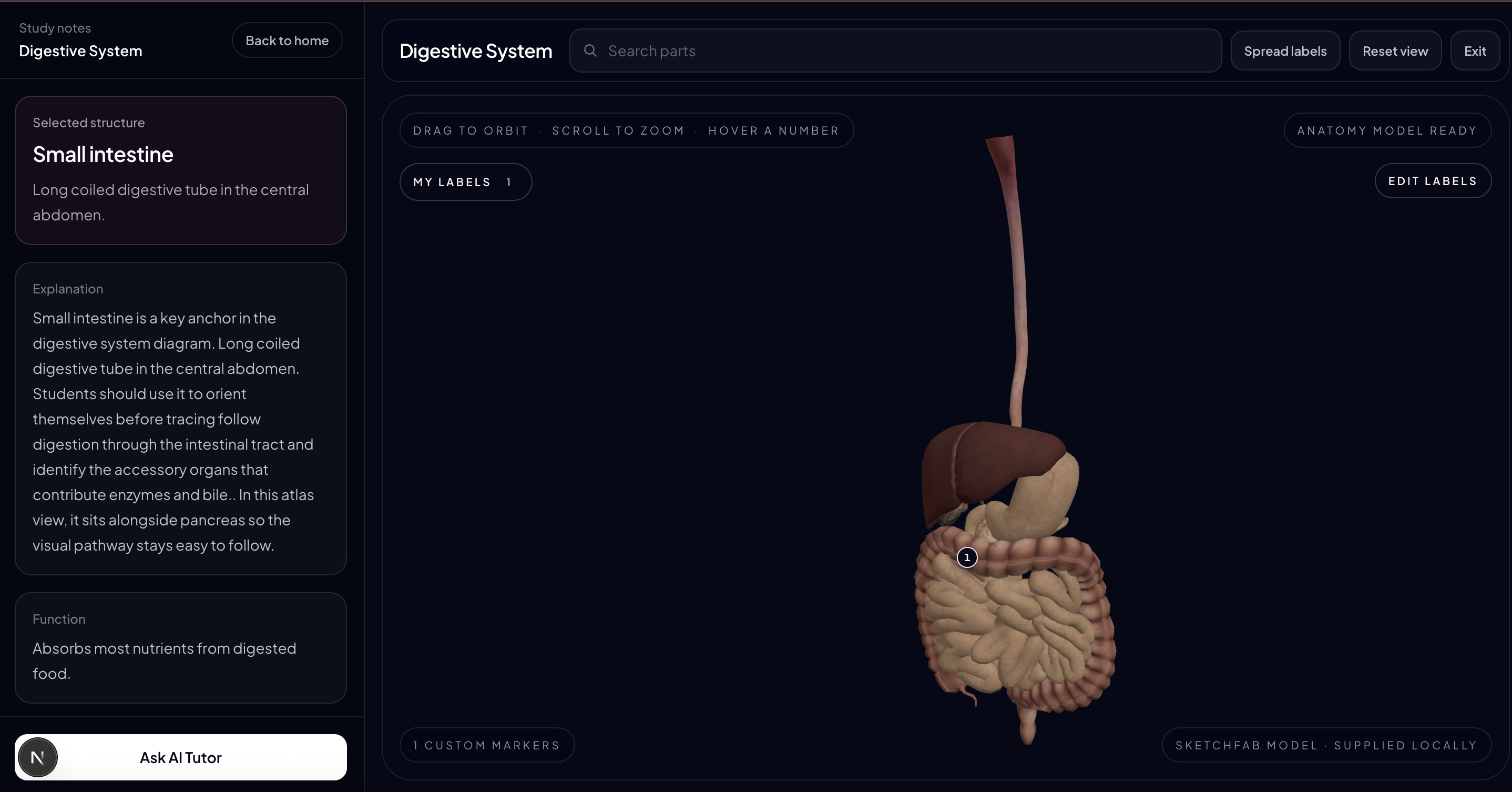
3D view of Human digestive system
-
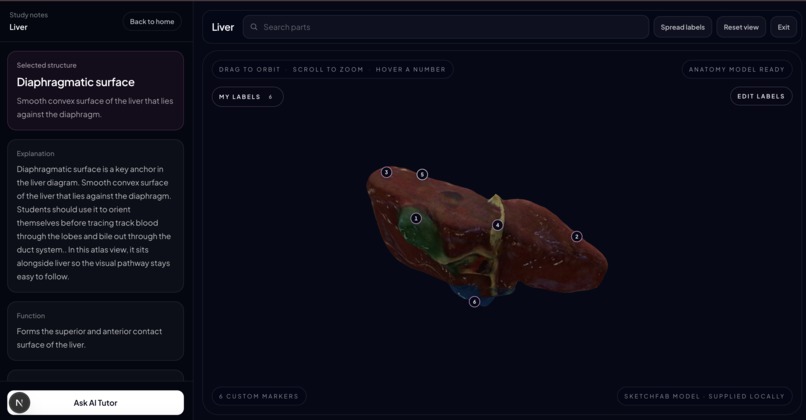
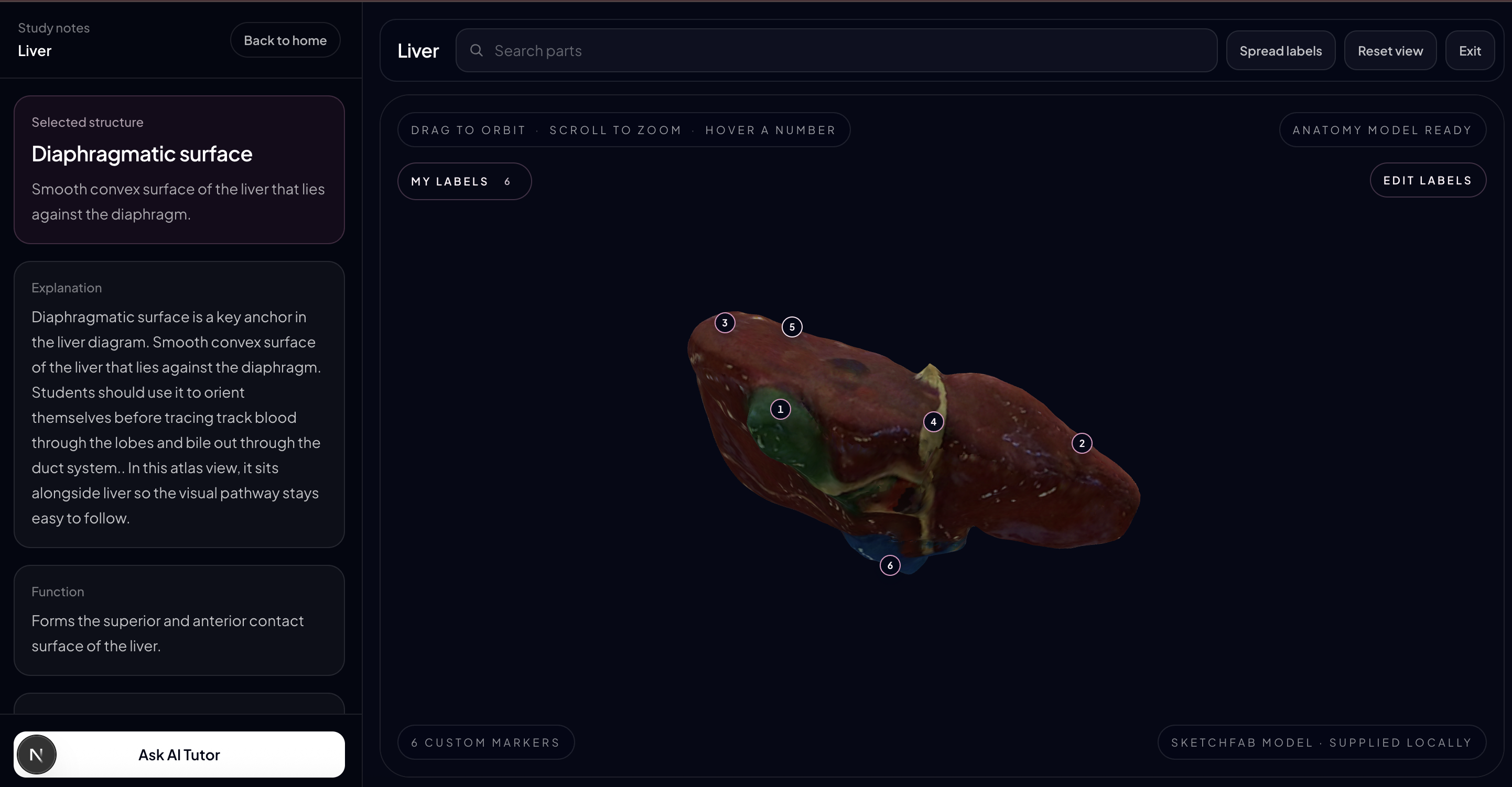
3D view of Human liver
-
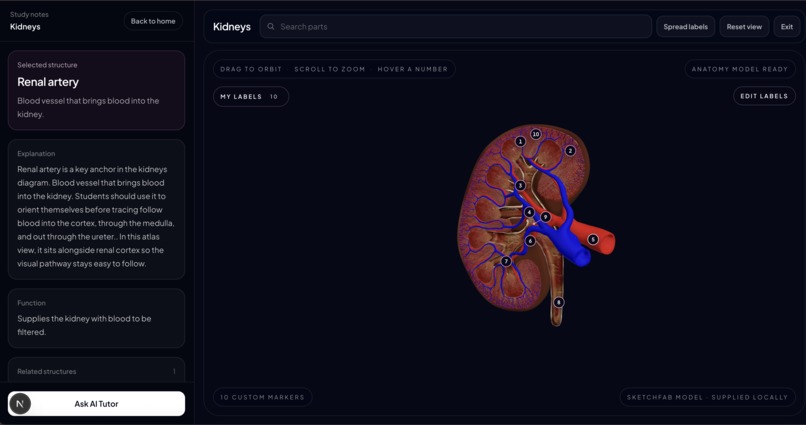
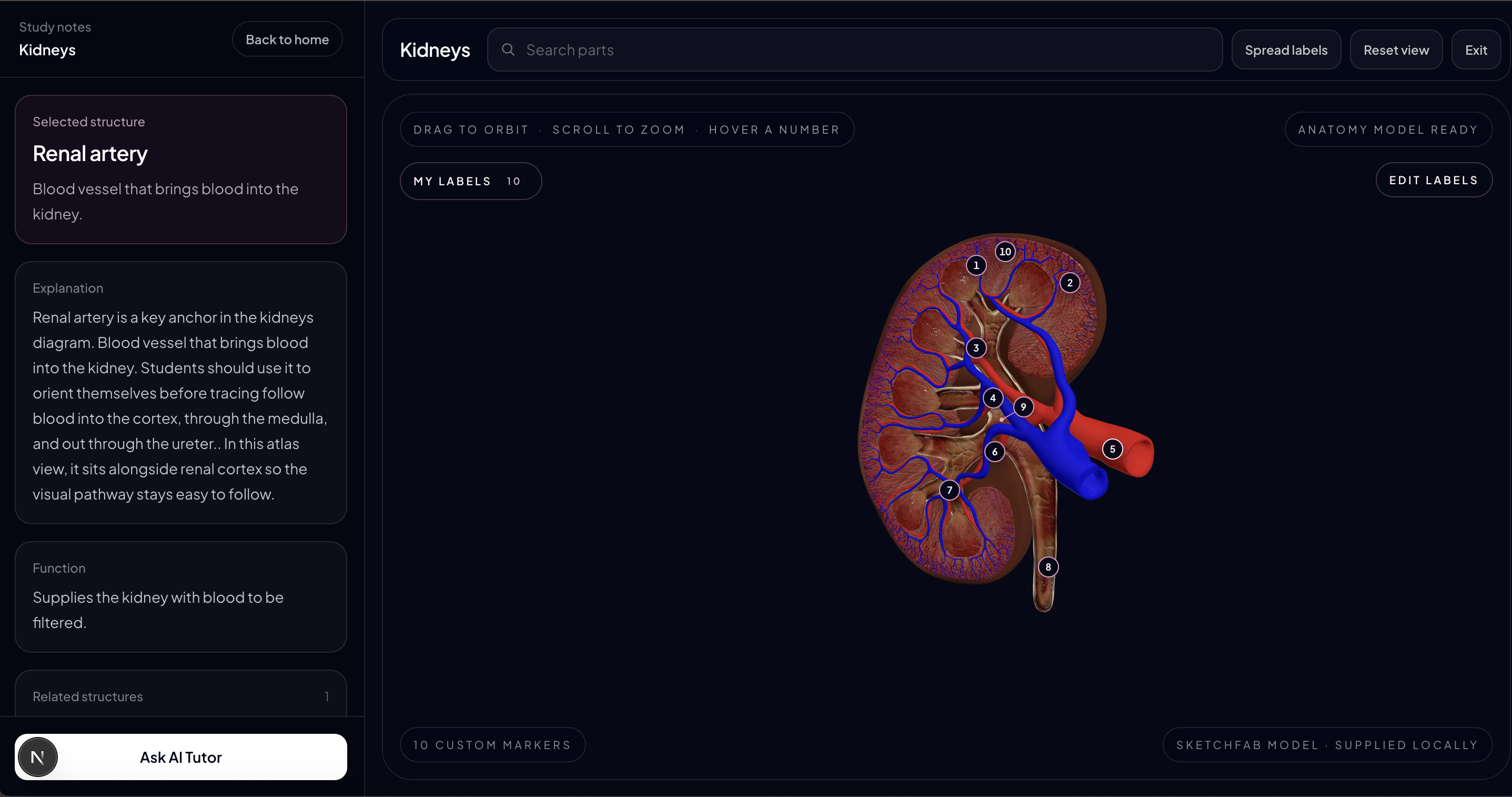
3D view of Human kidney
-
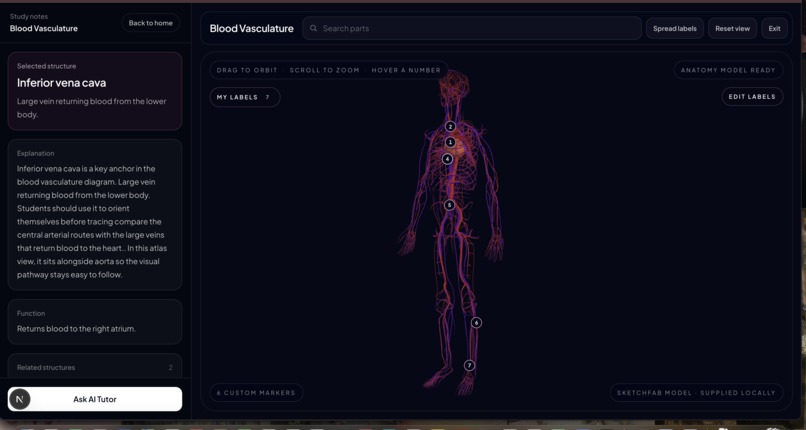
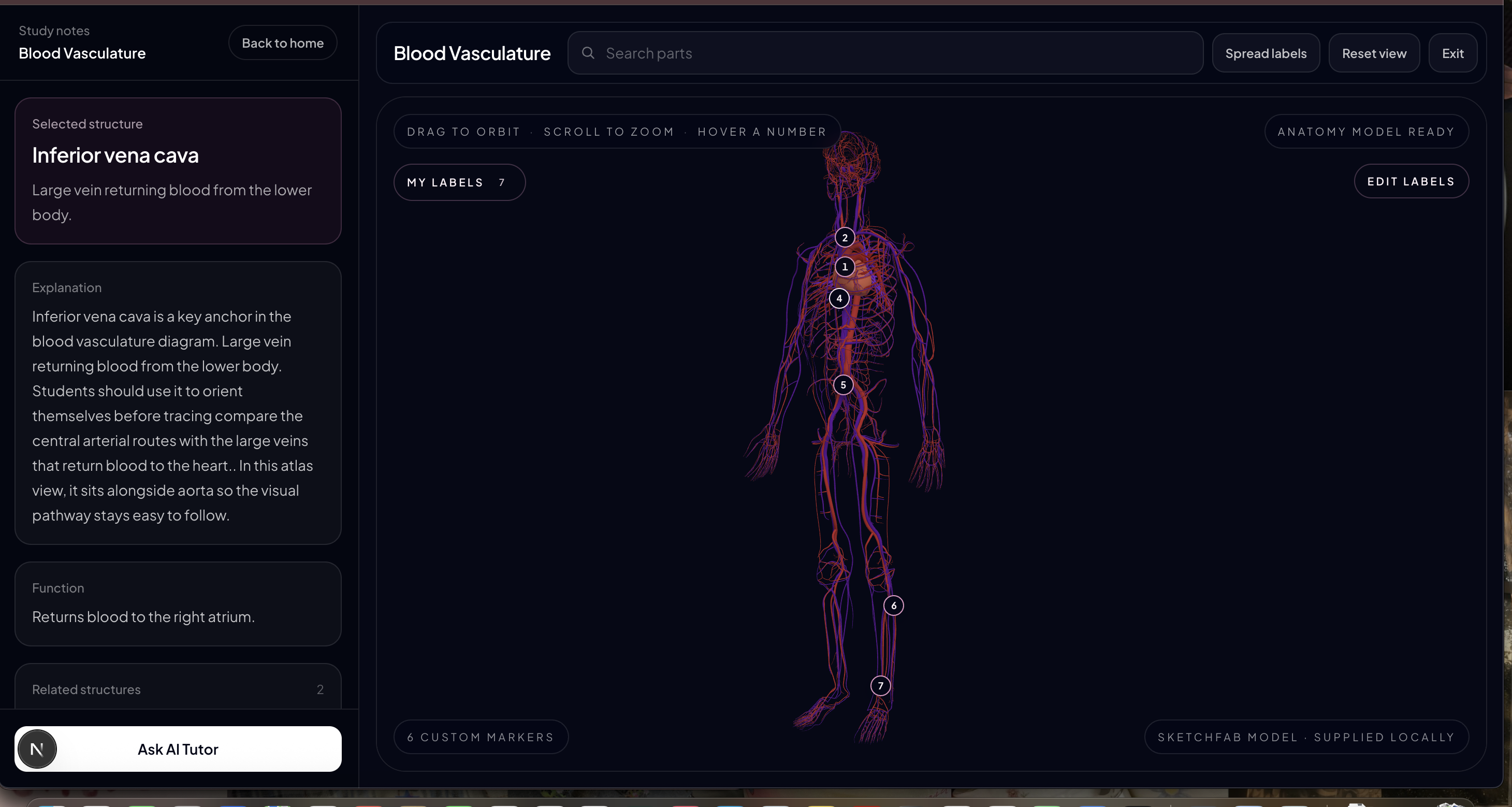
3D view of Human Blood Vasculature
-

logo of our application BioLens
-
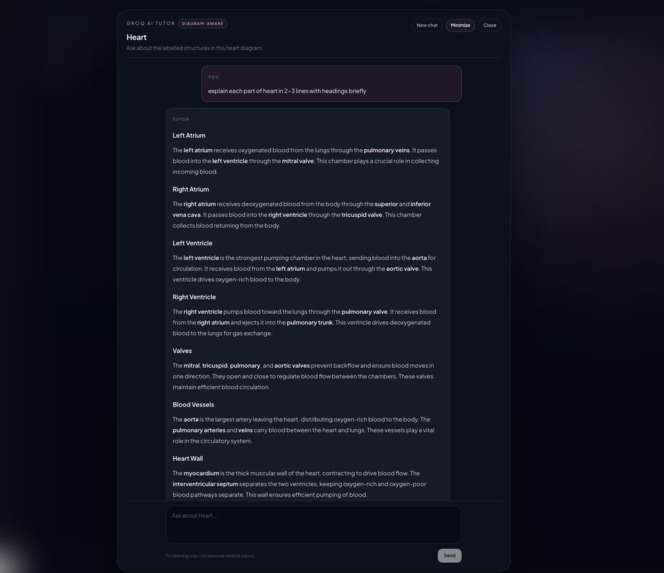
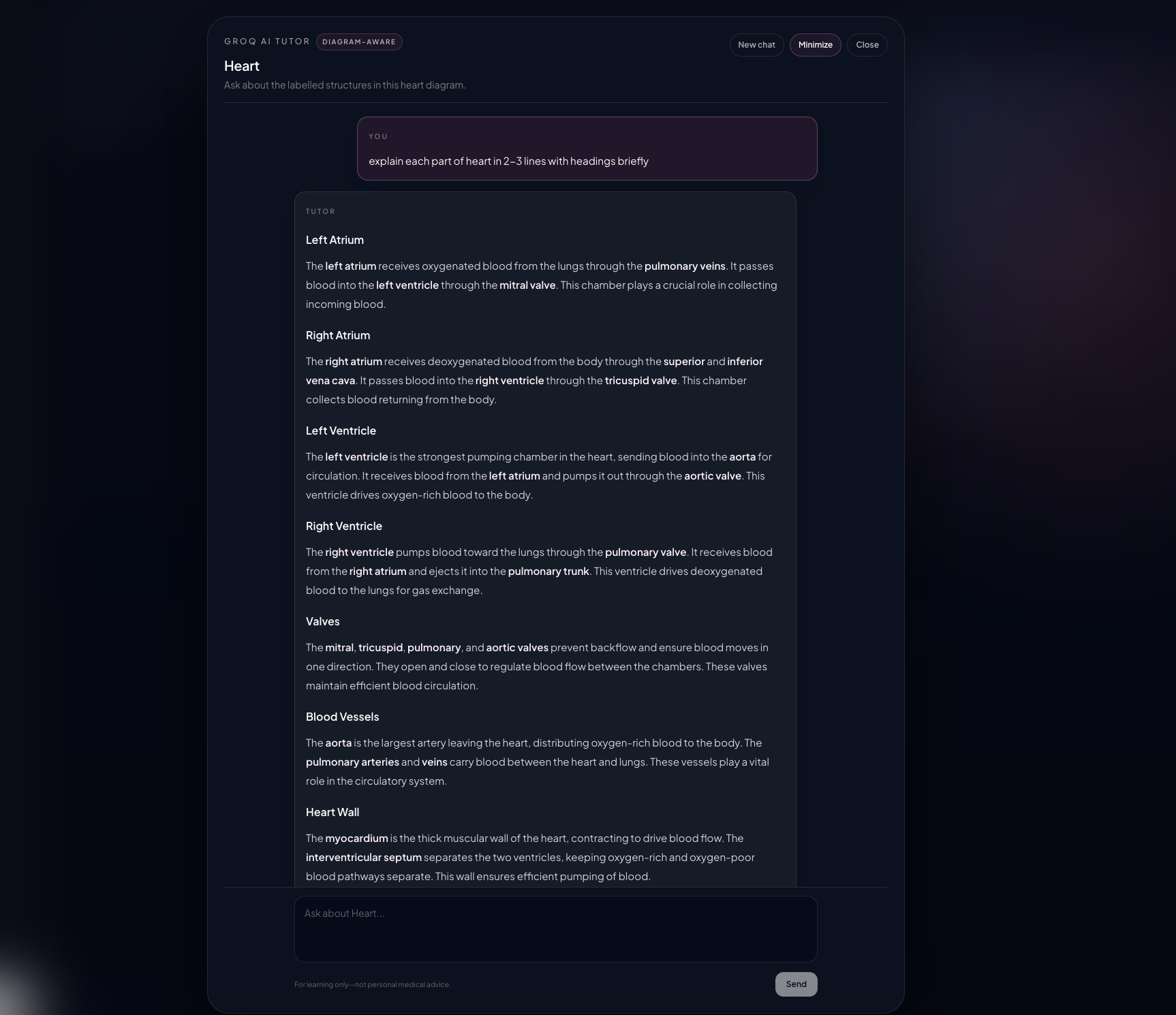
integration of AI tutor

Inspiration
We were inspired by the challenge of understanding complex educational diagrams, especially in subjects like anatomy, where static images often make learning difficult. We wanted to transform them into interactive 3D experiences that make concepts easier to explore and understand.
What it does
BioLens makes anatomy easier to explore through interactive 3D models, clear numbered labels, and simple study notes. Users can rotate a model, click structures for explanations, upload anatomy images, and ask the built-in AI tutor questions.
How we built it
We built BioLens with Next.js, React, and Three.js for the interactive 3D experience. Labels are saved in the project so they load automatically, while Groq powers the diagram-aware AI tutor and image recognition.
Challenges we ran into
A major challenge was keeping labels attached to the correct anatomy point while users rotate the 3D model, without blocking the view and finding the medically accurate glb files for viewing diagram in 3D. We also had to make image recognition reliable by handling model compatibility and structured AI responses.
Accomplishments that we're proud of
We created a clean study experience where learners can add their own permanent labels without writing code. We are also proud of combining 3D anatomy, an AI tutor, image upload, and a polished dark pink interface in one app.
What we learned
We learned how powerful AI-assisted development can be with Codex. It helped us prototype features, debug issues, and iterate much faster, while also teaching us that AI-generated code still requires careful testing, refinement, and human judgment to produce a polished application.
What's next for BioLens
Next, we want to expand the anatomy library, improve recognition for more types of diagrams like the higher education in medical fields do not require study of such basic human organs we want to extend the idea and add more diagrams for 3d viewing like different bones in hands, arms, legs. We would also like to let students save study progress and share their custom-labelled diagrams.
Built With
- 3d-visualization
- ai
- computer-vision
- framer-motion
- groq
- next.js
- react
- rest-api
- svg
- tailwind-css
- three.js
- typescript
- webgl
