-
-
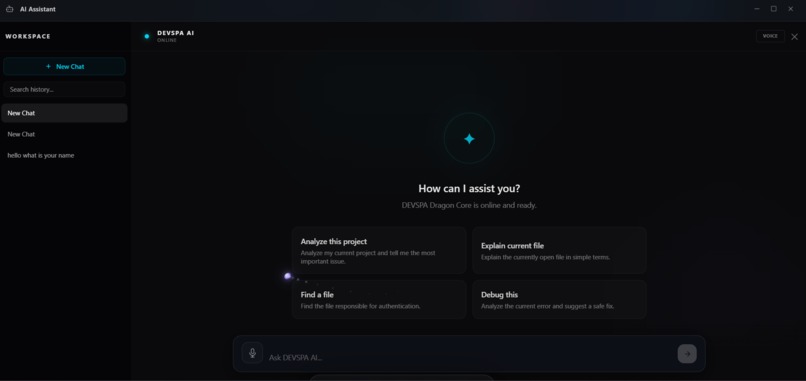
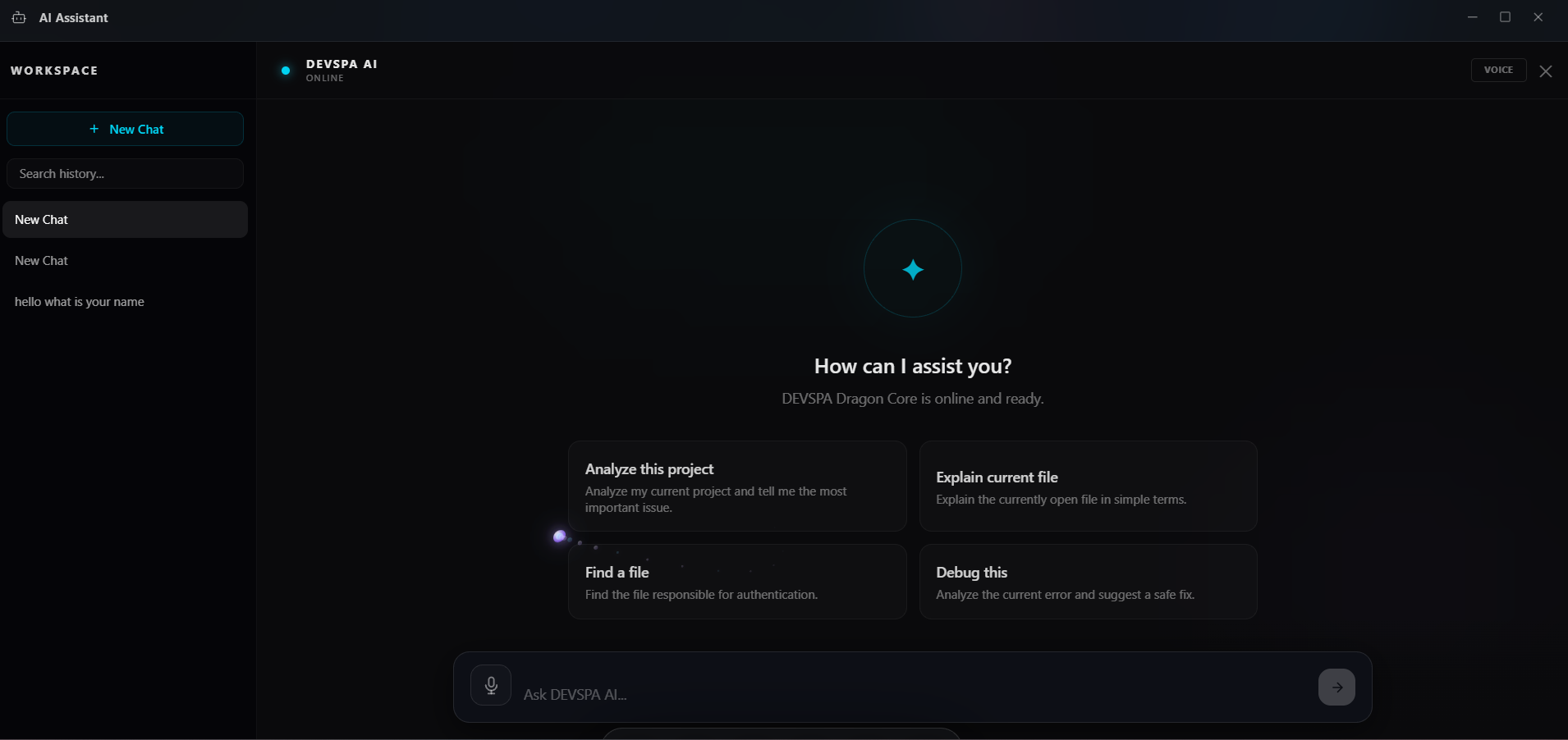
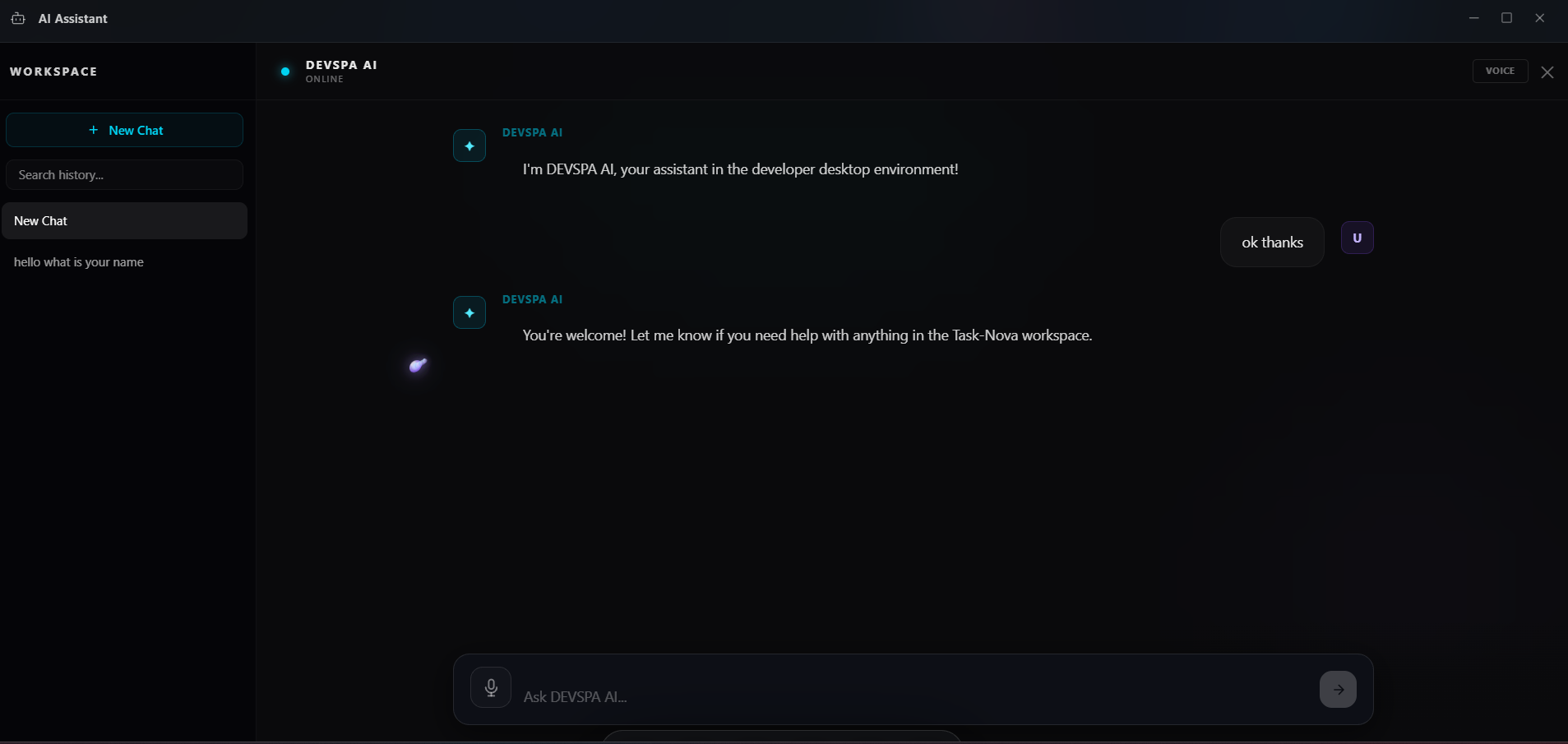
DEVSPA AI Assistant brings AI support directly into the developer workspace.
-
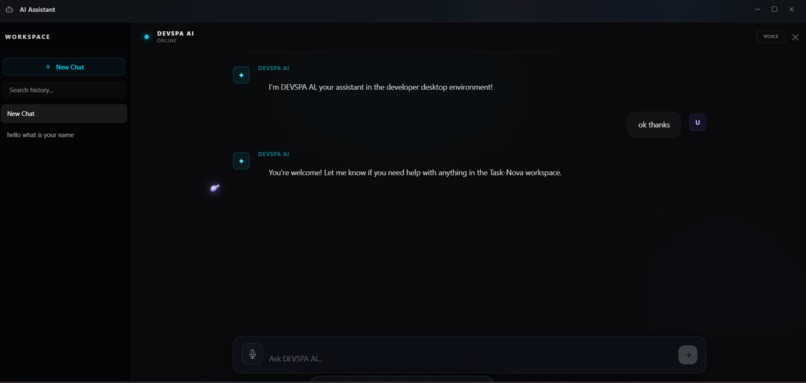
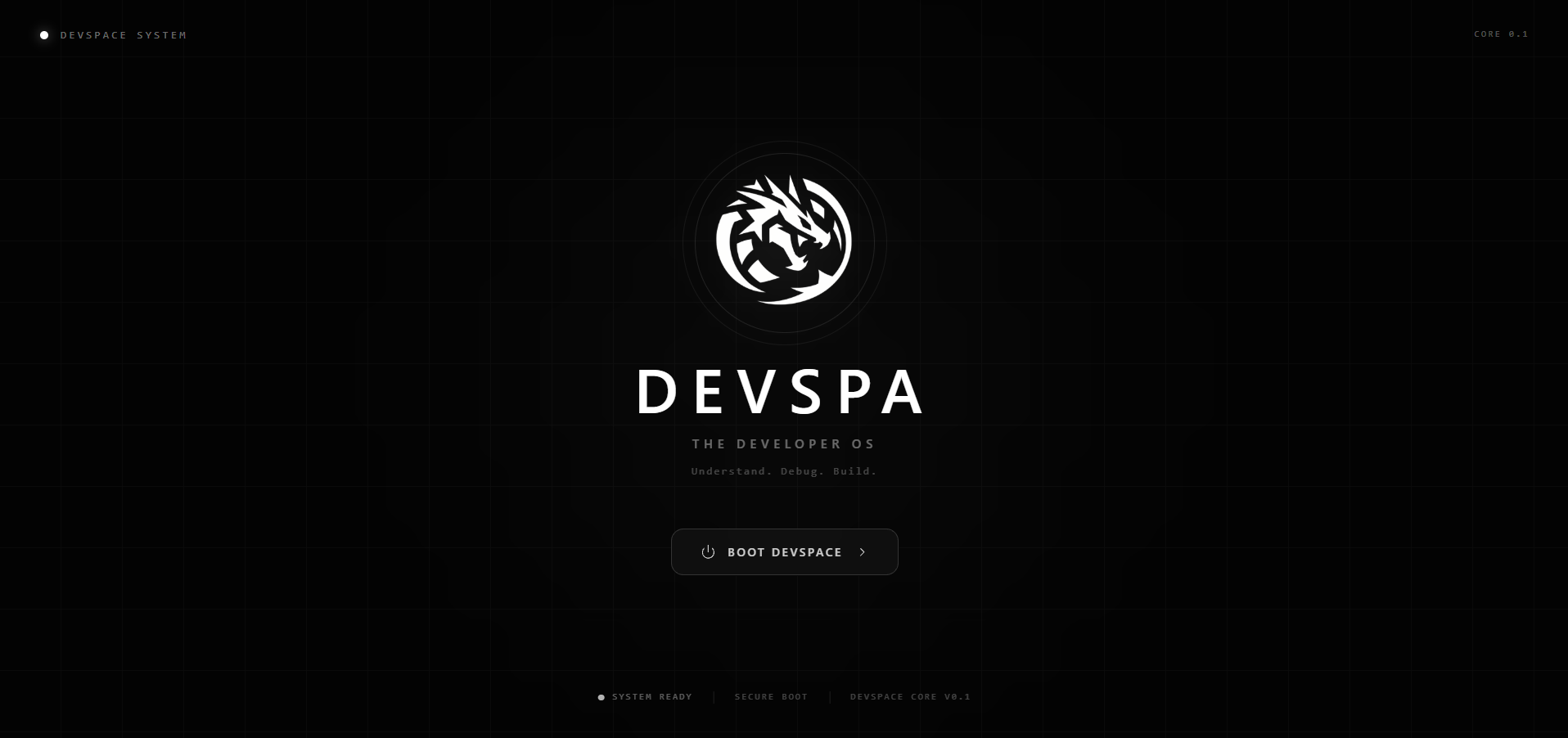
The DEVSPA interface is designed as an AI-native environment for modern developers.
-
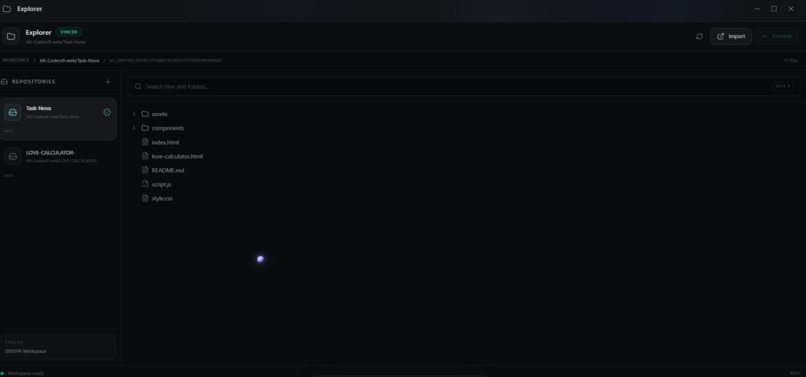
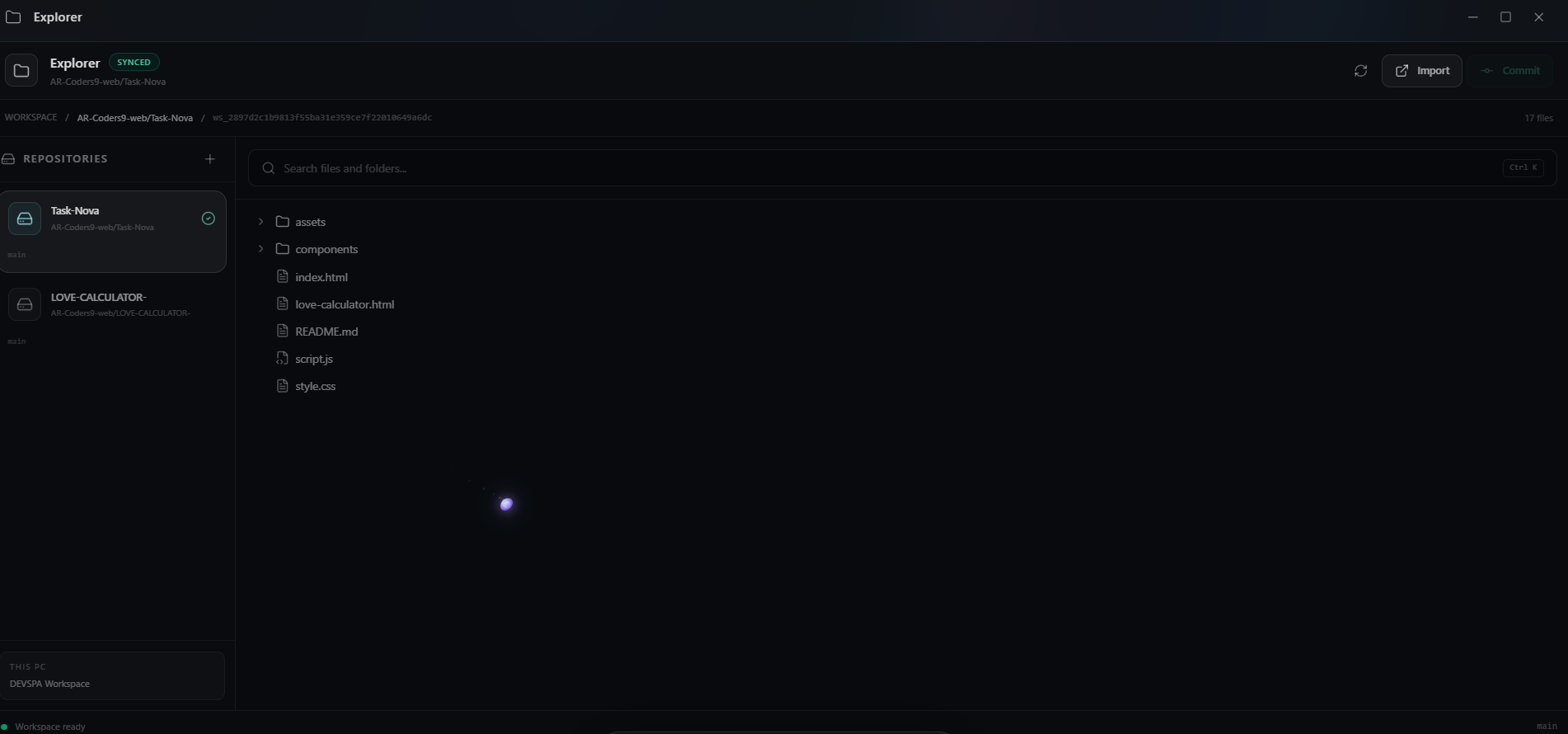
Project files and development resources are organized through the built-in workspace.
-
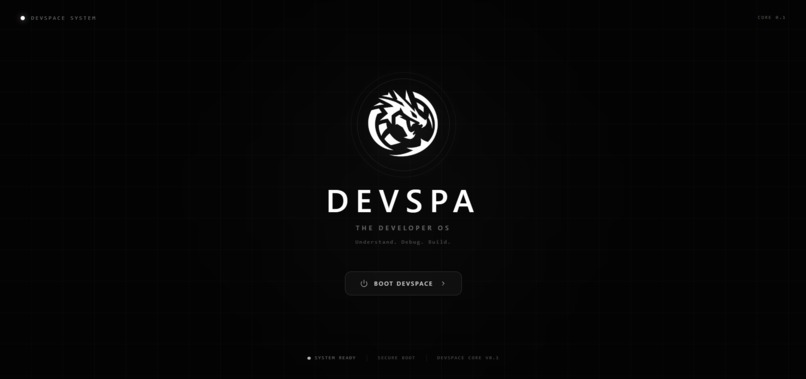
A unified development workspace designed to keep essential coding tools in one place.
-
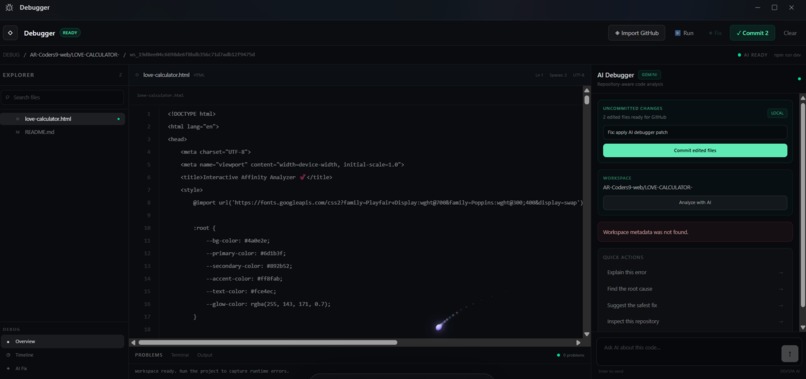
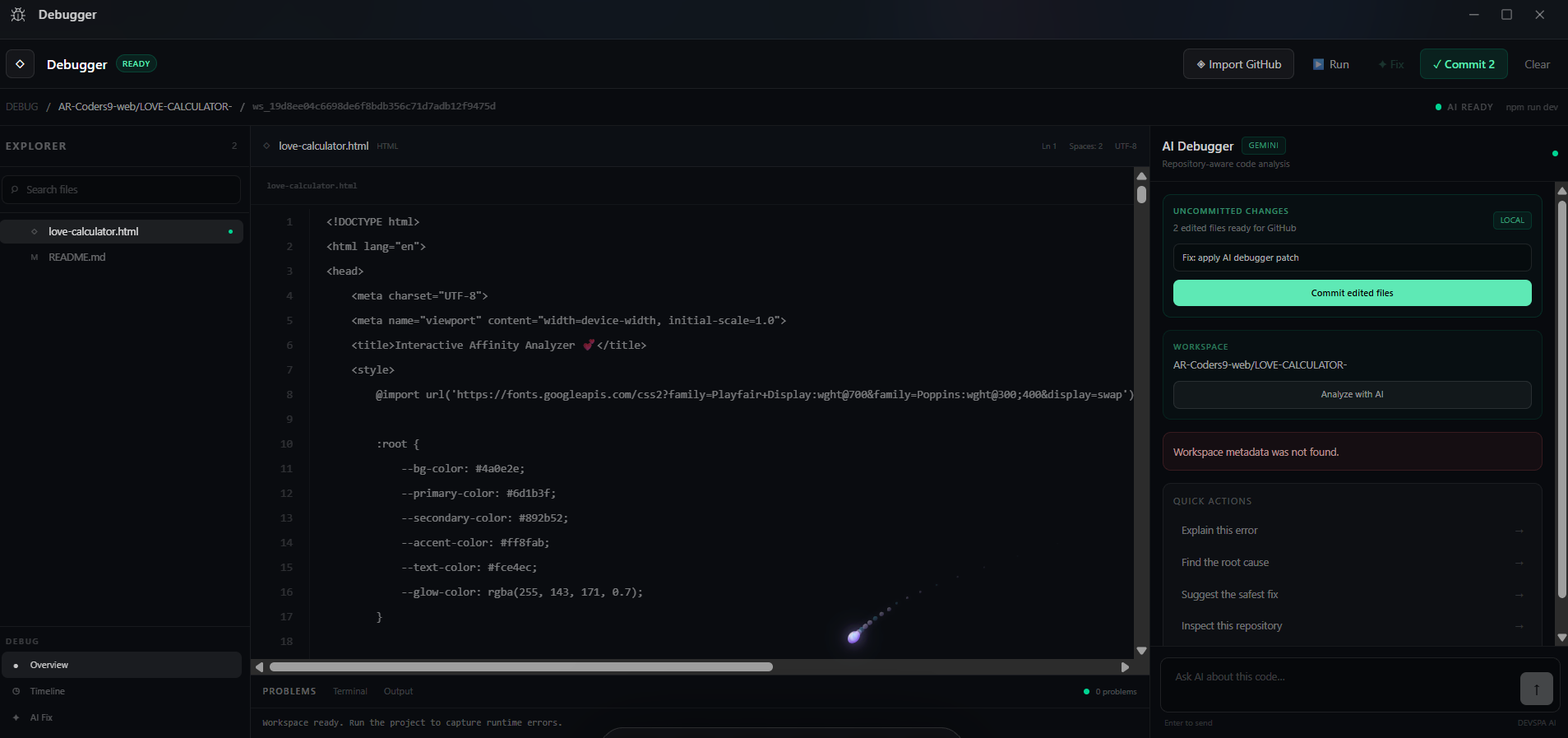
AI-powered debugging workflow for analyzing code and understanding potential issues.
-
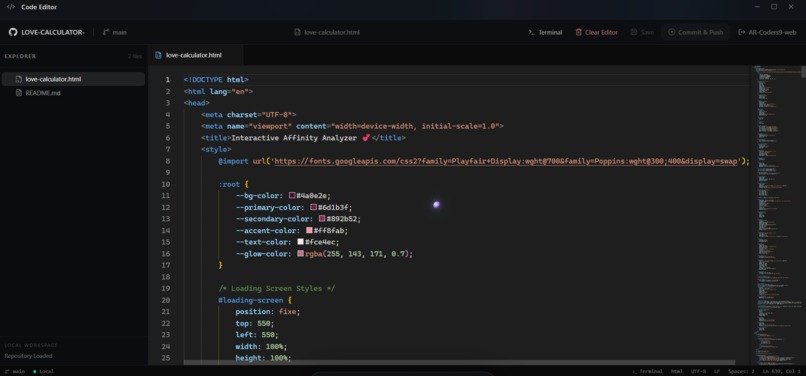
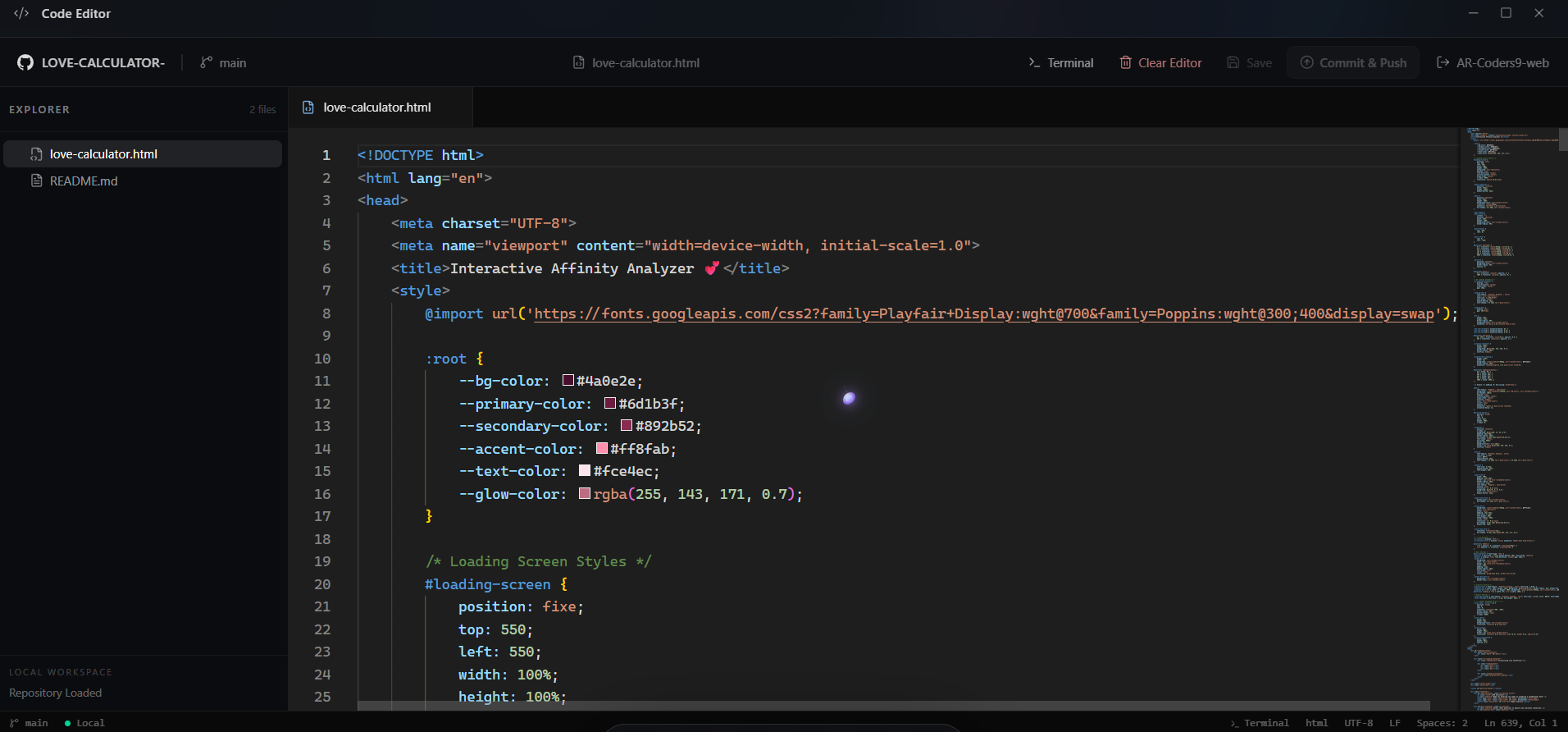
Integrated code editor for writing and managing project files inside DEVSPA.
-
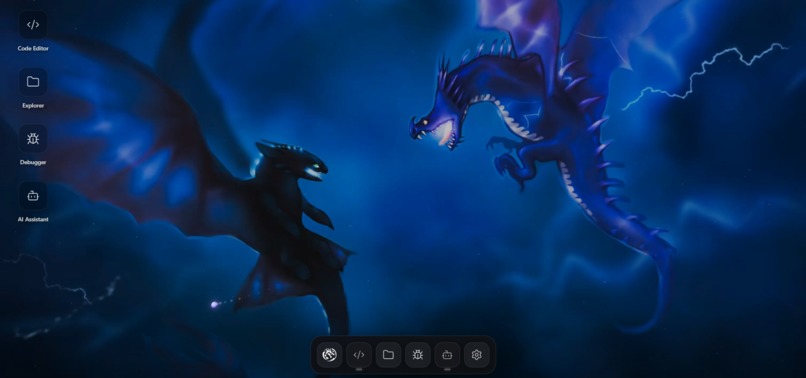
The DEVSPA Developer OS brings coding, debugging, AI assistance, and tools together.
-
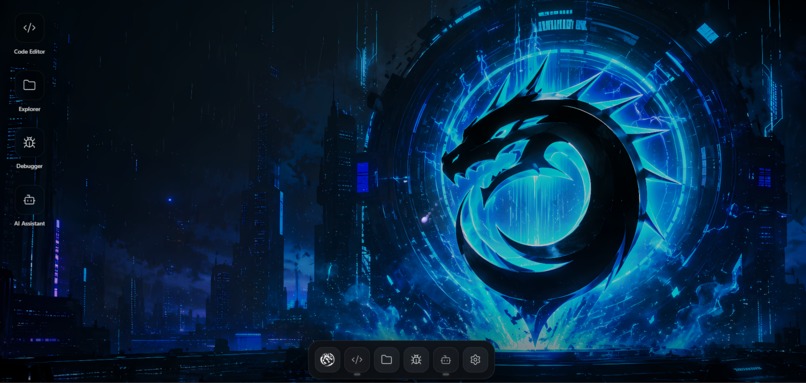
The DEVSPA Developer OS brings coding, debugging, AI assistance, and tools together.
-

The DEVSPA Developer OS brings coding, debugging, AI assistance, and tools together.



Inspiration
Modern development is powerful, but the workflow around it is often fragmented.
A developer may need a code editor for writing code, a terminal for commands, a browser for documentation, GitHub for repositories, separate tools for debugging, and AI tools for understanding and fixing problems. Switching between all these tools creates friction and breaks focus.
I wanted to build something different — not just another code editor, but a Developer Operating System where the essential parts of a developer's workflow could live together.
That idea became DEVSPA — AI-Powered Developer OS.
The goal was simple:
What if a developer could open one workspace and have everything they need to build, understand, debug, and manage their code?
What it does
DEVSPA is an AI-powered developer workspace designed to bring multiple development workflows into one unified environment.
It combines:
- 💻 Code Editor — write and manage code inside the workspace.
- 📁 File Explorer — navigate and organize project files.
- 🐛 AI Debugger — analyze code and help identify and understand bugs.
- 🤖 AI Assistant — interact with an AI assistant directly inside the development environment.
- ⚡ Terminal — execute development commands without leaving the workspace.
- 🐙 GitHub Integration — connect a GitHub account and work with GitHub-based workflows.
- 🧠 AI-powered development workflows — use AI as part of the development process instead of treating it as a completely separate tool.
- 🖥️ Unified workspace — bring these capabilities together behind a single developer-focused interface.
The idea is not to replace every existing development tool overnight.
It is to create a single intelligent workspace that reduces context switching and makes development feel more connected.
How we built it
DEVSPA was built as a full-stack application with a production-oriented architecture.
The frontend was built using React, with a modern component-based structure for the different parts of the developer workspace.
The backend was built using Node.js and Express, handling authentication, sessions, APIs, GitHub integration, workspace-related functionality, and communication between the frontend and backend.
For the AI layer, DEVSPA integrates AI capabilities into the actual development workflow rather than simply placing a chatbot on a separate page.
We also implemented GitHub OAuth authentication, allowing users to securely connect their GitHub accounts and maintain an authenticated session.
The project was developed locally, tested through the complete authentication and application flow, and deployed with a separate frontend/backend deployment architecture.
A major part of building DEVSPA was not just writing individual features, but making those features work together as one coherent system.
Challenges we ran into
Building DEVSPA was much harder than simply creating a UI.
One of the biggest challenges was connecting the frontend, backend, authentication system, AI services, and deployment environment together without breaking the existing architecture.
GitHub OAuth
Authentication became one of the most interesting engineering challenges.
The OAuth flow required handling:
- GitHub authorization
- callback URLs
- OAuth state validation
- browser sessions
- secure session cookies
- production environment variables
- local development vs production URLs
At one point, authentication worked locally but failed in production because the production environment was missing required configuration.
We also encountered an OAuth state validation issue caused by the browser session not being handled correctly across the authentication flow.
Debugging this taught us that authentication is not just about getting an OAuth URL to work — the entire browser → GitHub → backend → session → frontend flow has to remain consistent.
Production deployment
Another challenge was making the application behave the same way after deployment.
Environment variables, frontend/backend URLs, callback URLs, CORS, cookies, and production security settings all had to be aligned.
A feature that works perfectly on localhost can still fail in production if even one part of that chain is configured incorrectly.
Building multiple systems together
DEVSPA combines many moving parts:
UI → APIs → Sessions → GitHub → AI → Workspace → Deployment
Making each part work independently was one challenge.
Making all of them work together was the real challenge.
Accomplishments that we're proud of
The biggest accomplishment is that DEVSPA became more than a prototype interface.
We built a working developer environment where multiple development capabilities come together in one product.
We are especially proud of:
- Building a complete developer-focused workspace from scratch.
- Integrating AI directly into the development workflow.
- Implementing GitHub OAuth authentication.
- Creating a backend architecture to support the workspace.
- Connecting frontend and backend systems into a single application.
- Deploying the project and testing the production authentication flow.
- Building a UI that feels like a developer operating system rather than a collection of unrelated pages.
- Taking an idea from concept → architecture → implementation → debugging → deployment → public demonstration.
Most importantly, we learned to keep improving the system even when individual parts became complicated.
What we learned
This project taught us that building a real product is very different from building a demo.
We learned that architecture matters.
We learned that authentication requires careful thinking about security, sessions, cookies, callback URLs, and deployment environments.
We learned that AI integration is most useful when it is connected to a real workflow instead of being added just because a project needs an "AI feature."
We also learned how important debugging and observability are when multiple services communicate with each other.
Most importantly, we learned how to take an ambitious idea and break it into smaller engineering problems — then solve those problems one by one.
What's next for DEVSPA — AI-Powered Developer OS
This submission is only the beginning.
The next version of DEVSPA will focus on making the development experience even more intelligent and reliable.
Some of the areas we want to explore next include:
- More powerful AI debugging and code analysis.
- Better AI-assisted code generation and refactoring.
- Deeper GitHub repository workflows.
- Improved project and workspace management.
- More advanced terminal and development tooling.
- Persistent AI context across a project.
- Better error detection and developer feedback.
- Performance and reliability improvements.
- A more powerful production-ready workspace architecture.
The long-term vision is to make DEVSPA feel less like a collection of developer tools and more like a true AI-native operating system for software development.
We started with a simple question:
What if the tools a developer needs could actually work together?
DEVSPA is our answer to that question.
Built With
- ai
- api
- assistant
- code
- css
- developer
- editor
- express.js
- full
- gemini
- generative
- github
- html
- javascript
- node.js
- oauth
- react
- rest
- stack
- tailwind
- tools
- vite
- websockets

Log in or sign up for Devpost to join the conversation.