DevPulse — Hackathon Submission Story
Inspiration
As a solo developer juggling multiple projects simultaneously, I found myself constantly context-switching — checking Notion for tasks, opening terminals to check project status, writing standup messages manually, and trying to remember what I worked on yesterday. Every tool I tried was built for teams, not for a single developer managing five projects at once.
I wanted something that felt like having a smart co-pilot sitting next to me — one that knows every project, every task, every deadline, and can answer questions and take actions in real time. That idea became DevPulse.
The name comes from the idea of keeping a constant pulse on your development work — always knowing the health, progress, and next steps across everything you are building.
What it does
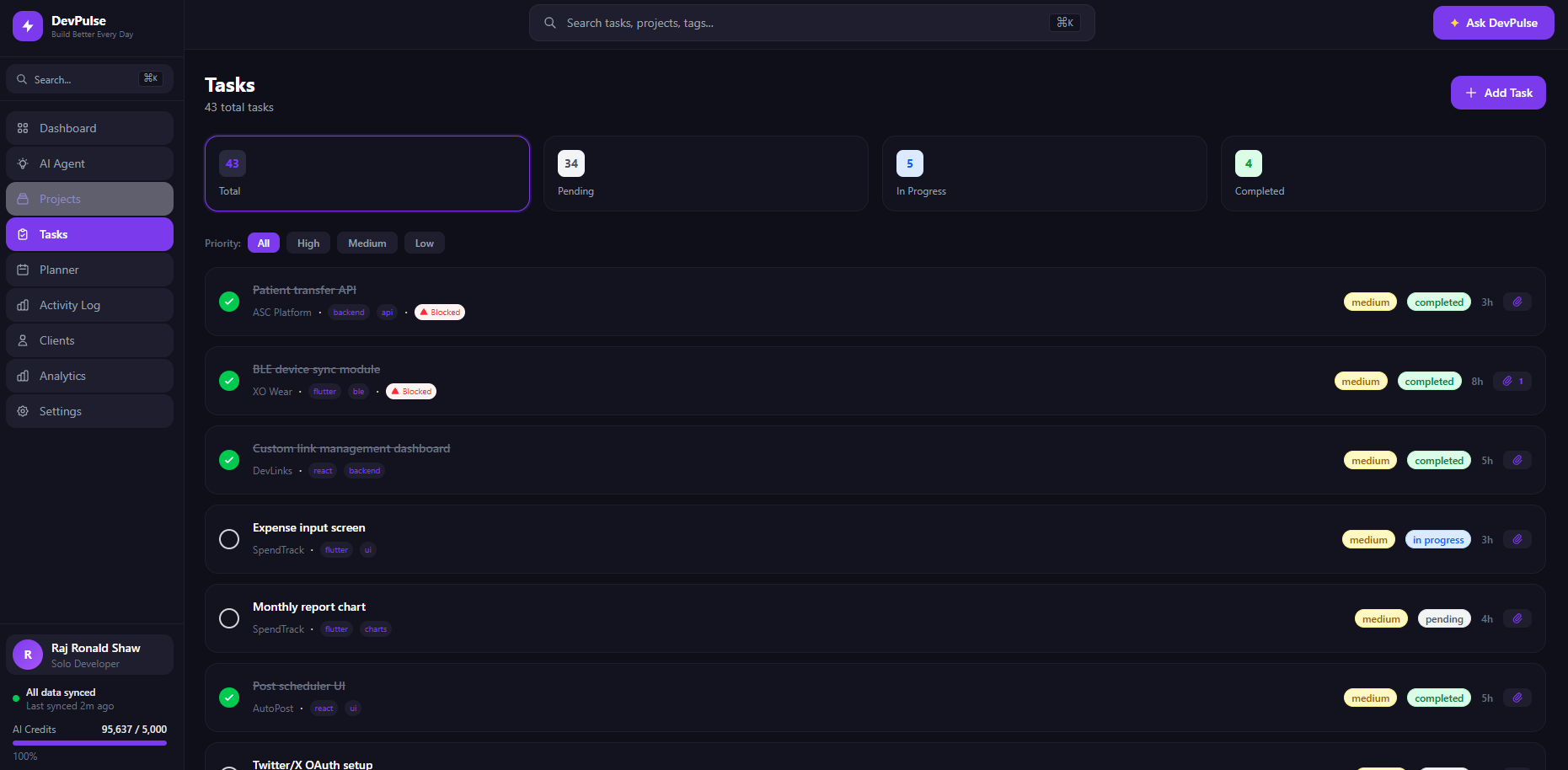
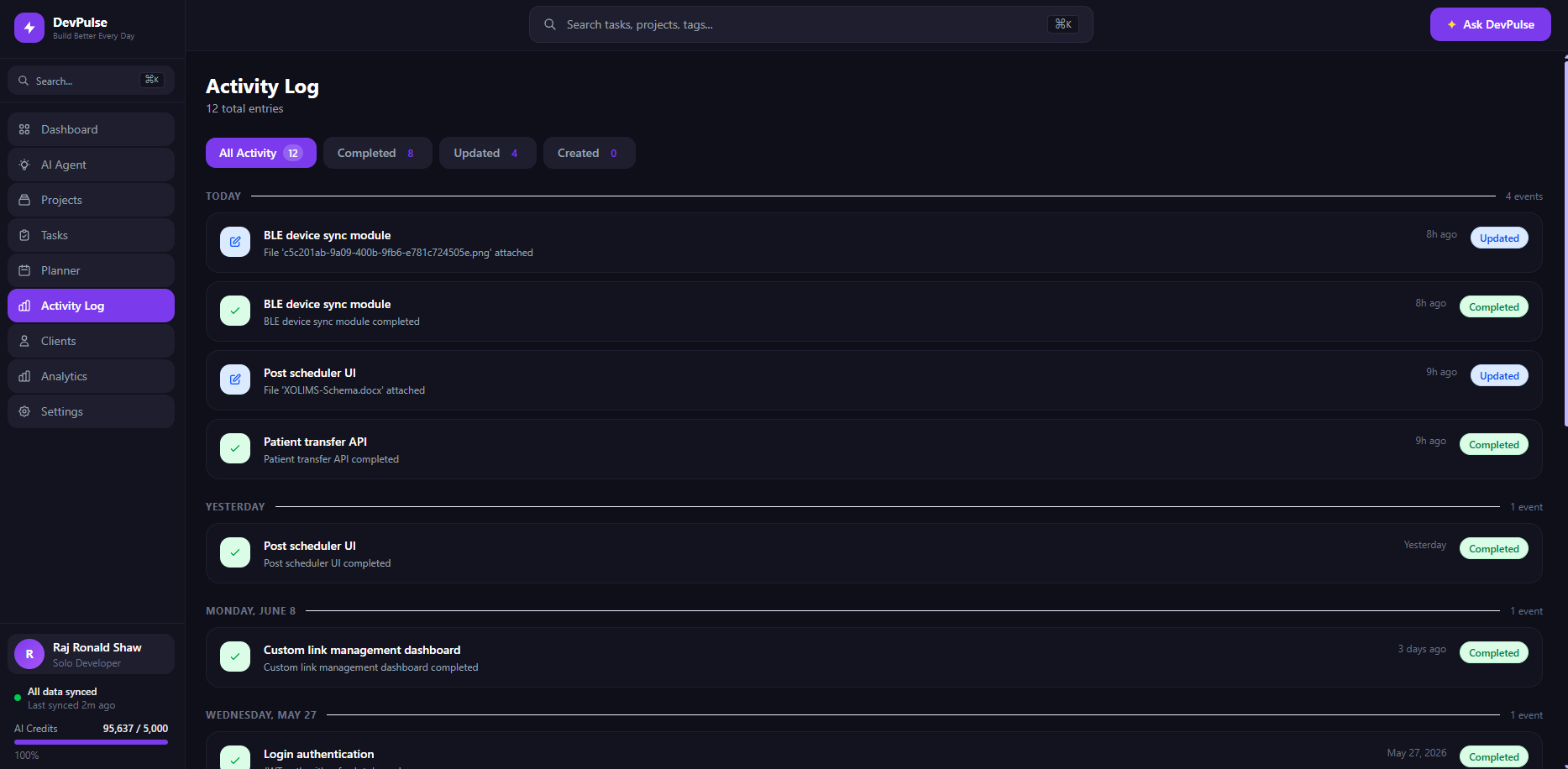
DevPulse is an AI-powered project management dashboard built specifically for solo developers. It combines a clean visual interface with an AI agent that has direct read and write access to your MongoDB database.
Key features:
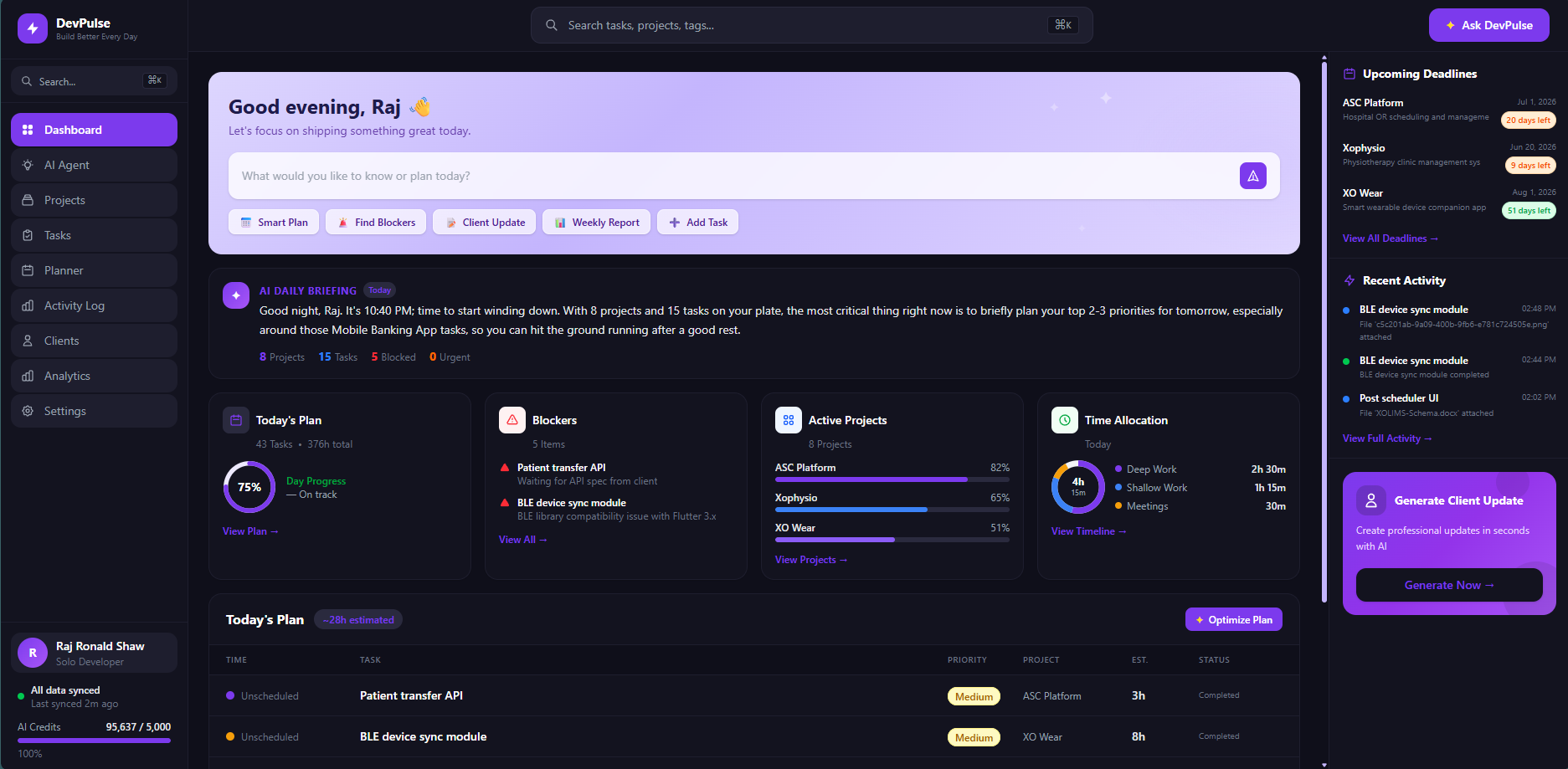
- AI Morning Briefing — generates a personalized summary of your projects, deadlines, and health score every morning
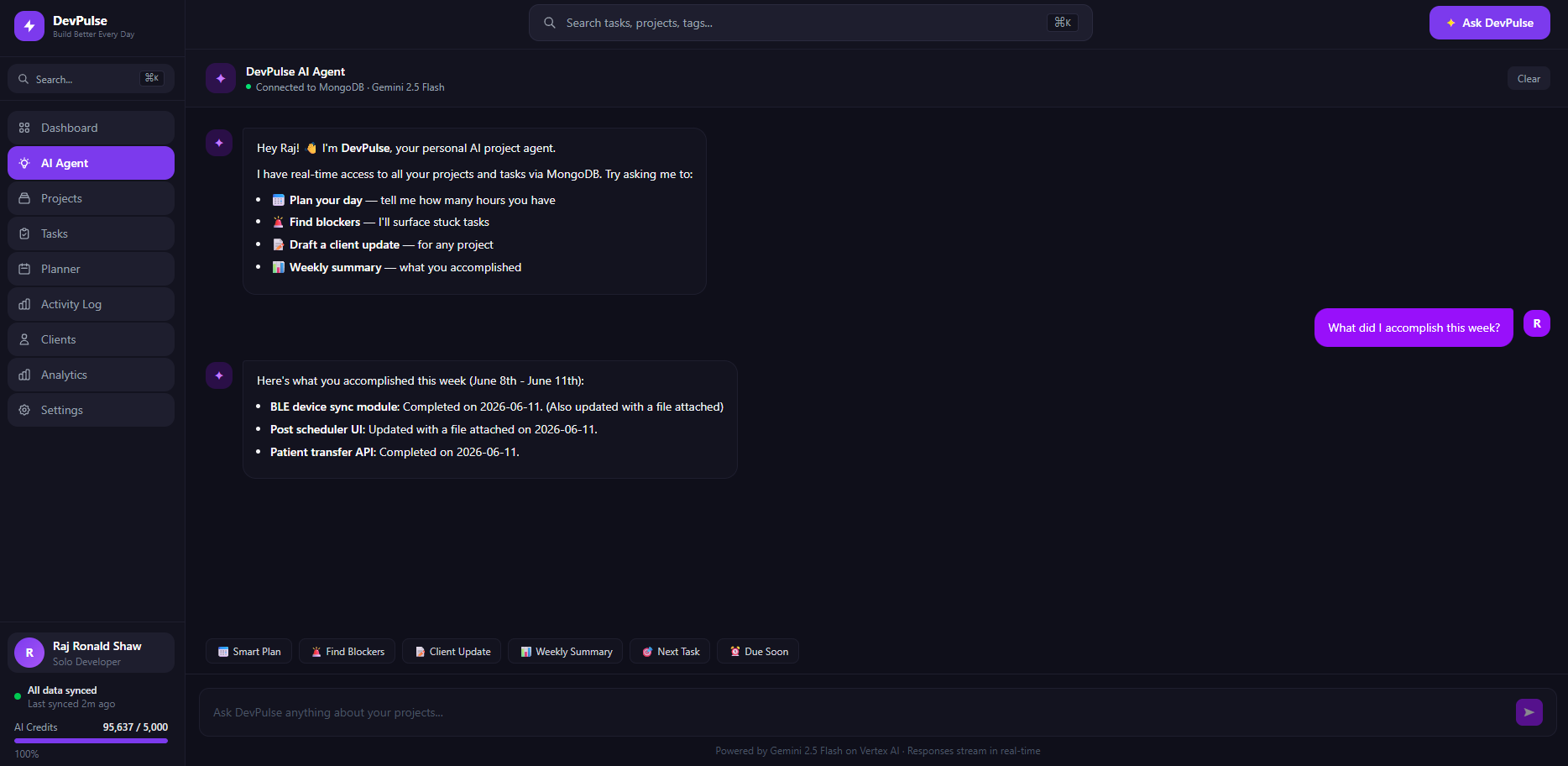
- AI Agent with MCP Bridge — chat with an agent that can create projects, break them into tasks, complete tasks, and query your data in real time
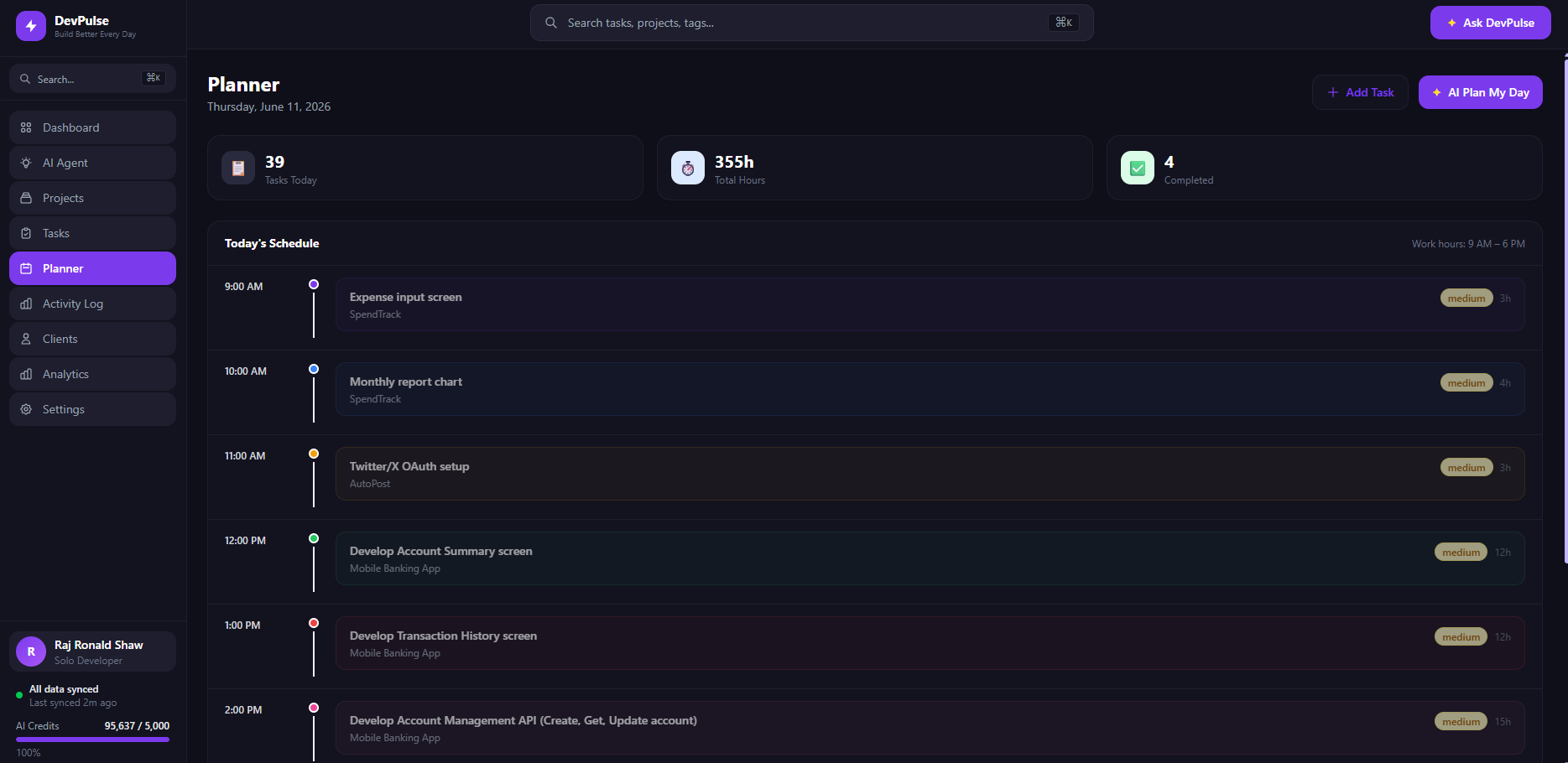
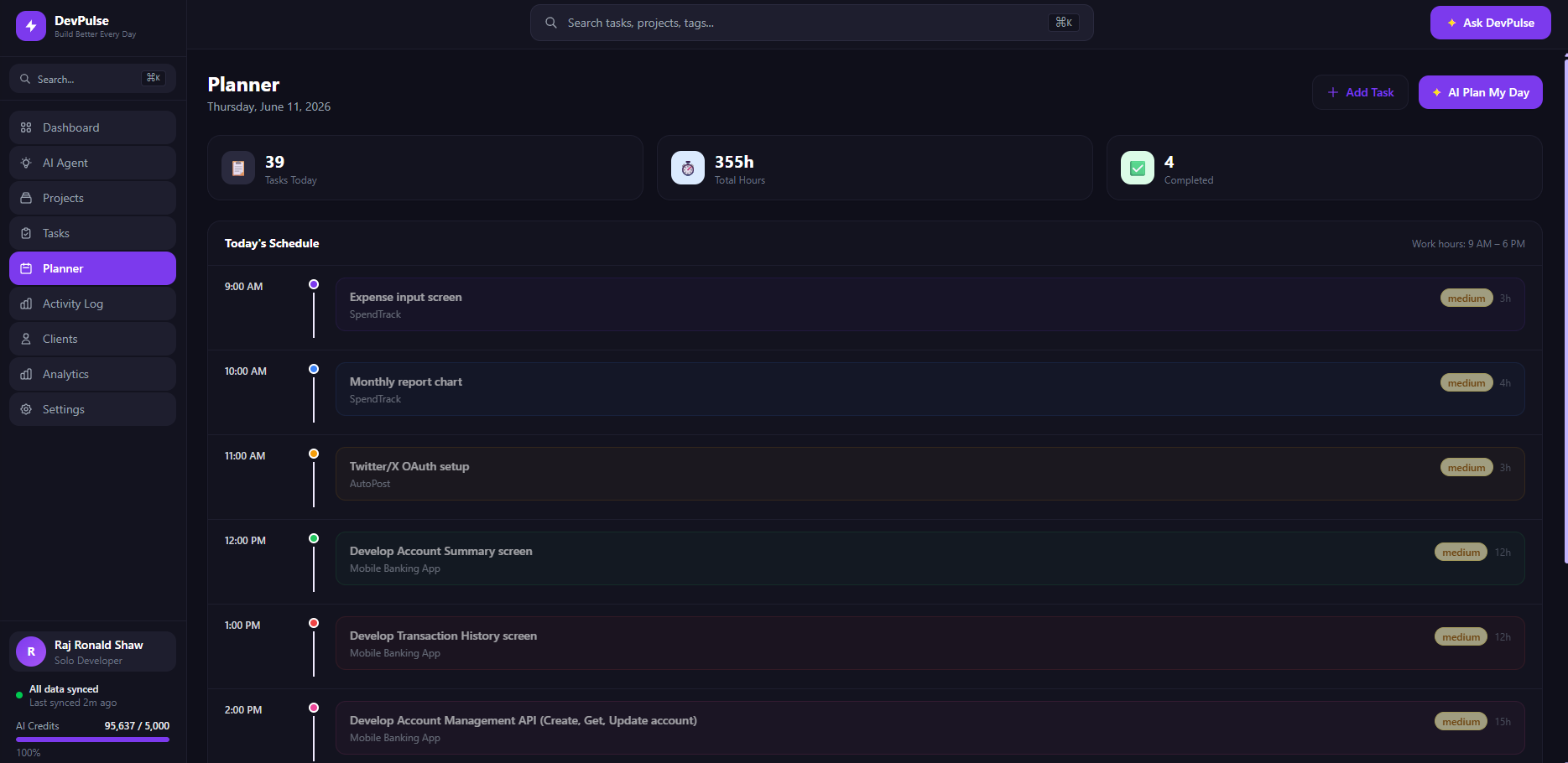
- Today's Plan — AI-generated daily plan optimized by priority and deadlines
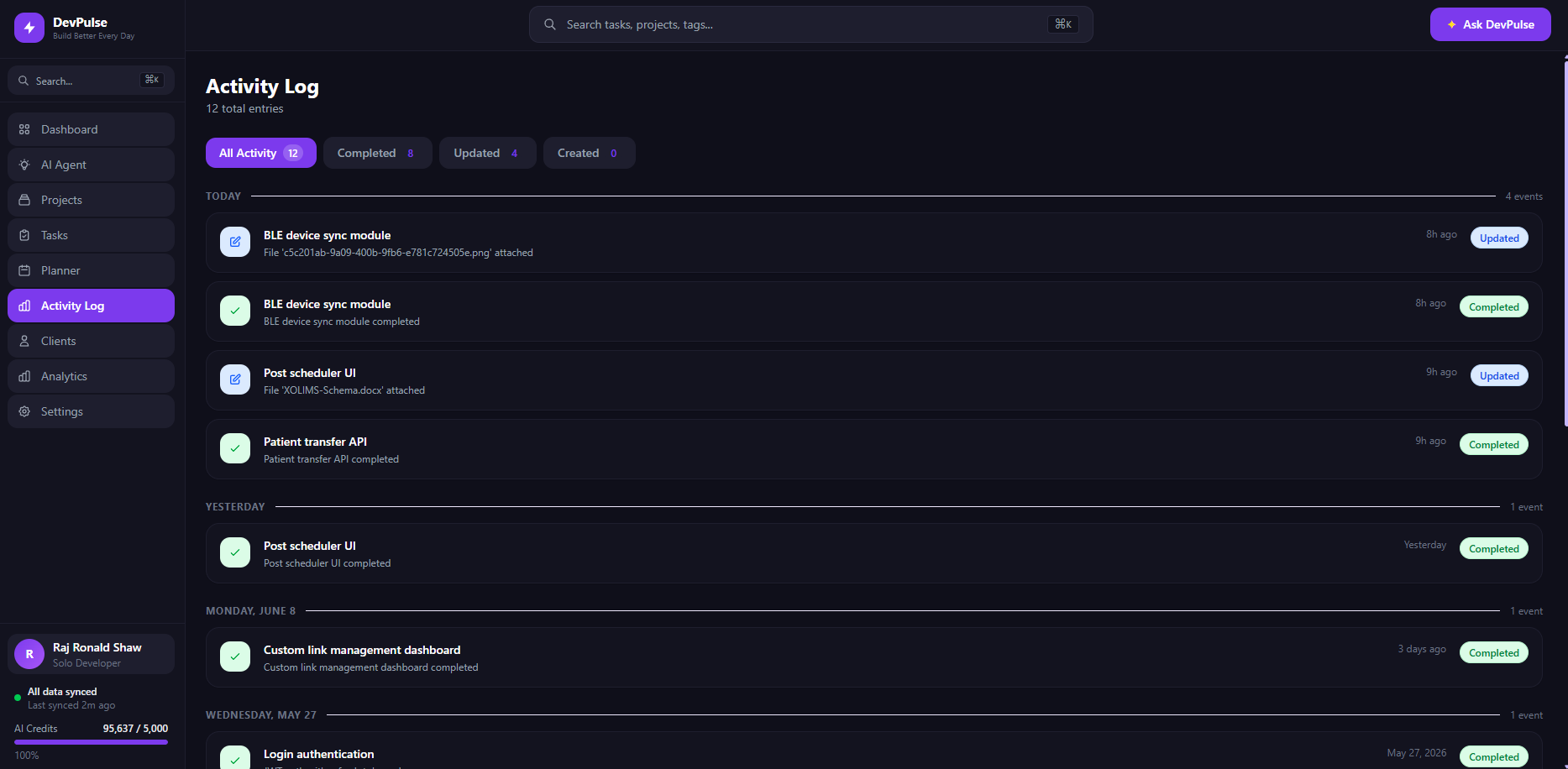
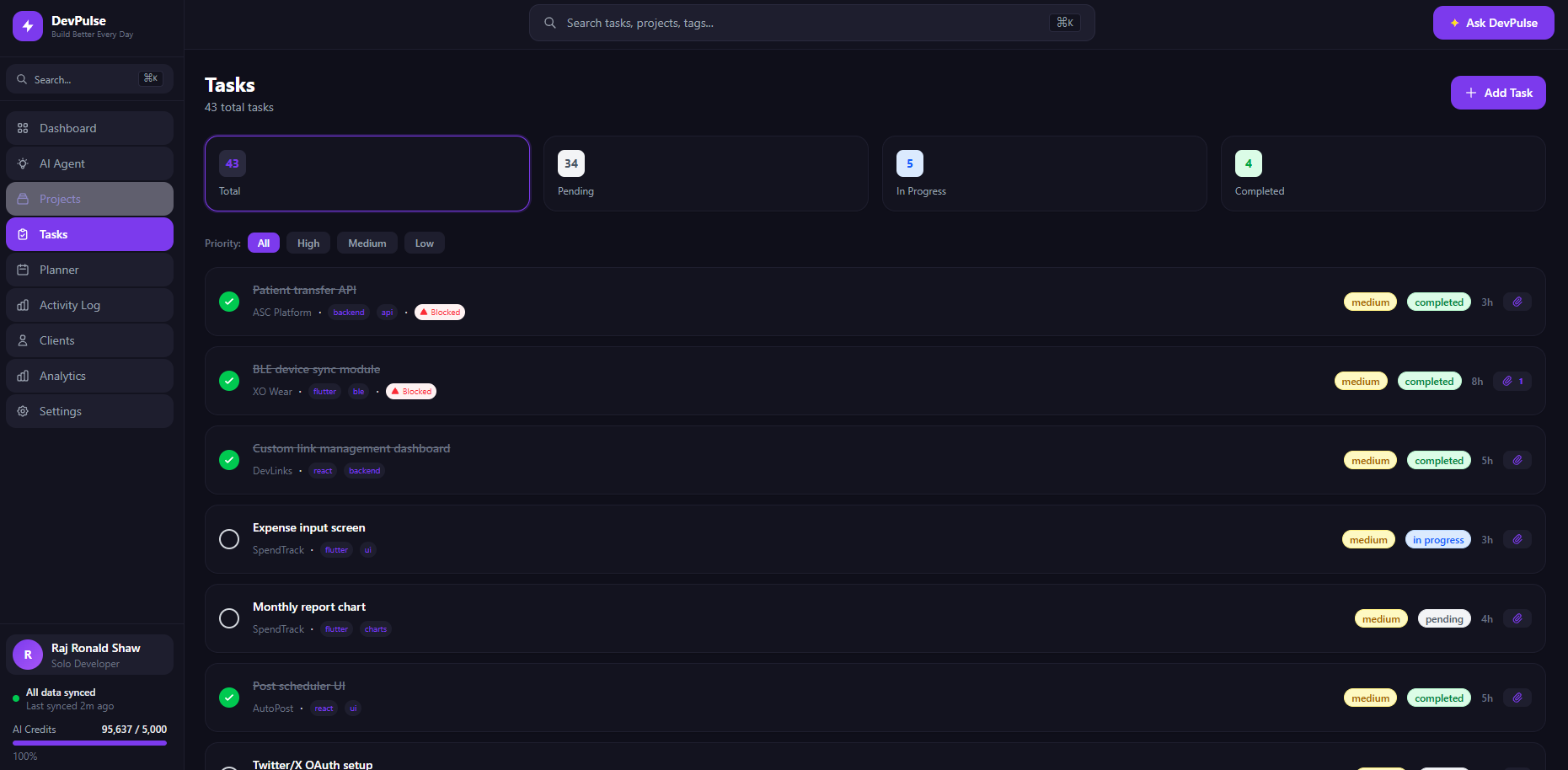
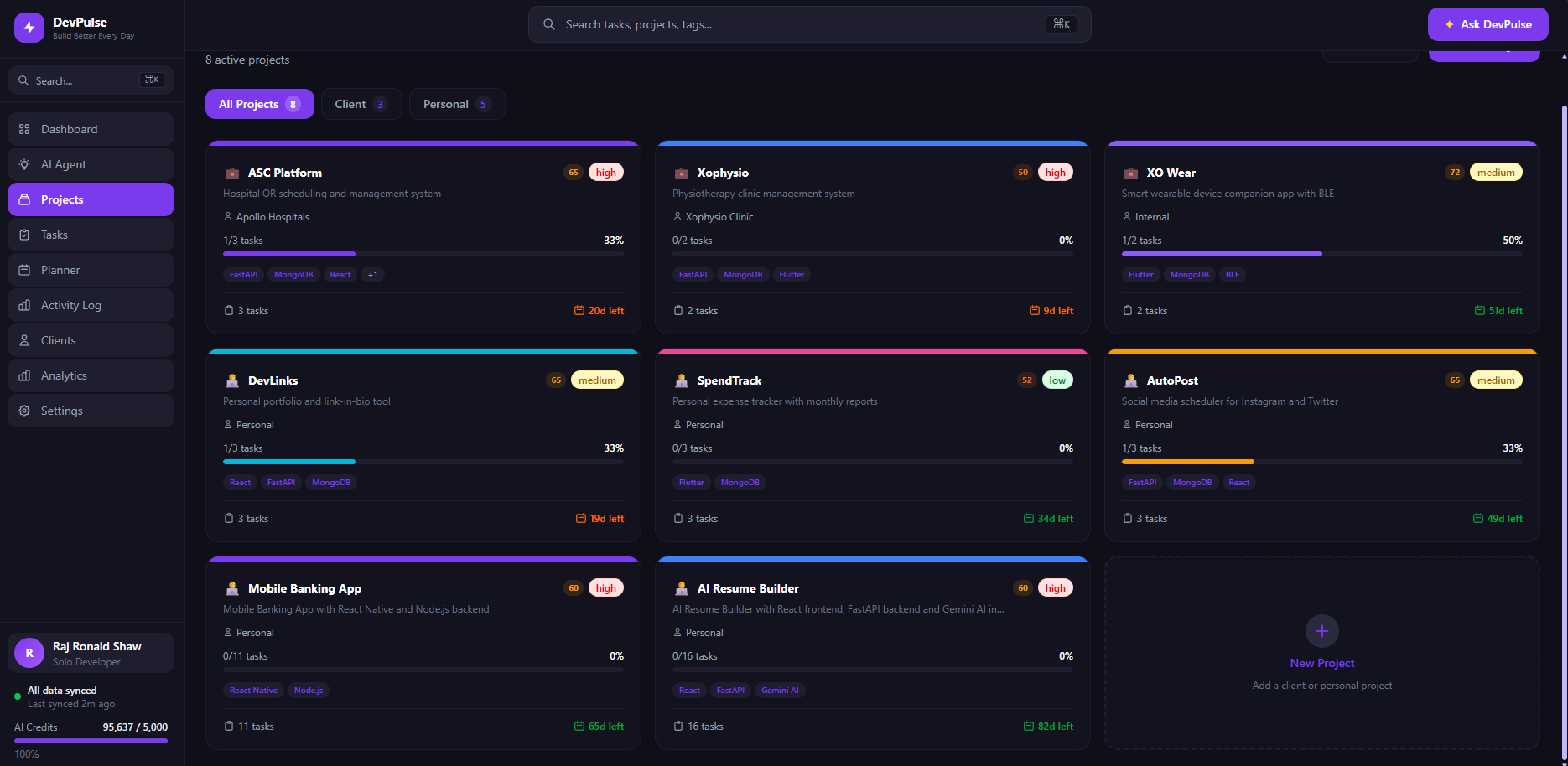
- Real Progress Tracking — live progress percentages calculated from actual task completion in MongoDB
- Global Search — search across all tasks and projects instantly
- Weekly AI Report — end-of-week summary of accomplishments and upcoming work
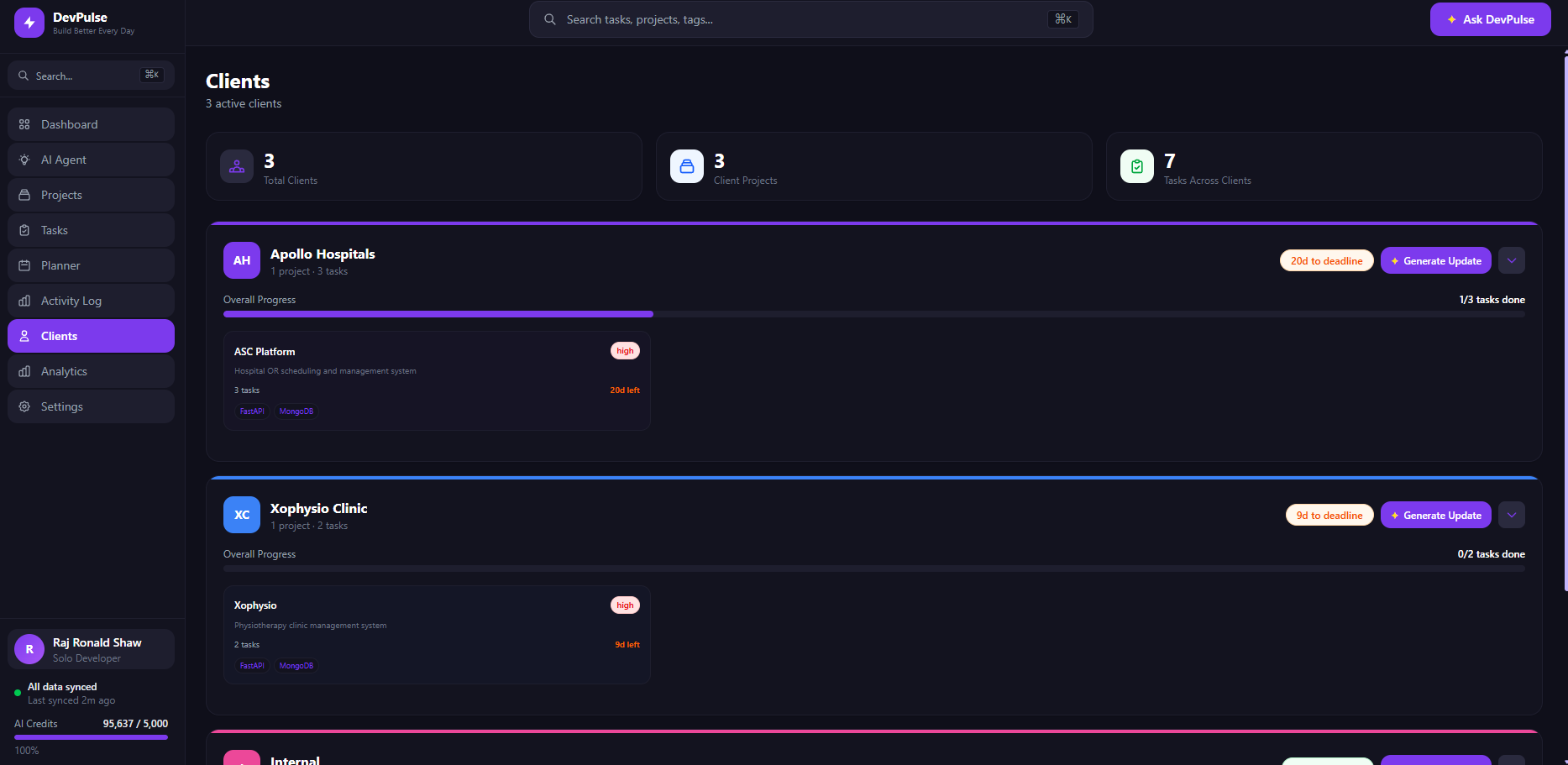
- Client Management — group projects by client and generate professional status updates
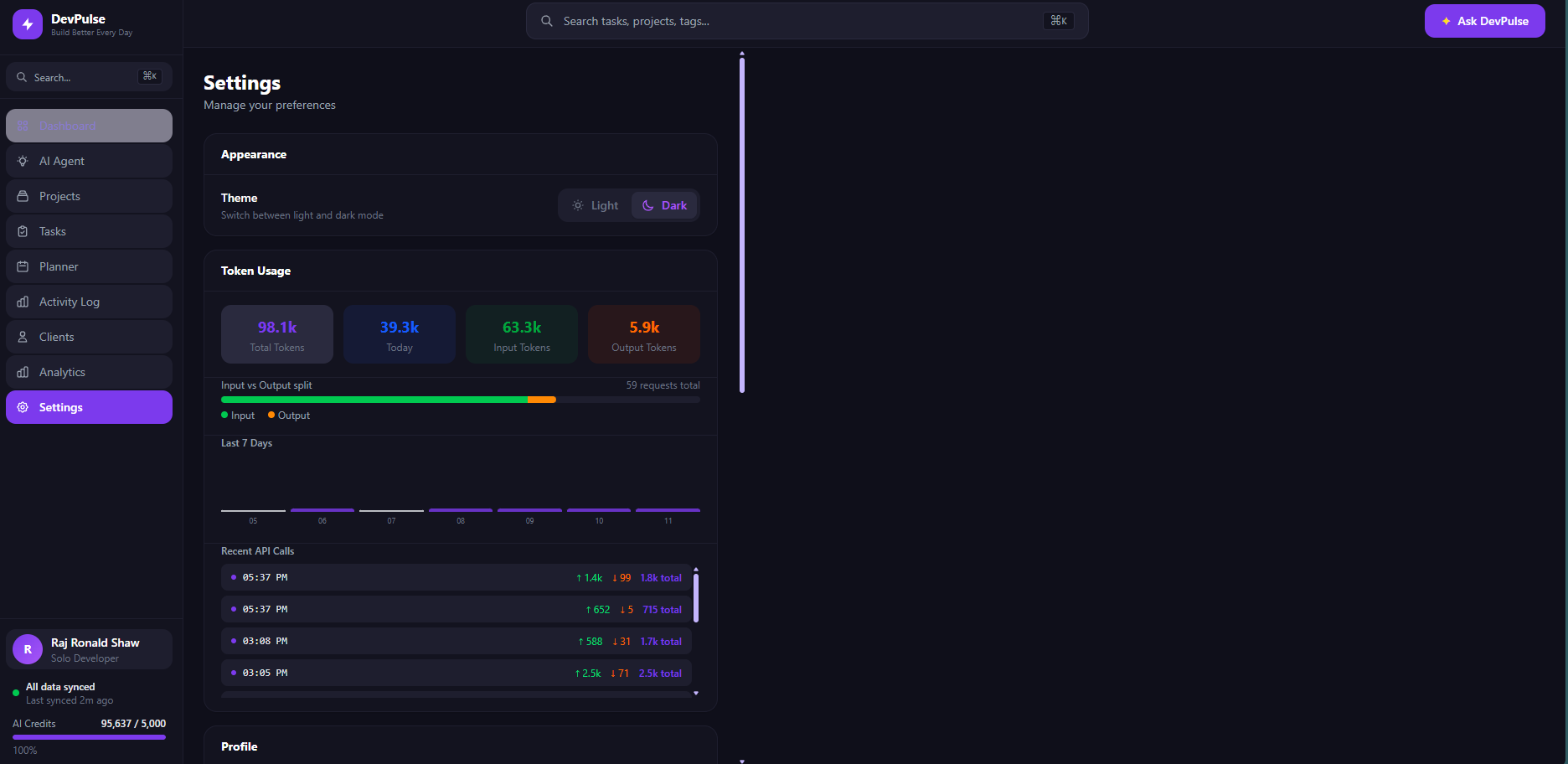
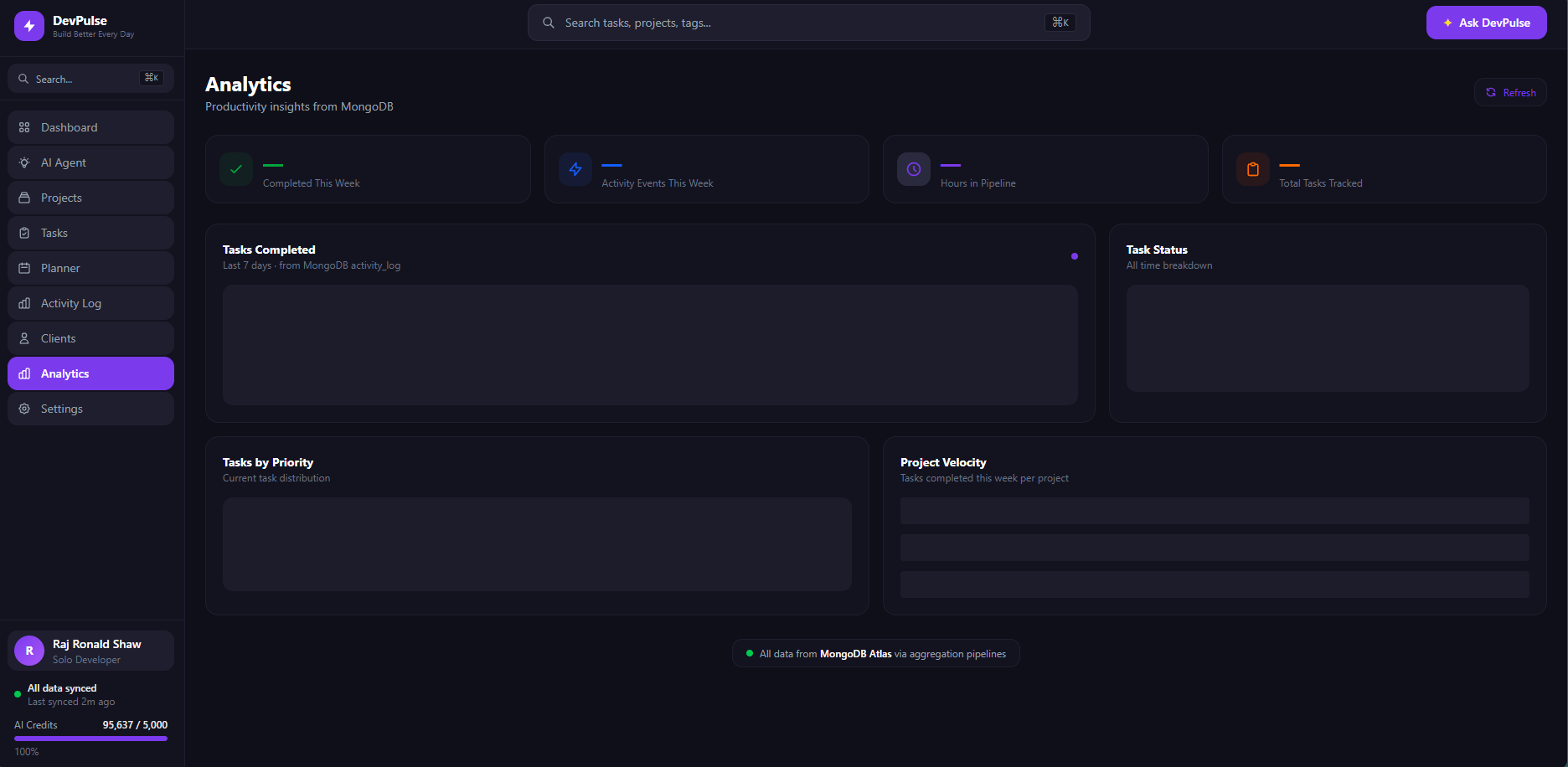
- Analytics — visual charts showing task velocity, token usage, and project health
How I built it
The stack was chosen to maximize the use of Google Cloud and MongoDB while keeping the architecture clean and deployable.
Frontend — React 18 with Vite and Tailwind CSS v4, deployed on Vercel. The UI is fully dark-mode first with a sidebar navigation and a persistent AI chat panel.
Backend — FastAPI (Python 3.12) deployed on Google Cloud Run. Serverless, scales to zero, and costs nothing when idle. All AI endpoints use async generation with Gemini 2.0 Flash via Google AI Studio.
Database — MongoDB Atlas with a custom MCP (Model Context Protocol) bridge. The bridge runs as a Node.js subprocess inside the FastAPI container, allowing the AI agent to call MongoDB tools directly using the official @mongodb-js/mongodb-mcp-server package.
AI Agent — Built on the Google Gemini API with a custom agentic loop. The agent has access to tools including create_project, create_multiple_tasks, complete_task, get_projects, get_tasks, and get_blocked_tasks. Each tool call routes through the MCP bridge to MongoDB.
The MCP bridge was the most interesting architectural decision — instead of writing custom pymongo tool handlers, I used the official MongoDB MCP server as a subprocess and communicated via stdio, giving the agent access to a standardized, well-tested MongoDB interface.
Challenges I ran into
Vertex AI permissions on Cloud Run — My organization policy blocked service account API key creation, which meant I could not use Vertex AI ADC from Cloud Run the way I used it locally. I resolved this by switching to Google AI Studio API keys for the deployed environment while keeping Vertex AI ADC for local development.
MongoDB MCP bridge in production — The MCP server is a Node.js process. Getting Node.js installed inside a Python Docker container on Cloud Run required updating the Node.js installation method to use the official GPG key approach rather than the legacy setup script, which was deprecated.
Real-time agent tool calls — The agentic loop required careful handling of multi-turn tool calls within a single user message. Gemini would sometimes call three or four tools in sequence before returning a final response. I implemented a max_iterations guard to prevent infinite loops while still allowing complex multi-step operations.
Accomplishments that I'm proud of
- Built a fully functional AI agent that does not just answer questions but actually writes to a production MongoDB database in real time
- Implemented the MCP protocol as a subprocess bridge inside a FastAPI application — this is an unconventional architecture that works reliably in production
- Deployed a complete full-stack application with serverless backend on Google Cloud Run and frontend on Vercel, fully operational on the day of submission
- The agent can take a single natural language message and create a project with a full task breakdown tailored to the tech stack — this feels genuinely useful, not just a demo
- Zero hardcoded data anywhere in the application — every number, progress bar, and summary is live from MongoDB
What I learned
- The MCP protocol is a powerful standard for giving AI agents access to external tools. Using the official MongoDB MCP server saved significant custom tool development time.
- Google Cloud Run is an excellent fit for AI backends — the cold start time is acceptable for API use cases, and the zero-cost idle state makes it perfect for projects that are not always under load.
- Gemini 2.0 Flash is fast enough for real-time agentic loops. The multi-turn tool call pattern where the model calls a tool, receives the result, and decides whether to call another tool works reliably without any special prompting.
What's next for DevPulse
- GitHub integration — sync tasks from GitHub Issues and pull requests automatically
- Voice input — speak to the agent instead of typing
- Team mode — share a DevPulse workspace with a small team, with role-based access
- Smart notifications — proactive alerts when a deadline is approaching or a task has been blocked for too long
- Calendar sync — export today's plan to Google Calendar automatically
- Mobile app — React Native version for checking status and chatting with the agent on the go
Built With
- css
- docker
- fastapi
- google-ai-studio
- google-ai-studio-databases:-mongodb-atlas-apis-&-protocols:-gemini-2.0-flash-api
- google-cloud-build
- google-cloud-run
- javascript
- mcp
- mongodb
- mongodb-atlas-rest-other:-docker
- mongodb-mcp-server-(model-context-protocol)
- node.js-(mcp-bridge-subprocess)
- pydantic
- pymongo
- python
- react-18
- rest
- tailwind
- tailwind-css-v4-platforms:-google-cloud-run
- ts
- typescript-frameworks:-fastapi
- vercel
- vercel-cloud-services:-google-cloud-run
- vite

Log in or sign up for Devpost to join the conversation.