-
-
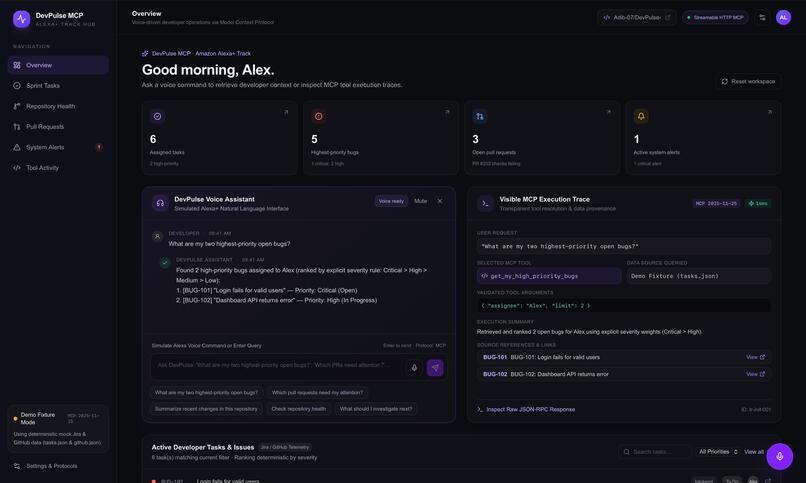
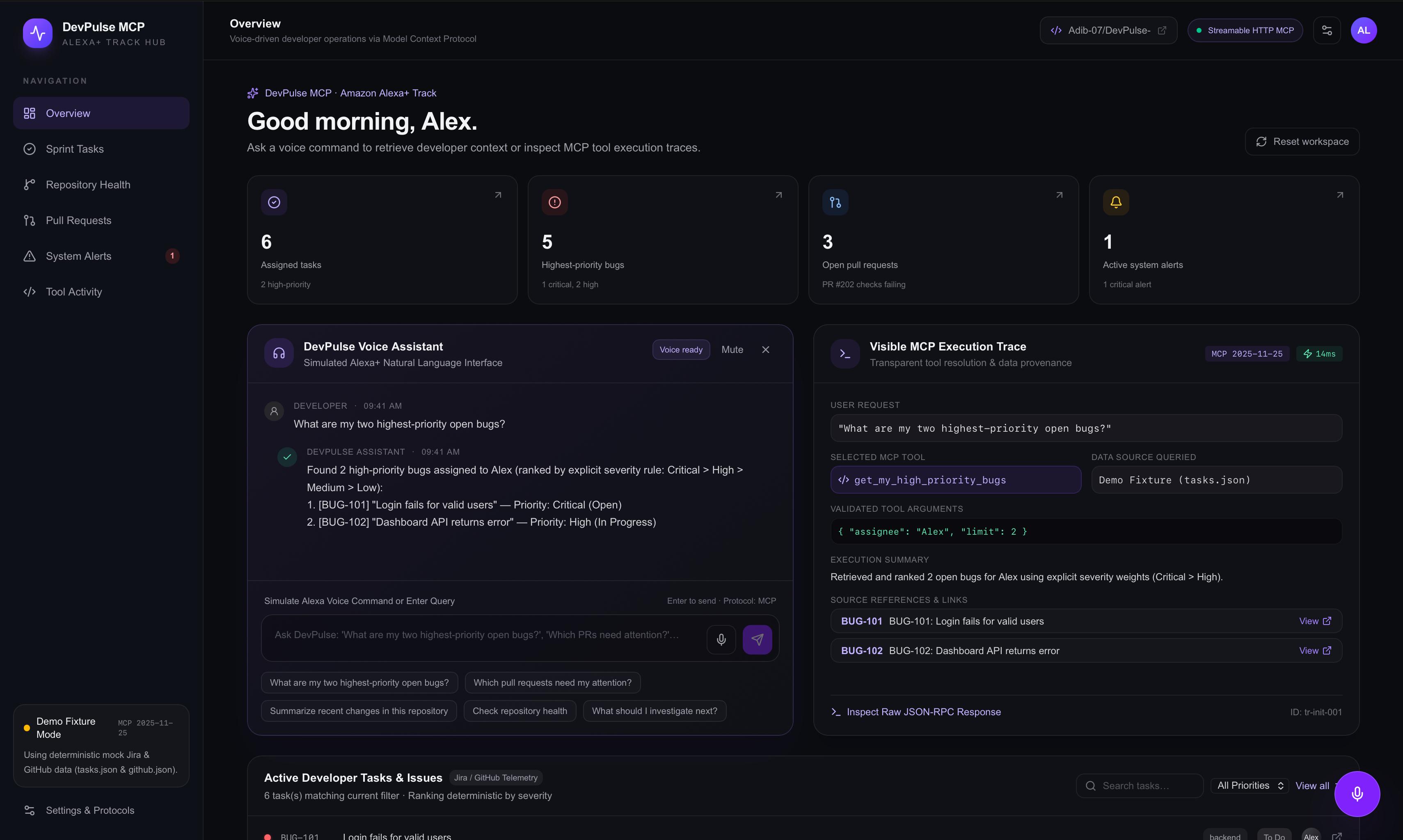
DevPulse Dashboard — JPG
-
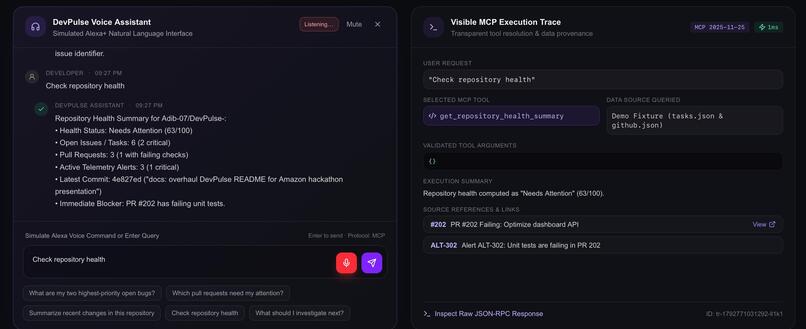
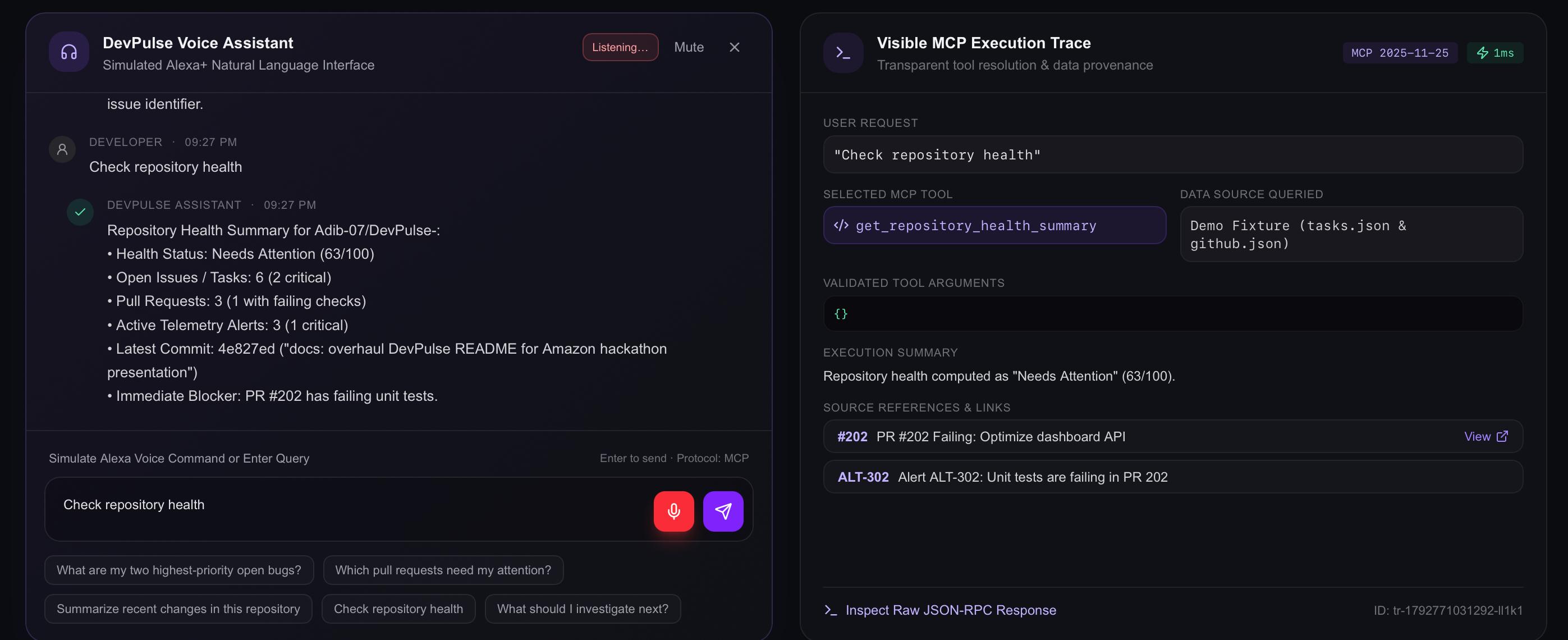
Voice Assistant Portal — JPG
-
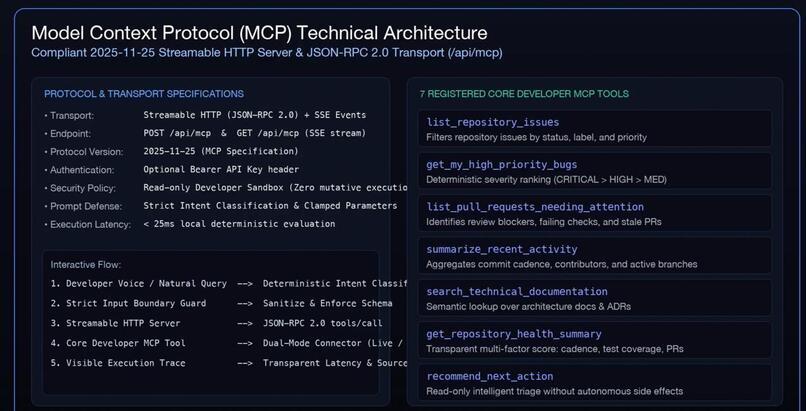
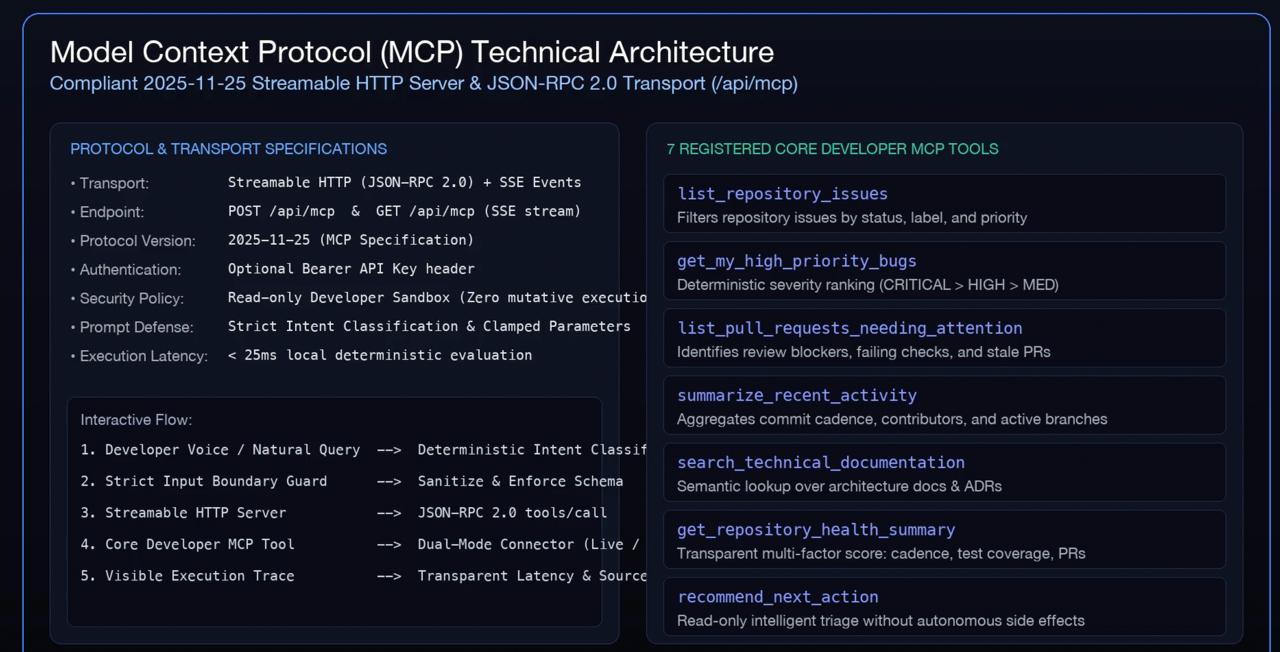
MCP Technical Architecture —JPG
-
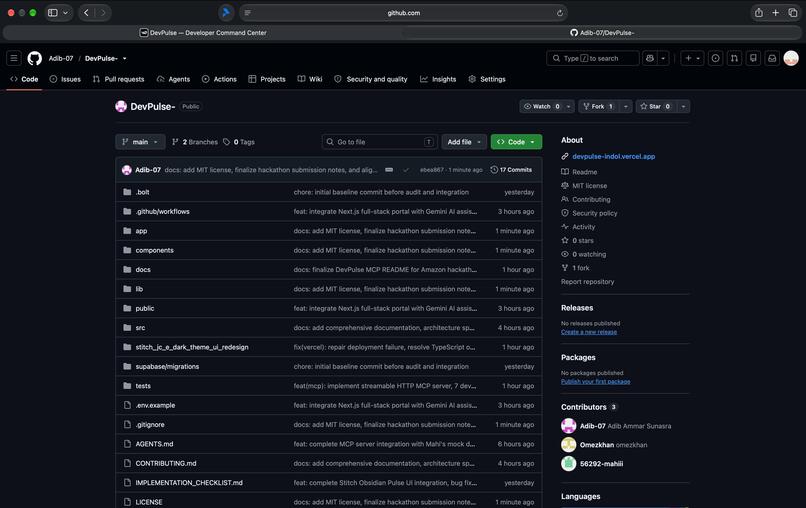
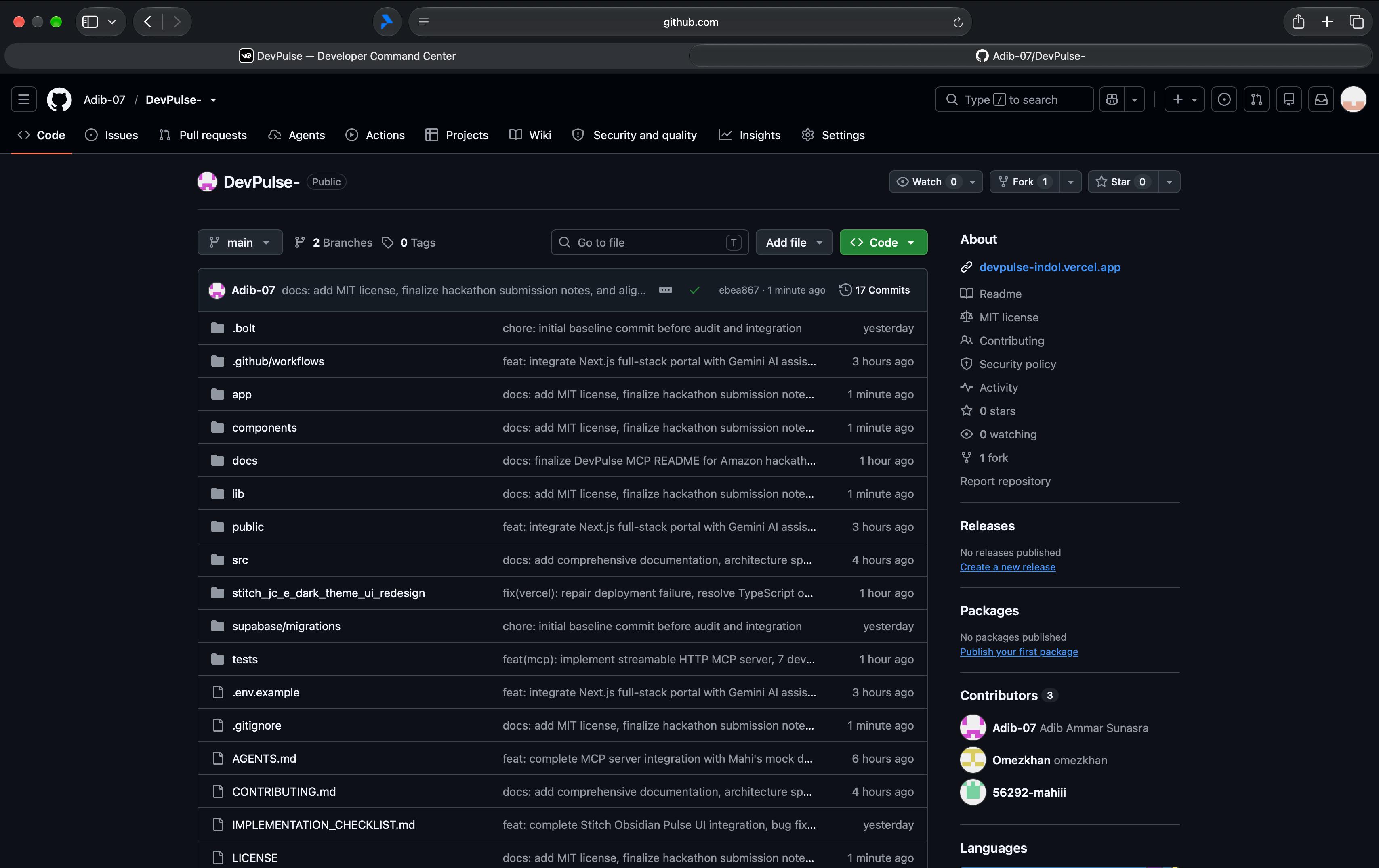
GitHub Repository — JPG
-
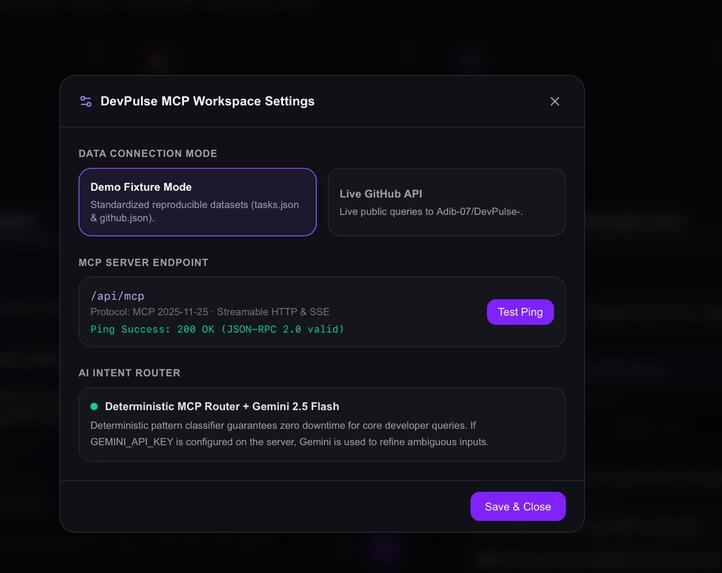
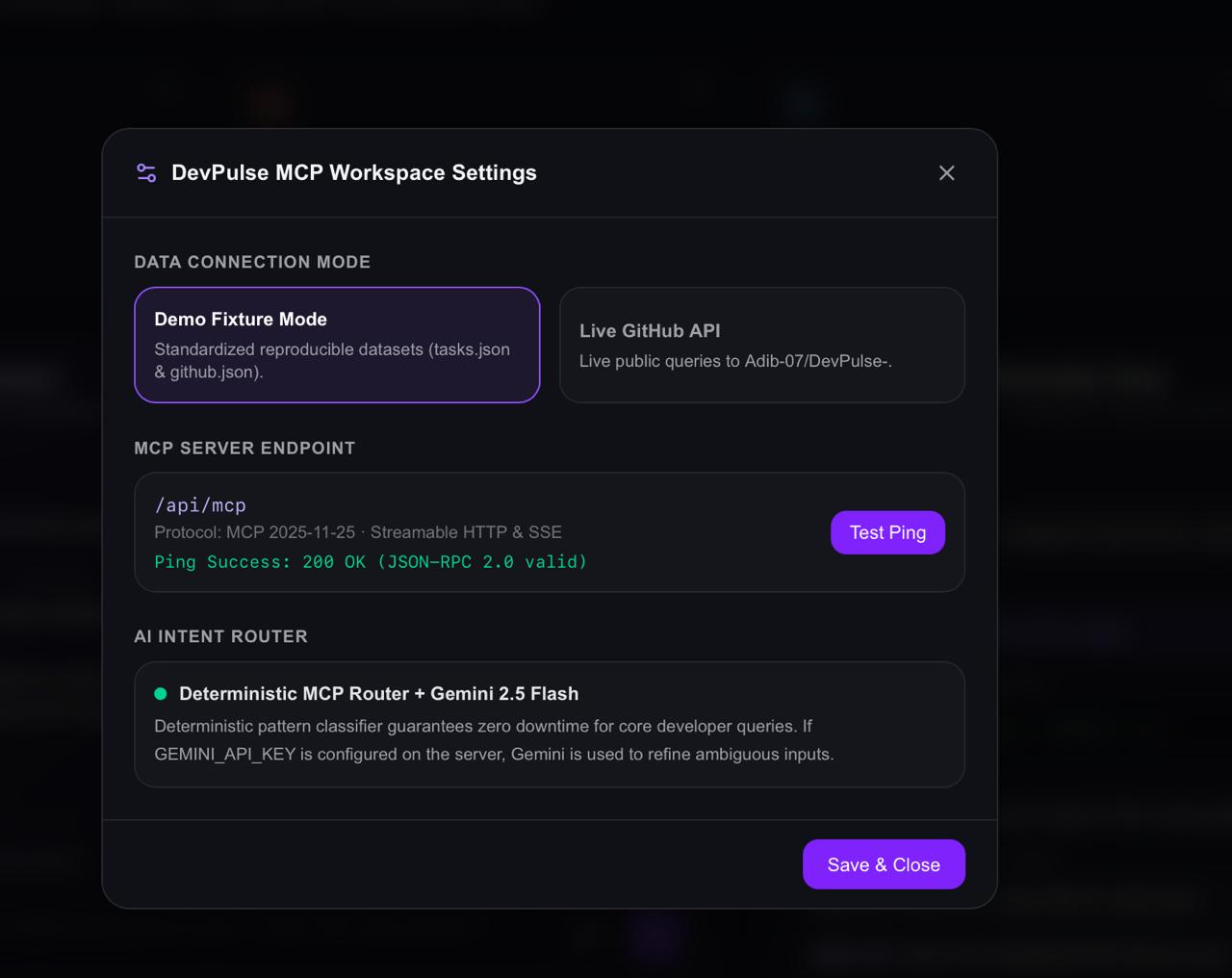
Test_ping— JPG
-
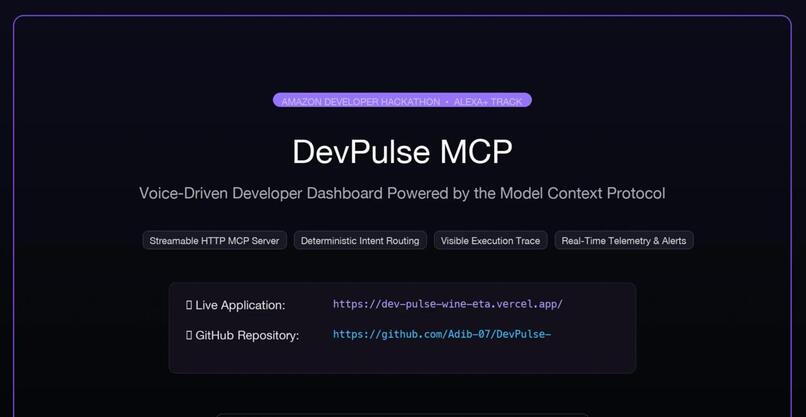
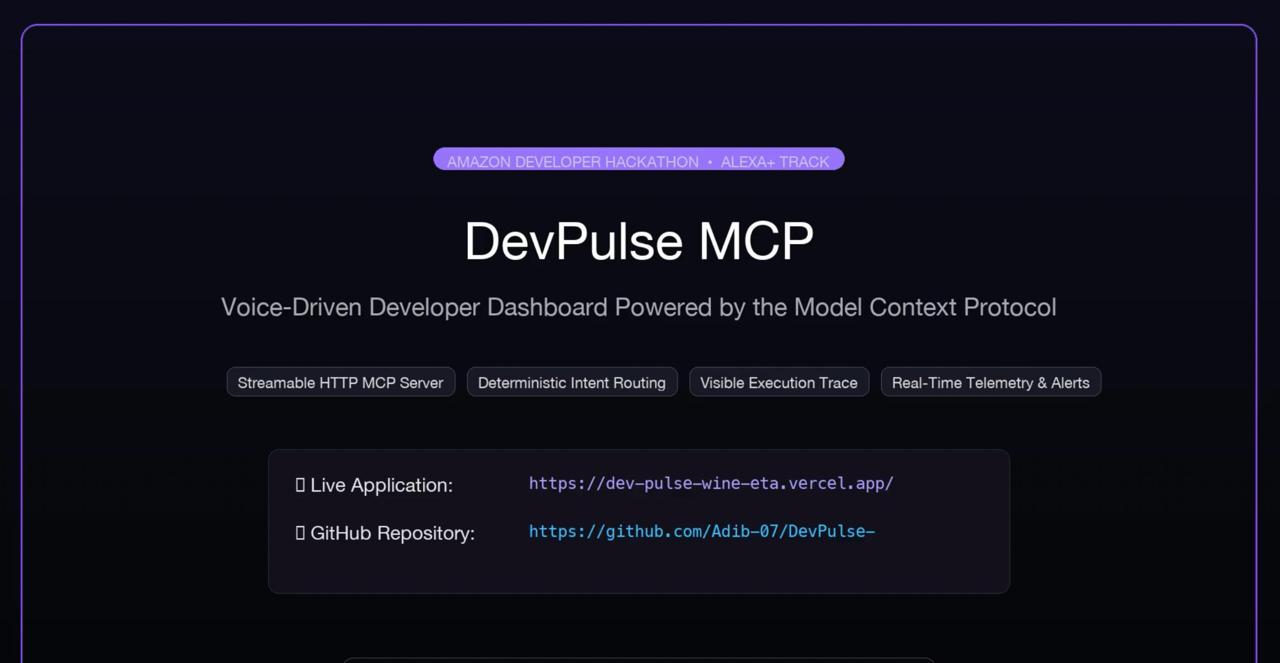
DevPulse_MCP— JPG
Inspiration
Developers lose focus hopping between the editor, issue tracker, pull-request reviews and CI/monitoring consoles. Voice assistants know nothing about a developer's work context, and most AI chatbots give answers you can't trace back to data. I wanted to ask "What are my two highest-priority open bugs?" and get an answer I can verify.
What it does
DevPulse MCP is a self-hosted Model Context Protocol server plus a browser dashboard that simulates an Alexa+-style voice experience. You speak or type a request and it is routed to one of seven read-only tools: list issues, top-priority bugs (ranked Critical > High > Medium > Low), pull requests needing attention, recent commits, documentation search, repository health, and a recommended next action.
Every answer comes with a Visible MCP Execution Trace: the selected tool, validated arguments, data source, execution time, and links to the source issues/PRs. By default it runs in Demo Fixture Mode on sample Jira/GitHub data; a live, read-only GitHub mode is available when configured. It is a simulation and is not connected to a real Alexa+ device or account.
How we built it
- Frontend and API: Next.js 16, React 19, TypeScript, Tailwind CSS, deployed on Vercel.
- MCP server: a Streamable HTTP endpoint at
/api/mcpimplementing the MCP 2025-11-25 lifecycle (initialize,ping,tools/list,tools/call, batching, SSE) over JSON-RPC 2.0, with JSON Schema validation and standard error codes. A separate Python (FastMCP) stdio server supports MCP Inspector and desktop MCP clients. - Intent routing: a deterministic router maps commands to tools, so core queries work with no API keys. Google Gemini 2.5 Flash can optionally refine ambiguous commands when a key is configured. Input is length-limited and tool arguments are clamped.
- Voice: the browser Web Speech API for recognition and speech synthesis.
- Data: seeded JSON fixtures, or the GitHub REST API in read-only mode.
- Tests: an automated suite covering the tools, the MCP protocol and basic injection defenses.
Challenges we ran into
- A remote web app cannot read a developer's local files, so I scoped data to fixtures and GitHub and documented that a local connector would be needed for private local repos.
- Direct Alexa+ account linking needs developer-console credentials and OAuth setup, so I built a simulation plus a standards-based MCP endpoint instead.
- Making answers trustworthy: I used deterministic ranking and showed the full tool trace instead of free-form AI text.
- Browser speech recognition varies across browsers and needs microphone permission.
Accomplishments that we're proud of
- A working end-to-end flow from a spoken question to a validated MCP tool call to a sourced answer.
- The execution trace, which makes the assistant's behaviour inspectable.
- Read-only, least-privilege tools with schema validation, and a core experience that works without any external AI key.
What we learned
How the MCP lifecycle and tool schemas fit together, why transparency matters for AI developer tools, and how voice answers need to be short and structured.
What's next for DevPulse MCP
Registering the endpoint with Alexa+ once account linking is set up, a local-repo connector for private codebases, Jira/Linear integrations, confirmed write actions (for example commenting on a PR), and streaming voice.
Built With
- fastmcp
- github-rest-api
- google-gemini
- json-rpc
- model-context-protocol
- next.js
- node.js
- pnpm
- python
- react
- server-sent-events
- tailwind-css
- typescript
- vercel
- web-speech-api
