-
-
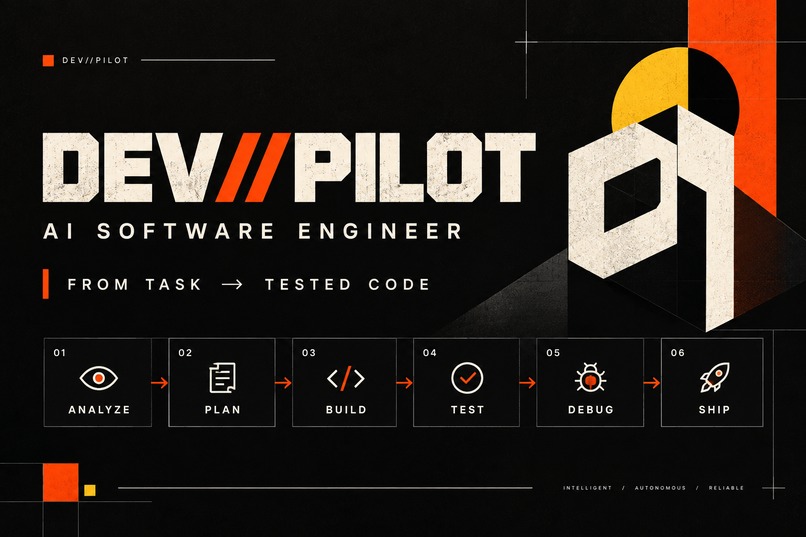
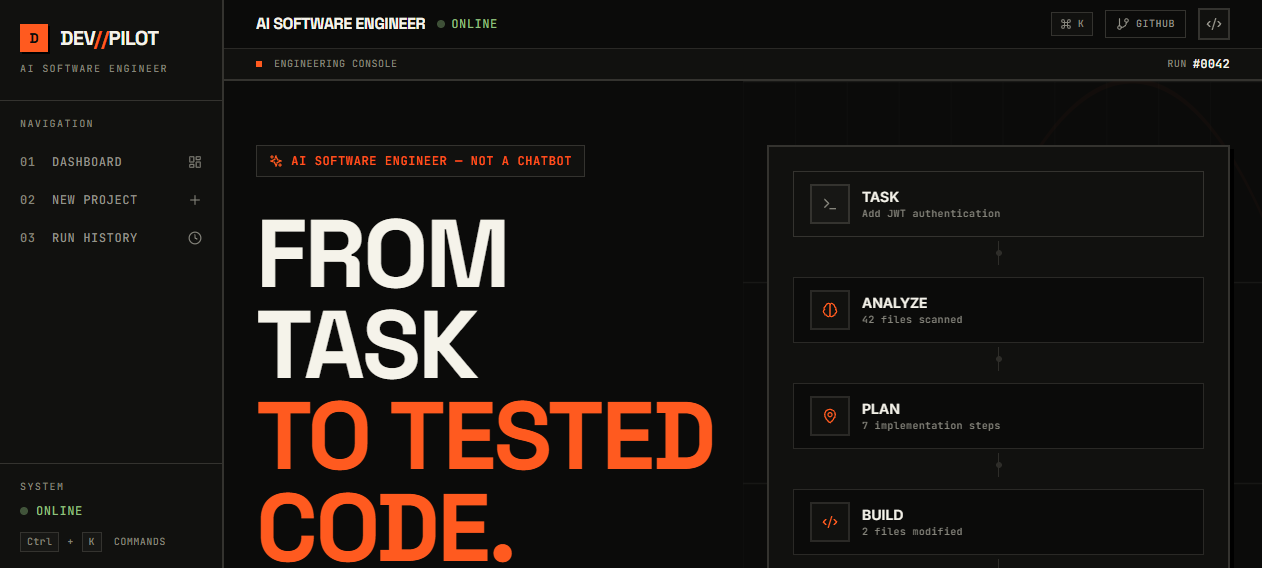
DevPilot dashboard overview showing the main interface and active tools
-
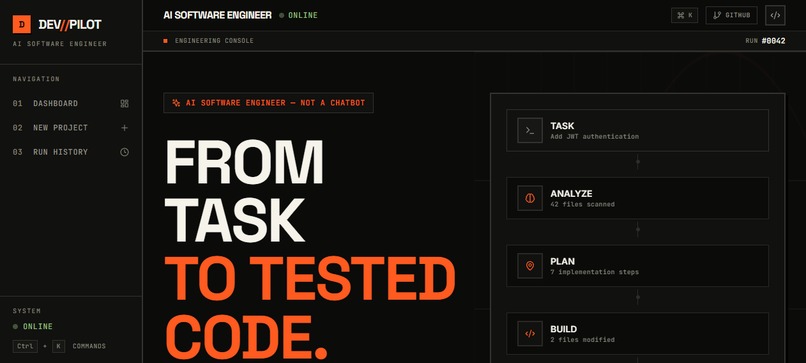
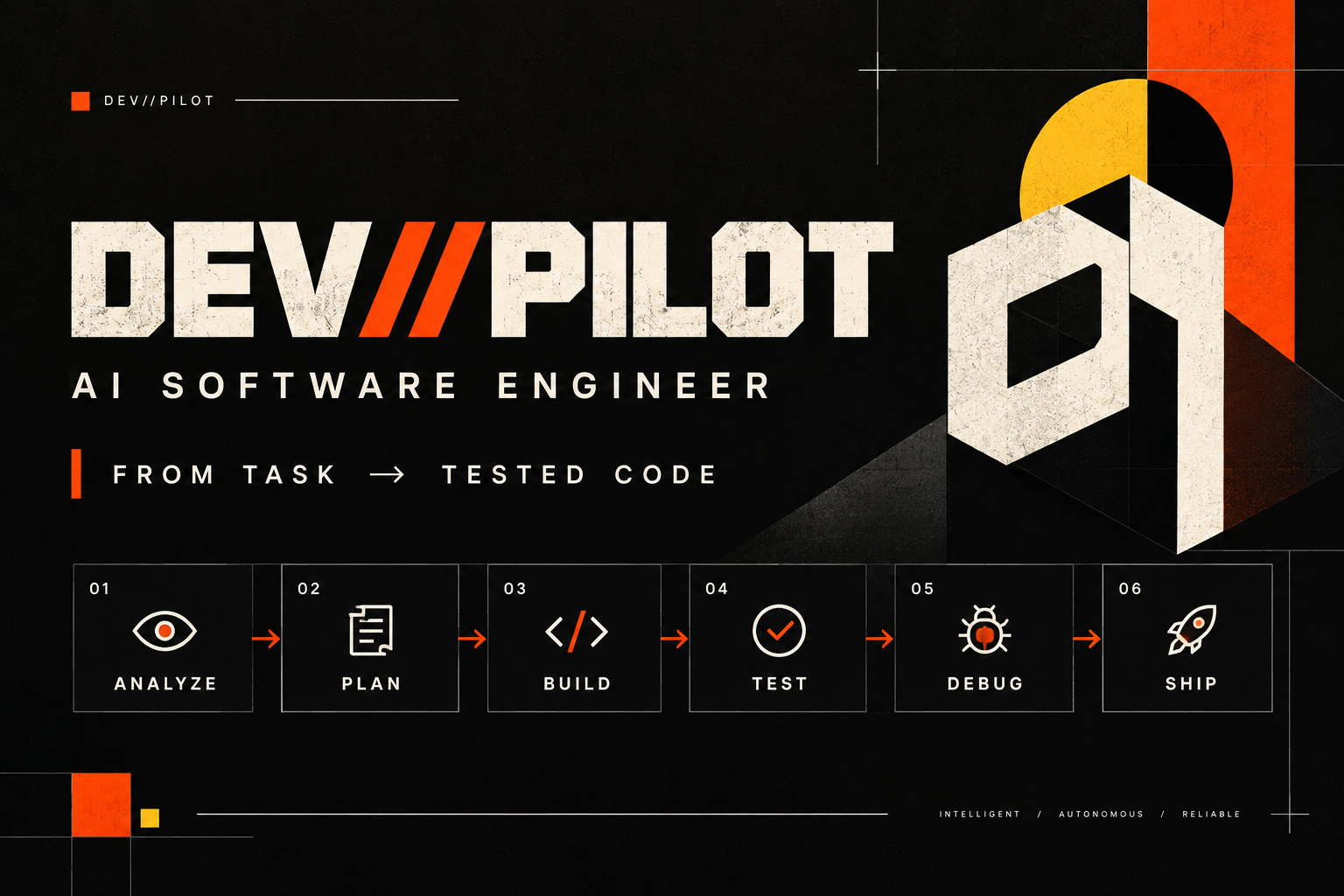
From task to tested code tagline and core workflow banner
-
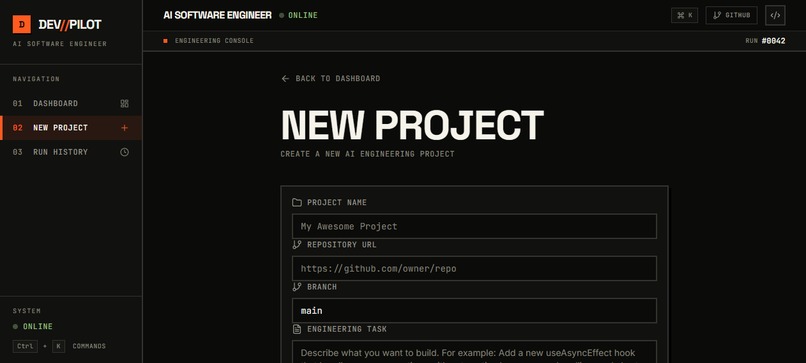
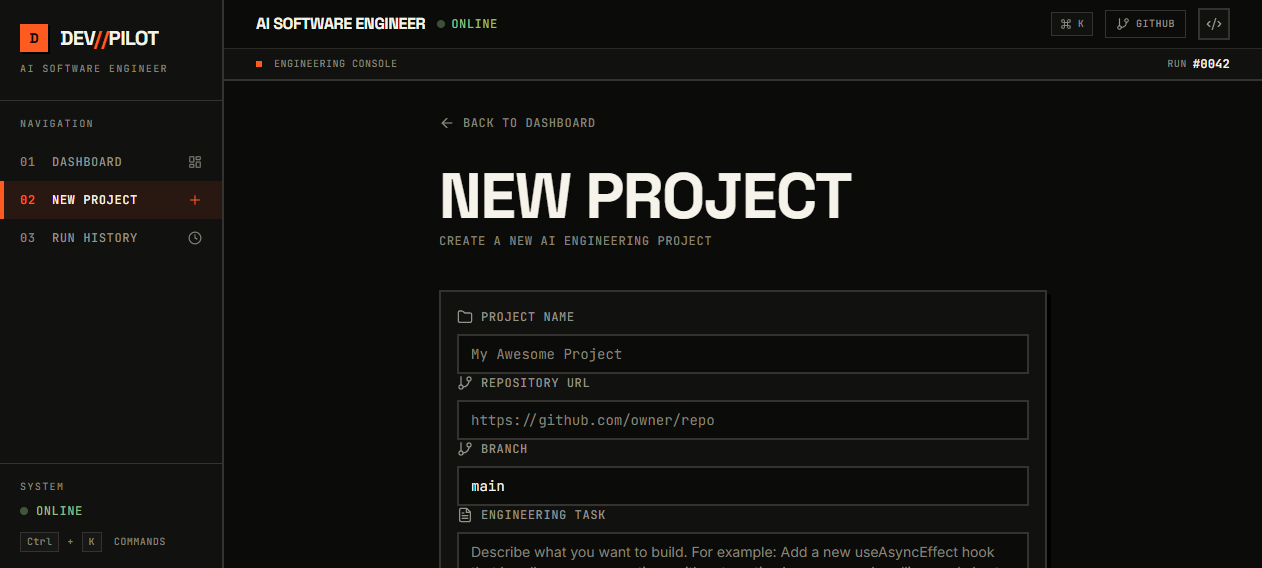
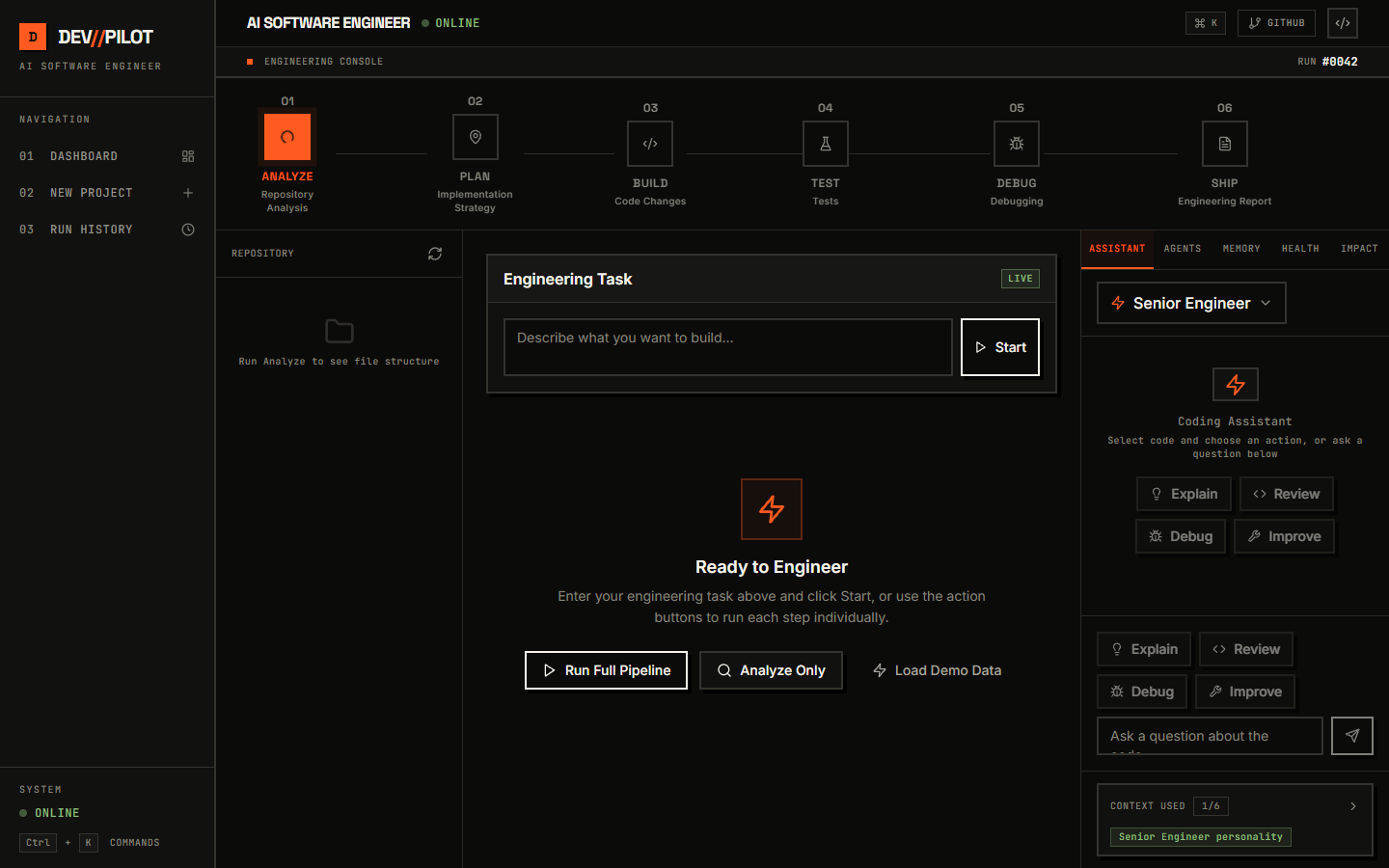
New project creation view to configure your engineering task.
-
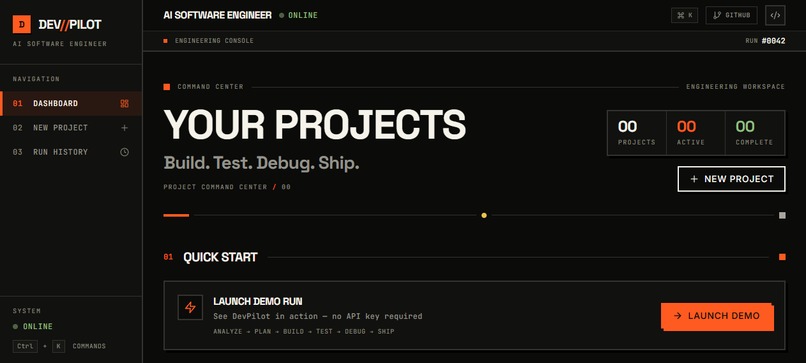
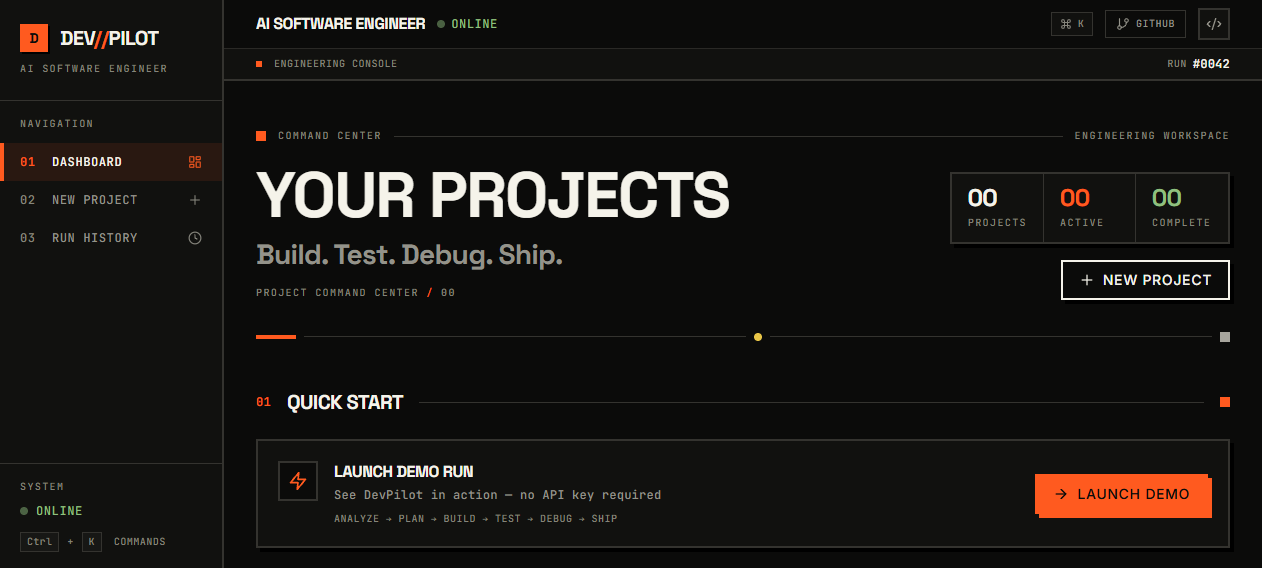
Your projects screen displaying your active development spaces
-
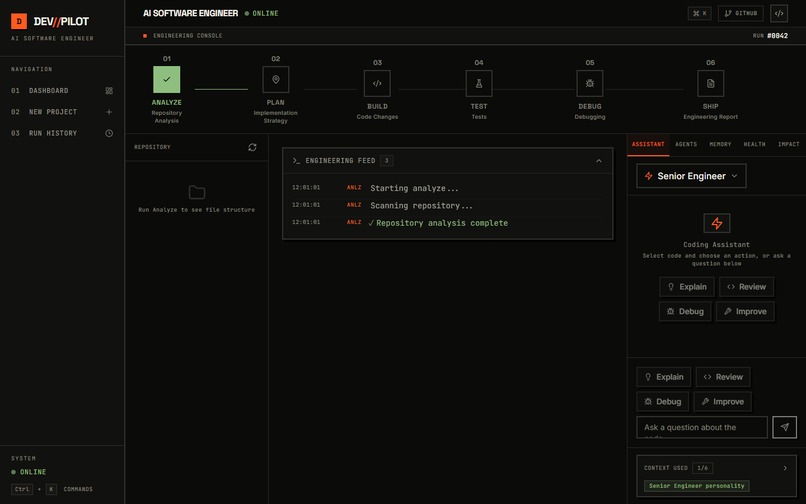
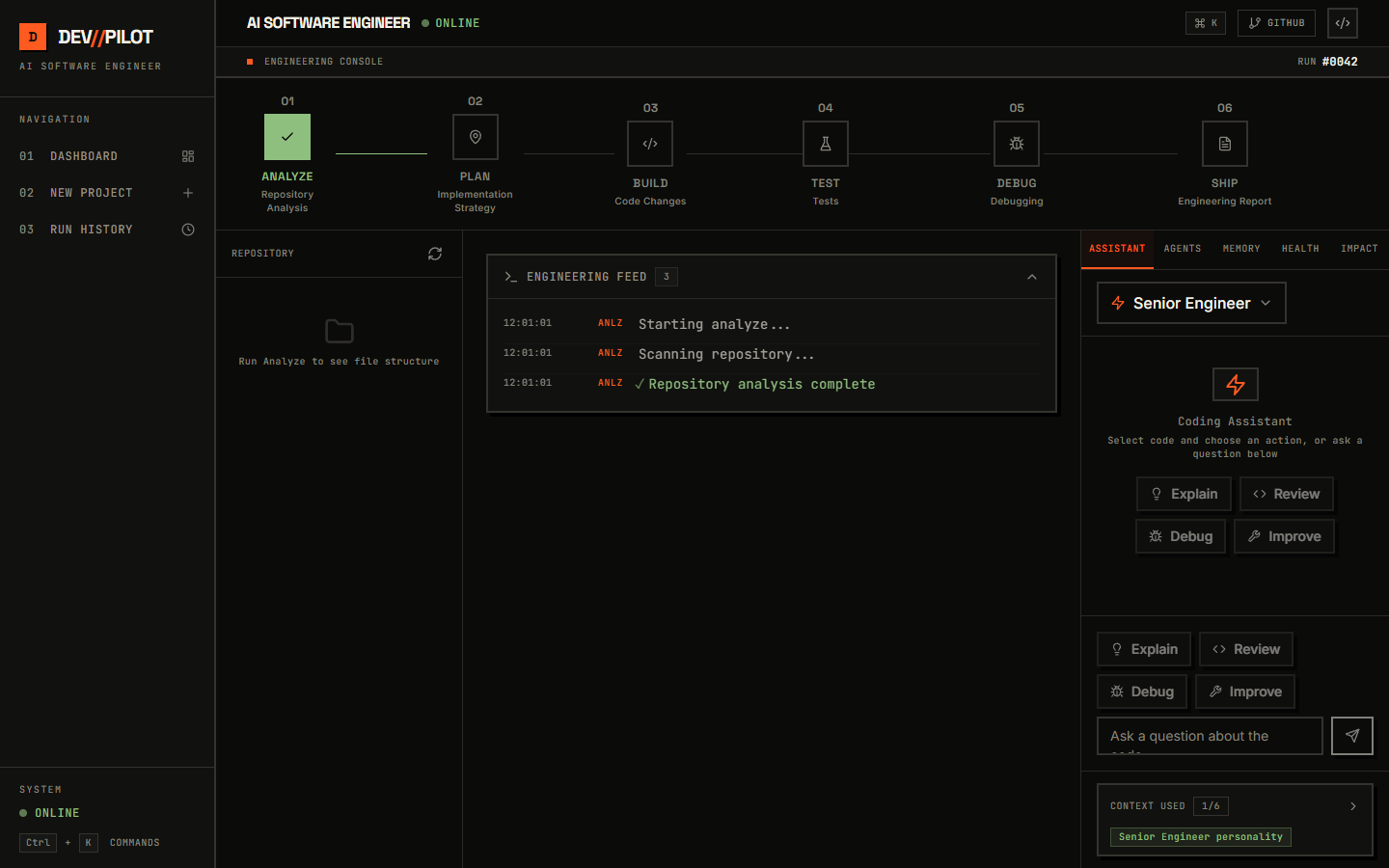
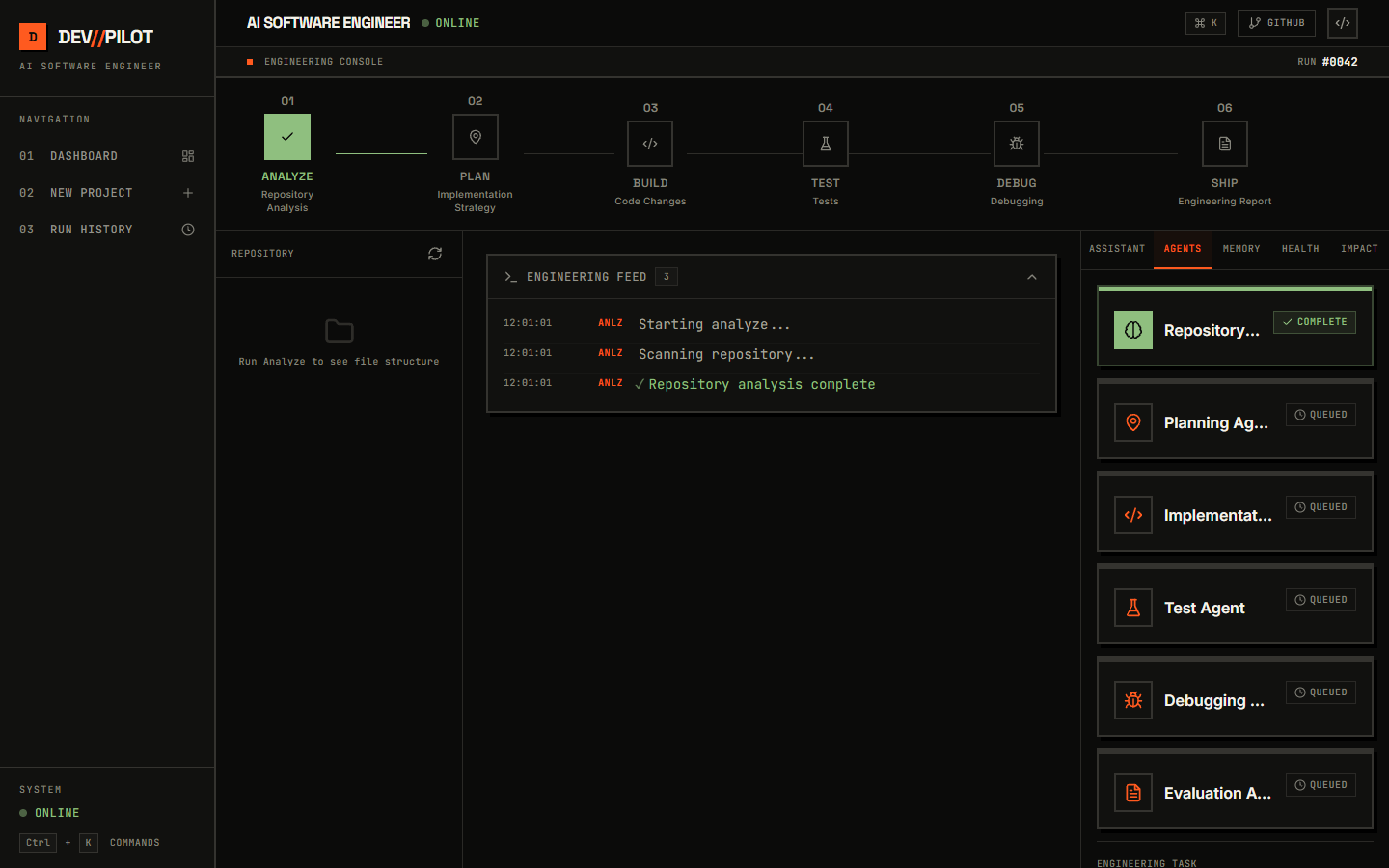
Live engineering console tracking agent activity and status
-
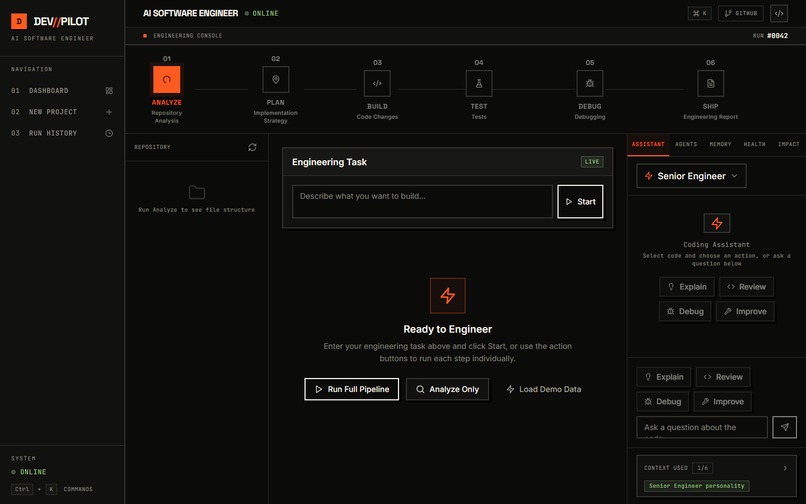
Automated testing panel displaying validation results
-
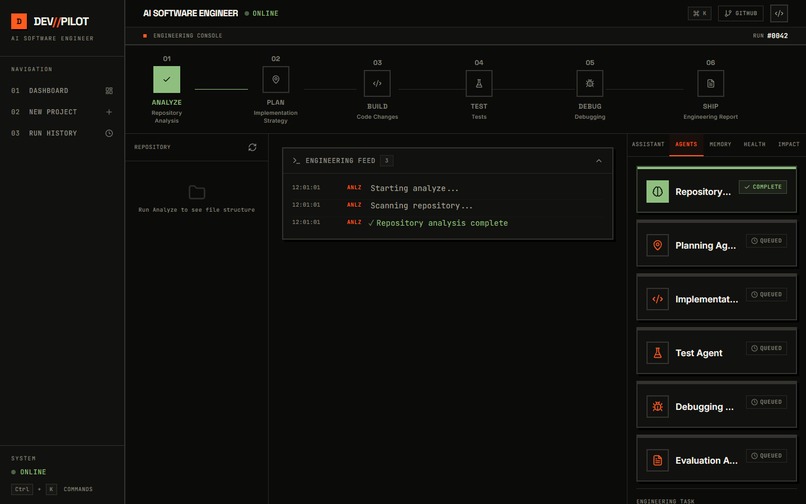
Debugging workflow view handling failure investigation
-
Final engineering report and summary of the run
DevPilot - AI Software Engineer
The Problem
Modern AI coding assistants are excellent at generating snippets, explaining code, and answering programming questions. But real software engineering is larger than code generation.
A developer working on a feature or bug typically has to move through several disconnected steps: understand the repository, reason about the task, create a plan, implement changes, run tests, investigate failures, fix problems, and finally document what happened.
This creates a gap between "AI that writes code" and "AI that participates in an engineering workflow."
The Idea
DevPilot is an AI Software Engineer designed to turn a development task into a structured, traceable engineering workflow.
Instead of treating a prompt as a request for a single code snippet, DevPilot breaks the work into an engineering pipeline:
ANALYZE → PLAN → BUILD → TEST → DEBUG → SHIP
The goal is to make AI-assisted development more systematic, observable, and useful for real software projects.
How DevPilot Works
A developer starts with a software engineering task.
DevPilot first analyzes the task and available project context. It then produces an implementation plan before moving into the build phase.
Specialized AI agents handle different engineering responsibilities throughout the workflow. After implementation, DevPilot runs tests, surfaces failures, and can enter a debugging cycle rather than simply stopping after code generation.
The result is an engineering process that can be inspected from beginning to end instead of a black-box response containing only generated code.
Key Features
1. Repository & Task Analysis
DevPilot begins by understanding the development task and relevant project context before implementation.
2. Structured Planning
The system converts the task into an actionable engineering plan instead of jumping directly into code generation.
3. Specialized AI Agents
Different agents can focus on engineering responsibilities such as implementation, review, debugging, and developer guidance.
4. Live Engineering Feed
The interface exposes the progression of the workflow so developers can see what the system is doing instead of waiting for an opaque final response.
5. Automated Testing
DevPilot integrates testing into the workflow and surfaces test results as part of the engineering process.
6. Debugging Loop
When tests expose problems, the workflow can investigate failures and iterate toward a fix.
7. Engineering Reports
The final stage summarizes the work performed, providing a clearer record of the development process.
8. Developer-Focused Interface
The interface is designed as an engineering console rather than a conventional AI chatbot, emphasizing workflow state, agents, tests, runs, and system activity.
What Makes It Different
The core idea behind DevPilot is not simply "generate code with AI."
It is to model software development as a continuous engineering loop:
Understand → Reason → Implement → Verify → Correct → Deliver
This makes the AI's work more observable and gives developers a clearer way to understand how a task moved from an initial requirement toward tested code.
Technology
DevPilot combines a modern web interface with an asynchronous AI backend.
Frontend
- React
- TypeScript
- Vite
- Tailwind CSS
Backend
- Python
- FastAPI
- SQLAlchemy
- Asynchronous backend architecture
- Server-Sent Events (SSE)
AI / Engineering Workflow
- Specialized AI agents
- Task analysis
- Planning
- Code generation
- Automated testing
- Debugging workflows
- Engineering reporting
Challenges
One of the biggest challenges was designing the system so that AI-generated work could be represented as a visible engineering process rather than a single chat response.
Another challenge was coordinating asynchronous backend operations with a responsive frontend while maintaining useful real-time feedback. Server-Sent Events were used to stream workflow activity to the interface.
The project also required balancing autonomy with developer visibility. The interface therefore focuses on showing the current stage, agent activity, test results, and engineering state instead of hiding the process behind a single loading screen.
What I Learned
Building DevPilot reinforced that an AI developer tool needs more than a capable model.
The surrounding system matters: orchestration, state management, testing, observability, failure handling, and user experience all determine whether AI assistance becomes useful in an actual engineering workflow.
I also learned that making AI actions visible can make complex autonomous workflows easier for developers to understand, inspect, and trust.
Impact & Future Scope
DevPilot is designed for developers who want AI assistance across more of the software development lifecycle.
Future versions could expand the system with:
- Deeper repository understanding
- Persistent project-level engineering memory
- More specialized software engineering agents
- Pull-request generation and review
- CI/CD integration
- Multi-repository workflows
- Security and dependency analysis
- Performance testing
- Deployment automation
- Stronger human approval checkpoints
The long-term direction is to evolve DevPilot from an AI coding assistant into a more complete AI engineering partner while keeping developers in control of important decisions.
Closing
DevPilot explores a simple question:
What if AI didn't just generate the code - what if it could help carry the engineering task from idea to verification?
DevPilot - From Task to Tested Code.
Built With
- ai
- artificial
- assistant
- automation
- coding
- css
- developer
- development
- fastapi
- generative
- intelligence
- python
- react
- software
- sqlalchemy
- sse
- tailwind
- tools
- typescript
- vite

Log in or sign up for Devpost to join the conversation.