Inspiration
When I started my tech journey, I was excited learning to code, discovering hackathons, building projects. But somewhere along the way, I kept getting distracted. I'd miss hackathon deadlines by a day. I'd forget which jobs I applied to. I'd plan to learn something and never follow through. I'd get pulled into random things outside my career path and lose weeks without realizing it.
I didn't have a system. Everything was scattered across browser tabs, sticky notes, and my memory which is terrible.
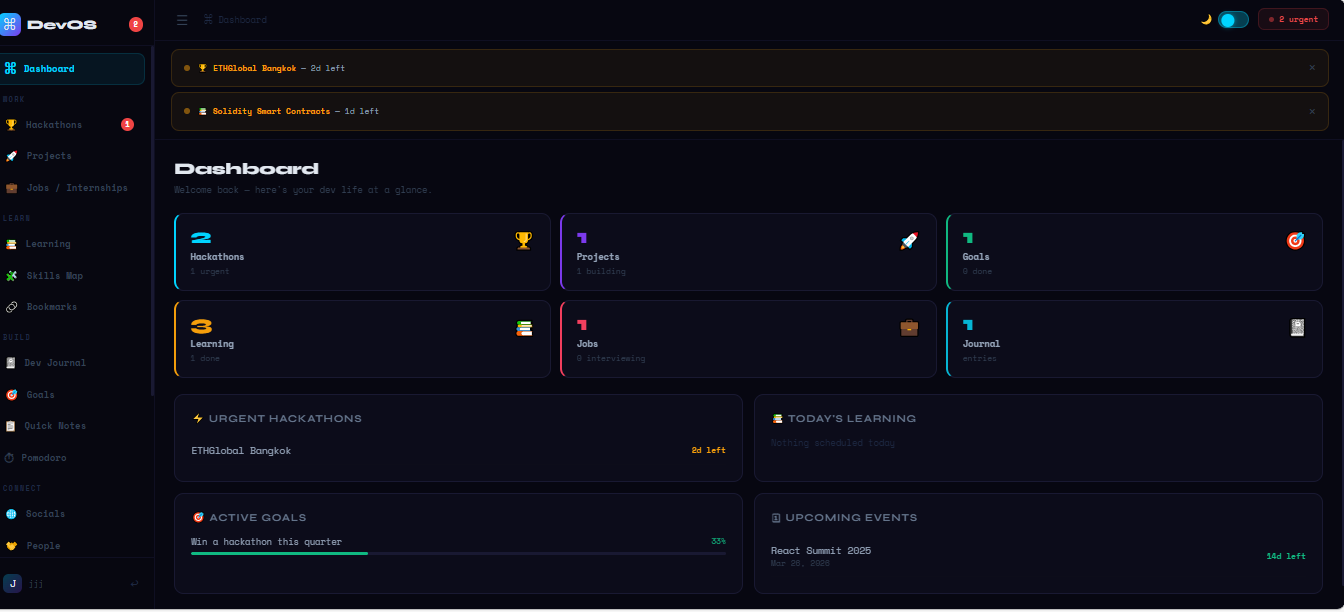
I built DevOS because I needed one place to see my entire dev life at a glance. A personal command center that tells me what I should be doing right now, keeps me accountable to my goals, and makes sure I never miss another deadline that matters. If I'm drifting off track whether it's missing a submission or spending too much time on things outside my career DevOS catches it before it's too late.
What it does
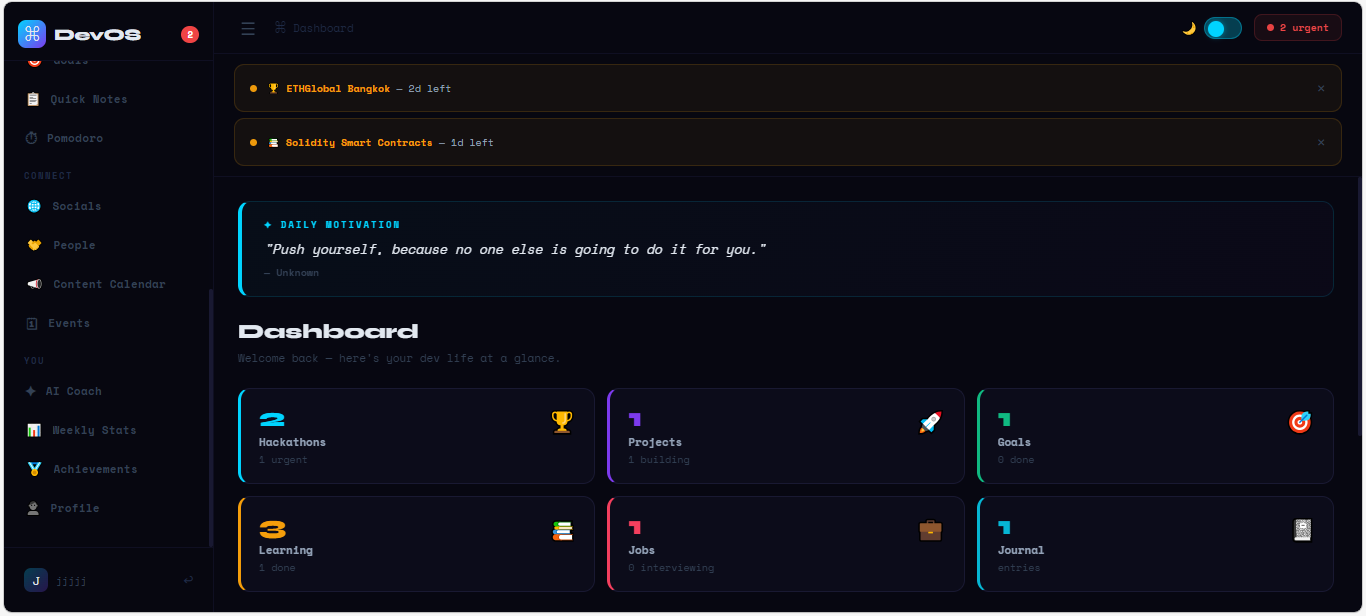
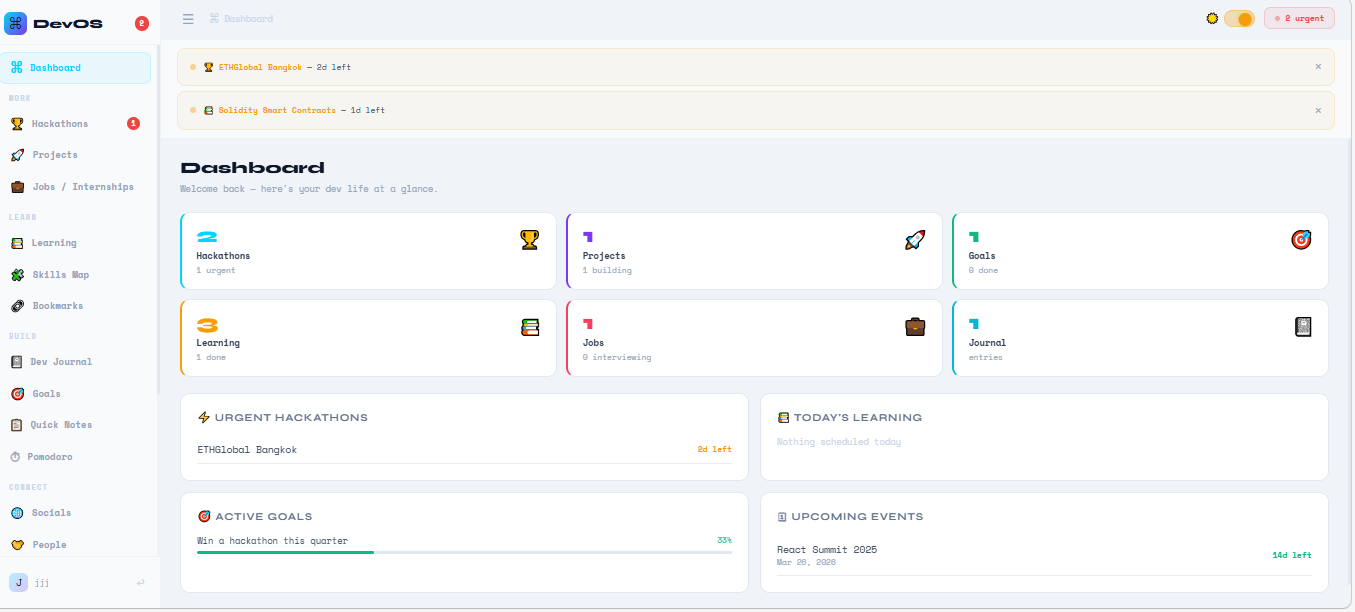
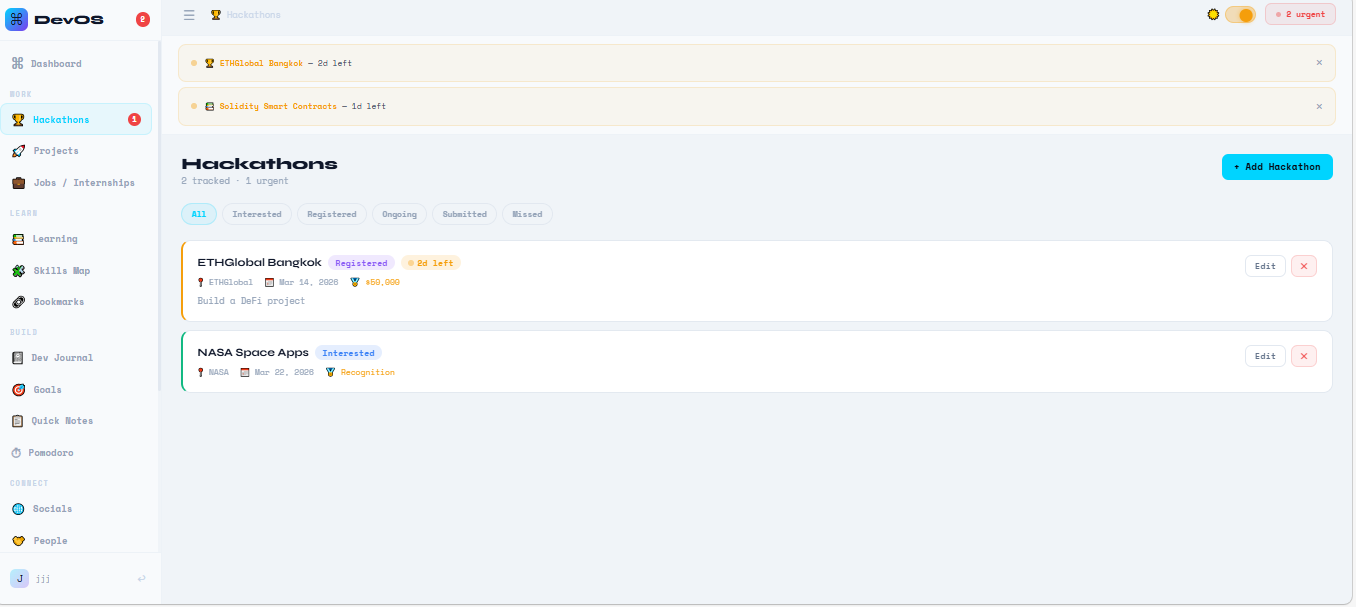
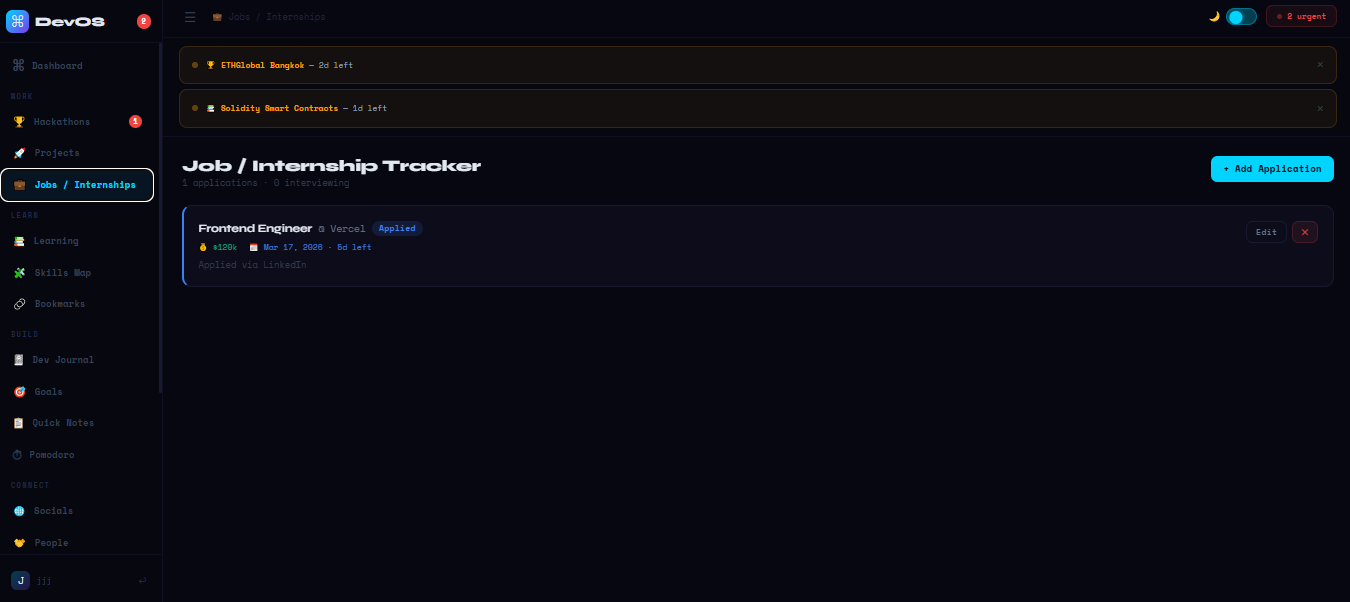
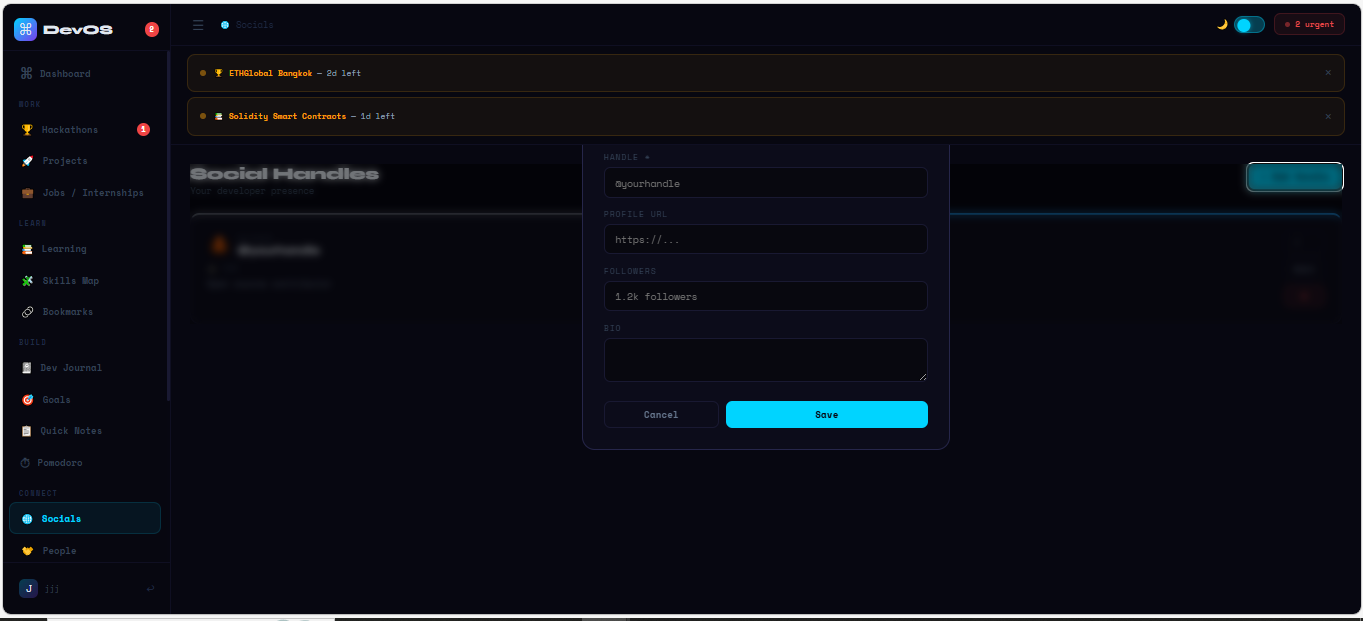
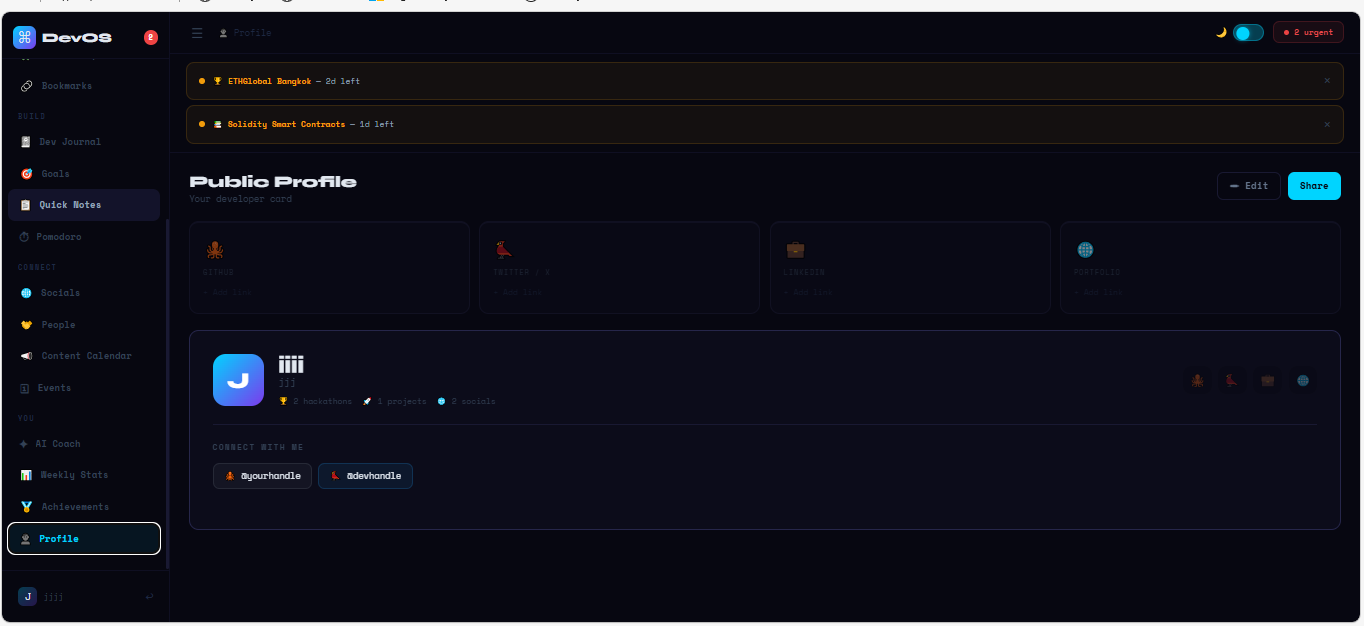
DevOS is an AI-powered personal developer dashboard with 19 modules covering every part of a developer's life:
- Hackathons: track upcoming hackathons with color-coded urgency (red = due today, amber = urgent, blue = upcoming)
- Projects: link projects to hackathons, track build status and GitHub/demo links
- Jobs: full application pipeline from wishlist → applied → interviewing → offer
- Learning: schedule learning sessions with deadlines and categories
- Skills Map: visual skill levels from Beginner to Expert across all your tech
- Dev Journal: daily logs with mood tracking (1–5 scale) to spot energy patterns
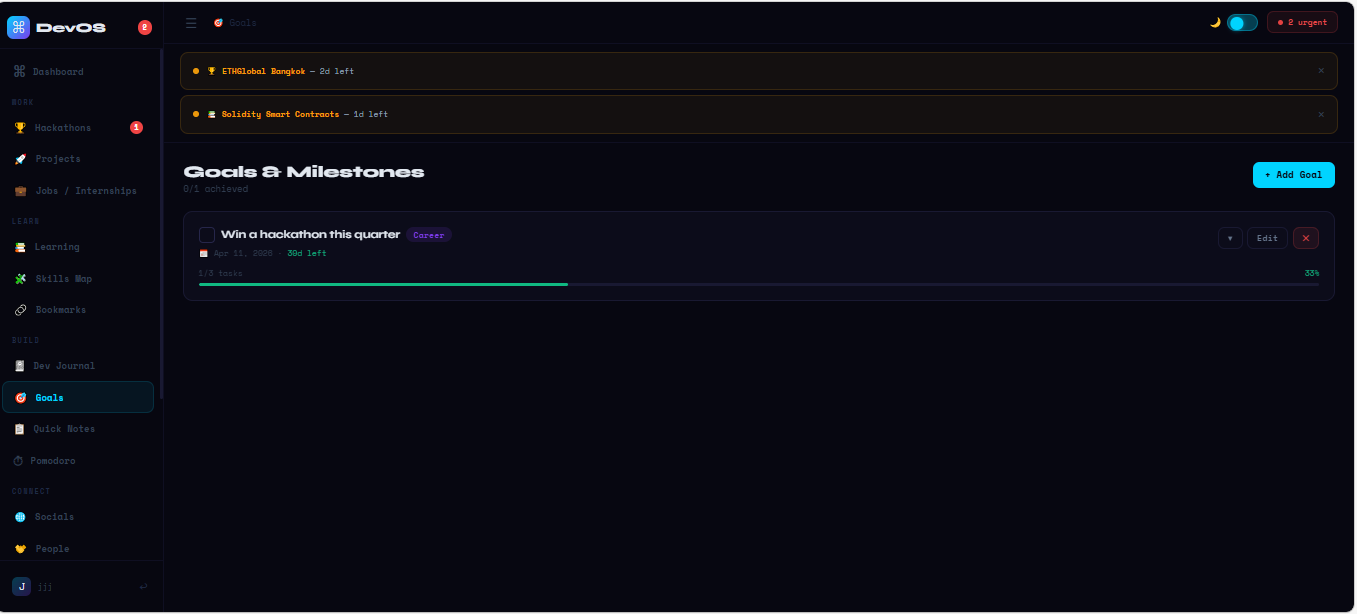
- Goals: goal tracking with sub-tasks, progress bars, and deadlines
- Quick Notes: color-coded pinnable notes
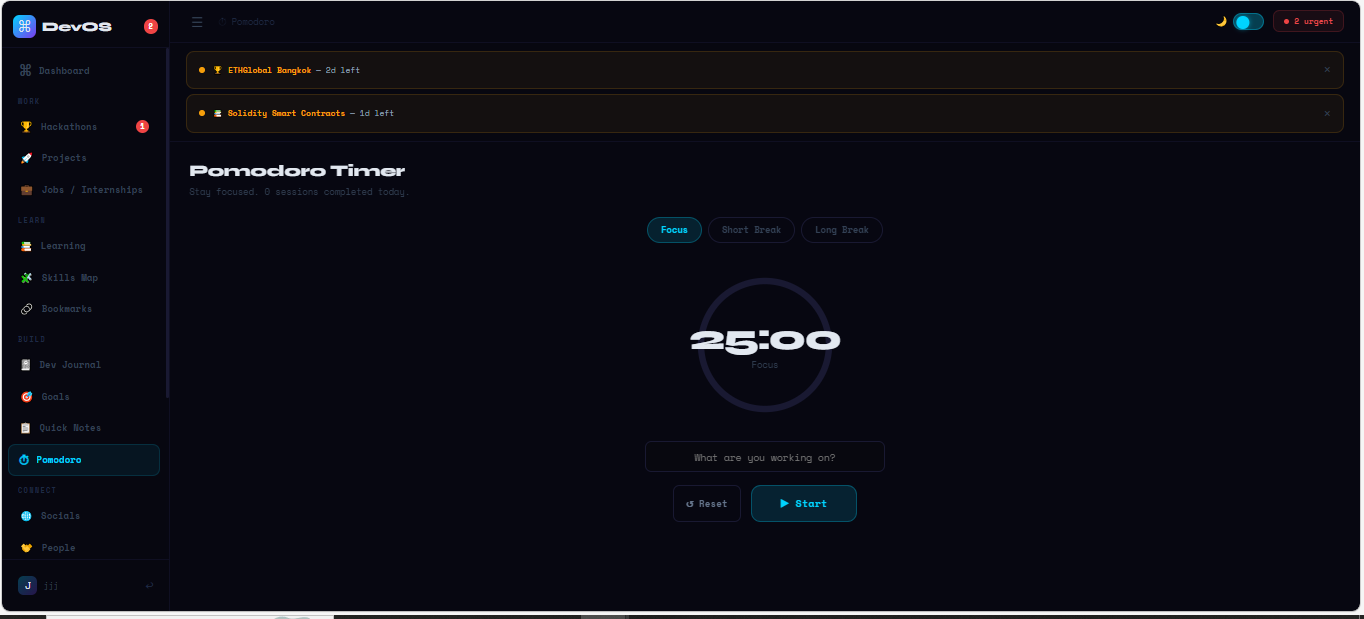
- Pomodoro Timer: built-in focus sessions
- Content Calendar: plan blog posts, tweets, and videos
- People: a mini-CRM for mentors, teammates, and recruiters you meet
- Events: track conferences, meetups, and workshops
- ✦ AI Coach: analyzes your entire dev life instantly and gives a personalized action plan no API key required
The AI Coach is the core feature. It reads your deadlines, goals, skill gaps, journal mood entries, and progress data then returns a structured action plan with your productivity score, priority queue, mood trend chart, smart suggestions, progress breakdown, and skill distribution all computed locally in the browser, instantly.
The Dashboard also shows a daily motivational quote every time you open the app rotating through 30 developer-focused quotes, changing each day to keep you grounded and focused.
How I built it
- React 18 for the UI with a clean component-based architecture
- Vite 5 for fast builds and hot module reloading during development
- Pure CSS with CSS Variables for the dark/light theme system no Tailwind, no UI libraries
- Smart client-side AI engine the AI Coach runs entirely in the browser, analyzing real user data to generate priority queues, productivity scores, mood trends, and personalized suggestions with zero API calls
- 19 page components split into a proper multi-file Vite project with constants, utils, hooks, and layout layers
- Google Fonts Space Mono + Syne for the terminal-inspired aesthetic
- GitHub Pages for deployment via
gh-pages
The entire app runs in-memory with React useState no backend, no database, no localStorage, no API keys. Fast, private, and works for everyone instantly.
Challenges I ran into
The refactor. The app started as a single 1,762-line JSX file. Splitting it into a proper multi-file project with correct relative imports across 19 pages, 3 layout components, 4 utility modules, and 3 constant files was genuinely painful. One wrong ./ vs ../ broke the whole build.
Deployment. Getting the app live took more attempts than I'd like to admit Netlify auto-detected it as a Remix project (wrong build command), Vercel couldn't find Vite (it was in devDependencies), and GitHub Pages needed a base path in vite.config.js. Each platform had a different failure mode.
The AI engine design. Building a smart analysis system that feels personalized without any API calls required careful thinking about what signals matter — deadline urgency, mood trajectory, goal stall patterns, skill gaps and how to turn raw data into genuinely useful advice rather than generic tips.
CORS and browser security. When testing API integrations, running into CORS policies on deployed sites taught me a lot about browser security, proxy architecture, and why some things that work locally fail in production.
Time. Building 19 fully functional modules in a hackathon window while also handling deployment, documentation, and architecture diagrams is a lot. Scope management was a real challenge.
Accomplishments that I am proud of
- Built a fully working 19-section developer dashboard from scratch during a hackathon
- The AI Coach actually works gives real, personalized insights based on your actual data, not generic advice, with zero API dependency
- Instant analysis productivity score, priority queue, mood trend, smart suggestions all load the moment you open the AI Coach page
- Daily motivation system 30 developer quotes rotating by day, always there when you open the dashboard
- Clean dark/light theme with CSS variables that switches instantly with no flash
- Proper multi-file project architecture that's maintainable and scalable
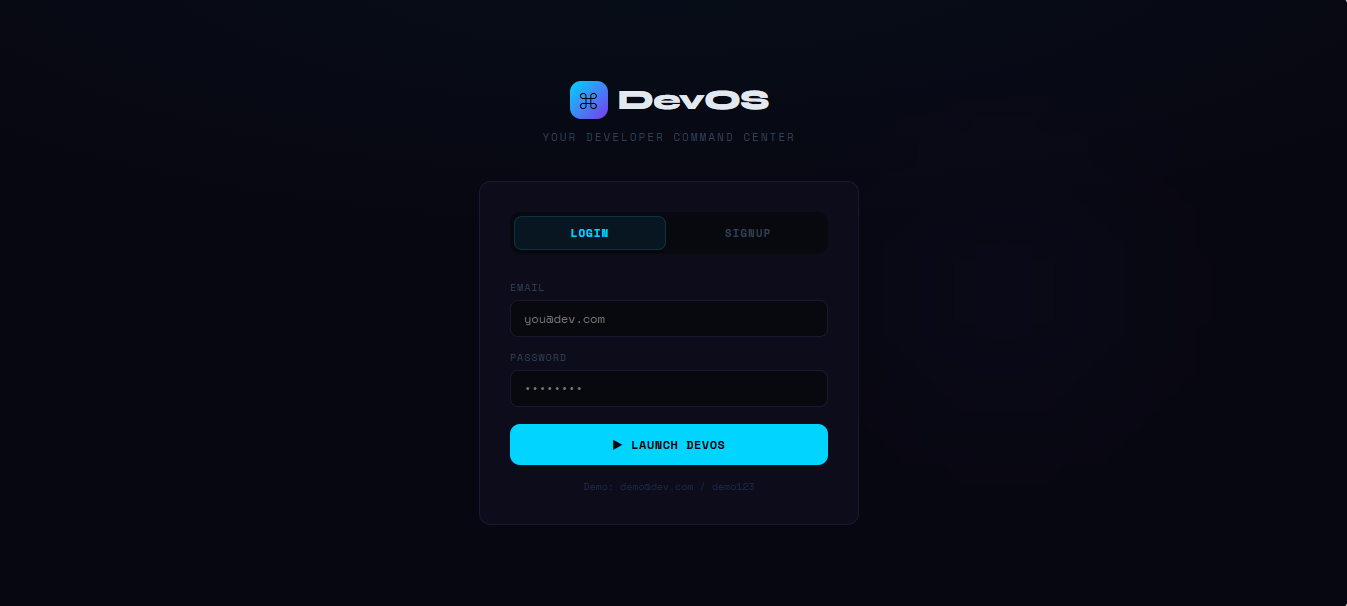
- A live deployed app at codenimra.github.io/devos anyone can try with the demo account
What I learned
- Smart logic beats API calls a well-designed analysis engine running locally can feel just as powerful as an AI API call, with better reliability and zero cost
- CSS variables are powerful you don't need a CSS framework to build a polished, themeable UI
- Deployment is harder than it looks every platform has its own quirks and the same project can fail for completely different reasons on each one
- Architecture decisions compound starting with a single-file approach was fast initially but created real pain during the refactor. Breaking things into modules early saves time overall
- Scope creep is real I kept adding features when I should have been polishing existing ones
- Browser security is a feature CORS policies exist for good reason; designing around them taught me to think about where computation should actually live
What's next for DevOS
- Persistent storage: connect to a backend (Supabase or Firebase) so data survives page refreshes
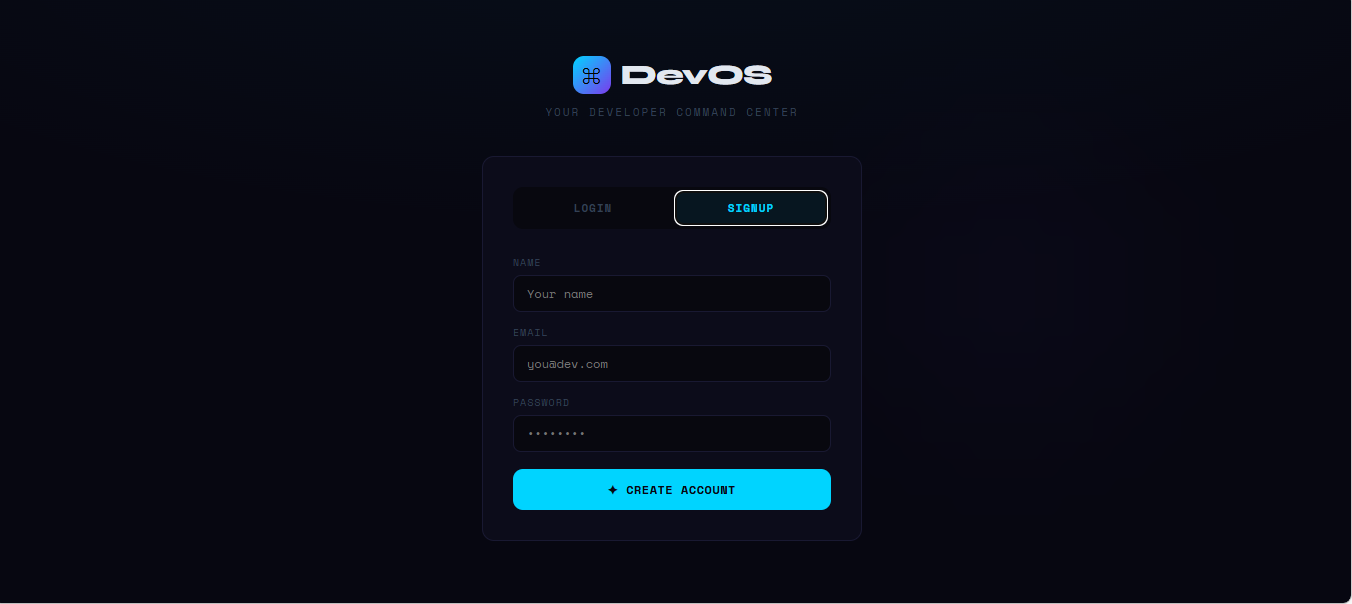
- Real authentication: replace the demo login with actual user accounts
- Claude AI integration: optional AI Coach upgrade with deeper natural language insights for users who want to connect their own API key
- Mobile app: React Native version so you can log journal entries and check deadlines on the go
- GitHub integration: pull real commit activity and repo stats directly into the dashboard
- Calendar sync: connect hackathon deadlines and events to Google Calendar
- Team mode: share a dashboard with hackathon teammates to coordinate in real time
- Weekly email digest: AI-generated weekly summary sent every Monday morning
Built With
- ai
- anthropic
- claud-api
- cloudai
- css3
- github
- google-fonts
- html5
- javascript
- react
- vite


Log in or sign up for Devpost to join the conversation.