-
-
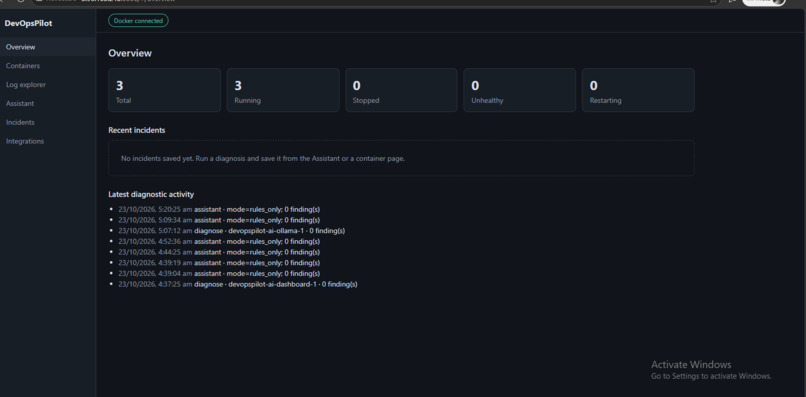
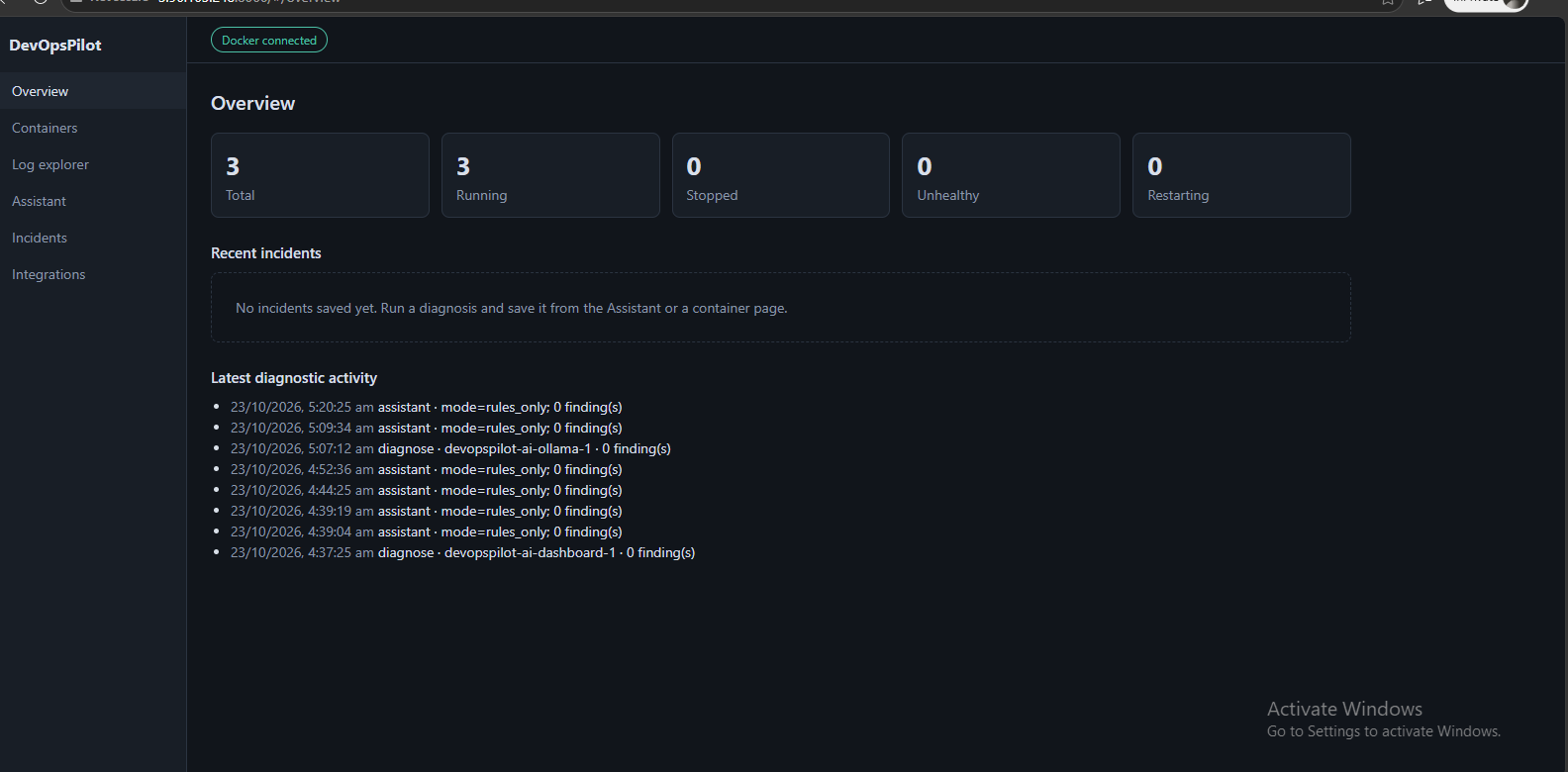
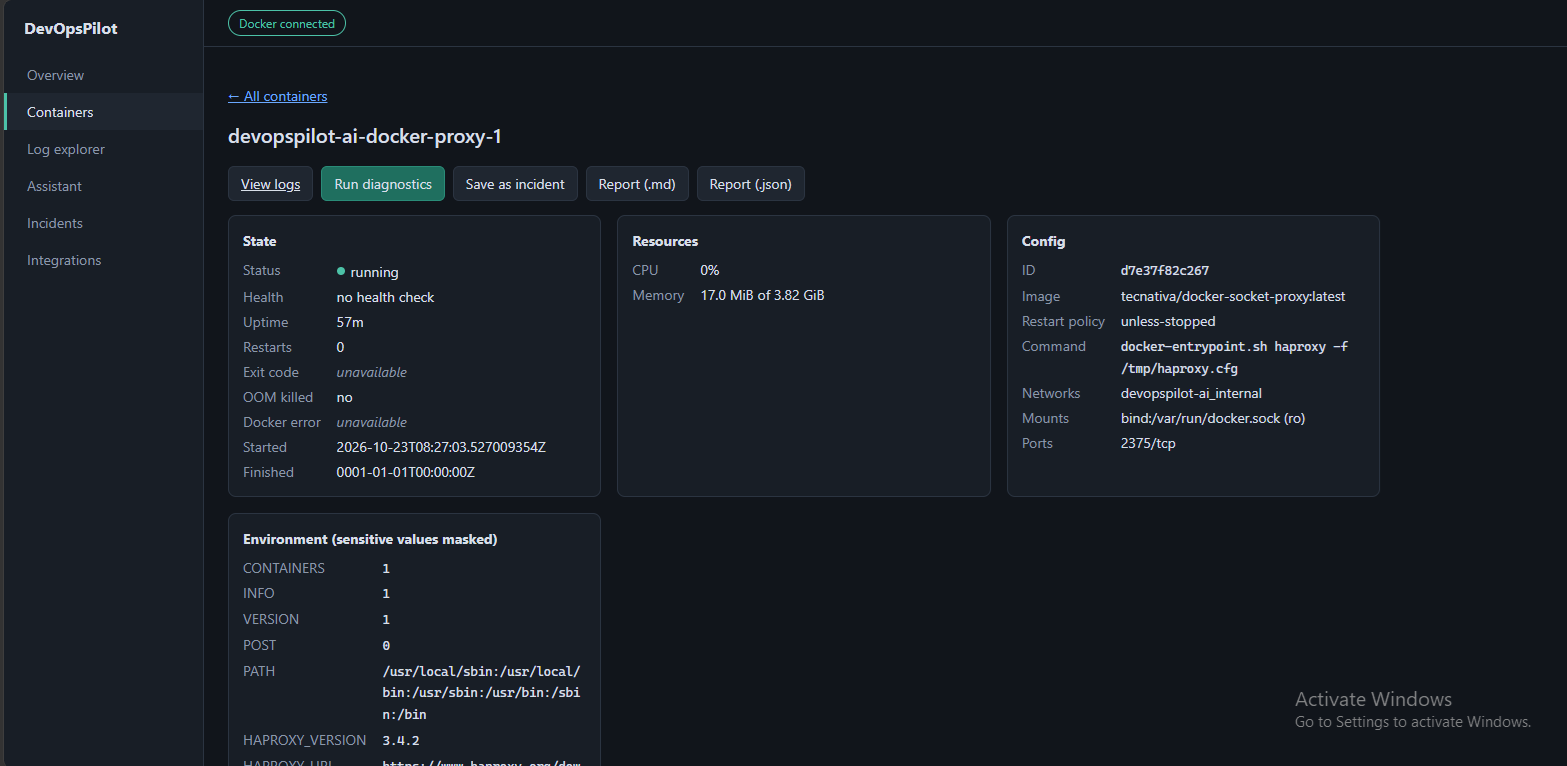
DevOpsPilot AI dashboard
-
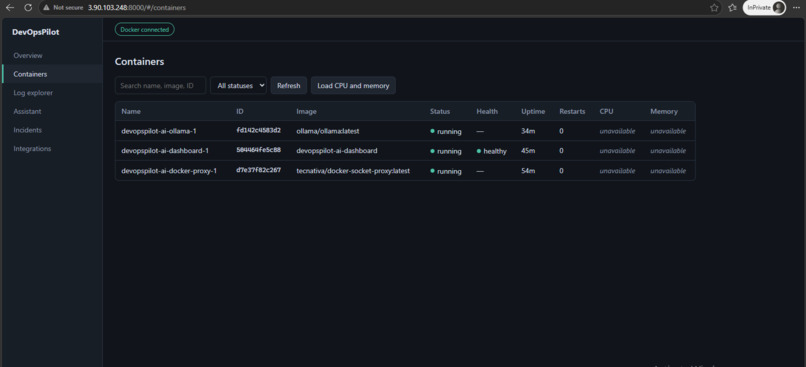
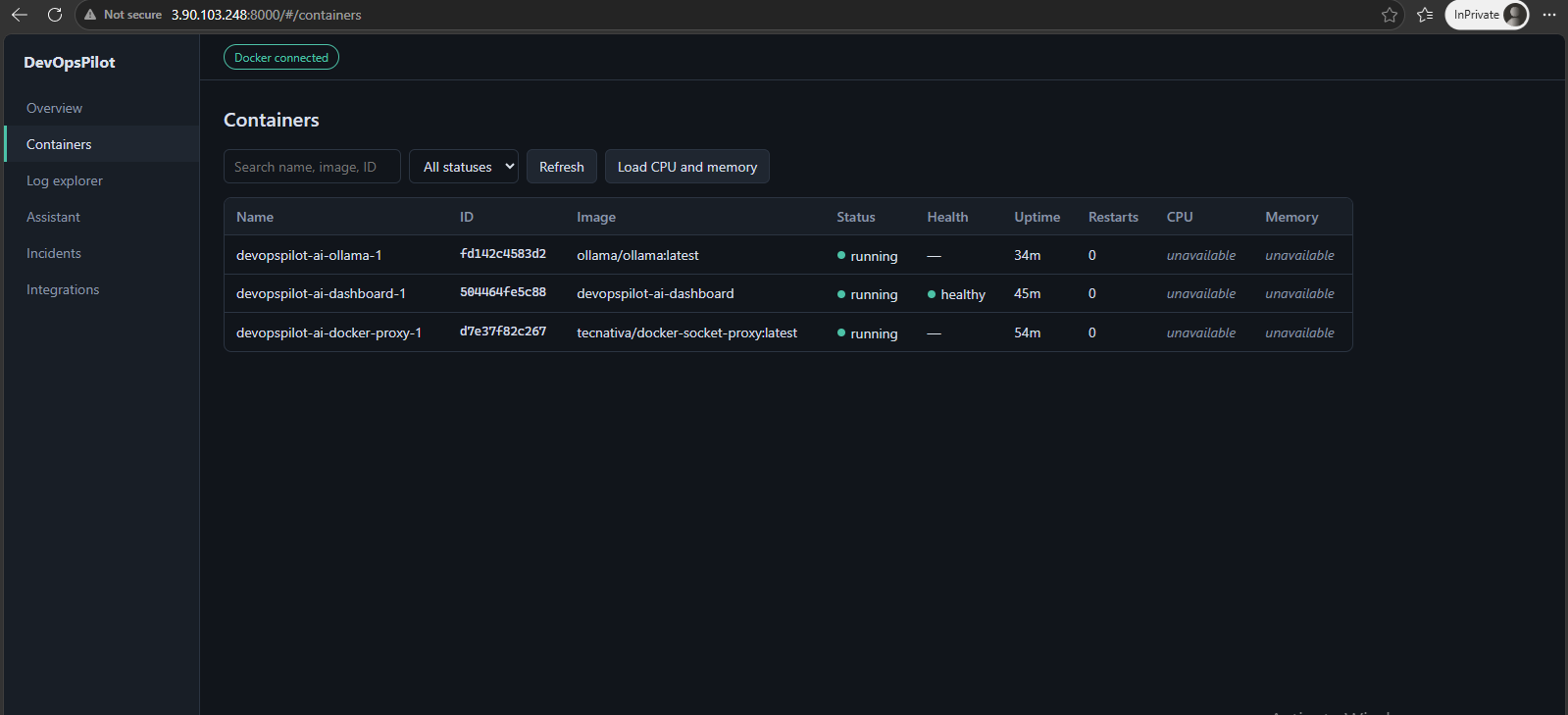
Docker monitoring
-
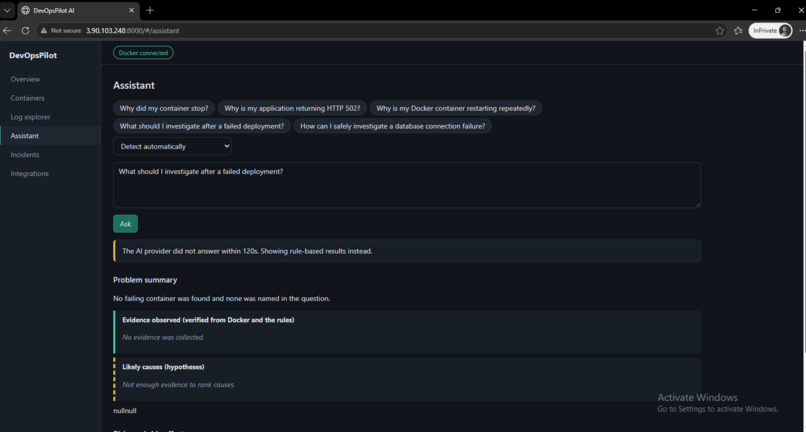
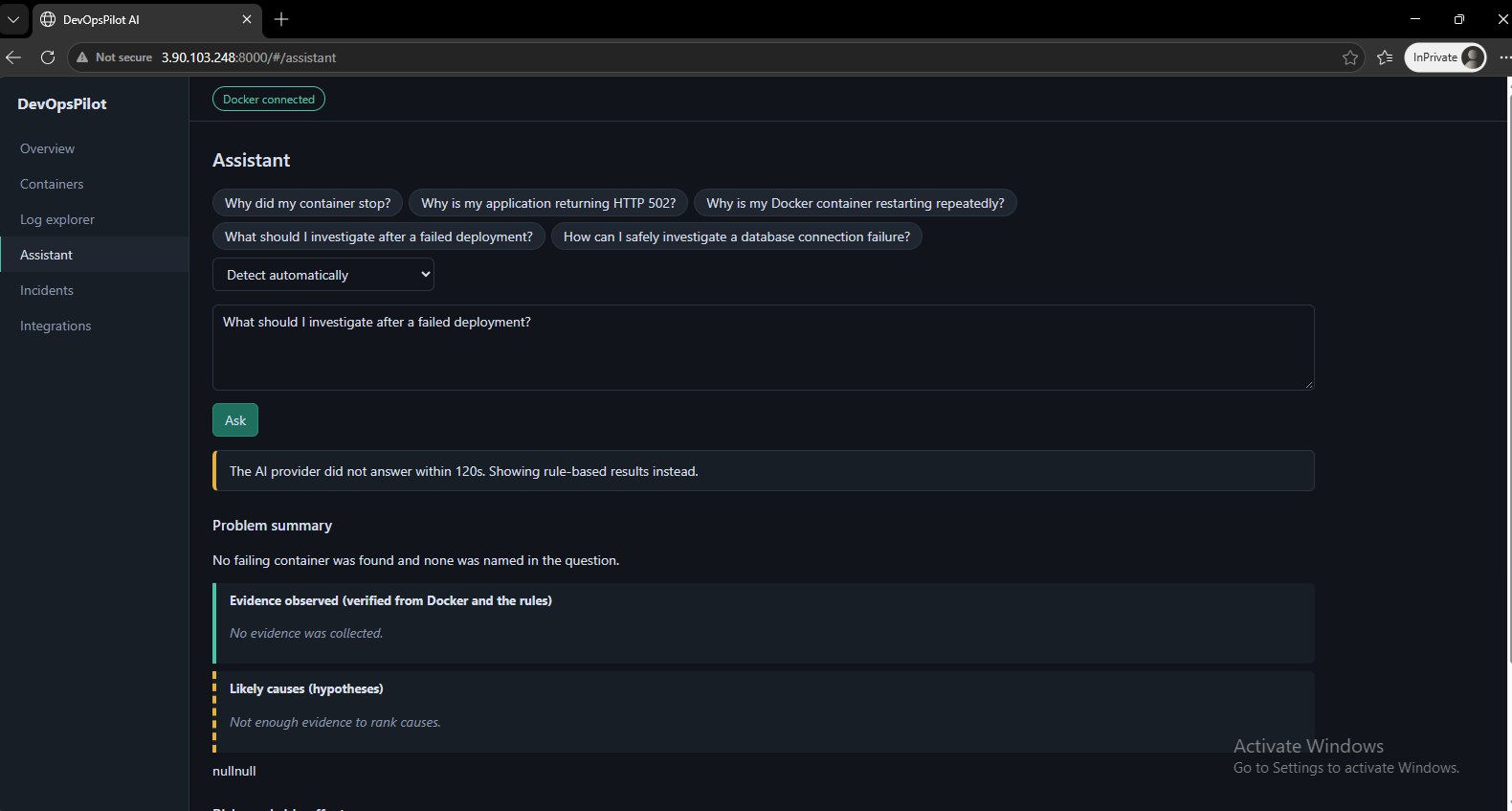
AI troubleshooting
-
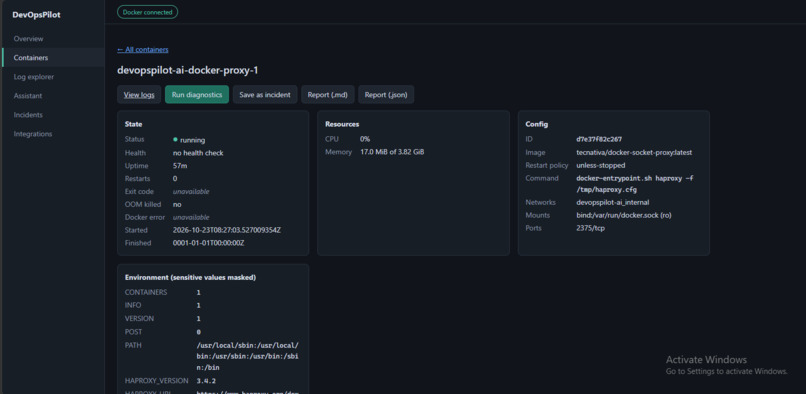
Docker monitoring
-
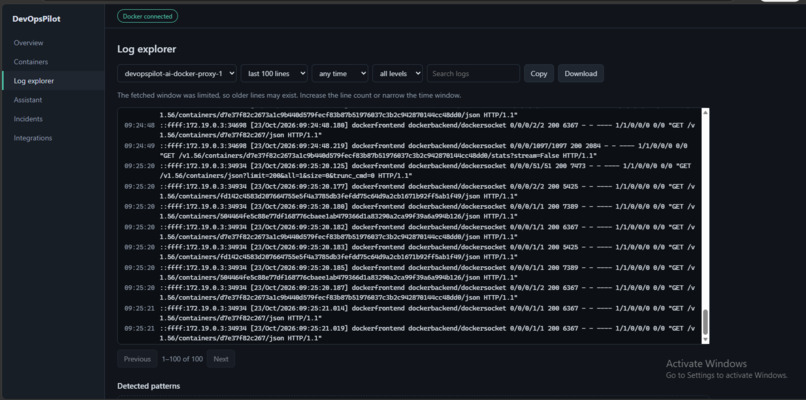
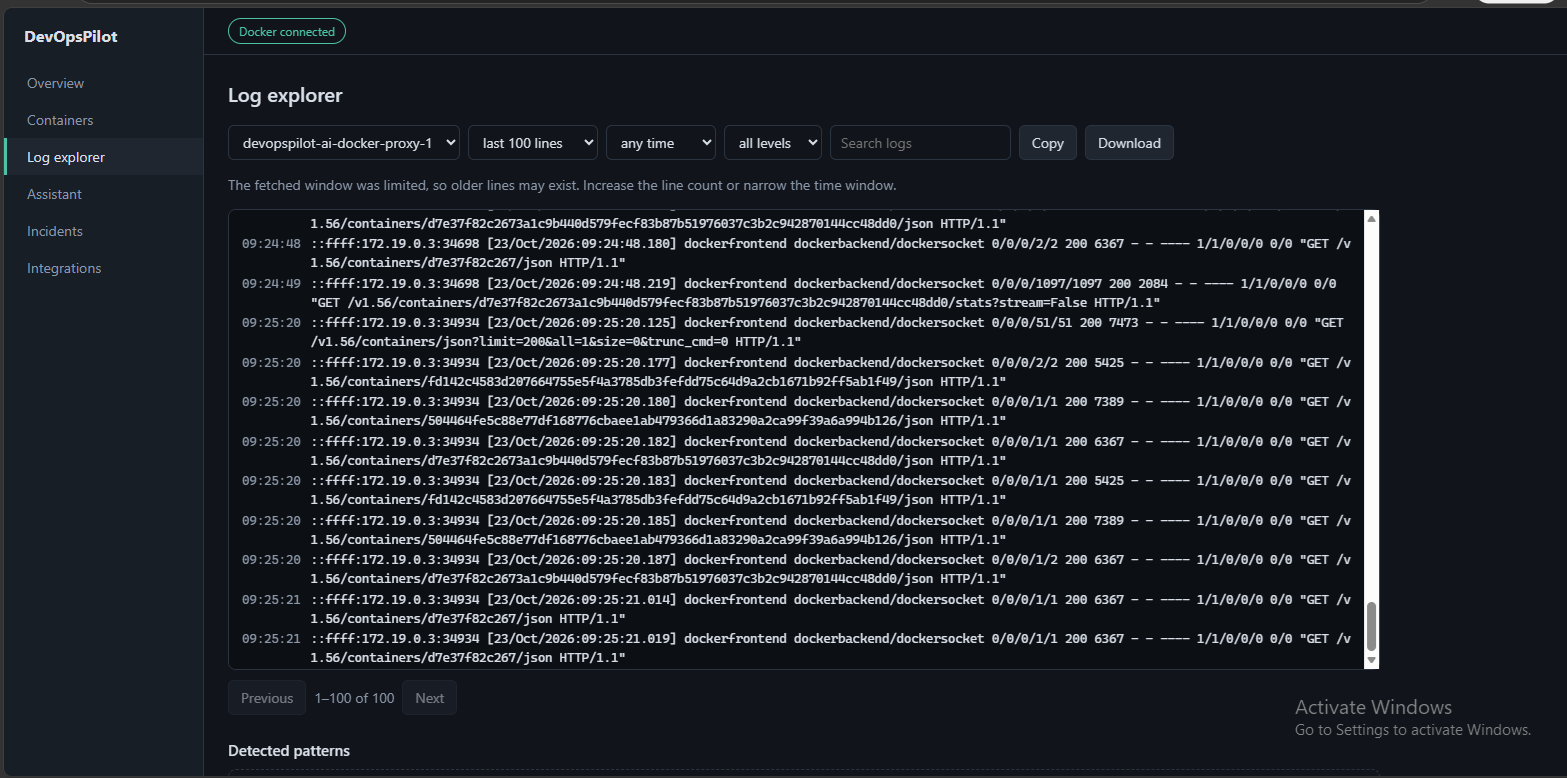
Docker monitoring Log
DevOpsPilot AI — AI-Powered DevOps Monitoring and Troubleshooting
About the Project
Inspiration
Managing cloud infrastructure and Docker-based applications can be challenging, especially when troubleshooting deployment failures, monitoring container health, and understanding infrastructure errors. DevOps engineers often need to switch between multiple tools, inspect logs manually, and investigate problems before identifying the root cause.
I wanted to build a project that brings essential DevOps monitoring and AI-assisted troubleshooting into one dashboard. This idea inspired DevOpsPilot AI, a project designed to help developers and DevOps engineers understand infrastructure issues more efficiently.
What It Does
DevOpsPilot AI is an AI-assisted DevOps dashboard that brings together Docker infrastructure visibility, AWS EC2 status information, and AI-powered troubleshooting capabilities.
The project is designed to help users:
- Monitor Docker-based application infrastructure through a centralized dashboard.
- Retrieve AWS EC2 instance status information using AWS IAM permissions.
- Use a locally hosted AI model through Ollama for AI-assisted analysis.
- Investigate infrastructure and configuration errors with the goal of reducing manual troubleshooting effort.
- Access the dashboard through a web interface.
The application uses Docker Compose to organize its services, while a Docker socket proxy provides a controlled interface for Docker API access. Ollama runs as a separate service for local model inference.
How I Built It
I built DevOpsPilot AI using a containerized architecture on an Ubuntu-based AWS EC2 instance.
The main components include:
- Dashboard: A web-based interface exposed on port 8000.
- Docker Compose: Manages the application services and their configuration.
- Docker Socket Proxy: Provides a controlled path for accessing the Docker API.
- Ollama: Hosts a local AI model for troubleshooting and analysis.
- AWS IAM: Controls access to EC2 status information.
- Environment variables: Configure the application, AI provider, model endpoint, API token, and AWS region.
I configured the application to communicate with Ollama over the internal Docker network instead of exposing the model API directly to the public internet. I also configured an application API token to protect access to the dashboard's API.
Challenges I Faced
One of the main challenges was integrating a locally hosted AI model into a cloud-hosted application. The model endpoint initially returned HTTP 404 errors, and running the model exposed compatibility and memory limitations on the EC2 instance.
I investigated the container logs, checked the Ollama model installation, tested the API endpoint, and examined system memory usage. The Linux kernel logs confirmed that the model process had been terminated by the out-of-memory mechanism. I added swap space to help investigate the memory constraint.
Another challenge involved AWS IAM permissions. The dashboard needed permission to retrieve EC2 instance status, but the IAM user used for administration did not have permission to modify the EC2 role. This highlighted the importance of separating application permissions from administrator permissions and following the principle of least privilege.
These challenges helped me better understand the practical difficulties of running AI models on limited cloud resources, troubleshooting containerized services, and configuring AWS IAM securely.
What I Learned
Through this project, I gained practical experience with:
- Deploying multi-container applications on AWS EC2.
- Configuring Docker Compose networking and persistent volumes.
- Integrating Ollama and locally hosted language models.
- Troubleshooting API errors, container logs, and model runtime failures.
- Diagnosing Linux memory pressure and OOM-killer events.
- Understanding AWS IAM roles, policies, and least-privilege access.
- Improving the security of application endpoints and Docker API access.
What's Next
My next steps are to improve AI model compatibility and reliability on resource-constrained instances, refine the dashboard's error handling, and expand monitoring and troubleshooting capabilities.
My long-term goal is to make DevOpsPilot AI a practical assistant that helps engineers identify infrastructure problems faster and manage cloud-native applications more confidently.
Built With
- ai
- amazon
- amazon-web-services
- cloudcomputing
- devops
- docker
- ec2
- gemma
- ollama
- python
- restapi

Log in or sign up for Devpost to join the conversation.