Our Story: Building the DevOps Sentinel
The Inspiration: From Alert Fatigue to AI First Responder 💡
In modern DevOps, the promise of observability often comes with a steep price: alert fatigue. Engineers are frequently overwhelmed by a constant stream of alerts, forcing them to drop everything to manually sift through logs, dashboards, and internal documentation to find a solution. This manual, repetitive process is not just inefficient; it's a significant source of burnout.
We were inspired by this challenge. We envisioned an "AI First Responder"—an autonomous agent that could intercept these alerts, understand the underlying problem, perform the initial investigation by consulting a knowledge base, and deliver a clear, actionable solution to the team.
Our goal was to create the DevOps Sentinel, an agent that turns hours of manual toil into a fully automated, minutes-long process.
How We Built It: A Journey from Idea to Autonomous Agent 🚀
Our development process was an iterative journey, building the agent piece by piece.
1. The Foundation (TiDB Cloud)
We started by setting up our core infrastructure on TiDB Cloud. We chose it because we needed a robust, scalable database that could handle both structured log data and the unstructured vector data required for our AI's knowledge base.
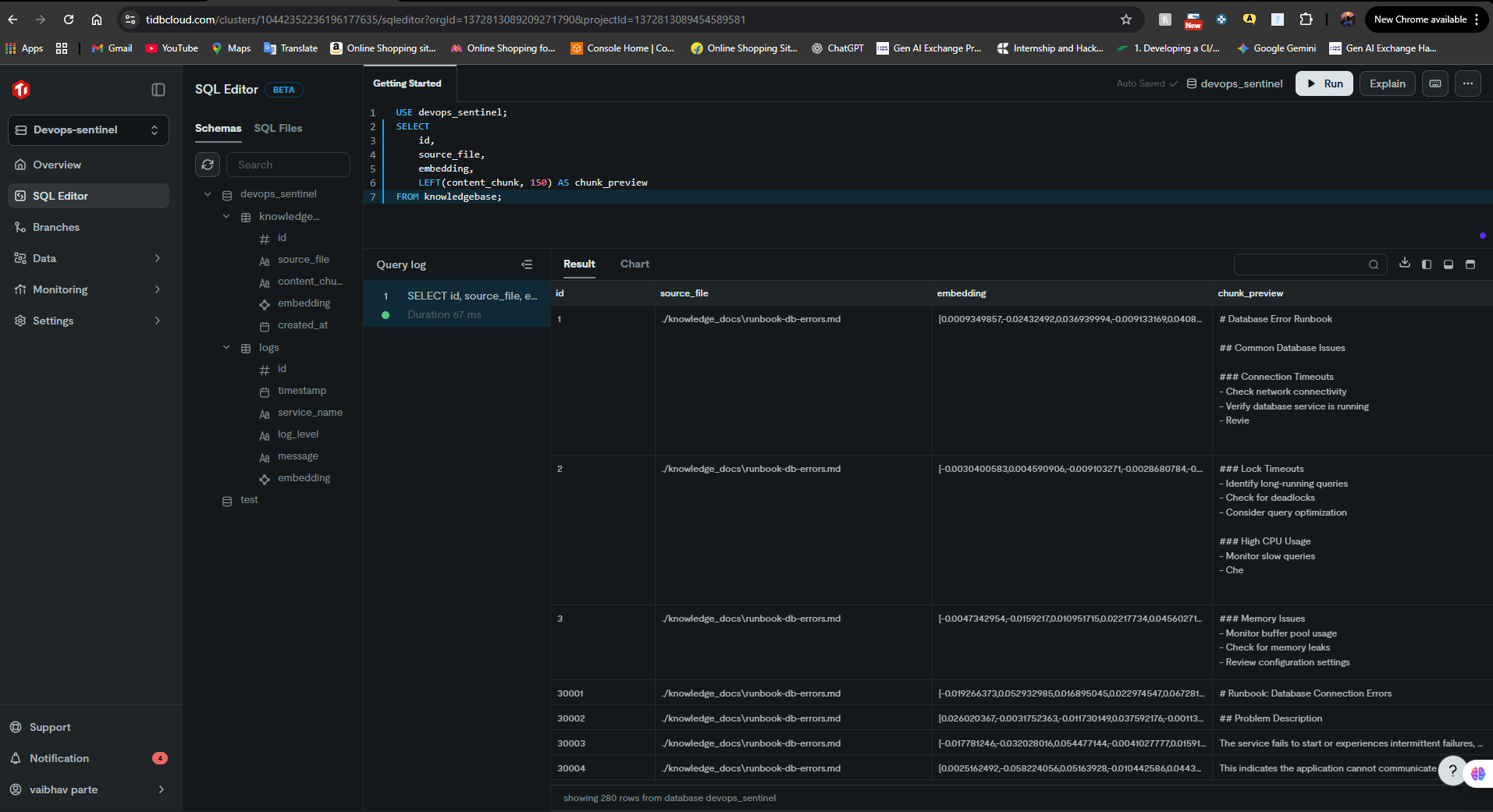
We created our initial schemas for a knowledgebase and logs tables within a dedicated devops_sentinel database.
2. Building the Agent's Brain (RAG Pipeline)
The core of our agent is a Retrieval-Augmented Generation (RAG) pipeline.
Knowledge Ingestion
We wrote a Python script (ingest.py) to process our DevOps runbooks. These markdown files were chunked, converted into vector embeddings using a SentenceTransformer model, and stored in our knowledgebase table using TiDB Vector. This became the agent's long-term memory.Retrieval & Generation
We built a Python backend using FastAPI. When a query comes in, the agent embeds the question and performs a vector similarity search against the TiDB database to retrieve the most relevant context.
This context is then passed to Google's Gemini 2.0 Flash LLM, along with a carefully crafted prompt, to generate a coherent, human-readable solution.
3. Giving the Agent a Voice (UI and Integrations)
With the core logic in place, we focused on how to interact with it.
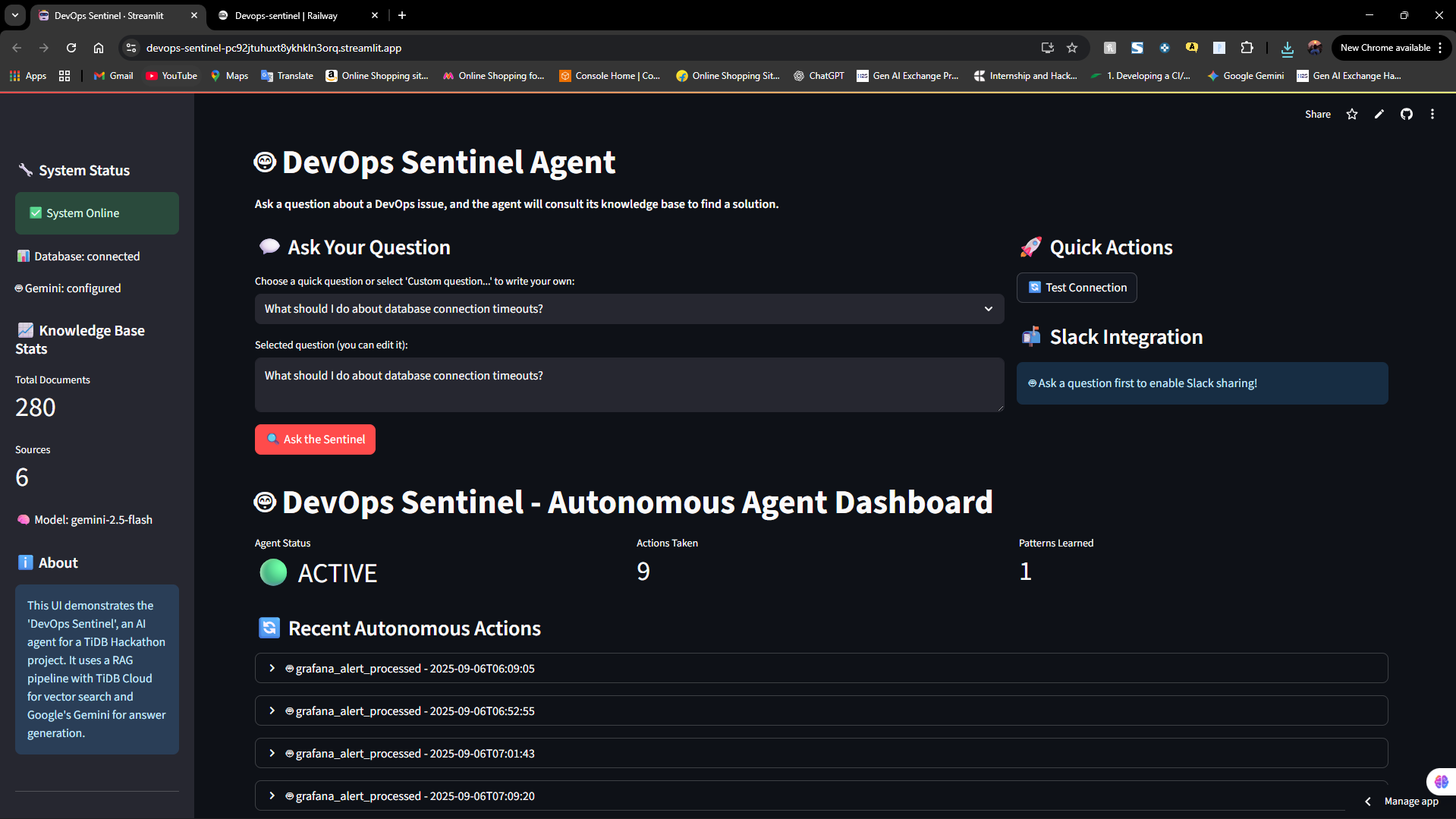
Interactive UI
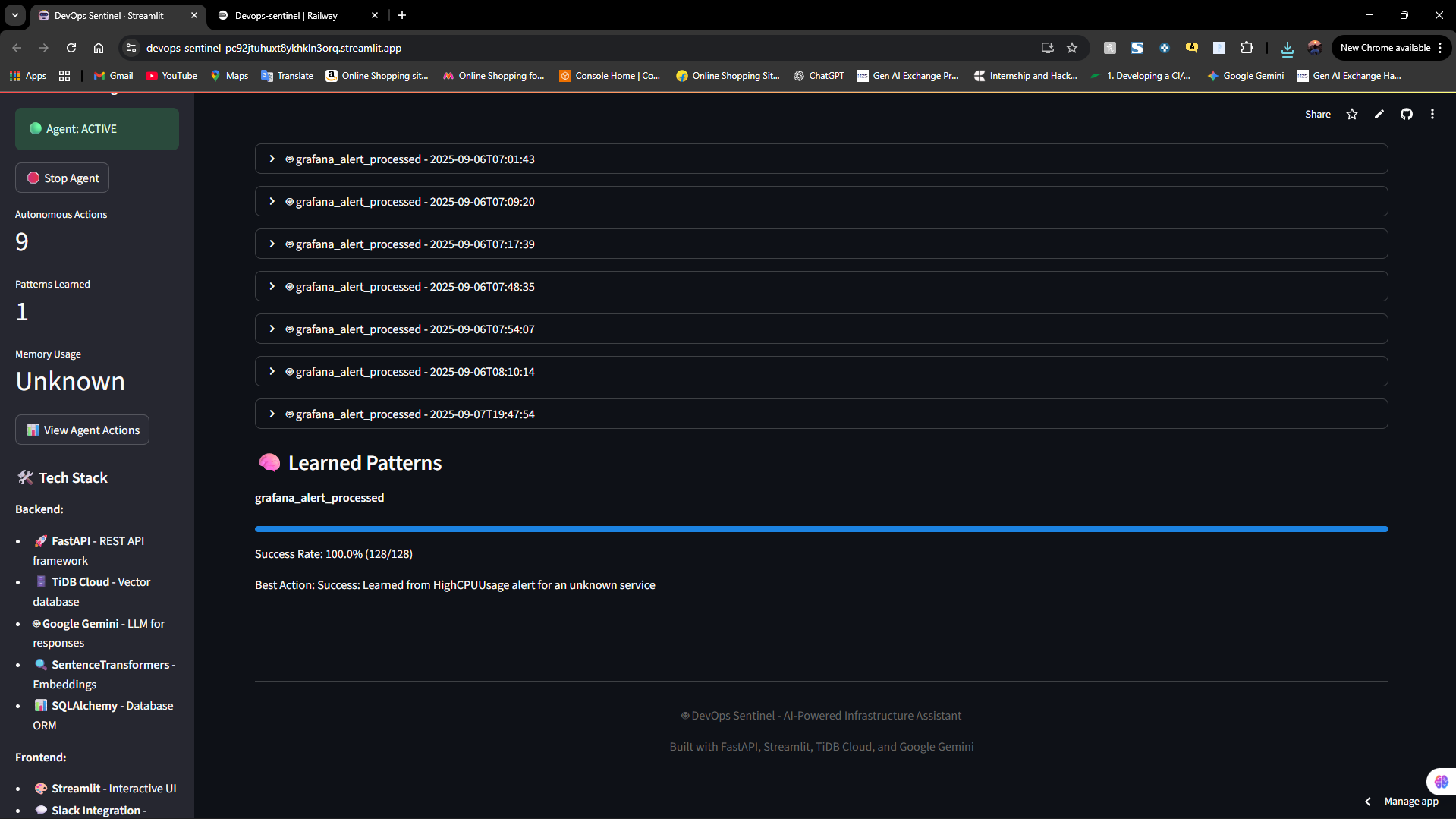
We built a user-friendly web interface using Streamlit. This UI allows engineers to directly ask the Sentinel questions and get immediate answers, which is perfect for training and interactive problem-solving.Autonomous Workflow
To realize our vision of a true agent, we added a webhook endpoint (/alert-trigger/) to our FastAPI backend that can process simulated Grafana alerts.
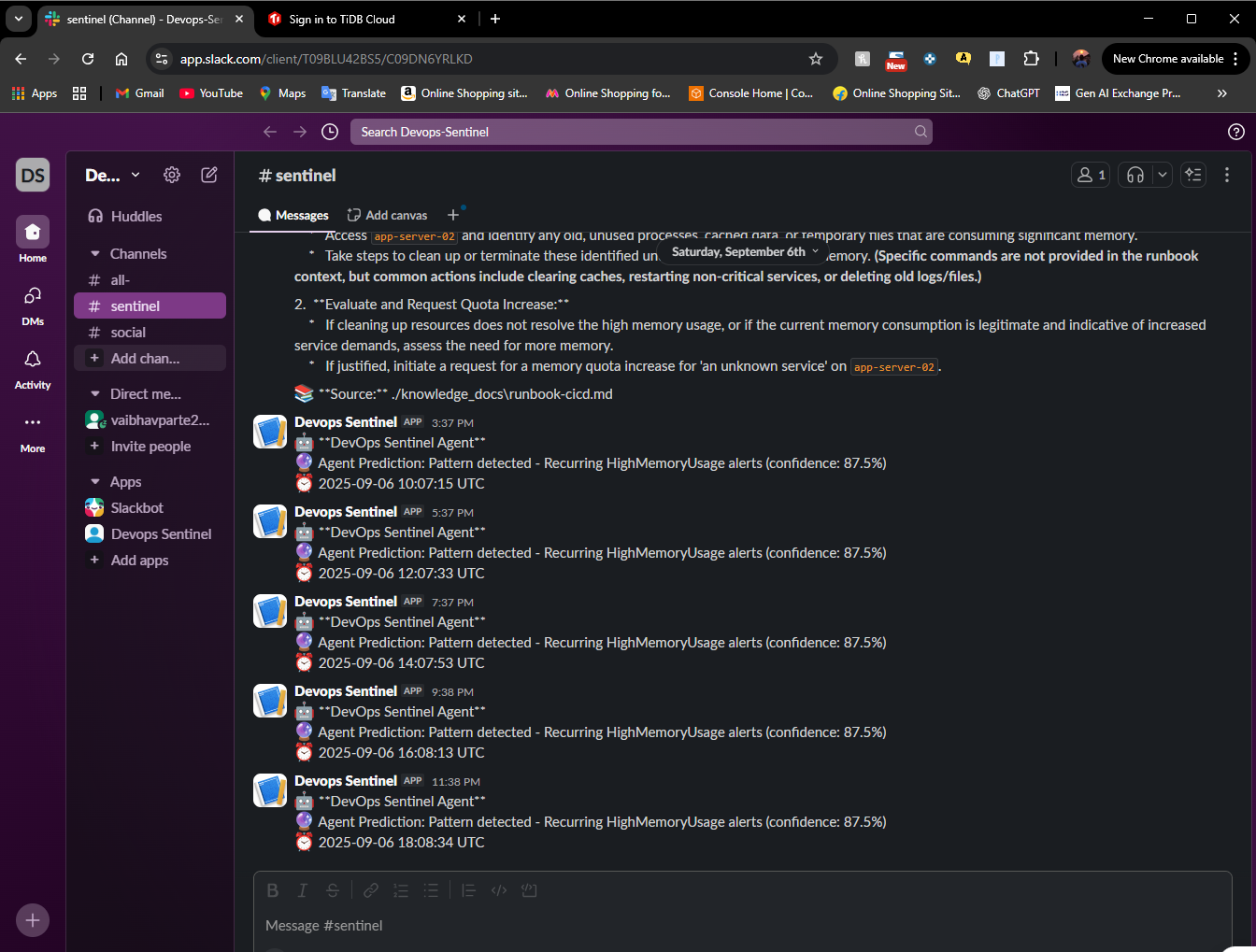
We then integrated with Slack, allowing the agent to automatically post its findings to a designated channel when an alert is triggered, completing the end-to-end automated workflow.
4. Packaging for Portability (Docker)
As the final step, we containerized the entire application using Docker and Docker Compose.
- We created a
Dockerfileto define the environment. - We built a
docker-compose.ymlfile to orchestrate our FastAPI backend and Streamlit frontend.
This ensures that the DevOps Sentinel can be deployed and run consistently anywhere with a single command:
bash
docker-compose up
5. Cloud Deployment (Railway & Streamlit)
To make our agent publicly accessible, we deployed it to the cloud.
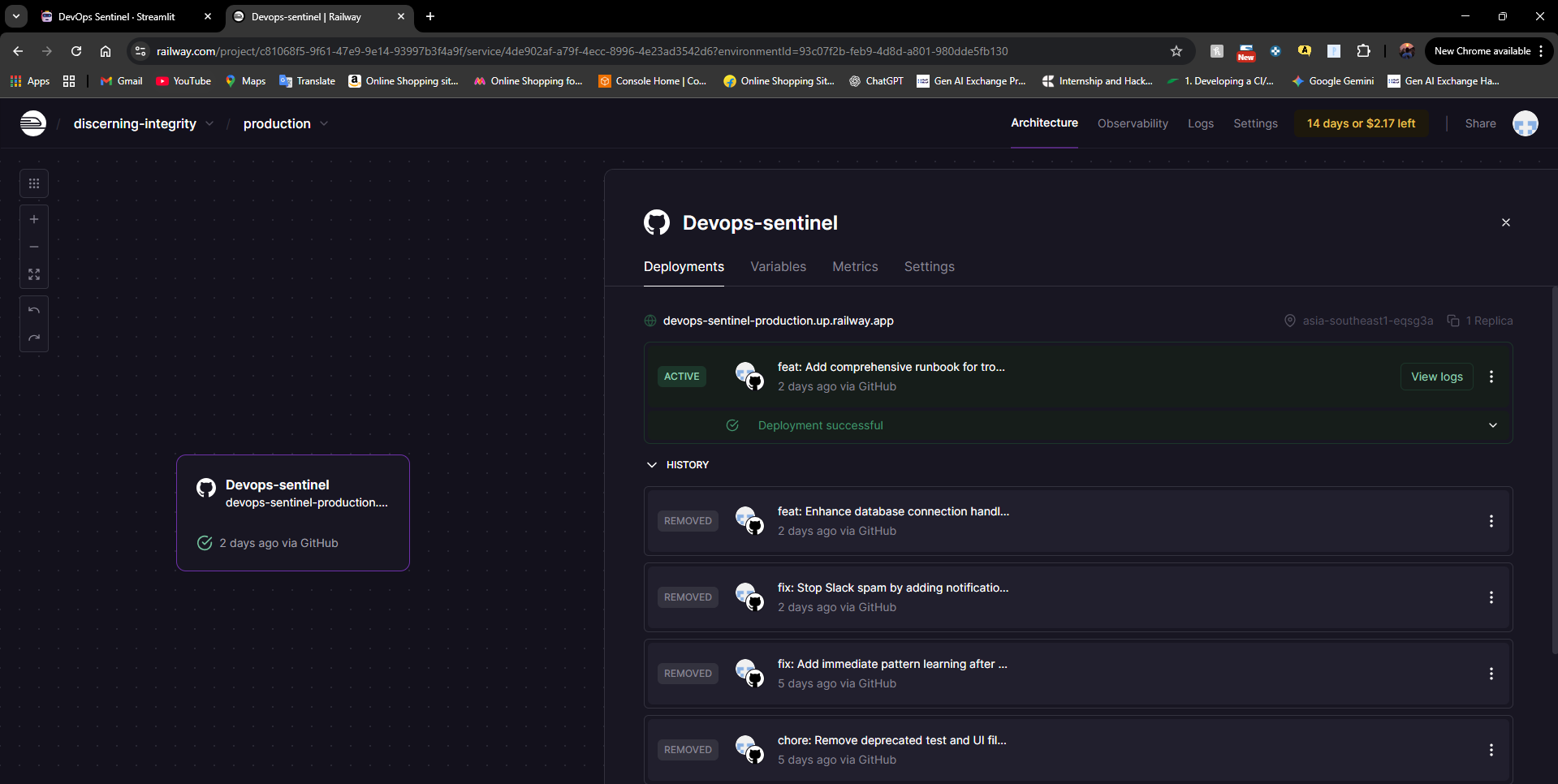
- Backend on Railway: We deployed our containerized FastAPI backend to Railway.app. This provided us with a scalable, public-facing API endpoint that auto-deploys on every Git push.
- Frontend on Streamlit Cloud: We deployed our Streamlit UI to Streamlit Cloud, configuring it to communicate with our live backend on Railway. This two-part deployment mirrors a professional, real-world application architecture.
Challenges We Faced 🧗
Building a full-stack AI application from scratch came with its share of real-world challenges, each providing a valuable lesson.
- Deployment & Networking: Our biggest hurdle was deploying a two-part application. We initially faced
502 Bad GatewayandConnection Refusederrors on Railway. We systematically debugged the issue, tracing it back to a missing SSL certificate file (isrgrootx1.pem) in our Docker container. Correctly bundling the certificate and providing an explicit file path was key to establishing a secure connection to TiDB Cloud and stabilizing our deployment. - API Rate Limiting: Our Streamlit UI's health check frequently called the Gemini API, quickly exhausting our free-tier quota and causing
429errors. We solved this by implementing a caching mechanism in our FastAPI backend, so the health check only makes a real API call once per minute—a crucial lesson in consuming external APIs responsibly. - Docker Image Bloat: Our initial Docker image was over 6 GB, exceeding the deployment platform's limit. We discovered this was due to the full PyTorch library. We overcame this by creating an optimized, multi-stage Dockerfile that specifically installs the much smaller, CPU-only version of PyTorch, reducing our final image size by over 70%.
What We Learned 🎓
This project was an incredible, hands-on learning experience that took us from concept to a fully deployed, containerized application.
- AI Agent Architecture: We learned how to design and build a complete RAG pipeline, understanding the interplay between data ingestion, vector databases, and large language models.
- TiDB Cloud in Practice: We gained practical experience using TiDB Cloud as the backbone of an AI application. We specifically learned how powerful and fast TiDB Vector is for performing the semantic search that powers our agent's retrieval capabilities.
- Full-Stack Development: We built and connected a FastAPI backend, a Streamlit frontend, and integrated external services like Slack and Google Gemini, giving us a holistic view of modern application development.
- Real-World DevOps: The challenges we faced taught us invaluable lessons. We learned about secure database connections, API rate-limiting strategies, and the importance of Docker for creating small, efficient, and reproducible production environments.

Log in or sign up for Devpost to join the conversation.