-
-
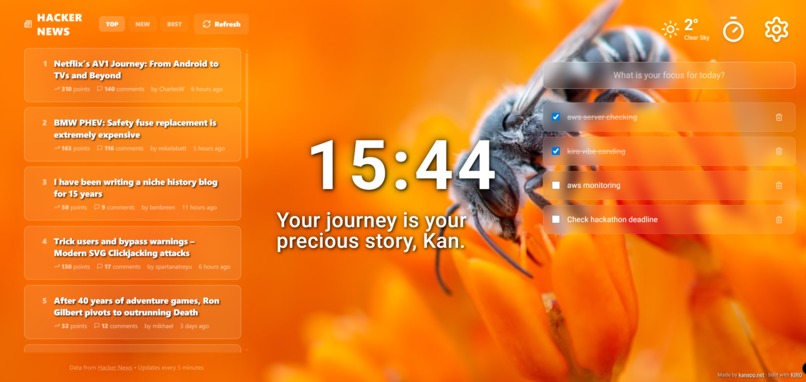
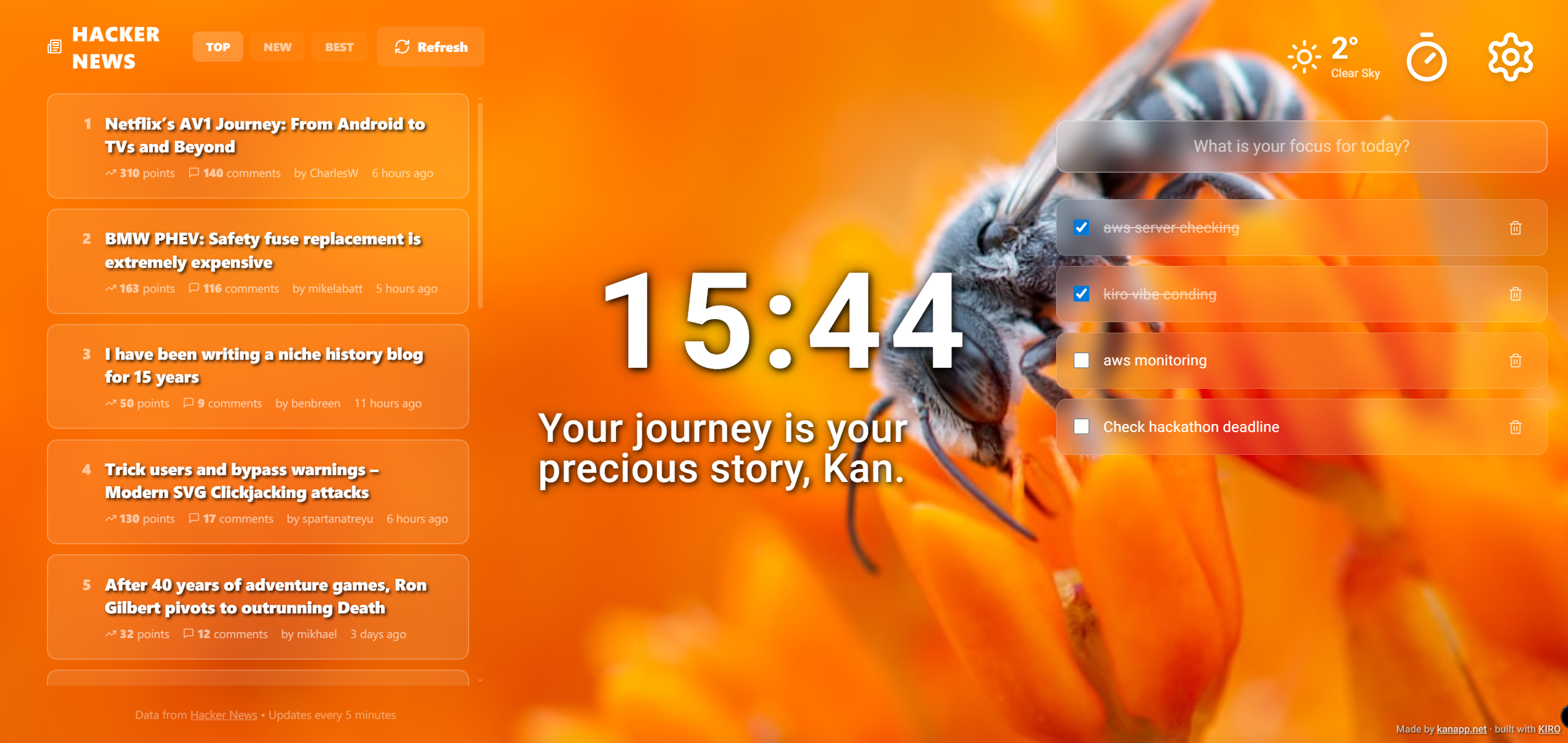
Peaceful Mode (Hacker News RSS)
-
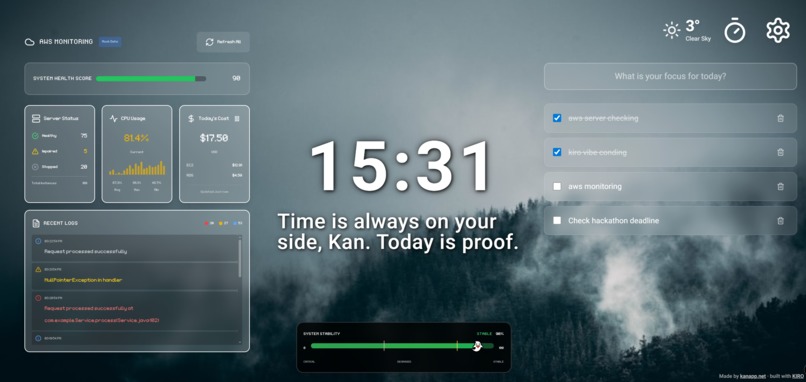
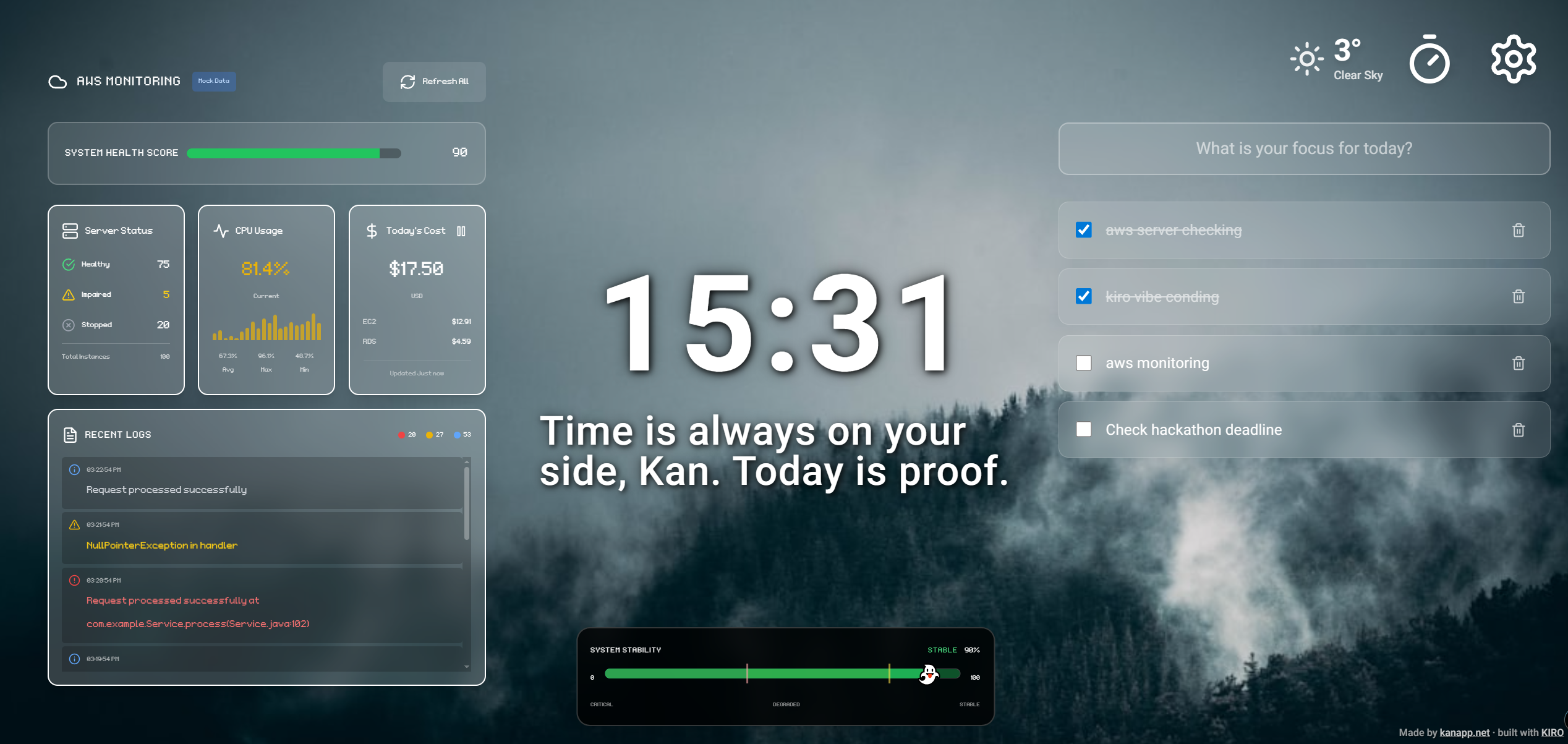
Peaceful Mode (AWS Monitoring)
-
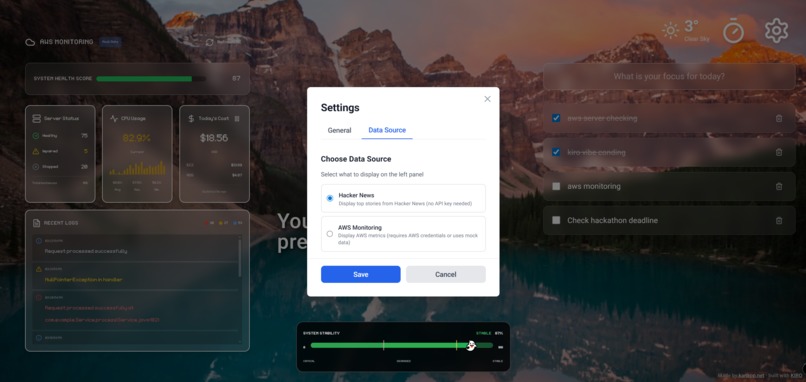
Settings
-
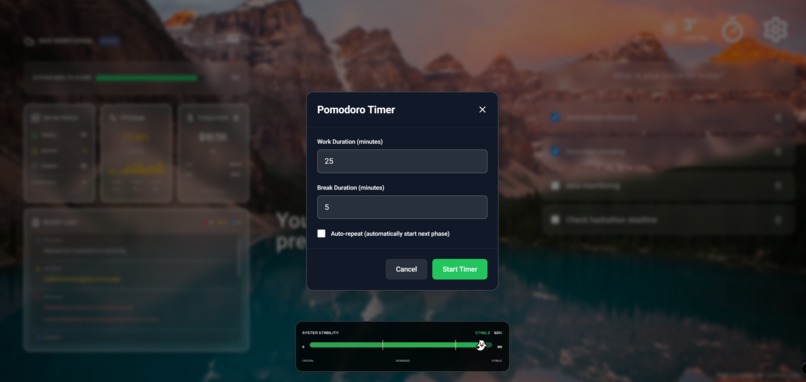
Pomodoro Settings
-
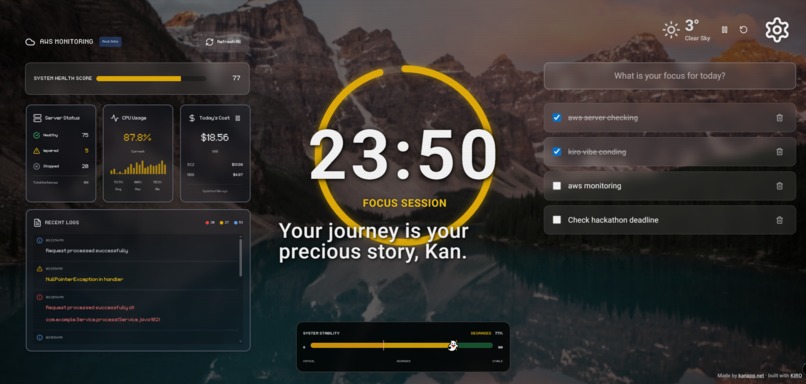
Pomodoro Running
-
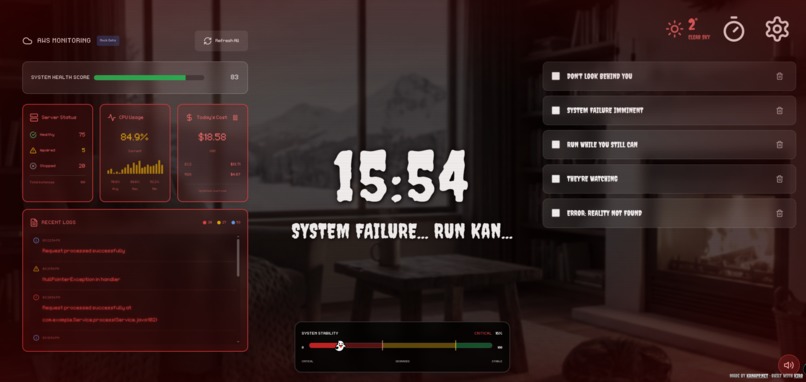
Nightmare Mode
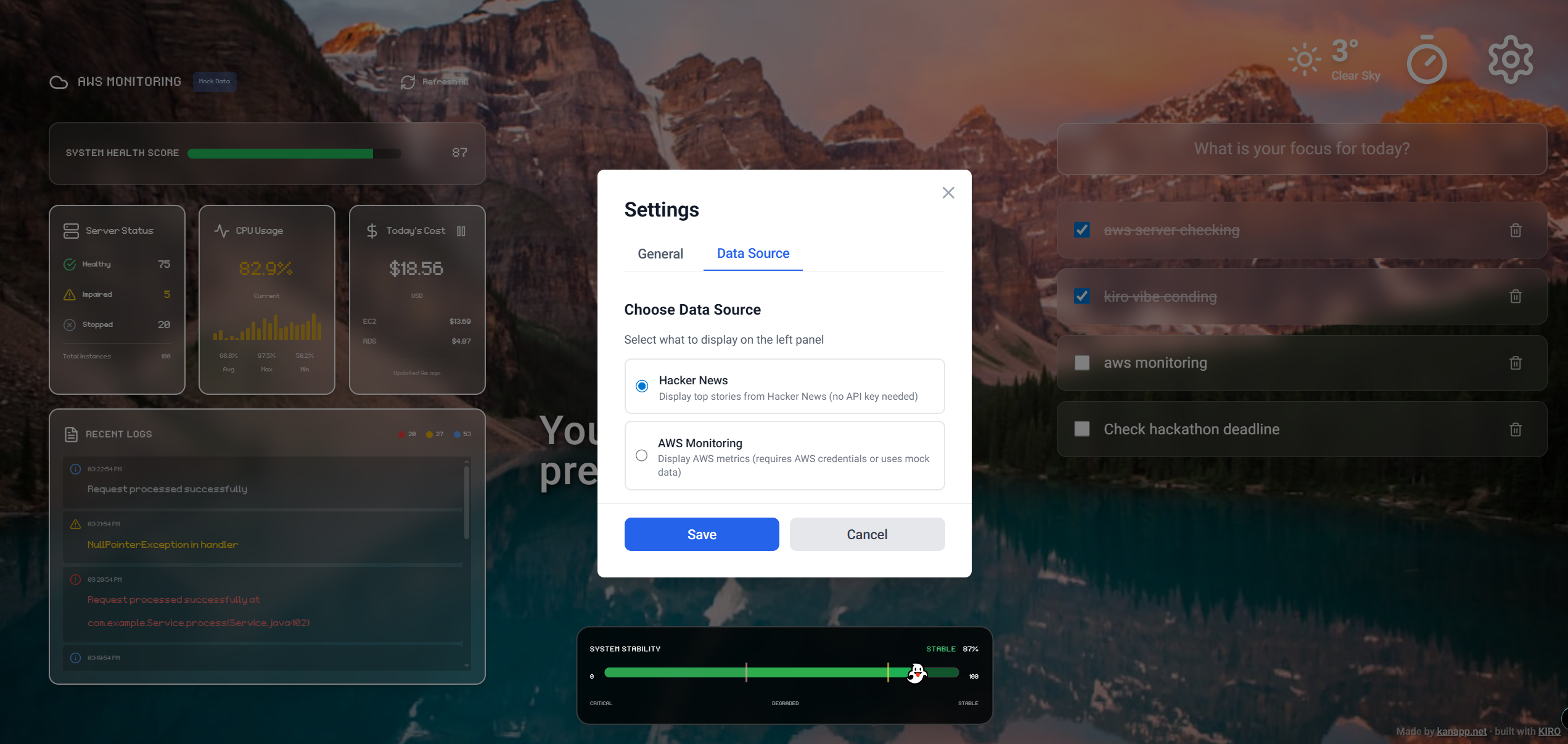
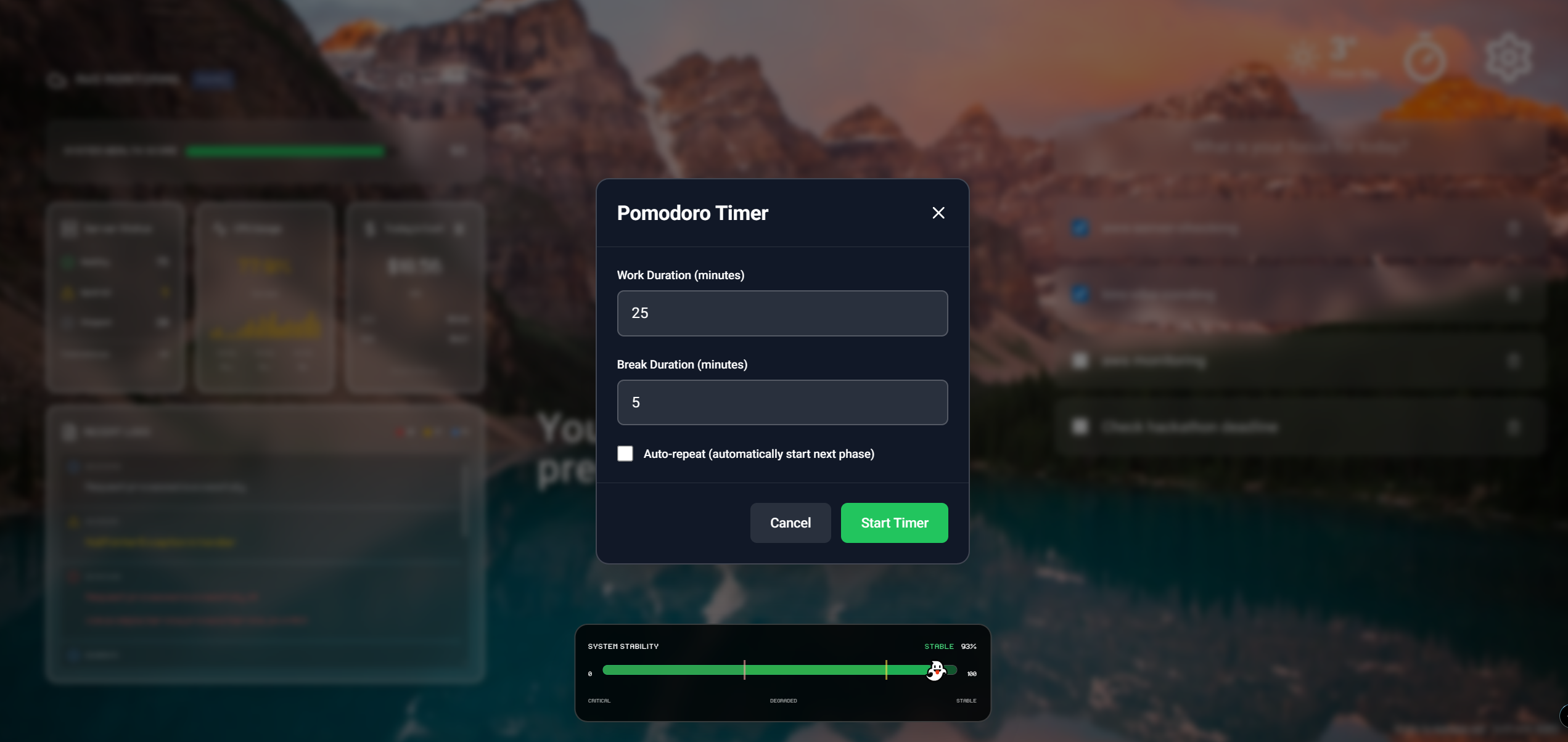
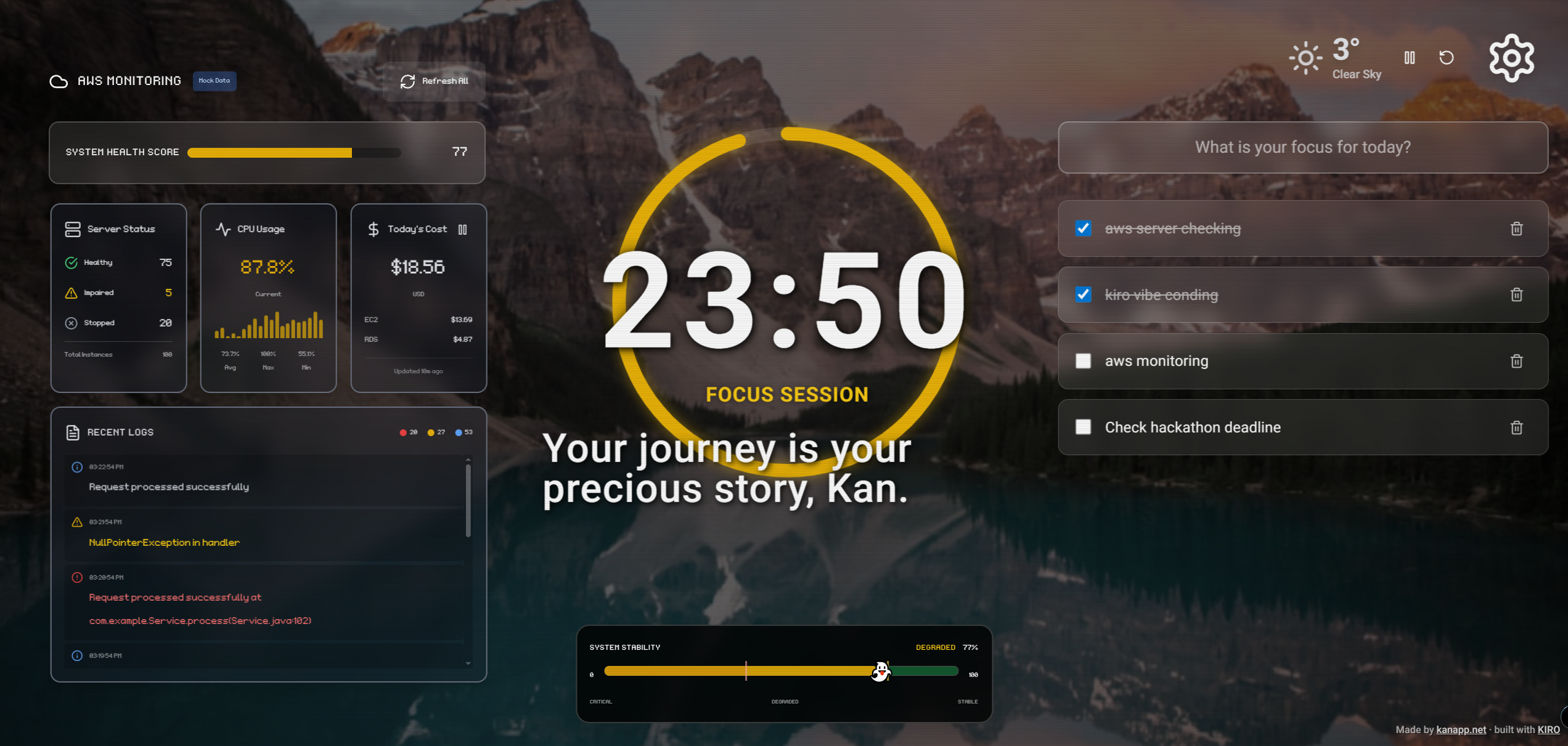
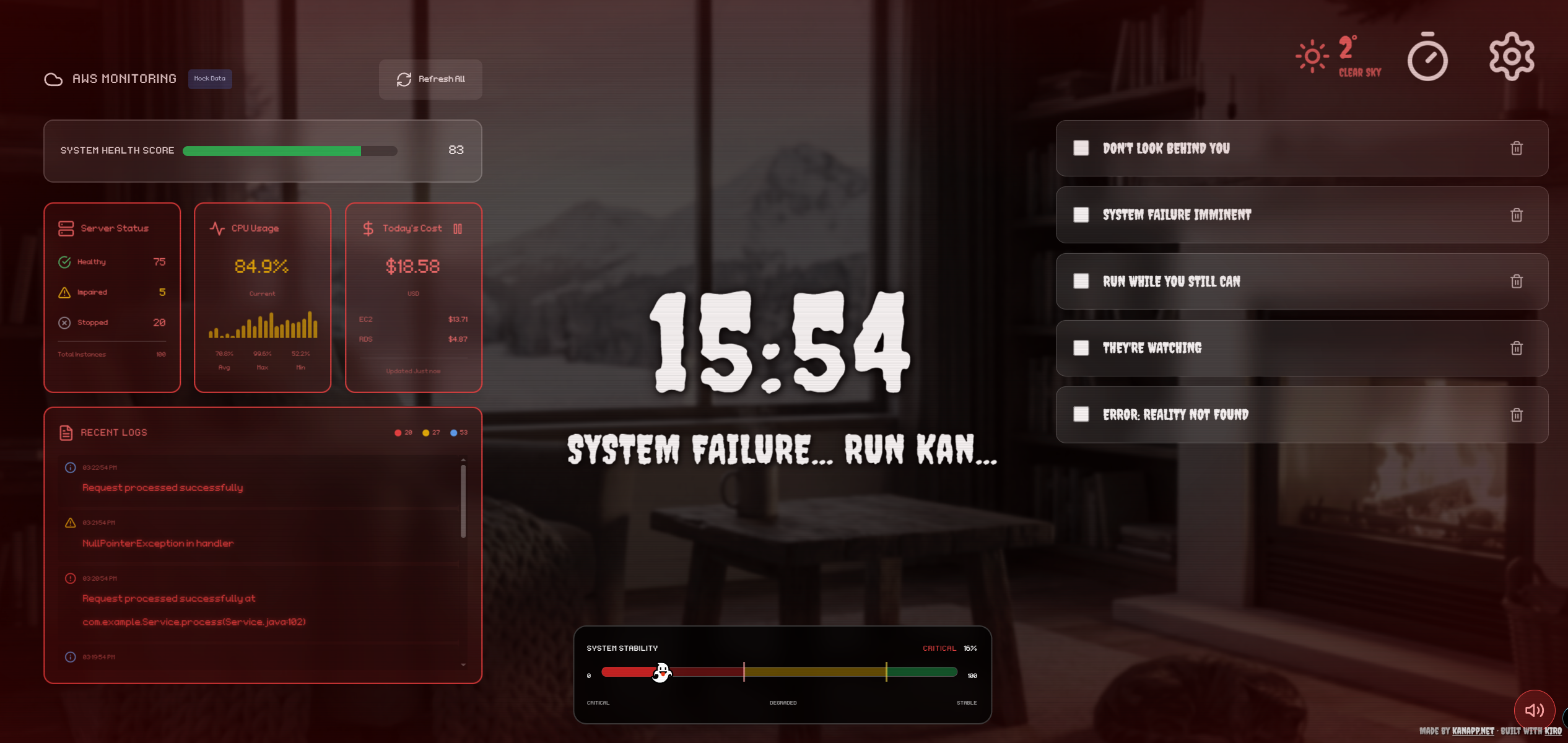
💡 Inspiration: What scares a developer?
It’s not ghosts, zombies, or haunted houses. It’s a PagerDuty alert at 3:00 AM.
The true horror for any developer is seeing their server health drop to zero. I wanted to capture this specific anxiety and turn it into a visual experience. What if your peaceful productivity dashboard reacted to your server's pain? What if a 500 Internal Server Error literally made your screen bleed?
That’s how DevOps Nightmare was born—a dashboard that forces you to fix bugs, or else face the horror.
👻 What it does
At first glance, it looks like a beautiful "Momentum" clone—peaceful landscapes, a todo list, and a clock. But it has a split personality:
- Peaceful Mode (Default): A calm, productivity-focused interface. It fetches tech news via Hacker News RSS so anyone can use it, even without AWS keys.
- Nightmare Mode (The Twist): When you connect your AWS API key, it monitors your EC2/S3 health. If the metrics degrade (or you toggle the "Dev Mode" switch):
- The background transforms into a glitchy, burning server room.
- The "Death-line Pomodoro" timer starts dripping blood as the deadline approaches.
- The friendly AI assistant turns into a "Cursed Clippy," whispering creepy messages.
- Todo items change on their own to "RUN AWAY" or "SYSTEM FAILURE."
🔧 How we built it (The Kiro Workflow)
This was my first time using Kiro IDE, and I didn't just "write code"—I architected it.
Instead of jumping into App.tsx, I started by prompting Kiro to generate requirements.md and design.md.
- Spec-Driven Design: I told Kiro, "I want a system where the theme decouples from the logic." Kiro designed a
ThemeContextthat handles the state transition seamlessly. - Agent Hooks: I used Kiro's tasks to implement the Unsplash API fallback logic. If the API fails, it gracefully loads local assets, ensuring the app never breaks during a demo.
- Tech Stack: React, Vite, TypeScript, Tailwind CSS (for the heavy lifting on glitch animations), and the Unsplash API.
🚧 Challenges we ran into
The biggest challenge was balancing "Horror" with "Usability." Initially, the glitch effects were so strong that I couldn't read the server logs. I had to fine-tune the CSS filters so that the dashboard remained functional even when it looked "broken." Also, creating a "fake" AWS monitoring mode for the demo (so judges don't need my API keys) required abstracting the data layer, which Kiro's refactoring tools handled perfectly.
🏆 Accomplishments that I'm proud of
- The "Vibe Switch": The transition from the peaceful lavender field to the red-tinted nightmare feels genuinely unsettling.
- The Universal Access: Integrating the Hacker News RSS as a default state means this isn't just a toy for AWS users—it's a usable dashboard for any developer.
- Spec-First approach: I successfully built a complex state machine without writing spaghetti code, thanks to Kiro's structured workflow.
🔮 What's next for DevOps Nightmare
I plan to integrate real IoT support. Imagine your actual Philips Hue room lights turning red when your production DB goes down. I also want to add soundscapes that react to specific error logs (e.g., database errors trigger a grinding metal sound).
Built With
- aws-sdk
- kiro-ide
- react
- rss
- tailwind-css
- typescript
- unsplash-api
- vite


Log in or sign up for Devpost to join the conversation.