-
-
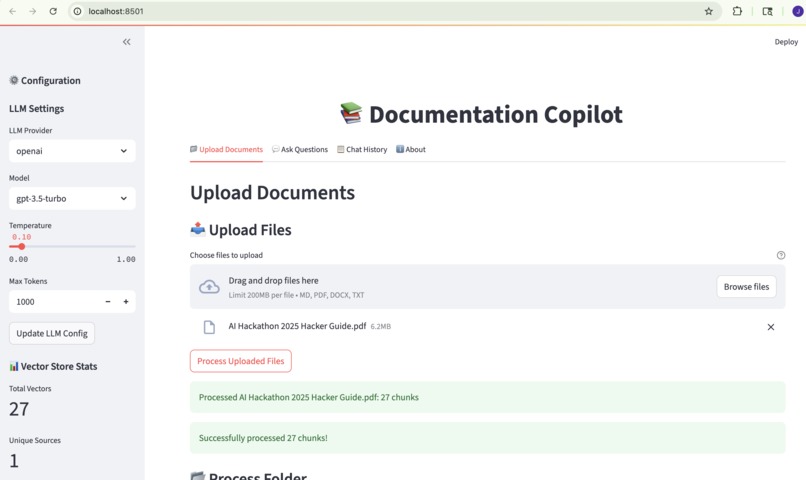
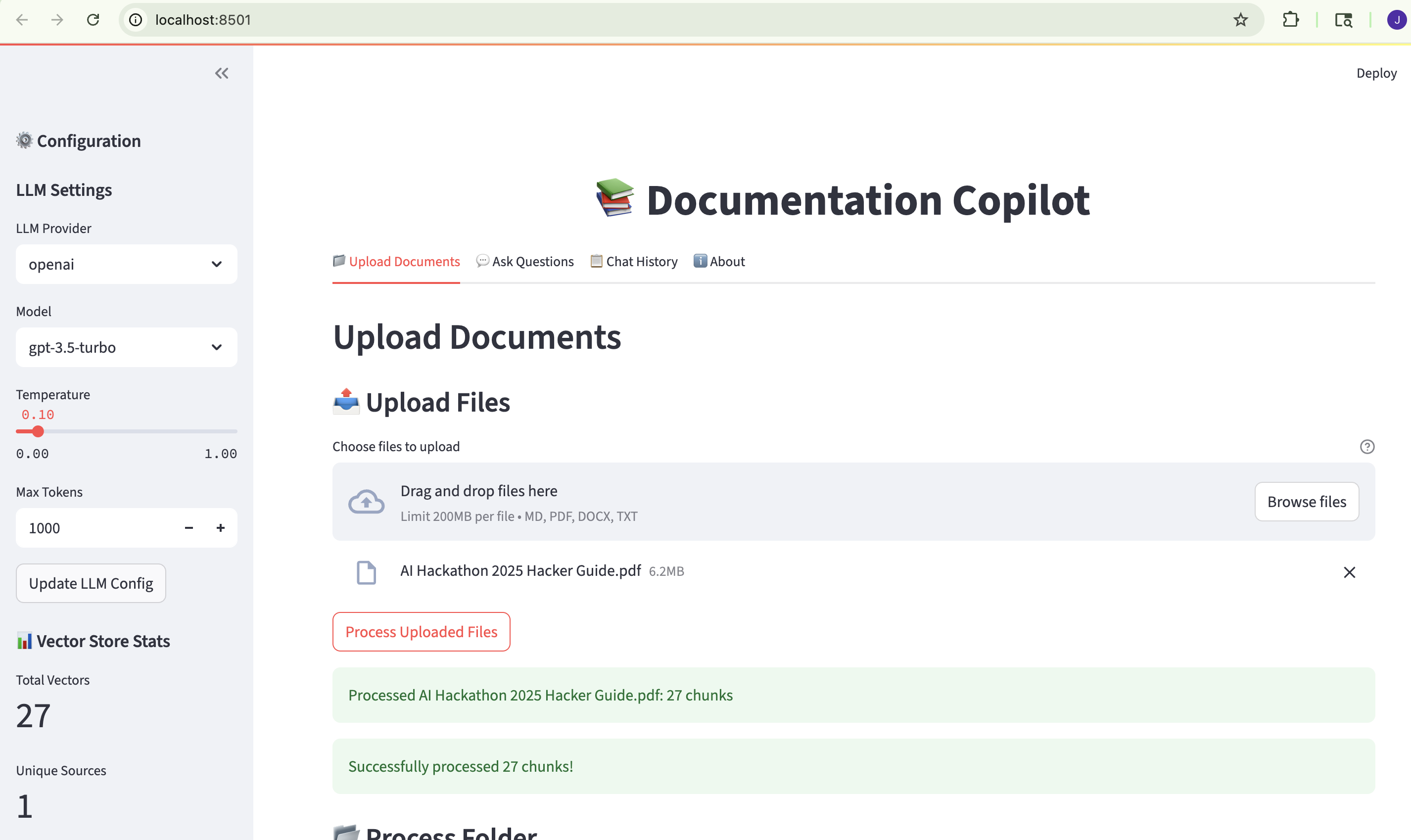
Home Page
-
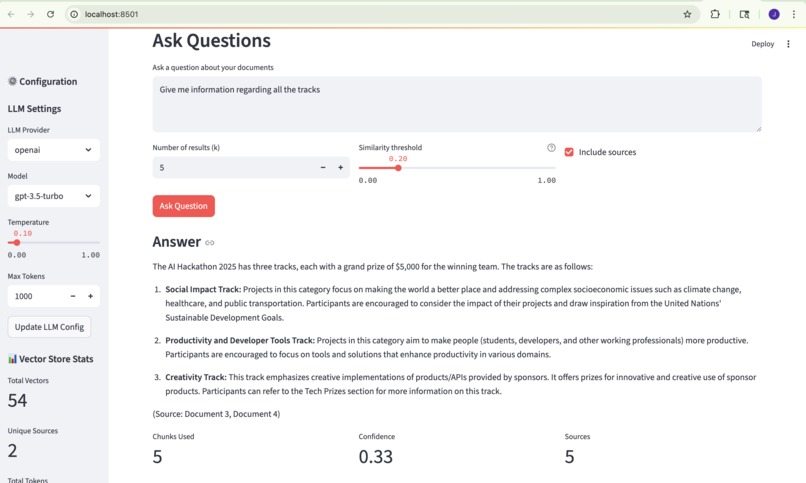
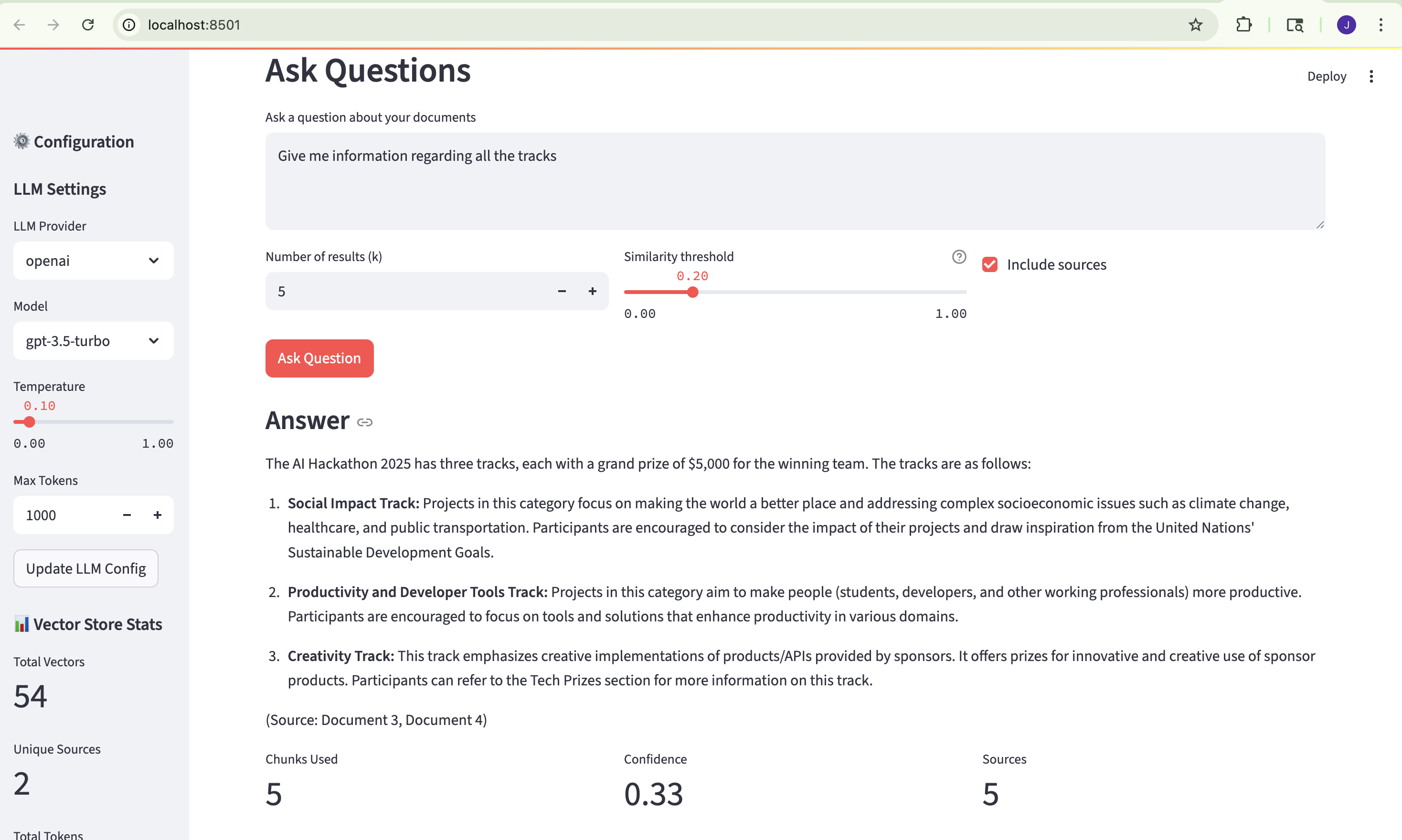
Chat Feature Page
-
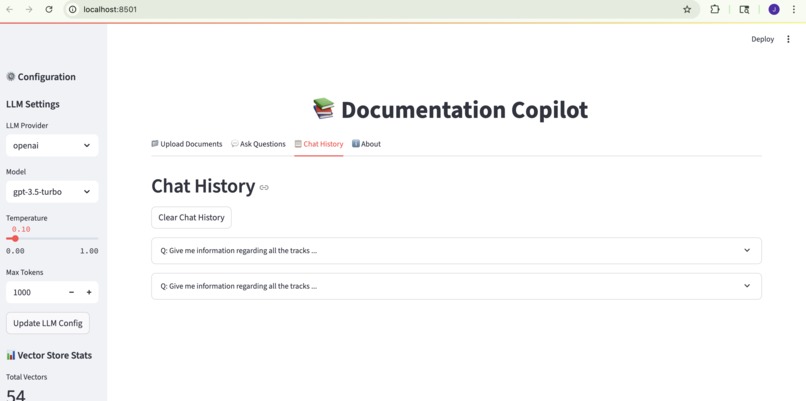
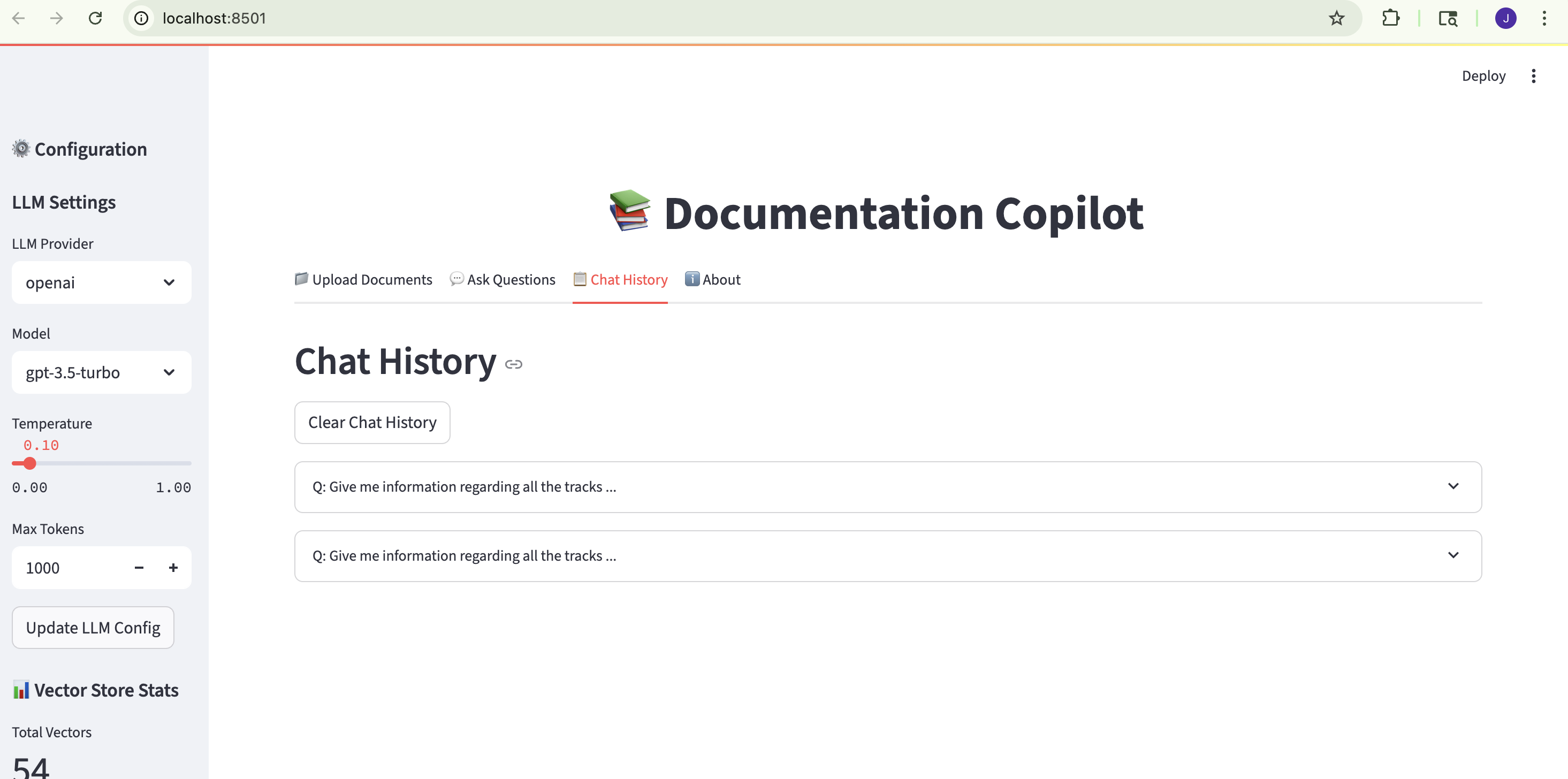
Chat History Page
-
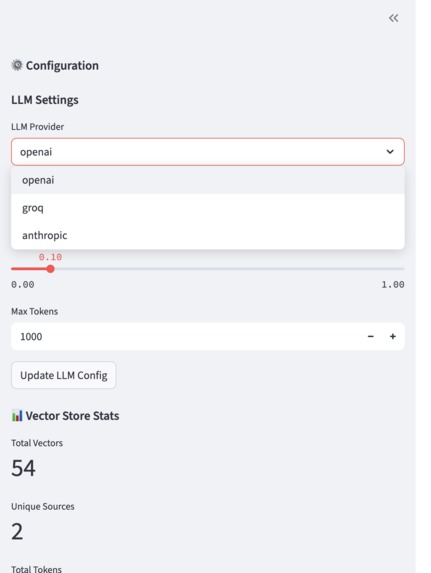
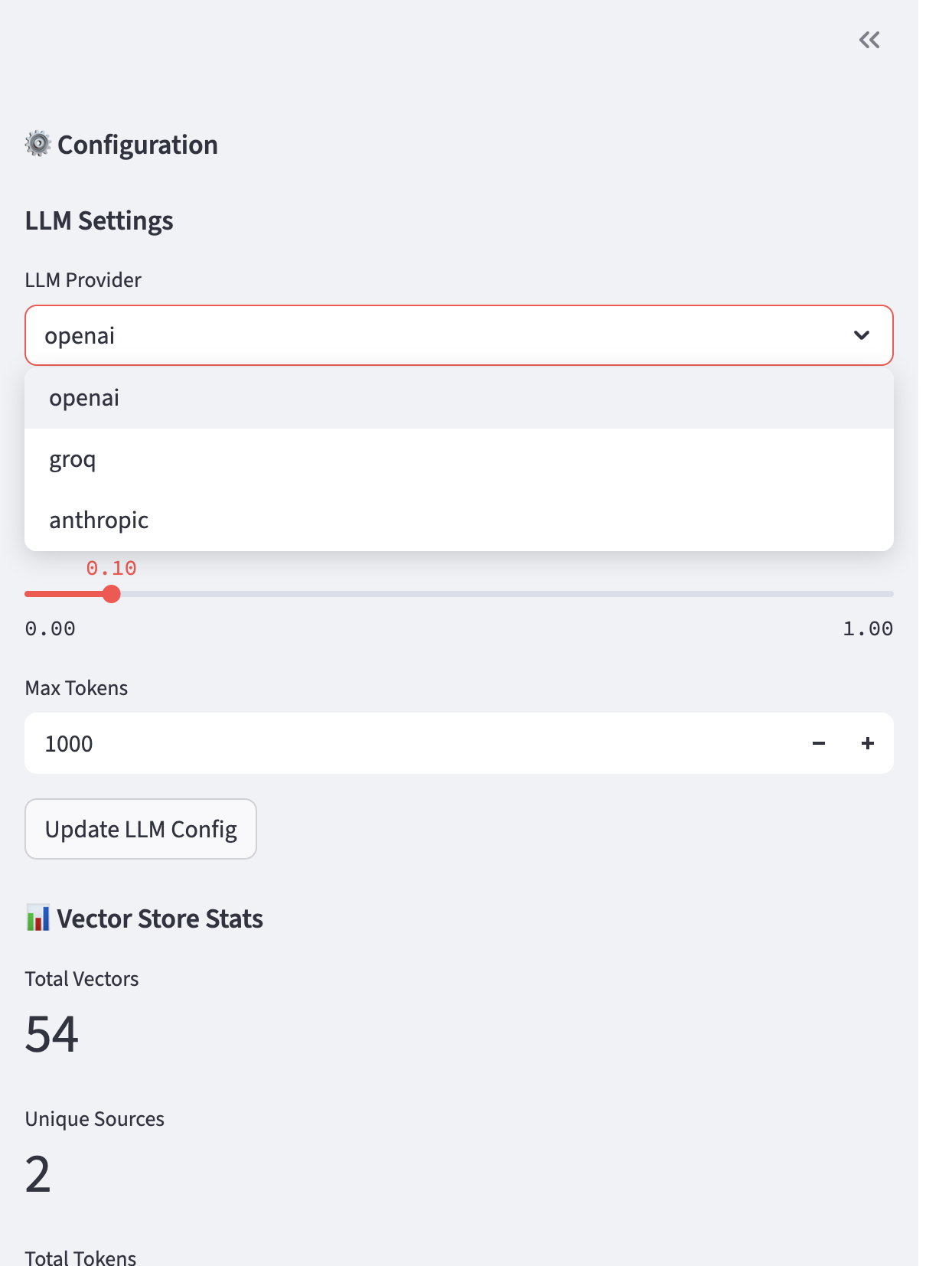
LLM Customization
DevOps & Documentation Copilot
Inspiration
Every developer and DevOps engineer knows the frustration of searching through countless wiki pages, README files, and outdated documentation just to find a simple answer. We wanted to fix this problem and make documentation as easy to access as asking a question in chat with reliable, source-cited answers. Our inspiration came from daily pain points and a desire to empower teams with AI that works for them, not against them.
What it does
DevOps & Documentation Copilot transforms any team’s documentation into an AI-powered, searchable knowledge base. Users can upload Markdown, PDF, Word, and text files (or even point to URLs and GitHub repos), and the system will:
- Chunk and embed documents using semantic AI models
- Store embeddings in a fast local FAISS vector database
- Answer questions via web interface or Slack bot, always with clear citations
- Retrieve context from the docs, generate an answer with a language model (OpenAI, Groq, or Anthropic), and show exactly where the answer came from
How I built it
- Document Processing:
Parsed and chunked a wide range of doc types (Markdown, PDF, TXT, DOCX, URLs, GitHub). - Semantic Embeddings:
Used sentence-transformers to convert doc chunks into high-dimensional vectors. - Vector Search:
Leveraged FAISS for fast, scalable similarity search. - RAG Engine:
Built a Retrieval-Augmented Generation pipeline, retrieving top matches and generating answers with LLMs. - User Interfaces:
- Streamlit for web upload & interactive Q&A
- Slack bot for seamless team chat integration
- Streamlit for web upload & interactive Q&A
- Source Attribution:
Every answer includes document citations and highlighted text snippets for full transparency.
Challenges
- Dependency Hell:
Pinning compatible versions ofsentence-transformers,transformers, andhuggingface_hubtook a lot of trial and error. - Performance at Scale:
Keeping the system fast and memory-efficient with large document sets and long files. - Slack API Growing Pains:
Navigating changes in Slack’s developer UI and permission systems while getting Socket Mode and bot tokens working. - Reducing AI Hallucinations:
Careful prompt engineering and smart chunking were required to ensure the model stayed grounded in real docs.
Accomplishments that I am proud of
- End-to-End Working MVP:
From uploading a doc to getting instant, source-cited answers in both the web app and Slack. - Multi-provider Support:
Swappable LLMs (OpenAI, Groq, Anthropic) with a single config. - User Trust:
Every answer is backed by proof, no more guessing where info came from. - User-Centric Design:
Clean, accessible UI for both web and Slack.
My learning's
- AI and IR (Information Retrieval) are a perfect match for internal knowledge bases—when done right, you get accuracy, speed, and transparency.
- Dependency management in Python’s ML ecosystem is critical for reliable hackathon projects.
- Human-centered AI design (easy UIs, source citations, multi-modal access) is just as important as smart algorithms.
What's next for DevOps & Documentation Copilot
- More Integrations:
Support for Google Docs, Confluence, Notion, and code repositories. - Semantic Search for Code:
Enable code snippet retrieval, inline explanations, and API documentation Q&A. - Usage Analytics:
Insights on popular questions and knowledge gaps. - Enterprise-Ready:
Add authentication, user management, and cloud deployment options.
Try DevOps Copilot—
and never get lost in your docs again!


Log in or sign up for Devpost to join the conversation.