-
-
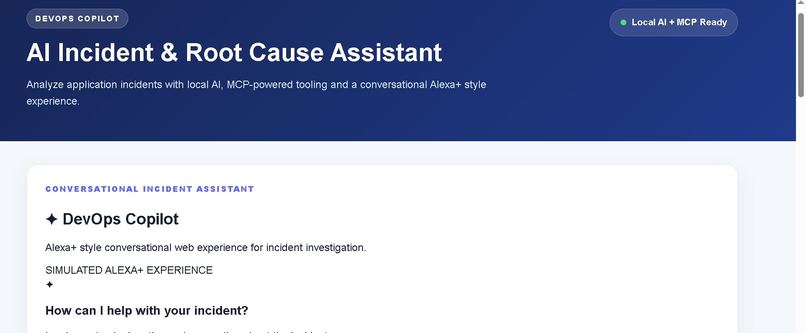
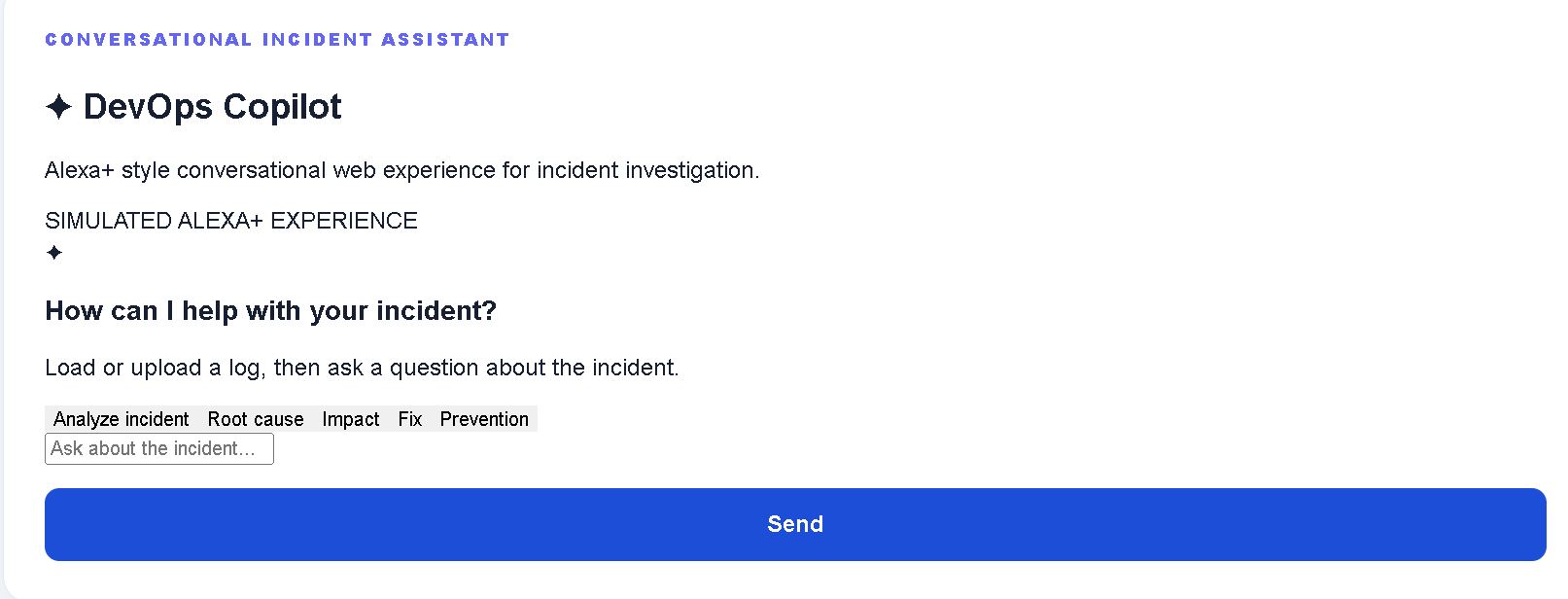
Main Screen
-
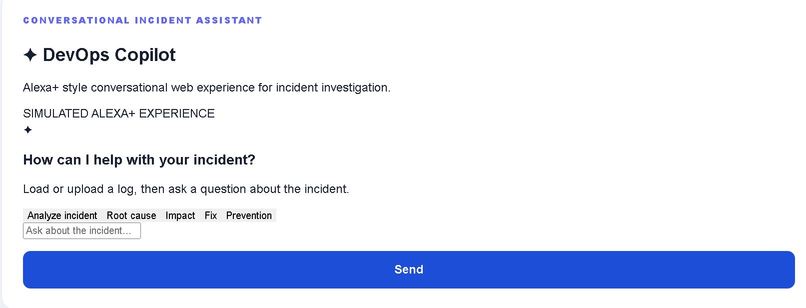
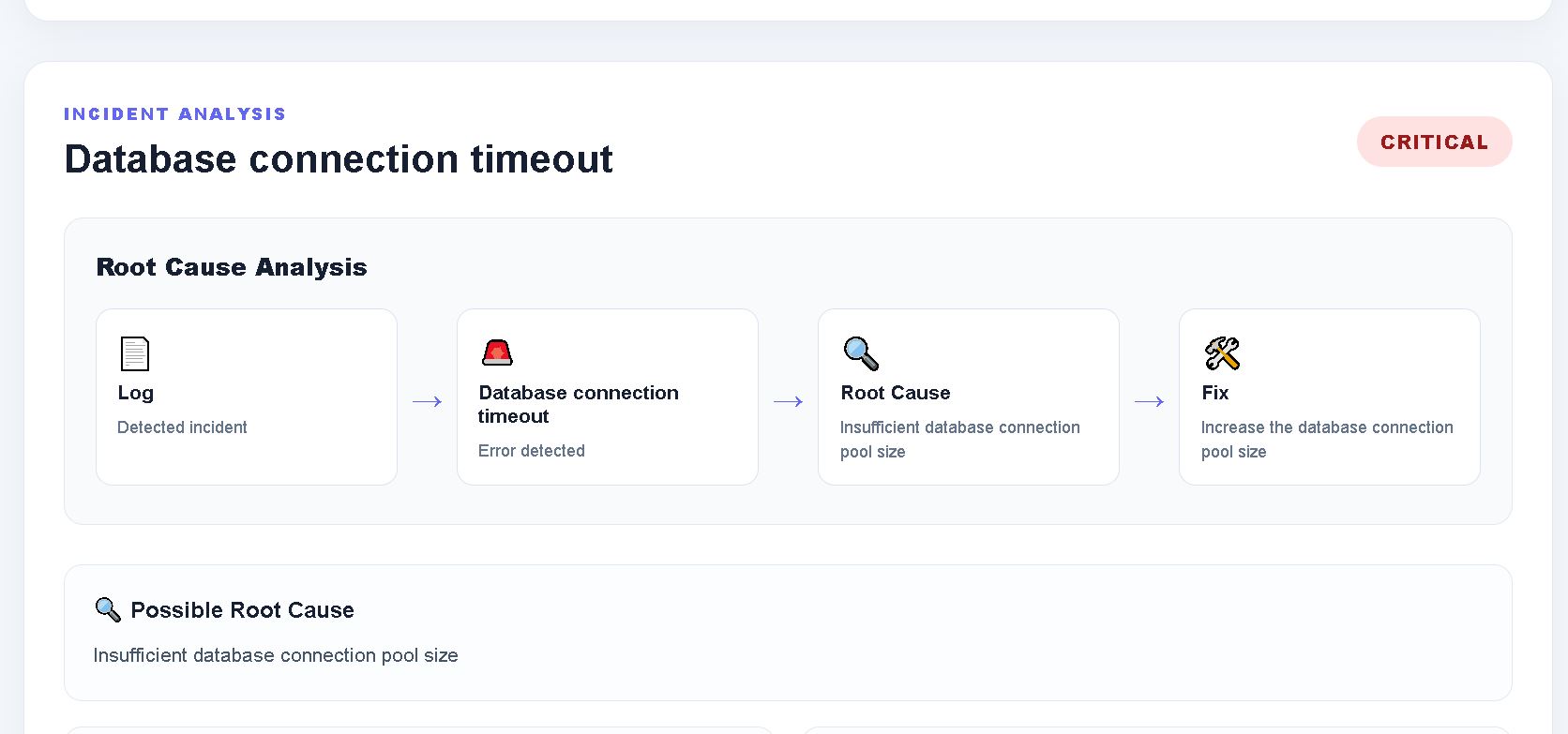
Incidents Analysis
-
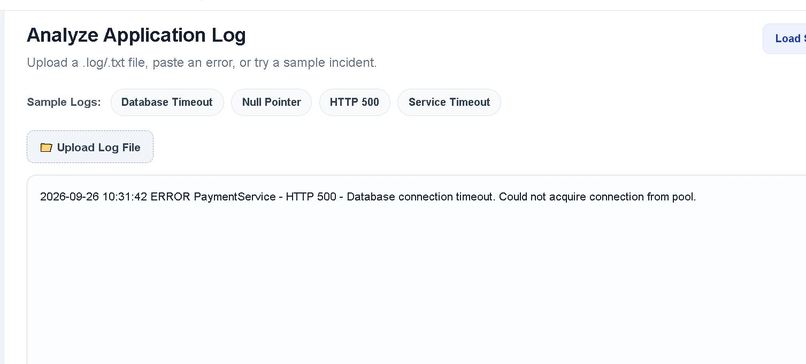
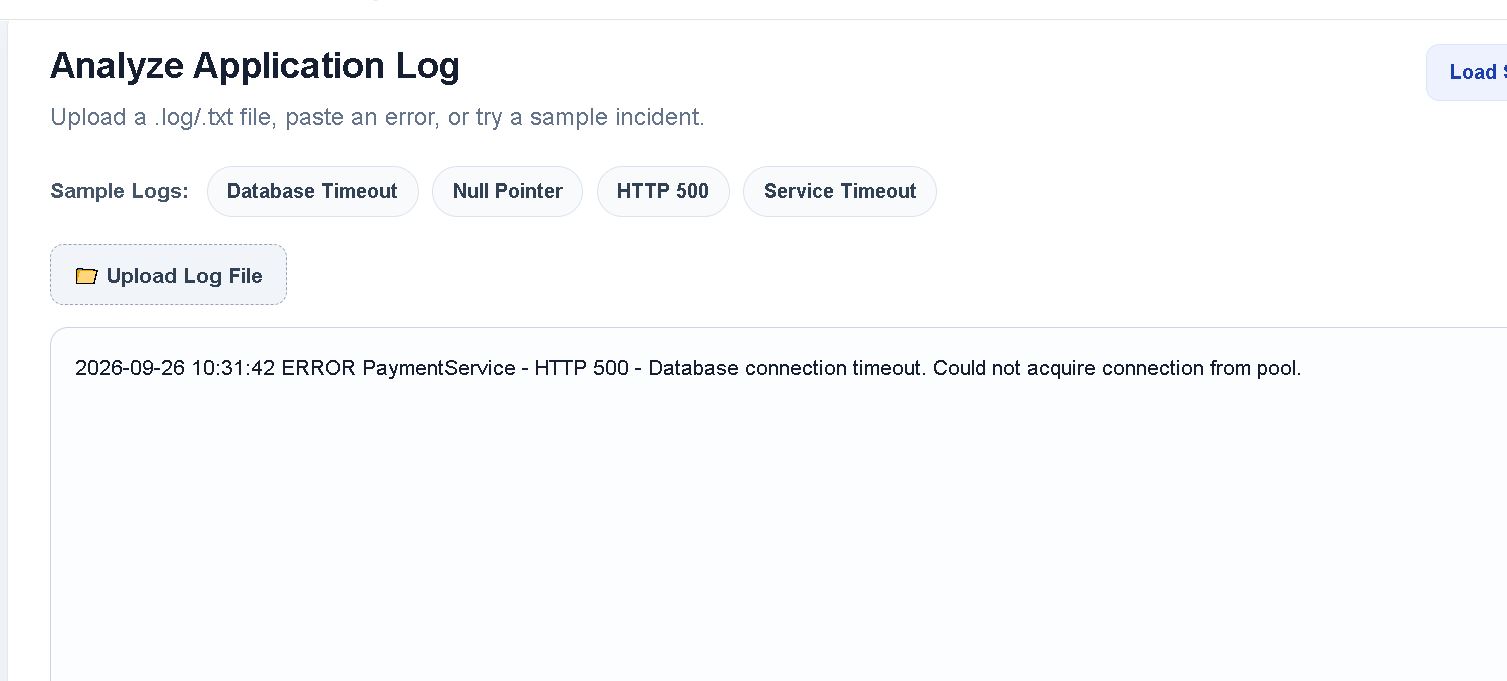
Anylyze Application
-
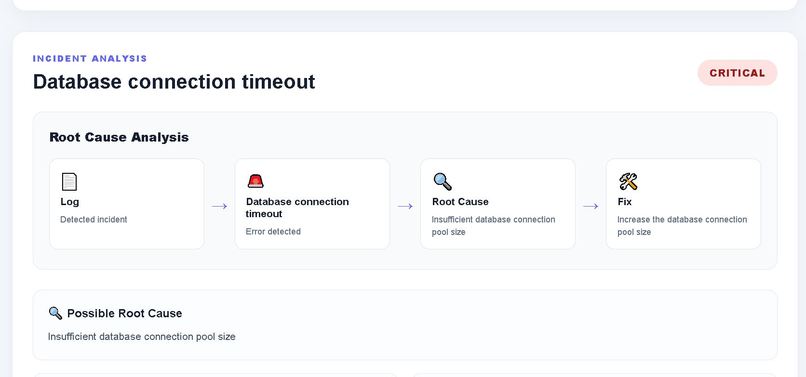
Root Cause 1
-
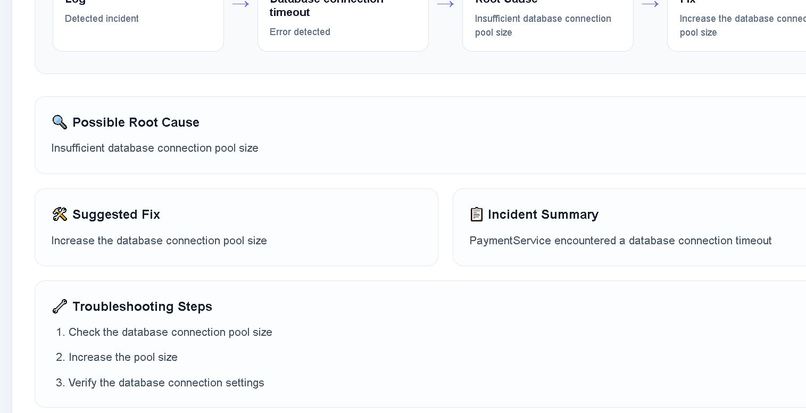
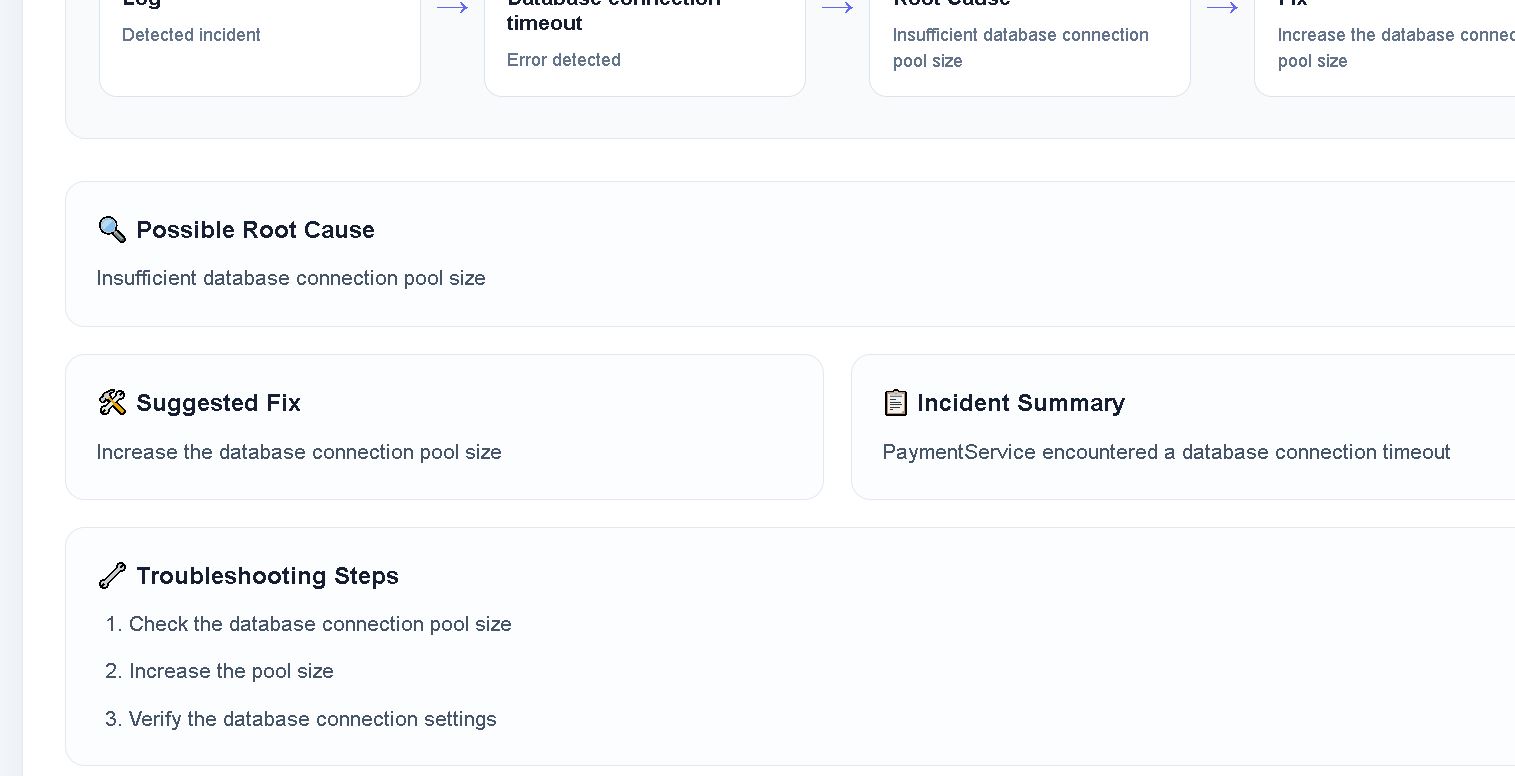
Root Cause 2
-
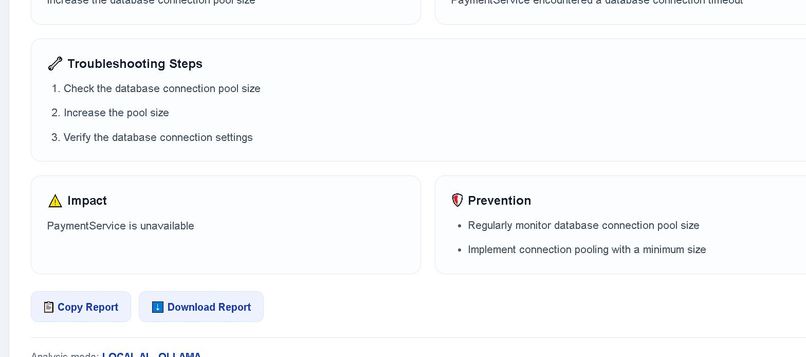
Fix Preventation
-
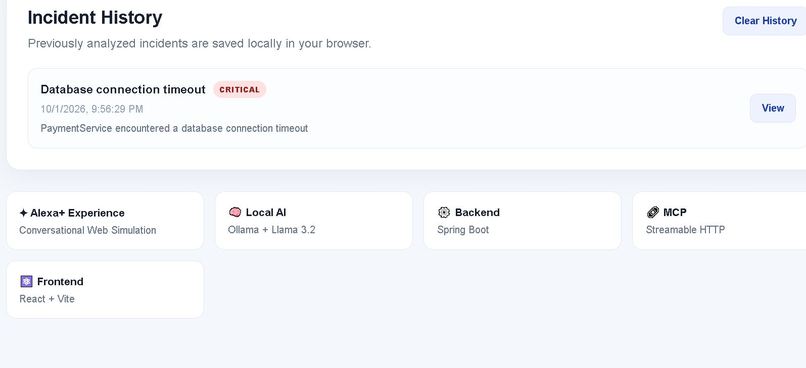
Incident History
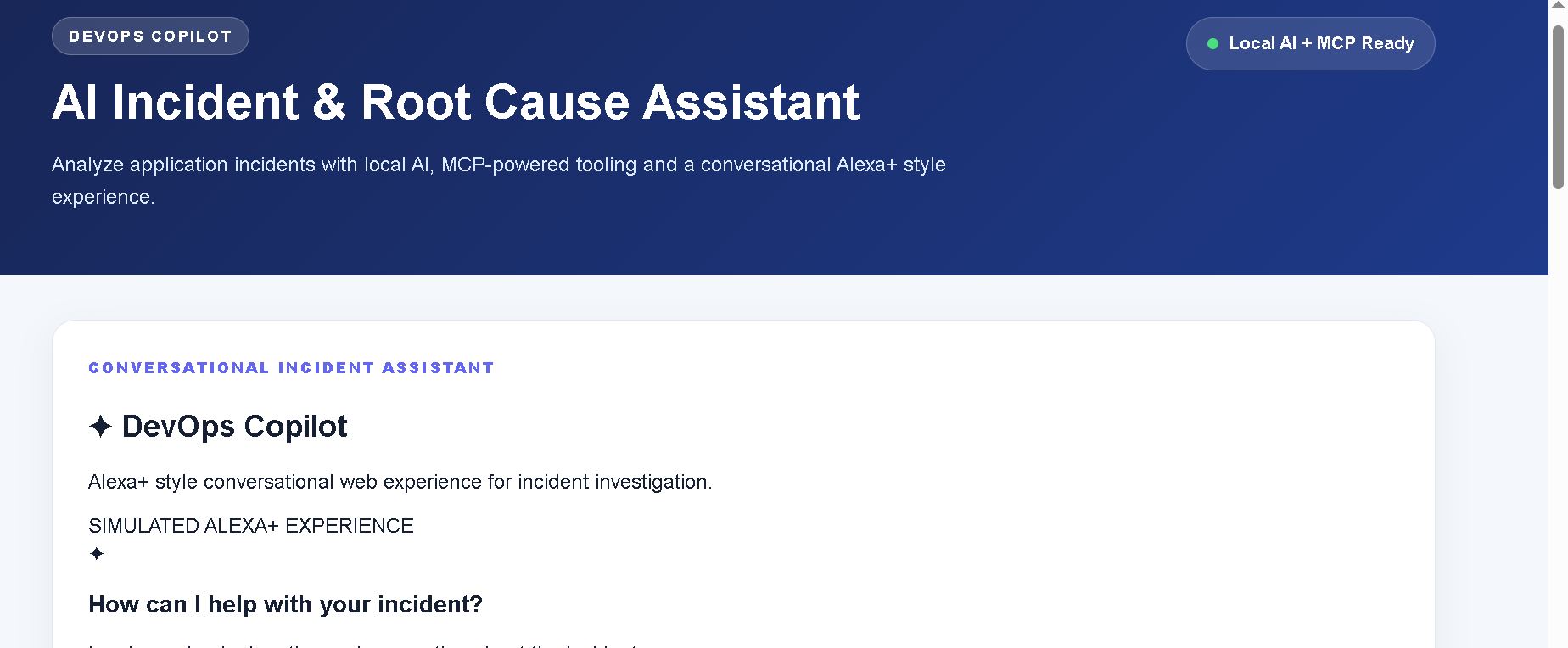
DevOps Copilot – AI Incident & Root Cause Assistant
Inspiration
In modern software systems, production incidents can generate large amounts of application logs, stack traces, timeout errors, database failures, and service errors. During an incident, developers and DevOps engineers need to quickly understand what went wrong, identify the probable root cause, determine severity, and decide what to do next.
I wanted to build a developer-focused assistant that could turn a raw application log into a structured incident analysis within seconds.
This idea led to DevOps Copilot, an AI-powered incident and root-cause analysis assistant designed for developers and DevOps teams.
What the Project Does
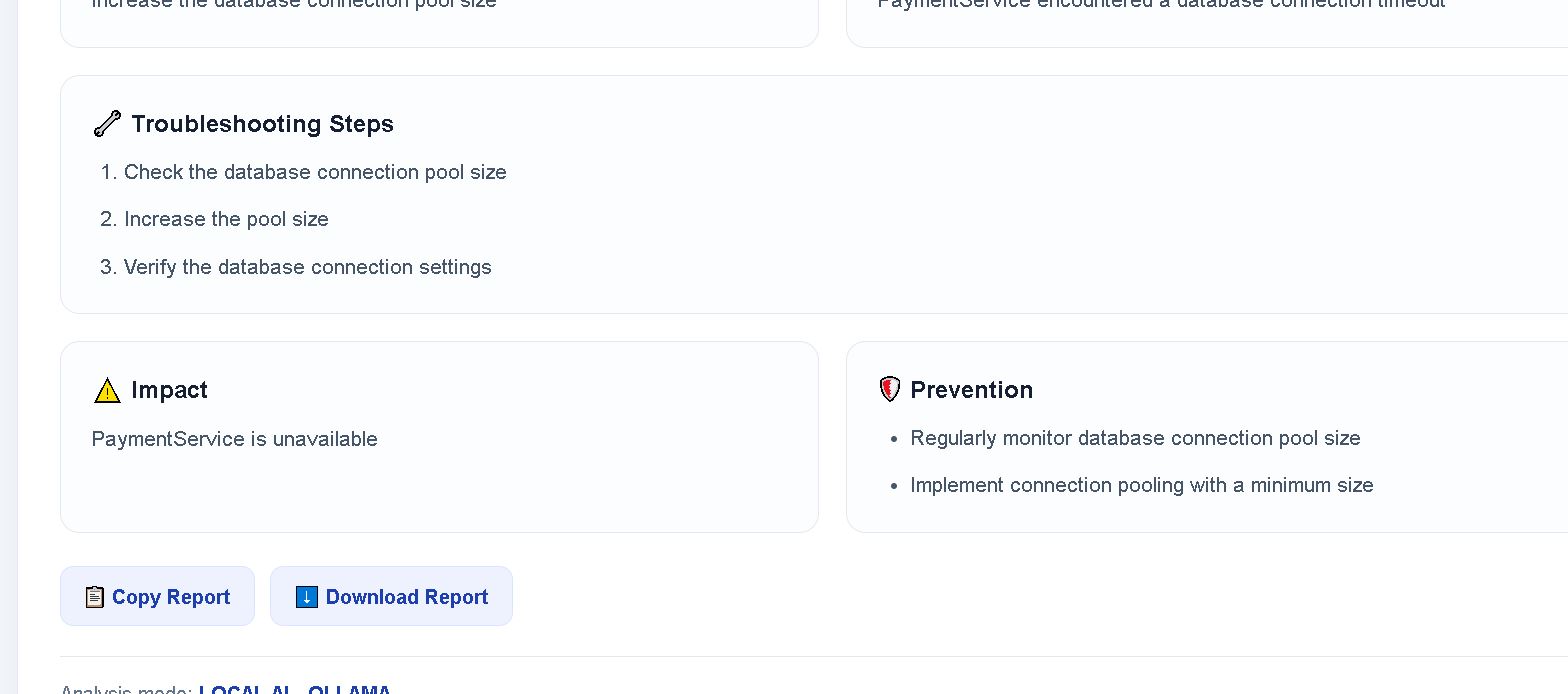
DevOps Copilot allows a user to paste or upload an application log and receive an incident analysis containing:
- Error type
- Severity
- Probable root cause
- Suggested fix
- Troubleshooting steps
- Incident summary
- Potential impact
- Prevention recommendations
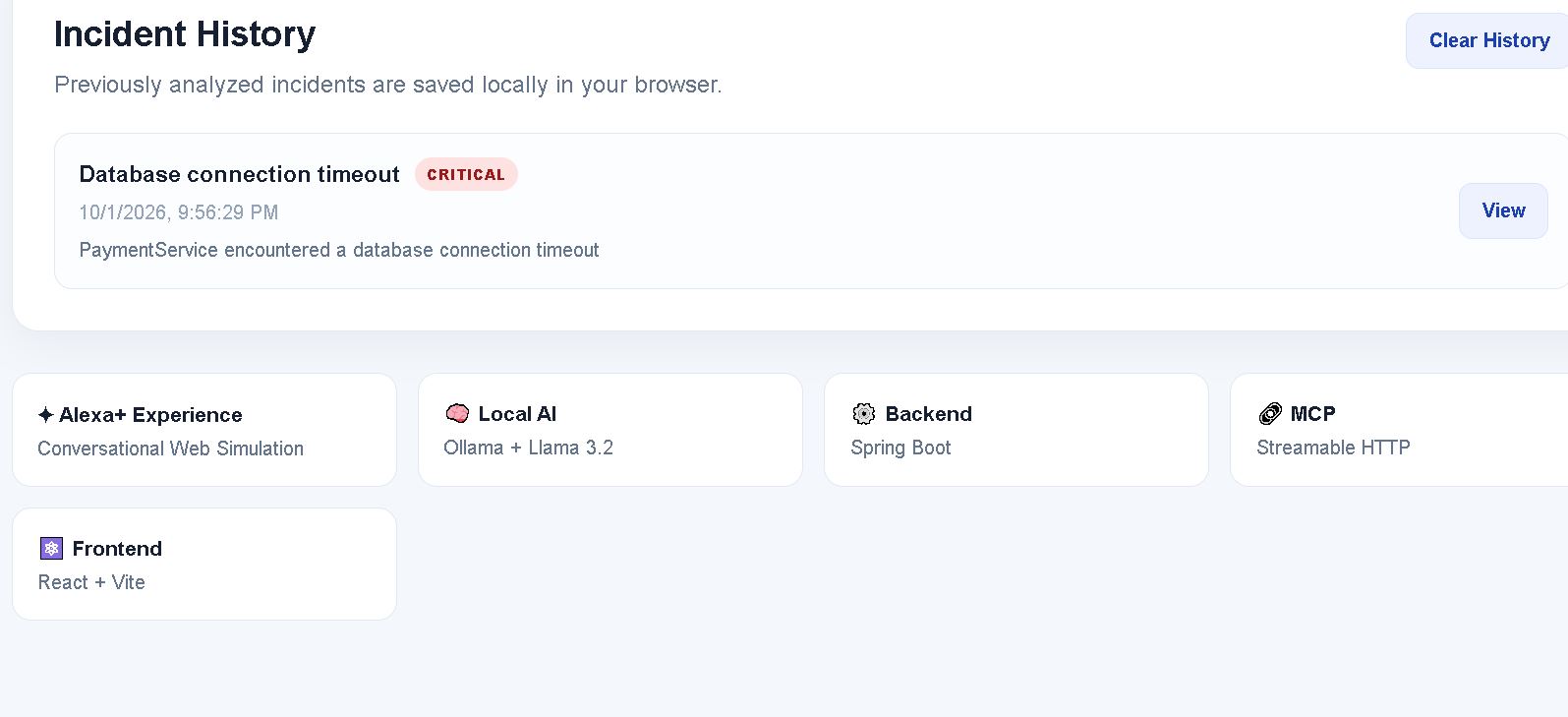
The application also provides an incident history dashboard and a conversational interface for asking follow-up questions about the analyzed incident.
How I Built It
The project uses a React frontend connected to a Spring Boot backend.
The main architecture is:
React Web App → Spring Boot API → MCP Server → Log Analysis → Local AI
The backend exposes an MCP tool named analyze_incident. The MCP server receives the application log and passes it to the incident analysis service.
For AI analysis, I used Ollama with the Llama 3.2 3B model, allowing the project to run locally without requiring a paid AI API.
The application also includes a rule-based fallback analyzer for common incident patterns such as:
- Database connection failures
- HTTP 500 errors
- Null pointer errors
- Timeout errors
This allows the application to still provide useful analysis when local AI analysis is unavailable.
MCP Integration
A self-hosted MCP server is integrated into the Spring Boot application.
The MCP server exposes the analyze_incident tool, which can be discovered and invoked through the MCP protocol.
The MCP flow was tested end-to-end:
MCP Client → MCP Server → analyze_incident → Incident Analysis Service → Ollama → Structured Incident Result
The MCP response returns structured information including severity, probable root cause, suggested fix, troubleshooting steps, impact, and prevention actions.
Conversational Experience
The web interface provides an Alexa+ inspired conversational experience where users can ask follow-up questions about the current incident, such as:
- "What is the root cause?"
- "What should I fix first?"
- "How can I prevent this?"
- "What is the impact?"
The interface is designed to make incident investigation feel more natural and less like reading raw logs.
What I Learned
While building this project, I learned more about:
- Building REST APIs with Spring Boot
- Integrating local AI models with Ollama
- Designing structured AI responses
- MCP server and tool integration
- Connecting React applications with backend services
- Handling AI failures with rule-based fallbacks
- Designing an incident analysis workflow
- Building a developer-focused conversational interface
Challenges
One of the main challenges was making the AI response reliable enough for an application to consume.
Instead of directly displaying unstructured AI output, the backend requests structured JSON and converts it into a typed response model.
Another challenge was ensuring that the MCP integration worked correctly with session-based MCP communication. I tested the MCP endpoint, initialized an MCP session, discovered the available tool, and successfully executed the analyze_incident tool end-to-end.
Future Improvements
Future versions could include:
- Real-time log streaming
- Kubernetes and cloud log integrations
- GitHub/Jenkins incident context
- Automatic incident timeline generation
- Slack or Teams notifications
- Voice-based incident investigation
- A dedicated Alexa+ Agent Skill integration
- Multi-service distributed tracing analysis
- Historical incident pattern detection
Why DevOps Copilot
The goal is simple: reduce the time between seeing an application error and understanding what needs to be investigated.
Instead of starting with thousands of lines of logs, a developer can start with a structured incident explanation and then investigate the relevant areas.
DevOps Copilot combines local AI, MCP, Spring Boot, React, and a conversational developer experience into one incident-analysis workflow.

Log in or sign up for Devpost to join the conversation.