Inspiration
Tired of boring, static portfolio websites, I wanted to create something that would make recruiters and fellow developers stop scrolling and say "whoa!" Inspired by classic operating systems like Windows and macOS, I envisioned a portfolio that users could actually "boot up" and interact with - turning the mundane task of browsing a resume into an engaging, memorable experience.
What it does
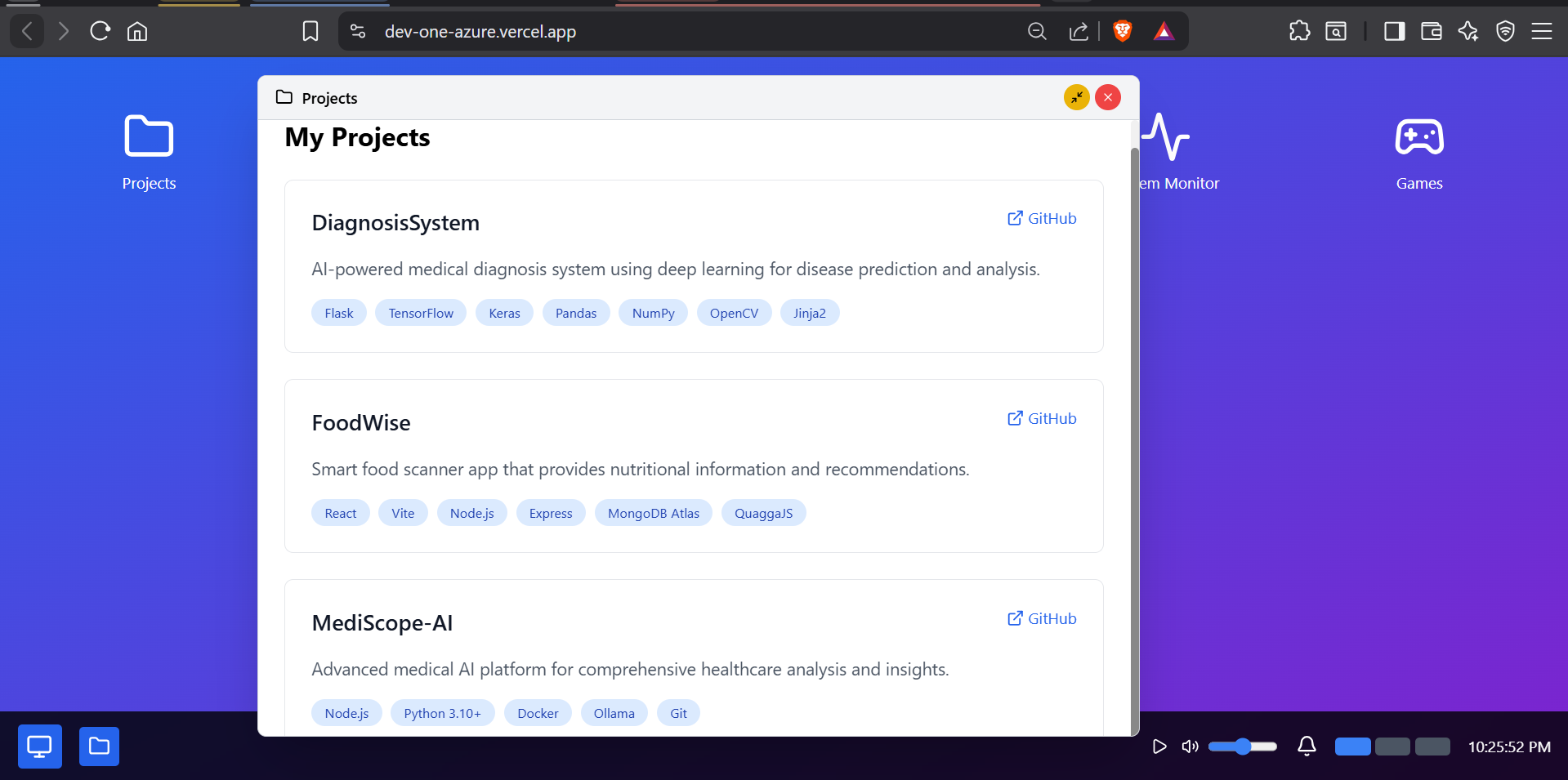
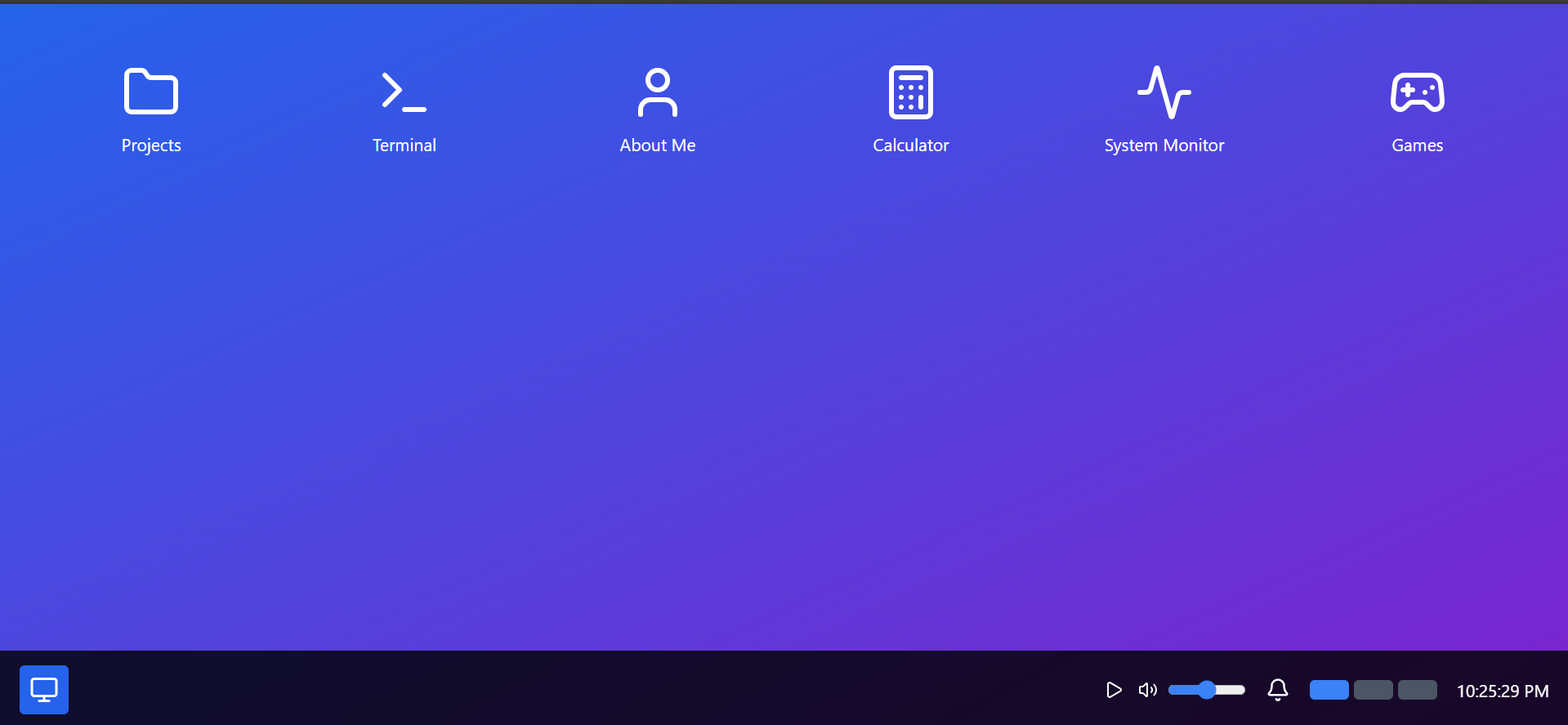
CodeBreaker OS is a fully functional operating system simulation built entirely in the browser. Users experience:
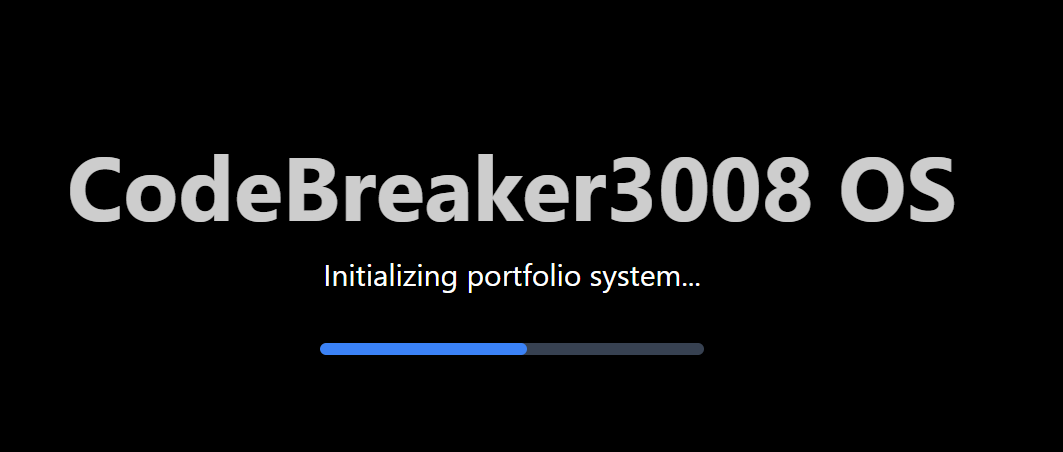
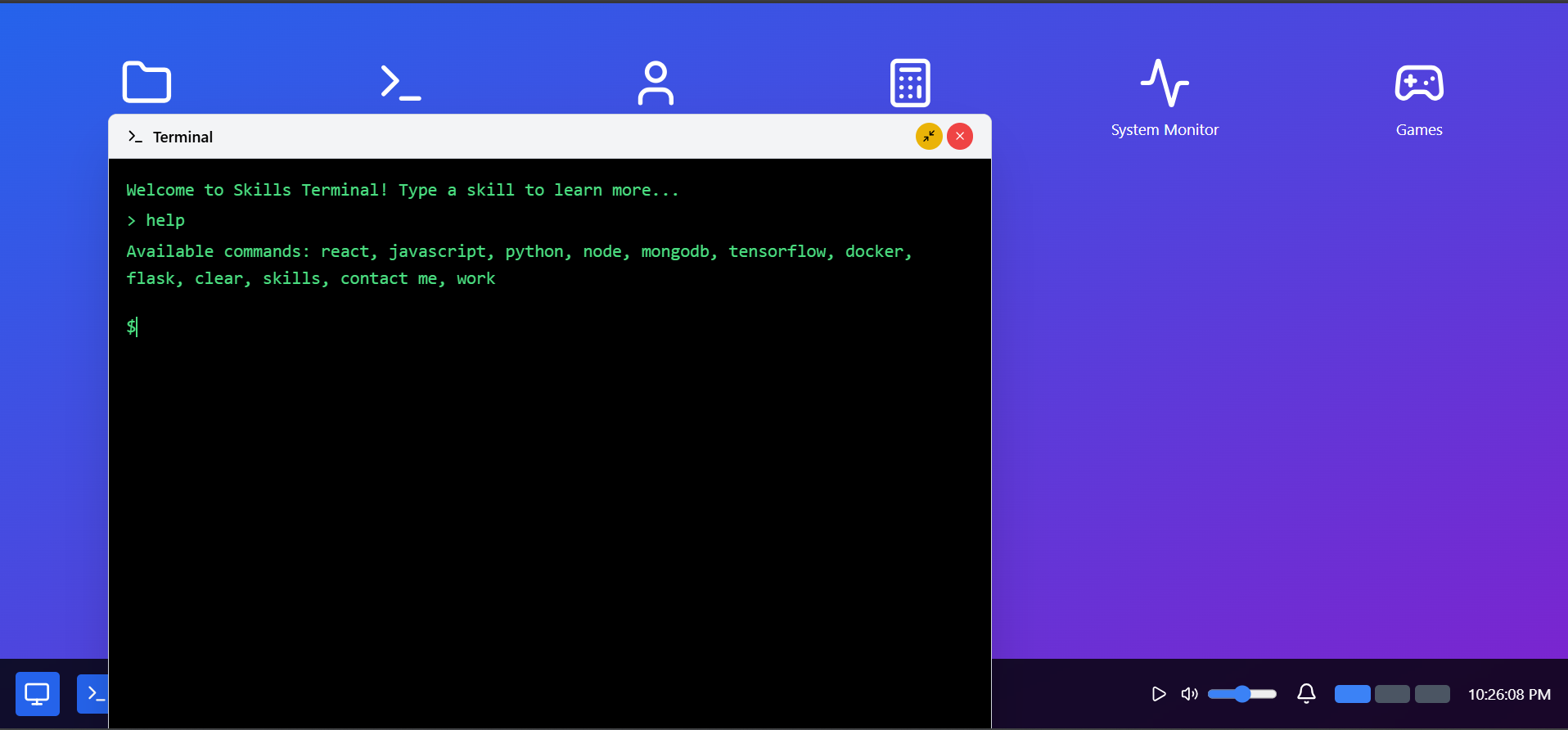
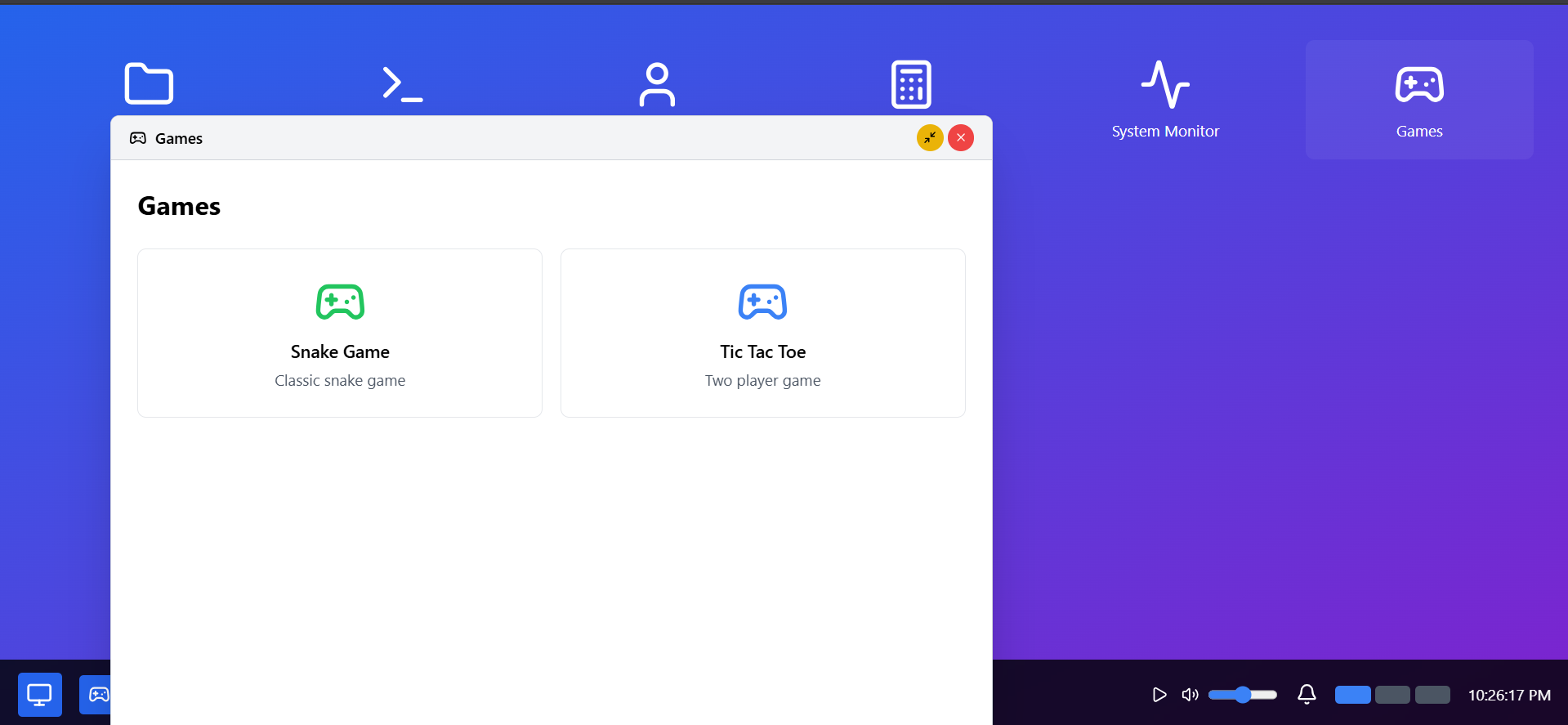
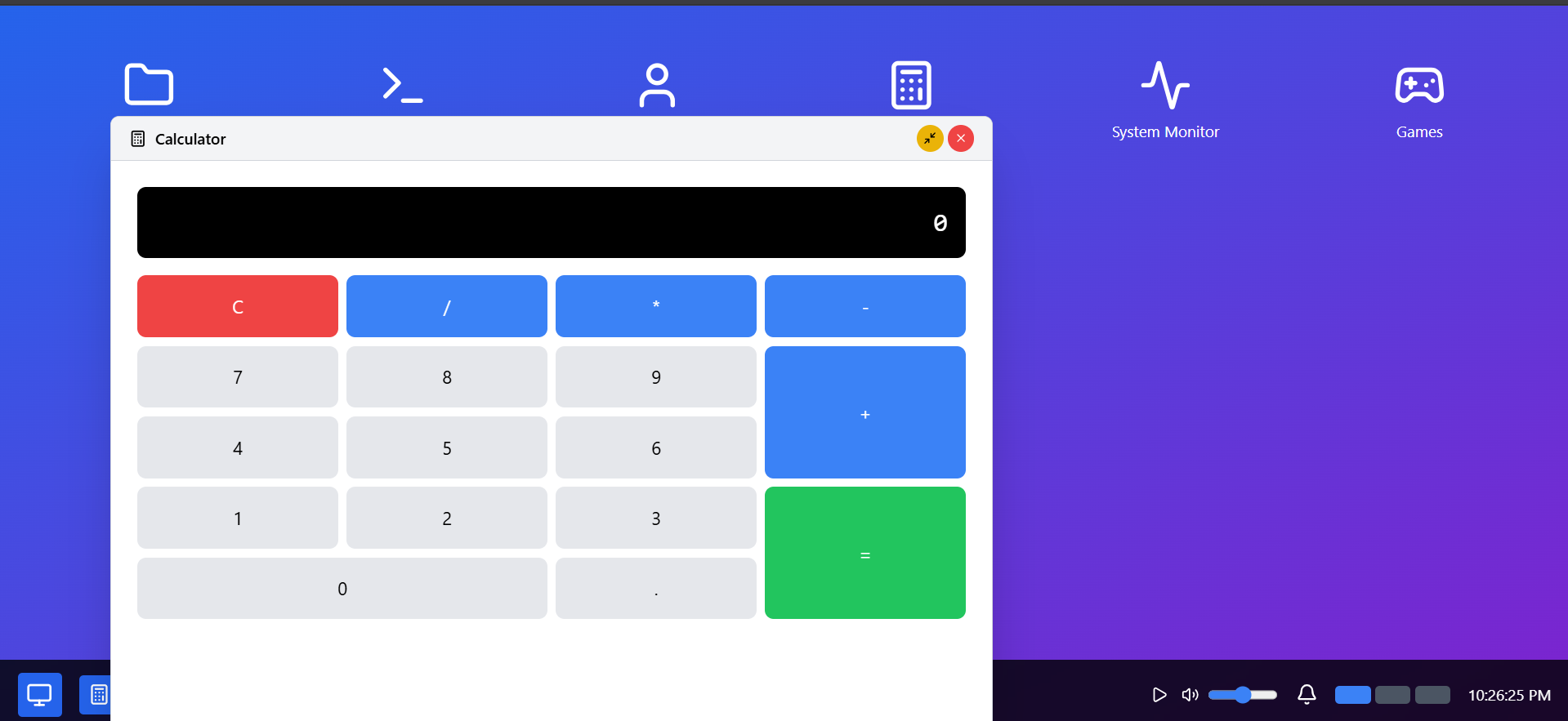
Authentic boot sequence with loading animations Interactive desktop with clickable application icons Draggable windows with minimize/close functionality Working applications: Projects gallery, skills terminal, calculator, games System features: Taskbar, notifications, music controls Mini-games: Snake and Tic-tac-toe for entertainment Terminal interface for exploring technical skills interactively
How we built it
Built entirely with modern web technologies:
React 18 with hooks for component state management Tailwind CSS for responsive, utility-first styling Lucide React for beautiful, consistent iconography CSS animations for smooth transitions and OS-like feel Custom window management system handling drag, minimize, and layering Game logic implemented from scratch for Snake and Tic-tac-toe Terminal emulation with command parsing and response system
Challenges we ran into
Window management complexity: Implementing draggable windows with proper z-indexing and state management Performance optimization: Ensuring smooth animations while managing multiple interactive components Responsive design: Making an OS interface work across different screen sizes Game logic: Creating bug-free Snake game with collision detection and smooth movement State synchronization: Managing global state for notifications, windows, and system features CSS animations: Achieving OS-like smooth transitions without JavaScript animation libraries
Accomplishments that we're proud of
Created a unique portfolio experience that stands out from typical developer websites Built a fully functional OS simulation with authentic boot sequence and desktop environment Implemented complex window management with dragging, minimizing, and multi-window support Developed working games including Snake with proper game loop and collision detection Achieved smooth performance with multiple animated components running simultaneously Made it fully responsive - works on desktop, tablet, and mobile devices Zero external dependencies for games and OS functionality - all built from scratch
What we learned
Advanced React patterns: Complex state management, useEffect optimization, and component lifecycle CSS mastery: Advanced animations, transforms, and creating authentic OS-like interfaces UX design principles: How to make complex interfaces intuitive and engaging Performance optimization: Managing multiple animations and interactions efficiently Game development: Implementing game loops, collision detection, and user input handling Project architecture: Organizing complex React applications with multiple interactive features
What's next for DevOne
File System Browser: Add a working file explorer with folders and file operations Code Editor: Built-in text editor with syntax highlighting for showcasing coding skills Web Browser App: Miniature browser for displaying external content Settings Panel: Theme customization, wallpaper changes, and system preferences Multiple User Accounts: Different "user profiles" showcasing various skill sets Local Storage Integration: Save user preferences and window positions Audio System: Working music player with actual audio files Mobile Optimization: Enhanced touch controls and mobile-specific UI improvements Screensaver: Animated screensavers after periods of inactivity Network Simulation: Mock network requests and system status indicators
Built With
- creative
- frontend
- gamedev
- innovation
- interactive
- javascript
- operatingsystem
- portfolio
- react
- tailwindcss
- userexperience
- webdesign
- webdevelopment

Log in or sign up for Devpost to join the conversation.