Devil's Advocate Debater
The project is split into two parts:
backend – a Django server that exposes a REST API for generating rebuttals, performing text‑to‑speech (TTS), speech‑to‑text (STT), resetting conversation memory and downloading transcripts.
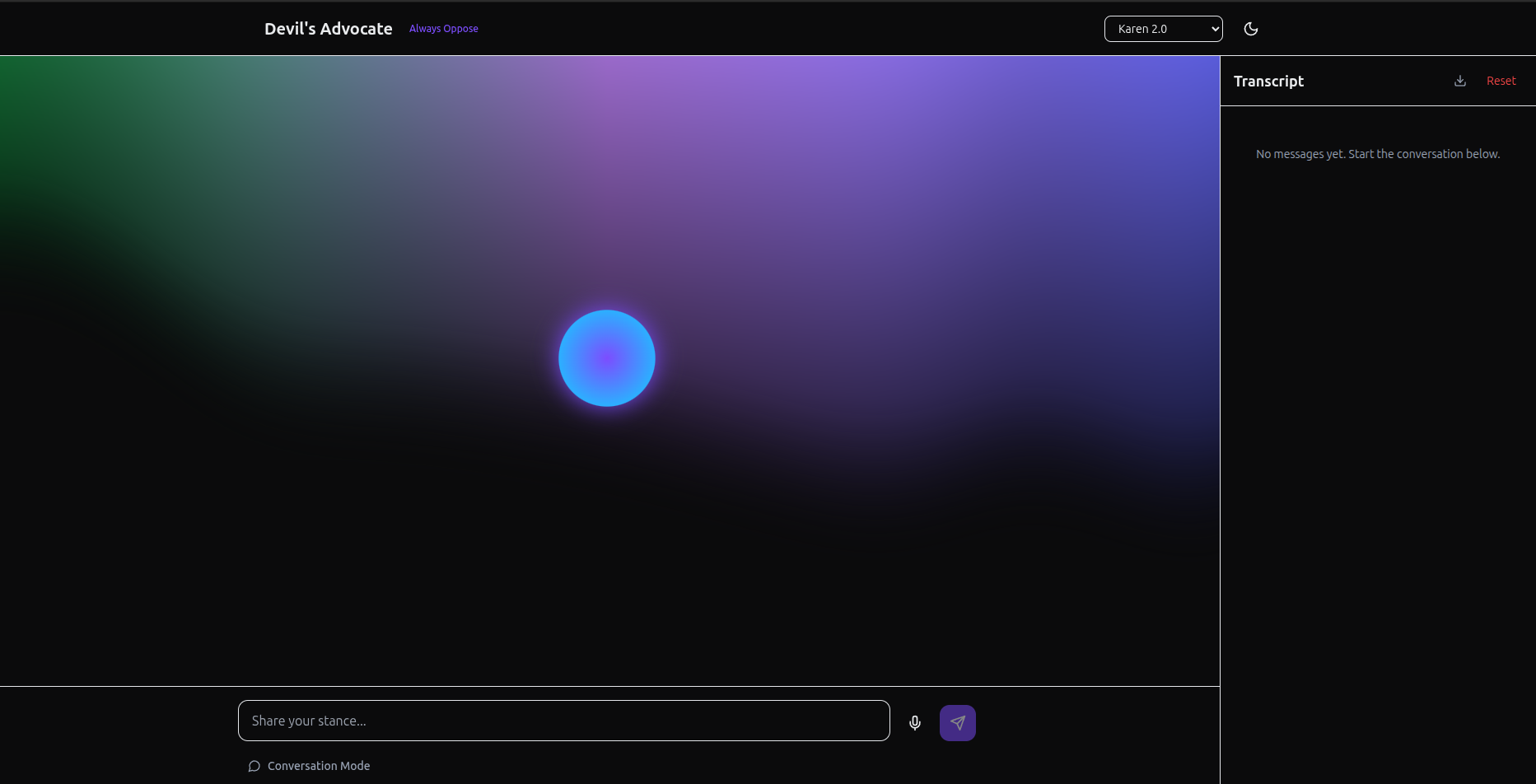
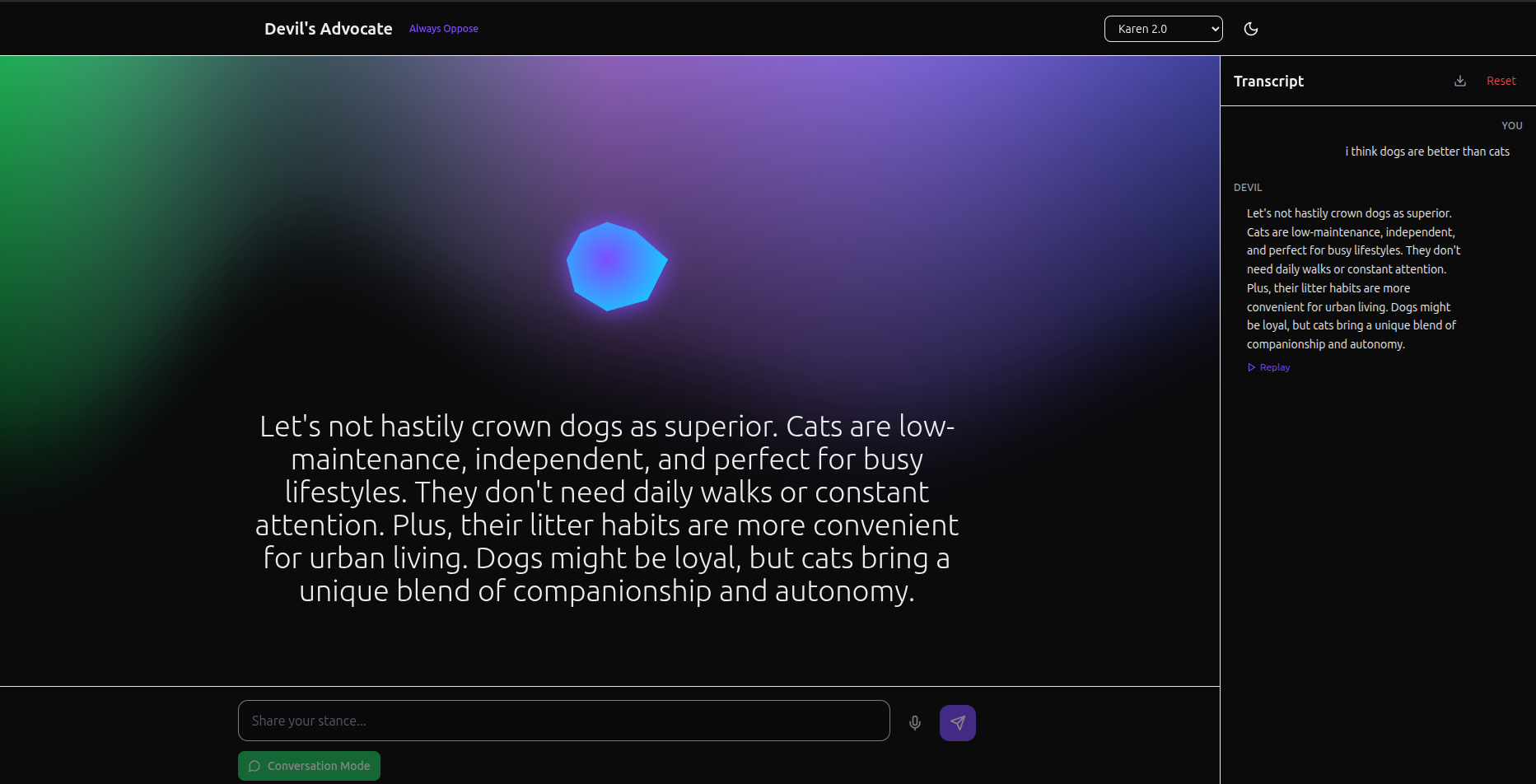
frontend – a simple React application (powered by Vite) that provides a chat‑like interface similar to ChatGPT. Users can select one of three personas (Socrates, Karen 2.0, Professor Logic), type or speak a stance, and receive a spoken rebuttal.

Note: The application depends on external services (OpenAI for generating rebuttals and transcribing audio; ElevenLabs for converting text to speech). You must supply API keys for these services via environment variables. Without valid keys the endpoints will raise errors.
Features
Persona selection – choose between Socrates, Karen 2.0 and Professor Logic. Each persona adopts a distinct rhetorical style.
Session memory – the backend remembers previous turns in a conversation so the AI can provide consistent reasoning. A reset button clears the memory.
Voice input – record your stance via microphone. The app sends the recording to the backend for speech‑to‑text before generating a response.
Voice output – responses are read aloud via ElevenLabs. Audio files are generated on the fly and streamed back to the client.
Transcript download – download the entire conversation as a plain text file at any time.
Getting Started
The instructions below assume you have Python 3.10+ and Node.js 18+ installed. You can run the backend and frontend on your local machine simultaneously.
- Backend Setup (Django)
cd backend python -m venv venv source venv/bin/activate pip install django django-cors-headers httpx python-dotenv
Create a local .env file based on the example
cp .env.example .env
Edit .env to set your OpenAI and ElevenLabs API keys
python manage.py migrate python manage.py runserver 8000
This starts the Django development server on http://localhost:8000/. All API endpoints are prefixed with /api/.
- Frontend Setup (React)
In a new terminal:
cd frontend npm install
Create a local environment file based on the example
cp .env.example .env
If your backend runs on a different host or port, adjust VITE_API_BASE
npm run dev
The React development server will start on http://localhost:5173/.
Using the App
Open http://localhost:5173/ in your browser. Select a persona from the dropdown in the header. Enter a statement or opinion in the text box and click Send. Listen to the AI's opposing argument. The transcript appears in the conversation pane. (Optional) Click the microphone icon to record your stance instead of typing. When you stop recording the audio is transcribed and treated as your input. Click Reset to clear the conversation memory or Download to save the transcript as a text file.
How It Works
When you send a stance, the frontend makes a POST request to /api/rebuttal with three parameters:
{ "stance": "Public universities should lower tuition.", "persona": "socrates", // or "karen2.0", "professorlogic" "sessionId": "…" // optional; provided on the first response }
The backend validates the stance (rejecting banned topics) and constructs a conversation prompt for OpenAI. It sends the current conversation history along with a system message that defines the persona's style and instructs the model to respond with JSON. The model returns JSON like this:
{ "rebuttal_text": "Lowering tuition sounds appealing…", "bullets": [ "Someone still pays — higher taxes or reduced services.", "Cheaper price → demand surge → overcrowding.", "Targeted aid beats blanket cuts." ] }
The backend extracts the rebuttal text, stores it in the session and returns it to the client along with the session ID. The frontend then sends the text to the /api/tts endpoint which calls ElevenLabs to generate audio. The audio file is saved under media/tts and streamed back to the browser for playback.
If you click the microphone icon, the browser uses the MediaRecorder API to record your voice. When you stop recording, the audio blob is uploaded to /api/stt which uses OpenAI's Whisper API to transcribe the audio into text. That text is then sent to /api/rebuttal as if you had typed it. Limitations & Next Steps
The session memory is stored in memory and will be cleared when the server restarts. For persistence across restarts you could add a database model to store messages.
There is no authentication. Anyone who can reach the API could consume your API keys. For production use you should secure the endpoints.
The safety check for banned topics is simplistic. Consider using more comprehensive content moderation tools from OpenAI.
You might choose to customise the voice used for each persona. See the ElevenLabs API for voice IDs and pass them via the voiceId field on /api/tts.
Have fun debating yourself and exploring how different personalities respond to your arguments! DevilsAdvocate 2025 Fall HackRU Debate Project
Built With
- chatgptapi
- django
- elevenlabsapi
- httpx
- javascript
- node.js
- python
- python-dotenv
- react
- sqlite
- tailwindcss
- typescript
- vite


Log in or sign up for Devpost to join the conversation.