-
-
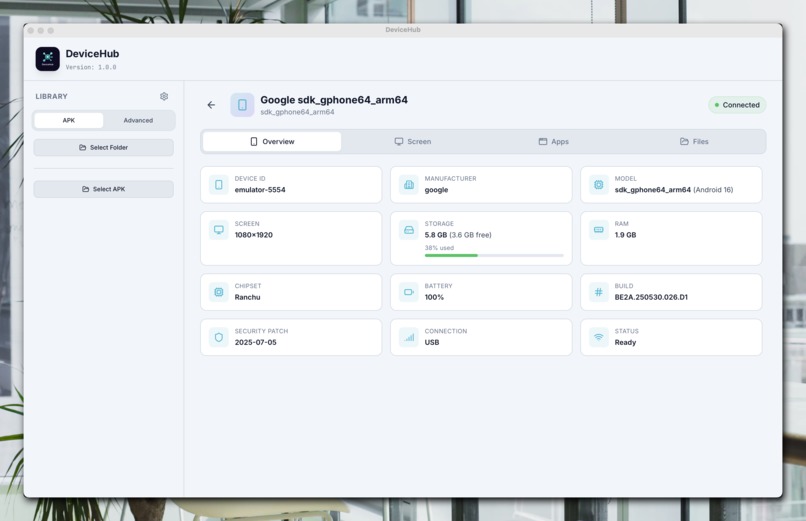
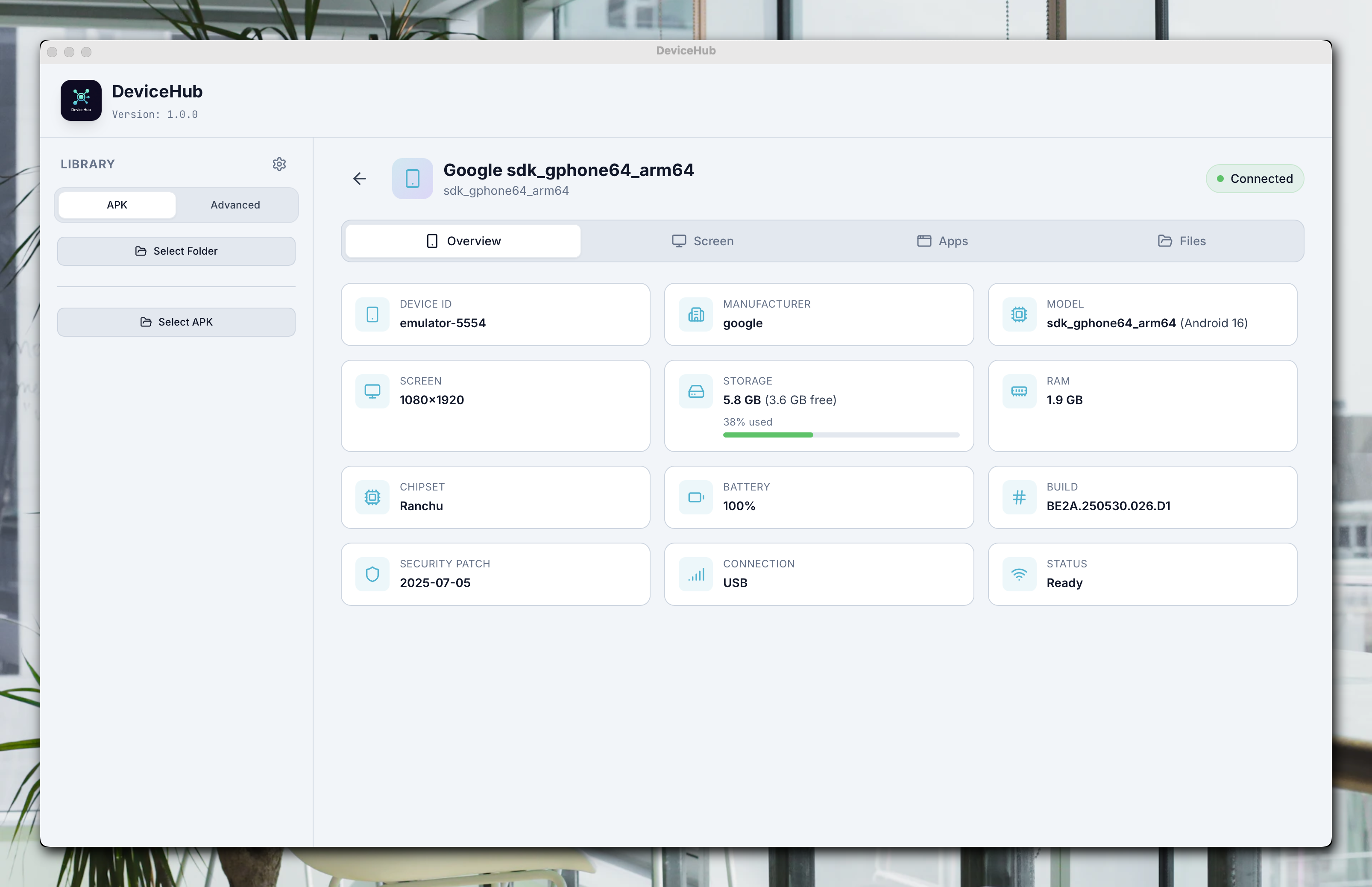
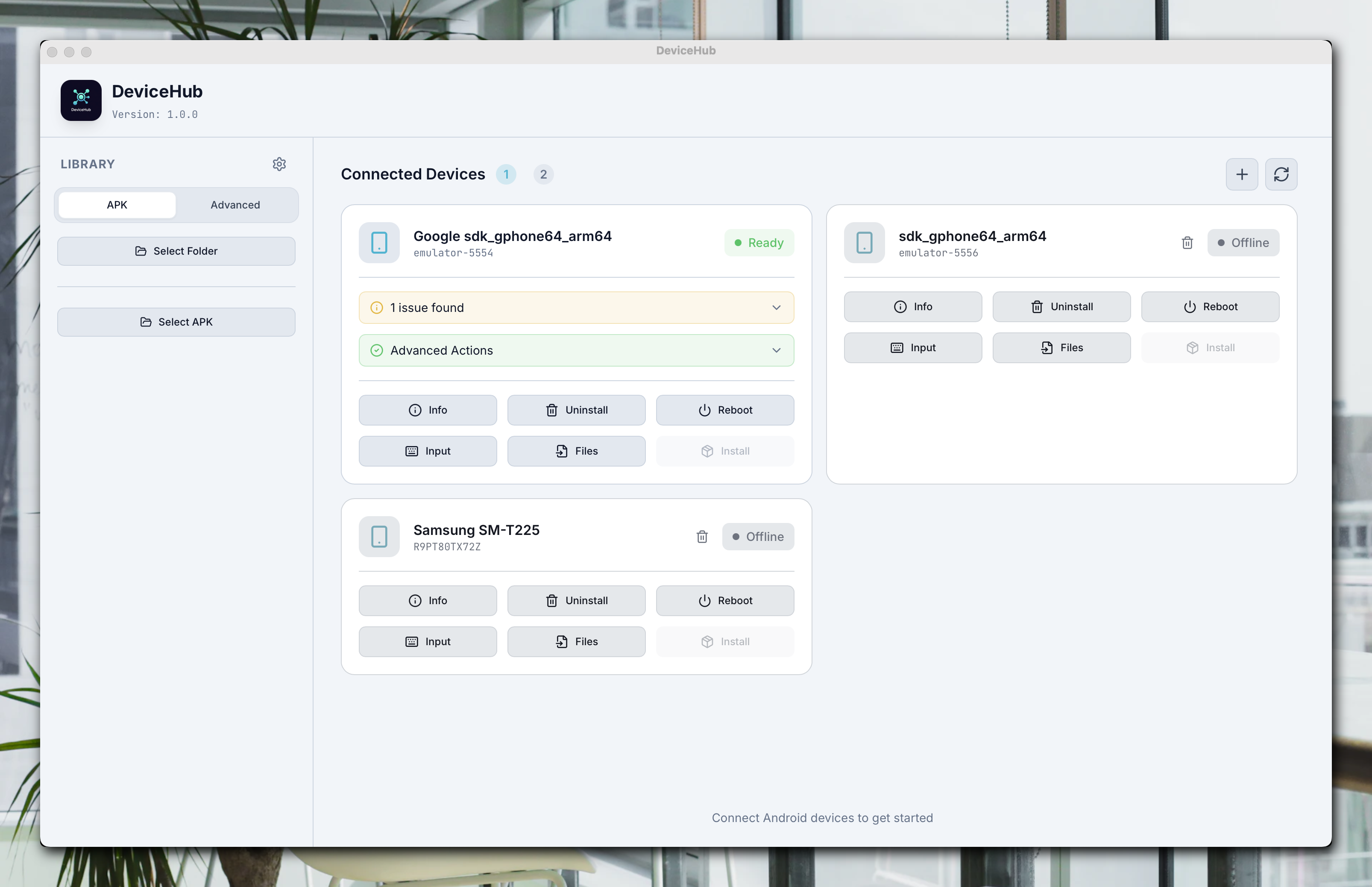
device light theme
-
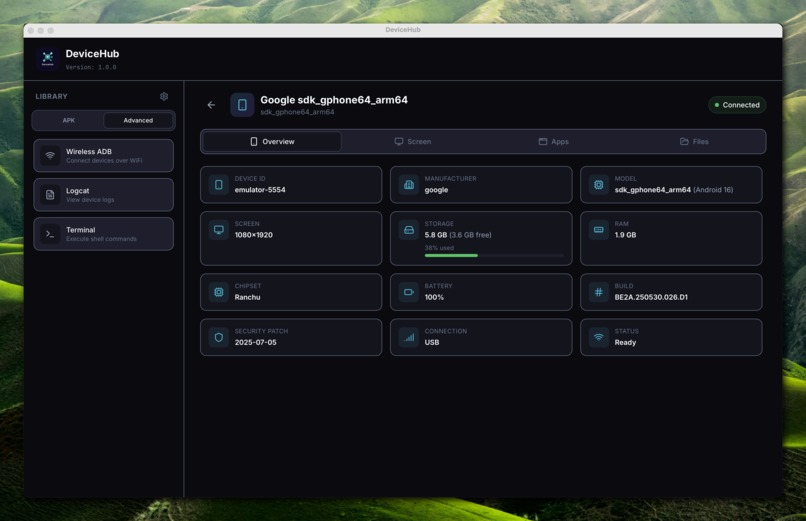
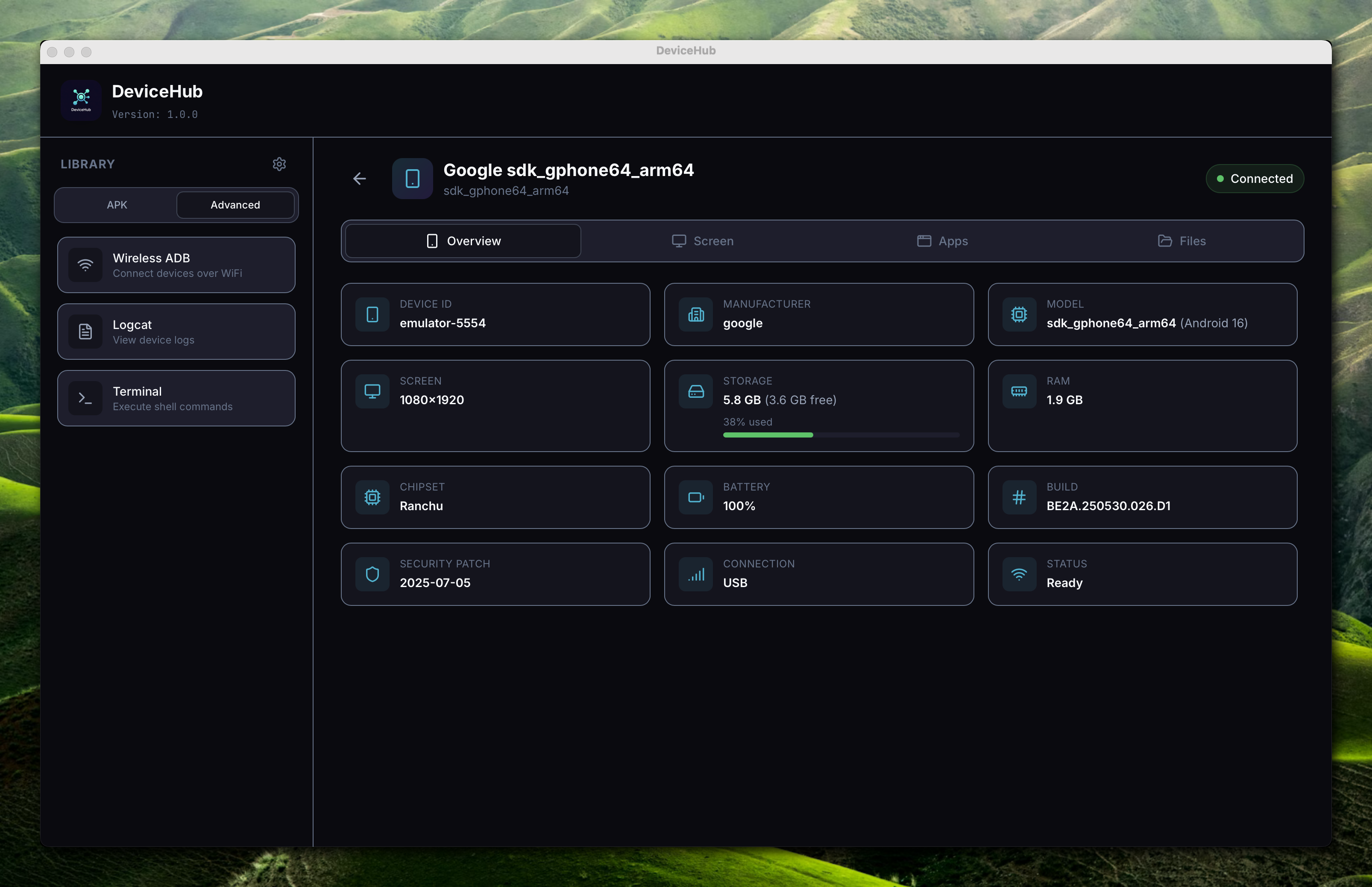
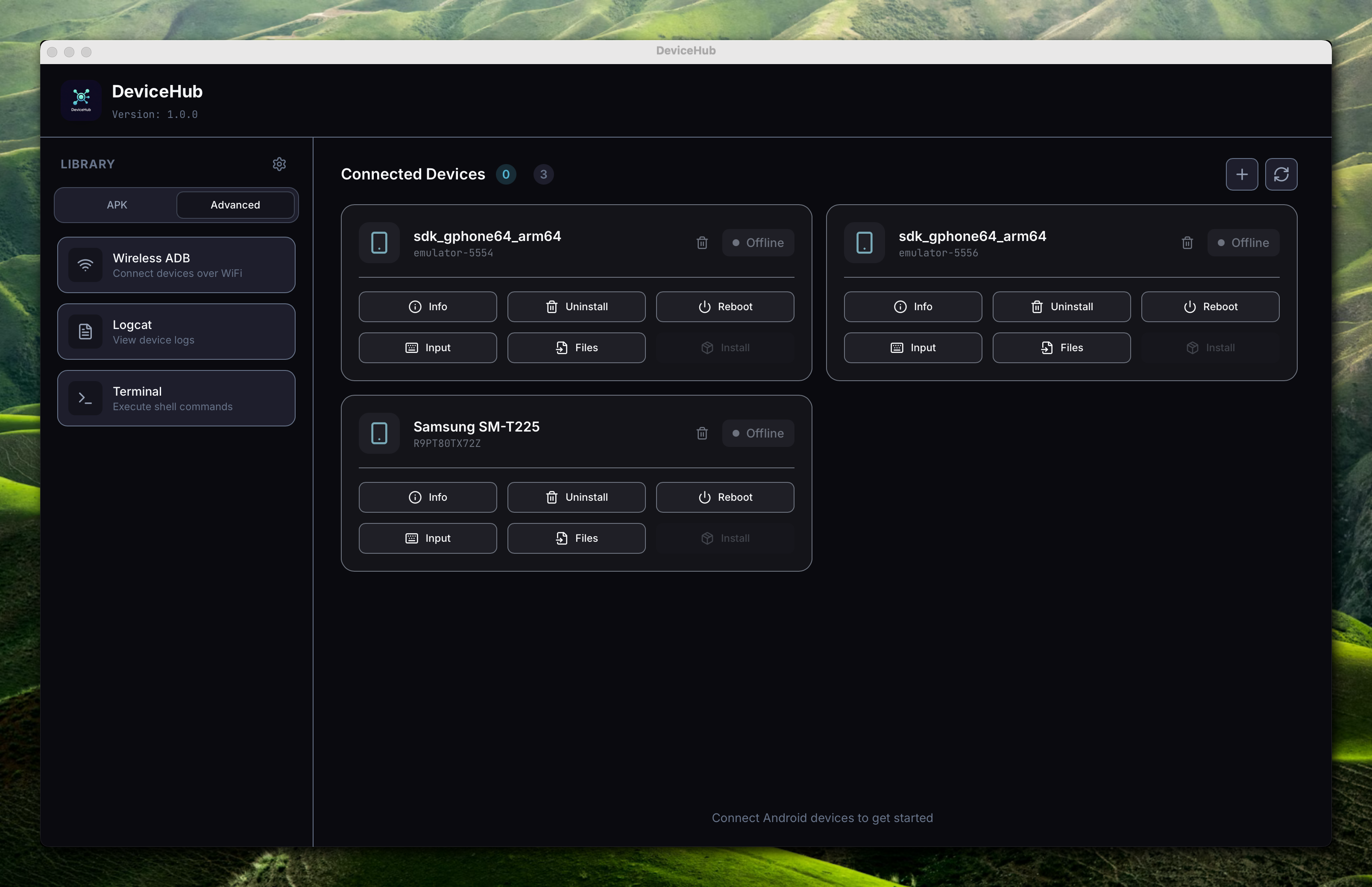
device dark theme
-
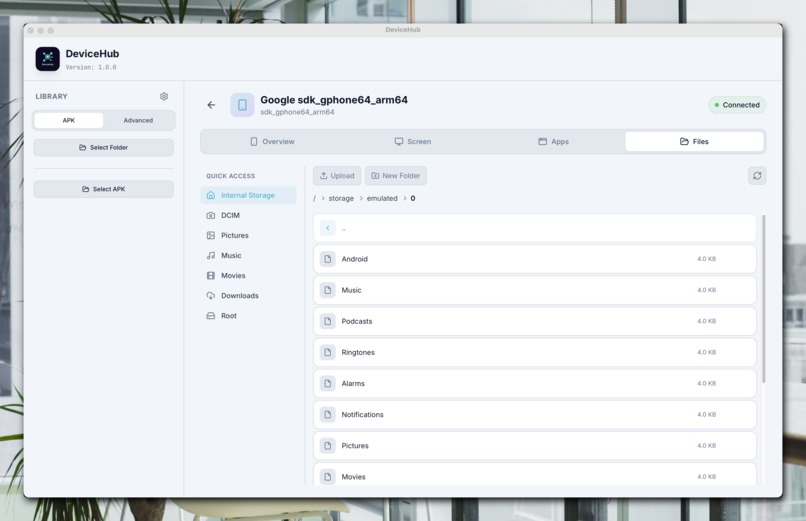
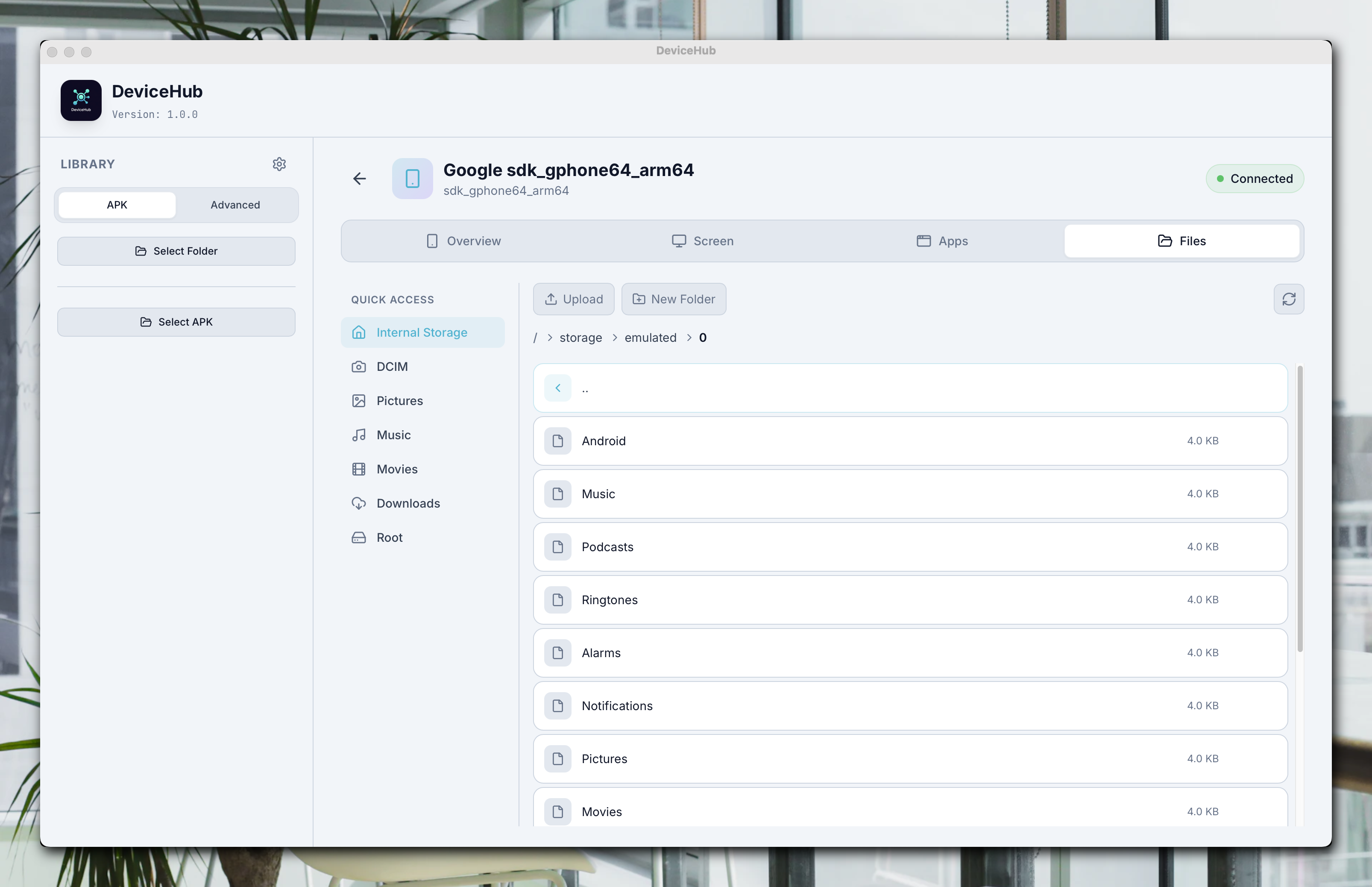
file light theme
-
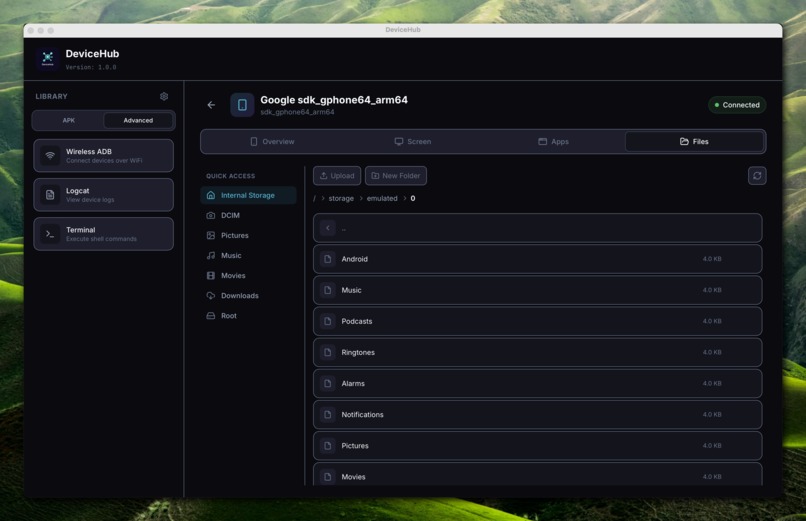
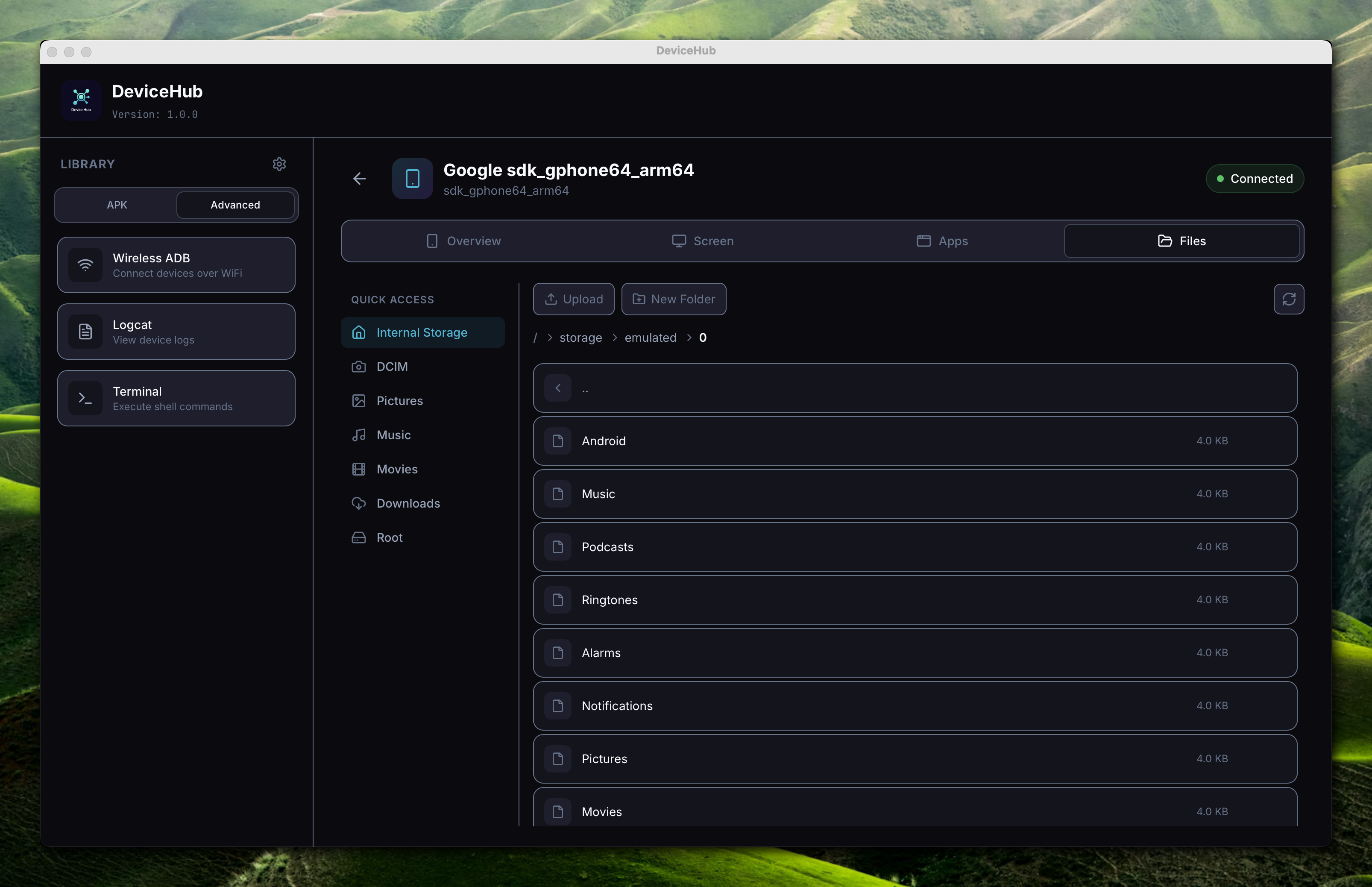
file dark theme
-
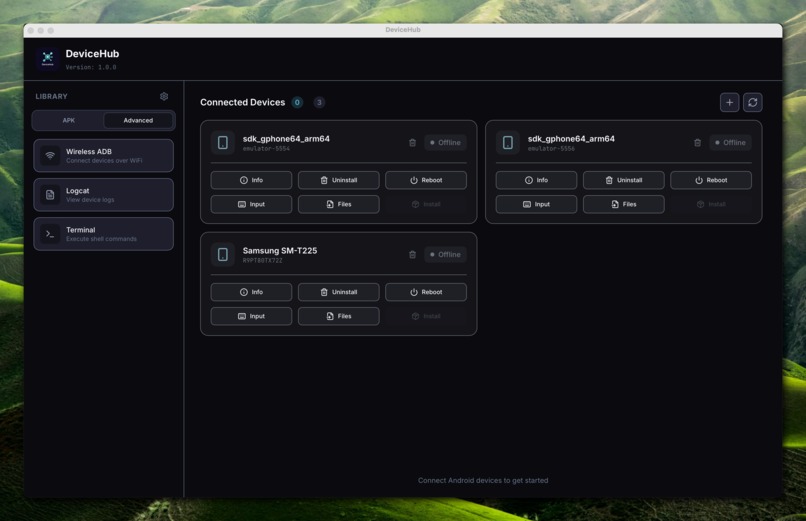
home dark theme
-
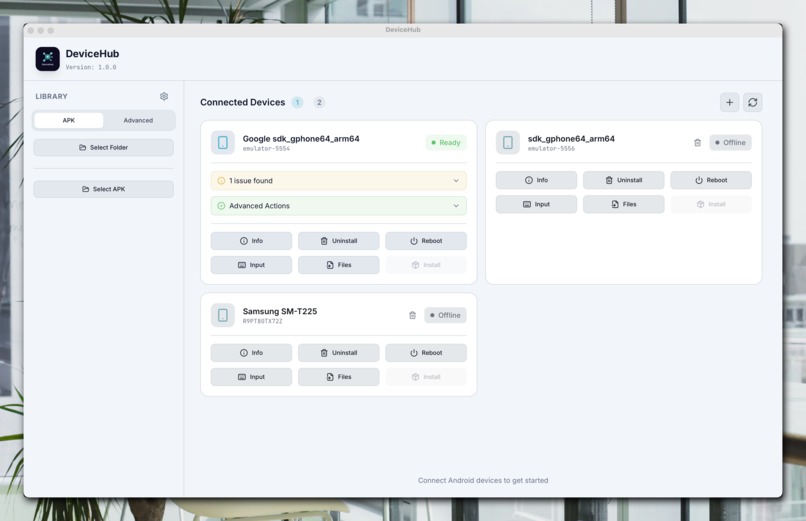
home light theme
-
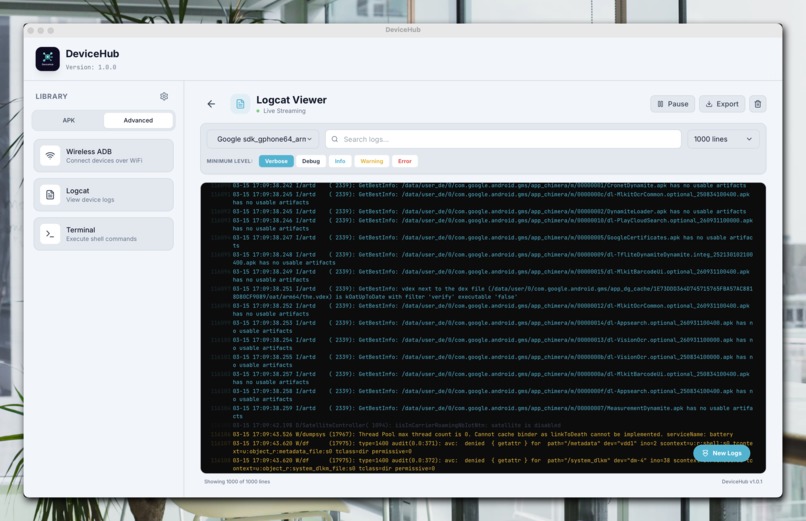
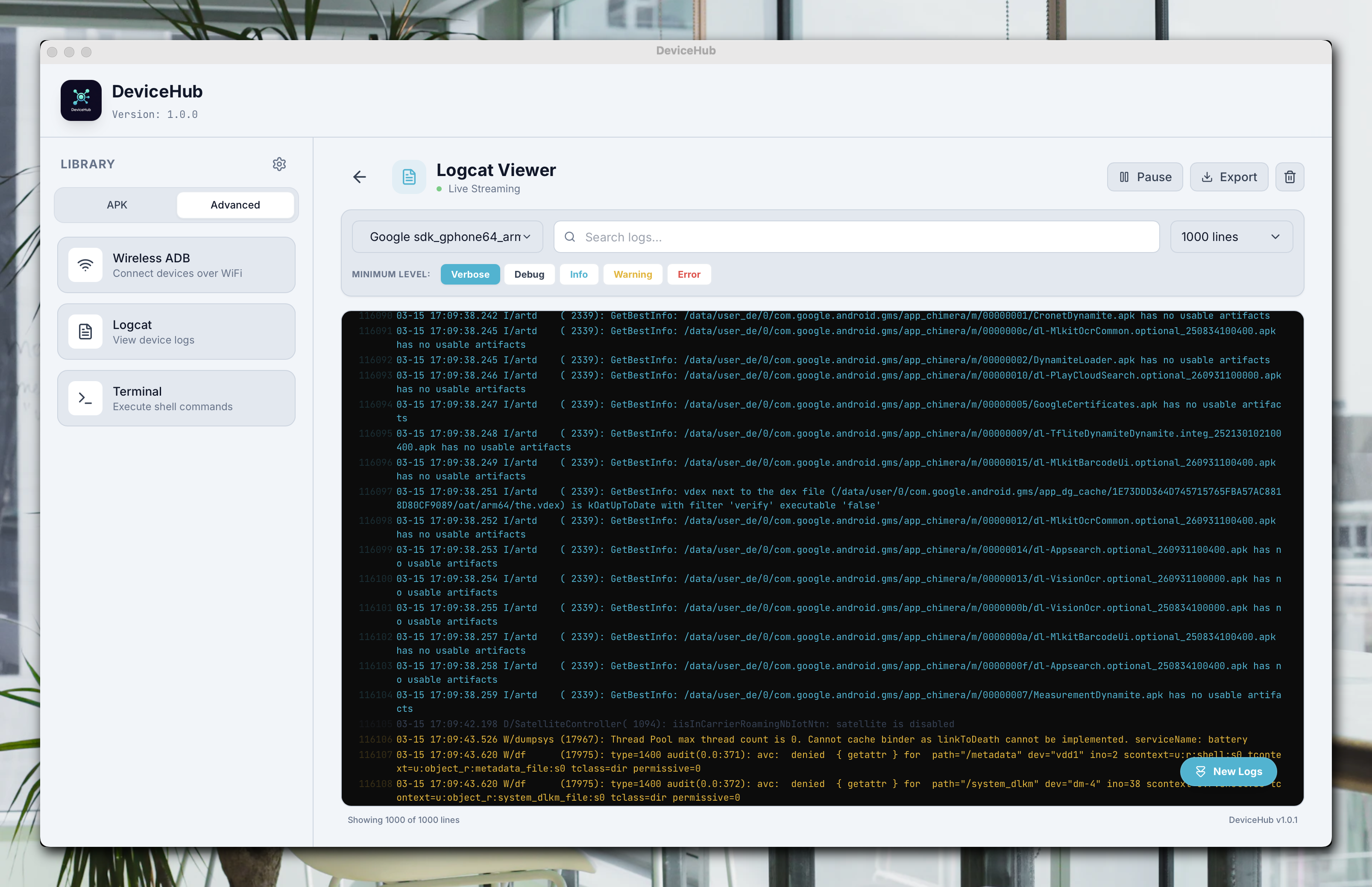
logcat light theme
-
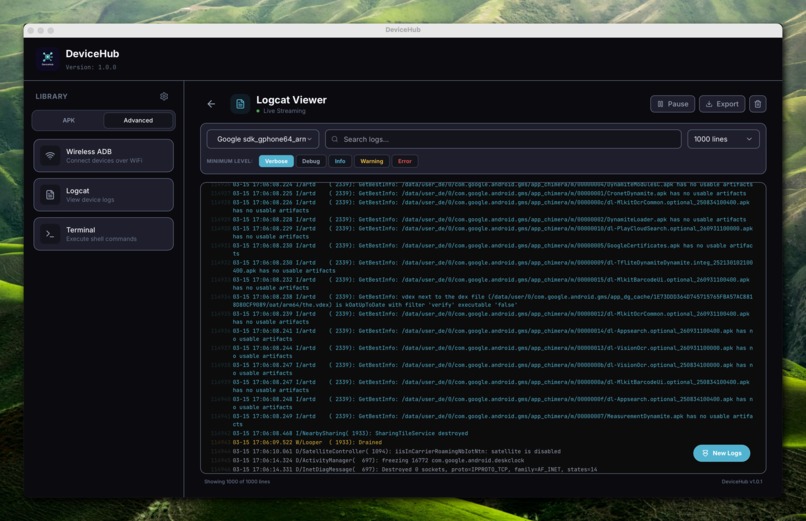
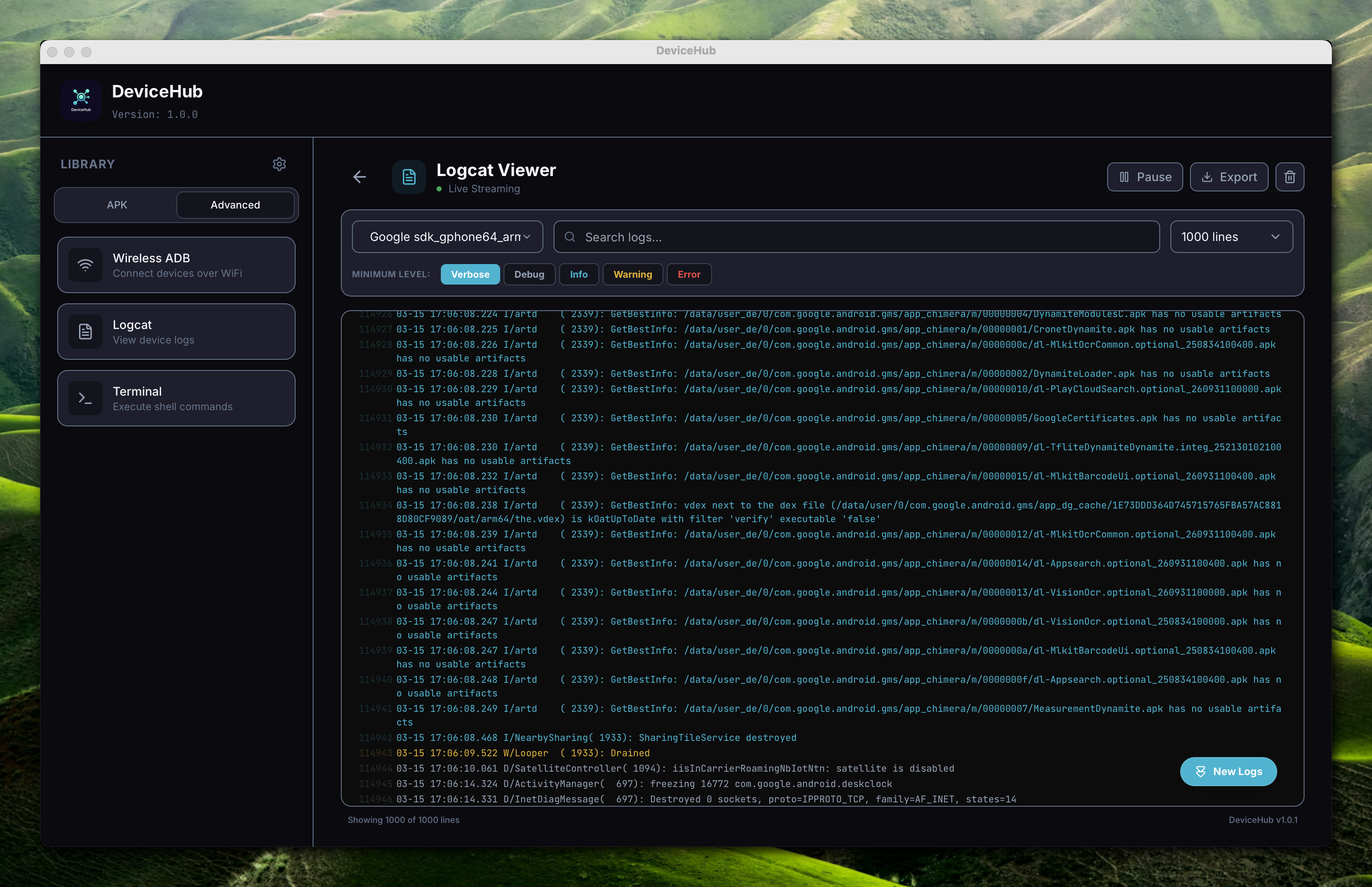
logcat dark theme
Inspiration
As Android developers, we constantly use ADB (Android Debug Bridge) for debugging, testing, and managing devices. However, the command-line interface can be intimidating for beginners and tedious for repetitive tasks. Existing GUI tools are often outdated, Windows-only, or lack modern features.
We wanted to create a beautiful, cross-platform ADB manager that makes device management accessible to everyone - from junior developers to QA testers to power users.
What it does
DeviceHub is an all-in-one Android device management solution that transforms how you interact with Android devices:
- 🔌 Device Management - Auto-detect and connect multiple devices via USB or WiFi
- 📦 App Manager - Install, uninstall, backup, and extract APKs with one click
- 📁 File Explorer - Browse device storage, drag-and-drop file transfers
- 🖥️ Screen Mirroring - Mirror and control your device screen via scrcpy integration
- 🤖 AI Log Analysis - Analyze logcat with Google Gemini AI to quickly identify crashes and bugs
- 📊 Device Info - View detailed hardware specs, battery status, and system properties
- 🌐 Multi-language - English, Vietnamese, and French support
How we built it
We chose a modern tech stack optimized for performance and cross-platform compatibility:
- Tauri v2 (Rust) - Lightweight native backend, 10x smaller than Electron
- React + TypeScript - Type-safe, component-based frontend
- TailwindCSS - Rapid UI development with utility-first CSS
- Google Gemini API - AI-powered log analysis
- scrcpy - High-performance screen mirroring
The Rust backend handles ADB commands securely, while React provides a responsive, modern UI with dark/light theme support.
Challenges we ran into
Cross-platform ADB bundling - Ensuring ADB binaries work correctly on Windows, macOS, and Linux required careful path handling and permission management.
macOS Code Signing - Without an Apple Developer certificate, apps get blocked by Gatekeeper. We implemented ad-hoc signing in our CI/CD pipeline.
Real-time log streaming - Parsing and displaying thousands of logcat lines per second without UI lag required careful optimization with virtualized lists.
WiFi ADB connection - Implementing reliable wireless debugging across different Android versions (especially Android 11+ changes) was tricky.
Accomplishments that we're proud of
- ✅ True cross-platform - Single codebase runs natively on Windows, macOS (Intel + Apple Silicon), and Linux
- ✅ AI-powered debugging - First ADB tool with integrated AI log analysis
- ✅ Lightweight - ~15MB installer vs 150MB+ for Electron apps
- ✅ Modern UX - Clean, intuitive interface that beginners can use immediately
- ✅ Open source - Free for everyone, community-driven development
What we learned
- Tauri v2's plugin system and IPC are incredibly powerful for building secure desktop apps
- Rust's memory safety guarantees prevent entire classes of bugs in the backend
- AI integration can significantly improve developer productivity for debugging tasks
- Good CI/CD automation (GitHub Actions) is essential for multi-platform releases
What's next for DeviceHub
- 📱 Batch operations - Perform actions across multiple devices simultaneously
- 🔧 Custom ADB commands - Save and run custom command sequences
- 📈 Performance profiler - Monitor CPU, memory, and network in real-time
- 🔌 Plugin system - Allow community extensions
- 🌍 More languages - Spanish, Chinese, Japanese support
Built With
- android
- desktop
- tauri
- typescript


Log in or sign up for Devpost to join the conversation.