
💡 Inspiration
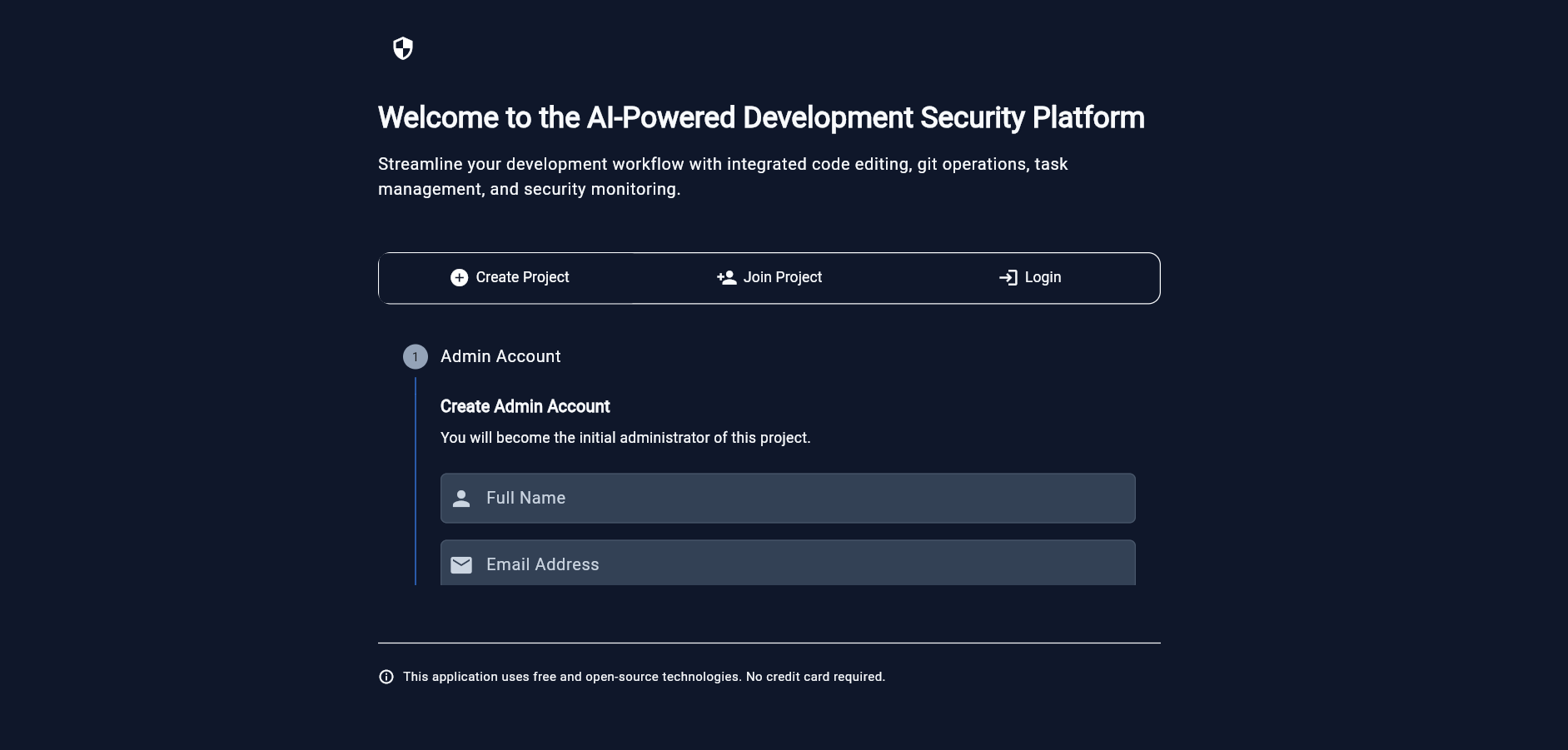
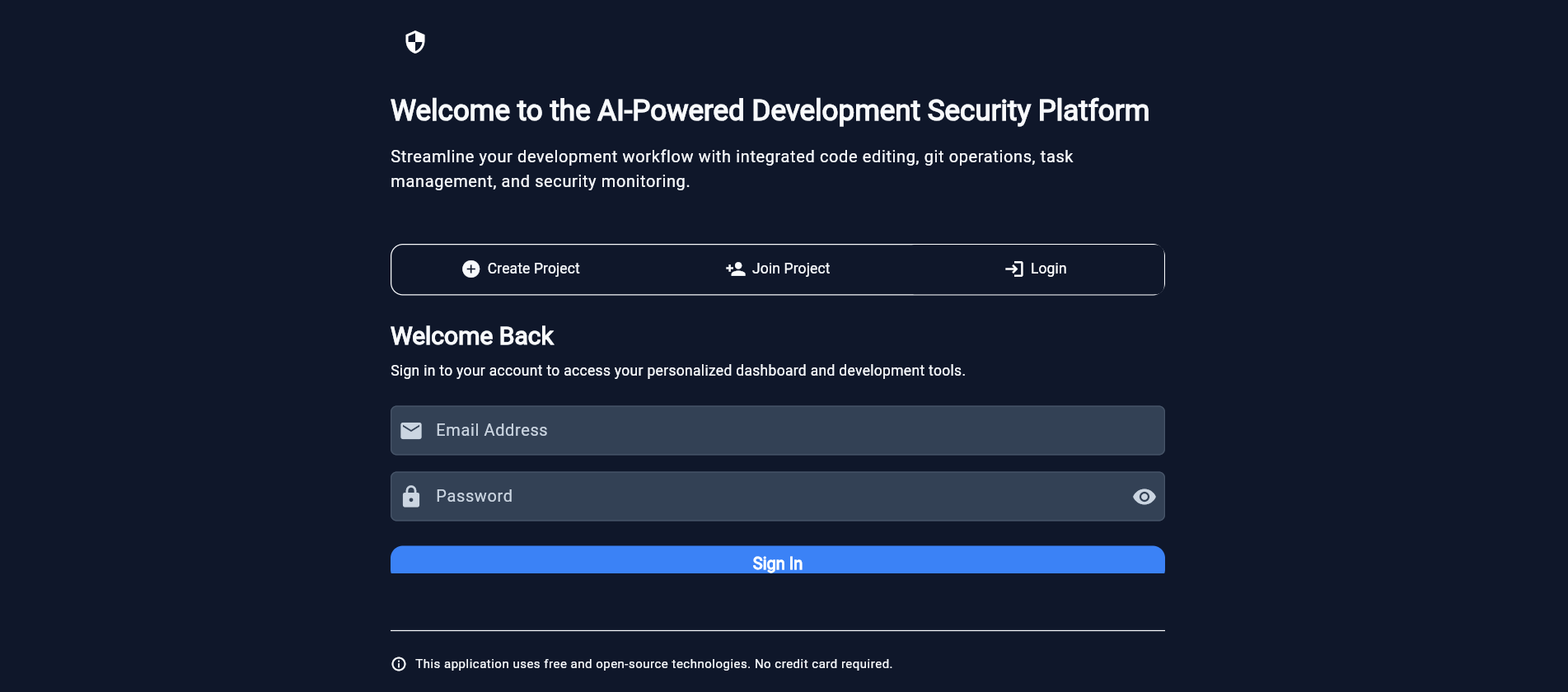
The inspiration behind DevGuard AI Copilot came from two recurring pain points in modern software development:
Context switching — developers constantly bounce between coding, debugging, deployment, and security monitoring.
Security as an afterthought — vulnerabilities are often caught late, instead of being embedded in the workflow.
We envisioned an AI-powered co-pilot that integrates productivity, security, and collaboration into a single platform. Using Kiro as the backbone, we asked:
Can AI act as a true team member, automating repetitive work while enforcing secure development practices?
📚 What We Learned
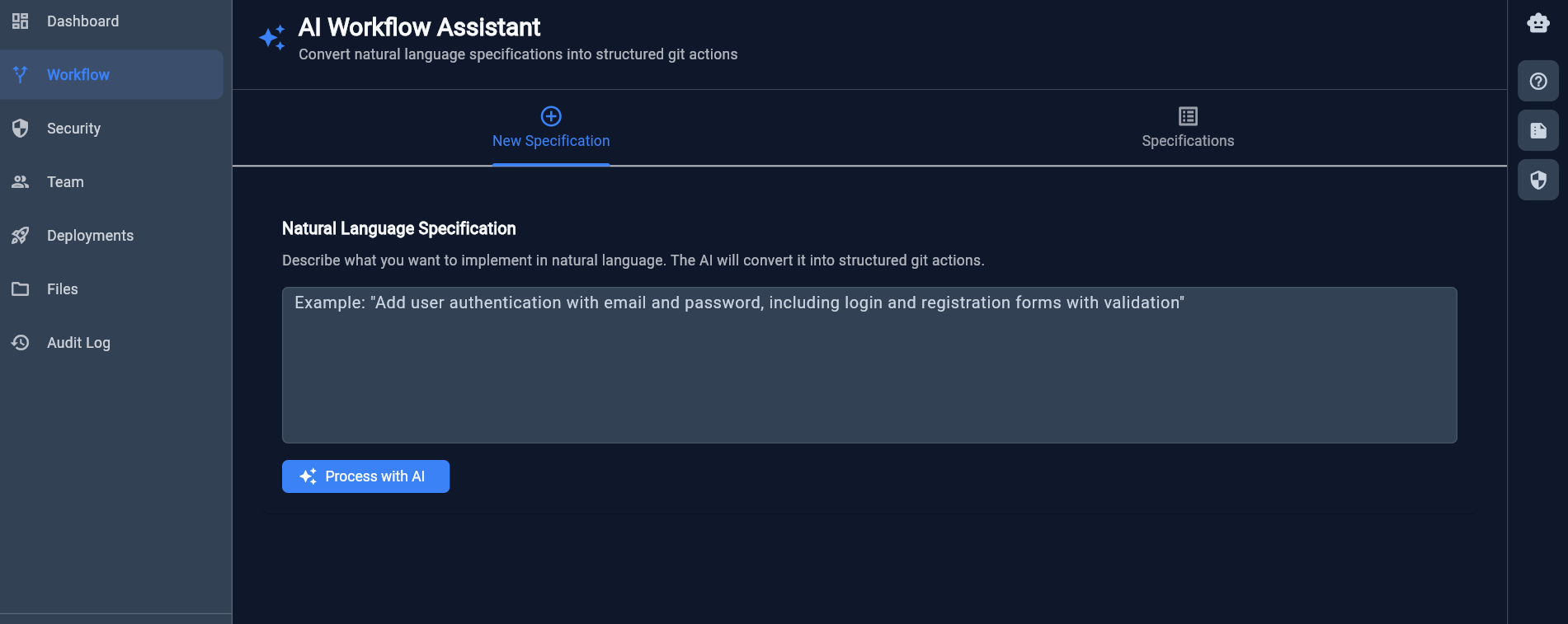
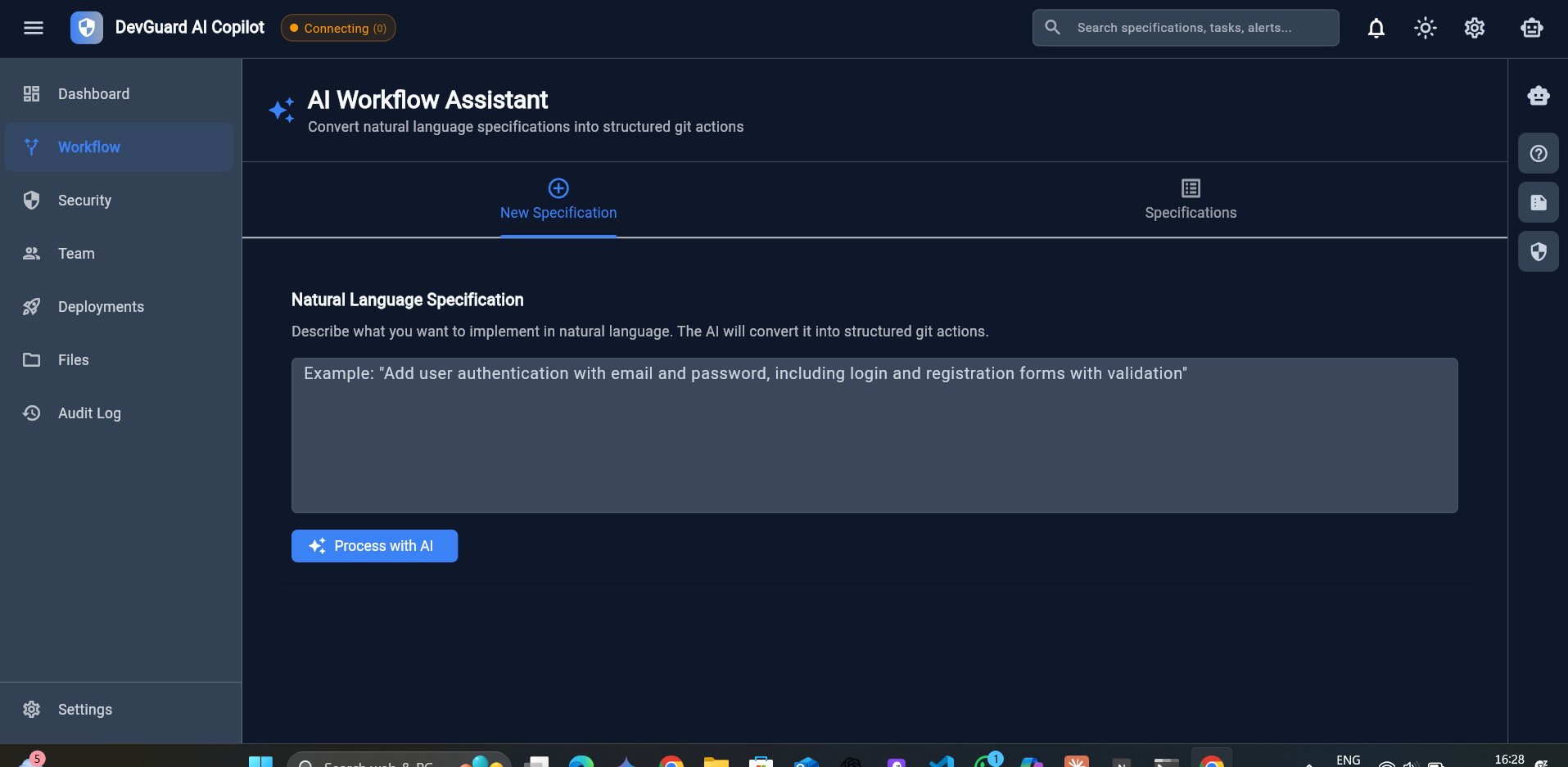
Specification-driven development: Starting with natural language specifications in .kiro/specs, Kiro converted them into requirements.md, design.md, and tasks.md, which structured our build process.
AI debugging > manual debugging: Kiro didn’t just fix syntax; it patched type mismatches, API issues, and database integration bugs.
Smooth migrations: With Kiro’s help, we migrated from SQLite → Supabase (PostgreSQL, Auth, Storage, RLS) without breaking frontend logic.
Velocity with consistency: Kiro hooks automated spec-to-code and deployment checks, freeing us to focus on innovation.
🛠 How We Built It
We followed a Clean Architecture pattern with three main layers:
Presentation Layer → Flutter UI with Provider for state management.
Core Layer → Services for authentication, routing, and security logic.
Data Layer → Supabase backend providing PostgreSQL, Auth, file storage.
Each specification in .kiro/specs acted as a blueprint:
Spec-to-Code: Natural language → structured tasks → working code.
Debugging: Backend errors resolved via Kiro’s suggestions.
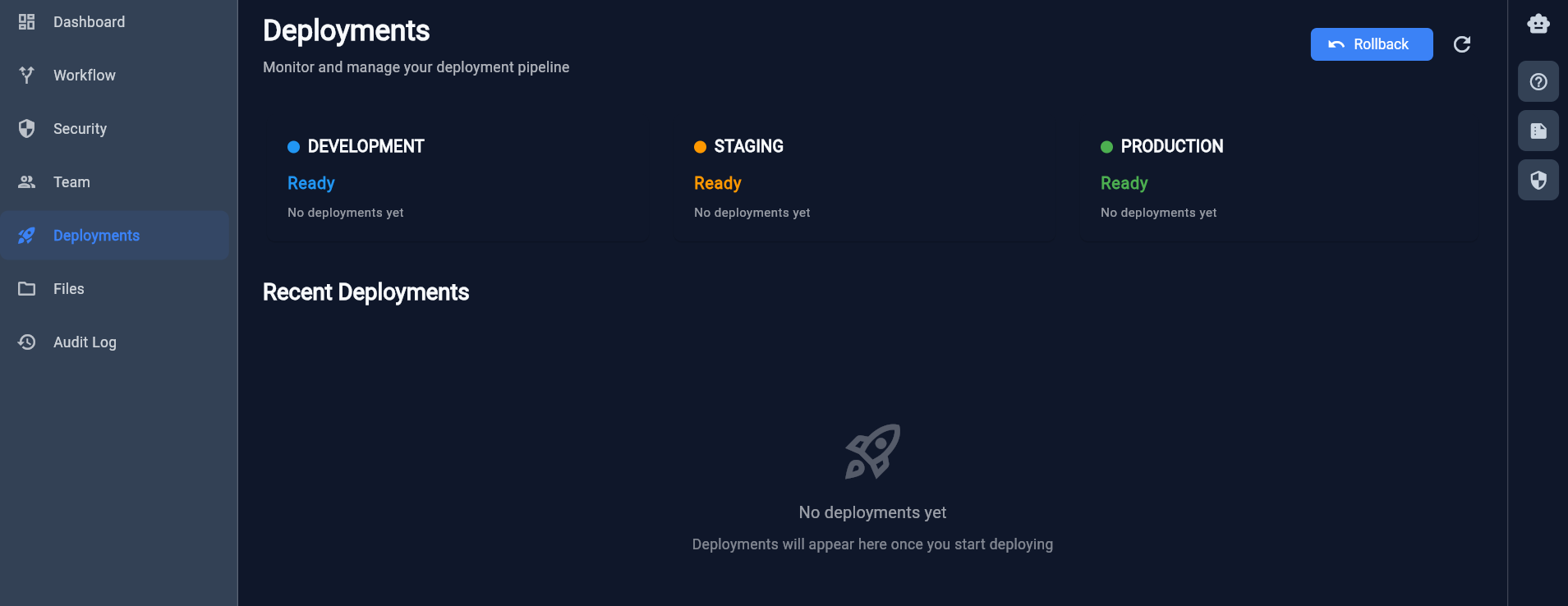
Finalization: Kiro assisted in cross-platform builds (Web, Windows, Android), demo data seeding, and deployment on Vercel.
⚡ Challenges We Faced
Cross-platform builds: Flutter behaved inconsistently across Windows, Web, Android — solved iteratively with Kiro.
Backend debugging: Fixing schema mismatches and Supabase API issues required multiple cycles.
Security integration: Real-time monitoring, honeytokens, and anomaly detection had to be embedded without performance tradeoffs.
Prompt structuring: To maximize Kiro’s output, we had to refine how we wrote specs and tasks.
✅ Summary
DevGuard AI Copilot is more than a tool — it’s a proof of concept for AI-first development. By embedding Kiro into our pipeline, we didn’t just write code; we designed, debugged, secured, and deployed a production-ready application.
The key takeaway:
AI isn’t just assisting development — it’s reshaping how development happens.
Built With
- and-deployment-automation-version-control-&-ci/cd:-git-+-github-(source-control
- auth
- branching
- dart
- debugging
- flutter
- git
- github
- kiro
- postgresql
- provider
- refactoring
- rls)
- security
- sqlite
- storage
- websockets
- workflow-hooks)-ai-assisted-code-completion

Log in or sign up for Devpost to join the conversation.