-
-
-
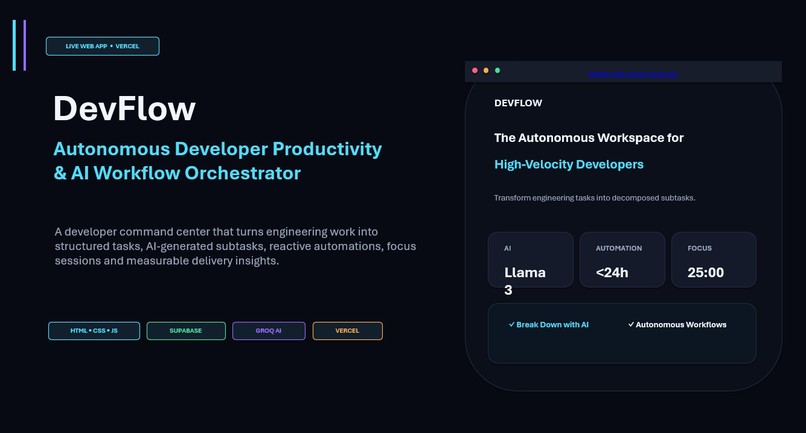
An autonomous developer workspace and workflow orchestration platform built with HTML5, CSS3, JavaScript, Supabase, Groq AI and Vercel.
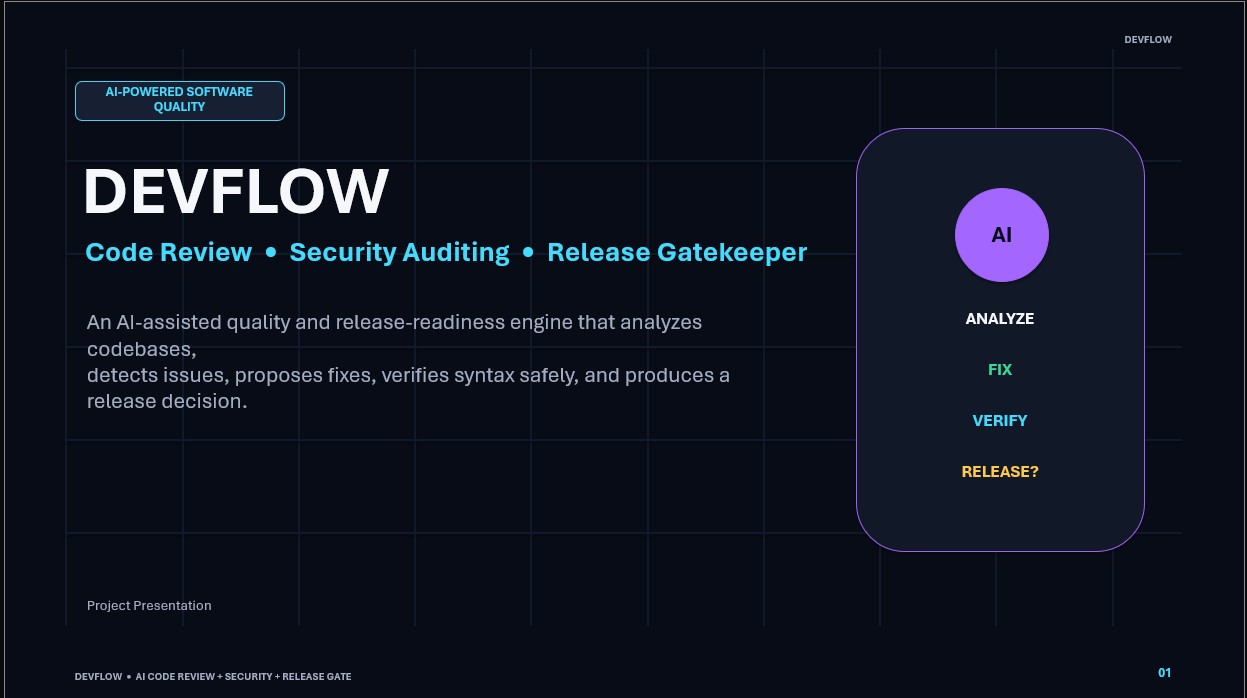
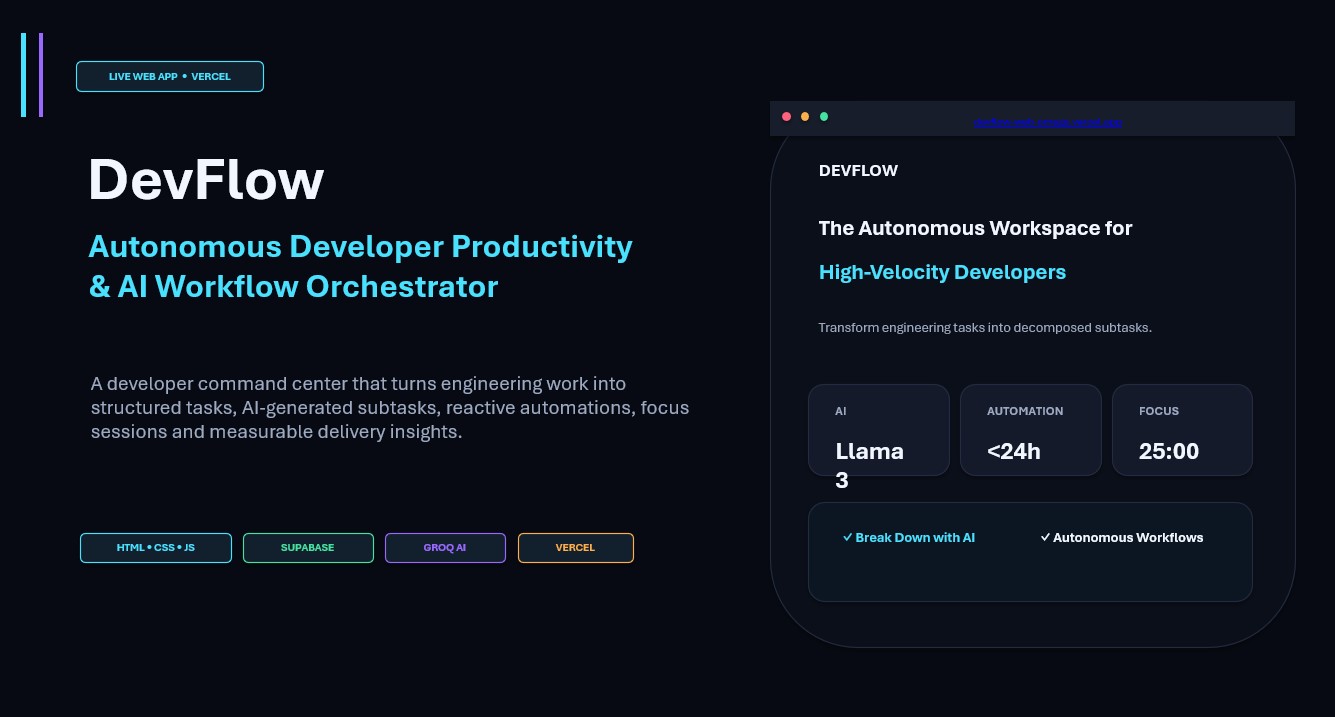
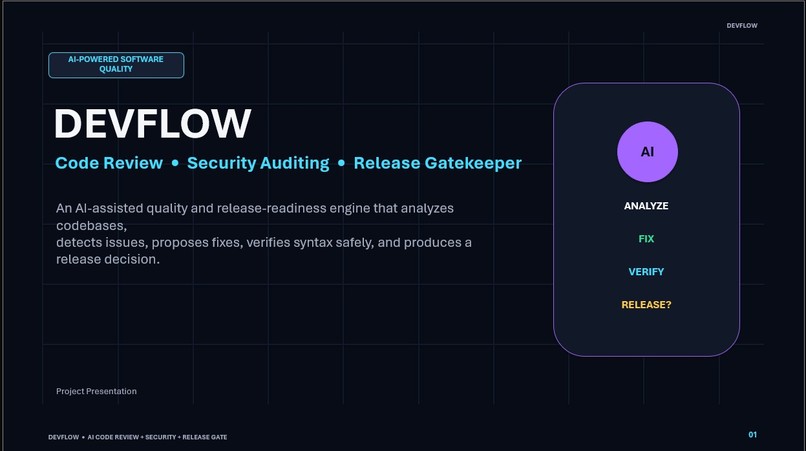
DevFlow(Web) — Autonomous Developer Productivity & AI Workflow Orchestrator DevFlow is an autonomous developer workspace and workflow orchestration platform built with Vanilla HTML5, CSS3, JavaScript (ES Modules), Supabase, Groq AI (Llama 3), and Vercel.
🏗️ Architecture Overview DEVFLOW │ ┌─────────┴─────────┐ │ │ Frontend Backend │ │ HTML + CSS + JS Supabase │ │ │ ┌────────┼────────┐ │ │ │ │ │ Auth Database Edge Functions │ │ │ ↓ │ Groq Llama 3 ↓ Vercel │ ↓ devflow.vercel.app 🔒 Security Principles Frontend: Contains only your public SUPABASE_URL and SUPABASE_ANON_KEY. Groq API Key: Stored strictly as a secret in Supabase Edge Functions (supabase secrets set GROQ_API_KEY=...). It is never exposed to the browser. Database & RLS: All tables (projects, tasks, subtasks, workflows, notes, focus_sessions, etc.) are protected with PostgreSQL Row Level Security (auth.uid() = user_id). 📁 Complete Folder Structure devflow/ │ ├── index.html # Landing page with interactive AI sandbox ├── login.html # Glassmorphic developer login ├── signup.html # Workspace registration ├── dashboard.html # Command center with AI daily scheduler ├── projects.html # Engineering repositories & velocity tracking ├── tasks.html # Kanban sprint board with drag & drop & AI breakdown ├── workflow.html # Autonomous reactive trigger/action engine ├── analytics.html # Dependency-free SVG charts & sprint metrics ├── focus.html # Pomodoro timer & Web Audio ambient synthesizer ├── notes.html # Markdown developer scratchpad ├── profile.html # Identity & API key credentials manager │ ├── vercel.json # Vercel deployment & security headers configuration ├── .gitignore # Git ignore rules for secrets and node_modules ├── README.md # Complete documentation and setup manual │ ├── assets/ │ └── images/ │ ├── logo.svg # Vector brand logo with gradient glow │ ├── empty-projects.svg # Illustrated empty state for projects │ └── empty-tasks.svg # Illustrated empty state for tasks │ ├── css/ │ ├── reset.css # Modern CSS reset & baseline │ ├── variables.css # Design tokens, color system, and radii │ ├── main.css # Global cyber backdrop and base layouts │ ├── components.css # Reusable buttons, cards, modals, badges, navbar │ ├── auth.css # Authentication page styles │ ├── dashboard.css # Dashboard layout & metric cards │ ├── projects.css # Project grid & progress styles │ ├── tasks.css # Kanban board & list view styles │ ├── workflow.css # Automation pipelines & execution logs │ ├── analytics.css # Charts grid & velocity tables │ ├── focus.css # Circular SVG timer & sound synthesizer │ ├── notes.css # Notes list & markdown editor │ └── responsive.css # Mobile drawer & adaptive breakpoints │ ├── js/ │ ├── app.js # Central application orchestrator │ │ │ ├── config/ │ │ └── supabase.js # Supabase client config & fallback detection │ │ │ ├── auth/ │ │ ├── authGuard.js # Protected route authentication guard │ │ ├── login.js # Login submission & demo login handler │ │ ├── signup.js # Registration controller │ │ └── logout.js # Session termination │ │ │ ├── dashboard/ │ │ ├── dashboard.js # Dashboard state & AI daily plan trigger │ │ ├── statistics.js # Metric counters calculator │ │ └── activity.js # Realtime audit activity feed │ │ │ ├── projects/ │ │ ├── projects.js # Project CRUD and search filtering │ │ └── projectDetails.js # Project detail modal & AI roadmap generator │ │ │ ├── tasks/ │ │ ├── tasks.js # Kanban board controller & drag/drop │ │ ├── taskCreate.js # Task creation with Groq subtask decomposition │ │ ├── taskEdit.js # Task editor │ │ ├── taskDetails.js # Task detail modal with subtask checklist │ │ └── taskFilters.js # Search, project, and priority filters │ │ │ ├── ai/ │ │ ├── ai.js # Central Groq AI invoker (with fallback simulator) │ │ ├── taskBreakdown.js # Task subtask decomposition │ │ ├── dailyPlanner.js # Schedule optimizer │ │ ├── priorityAnalyzer.js # Urgency & impact analyzer │ │ └── projectPlanner.js # Project architectural blueprint generator │ │ │ ├── workflow/ │ │ ├── workflow.js # Automation page controller │ │ ├── workflowBuilder.js # Workflow rule creator modal │ │ ├── automationEngine.js # Reactive trigger evaluation engine │ │ └── triggers.js # Trigger definitions (overdue, deadline <24h) │ │ │ ├── analytics/ │ │ ├── analytics.js # Analytics telemetry controller │ │ └── charts.js # Custom SVG chart engine (bars, donuts) │ │ │ ├── focus/ │ │ ├── focus.js # Focus page & task linking │ │ └── timer.js # Timer engine & Web Audio sound synthesizer │ │ │ ├── notes/ │ │ └── notes.js # Developer scratchpad controller │ │ │ ├── profile/ │ │ └── profile.js # Profile & live Supabase keys manager │ │ │ ├── services/ │ │ ├── taskService.js # Task data service (Supabase / local fallback) │ │ ├── projectService.js # Project data service │ │ ├── workflowService.js # Workflow data service │ │ ├── analyticsService.js # Analytics & focus session logger │ │ └── notificationService.js # Notification dispatcher │ │ │ └── utils/ │ ├── helpers.js # DOM shortcuts, UUIDs, storage keys │ ├── validators.js # Form validators │ ├── dateUtils.js # Date formatting, overdue check, timeAgo │ └── notifications.js # In-app toast manager │ ├── components/ │ ├── navbar.html # Top navbar template │ ├── sidebar.html # Workspace sidebar navigation template │ ├── taskCard.html # Kanban card template │ ├── projectCard.html # Project card template │ ├── modal.html # Modal dialog wrapper template │ ├── aiPanel.html # Floating Groq AI prompt assistant template │ └── notificationPanel.html # Notification item template │ └── supabase/ ├── config.toml # Supabase CLI local configuration │ ├── migrations/ │ ├── 001_profiles.sql │ ├── 002_projects.sql │ ├── 003_tasks.sql │ ├── 004_subtasks.sql │ ├── 005_workflows.sql │ ├── 006_workflow_runs.sql │ ├── 007_notes.sql │ ├── 008_focus_sessions.sql │ ├── 009_notifications.sql │ ├── 010_activity_logs.sql │ └── full_schema.sql # Single one-click copy-paste SQL schema │ └── functions/ ├── groq-ai/ │ └── index.ts # Primary Groq AI Edge Function ├── ai-task-breakdown/ │ └── index.ts # Task breakdown specialized function ├── ai-daily-plan/ │ └── index.ts # Daily plan specialized function └── ai-priority/ └── index.ts # Priority analysis function 🚀 Quick Local Testing DevFlow includes a built-in Simulation Engine so you can preview, create tasks, run the focus timer, and test AI workflows immediately without throwing errors even before linking Supabase!
Start a local static server
npx serve .
Or using Python:
python -m http.server 5500 Open http://localhost:5500 in your browser.
🛠️ Step-by-Step Setup Guide
- Set Up Supabase Project & Database Go to https://supabase.com and create a new project. In your Supabase Dashboard, open the SQL Editor from the left sidebar. Open supabase/migrations/full_schema.sql in this repository. Copy and paste the entire script into the Supabase SQL Editor and click Run. This automatically creates all 10 tables, enables Row Level Security (RLS), adds access policies, and sets up the auto-profile trigger!
- Configure Frontend Keys You need two values from your Supabase Dashboard:
Project URL (e.g., https://abcdefghijkl.supabase.co) Anon / Publishable API Key (e.g., eyJhbGciOi...) You can configure them in either of two ways:
Option A (In Code): Open js/config/supabase.js and replace: export const DEFAULT_SUPABASE_URL = "https://your-project-id.supabase.co"; export const DEFAULT_SUPABASE_KEY = "eyJhbGciOiJIUzI1NiIsInR5..."; Option B (Directly in UI): Launch the app, navigate to Profile & Keys (profile.html), enter your URL and Key, and click Save & Connect Supabase.
- Obtain your Groq API Key Go to https://console.groq.com/keys. Create an API key (gsk_...).
- Deploy Supabase Edge Functions with Groq Install the Supabase CLI on your machine:
npm install -g supabase Log in and link your Supabase project:
supabase login supabase link --project-ref YOUR_PROJECT_ID (Your project reference ID is the string in your Supabase project URL: https://[PROJECT_ID].supabase.co)
Set your Groq API Key as a Supabase Edge Secret:
supabase secrets set GROQ_API_KEY=gsk_your_actual_groq_api_key_here Deploy the groq-ai Edge Function:
supabase functions deploy groq-ai 🌐 Step-by-Step Vercel Deployment Initialize Git and commit your repository: git init git add . git commit -m "feat: complete DevFlow AI developer workspace" Push your project to a GitHub repository: git branch -M main git remote add origin https://github.com/YOUR_USERNAME/devflow.git git push -u origin main Go to https://vercel.com and sign in with GitHub. Click Add New... ➔ Project. Select your devflow repository. Configure the deployment: Framework Preset: Other Root Directory: ./ Build Command: (leave empty) Output Directory: (leave empty) Click Deploy. In a few seconds, your app will be live at https://devflow-xxxxx.vercel.app! In Supabase Dashboard ➔ Authentication ➔ URL Configuration, add your Vercel URL to Redirect URLs so email auth callbacks work seamlessly. ⚡ Features Walkthrough AI Task Breakdown: Click "⚡ Subtasks" on any task card or within the task creation modal. Groq analyzes the prompt and auto-creates structured subtasks. AI Daily Planner: Click "⚡ Formulate AI Daily Plan" on the dashboard to calculate an optimal daily schedule based on current pending deadlines. Deep Work Synthesizer: Focus timer with Web Audio API white noise / ambient rain generator, logging minutes to the database. Autonomous Automations: Configurable rules that mark tasks urgent when deadlines are under 24 hours and sync project completion velocity in realtime. About
DevFlow is an autonomous developer workspace and workflow orchestration platform built with Vanilla HTML5, CSS3, JavaScript (ES Modules), Supabase, Groq AI (Llama 3), and Vercel.
devflow-web-omega.vercel.app Resources Readme Activity Stars 1 star Watchers 0 watching Forks 0 forks Releases No releases published Create a new release Deployments 3 (3) Production 2 days ago Packages No packages published Publish your first package Contributors 1 (1) @Arnabbcodes ArnabbcodesArnab Bhattacharjee Languages JavaScript 40.2% HTML 38.8% CSS 14.4% PLpgSQL 3.3% TypeScript 3.3% Suggested workflows Based on your tech stack
Publish Node.js Package logo Publish Node.js Package Publishes a Node.js package to npm. By GitHub Actions SLSA Generic generator logo SLSA Generic generator Generate SLSA3 provenance for your existing release workflows By Open Source Security Foundation (OpenSSF) Publish Node.js Package to GitHub Packages logo Publish Node.js Package to GitHub Packages Publishes a Node.js package to GitHub Packages. By GitHub Actions More workflows Footer © 2026 GitHub, Inc.
Built With
- css
- groq
- html5
- javascript
- supabase
- typescript
- vercel


Log in or sign up for Devpost to join the conversation.