-
-
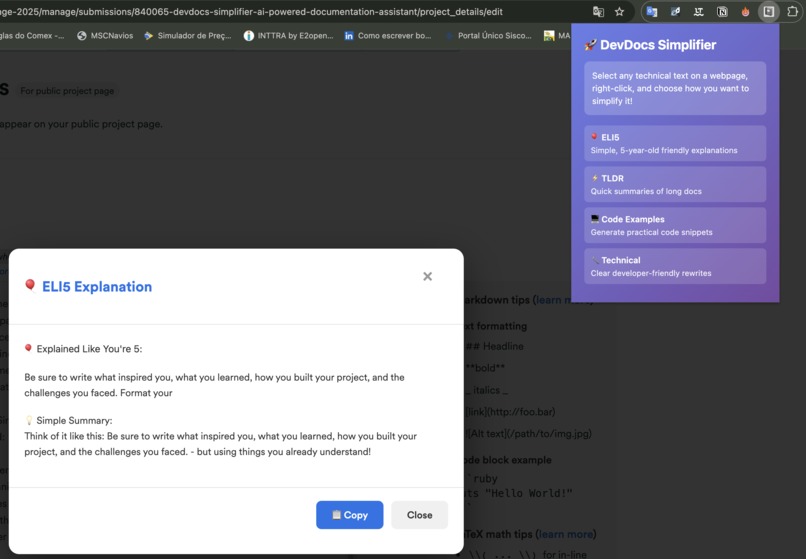
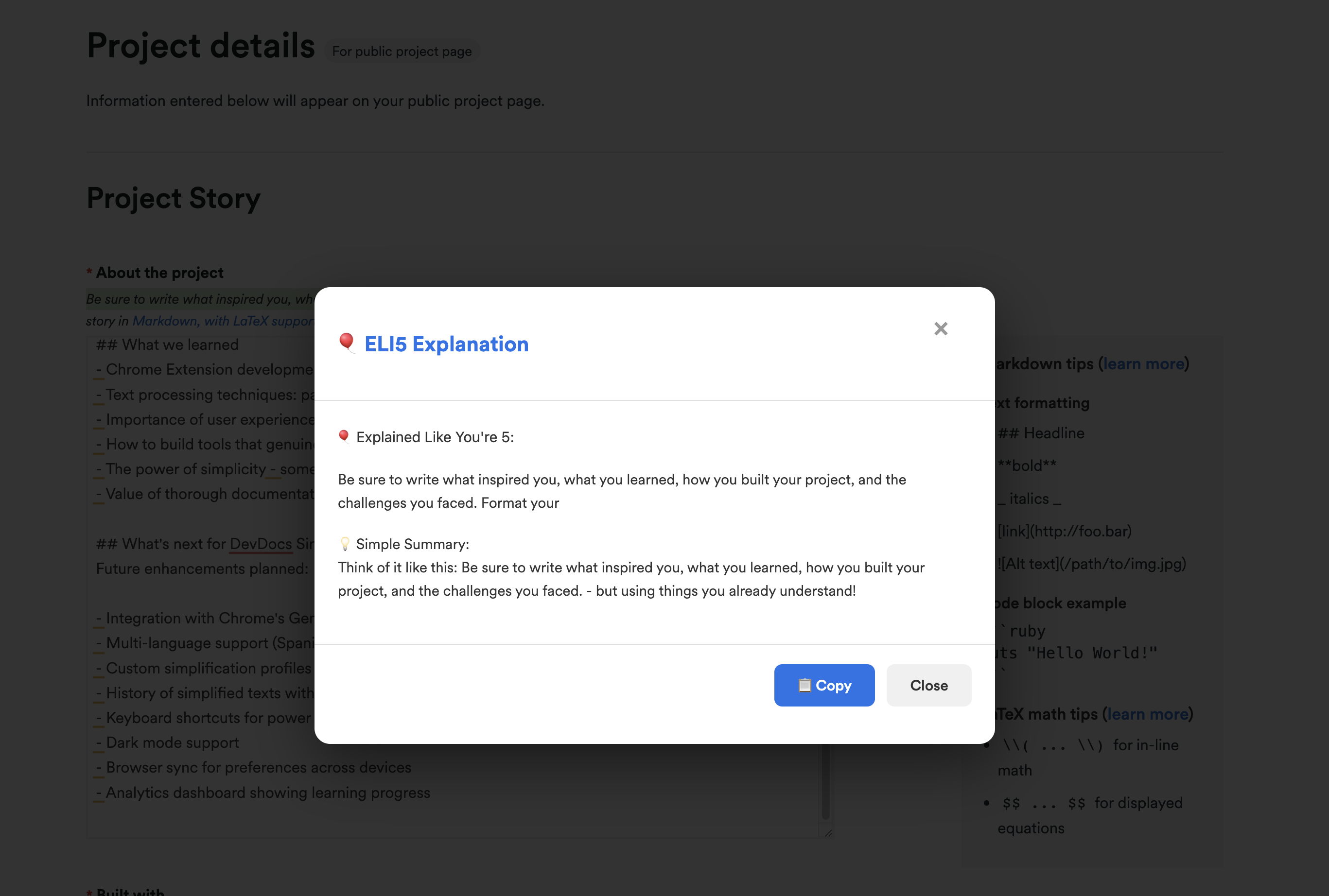
ELI5 - Open
-
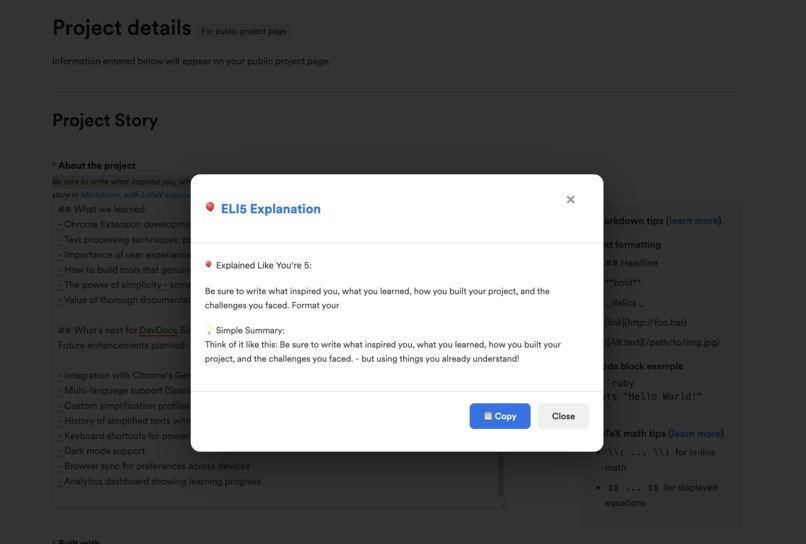
ELI5 - Explanation
-
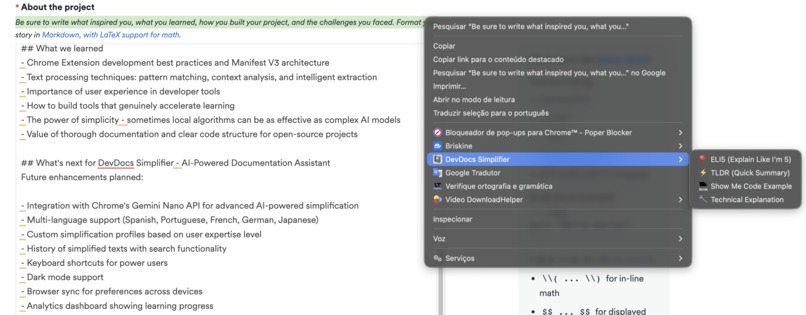
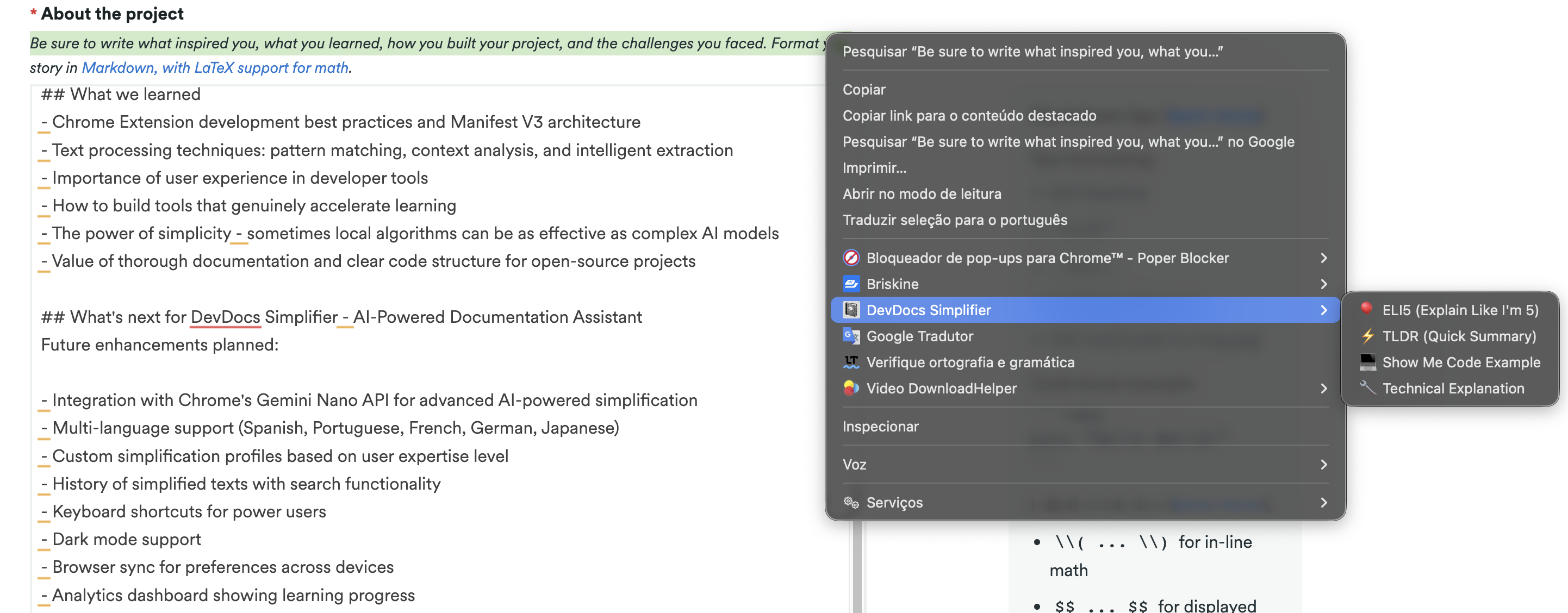
Menu - right click
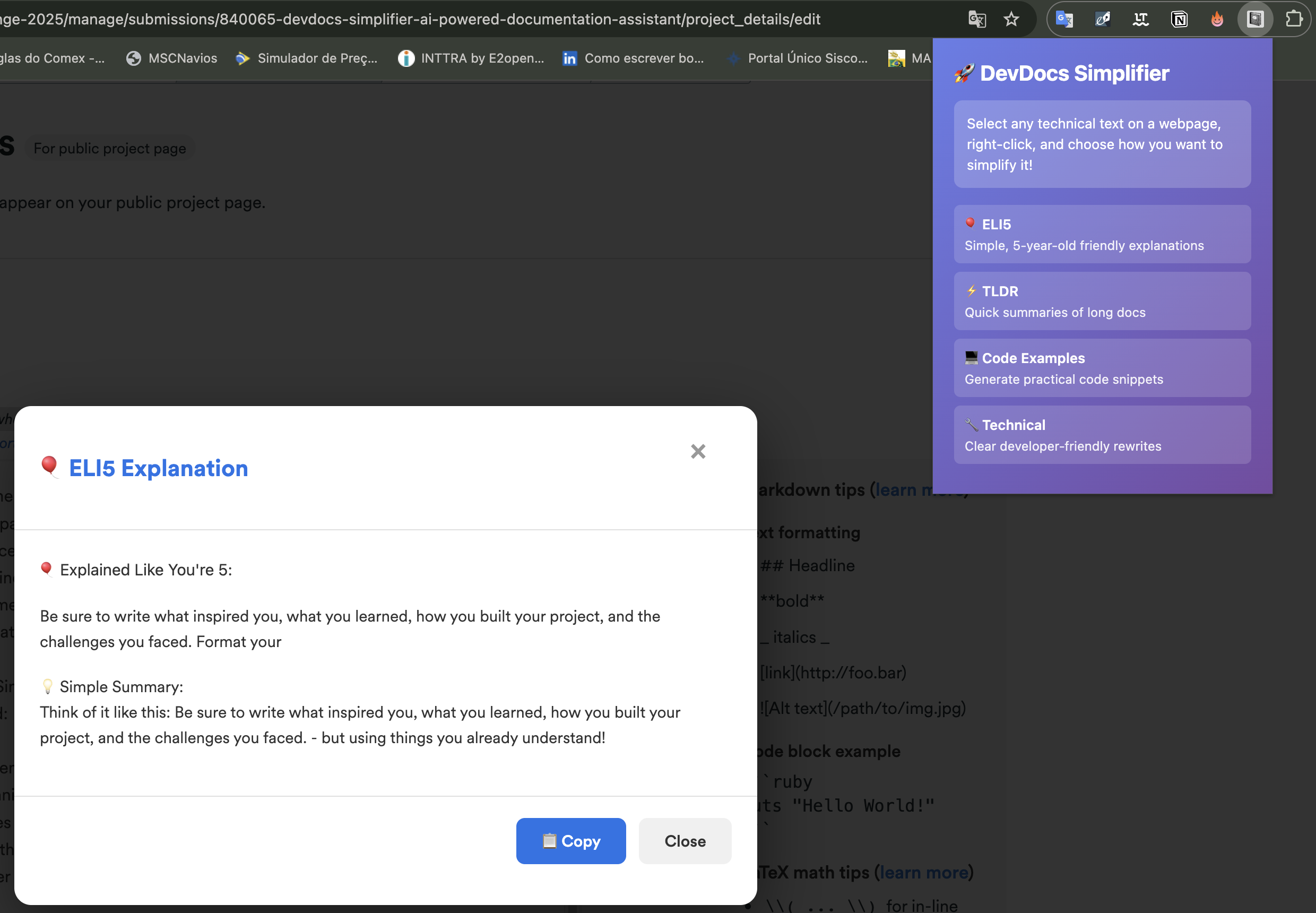
Inspiration
As a developer learning new technologies, I constantly struggled with complex technical documentation. Hours spent trying to understand jargon-heavy explanations, searching for practical examples, and wishing for simple summaries. This frustration inspired DevDocs Simplifier - a tool that makes technical learning faster and more accessible for developers at any level.
What it does
DevDocs Simplifier is a Chrome extension that instantly transforms complex technical documentation into four different formats:
🎈 ELI5 (Explain Like I'm 5) - Converts technical jargon into simple, everyday language using analogies anyone can understand
⚡ TLDR (Too Long; Didn't Read) - Extracts key points from lengthy documentation for quick comprehension
💻 Show Me Code - Generates practical, commented code examples based on technical concepts
🔧 Technical Explanation - Rewrites complex docs in clear, developer-friendly language while maintaining accuracy
The extension works universally on ANY website, processes everything locally for 100% privacy, and provides instant results through a beautiful modal interface.
How we built it
Built using Chrome Extension Manifest V3 with:
- Vanilla JavaScript (ES6+) for maximum performance
- Chrome Context Menus API for seamless right-click integration
- Content Scripts for universal website compatibility
- Custom text processing algorithms for intelligent simplification
- Modal-based UI for non-intrusive user experience
Architecture: Background service worker manages context menus, content scripts handle text processing and UI rendering. All processing happens locally in the browser - no external API calls, ensuring privacy and zero latency.
Challenges we ran into
- Designing text simplification algorithms that maintain meaning while improving clarity
- Creating context-appropriate code examples from abstract concepts
- Ensuring universal compatibility across all websites (handling different DOMs, CSP policies)
- Building a clean, non-intrusive UI that integrates seamlessly with any webpage
- Balancing simplification quality with processing speed for instant results
Accomplishments that we're proud of
✅ Created a fully functional Chrome extension that solves a real developer pain point ✅ Implemented four distinct simplification modes, each optimized for different use cases ✅ Achieved universal compatibility - works on MDN, Stack Overflow, GitHub, and any website ✅ Built beautiful, accessible UI that feels native to the browser ✅ Maintained 100% local processing for complete privacy ✅ Delivered instant results with zero latency ✅ Open-sourced the entire project for community contribution
What we learned
- Chrome Extension development best practices and Manifest V3 architecture
- Text processing techniques: pattern matching, context analysis, and intelligent extraction
- Importance of user experience in developer tools
- How to build tools that genuinely accelerate learning
- The power of simplicity - sometimes local algorithms can be as effective as complex AI models
- Value of thorough documentation and clear code structure for open-source projects
What's next for DevDocs Simplifier - AI-Powered Documentation Assistant
Future enhancements planned:
- Integration with Chrome's Gemini Nano API for advanced AI-powered simplification
- Multi-language support (Spanish, Portuguese, French, German, Japanese)
- Custom simplification profiles based on user expertise level
- History of simplified texts with search functionality
- Keyboard shortcuts for power users
- Dark mode support
- Browser sync for preferences across devices
- Analytics dashboard showing learning progress
Built With
- api
- chrome
- content-scripts-handle-text-processing-and-ui-rendering.-all-processing-happens-locally-in-the-browser-no-external-api-calls
- css3
- html5
- javascript

Log in or sign up for Devpost to join the conversation.