-
-
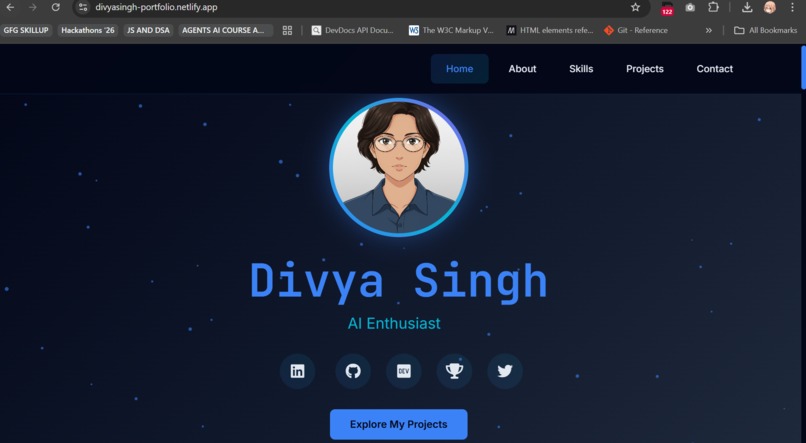
Home section
-
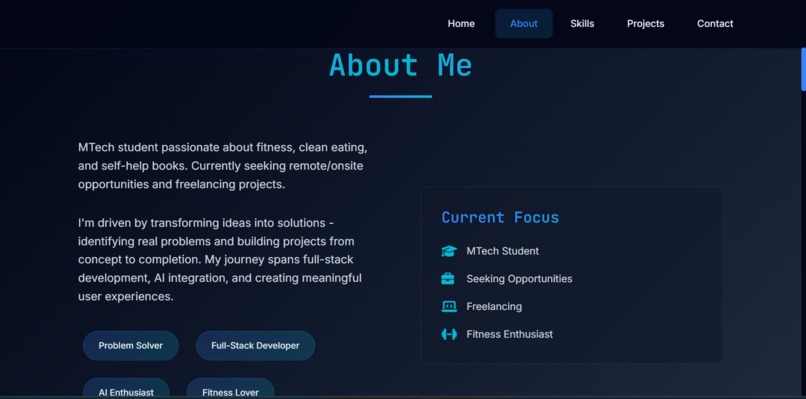
About me Section
-
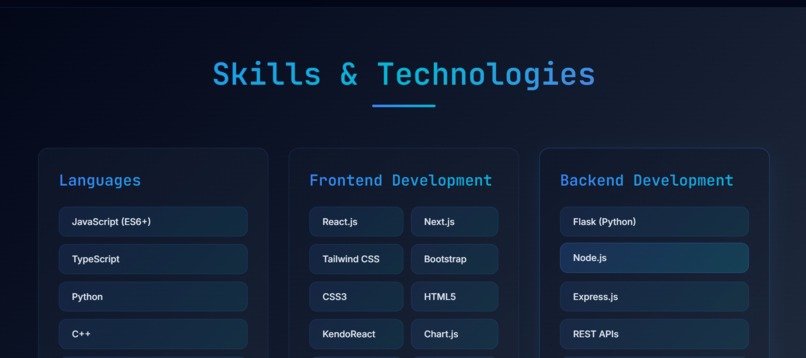
Skills & Technologies section
-
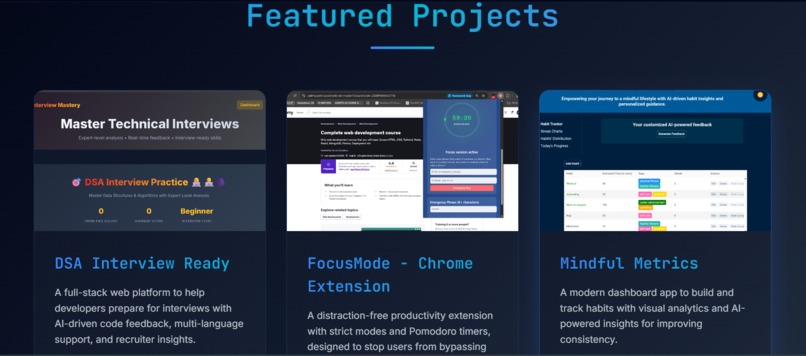
Projects section
-
Contact section
Inspiration
As a developer, a portfolio is our digital identity. I built DevCraft for this hackathon because every developer needs a modern, interactive showcase that goes beyond a basic resume. I wanted to create something that not only displays my projects but tells my story through smooth animations, thoughtful design, and a seamless user experience.
The main challenge was nope, not the css part, but instead it was curating my best work - I started with my top 5 projects, then expanded to 8 because each one represents a different aspect of my skills: AI integration, Chrome extensions, full-stack development, and creative frontend work.
What it does
DevCraft is my interactive developer portfolio that showcases:
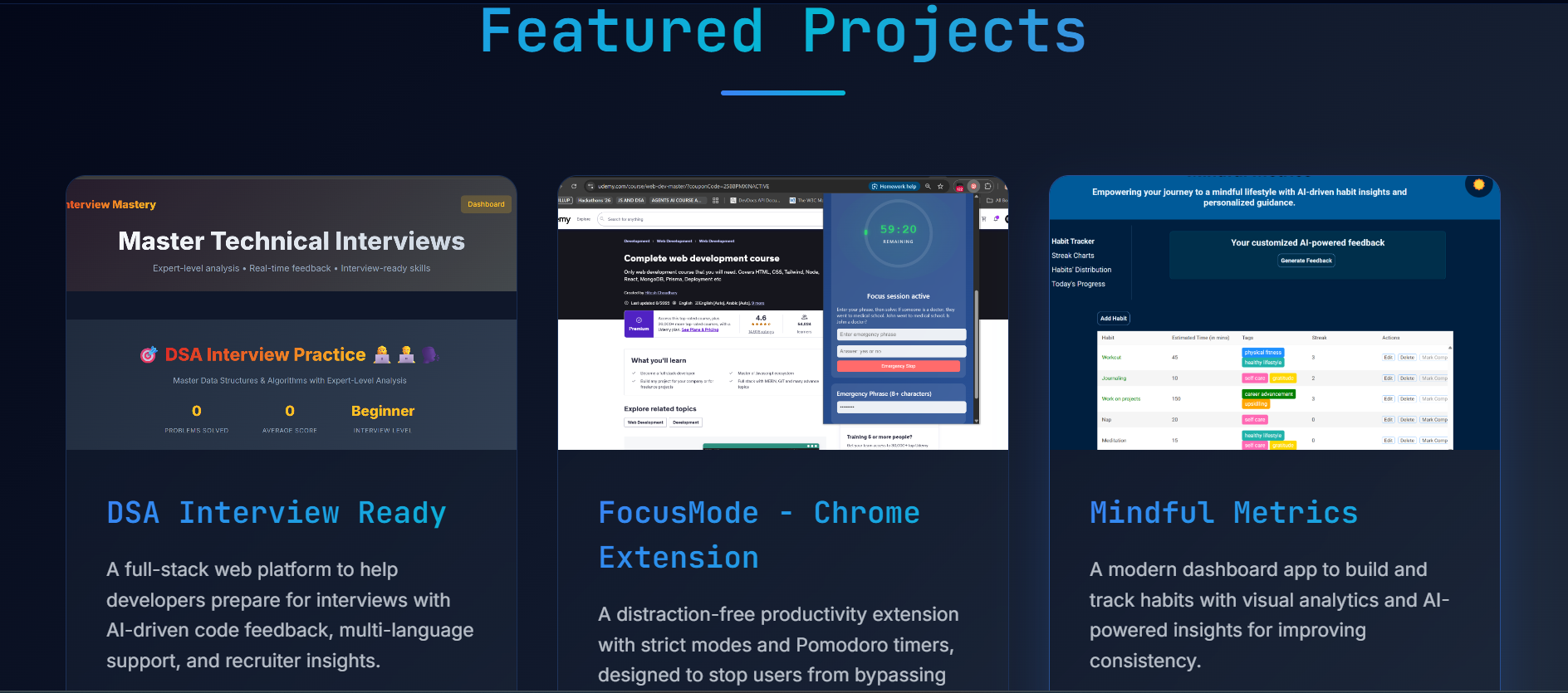
• 8 live projects with diverse tech stacks (Flask, React, Chrome APIs, AI/ML).
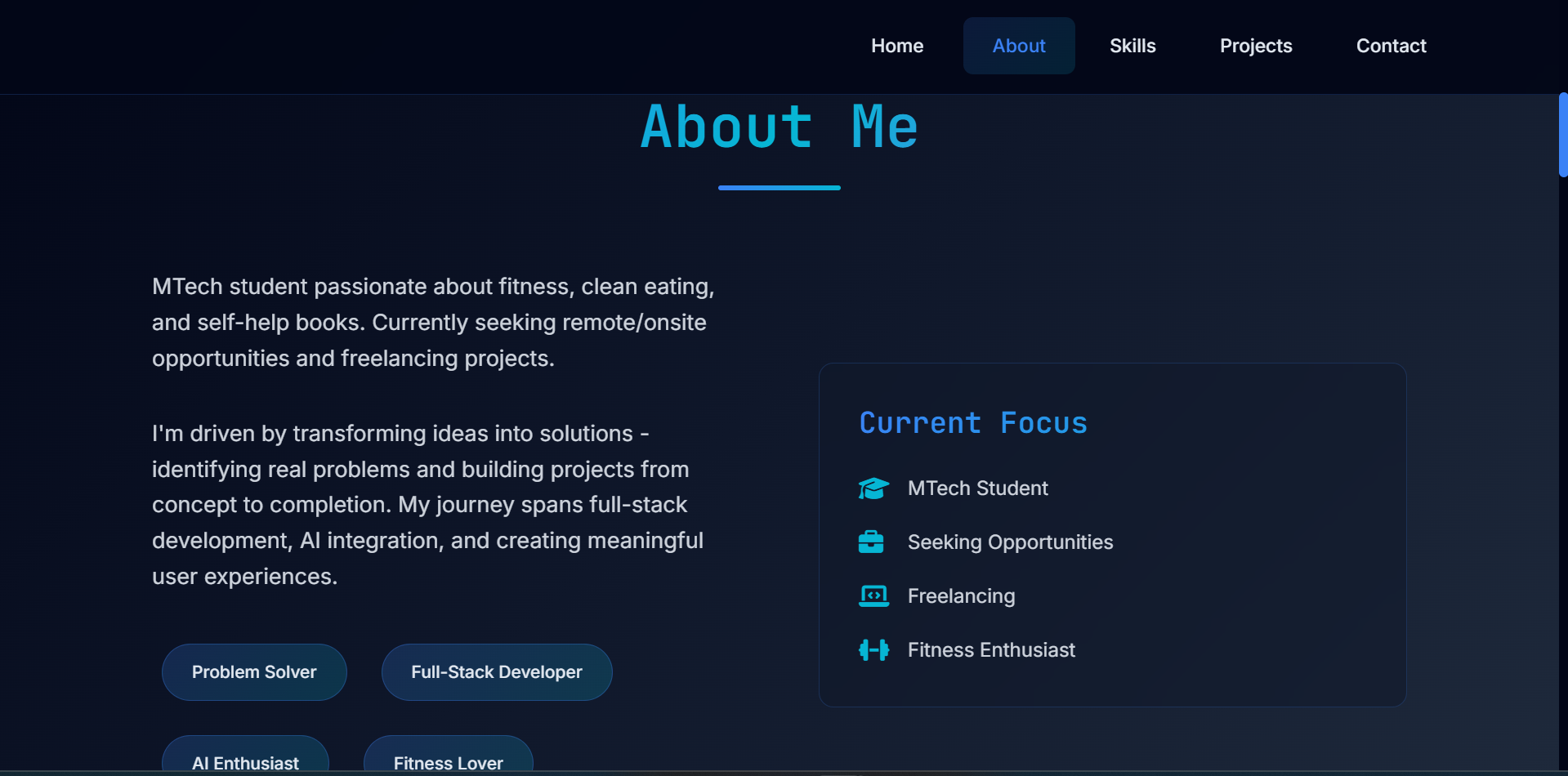
• About section highlighting some fun-facts about me.
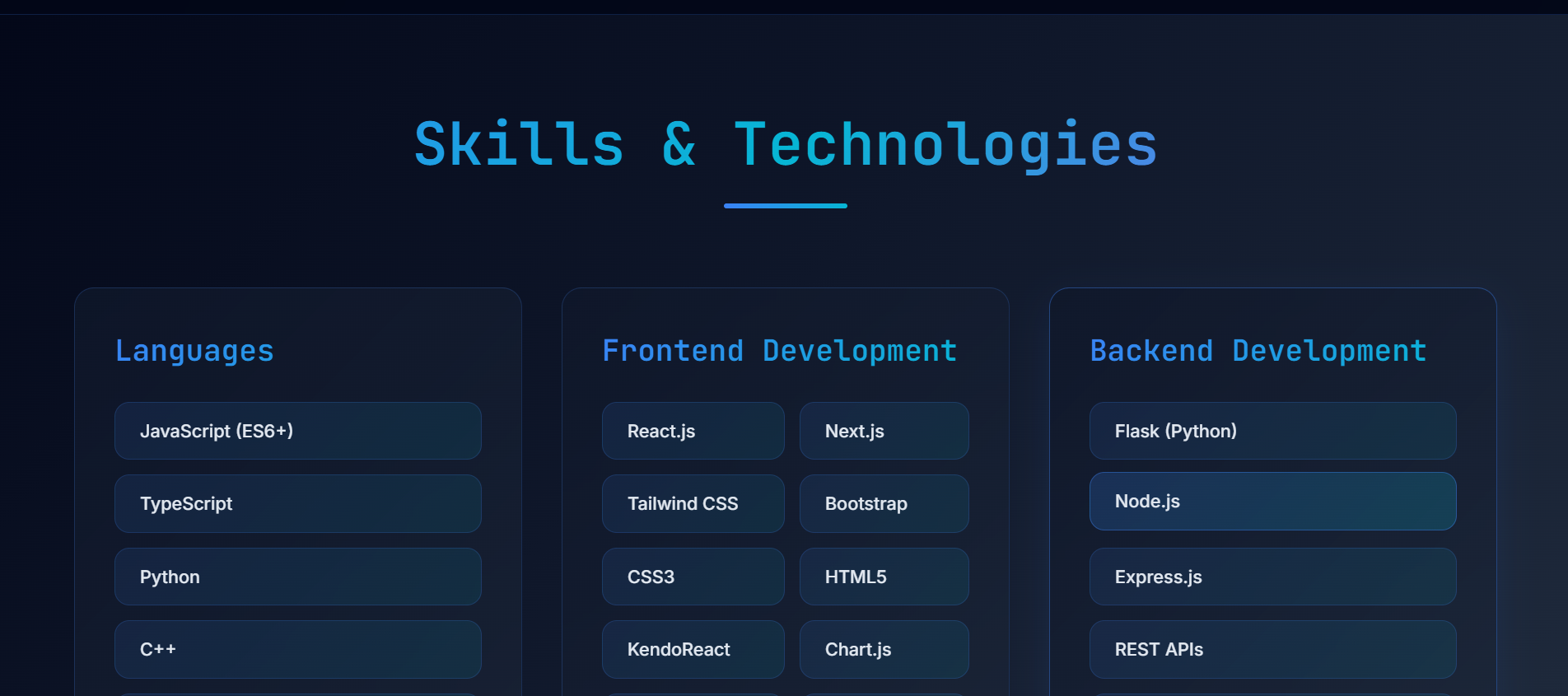
• Dynamic skills section highlighting my frontend, backend, & AI expertise.
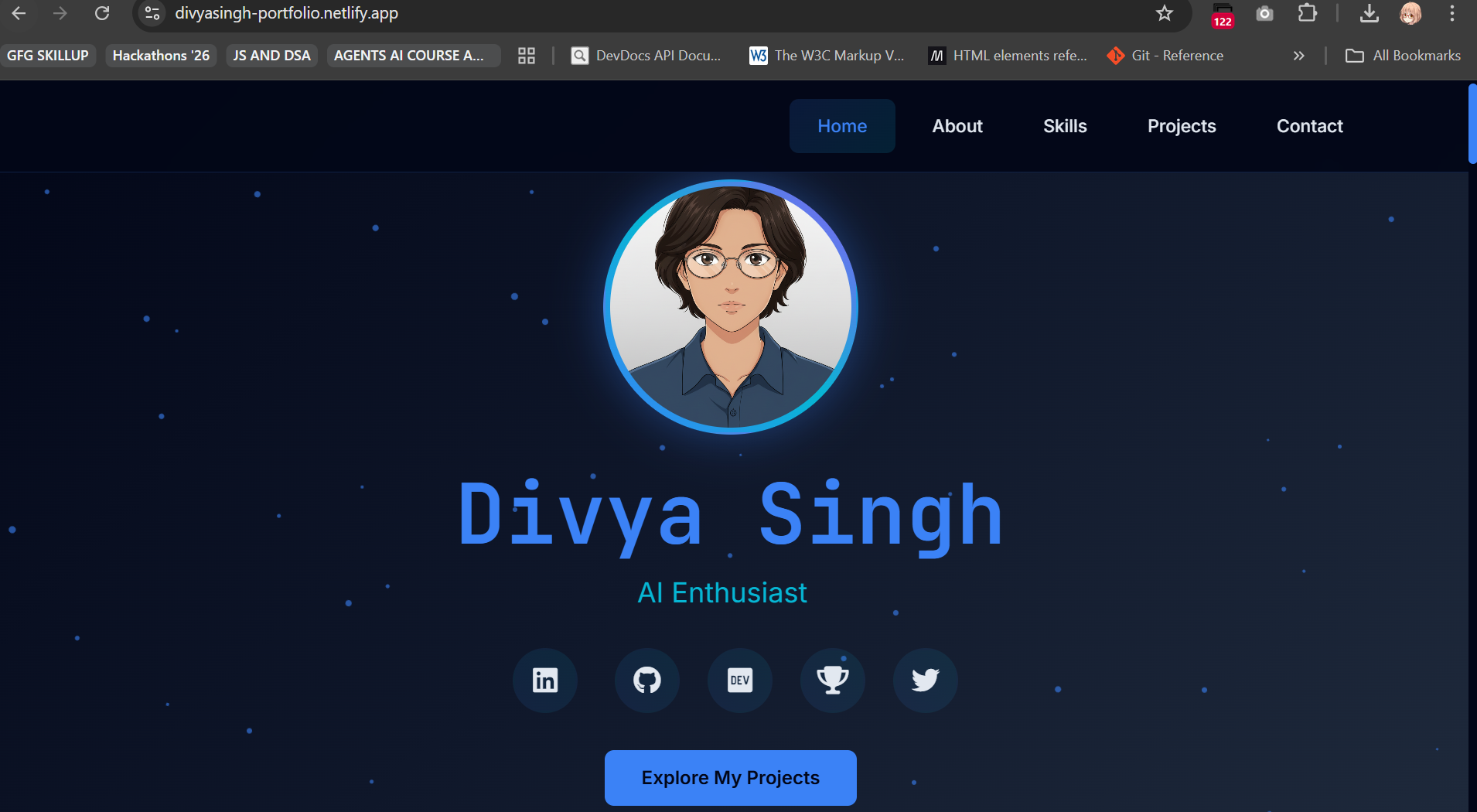
• Animated particle background with custom CSS animations.
• Typing animation cycling through developer roles.
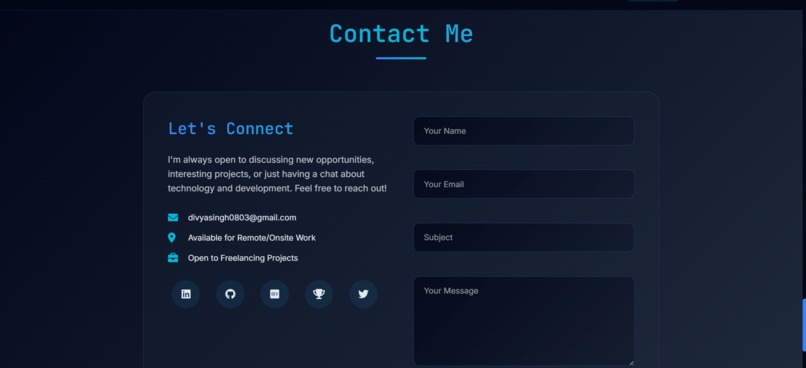
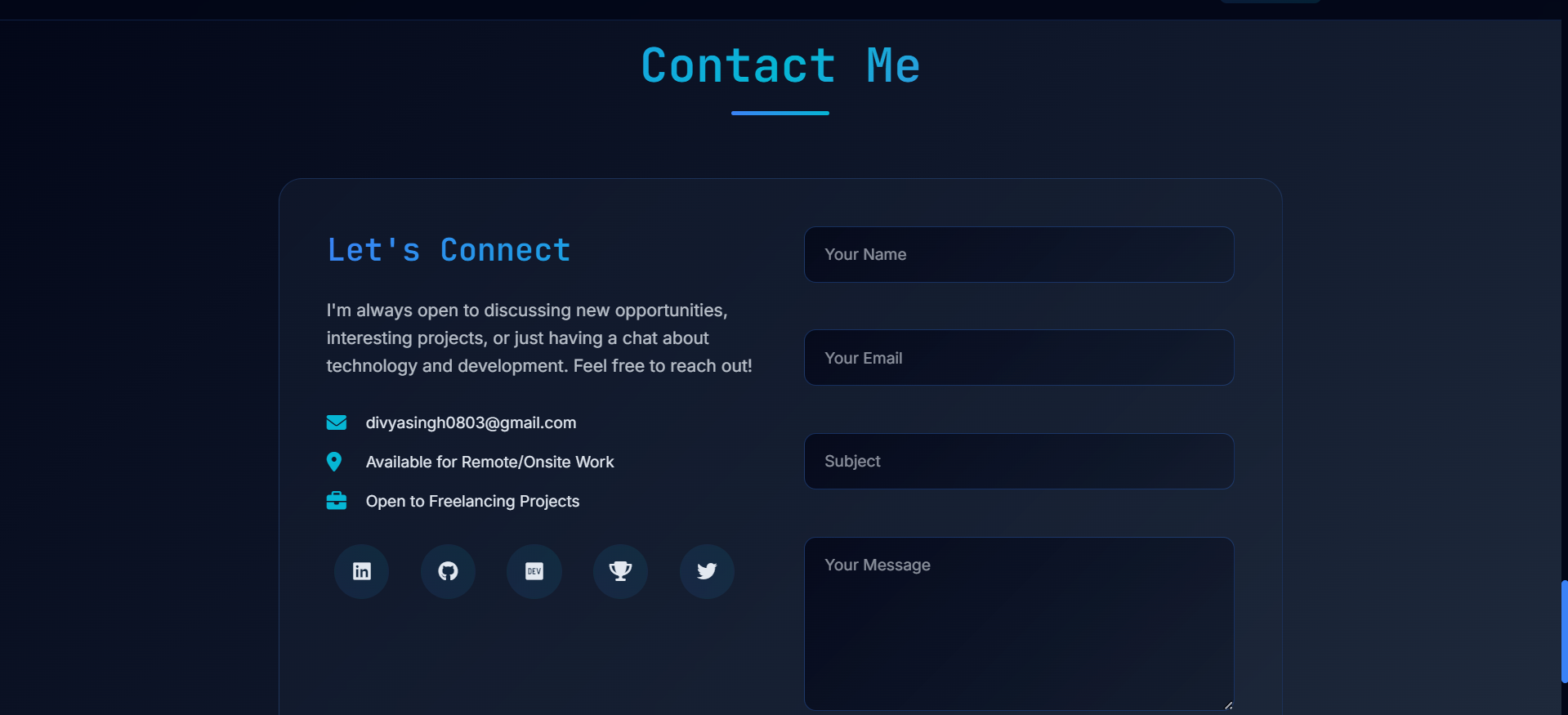
• Working contact form with EmailJS integration.
• Responsive design optimized for all devices.
• Smooth scroll animations and modern gradient aesthetics.
• Social Profiles Added contains all my social profiles in my portfolio.
How I built it
Core Technologies:
• HTML5 - Semantic markup with accessibility features (ARIA labels, roles)
• CSS3 - Custom animations, gradients, and responsive design
• Vanilla JavaScript (ES6+) - Dynamic content, animations, and form handling
• Tailwind CSS - Utility-first styling with custom configuration
Animation & Interactivity:
• Custom Particle System - 50 animated particles with randomized properties
• Typing Animation - Dynamic text cycling through developer roles
• Scroll-triggered Animations - Fade-in effects with intersection observers
• Smooth Scrolling - Native CSS scroll-behavior with JavaScript fallbacks
• Mobile Menu Toggle - Responsive navigation with ARIA accessibility
External Libraries & APIs:
• EmailJS - Serverless contact form with template customization
• Font Awesome 6.4.0 - Professional iconography
• Google Fonts - Inter and JetBrains Mono typography
Development Architecture:
• Config Management - Modular configuration system (config.js, load-env.js)
• Environment Variables - Secure API key handling via .env and env-config.json
• Git Version Control - Comprehensive commit history and branching
Deployment & Hosting:- Netlify CLI
Performance Optimizations:
• Lazy Loading - Images and animations load on demand
• Minimal Dependencies - Zero runtime frameworks, pure vanilla JS
• Optimized Assets - Compressed images and efficient CSS
• Backdrop Filters - Hardware-accelerated blur effects for navigation
• CSS Grid & Flexbox - Modern layout techniques for responsive design
Design System:
• Color Palette - Custom Tailwind configuration with brand colors
• Typography Scale - Inter for body text, JetBrains Mono for headings
• Gradient System - Consistent blue-teal gradients throughout
• Component Architecture - Reusable CSS classes and JavaScript modules
• Mobile-First Design - Progressive enhancement from mobile to desktop
My entire portfolio is built as a Single Page Application without any build tools or bundlers, proving that modern web experiences can be achieved with fundamental web technologies and thoughtful architecture.
Challenges I ran into
API Key Security: Implementing EmailJS without exposing credentials required creating a config system with environment variables and Netlify's build process.
Contact Form UX: Designing intuitive form validation, loading states, and success/error feedback took multiple iterations to get right, especially the research for a free-tier 3rd party tool, and then setting that up, especially its' template.
Project Curation: Selecting and describing 8 projects while maintaining concise, impactful descriptions was surprisingly time-consuming, mainly the selection part was the most time-consuming, coz the projects needed to be my best & have different tech-stacks each.
Animation Performance: Balancing visual appeal with smooth performance across multiple devices required optimizing particle count and animation timing.
Accomplishments that I'm proud of
✅ 0 framework dependencies - Built entirely with vanilla JS while maintaining modern functionality.
✅ 100% responsive design - Seamless experience from mobile to desktop.
✅ 8 deployed projects showcased - Each with live demos aimed to help users with real-world problems.
✅ Custom animation system - Particle background and typing effects built from scratch.
✅ Production-ready contact form - Fully functional with proper error handling.
✅ Fast loading - Optimized assets and minimal dependencies for quick page loads.
✅ EmailJS- It was the 1st time i used this tool, for this project. I learned & mastered it as per my usecase.
What I learned
• Vanilla JS can do everything - Honestly, I was tempted to use React at first, but decided to challenge myself. Turns out we can build really smooth, interactive experiences without any framework. Just good old Vanilla JS!
• EmailJS is a game-changer - Never used it before this project. Spent hours figuring out the service IDs, template placeholders, and how to keep API keys secure. Now I know how to add contact forms without building a backend!
• Animation timing is an art - Creating the particle system taught me so much about CSS animations and JS timing. Getting like 50 particles to move smoothly without killing performance took lots of trial and error.
• Scroll animations are addictive - Once I got the fade-in effects working with intersection observers, I wanted to animate everything! Had to restrain myself from overdoing it.
• CSS Grid + Flexbox finally clicked - I've used them before but this project made me really understand when to use which. The skills section layout was perfect practice.
• Color theory matters - Spent way too much time tweaking the blue-teal gradient palette. Learned about color contrast, accessibility, and how gradients can make or break a design.
• Netlify deployment is smooth - The build process just works, and seeing my portfolio go live instantly was satisfying. I used the Netlify CLI for this one, and it was amazing experience, less than 5 script commands, and yay, my portfolio got live.
• Writing project descriptions is hard - Summarizing 8 complex projects into compelling, non-technical descriptions took forever.
• Mobile-first saves time - Started with mobile design this time instead of desktop. Made the responsive part so much easier and caught layout issues early on.
This project pushed me out of my comfort zone and I genuinely enjoyed every frustrating debugging session!
What's next for DevCraft - My Interactive Portfolio Journey
🚀 Dark/Light mode toggle - Adding both color themes, not just the one I like, aka, Light Mode.
📊 Analytics dashboard - Tracking visitor engagement and popular projects on my portfolio.
🎨 3D elements - Integrating Three.js for subtle 3D interactions.
🔗 Blog integration - Adding a technical writing section to share my development insights.
⚙️ Tech Stack - Perhaps building even better design for this portfolio, or even the same UI/UX using other, more complex libraries/frameworks/tech stack.
Built With
- cdn
- css3
- emailjs
- html5
- javascript
- netlify
- scroll-triggered-animations
- tailwind-css


Log in or sign up for Devpost to join the conversation.