-
-
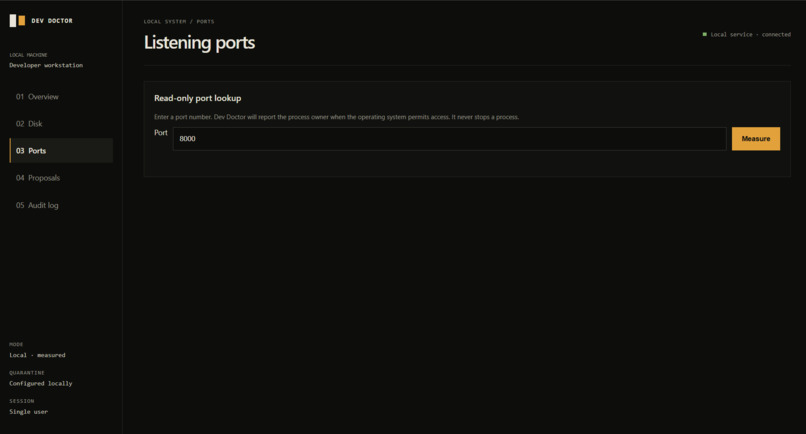
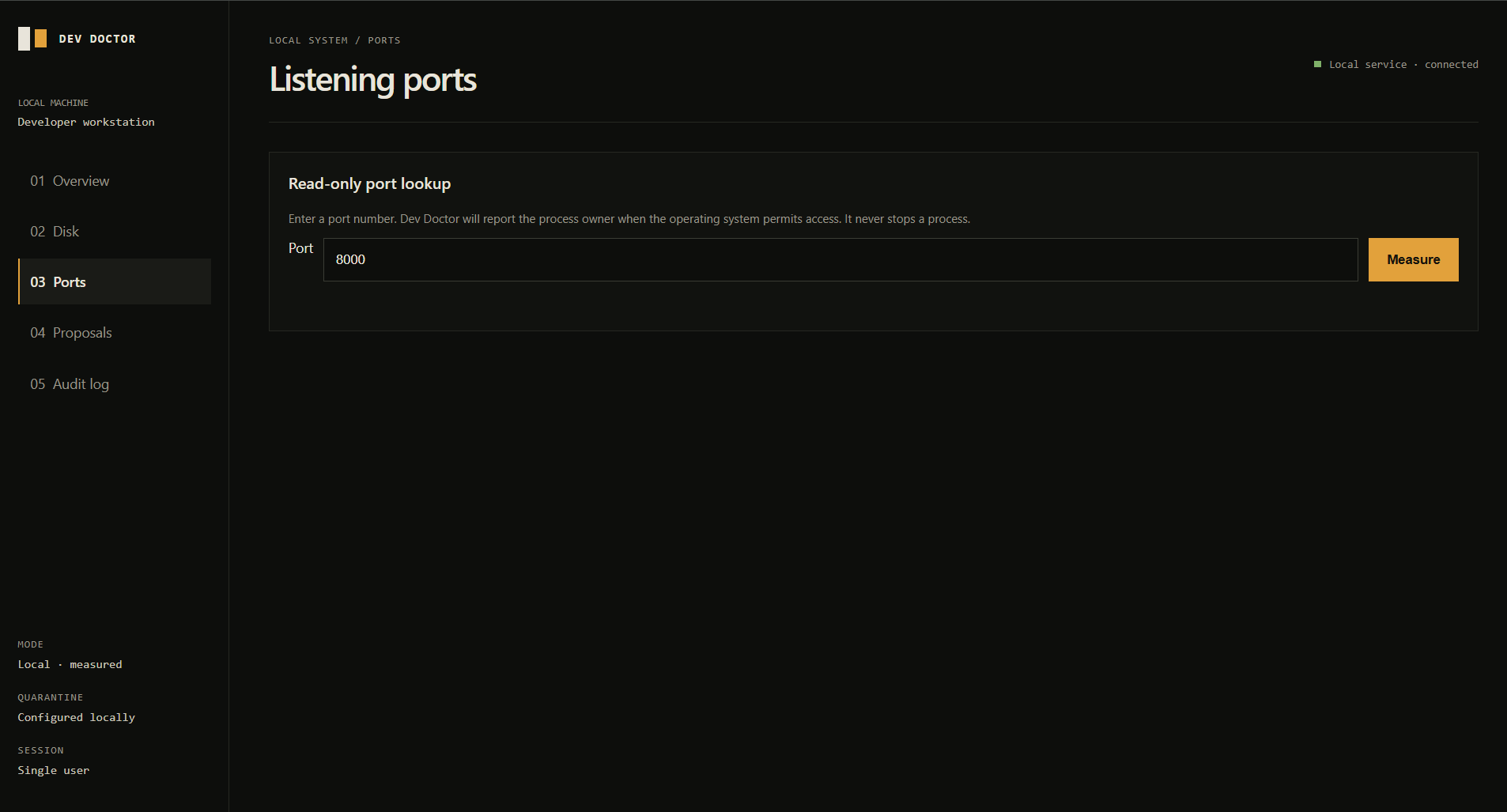
Ports: Look up listening ports and process owners with a read-only check.
-
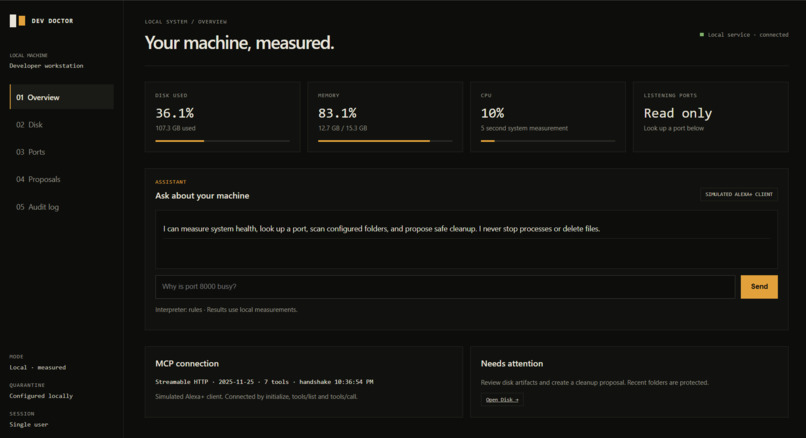
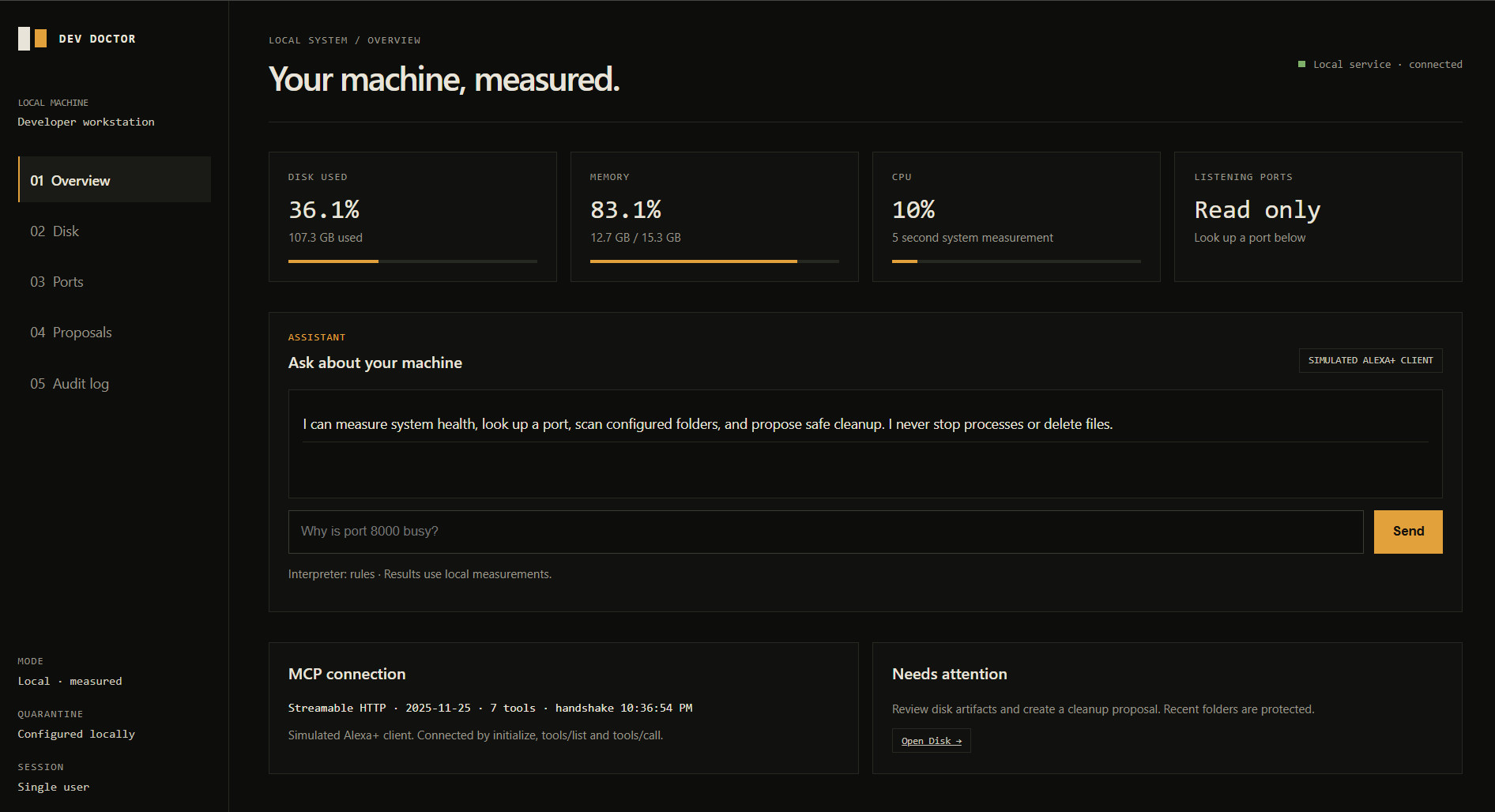
Overview: Real-time system health and a local MCP connection at a glance
-
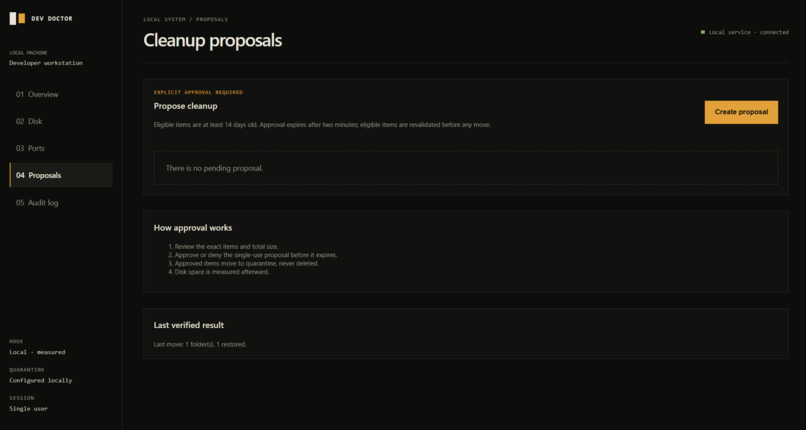
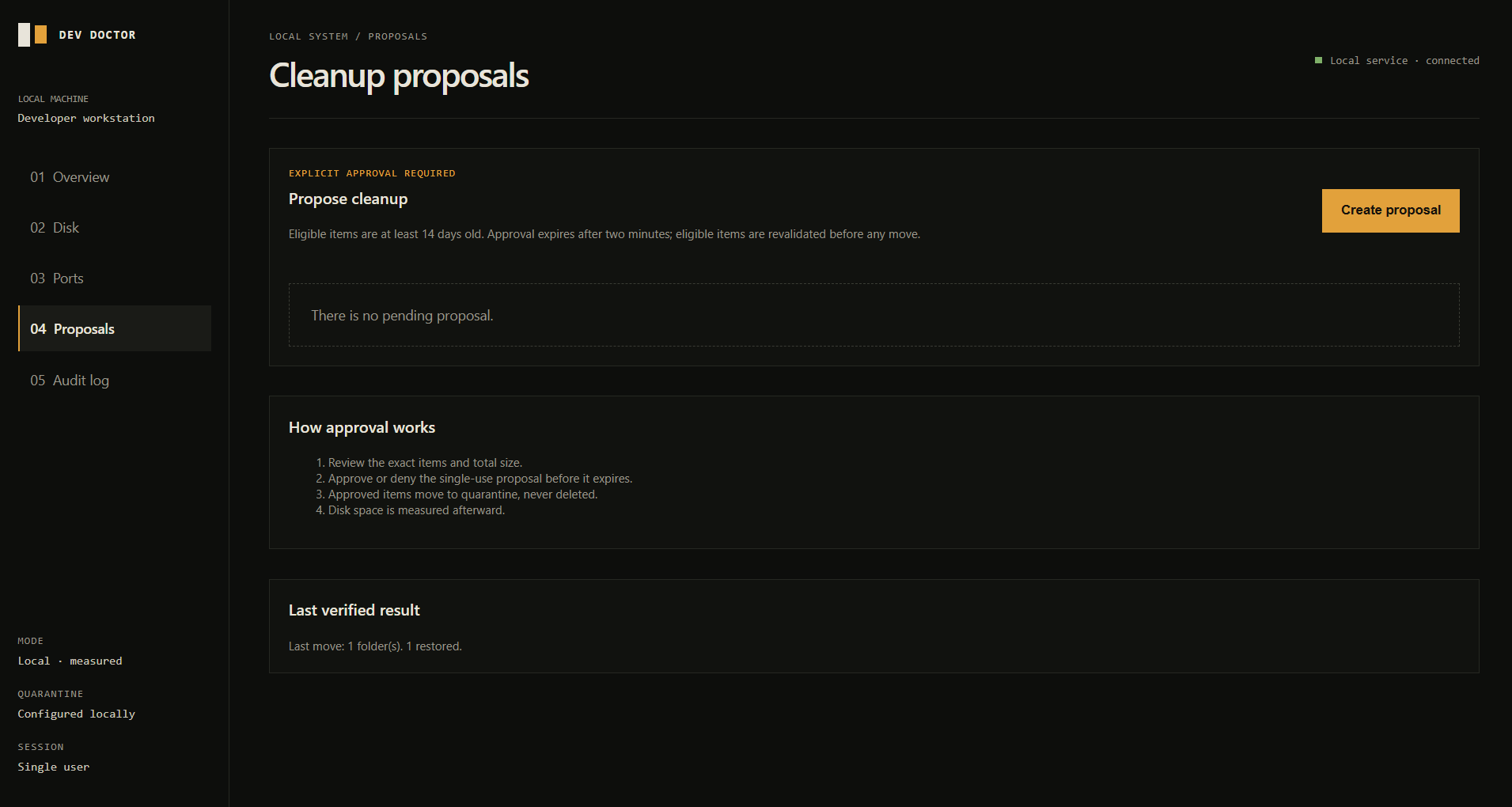
Proposals: Review cleanup candidates and require explicit approval before quarantine.
-
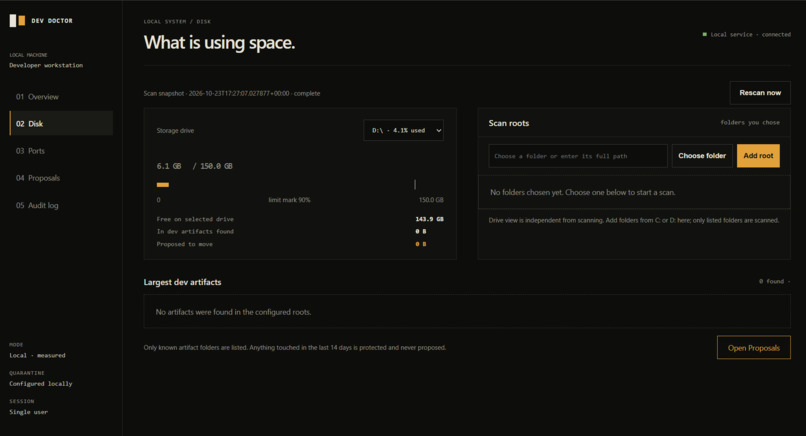
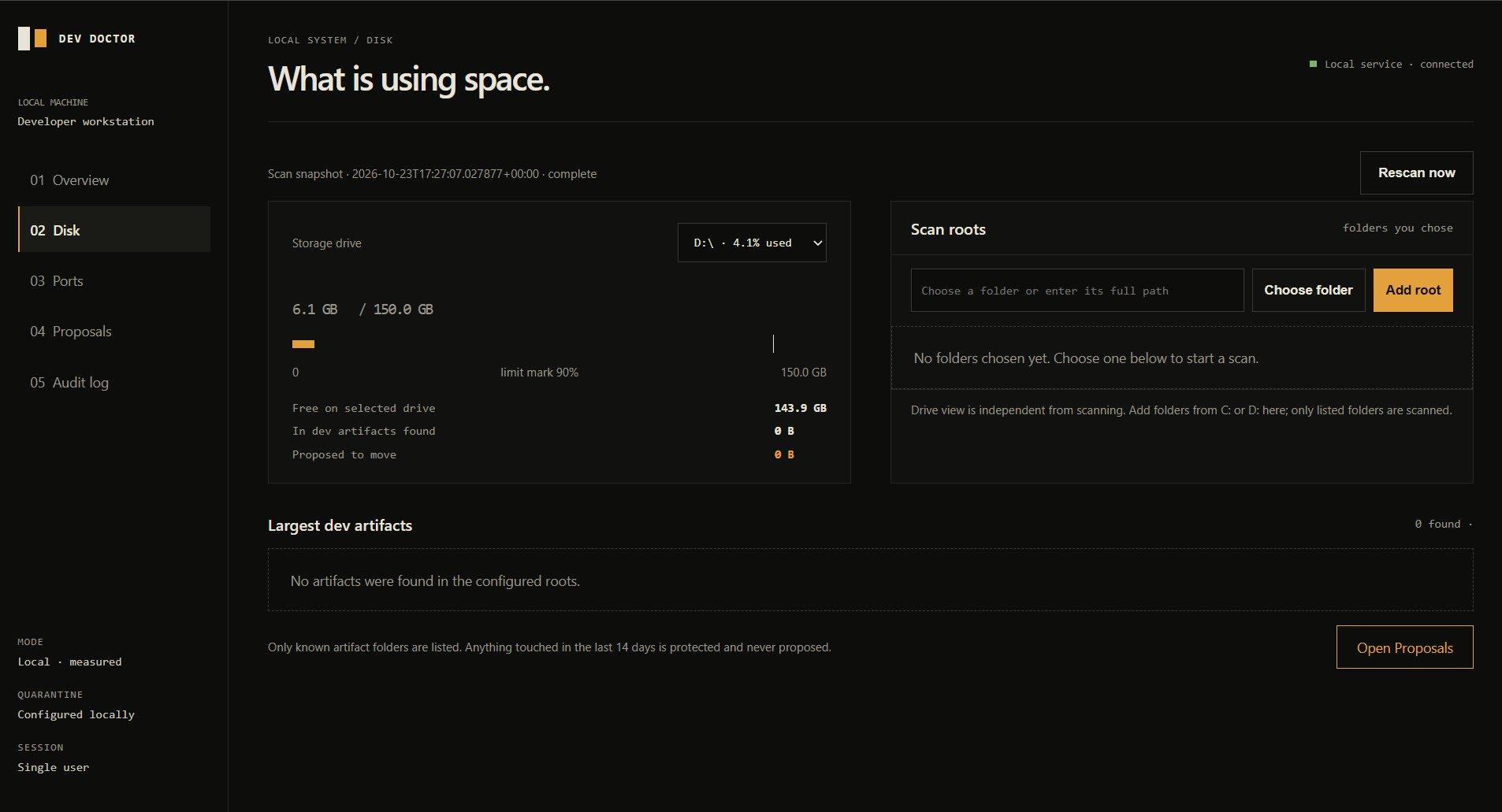
Disk: Choose a drive, select scan roots, and review detected development artifacts.
-
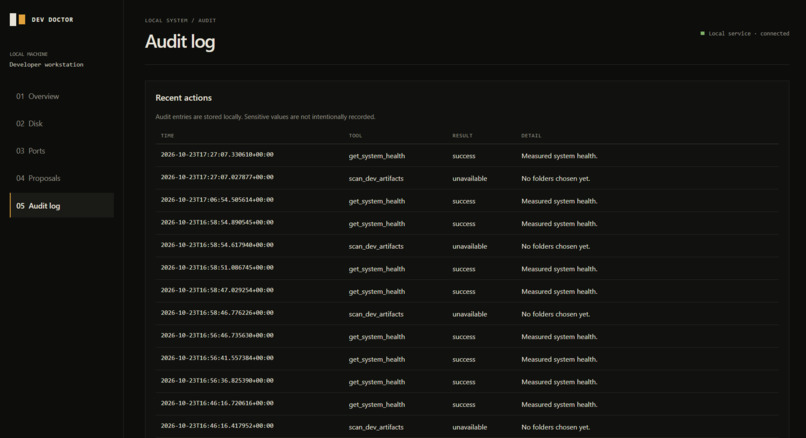
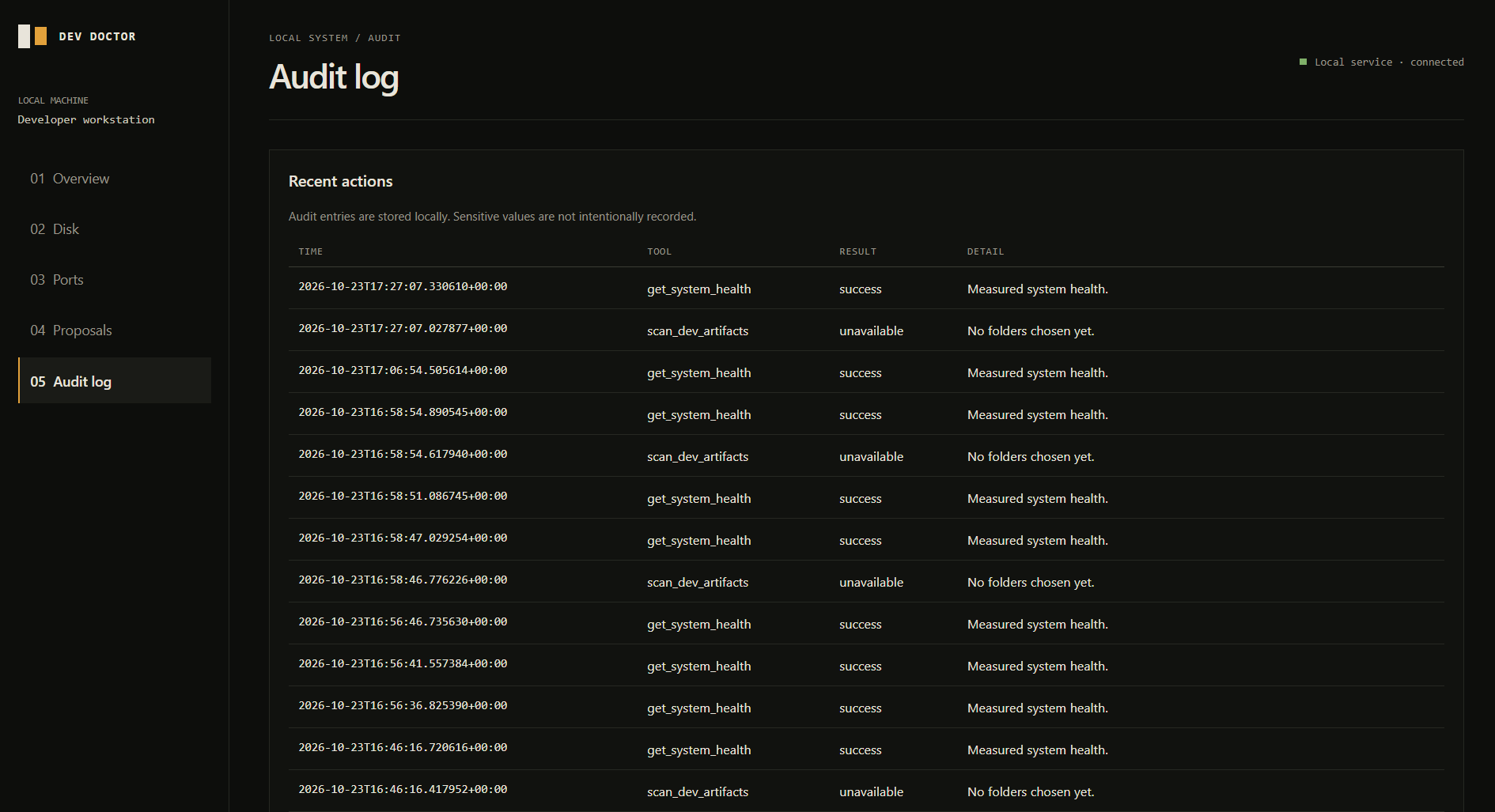
Audit log: See a local record of Dev Doctor’s measurements and actions.
Inspiration
Developer machines collect old dependencies, build outputs, and caches. Cleaning them up can save space, but deleting the wrong folder can break a project. I wanted to make cleanup easier to inspect and safer to undo.
What it does
Dev Doctor measures system health, checks listening ports, and scans only folders the user selects. It identifies supported development artifact folders and protects recently touched items.
When it finds cleanup candidates, it creates a proposal listing the exact folders and sizes. The user can deny the proposal or explicitly approve it. Approved folders move to quarantine instead of being deleted. Dev Doctor then measures the result and offers a restore option.
How we built it
Dev Doctor is a local Python web app with a browser interface and a self-hosted Model Context Protocol (MCP) server using Streamable HTTP. The client performs MCP initialization and tool calls. Local system measurements and filesystem scans provide the data, while SQLite stores proposals and the audit history.
The interface is a simulated Alexa+ experience. It is not connected to an Alexa device or official Alexa+ tools. Optional Gemini intent routing is implemented with a rules-based fallback; live Gemini calls were not tested for this build.
Challenges we ran into
Matching the MCP server implementation to the installed Python SDK and its Streamable HTTP support took care. I also had to account for safety details: limiting scans to selected folders, protecting recent items, expiring proposals, and rechecking folders before moving them.
Another challenge is measuring the real effect of cleanup. Quarantining a folder on the same drive may not free disk space, so Dev Doctor reports the measured result instead of promising a change.
Accomplishments that we're proud of
The cleanup flow is reversible and approval-gated: scan, review an exact proposal, approve or deny, quarantine, verify, and restore. Dev Doctor also keeps an audit trail and does not delete files or stop processes.
What we learned
A cleanup tool needs to do more than find large folders. It needs to explain what it found, show exactly what will change, and keep the user in control. We also learned to be clear about limitations and report measured outcomes honestly.
What's next for Dev Doctor
Next, we want to improve the demo experience, make setup easier for other developers, and test the optional Gemini routing with a real API key. We also want to gather feedback on which artifact types and safety controls would make Dev Doctor more useful.
Built With
- css
- fastapi
- html
- javascript
- mcp
- psutil
- python
- sqlite

Log in or sign up for Devpost to join the conversation.