-
-
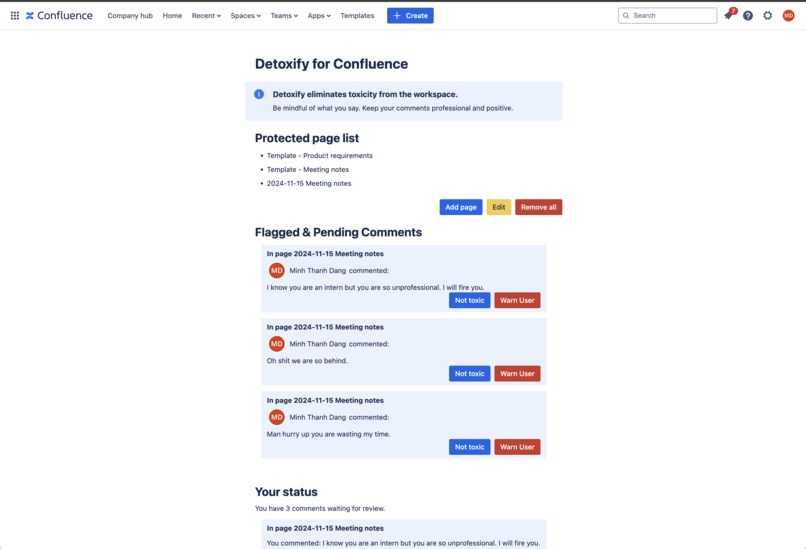
Detoxify Main Page
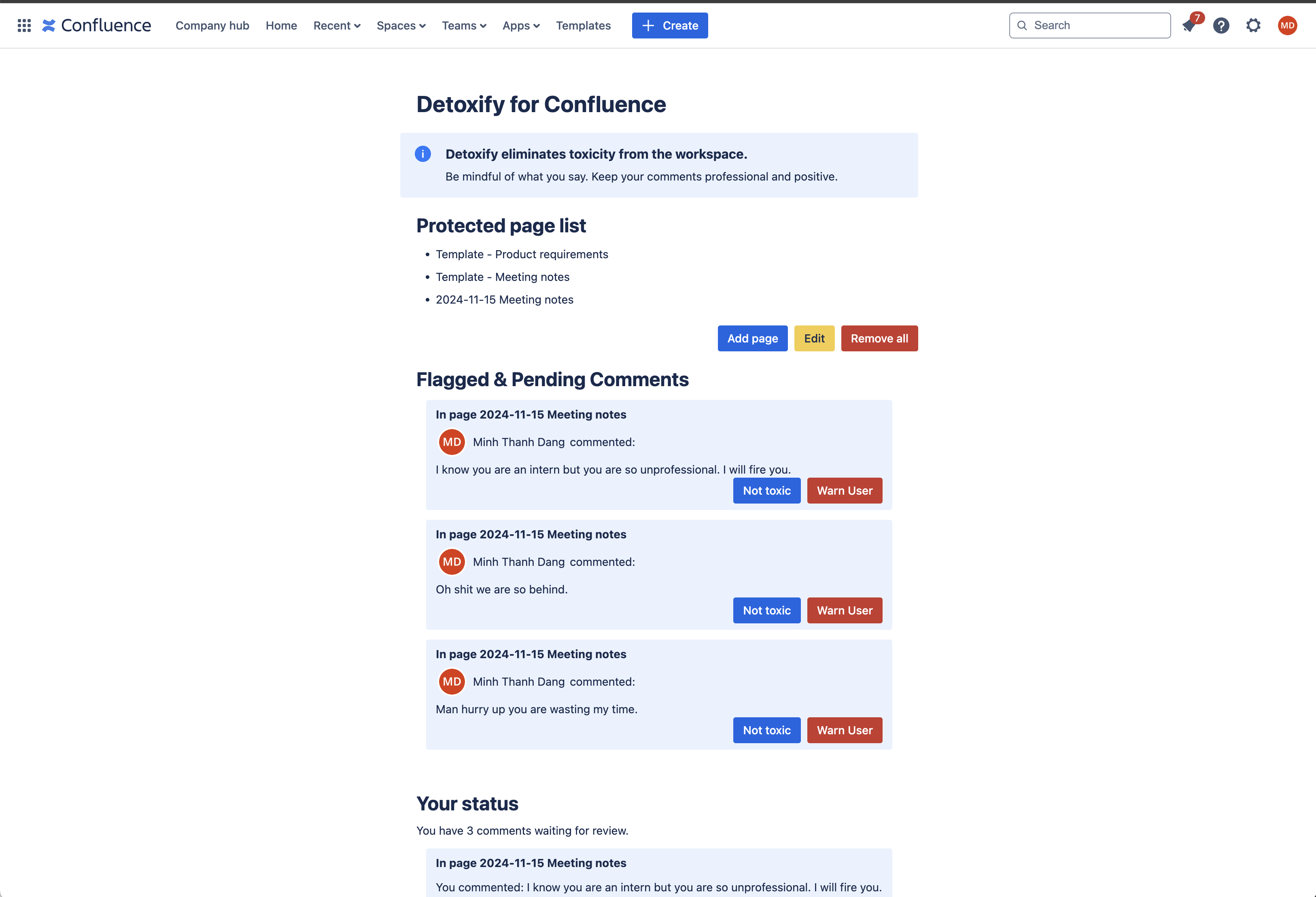
More Information for Judges
!!!Please see the GitHub repo README.md for project details! Link here
Inspiration
A toxic workspace is detrimental to your mental health. Tension between team members reduce productivity and collaboration. This happens a lot, especially in stressful environments like software development. That's why I built Detoxify.
What it does
Built with the Forge platform, Detoxify is a powerful Confluence app designed to enforce and encourage a healthier and more productive workspace. By detecting and flagging toxic comments in real-time, Detoxify ensures that team discussions remain respectful and positive.
Features
1. Accurate toxic comment detection
Powered by the cutting-edge BERT AI model, trained on hundreds of thousands of examples, Detoxify excels at analyzing the tone and context of comments to identify toxicity with high precision.
2. Immediate Action against Toxic Comments
As soon as a toxic comment is detected, Detoxify flags and removes it in near real-time, preventing possible disruption in the workplace.
Challenges we ran into
The Forge platform is brand new to me :) Thanks to the detailed documentation and example apps, I was able to catch up quickly!
How it works
Confluence Trigger Logic
The user uploads a comment. This triggers the "avi:confluence:created:comment" event.
- When Detoxify receives the event, it checks if the comment is from a protected page. If no, Detoxify skips the comment. If yes, Detoxify gets, strips (HTML tags and emojis), and passes the comment content to the API Gateway endpoint.
- The validateComment service is serverless. Lambda will load the python libraries and our fine-tuned BERT classification model for inference. The returned result is "yes" or "no".
- If the comment is not toxic, nothing happens. Otherwise, Detoxify stores the comment (authorId, content, and pageId) using Forge Storage API.
- The flagged comments are then shown in the Admin view, so the Admin can manually review and warn users. In the User view, everyone will see their own toxic comments warning. #### Storage
- Flagged Comments Metadata and Content are stored using the Storage API Custom Entity Store.
- Admin ID is stored using Key-Value Store.
Usage
As the Admin, you can configure which Confluence page to protect. Go to Confluence, select Apps dropdown on the navigation bar, and choose Detoxify for Confluence. Under Protected Page List, click Add page. Choose the pages you want, then click Submit. Now the app will check every inline comment and footer comment on these pages and flag toxic comments.
Toxic comments will be shown in the admin view of the app. The Admin can review and decide if the comment is toxic or if our AI got it wrong. Every user (including the Admin) can see which of their comments are being flagged/are confirmed as toxic.
What's next for Detoxify
There are a lot of optimization and best practices that need to be implemented for the app to be production-ready :) That will be my goal for the next sprint!


Log in or sign up for Devpost to join the conversation.