Inspiration
Most days we walk the same routes and sit in the same corner of the venue. Games fix this with side quests, so we wanted a button that gives you a small one in real life.
What it does
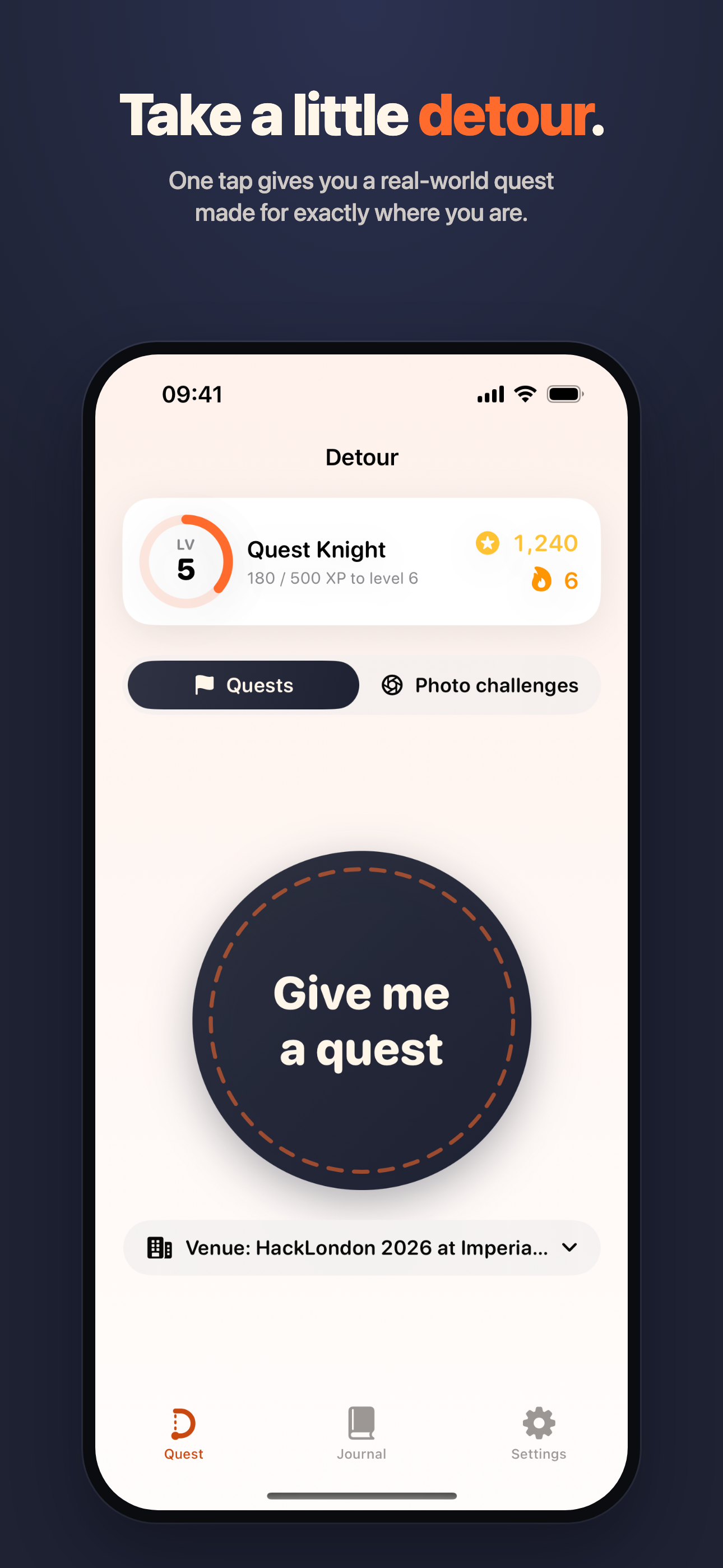
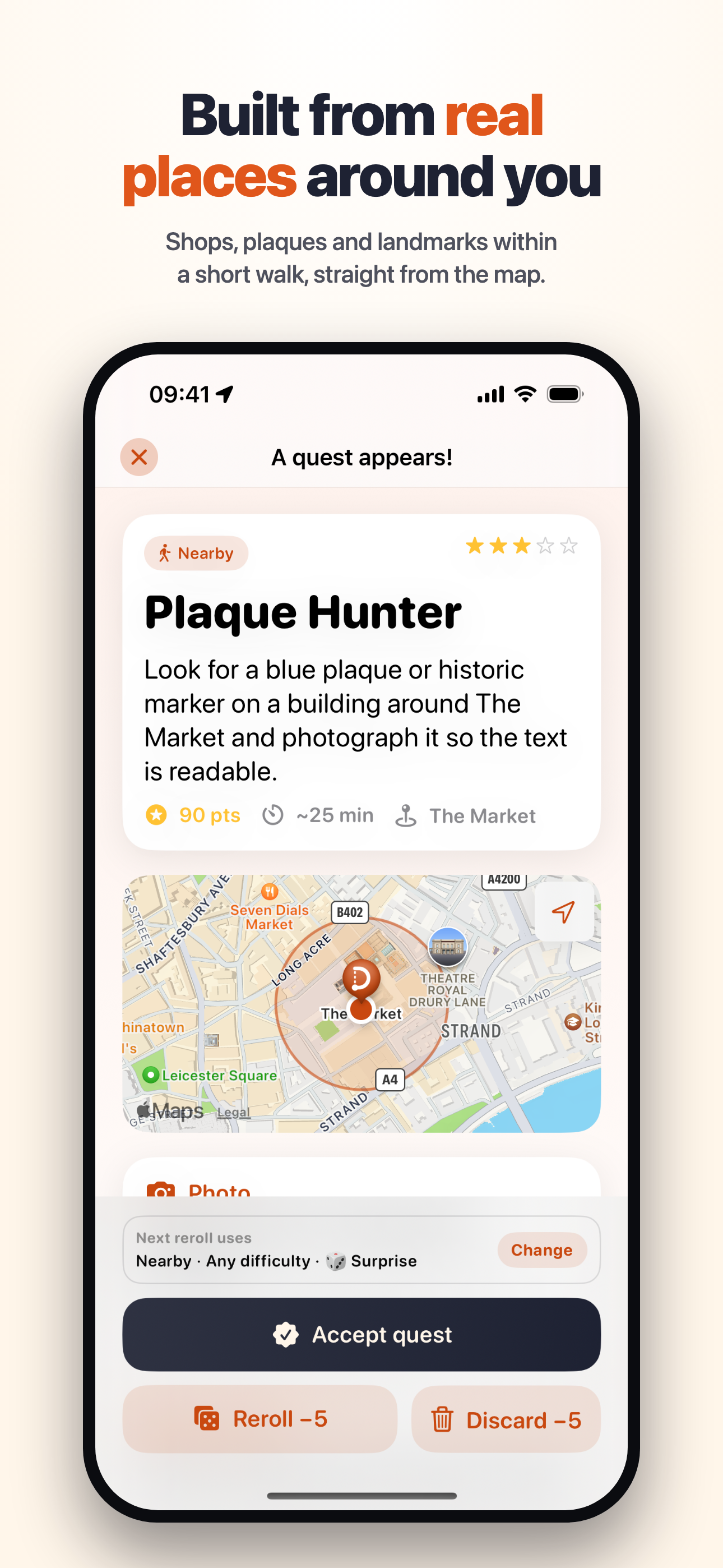
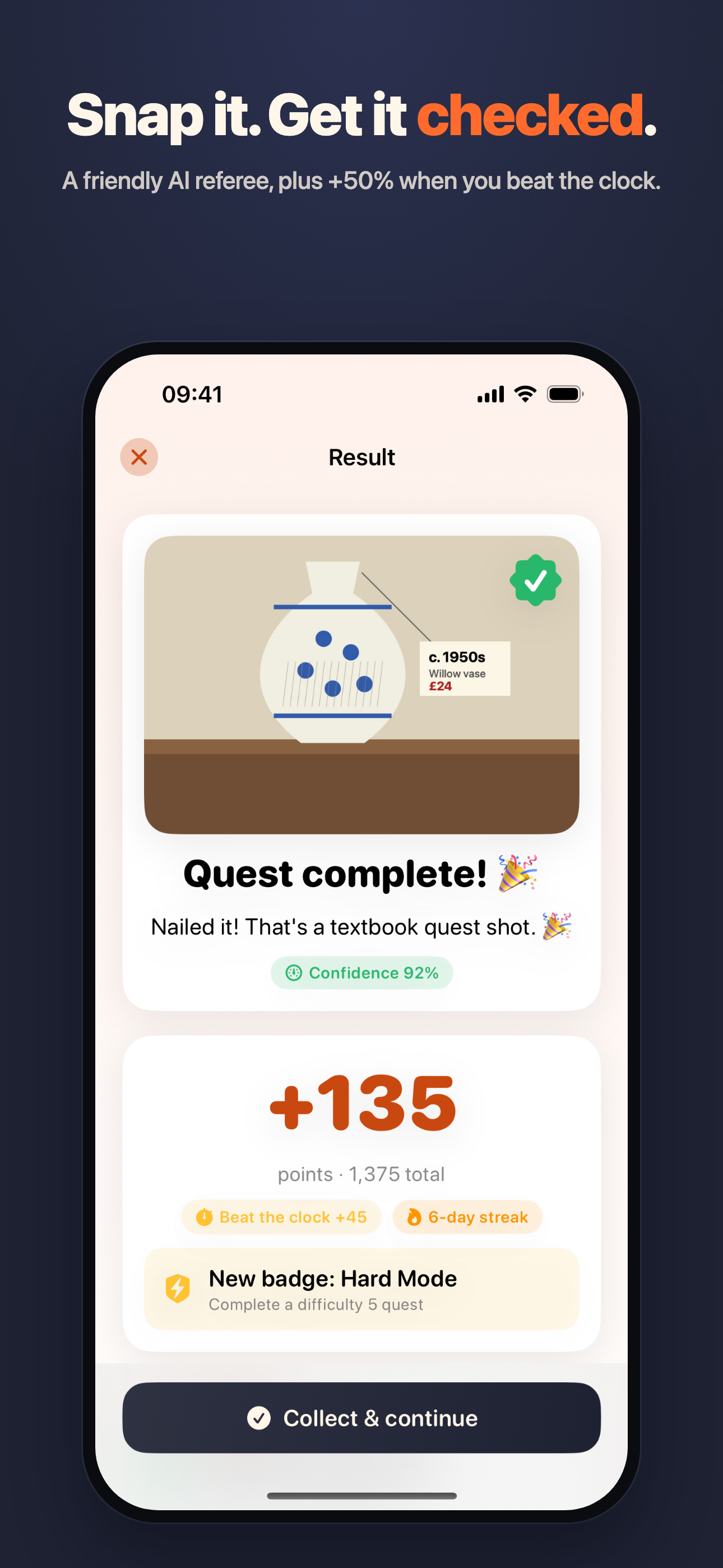
Tap the button and you get a quest for where you are: the venue you're at, the streets nearby (real places from Apple Maps) or the wider city. If the quest points to a specific place, one tap opens directions in Apple Maps or Google Maps. Do it, take a photo, and an AI checks the photo. It's lenient on purpose, and if it's unsure you can just count it.
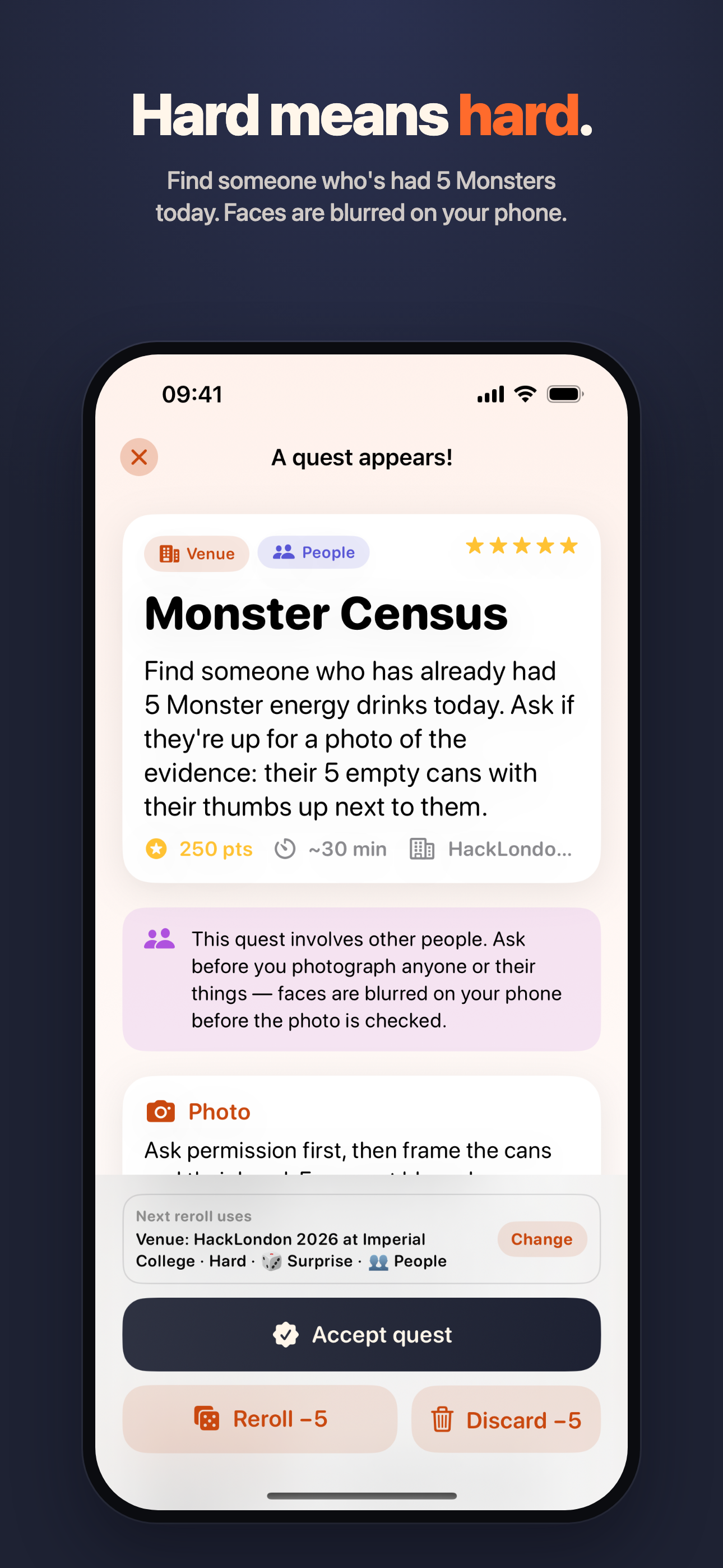
There are five difficulty levels. Easy might be finding an old vase in an antique shop. Hard is more like finding a table with at least 15 cans on it.
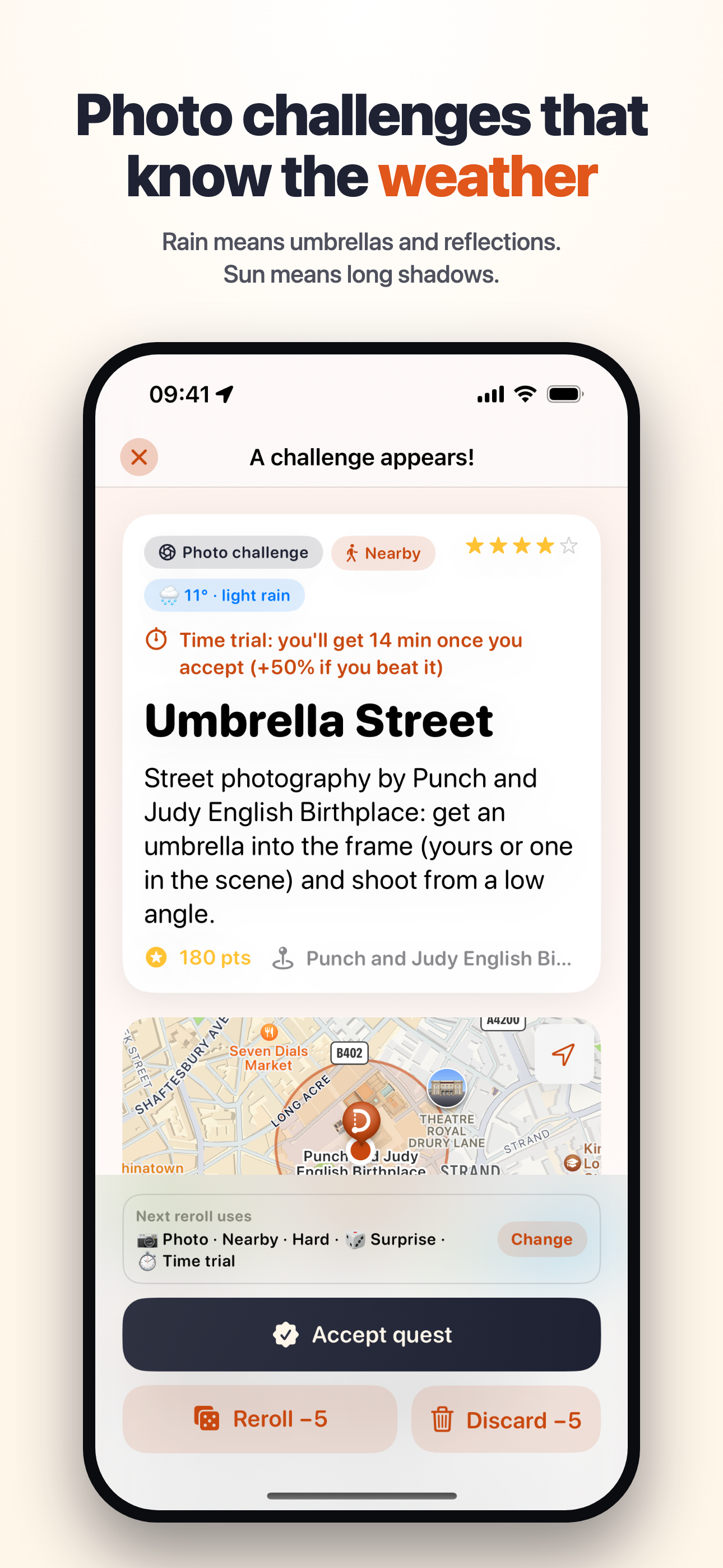
There's also a photo challenge mode that uses the current weather (if it's raining it might ask for a street shot with an umbrella in it), an optional time trial where the timer depends on difficulty and distance, and an opt-in setting for quests involving other people, like finding someone who's had 5 Monsters today.
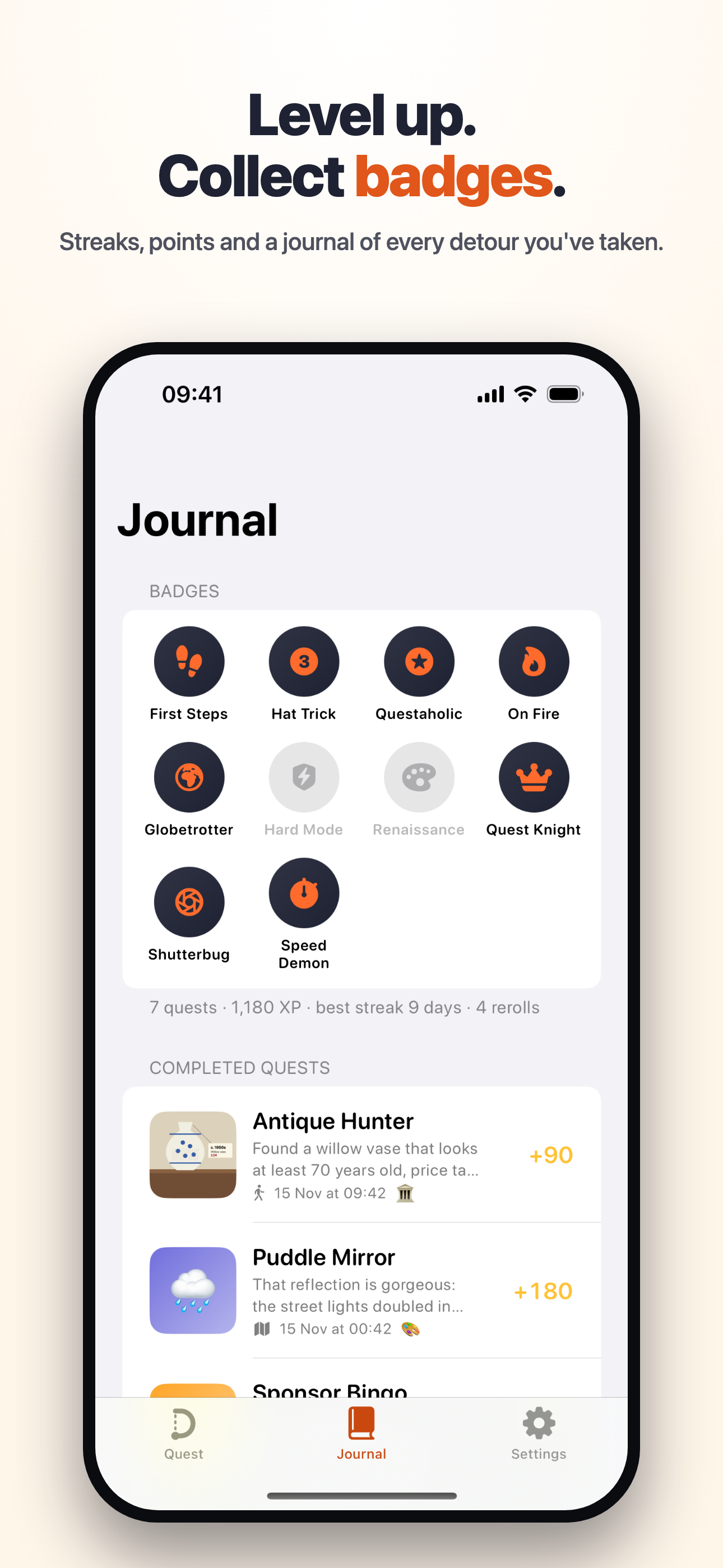
You earn more points for harder quests, level up, keep a streak and collect badges. Each quest gives you two tries. After that, extra tries cost points and get pricier each time. Rerolling costs 5 points.
The app never asks you to spend money unless you turn that on and set a limit. Every quest is checked against money and safety rules before you see it, and anything that breaks them gets regenerated.
There's no server or account. The AI gets place names but never your coordinates, and faces are blurred on the phone before a photo is sent.
How we built it
Swift and SwiftUI for iOS 17, with SwiftData, MapKit, and Apple's Vision framework for the face blurring. No third-party SDKs. It calls the Claude API directly (Haiku 5.5 for quests and photo checks, Sonnet 5.5 for a second look) and also works with Gemini. A demo mode runs without any API key. Weather comes from Open-Meteo.
Challenges we ran into
Hard quests kept coming out easy, so we added a check that rejects hard quests without several specific things to find.
Our first version failed any photo with a face in it, but by then the AI had already seen the face. Blurring faces on the phone first solved that. If face detection fails, you get to blur the photo yourself before it's sent.
Accomplishments that we're proud of
The face blurring, and the photo challenges that change with the weather.
What we learned
A prompt isn't enough to enforce rules. The app has to check every quest itself.
What's next for Detour
A bingo card mode with a grid of small quests for an afternoon, clue trails where each quest leads to the next, comparing scores with friends without needing a server, and a TestFlight build.
Built With
- swift
- swiftui

