


Inspiration
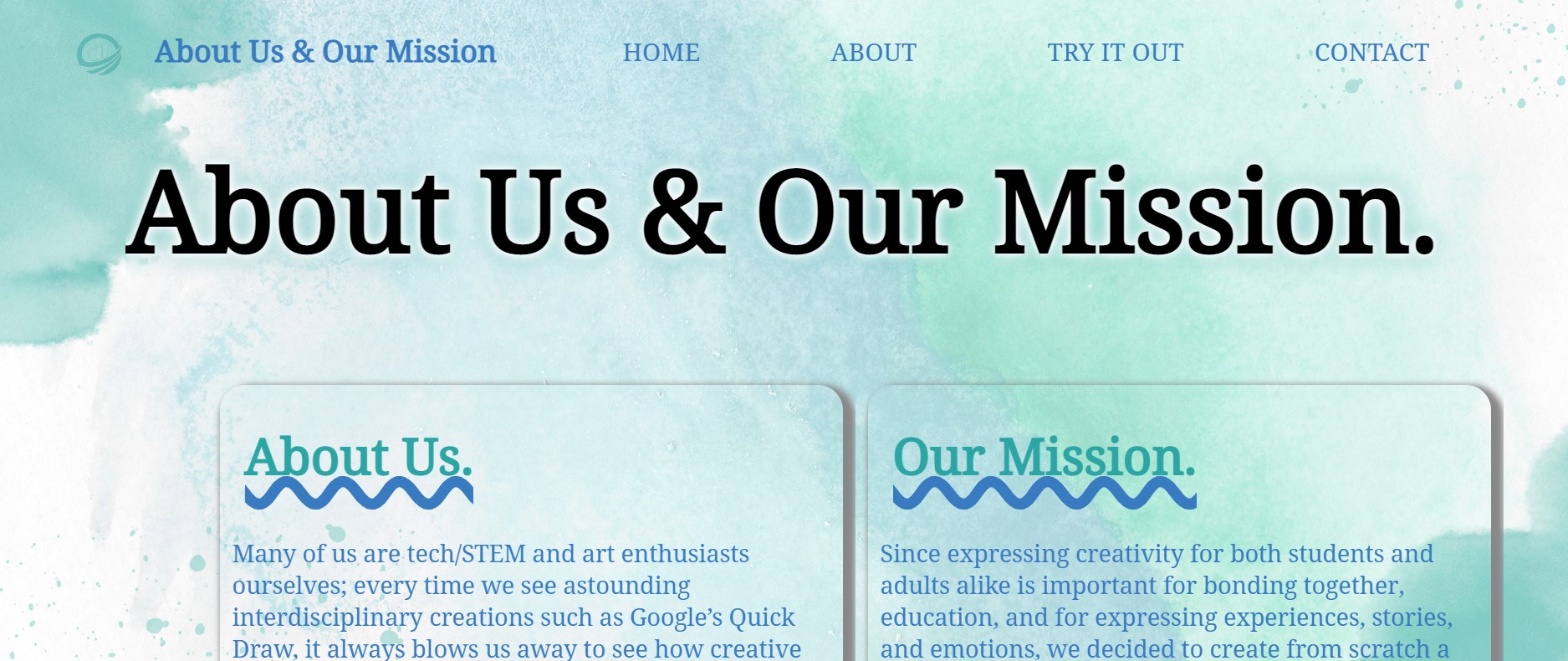
Many of us in our hackathon team are both technology, STEM, and art enthusiasts ourselves; every time we see novel and astounding interdisciplinary tech/stem+art creations, such as Google’s Quick Draw, it always blows us away to see how creative and mesmerizing they are. In our math classes, we have explored using Desmos graphs to create drawings such as snowmen and utilized processing.js to code scenery and houses. Since expressing creativity for both students and adults alike is important for bonding together, education, and for expressing experiences, stories, and emotions, we decided to create from scratch a desmos art generator for the hackathon. With the power of computer vision, math, and a pinch of artistic talent, with our generator, anyone can create their own art on a Desmos canvas!
What it does
Desmos Art Generator is a web app that ensures that all users can always have a platform to express their creativity by visualizing their drawings. When a user opens Desmos Art Generator, they will see its information and how-to-guide of our generator and are prompted to upload a picture of any image or drawing. The image is then processed and passed through a computer vision algorithm called sobel edge detection, which used convolutions and a Gaussian filter. The algorithm highlights the edges within the drawing/image, so it could be traced by a tracing library called Potrace. After learning the locations of the edges, the algorithm then finds the curve equations that replicate it, before it outputs to the user a desmos graph version of the image - that is, the image in the form of hundreds of desmos equations put together. In addition, the output includes the exact equations of the curves and lines so users can replicate the image themselves using desmos.com and save it. They can also make minor changes to the image in desmos if necessary. The about page has information about our mission and future plans for Desmos Art Generator. The how to page also covers how our generator works with a diagram and explanation. Overall, Desmos Art Generator provides a convenient and affordable way for users to express their creativity and artistry. TLDR: You can upload an image and our website turns it into a Desmos graph
How we built it
Recently, after furthering our knowledge with web app languages and the functionalities of desmos and processing.js, we decided to create a desmos art generator for the hackathon. Our Desmos Art Generator web app was built on the collaborative IDE replit.com and used the web-based frameworks HTML, CSS, React.js, and JavaScript, Node.js, and Express. We also used replit to create and host our web app. The algorithm for determining the edges and shapes in each drawing is called the Sobel edge detector (implemented in-house) and we utilized the potrace library to convert the bitmapped image into a smooth, scalable graphic image. In addition, we utilized Canva to produce sleek and aesthetic UI/UX design.
Challenges we ran into
The main challenge we ran into was the integration between the desmos interface and the replit web app. Dealing with the ill-documented Potrace library was especially painful, since it was extremely picky about its inputs and had next to no example scripts online. Additionally, we were somewhat inexperienced with React, and it had caused us a lot of trouble at the beginning.
Accomplishments that we're proud of
Since we are beginners at React.js and at converting images into desmos graph format, we are proud of the fact that we worked together to upload a working prototype of the desmos art generator. We are also proud that we were able to implement the desmos output into the web app for users to try out.
What we learned
We learned about computer vision techniques such as the Sobel edge detection, convolutions, and Gaussian filters. We also figured out how to use React.js, and how to implement it alongside an Express/Node.js backend server.
What's next for Desmos Art Generator
In the future, we hope to further optimize the desmos art generator algorithm as it struggles with identifying some edge features and corner shapes of images. We also plan to partner with schools, especially K-12 schools around the nation, in order to spread and promote the creativity of stem+art.
Built With
- canva
- css
- desmos
- express.js
- html
- javascript
- jsx
- node.js
- potrace
- react
- replit


Log in or sign up for Devpost to join the conversation.