-
-
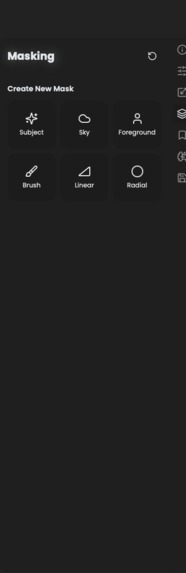
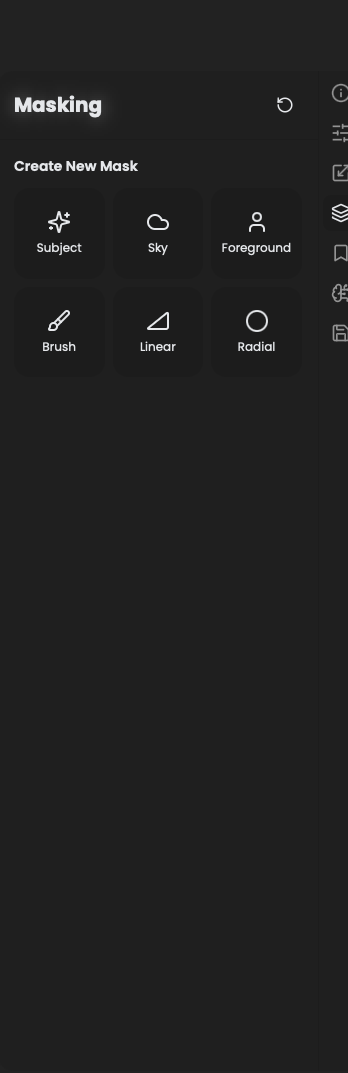
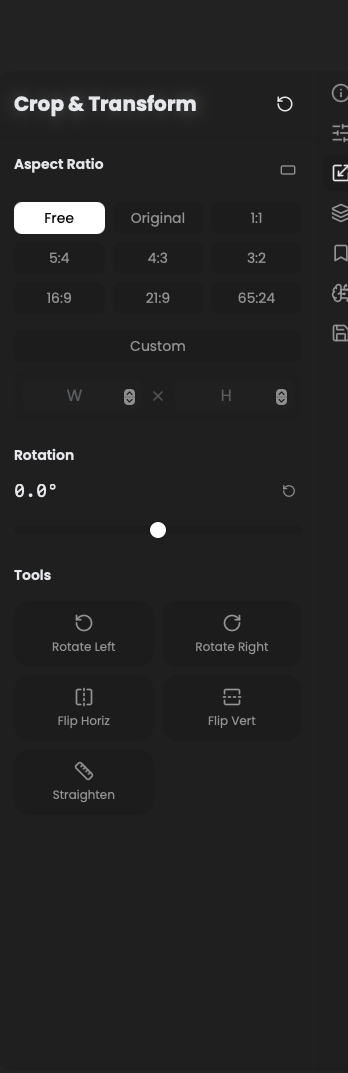
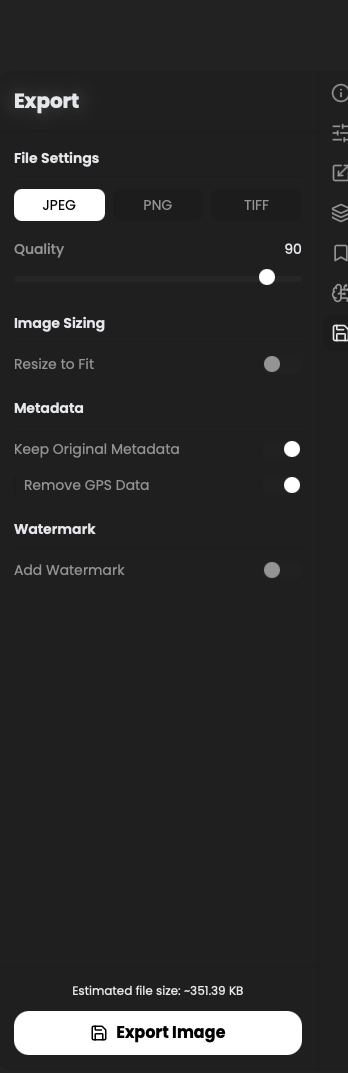
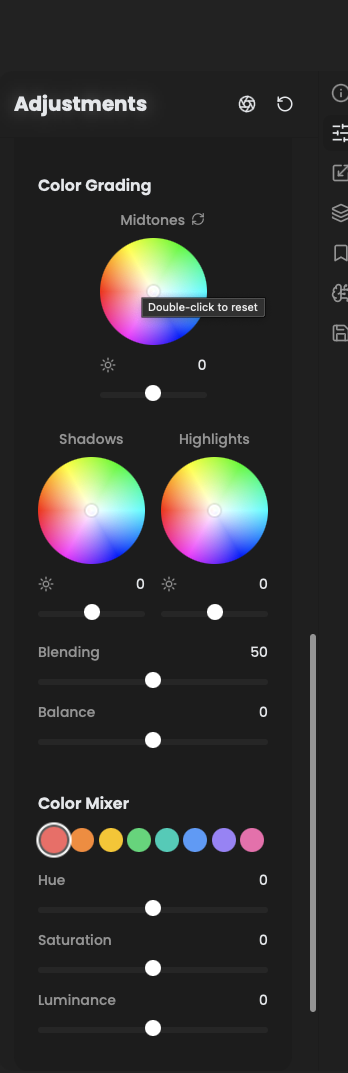
Available tools for desktop use in RapidRAW after impleemnting framework
-
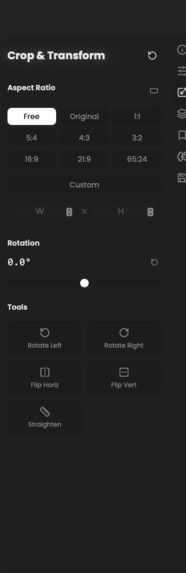
Available tools for desktop use in RapidRAW after implementing framework
-
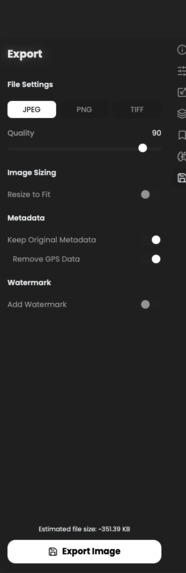
Available tools for desktop use in RapidRAW after implementing framework
-
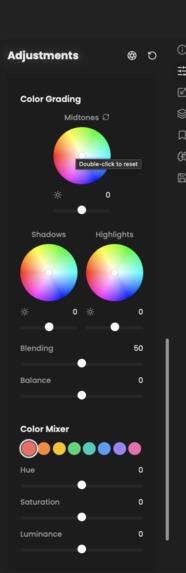
Available tools for desktop use in RapidRAW after implementing framework
-
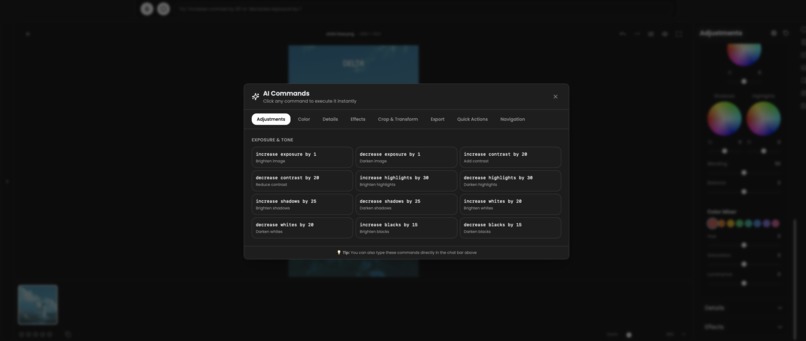
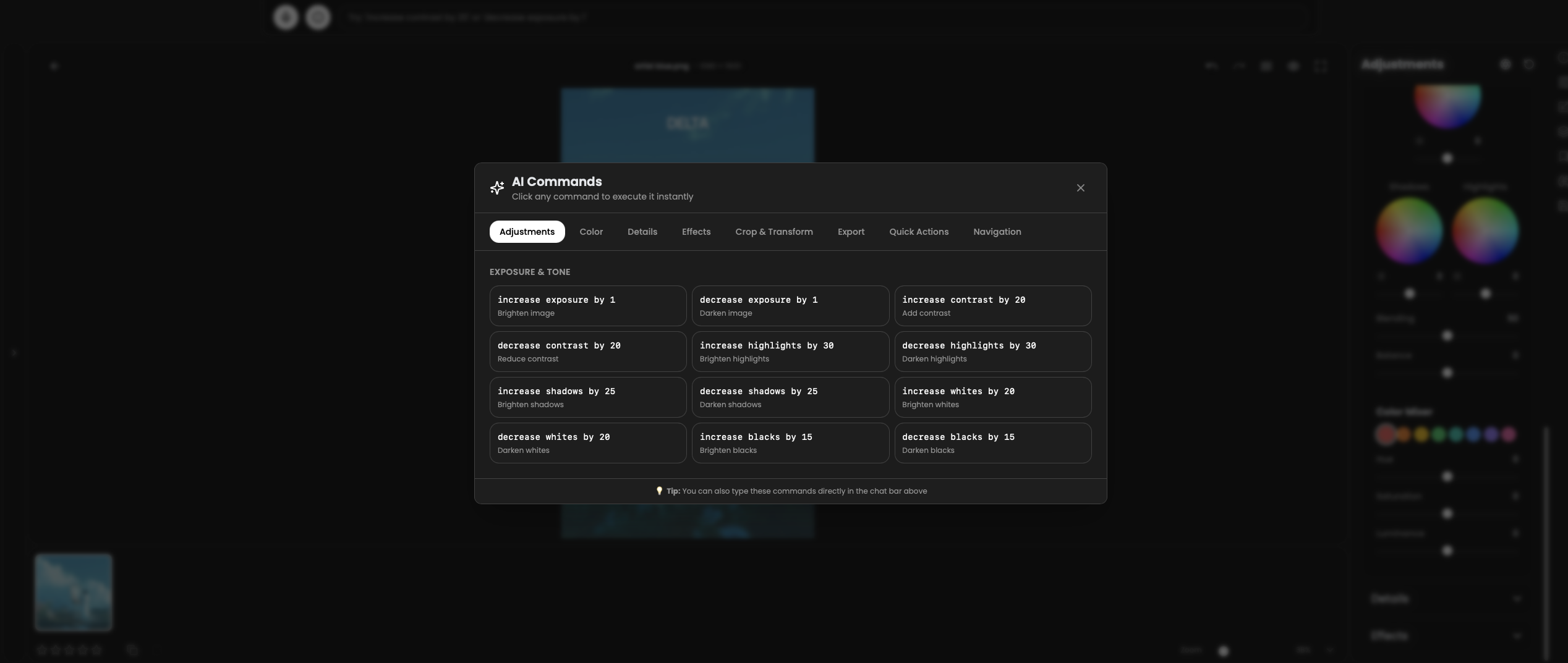
AI enable funcitons after adding desktop use
-
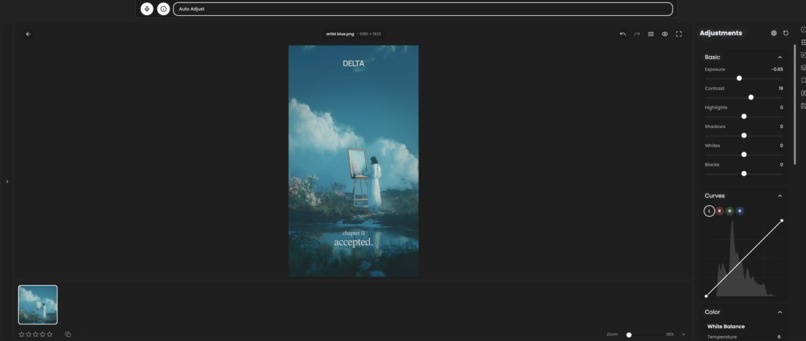
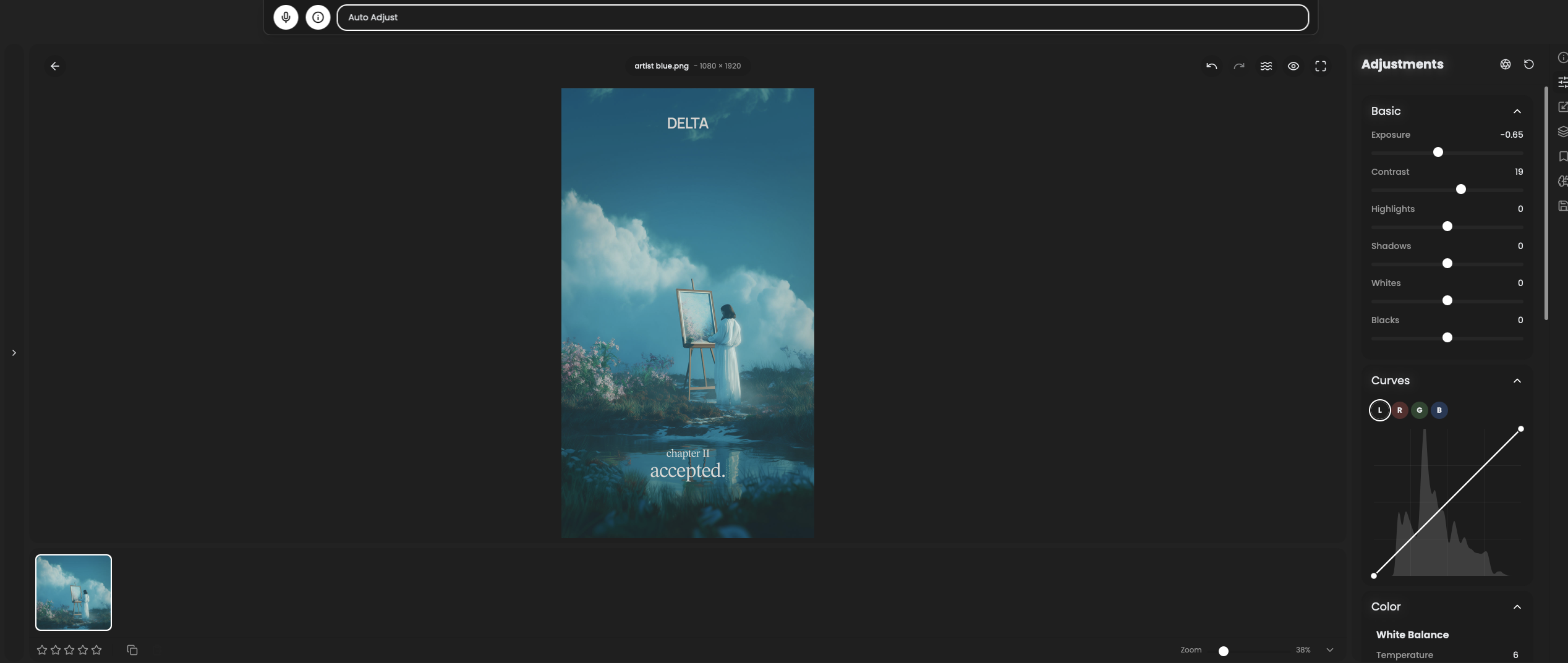
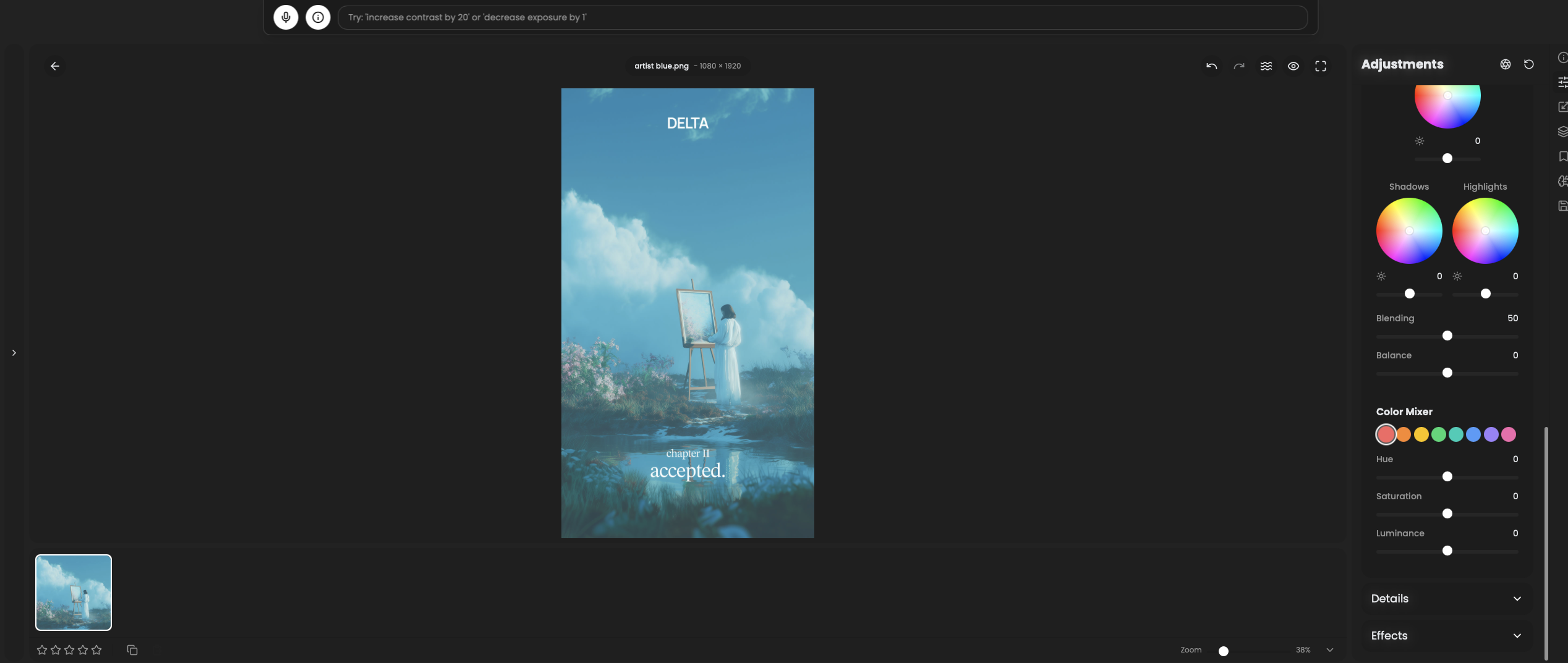
Auto AI editing and Color grading (through desktop use tool calling)
-
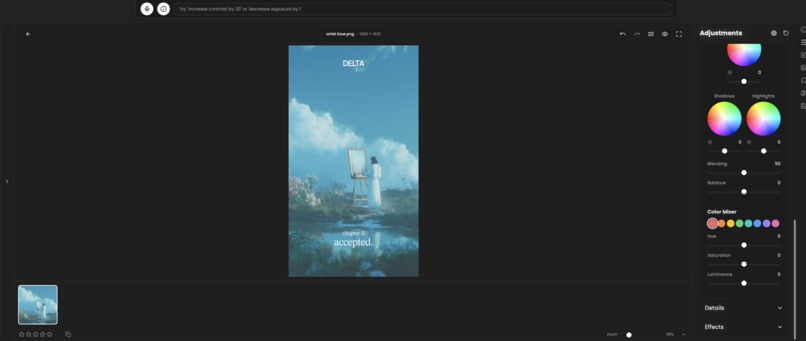
Desktop use function calling
-
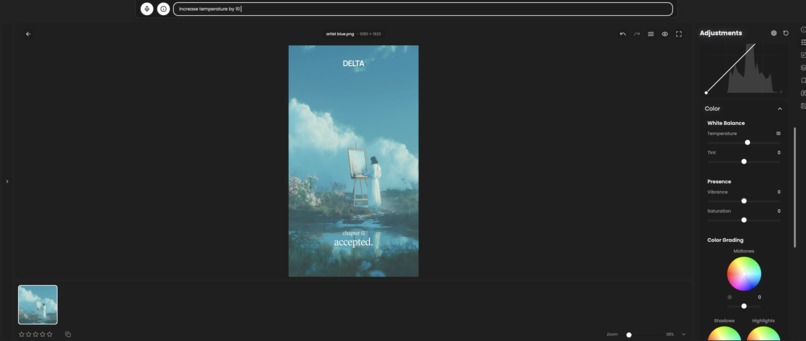
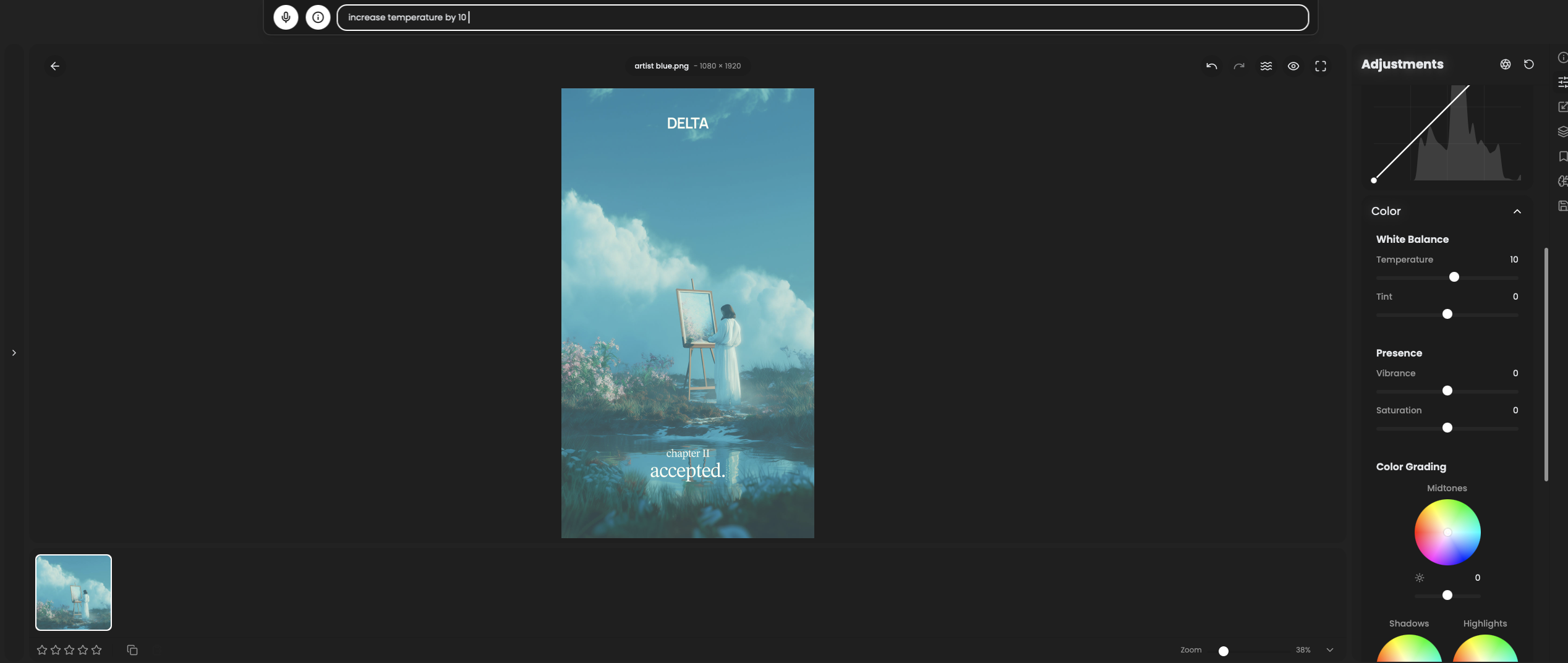
input success can be seen by slider value
Inspiration
Similar to how browser base and browser use make agents accessing browser much easier I always wanted an agent that can manage my desktop applications image in adobe photoshop you enter in ai chat for it to adjust contrast in an image and it does it for you. That's what Desktop Use enables, Make desktop applications llm operable. It provides a handsfree way for operating desktop applications.
What it does
It enables Desktop application operable through an llm chat/ voice assistant, image laying back and using your favorite desktop apps through text or voice commands plus it also helps learning to use specialized softwares like Matlab and blender much less of an hassle to operate. Everyone can define what they wanna do but actuating doing it in the softwares take some familiarity to do
How we built it
I built DesktopUse as a React-based framework using TypeScript. Every UI component gets enclosed in a useNavigation tag with metadata, generating a large sitemap that the LLM references for commands. I implemented a navigation engine with recipe matching and built my own LLM nav MCP for agent communication. Built a Tauri desktop app demo with RapidRAW image editor. I use Weave to track tool calling, navigate, and debug tool success rates. For security, I run tool execution in Dayton sandbox providing an extra layer of protection. The system includes a self-learning agent that improves by caching successful paths and avoiding failed attempts.
Challenges we ran into
Making the LLM understand ambiguous commands and backtracking through the sitemap when the agent takes wrong turns. Inconsistencies in UI elements are common in large applications with dynamic components. I built a wrong-path memory system and confidence scoring to handle this. Getting desktop overlay working with Tauri transparency and balancing quick-access commands versus overwhelming users were also challenging. Recipe sequencing through nested panels required careful sitemap design.
Accomplishments that we're proud of
Successfully implemented with RapidRAW image editor and desktop agent application. Built a self-learning agent improving from 25% to 90% success rate. Created comprehensive sitemap with 84+ components, 127 recipes, 155+ commands. Designed auto-navigating command modal with loading animations and visual feedback. Made everything open-source with extensive documentation and Jupyter notebook demo. also implemented it in another desktop assistant application to support complete handsfree navigation
What we learned
Good UI tagging is crucial for LLM performance. Users need visual feedback for AI actions to build trust. Simple caching and confidence scoring dramatically improve performance over time. Providing both natural language chat and quick-access buttons gives users flexibility. Making desktop apps accessible through AI is about lowering barriers to professional tools.
What's next for DesktopUse - Table 19
Making the framework fully open-source for community contributions. Expanding to video editing, 3D modeling, data science tools, CAD software. Adding voice input and real-time screen understanding with vision models. Building community-driven recipe marketplace for sharing workflows. Goal is democratizing powerful desktop applications through an open framework anyone can extend and customize.
Built With
- daytona
- react
- rust
- tauri
- typescript
- weave

Log in or sign up for Devpost to join the conversation.