-
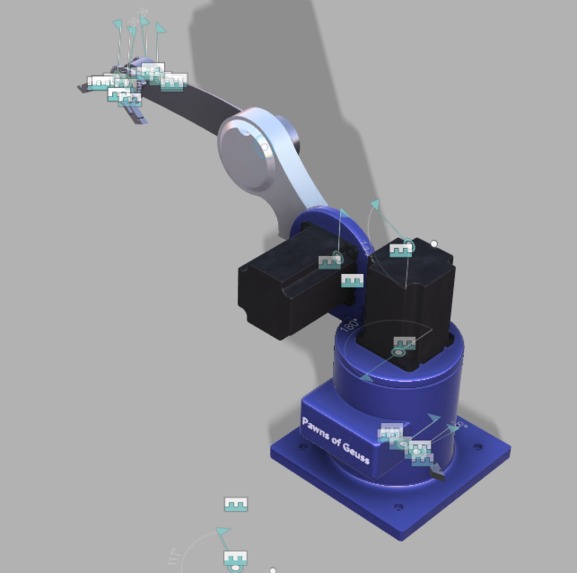
The Desktop Robotic Arm
-
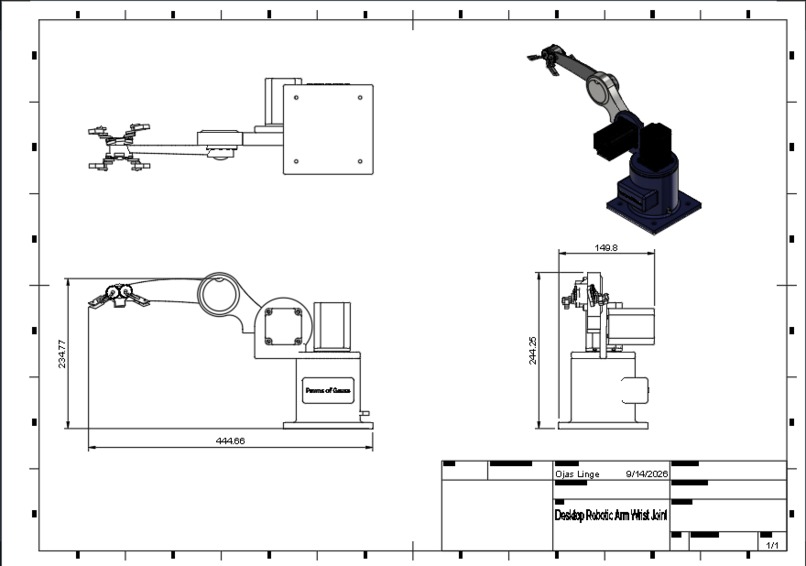
Multiview of The Desktop Robotic Arm
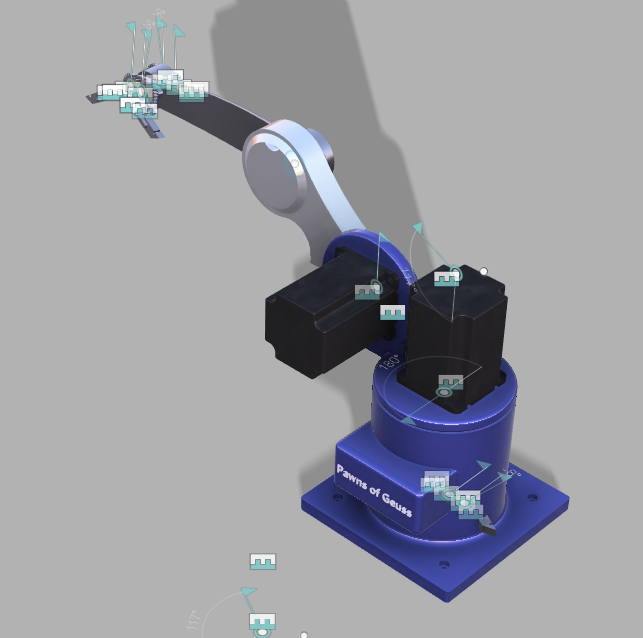
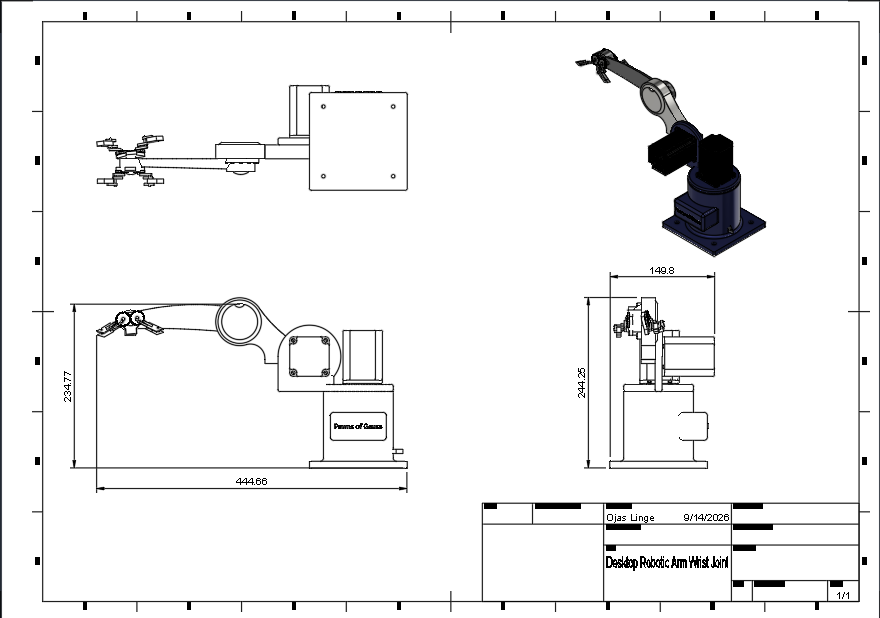
Inspiration: We created this project to provide people with motor disabilities, such as Cerebral Palsy or Developmental Coordination Disorder, an opportunity to engage in creative hobbies and play board games independently.
How we built it: We built it through the use of computer-aided design software such as Autodesk Fusion 360, where we constructed a modular design that consisted of 3D-printed parts and off-the-shelf servo motors and microcontrollers.
Challenges we ran into: A challenge we ran into was designing the robotic arm in a manner that is accessible, safe, and allows for precise movements while keeping the parameters as accurate as possible.
Accomplishments that we're proud of: An accomplishment that we were proud of is creating a design that is modular, uses cheap manufacturing methods such as 3D printing, and has built-in torque limiters that prevent the user from hurting themselves.
What we learned: We learned how to use a robotic arm design process that consisted of accessibility evaluations to understand the target market’s needs, developing prototypes, and testing control schemes and attachment methods.
What's next for Desktop Robotic Arm: If possible, we plan to develop and test the prototype on applications such as painting and chess, and iterate on the design based on feedback from tests and accessibility evaluations.
Link to Presentation: https://docs.google.com/presentation/d/1KXrtrgGpV9v0q8BAEq4_s8W7VuvC-AbwE8-PKrRSLwU/edit?slide=id.p#slide=id.p
Team Members: Ojas Linge, Tanay Shahane, Dhyan Palat
Built With
- autodesk-fusion-360
- cad
- claude
- engineering
- teamwork
- youtube

Log in or sign up for Devpost to join the conversation.