Inspiration:
Desk defense games are satisfying because the battlefield is small, readable, and personal. We wanted that feeling in mixed reality, on the surface you already sit at every day. No controllers, no menus to learn — just a Core crystal on your real desk, a swarm of tiny storm sprites marching for it, and your bare hands as the only weapon. DeskStorm is about making hand tracking feel like the whole game, not an alternative input method.
What It Does:
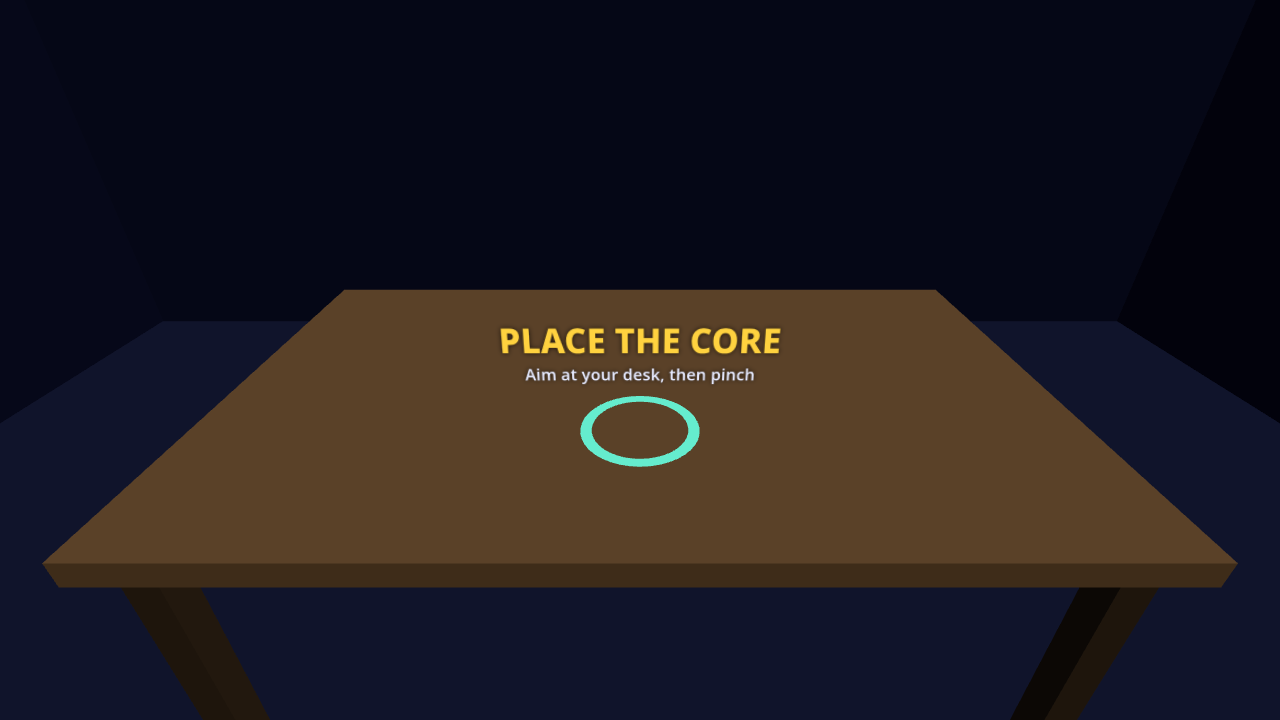
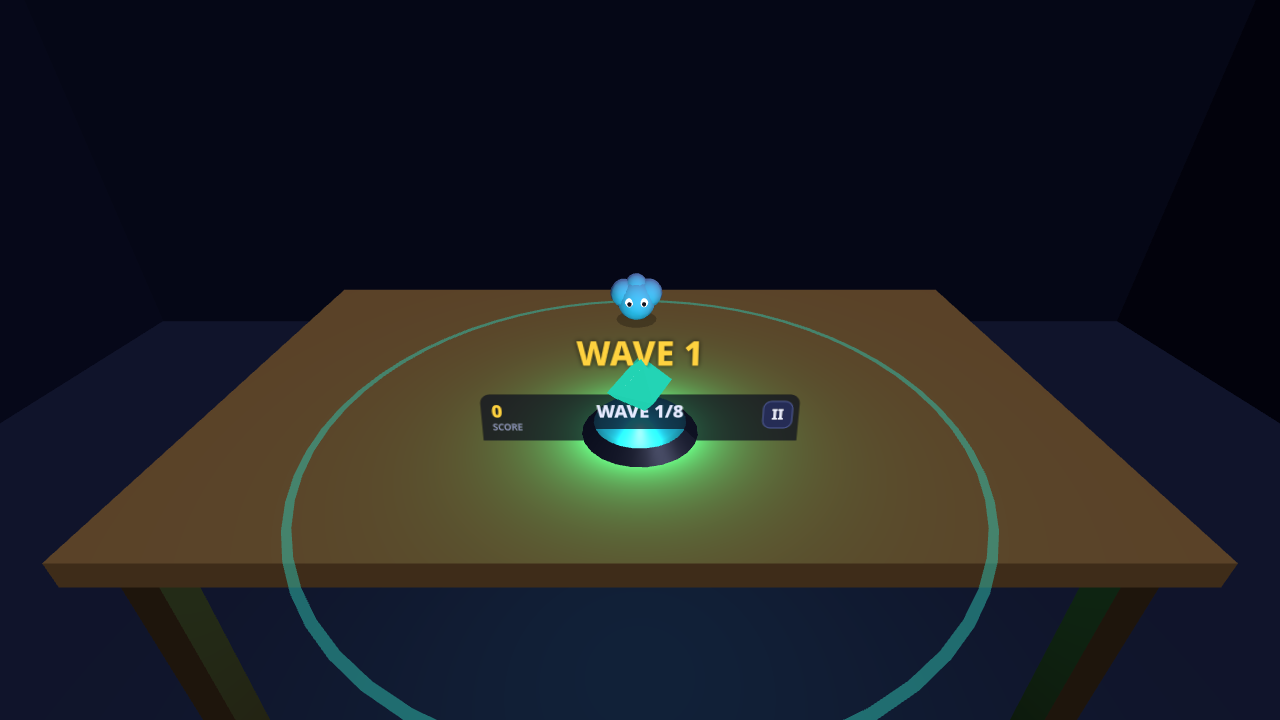
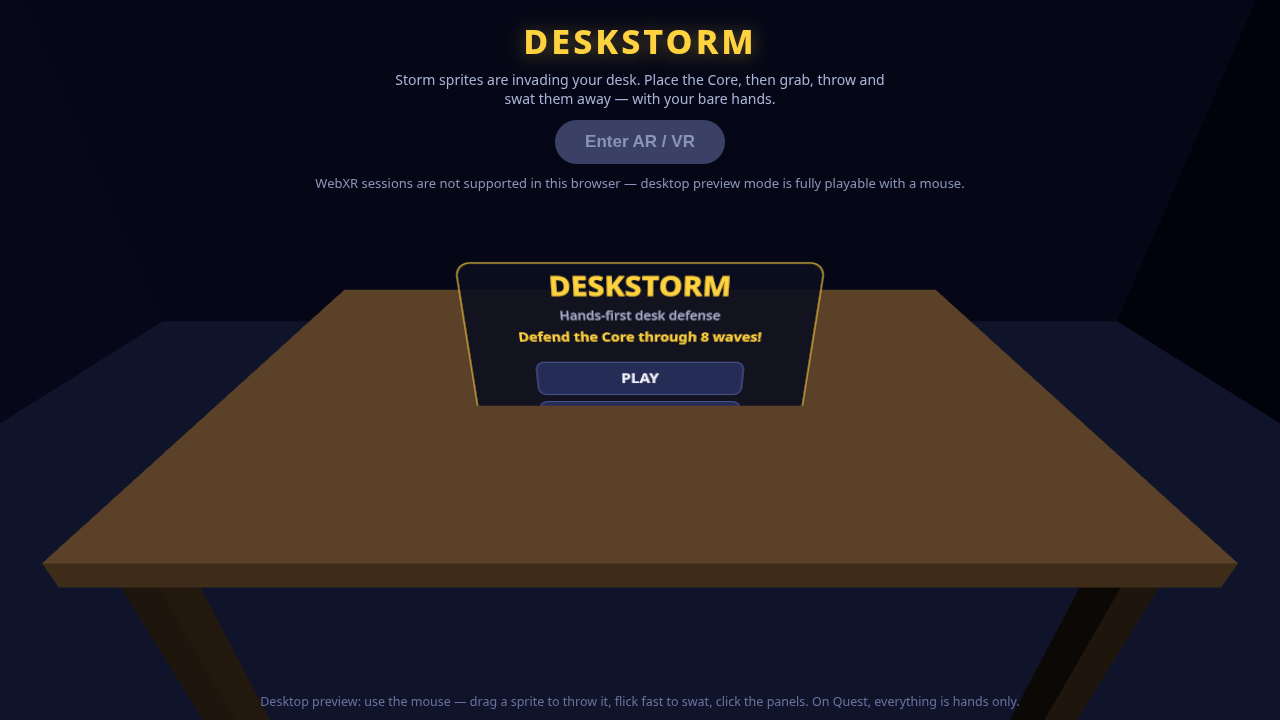
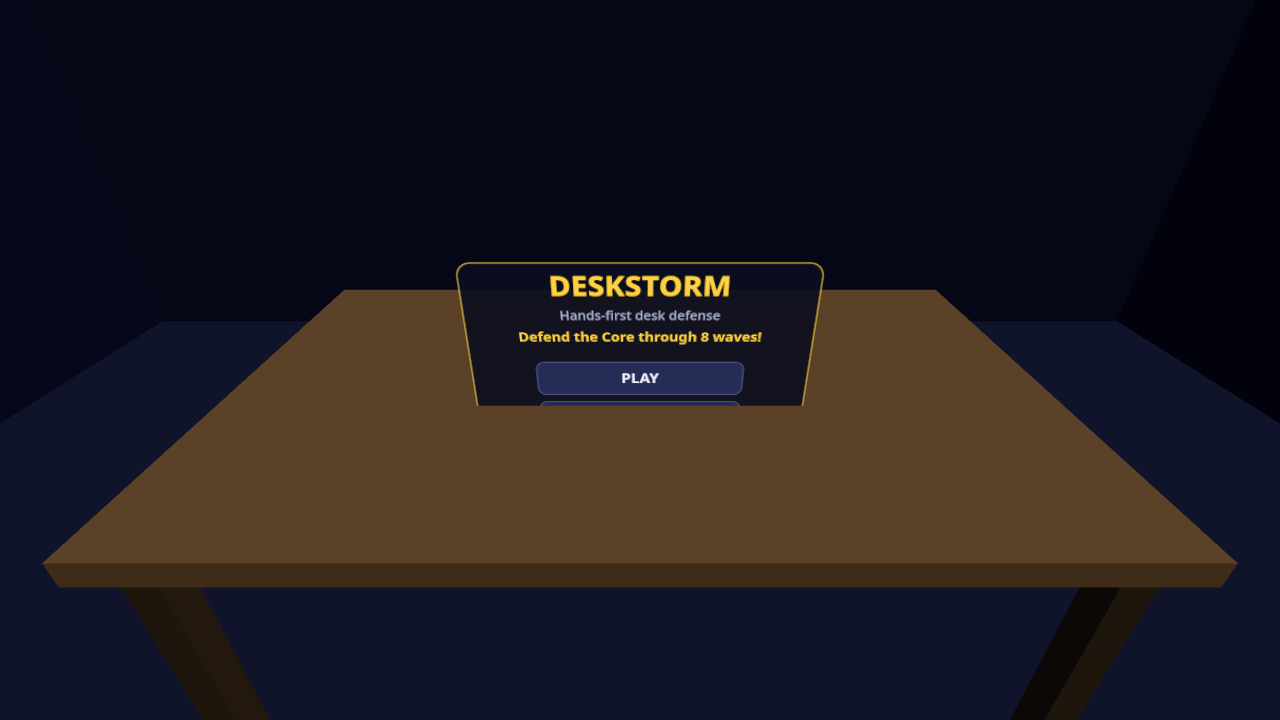
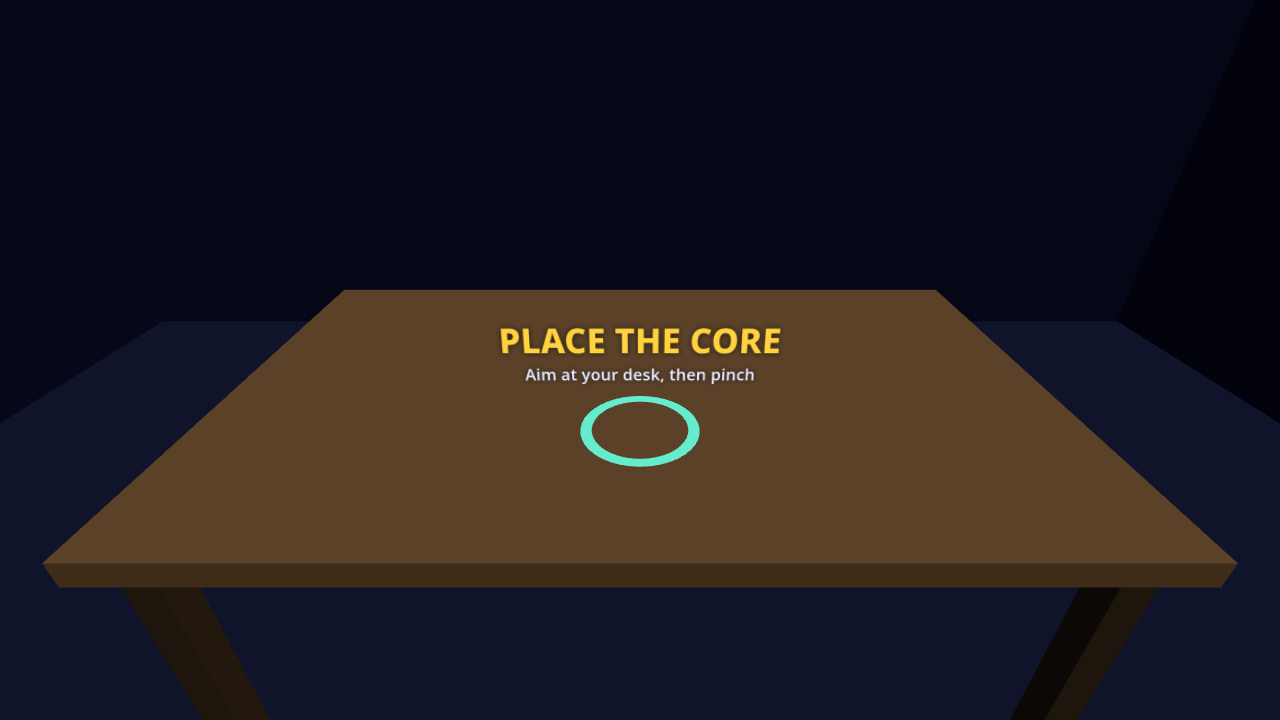
DeskStorm is an original hands-first mixed-reality desk defense game for Meta Quest 3/3S. Tiny storm sprites invade the player's real desk to drain a Core crystal. The player places the Core on their desk using AR hit-test, creating a ~1.2m arena, then defends it seated and stationary across 8 escalating waves. A full run takes ~6–8 minutes.
Gameplay:
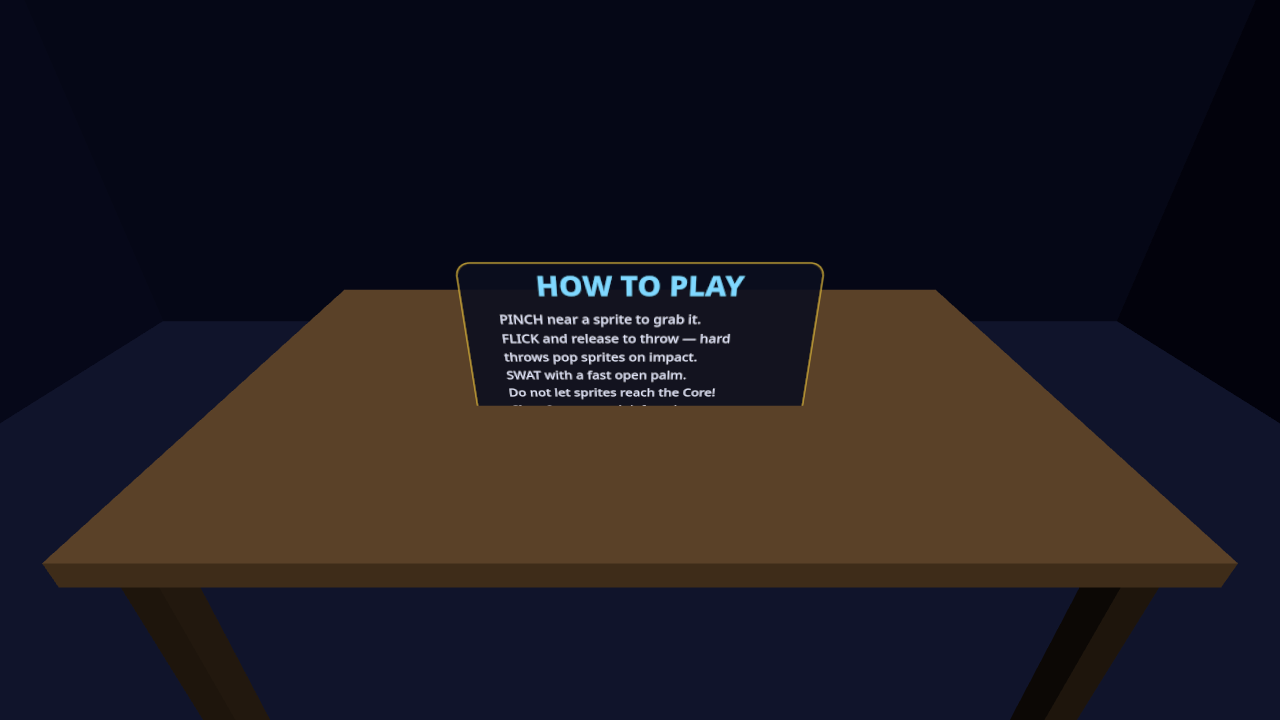
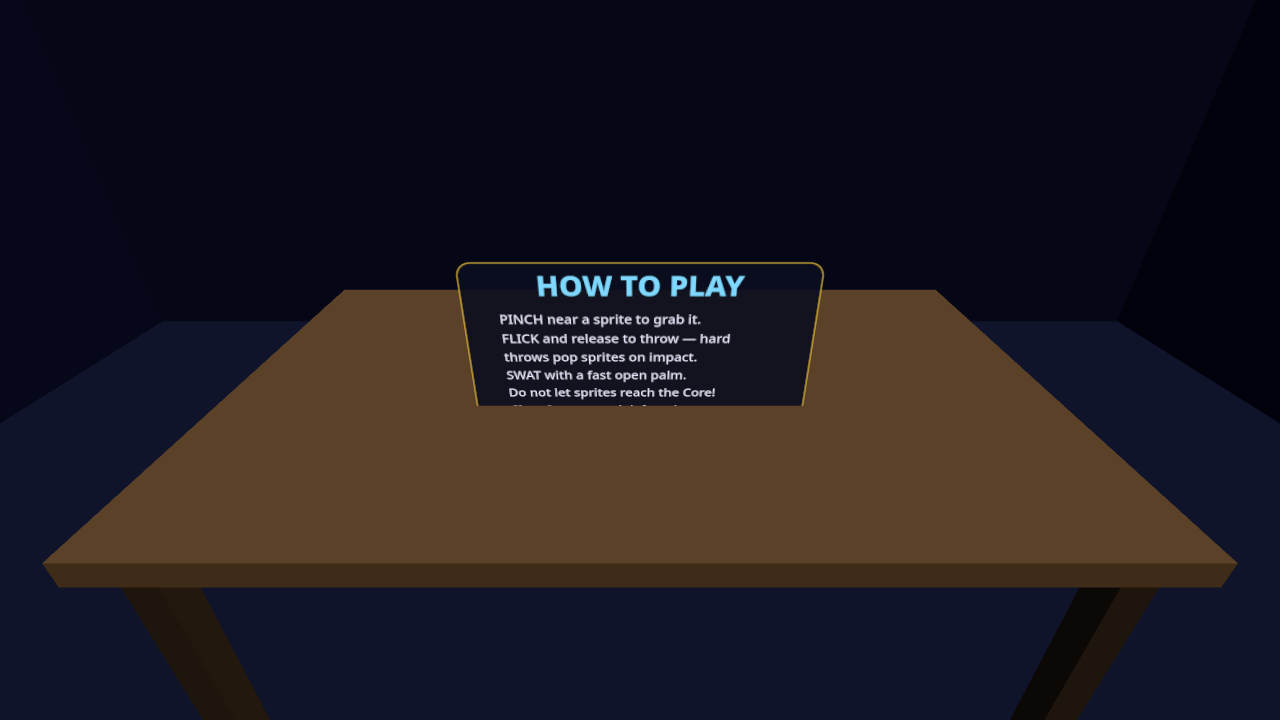
- Pinch-grab sprites and throw them — hard throws pop them
- Palm-swat sprites with a fast open-palm motion
- Sprites that reach the Core drain its HP; Core HP 0 = game over
- Score for every pop, with best score saved in localStorage
Waves and sprite types — Waves 1–7 escalate in count, speed, and mix. Wave 8 is the finale.
- Normal — standard speed and size
- Fast / Small — quicker, smaller, harder to pinch-grab
- Tank / Big — slower and tougher, built to soak hits and reach the Core
- Golden (rare) — a fleeing bonus sprite that runs away from the player; catch it for a big score bonus
Wave 8 — the Storm King: A large boss sprite leads the final wave. Beating Wave 8 and popping the Storm King = victory. Scoring: Points for every sprite popped — bigger rewards for tanks, the golden sprite, and the Storm King — plus a bonus for clearing each wave. Your score and best score persist between sessions in localStorage.
How We Built It:
Stack: Vite + TypeScript (strict) + Three.js, using plain WebXR APIs. No game engine, no external assets. Procedural art and audio: Every visual is built from Three.js primitives with shared geometry and materials. Every sound is a procedural WebAudio synth — pops, throws, wave stingers, and UI feedback are generated in code. This keeps the bundle small and the style consistent. Hand-interaction techniques: - Pinch detection: Joint-distance pinch detection — distance between thumb-tip and index-finger-tip joints, with tuned thresholds and hysteresis so grabs feel intentional without accidental releases
- Grab and throw: Pinch near a sprite to grab it; it follows the hand, and release velocity is taken from hand velocity so throws have real weight — hard throws pop sprites on impact
- Palm swats: Palm-velocity swats — a fast open-palm motion over a sprite knocks it away / pops it, tracked from hand joint velocity and palm orientation
Session and fallbacks: The session requests immersive-ar with optional features local-floor, hit-test, hand-tracking, and anchors. AR passthrough is first choice. If AR isn't available, it falls back gracefully to immersive-vr with a virtual room and desk, and there is also a non-XR desktop preview mode playable with a mouse. Controllers, if present, work via standard select events, but are never required.
Project structure: src/main.ts (boot/session), src/input.ts (hands/pinch/swat + desktop fallback), src/arena.ts (placement/anchors), src/sprites.ts (enemy types/spawner/AI/particles), src/interactions.ts (grab/throw/swat), src/ui.ts (canvas-texture panels/HUD/menus), src/game.ts (state machine/waves), src/audio.ts (WebAudio synth).
Performance approach: Built to hold 60fps on Quest 3/3S — pooled sprites and particles, shared geometry/materials, low draw calls, no post-processing, pixelRatio capped at 1.5 with an automatic quality drop if frame rate dips.
Challenges / Lessons:
Two things took the most tuning. First, pinch thresholds: too sensitive and you grab sprites you didn't mean to; too strict and grabs feel unresponsive. Joint-distance thresholds with a small buffer on grab vs. release solved most of it, but it needed a lot of hands-on testing at a real desk. Second, keeping 60fps: early versions allocated objects during waves and dropped frames when particle effects stacked up. Moving to pooled sprites/particles, shared materials, and a capped pixel ratio with auto quality drop fixed the dips. The lesson: in a hands-only game, input feel and frame rate are the gameplay — if either slips, everything slips.
What's Next / Future Plans:
Post-competition, the plan is to refine DeskStorm — more sprite behaviours, additional wave modifiers, difficulty modes, and polish on throw feel and haptics-free feedback — with a goal of targeting a Meta Horizon Store release in 2027. That's a goal we're working toward, not a promise of a specific date. We'd also like to explore a larger arena mode and accessibility options for one-handed play. Testing instructions for judges: - On a Quest 3 or 3S, open the provided link in Quest Browser (link must be live over HTTPS).
- Tap Enter AR/VR and allow hand tracking when prompted. Make sure hand tracking is enabled in Quest Settings if needed.
- Sit at a desk with ~1.2m of clear surface.
- Pinch to place the Core on your desk, then follow the on-screen tutorial — pinch-grab and throw a sprite, then try a palm swat.
- No controllers needed — the full game is playable hands-only, end to end.
No headset? A desktop preview works in any modern browser with a mouse — drag to grab/throw, fast flick to swat, click for UI. A WebXR/XR Simulator also works.
Built With
- three.js
- typescript
- webxrapi
