Inspiration
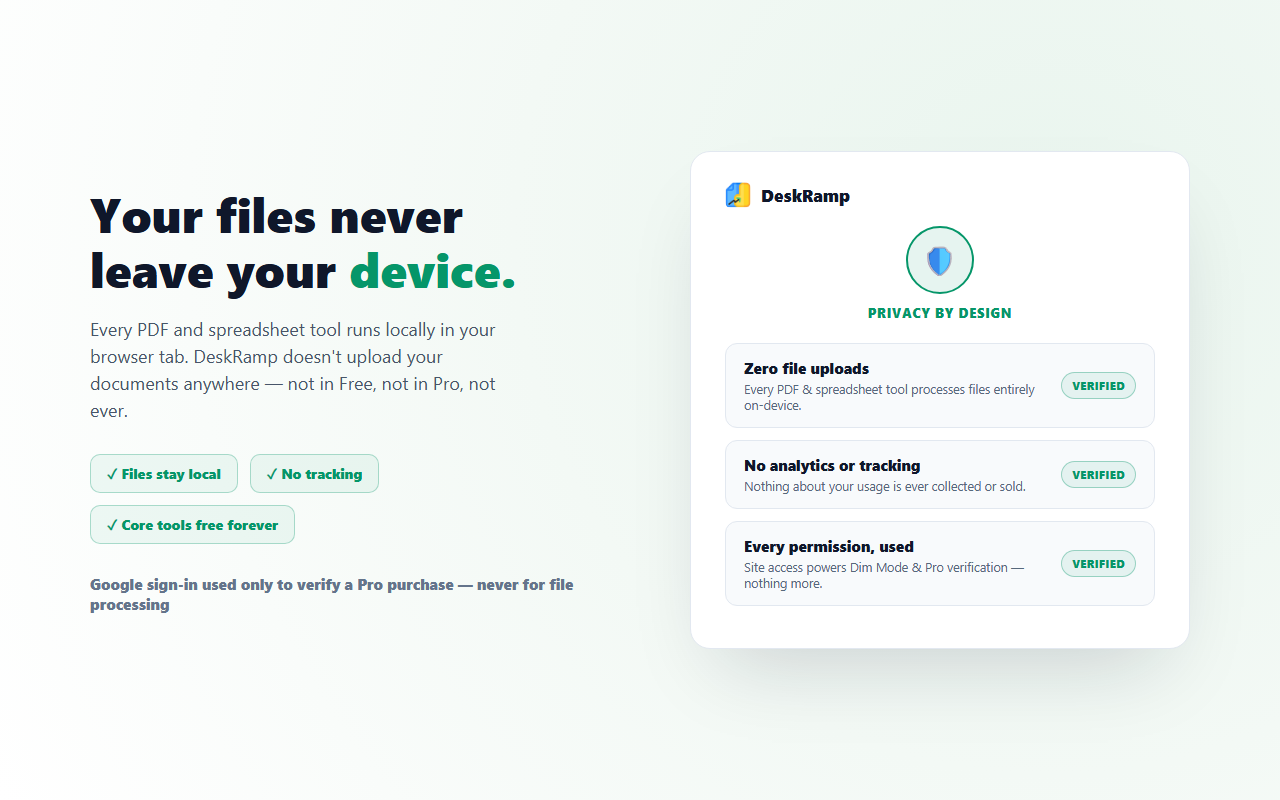
Every PDF tool I'd used followed the same pattern — upload your file to a server, wait, download the result. That's a bad trade for anything you'd rather not hand to a third party: contracts, IDs, financial documents. I wanted a toolkit that did the same core work — merge, split, compress, convert — entirely on-device instead.
What it does
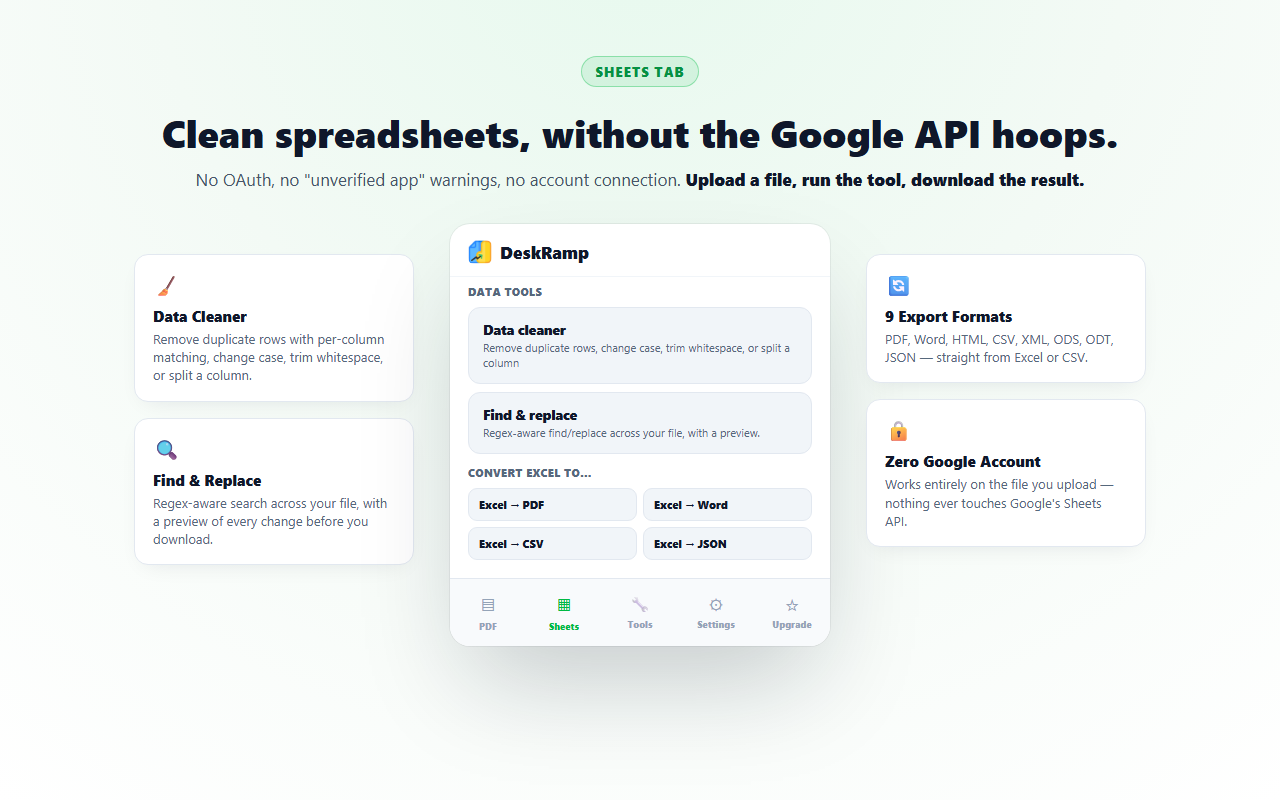
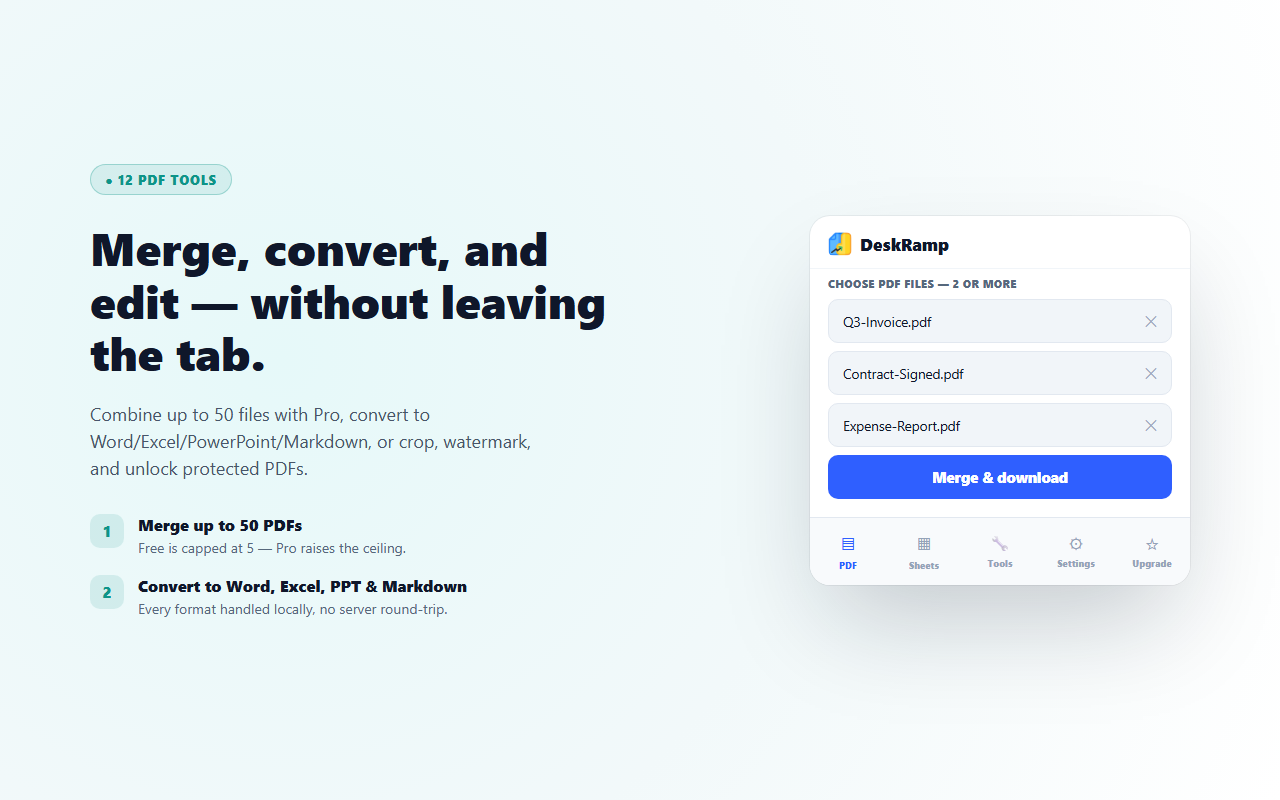
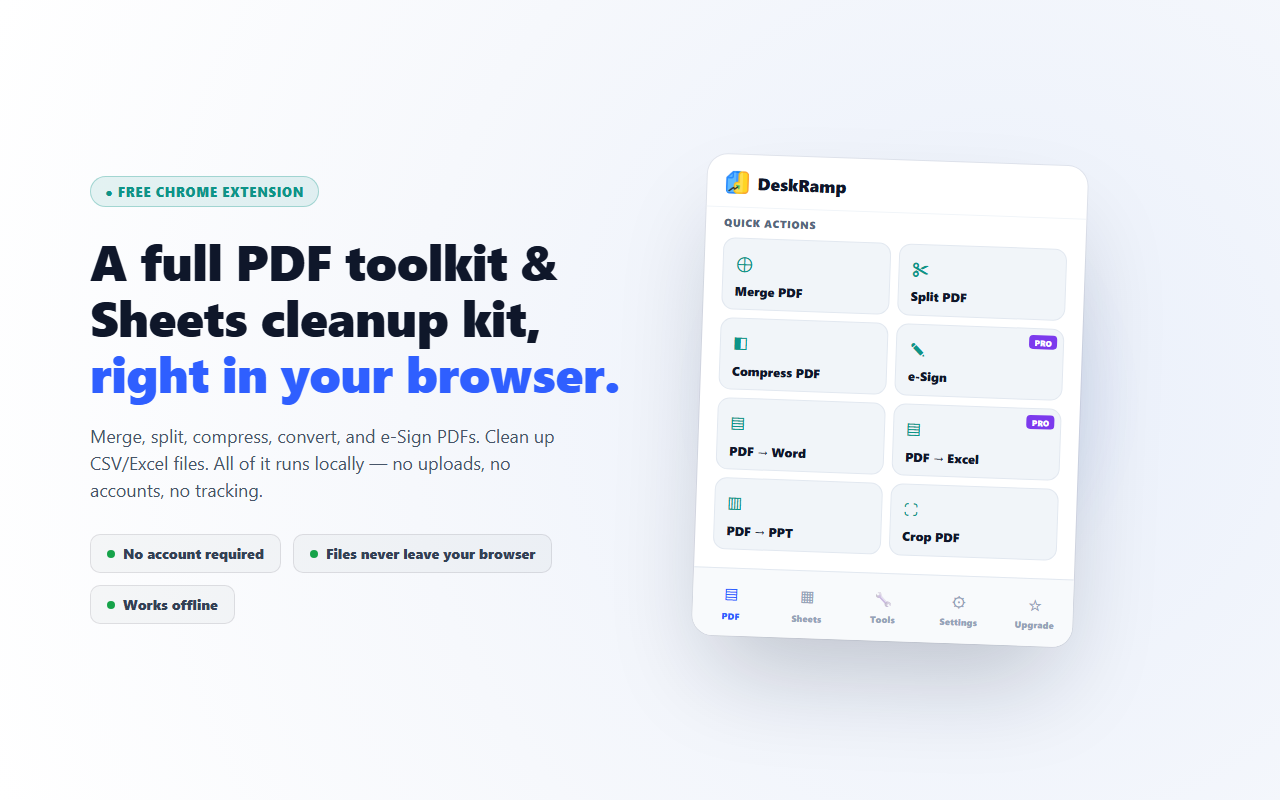
DeskRamp is a Chrome extension that merges, splits, compresses, converts, and e-Signs PDFs, plus cleans up Google Sheets and CSV files — all processed locally in the browser tab. No file ever gets uploaded anywhere. The core toolkit is free forever, with a one-time-purchase Pro tier for a few extra features.
How we built it
DeskRamp runs as a Manifest V3 Chrome extension using several WebAssembly-compiled libraries, each handling the task it's actually good at: pdf.js for reading/rendering, pdf-lib for merging and splitting, a WASM build of qpdf for compression and password handling, and separate libraries for Office-format conversion. Manifest V3's default Content Security Policy blocks WebAssembly outright unless you explicitly declare 'wasm-unsafe-eval' in the extension's CSP — the first thing that breaks if you're porting WASM processing into an extension for the first time. The Pro backend API is hosted on Vercel.
Challenges we ran into
The unexpected constraint wasn't processing speed — it was browser tab memory. A large multi-hundred-page PDF fully parsed into memory, plus the WASM runtime's own working memory, can hit a browser tab's practical memory ceiling in a way the same operation never would running server-side. The fix was processing in chunks where a library supports it, and being deliberate about releasing large buffers as soon as each processing stage finishes instead of trusting garbage collection to keep up on its own schedule mid-operation.
What we learned
Moving processing client-side isn't just "the same server code, recompiled" — it means designing around a different set of constraints entirely (memory ceiling instead of CPU cost, bundle size instead of server response time). Those constraints shape real architecture decisions, like lazy-loading a heavy library (qpdf's WASM binary) only when a user actually triggers the feature that needs it, rather than loading every processing library upfront.
What's next
Expanding format support and continuing to tune memory handling for larger files, since that turned out to be the real ceiling on what "processed entirely in your browser" can handle.
Built With
- chrome
- css3
- git
- html5
- javascript
- manifest-v3
- pdf-lib
- pdf.js
- vercel
- webassembly

Log in or sign up for Devpost to join the conversation.