-
-
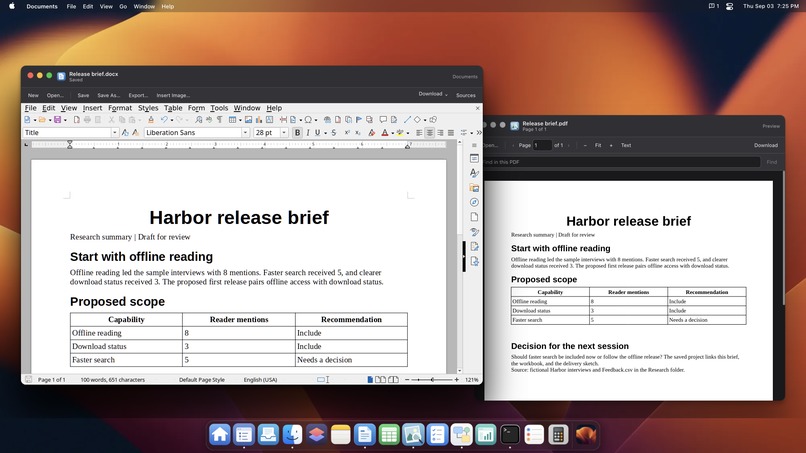
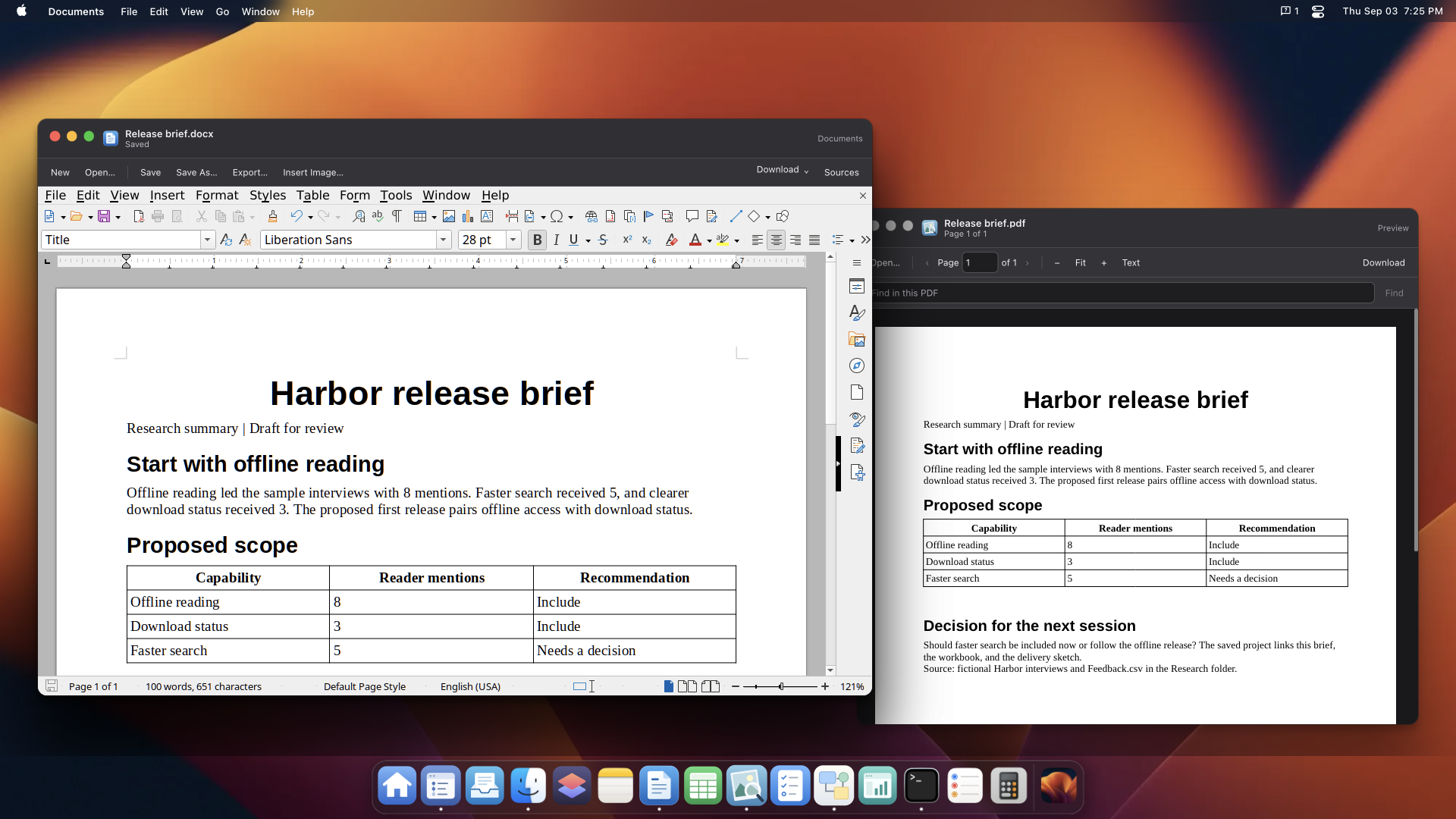
The Harbor release brief in Documents, with its exported PDF open in Preview.
-
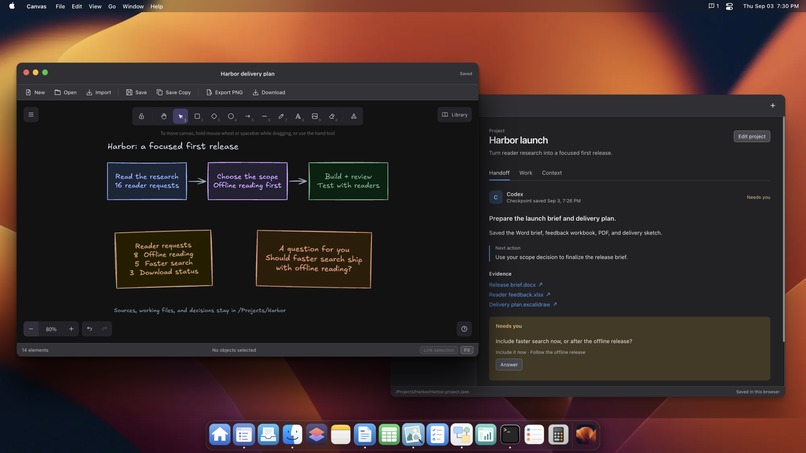
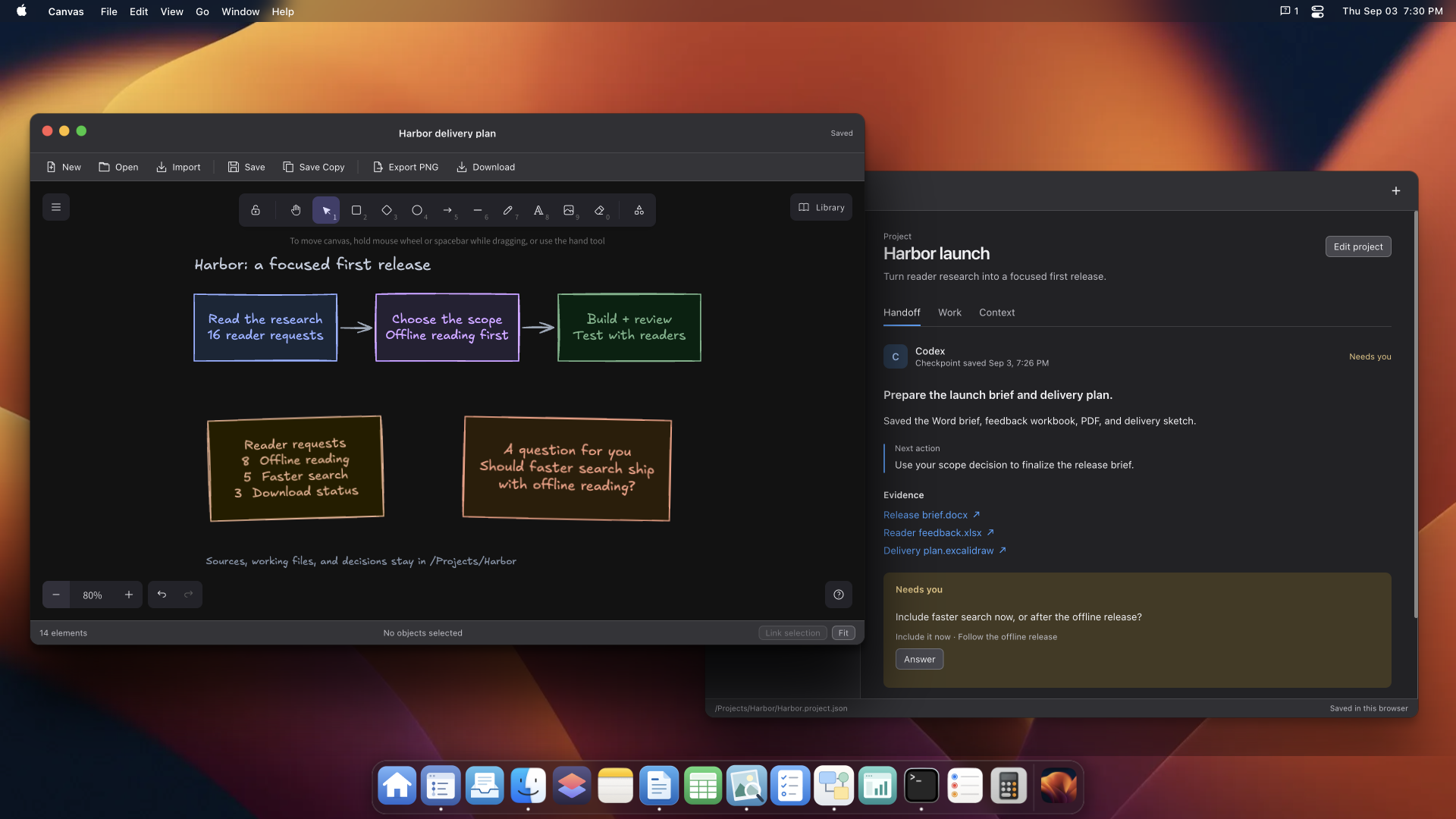
A Canvas diagram and project handoff with source files and a question for the user.
Why I built it
I wanted to give an AI agent its own personal computer. While exploring WebMCP, I started playing with the idea of a virtual operating system inside the browser. Each app could expose its own tools, letting the agent use a whole desktop to do different kinds of work.
DeskInTab is that experiment. The agent gets a computer to work in, and you can use the same apps beside it.
What it does
DeskInTab brings everyday computer work into one browser desktop. You and your agent can:
- Take notes in Markdown or plain text, write formatted documents, read PDFs, and export reports.
- Analyze data in spreadsheets with formulas and charts.
- Sketch ideas and edit diagrams together in Canvas.
- Use Terminal to search files, extract document text, transform data, and run Bash pipelines.
- Browse and organize files, track tasks, and save project decisions and next steps.
- Turn JSON data into small apps with search, filters, and links to the original sources.
The apps share one filesystem. A chart from Sheets can go into a document, and Terminal can process the files you see in Finder. You can open the agent's work, change it yourself, and continue together.
Home saves preferences and reusable instructions. Projects keeps handoffs so an agent can leave a question for you and a later session can pick up your answer. Files persist after a browser reload.
The video shows one example, planning a release for the fictional Harbor reading app. The agent works through interview notes, spreadsheet analysis, a release brief and PDF, tasks, and a Canvas roadmap.
Why WebMCP fits
The desktop exposes 89 WebMCP tools. Each tool calls the same application services as the human controls, so agent actions change the apps and files you have open. This lets the agent combine several apps in one task while you follow and edit the work.
How it works
Svelte 5 and TypeScript provide the interface. ZenFS stores the shared filesystem in IndexedDB. ZetaOffice handles documents and spreadsheets, Excalidraw handles drawings, and just-bash runs Terminal commands inside the browser without host or network access.
What I learned
Passing tool tests didn't guarantee that an agent could discover the full catalog. A client size limit blocked discovery until repeated schemas shared references. Tests now check the full payload and verify that every validation rule survives.
Two desktop tabs can conflict over stored files. A Web Lock prevents that, and saved versions make edits recoverable.
What's next
Improve Office startup and workbook autosaving, and make project handoffs easier to find. The app currently keeps one workspace in your browser. Workspace packs let you back it up or move it.
Built With
- cloudflare
- excalidraw
- indexeddb
- just-bash
- svelte
- typescript
- vite
- webmcp
- xterm.js
- zenfs
- zetaoffice

Log in or sign up for Devpost to join the conversation.