-
-
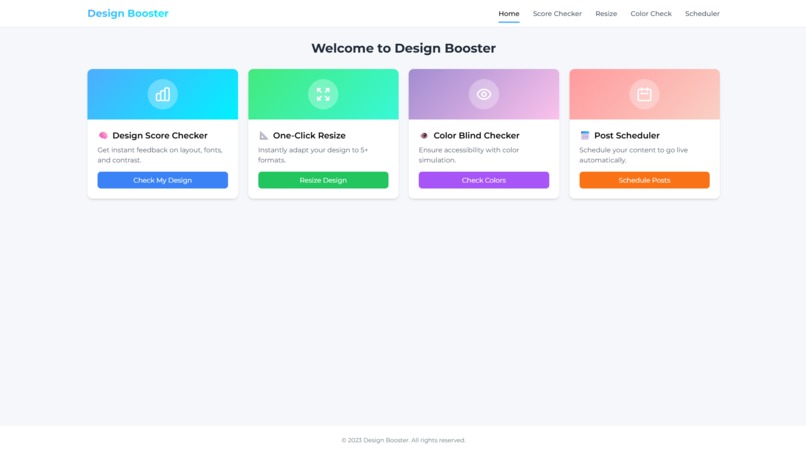
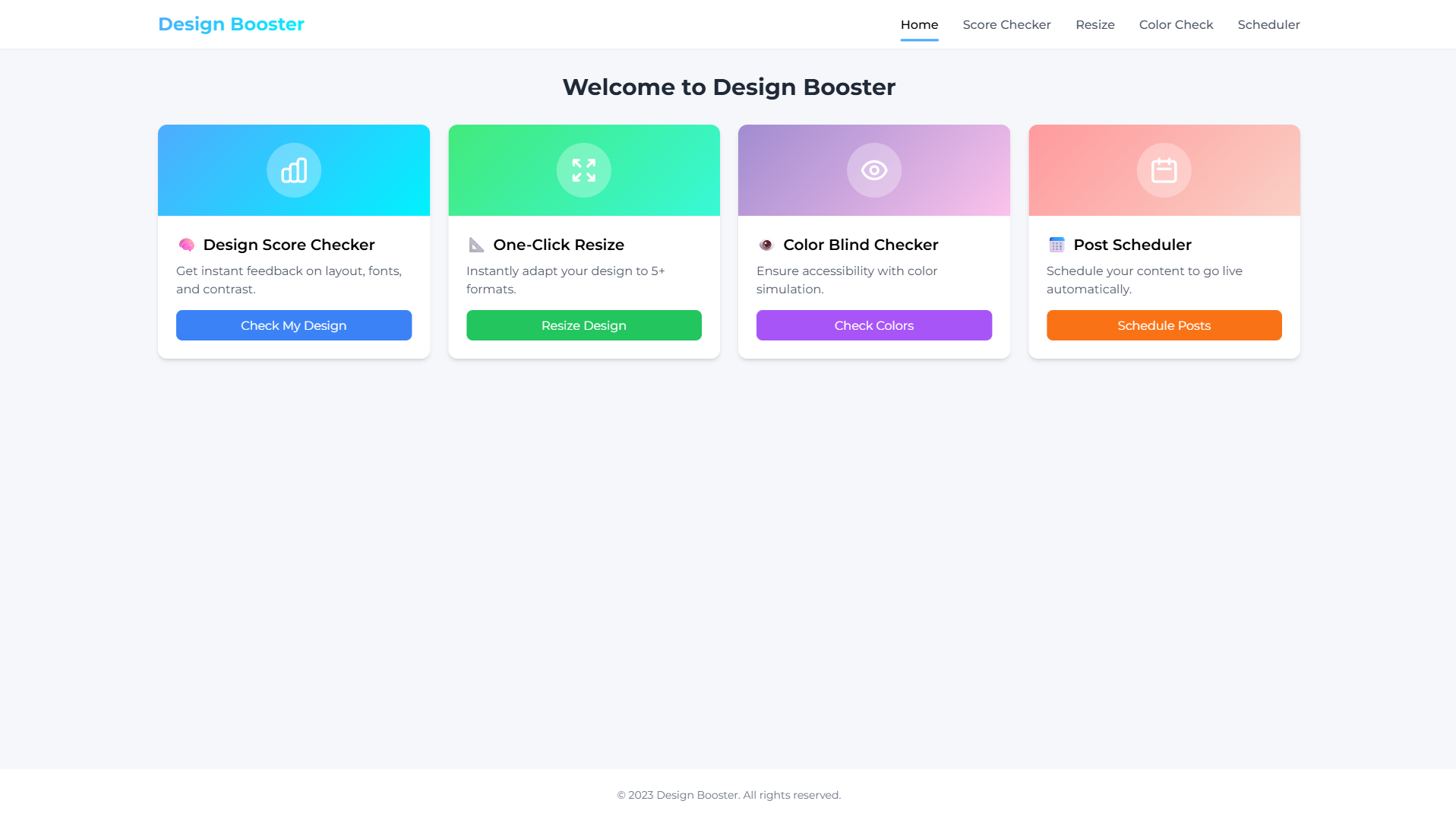
Clean, vibrant entry point introducing Design Booster and its purpose.
-
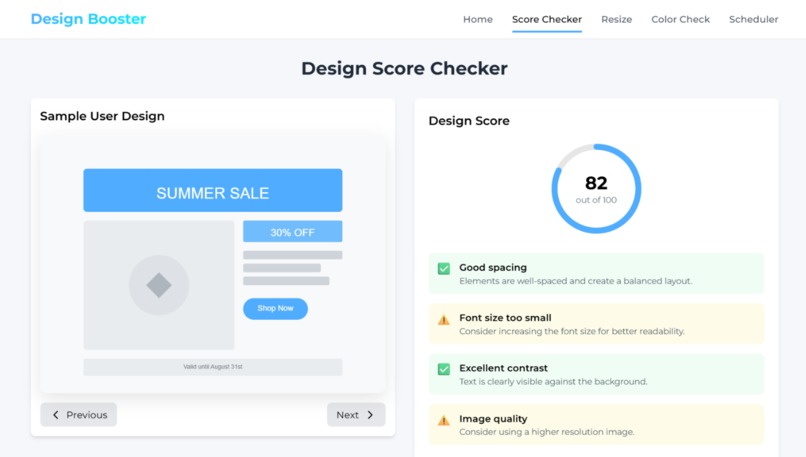
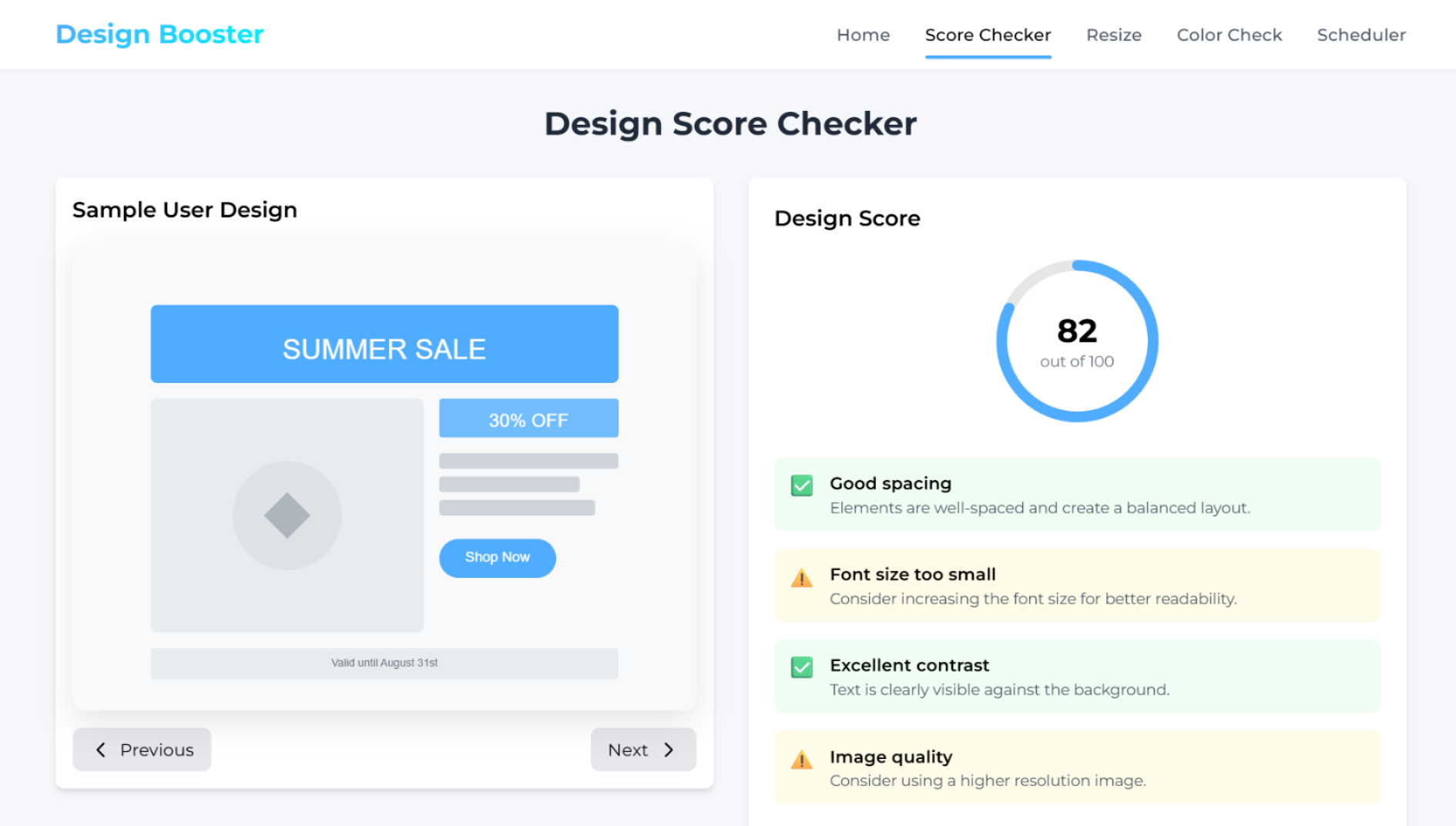
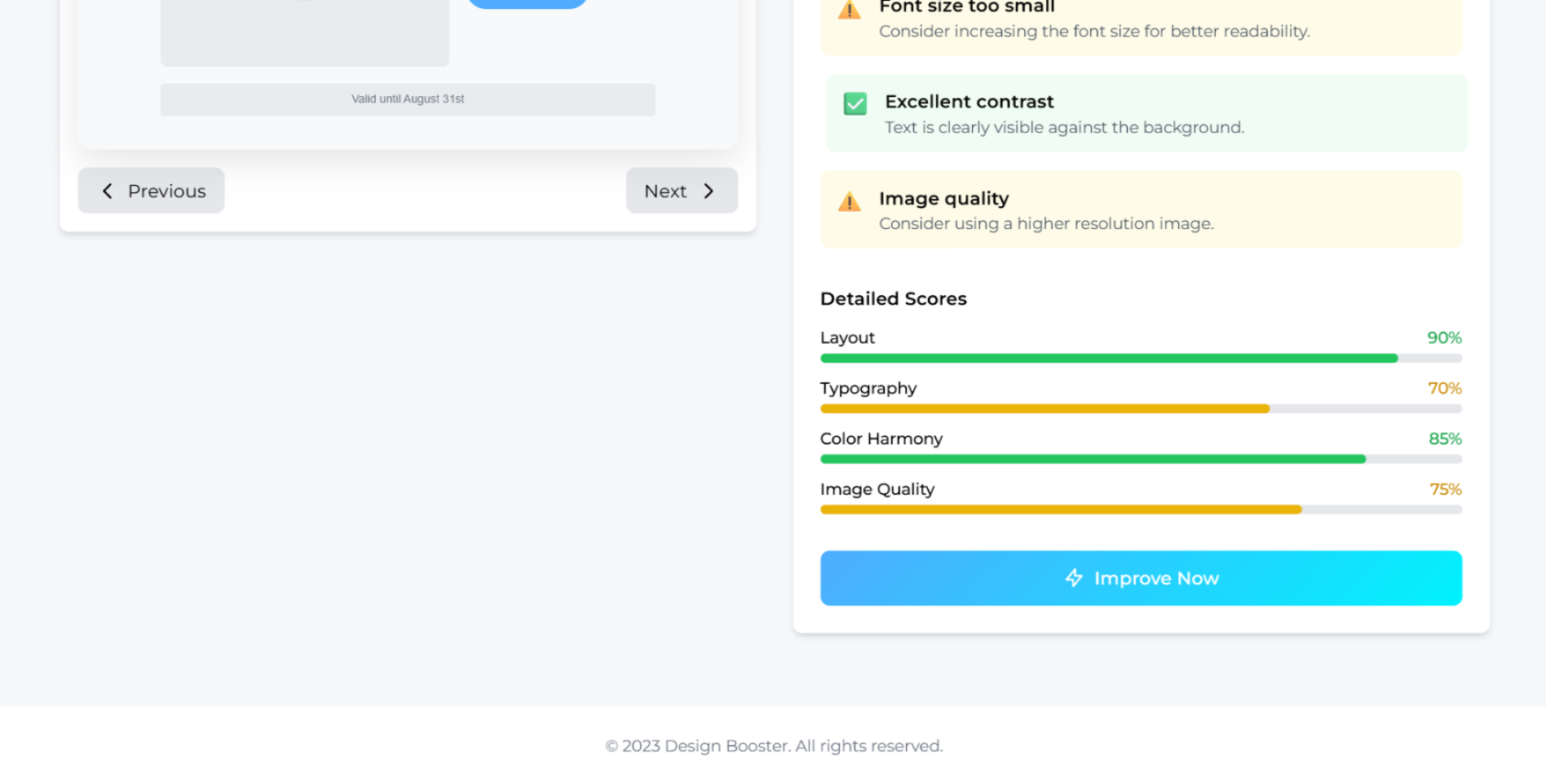
Design scored with actionable tips on spacing, font, and contrast.
-
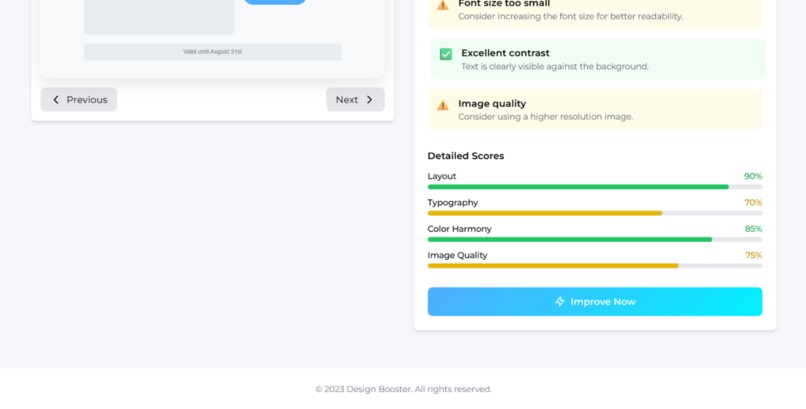
Design Score Checker interface that evaluates a sample layout. Provides a score out of 100 and actionable feedback on design aspects.
-
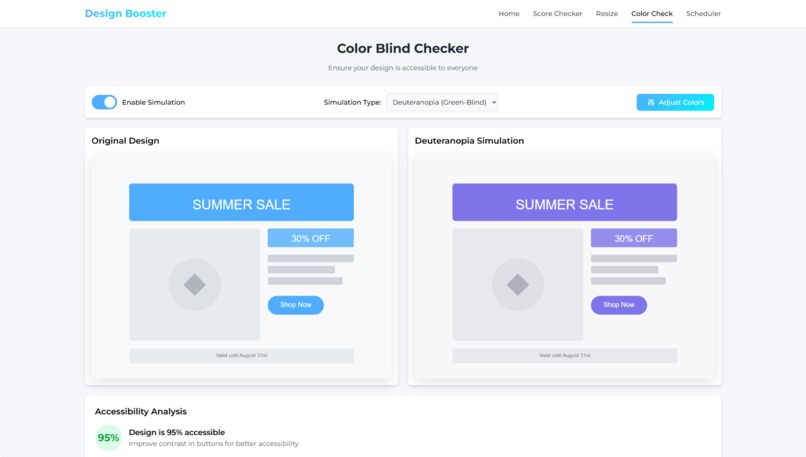
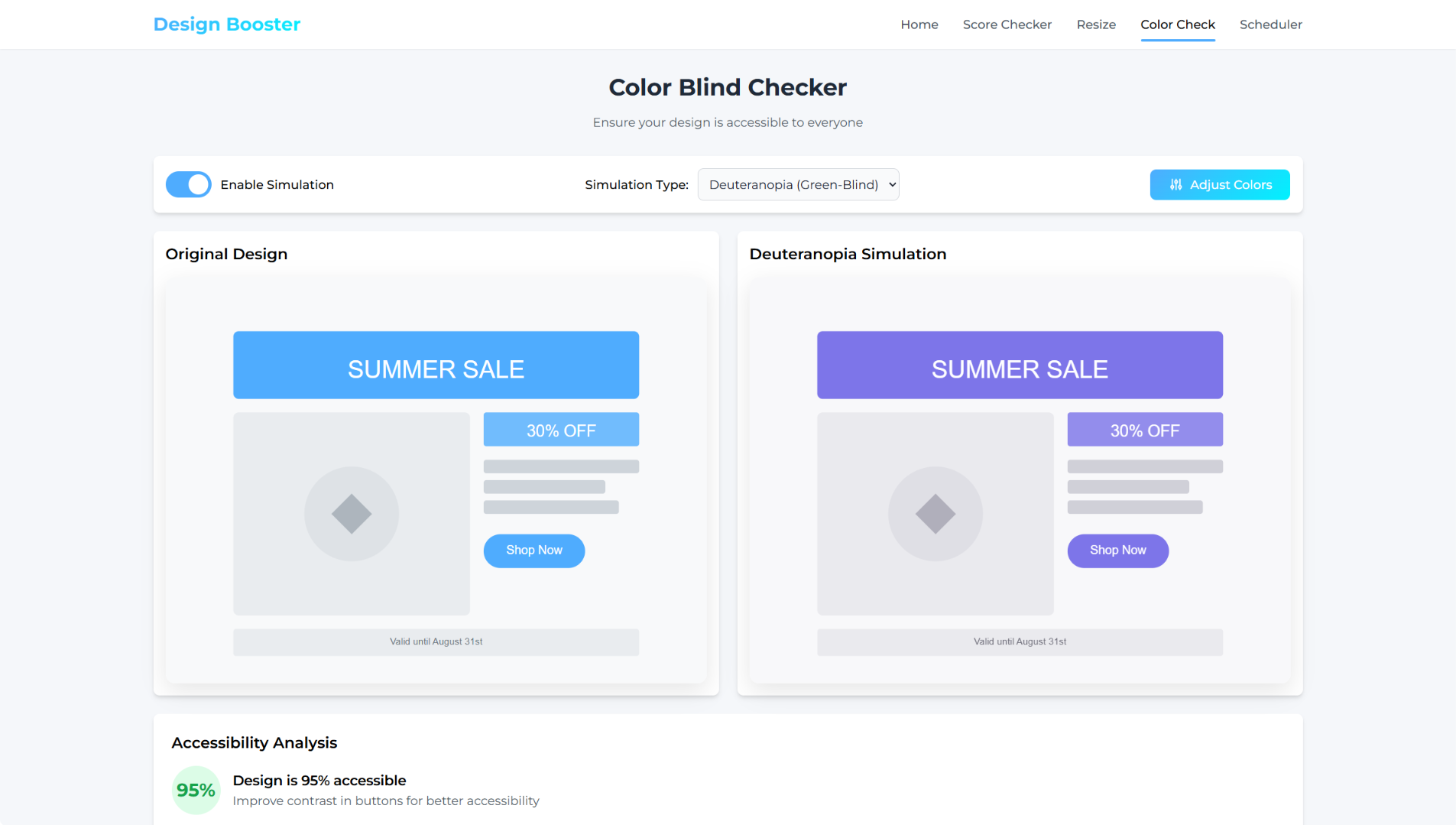
Side-by-side color blindness simulation for Deuteranopia.
-
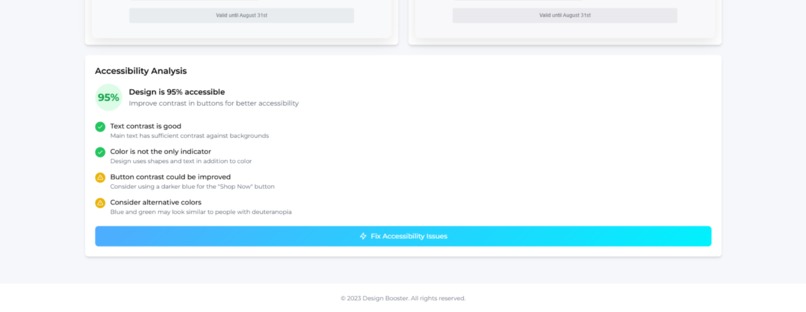
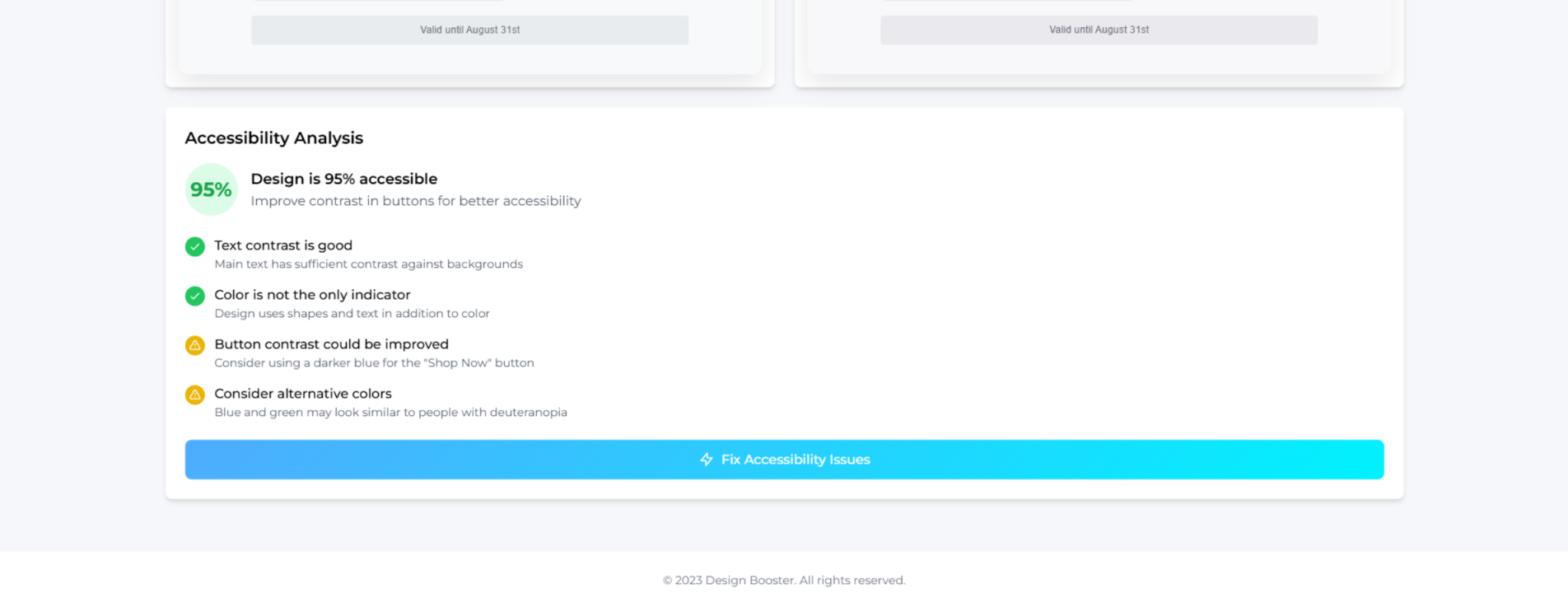
Accessibility insights highlight strong text contrast and recommend improving button contrast and color choices for color-blind users
-
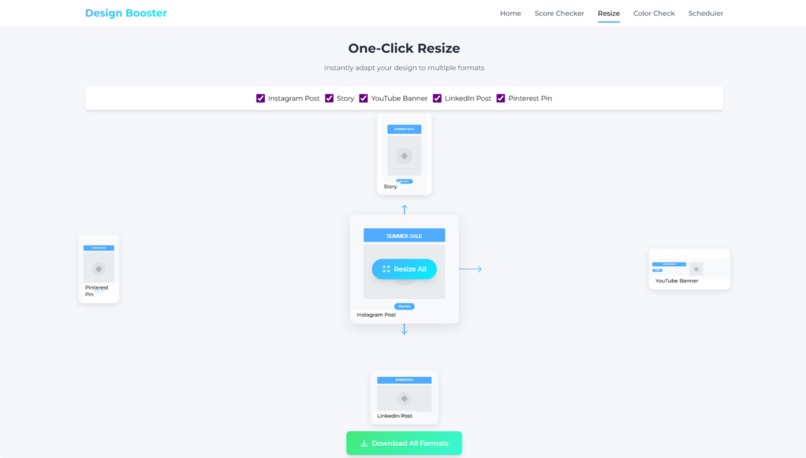
One-click design resizer to instantly fit social media or print formats.
-
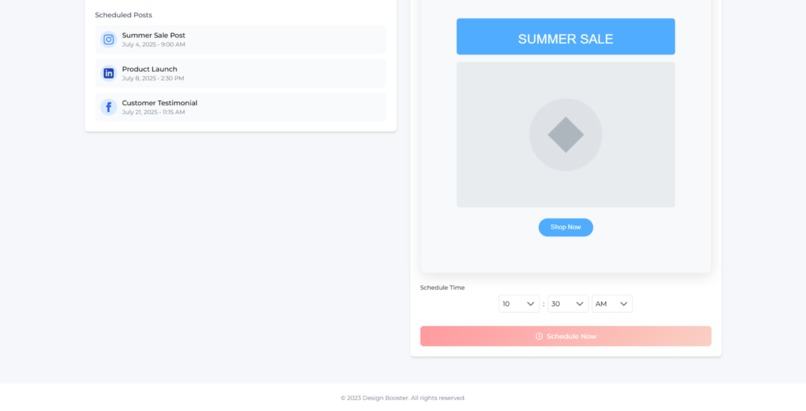
final submission to post.
-
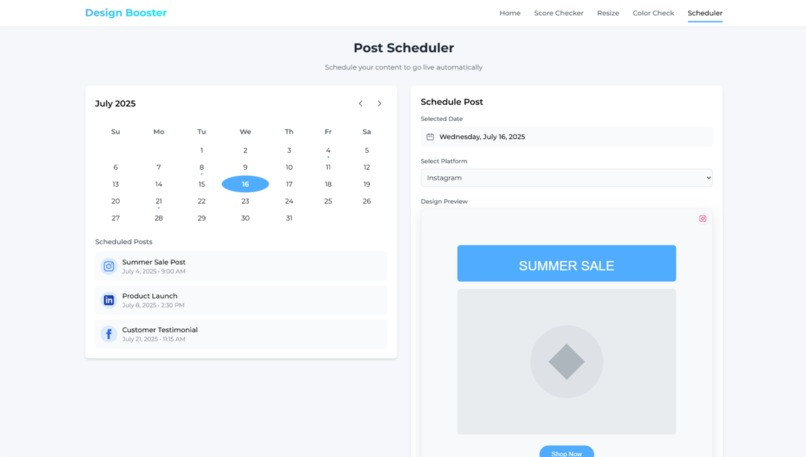
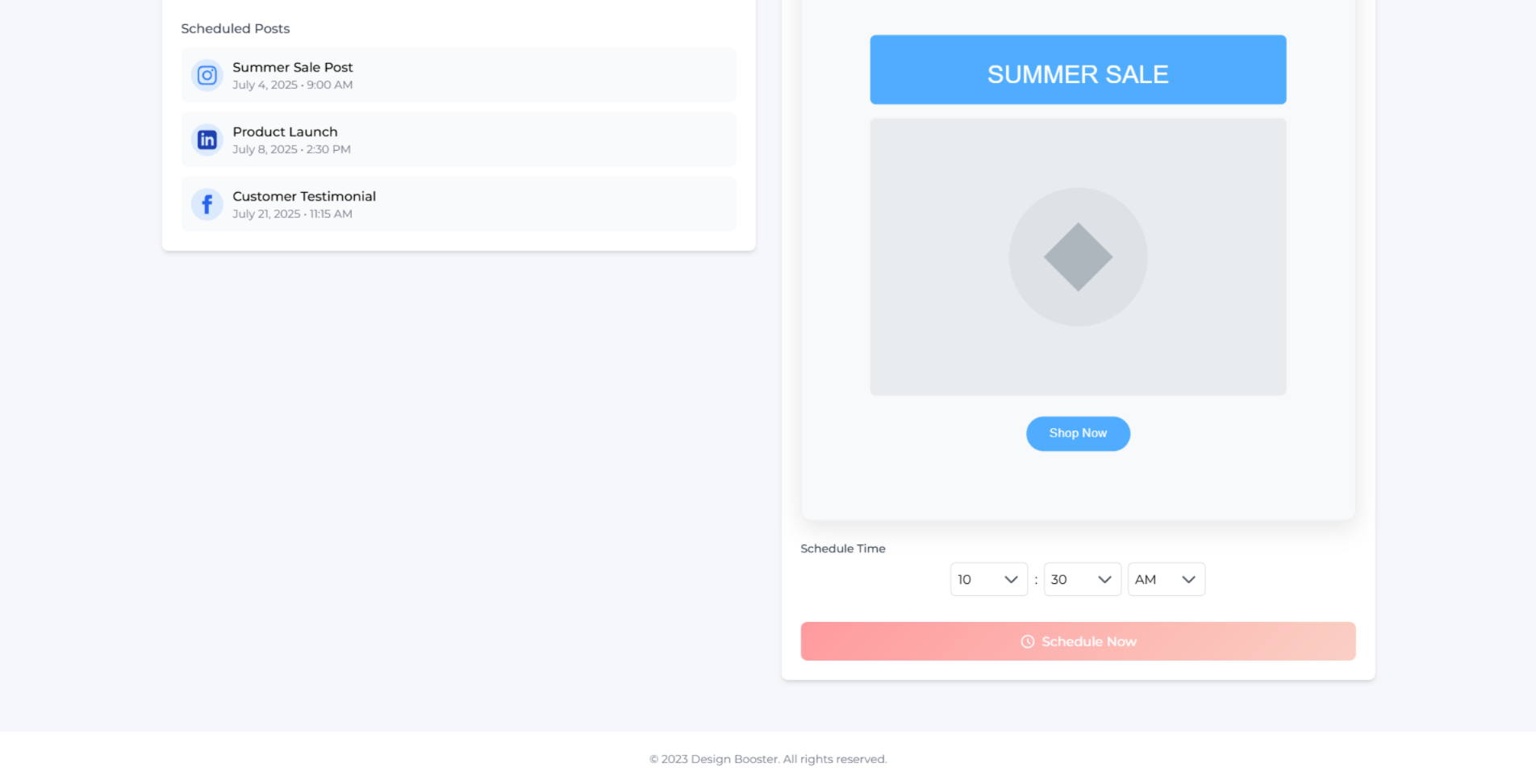
Schedule and auto-publish your content across platforms, hassle-free.
-
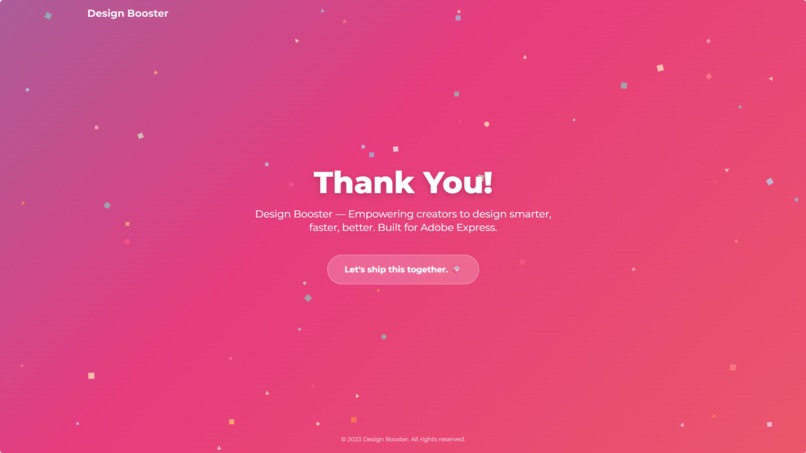
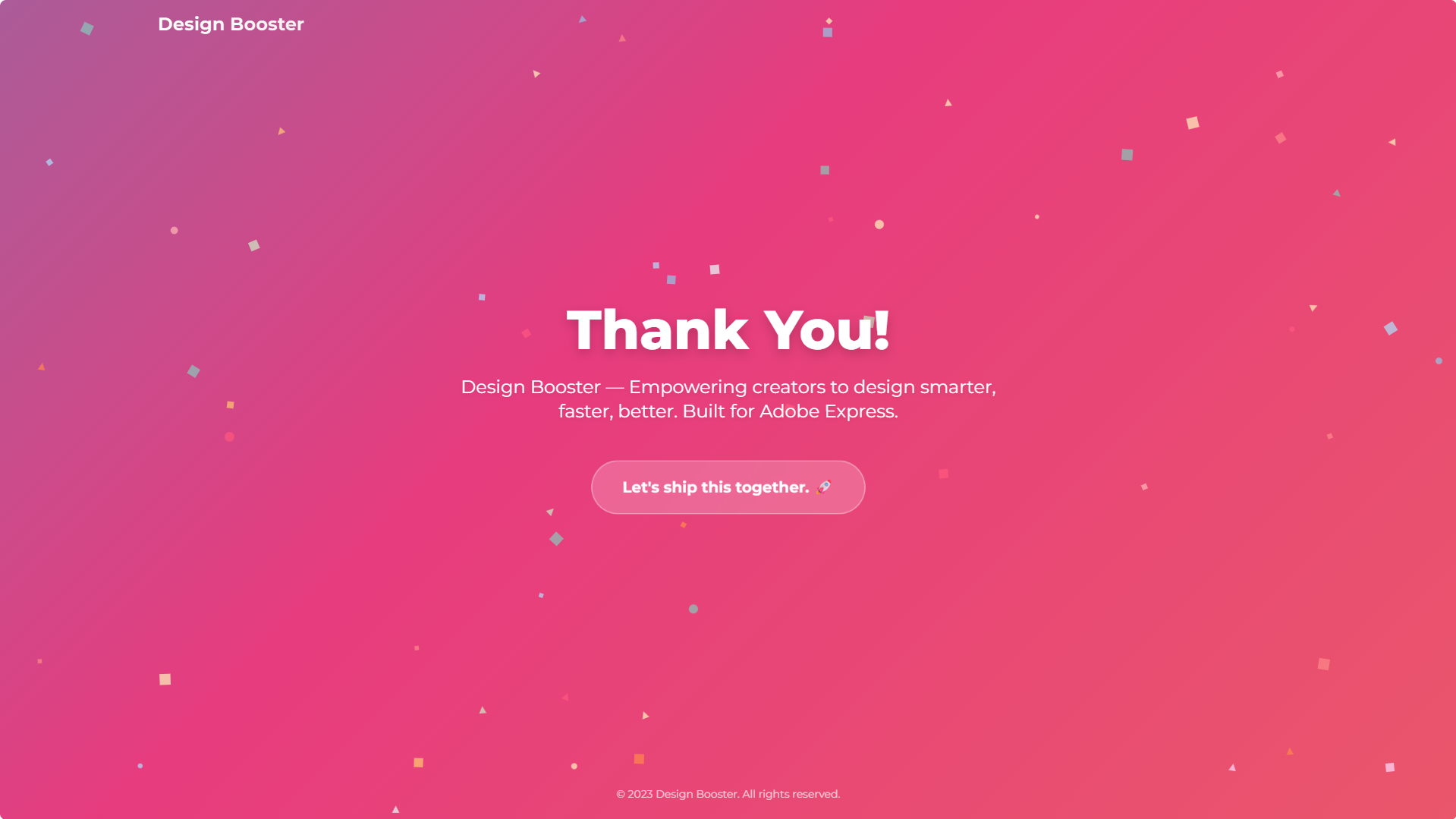
Thank you screen of the Design Booster add-on. A closing message that reinforces our mission to help creators design smarter and better.


Inspiration
As a data science student and someone who frequently works with digital design for projects, social media, and presentations, I’ve often found myself wishing for one tool that could improve design quality, check accessibility, resize quickly, and schedule posts - without juggling multiple apps. That’s what sparked the idea for Design Booster.
This is my first hackathon, and I wanted to build something simple yet genuinely helpful for creators like me - students, freelancers, educators, and entrepreneurs using Adobe Express.
What It Does
Design Booster is an Adobe Express Add-on that supercharges your creative workflow with 4 powerful features:
- Design Score Checker: AI-based feedback on layout, font, spacing, and contrast.
- Color Blindness Simulator: Helps ensure your design is inclusive for all.
- One-Click Resize: Quickly adapts your design for Insta, YouTube, LinkedIn, etc.
- Post Scheduler: Schedule and plan your content publishing - all from within Express.
What I Learned
This hackathon helped me dive into:
- User-centric design thinking
- Building mockups in Canva
- Planning scalable UI for real-world tools
- Structuring features to work within Adobe Express’s Add-on framework
How I Built It
I used Canva for designing the UI mockups and structured the project based on:
- Adobe Express SDK documentation
- Simple AI-based design heuristics
- User feedback and accessibility best practices
- Scheduling and resize logic inspired by popular tools like Buffer and Figma
I also crafted a pitch video showcasing the use cases and core functionality.
Challenges Faced
As a first-time participant, I faced a few bumps like:
- Choosing which features to prioritize
- Making the UI beginner-friendly and visually consistent
- Learning to explain technical ideas in a simple way
But every challenge became a learning opportunity - and I’m proud of what I’ve built.
💪 What’s Next?
If selected, I’m ready to fully develop and launch Design Booster as a working Adobe Express Add-on. I also plan to:
- Add drag-and-drop mockup testing
- Improve AI scoring logic
- Integrate social API for real scheduling
🙏 Thank You
Thanks to Adobe and Devpost for this opportunity. Whether I win or not, this has been an incredible learning experience - and I’m excited to keep building.
Built With
- canva
- css
- figma
- html
- javascript
- photoshop


Log in or sign up for Devpost to join the conversation.