
🧠 About the Project
🎨 Inspiration
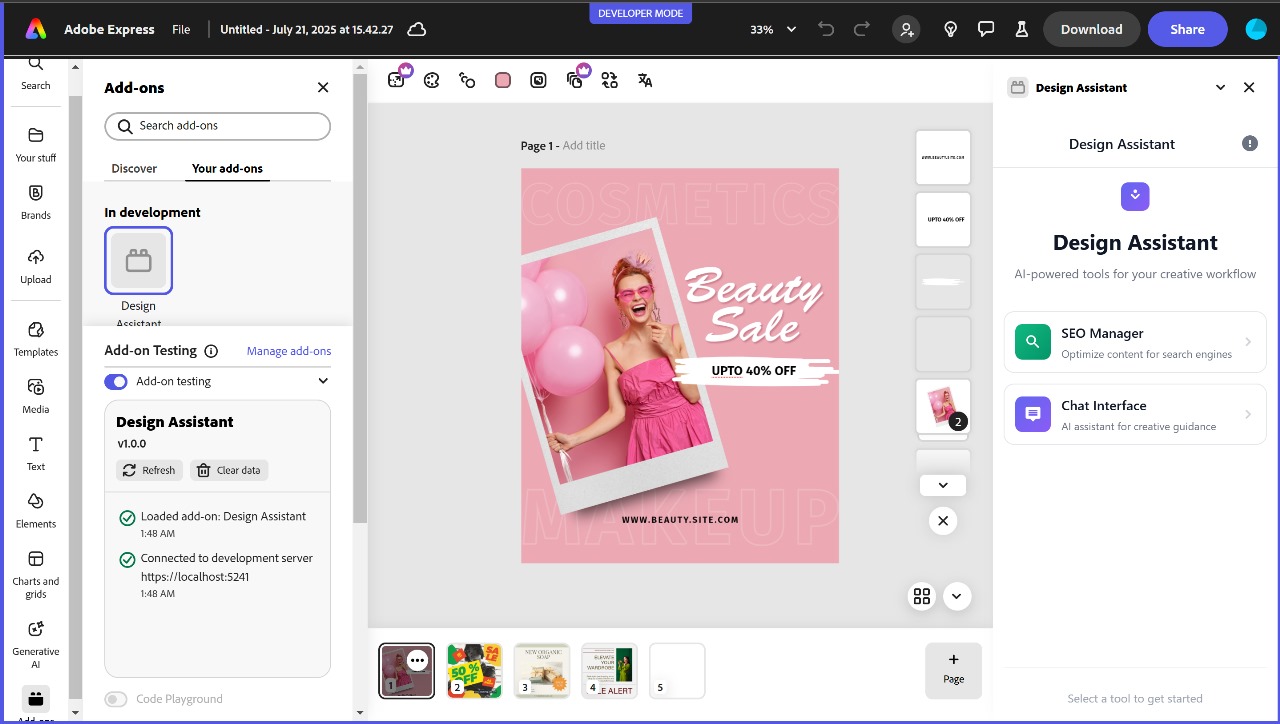
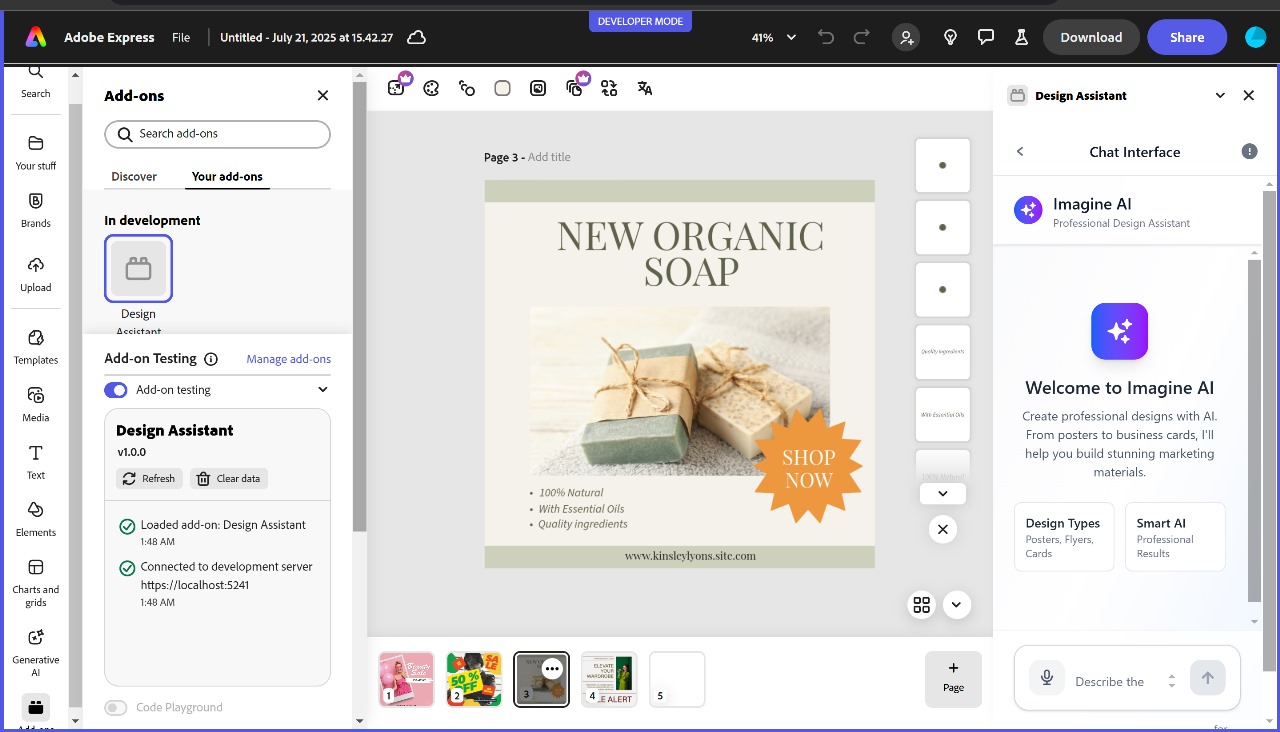
Design Assistant was born out of a common frustration faced by solopreneurs, content creators, and small business owners — the friction of bouncing between tools to write captions, design visuals, and optimize content for performance. We asked ourselves:
"What if you could go from idea ➞ beautifully branded content —without leaving Adobe Express?"
That single question led to the creation of an all-in-one assistant powered by AI that generates compelling content and visuals based on just a few words.
🛠 How We Built It
We used the following technologies to build Design Assistant:
- 🖼️ Adobe Express Add-on Runtime (Document Sandbox)
- ⚛️ React for building the UI
- 🤖 Google Gemini for natural language generation
- 📦 Webpack & Babel for bundling and transpiling
- 💡 Custom rendering logic to inject AI-generated layouts and captions into the Adobe Express canvas
Code example:
const HelpModal = () => showHelp && (
  <div className="help-overlay" onClick={() => setShowHelp(false)}>
    <div className="help-modal" onClick={(e) => e.stopPropagation()}>
      <h2>Design Assistant</h2>
      <p>AI-powered content & design help, right inside Adobe Express.</p>
    </div>
  </div>
);
🤯 What We Learned
- Adobe Express Add-on APIs offer powerful design insertion and manipulation tools.
- Contextual UX is key — embedding help components like
HelpModalgreatly improved user onboarding. - Prompt design when using Gemini is half the battle — getting high-quality outputs meant iterating on how user prompts were translated under the hood.
🚧 Challenges We Faced
- 🧩 Integrating React inside Adobe’s iframe-based runtime required deep debugging of messaging and styling contexts.
- 📐 Dynamic layout injection had to adapt across different user screen sizes and canvas states.
- 🤖 Prompt tuning for Gemini was a balancing act — too open, and results varied; too restrictive, and creativity suffered.
- 🤝 Ensuring accessibility and clean UX for non-designers was harder but absolutely worth the outcome.
💭 Future Improvements
- Add brand presets so users can save their fonts, logos, and colors
- Explore multi-post campaign planning
- Enable direct publishing to Instagram and other platforms
- Integrate analytics insights to inform creative decisions
⚡ Closing Thoughts
Design Assistant turns everyday users into standout creators with minimal effort and no creative block. We’re proud of how closely the experience mirrors a “human assistant” — always there, always on-brand, and always inside the editor.
Built With
- babel
- css3
- html5
- javascript
- jsx
- node.js
- react
- webpack


Log in or sign up for Devpost to join the conversation.