-
-
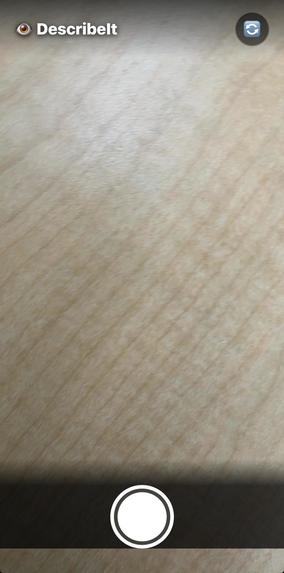
opening
-
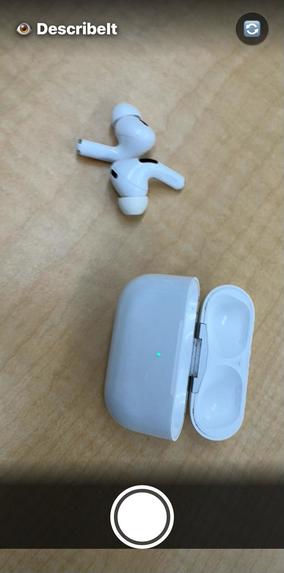
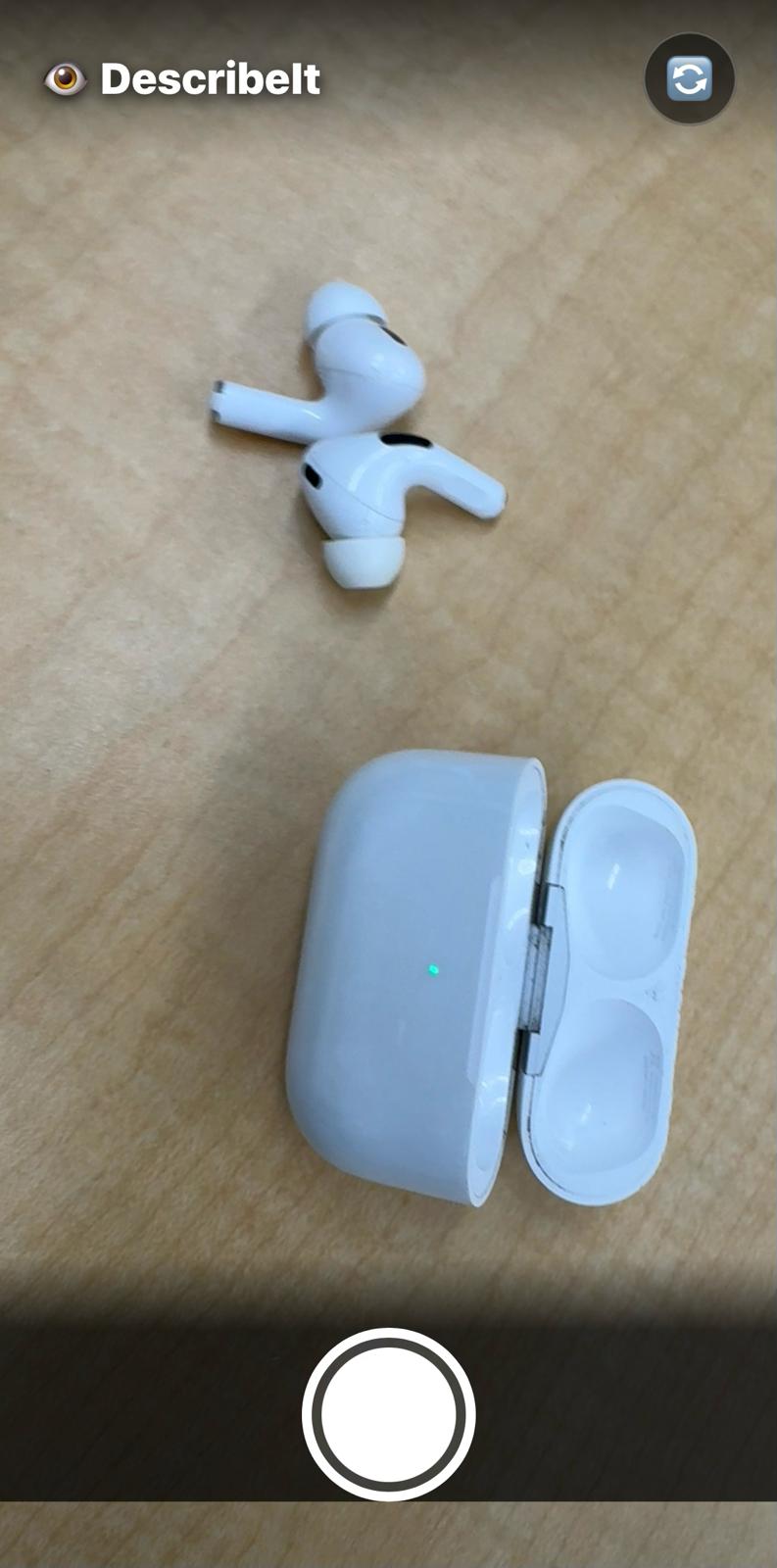
cam fousing things infront of cam
-
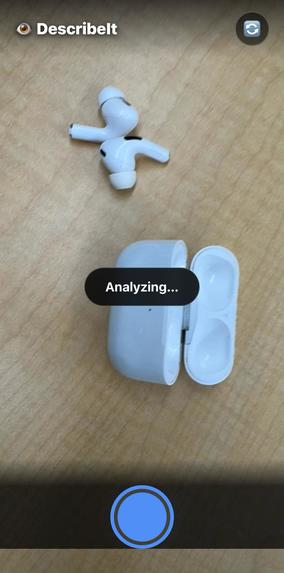
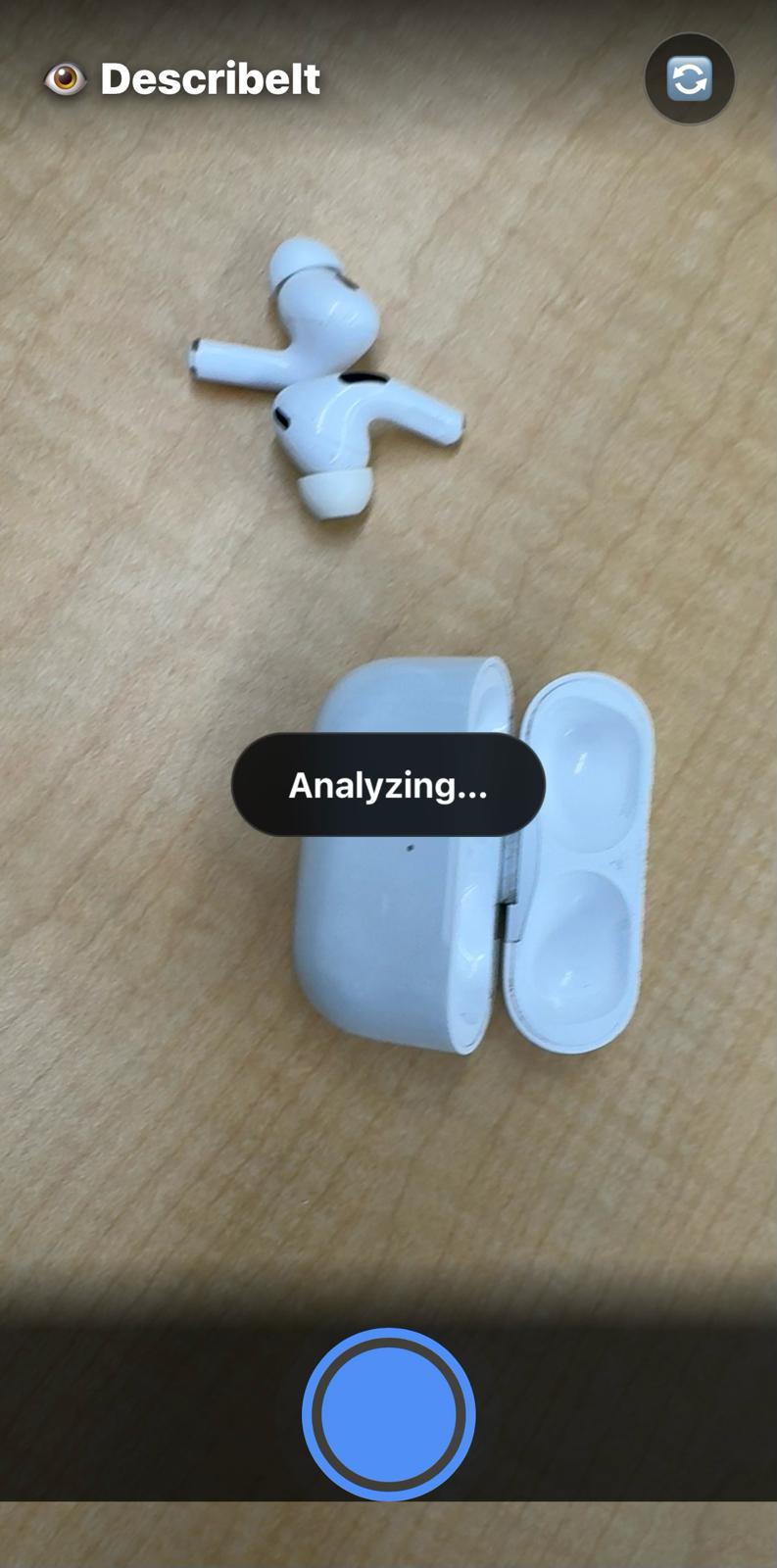
App analyzing thr object
-
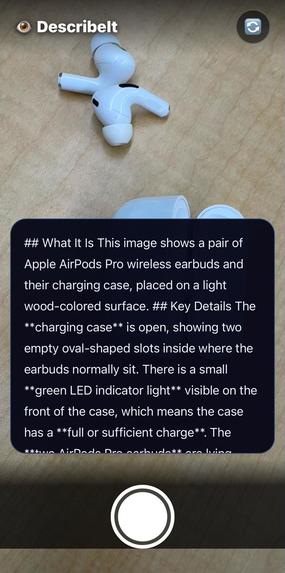
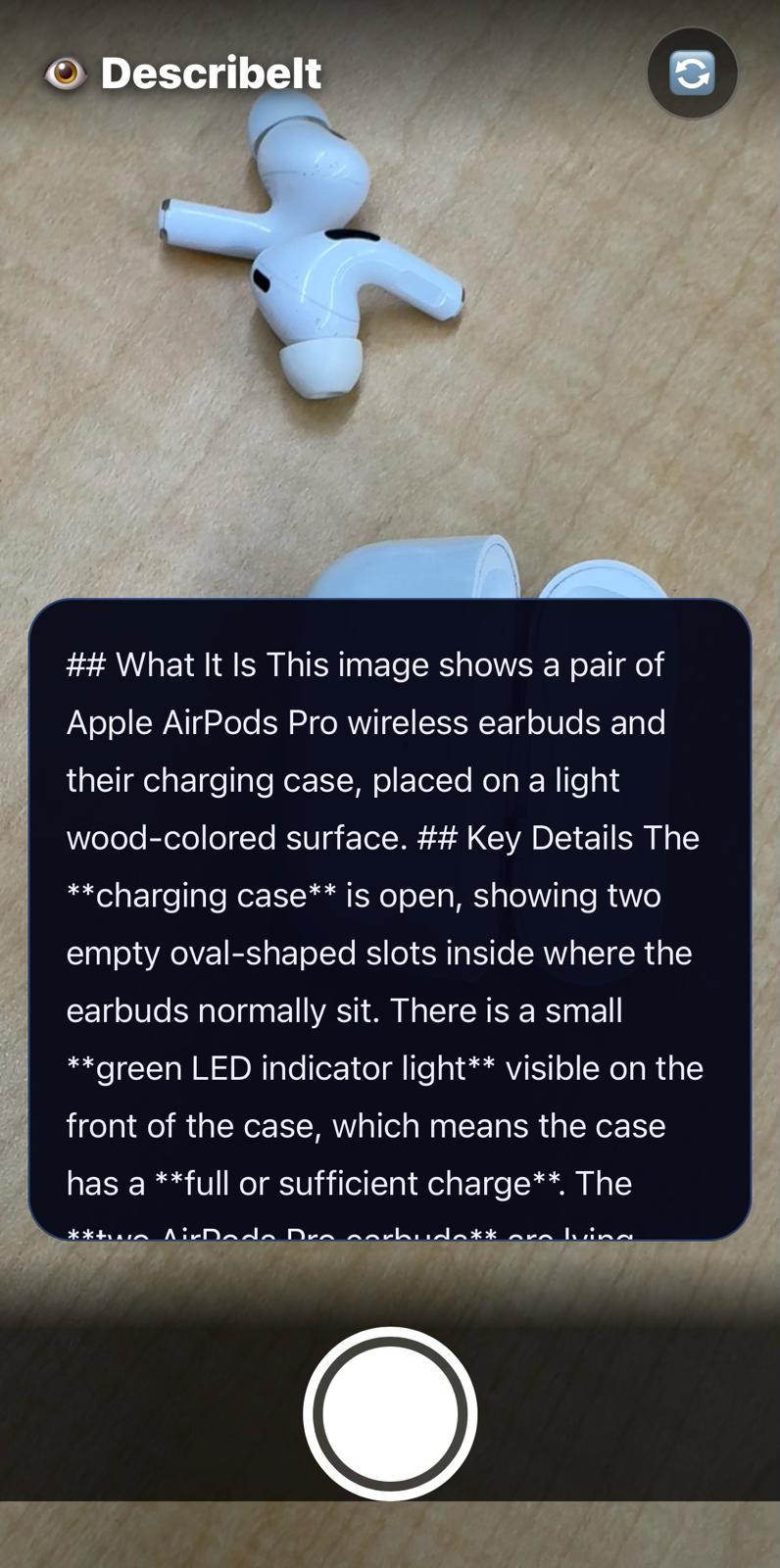
App reading aloud about the object or thing caputured
DescribeIt
Point, capture, and hear what is around you.
DescribeIt is a mobile first accessibility app I built to help blind and low vision users understand what is in front of them through a single photo and a clear spoken explanation.
Inspiration
Many accessibility tools can read text, but they often stop at raw OCR output. In real life, people usually need more than just a text dump. They need meaning, context, and a quick explanation they can actually use.
I built DescribeIt to make everyday situations easier: reading a label, understanding a menu, checking a sign, identifying an object, or getting a quick summary of a scene. My goal was to create something simple, practical, and genuinely helpful.
What it does
DescribeIt lets a user capture or upload an image and receive a spoken explanation of what is in the image.
Instead of only extracting text, the app tries to explain what matters most in plain English.
Examples include:
- Medicine bottles and printed labels
- Restaurant menus
- Signs and instructions
- Forms and text heavy documents
- Everyday objects and surroundings
The app also includes two helpful modes.
Scene Mode
Best for objects, environments, and surroundings.
Reading Mode
Best for labels, menus, signs, forms, and other text-heavy content.
After analysis, the result is displayed on screen and read aloud automatically.
How I built it
I built DescribeIt as a mobile-first web app using:
- Next.js 16
- TypeScript
- React 19
- Tailwind CSS
- OpenAI vision-capable model
- Web Speech API for text-to-speech
The main flow is simple:
- User opens the app
- User taps Capture and Describe
- The app captures or uploads an image
- The image is sent to a secure server-side API route
- A vision model analyzes the image
- The result is returned as a short, useful explanation
- The app reads the result aloud automatically
I also focused on accessibility by using large touch targets, high contrast UI, live status updates, and a minimal interface.
Challenges I ran into
One of the biggest challenges was making the output actually useful instead of overly generic. A basic image caption is not enough for accessibility. I had to think carefully about how to prompt the model so it would prioritize practical information such as labels, warnings, visible instructions, and important context.
Another challenge was designing a smooth demo friendly flow for mobile devices. Camera access, upload fallback, spoken output, and responsive UI all needed to feel simple and reliable.
I also had to stay honest about uncertainty. If an image is blurry or unclear, the app should not pretend to know more than it does.
Accomplishments that I'm proud of
I am proud that DescribeIt is focused, practical, and easy to demo.
Some accomplishments I am especially proud of:
- Turning one image into one clear spoken explanation
- Building a simple and accessible mobile first interface
- Supporting both scene understanding and reading tasks
- Adding text to speech so the result is immediately useful
- Creating a project that feels like a real accessibility tool, not just a technical demo
What I learned
I learned that accessibility products need more than strong AI. They need thoughtful interaction design, clear communication, and careful scope.
I also learned how important prompting is when building with vision models. The difference between raw OCR and meaningful explanation is huge, especially for real world usability.
On the frontend side, I learned a lot about building accessible interfaces that work well on phones and support spoken feedback.
What's next for DescribeIt
I would love to keep improving DescribeIt with features such as:
- Voice first interaction
- Voice commands like capture, retake, and listen again
- Multilingual support
- Stronger safety-focused reading for food and medication labels
- Better offline support
- Faster image preprocessing
- More specialized accessibility modes
My bigger vision is to make visual information easier to access in everyday life through fast, simple, and trustworthy AI assistance.
Built With
- anthropic
- api
- css3
- express.js
- javascript
- react
- typescript


Log in or sign up for Devpost to join the conversation.