-
-
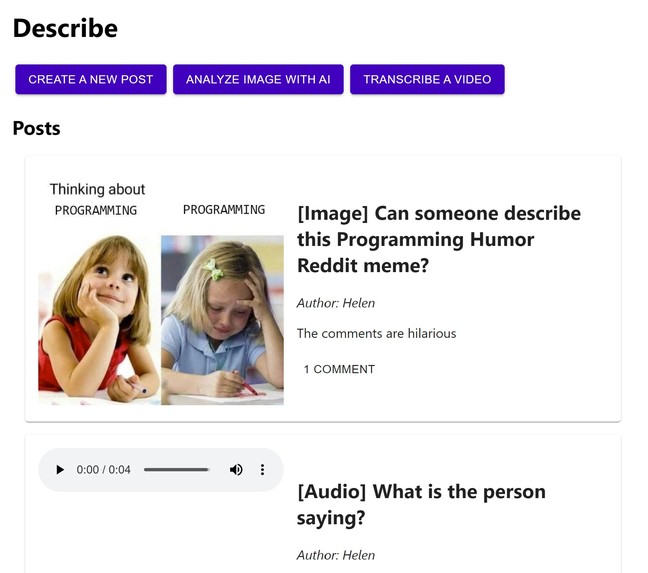
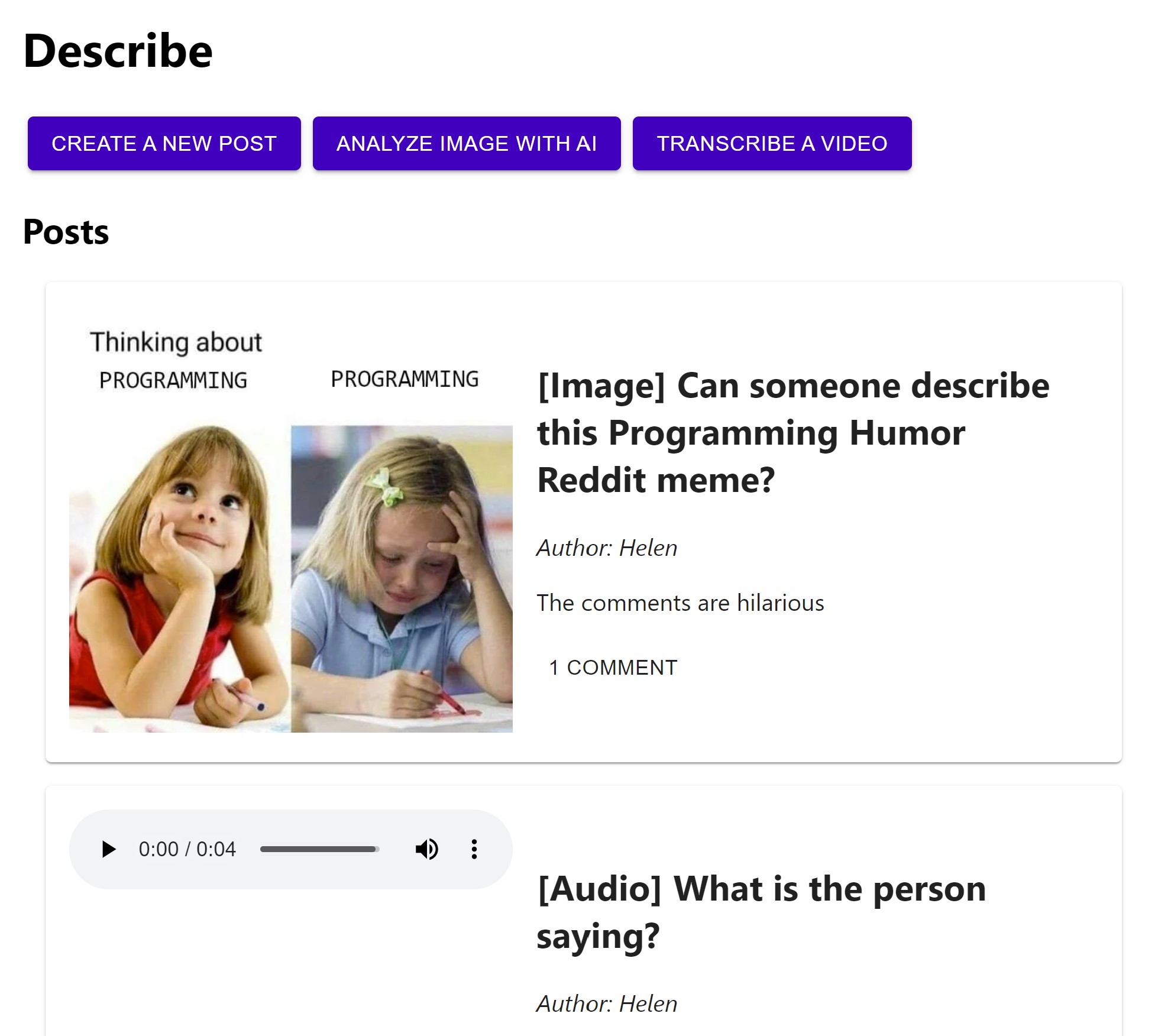
Main page showing posts and buttons to create a post, analyze an image, or transcribe a video
-
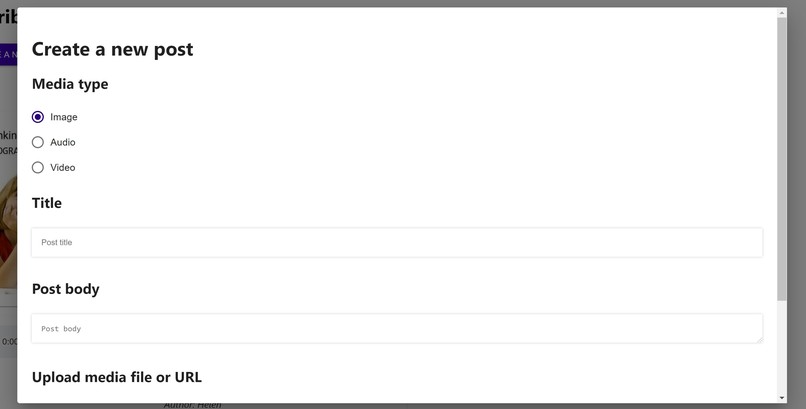
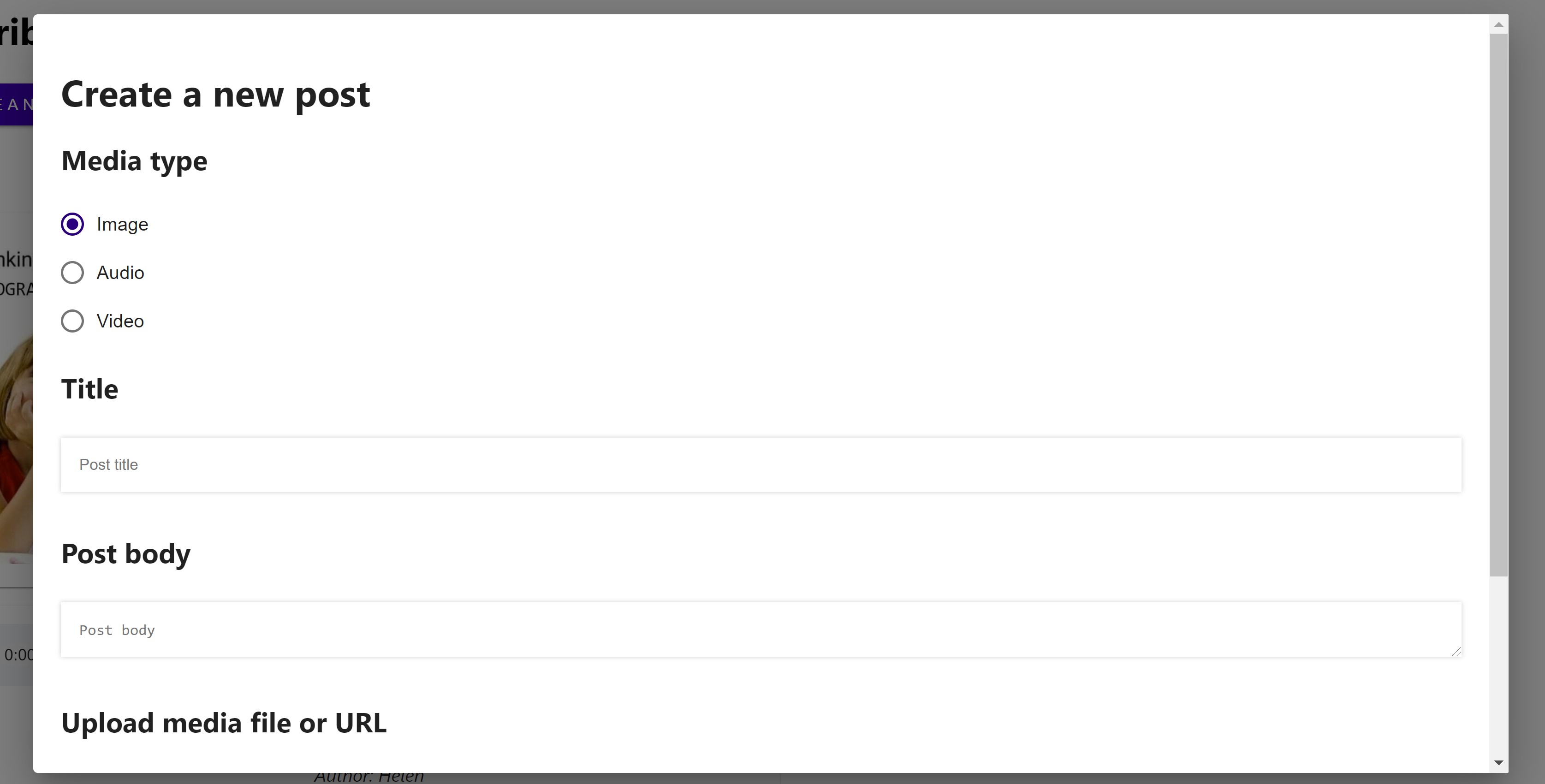
Create a post modal pt. 1
-
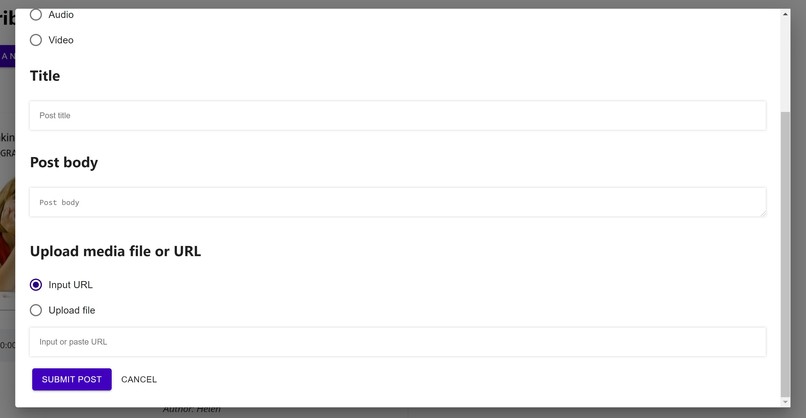
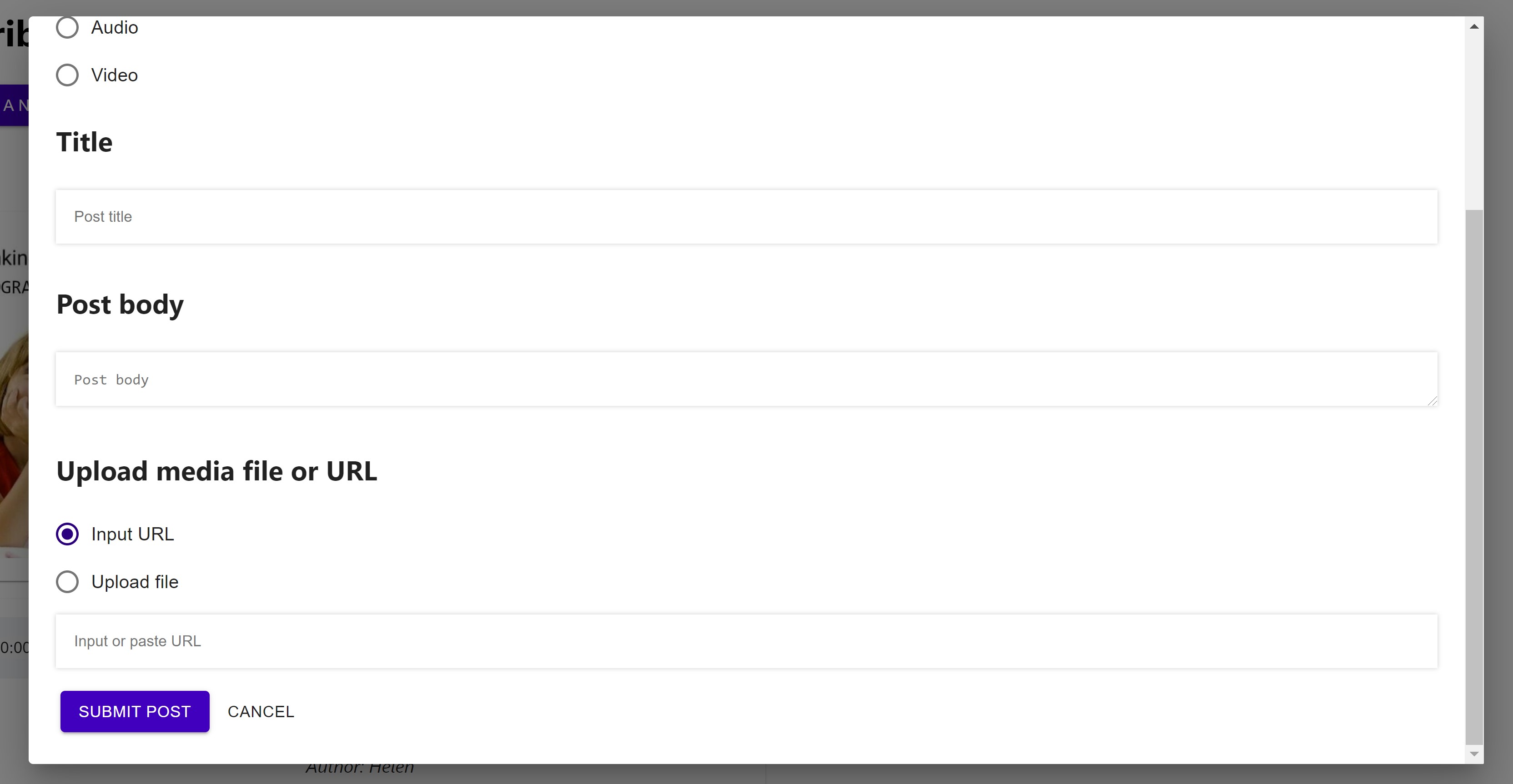
Create a post modal pt. 2
-
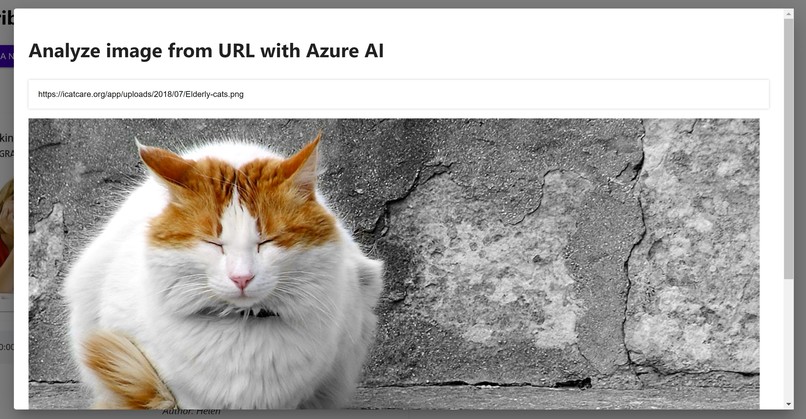
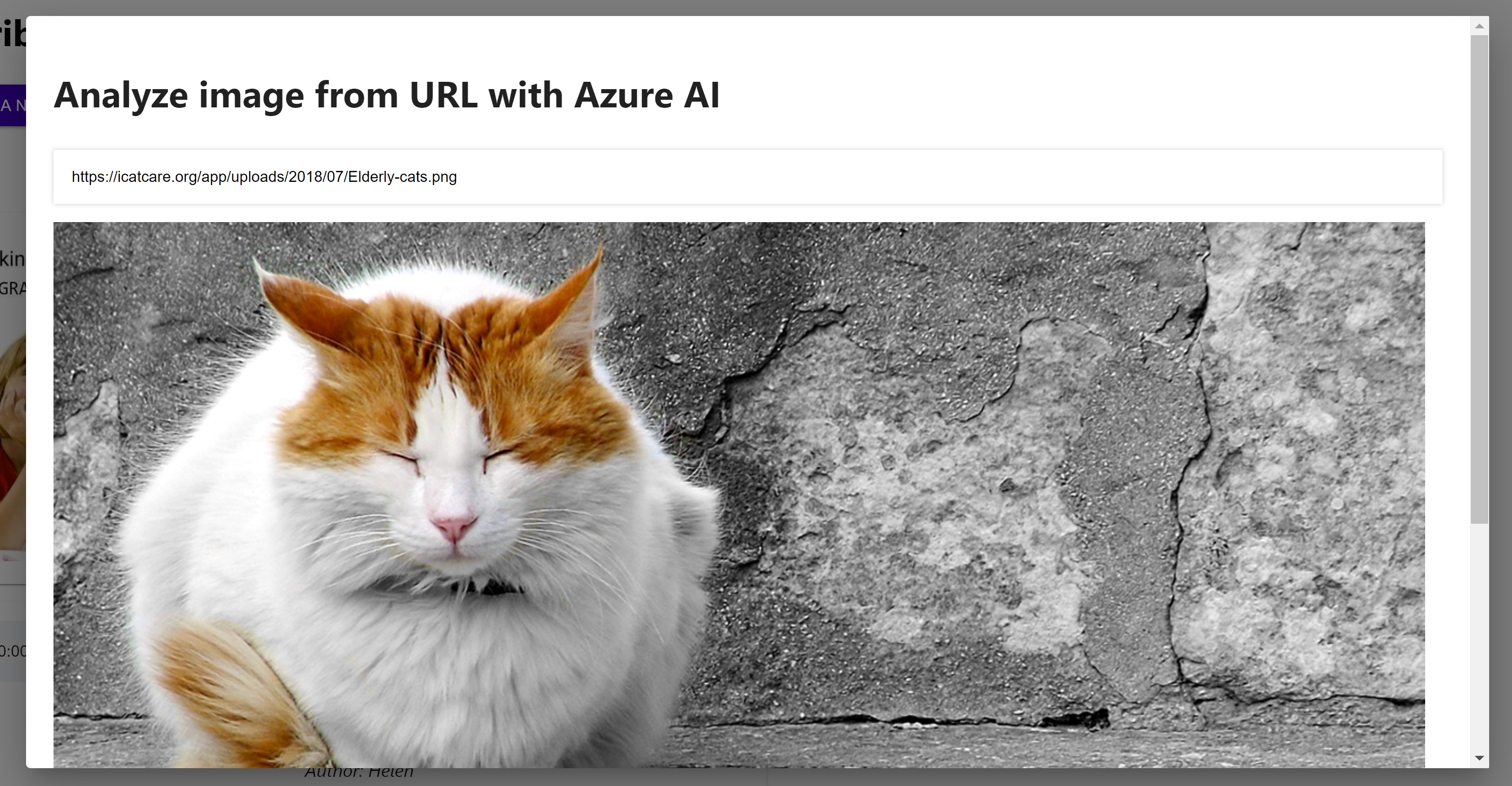
Analyze an image modal pt. 1
-
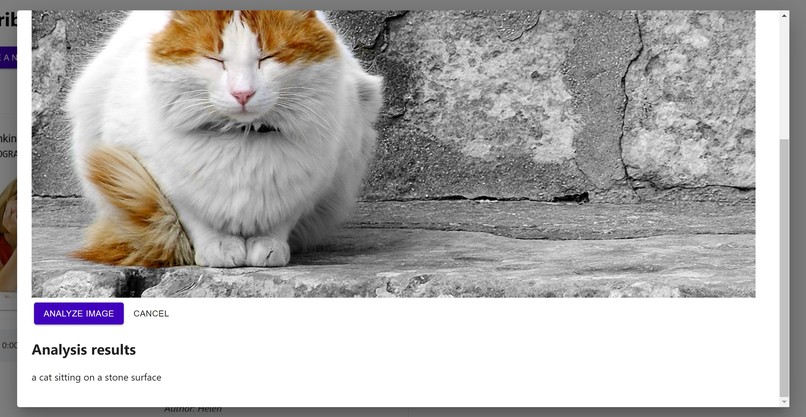
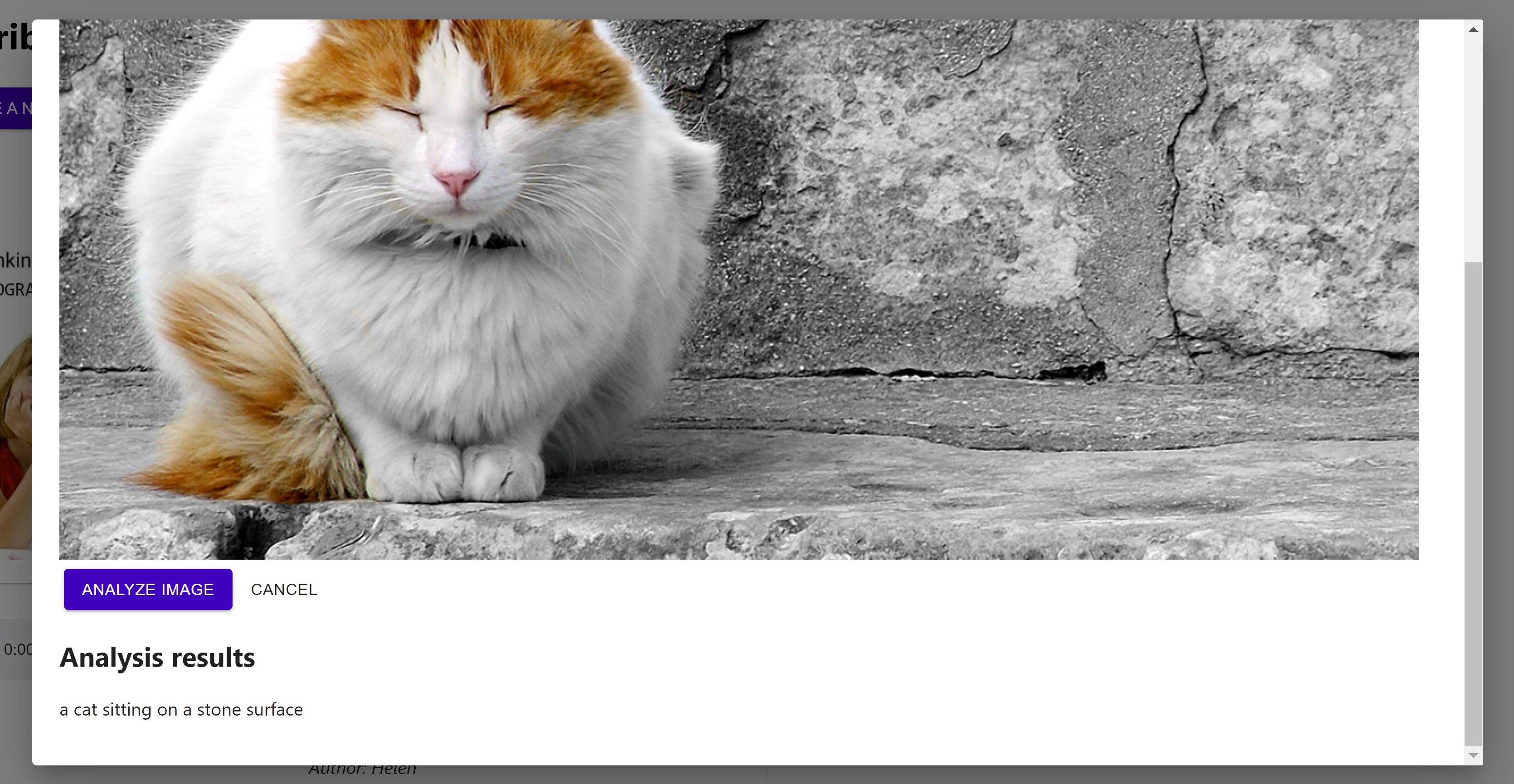
Analyze an image modal pt. 2, with the Microsoft Azure description
-
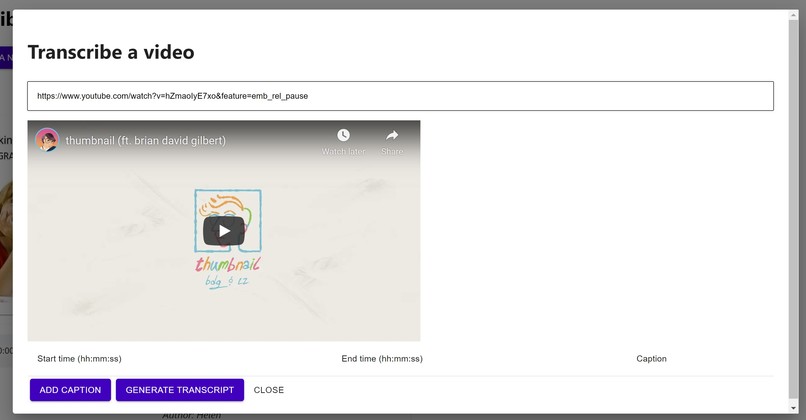
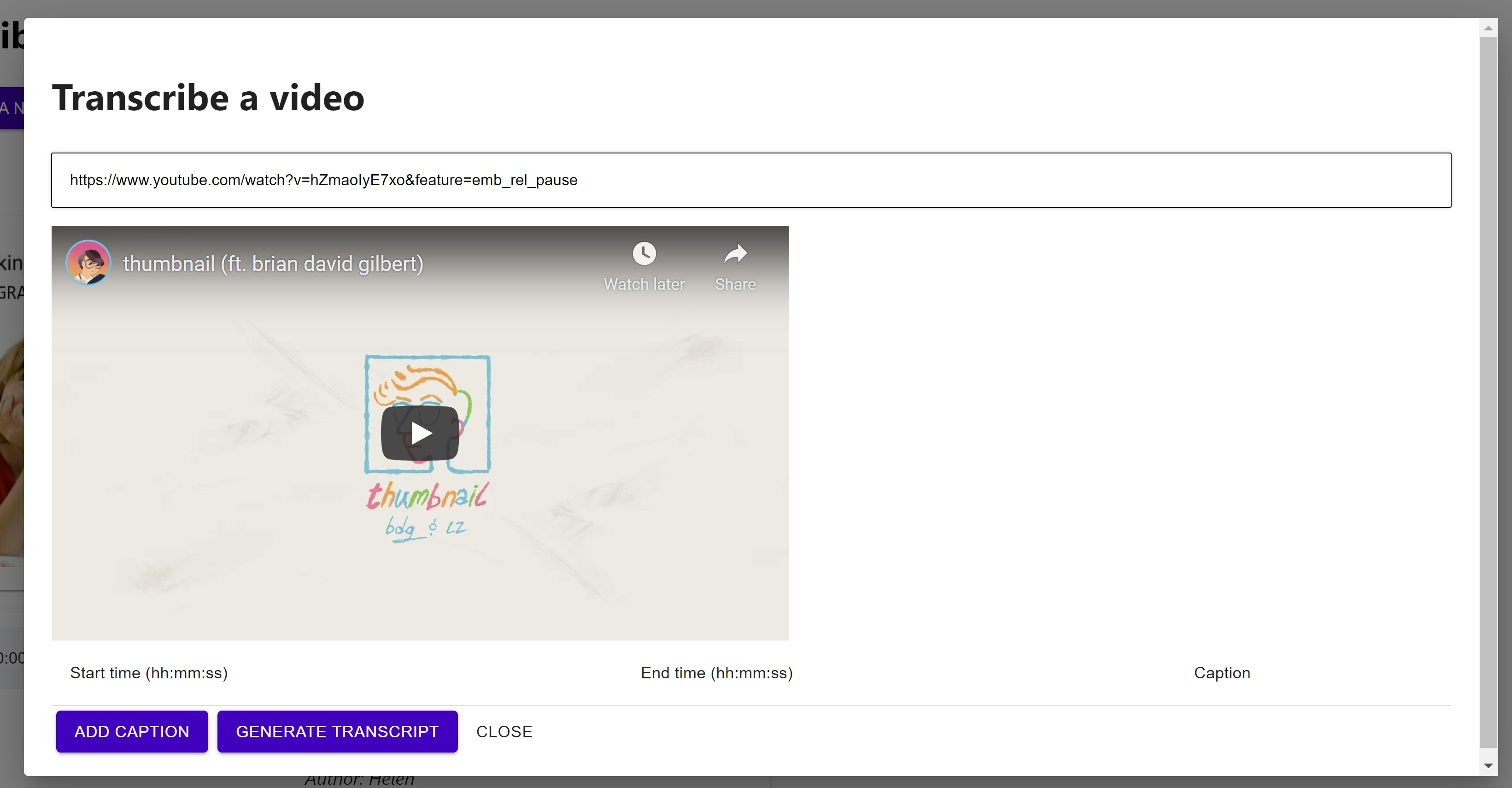
Transcribe a video modal pt. 1
-
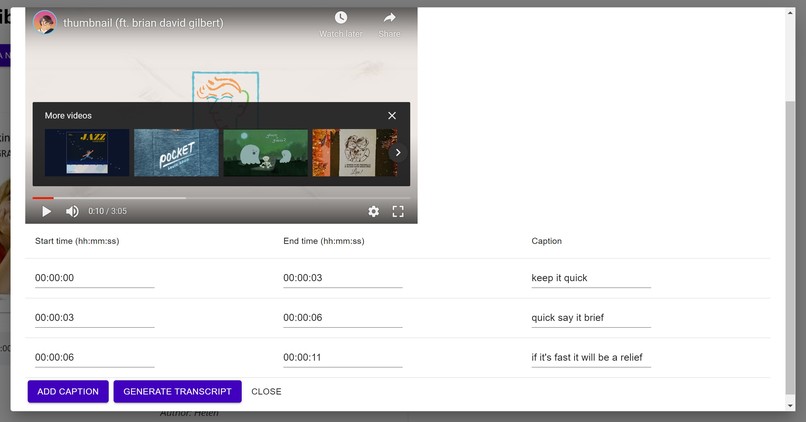
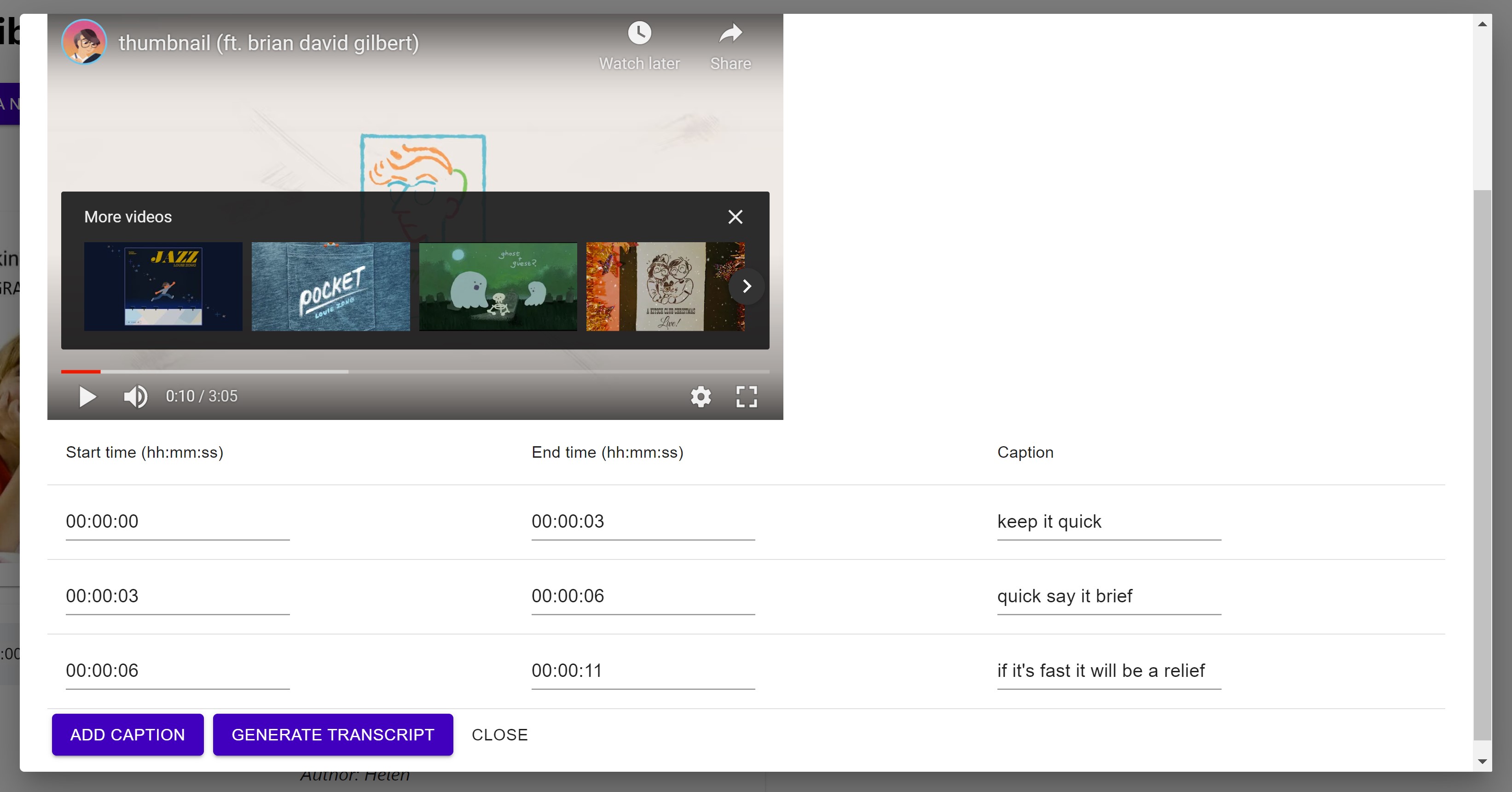
Transcribe a video modal pt. 2
Inspiration
The idea for this project has actually been drifting around the back of my mind for a couple years ever since I learned about assistive technology and accessibility. (I still have a Google Keep note with my initial brainstorming, dated May 22, 2018!) I've been learning more about both accessibility and web development this year, so I figured now would be the perfect time to try to make my idea a reality and learn more about web accessibility along the way!
Here are some of the strongest inspirations behind the idea:
- Be My Eyes: an app where visually impaired users can connect with sighted volunteers for visual assistance through video calls. I absolutely love this idea and love to tell others about it! This app made me think about how advanced technologies like AI/CV/NLP aren't necessarily an end-all be-all solution for assistive tech, and it's more important to have human connection and empathy so that we can learn about each others' experiences and challenges when it comes to accessibility.
- r/TranscribersOfReddit and r/DescriptionPlease: a Reddit community of volunteer transcribers who provide descriptions of image posts aiming to increase the accessibility of social media for screenreader users. This community--along with YouTube getting rid of the community captioning feature last year--has made me think a lot about how to make social media more accessible. There are definitely technology solutions like AI-generated image descriptions and NLP-powered automatic caption generation, but also people-centered solutions like making it the norm to provide alt text for images, captions for videos, and transcripts for podcasts. I aimed to create a project that mixes both technological solutions using Microsoft Azure's CV analysis techniques along with creating a social aspect to connect requesters and volunteers.
What it does
- A user with a request can create a post with an image, audio, or video file/URL. Then, volunteers can leave comments describing/transcribing the file.
- Alternatively, a user with an image URL can also quickly receive an automatically generated description of the image, powered by Microsoft Azure CV.
- A volunteer can transcribe a video by entering timestamps and captions
How I built it
- Used React and Material-UI to build the frontend
- Used the Node.js Microsoft Azure CV package for image analysis
- Attempted to test accessibility using the NVDA screenreader, but as a sighted user new to web dev, there are definitely still some issues
Challenges I ran into
- Passing out due to low blood pressure on the first day and having to call it an early night...😬
- Working with files--images, audio, and video--for the first time was a bit of a challenge. I found myself juggling an armful of Node.js packages as I searched for a solution that was both functional and accessible, then found myself just using standard HTML.
Accomplishments that I'm proud of + What I learned
- Learning a bit about Microsoft Azure, which I was brand new to--I found myself very lost in the documentation and just implemented some simple image analysis, but I'm still glad I got even that working!
- Learning about web accessibility! I've been learning more about web dev and hope to keep accessibility at the forefront as I learn more and create more.
What's next for Describe
Finishing the basic app:
- Backend for actually storing data and making a functional multi-user app
- User testing to improve the UI/UX for both sighted and blind users, especially regarding screenreader usage
Features I wanted to add:
- Ability to play audio and video files in-site with volunteer-submitted transcriptions as captions
- Microsoft Azure services for automatically generating captions and audio and video descriptions


Log in or sign up for Devpost to join the conversation.