Inspiration
Skincare labels are written in INCI names, and whether an ingredient is right for you depends on your skin, not on "average skin". DermDecode reads the ingredient list on a product and tells you how it lines up with your own profile, and shows its reasoning.
What it does
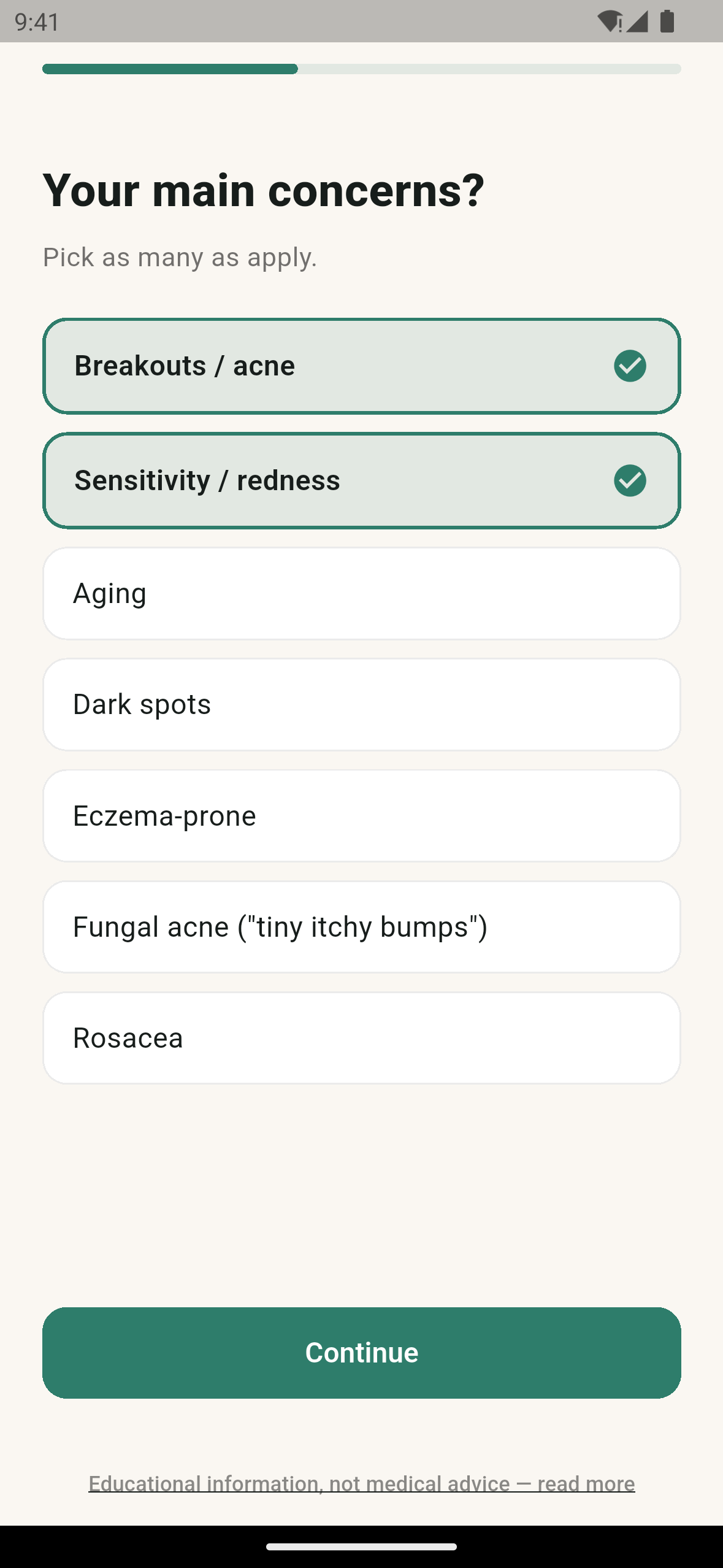
- Personal profile. A five-step quiz captures skin type, concerns (breakouts, sensitivity, aging, dark spots, eczema-prone, fungal acne, rosacea), ingredients to avoid (fragrance, essential oils, drying alcohols, sulfates, silicones, parabens) and an optional Pregnancy Mode.
- Scan a label. Photograph an ingredient list, pick a photo from the gallery, or scan a barcode (looked up in Open Beauty Facts).
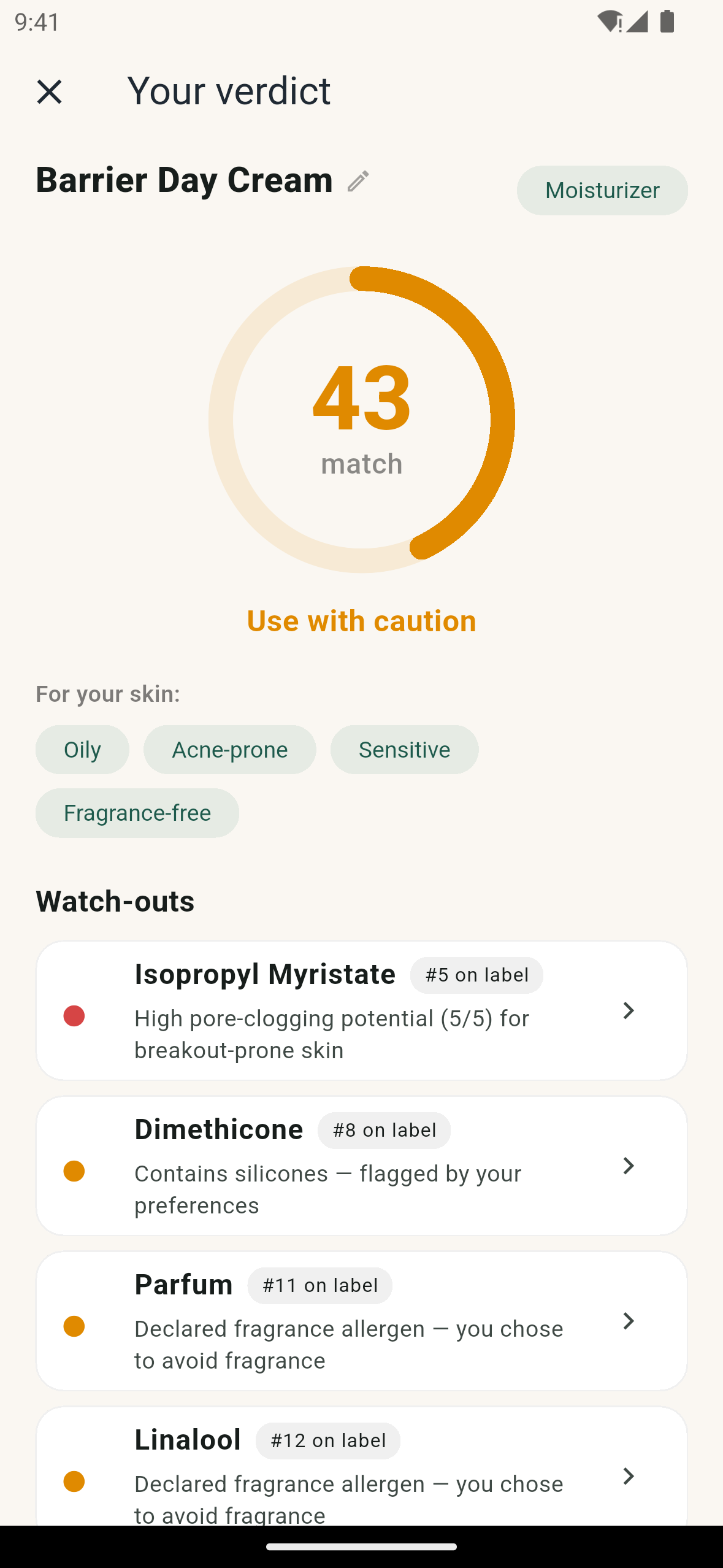
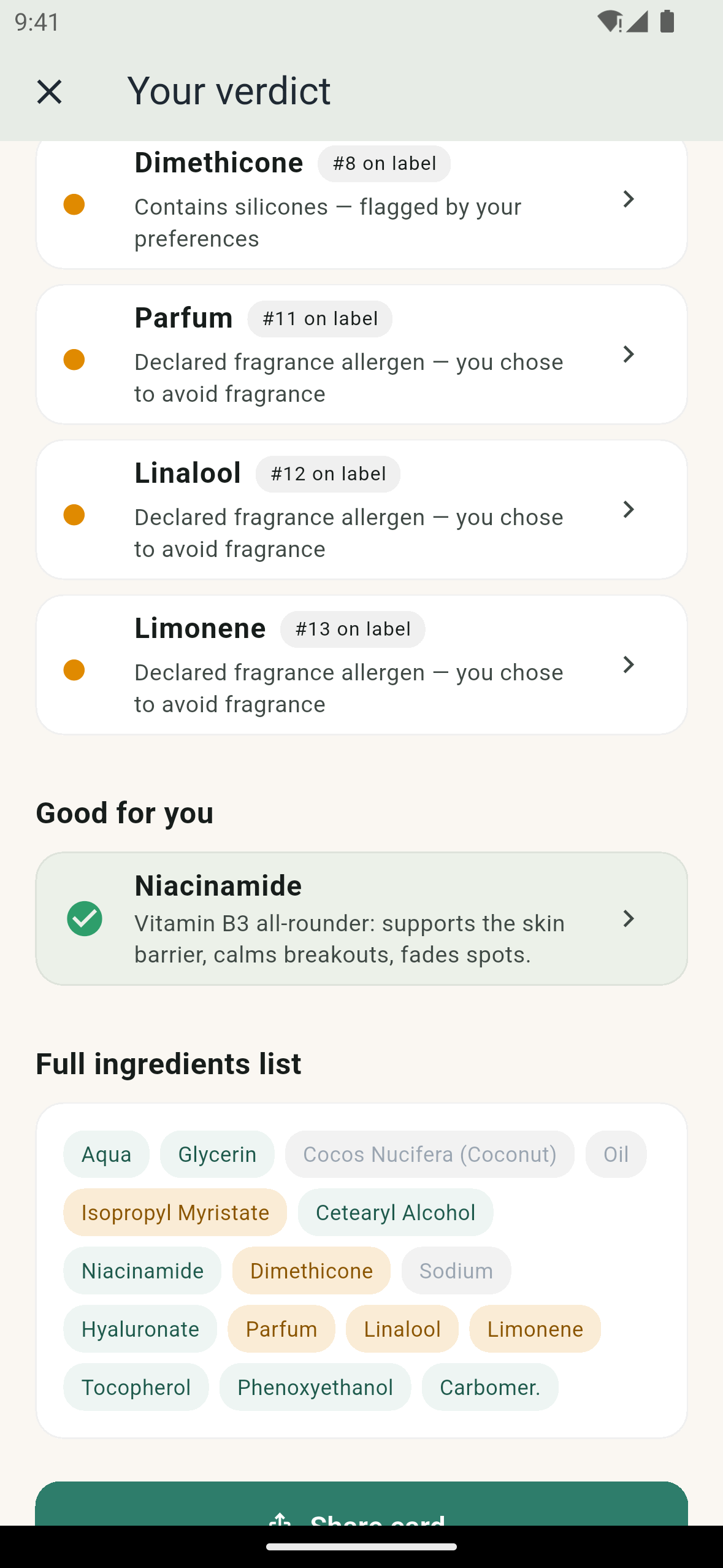
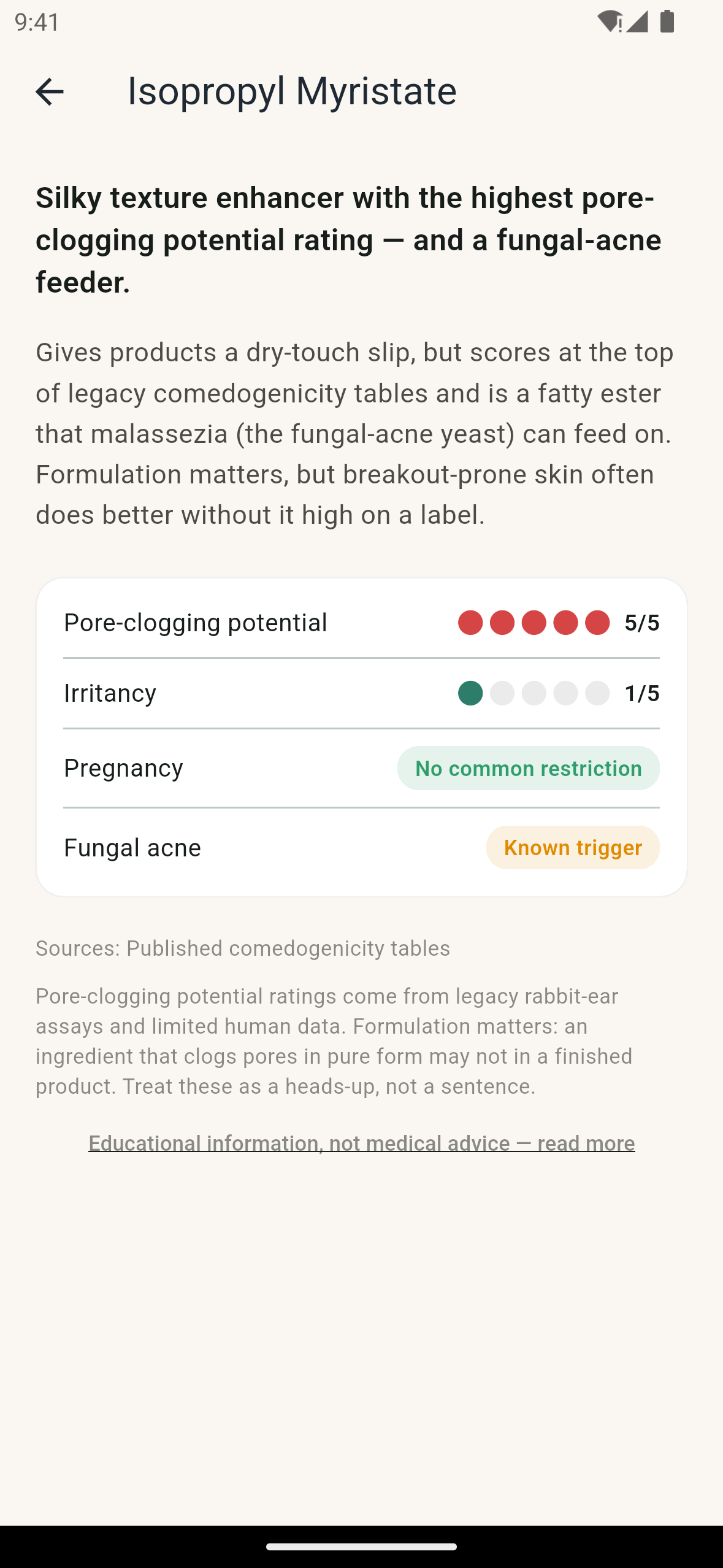
- A verdict you can audit. You get a 0-100 match score, a plain-English tier, and the reasons: watch-outs (ingredients near the top of the label count for more), what is good for you, the full ingredient list, and a detail page per ingredient with pore-clogging and irritancy ratings, a pregnancy note, a fungal-acne flag and sources.
- AI reads, code judges. An OpenAI vision model only transcribes the label. The score comes from a deterministic engine and a bundled 121-entry ingredient knowledge base, so the same ingredient list with the same profile always gives the same verdict. The app asks before the first photo is sent.
- Pregnancy Mode hard-flags ingredients commonly advised against (retinoids such as retinol, tretinoin and adapalene, plus hydroquinone) and forces a red verdict.
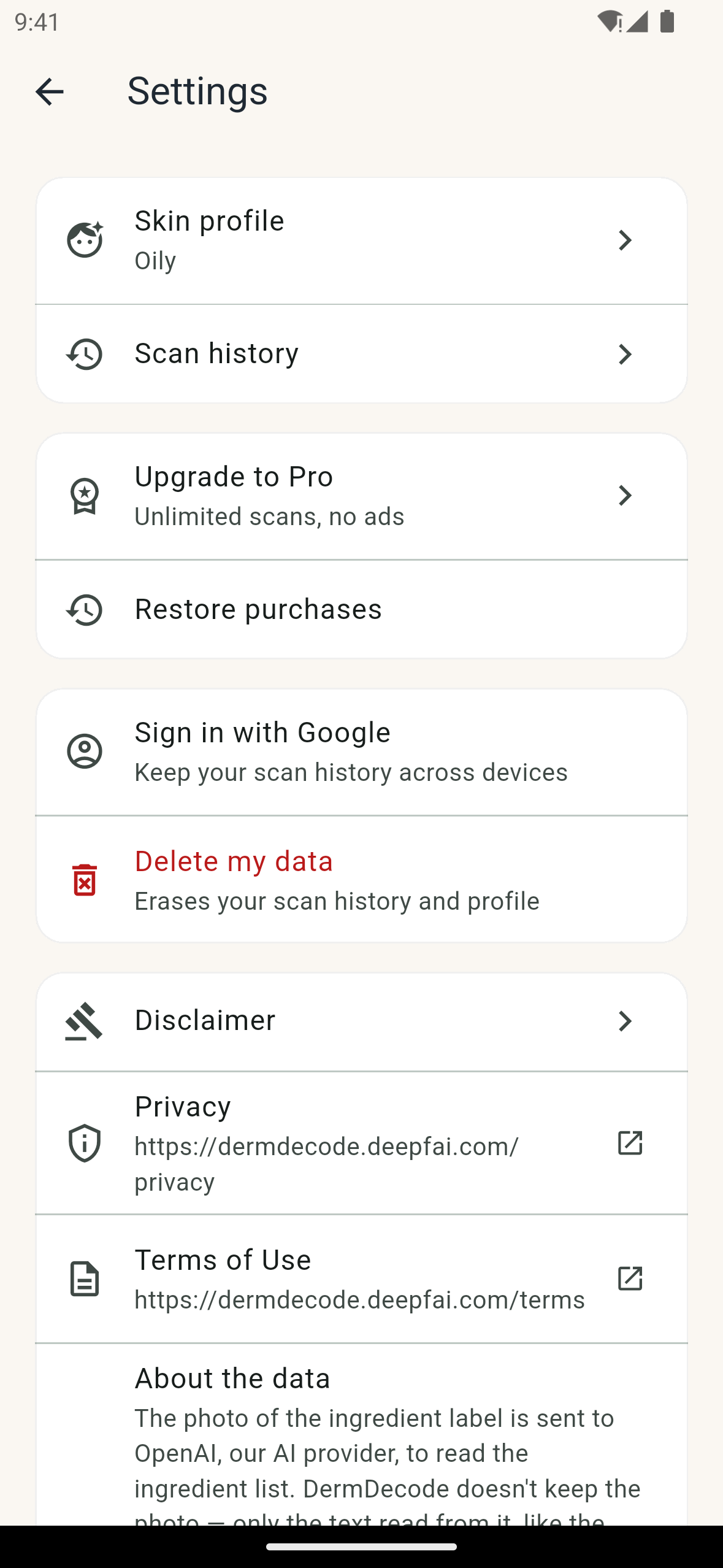
- Housekeeping. Scan history, a shareable result card, and in-app "Delete my data". No account is required; the app signs in anonymously.
- Free vs Pro. Free: 3 scans and non-personalized ads. Pro: unlimited scans and no ads.
How RevenueCat powers it
DermDecode's only paid tier, Pro, runs entirely on RevenueCat.
- SDK:
purchases_flutter^10, wrapped in one service (purchases_service.dart). It configures RevenueCat with the platform public SDK key and sets the RevenueCat app user ID to the Supabase anonymous user ID, so purchases, scan counts and the backend all refer to the same user. An identity-sync layer callslogIn/logOutwhen the account changes. - Entitlement: a single
proentitlement. ACustomerInfolistener turns it into the app'sisProstate, so an upgrade takes effect mid-session. - Offering and packages: the paywall loads the current offering (
default) and shows its annual ($rc_annual, preselected "Best value") and monthly ($rc_monthly) packages. Prices come from the store product. Trial wording is built from the store's introductory offer and the user's eligibility, never hardcoded, so nobody is promised a trial the store will not give them. - Purchase and restore: purchases use
PurchaseParams.package; "Restore purchases" callsrestorePurchases()and is on the paywall and in Settings. - Where
progates features: the free-scan limit (which routes to the paywall), the "free scans left" chip on Home, the Pro row in Settings, and every ad: Pro users never load or see one. - The backend confirms with RevenueCat too: the
analyze-scanedge function enforces the 3-scan limit on the server and, before refusing a user at the limit, asks RevenueCat's REST API whether they holdpro. Arevenuecat-webhookedge function is deployed to keep asubscribers.is_proflag in sync from RevenueCat events (purchase, renewal, expiration, refund, transfer); until that webhook is registered in RevenueCat, the REST API check above is what unlocks Pro.
How we built it
Flutter and Dart, Riverpod, go_router, RevenueCat (purchases_flutter), Supabase (self-hosted: anonymous auth, Postgres, Deno edge functions), OpenAI vision (structured output), Open Beauty Facts, Google AdMob (free tier only), camera, image_picker and mobile_scanner.
Testing instructions for judges
- Install DermDecode from Google Play (https://play.google.com/store/apps/details?id=com.dermdecode.dermdecode) or the App Store (https://apps.apple.com/us/app/dermdecode/id6790233989). No sign-in and no promo code are needed to try the free tier: finish the quiz, then tap "Continue with 3 free scans" (it fades in after about 4 seconds).
- Free tier: tap "Scan a product" and photograph or pick any clear photo of an "Ingredients:" list. You get 3 free scans, counted on the server, and non-personalized ads (a banner plus an occasional interstitial).
- Unlock Pro: Settings > Upgrade to Pro (or tap the "free scans left" chip on Home), choose Annual or Monthly and complete the Google Play or App Store purchase. Pro unlocks unlimited scans and removes ads. "Restore purchases" is on the same screen.
- Free trial: the paywall shows "Start free trial" only when the store (Google Play or the App Store) reports an offer you are eligible for; otherwise it shows the plain price.
- Promo code: none is needed for the free tier, and the app has no in-app promo-code field; for Pro on Android, use the Google Play promo code in this submission's promo-code field (redeemed in the Play Store, not in the app). Pro is a standard auto-renewing Google Play / App Store subscription; Play licence testers are not charged (App Store sandbox accounts only work in TestFlight builds, not in the App Store download).
Note on the demo video: it was recorded on an Android emulator with no Google account, so its paywall shows the app's real store-unavailable state; on a device signed in to a store account the Annual and Monthly plans load.
Built With
- admob
- dart
- flutter
- google-play
- openai
- revenuecat
- riverpod
- supabase

Log in or sign up for Devpost to join the conversation.