-
-
Depthray
-
Synthwave!
-
Grand cinema
-
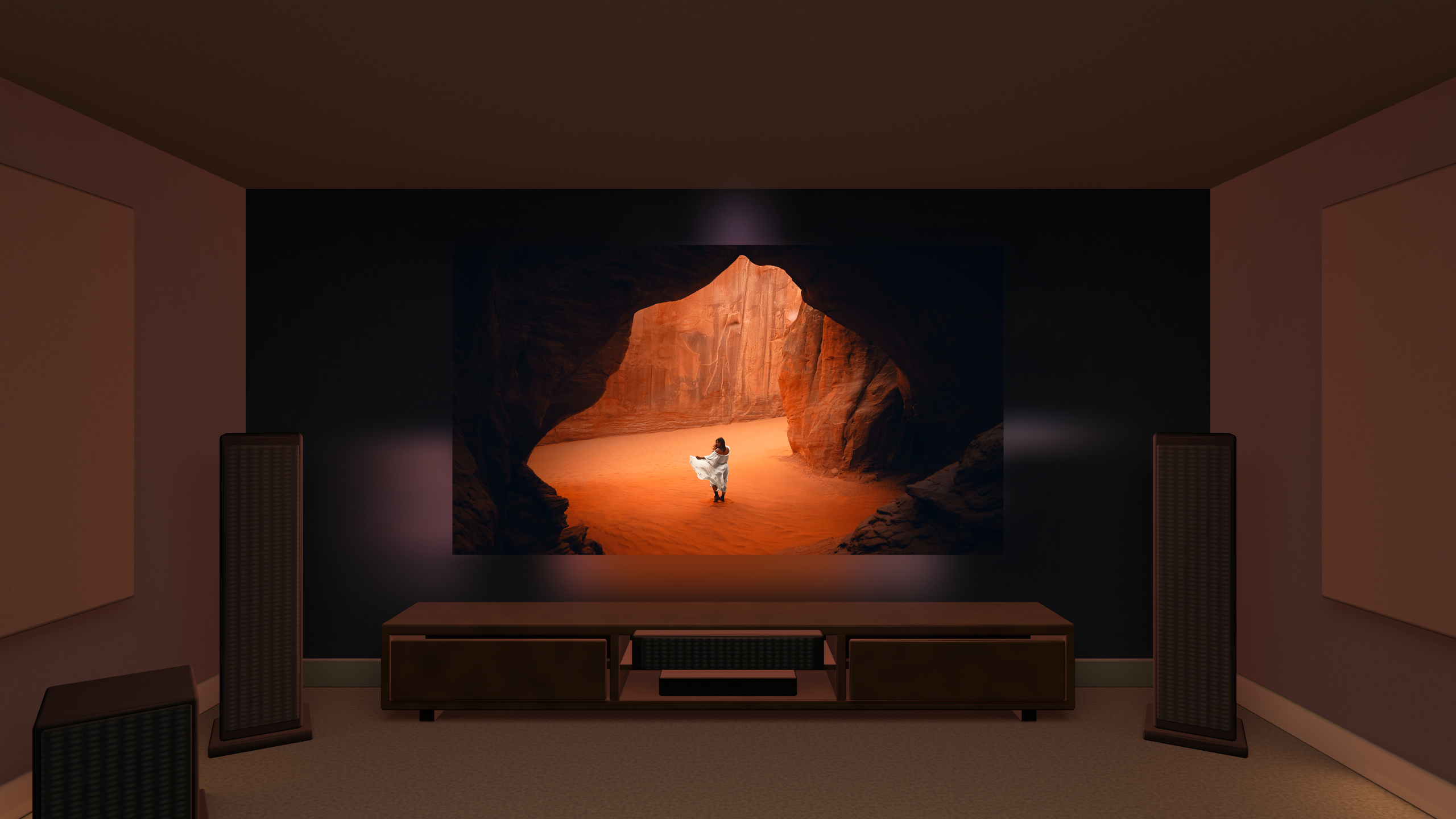
Home theater
-
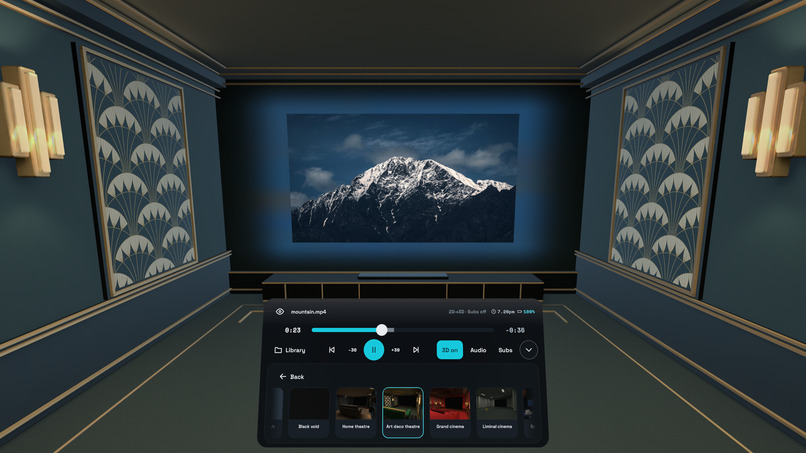
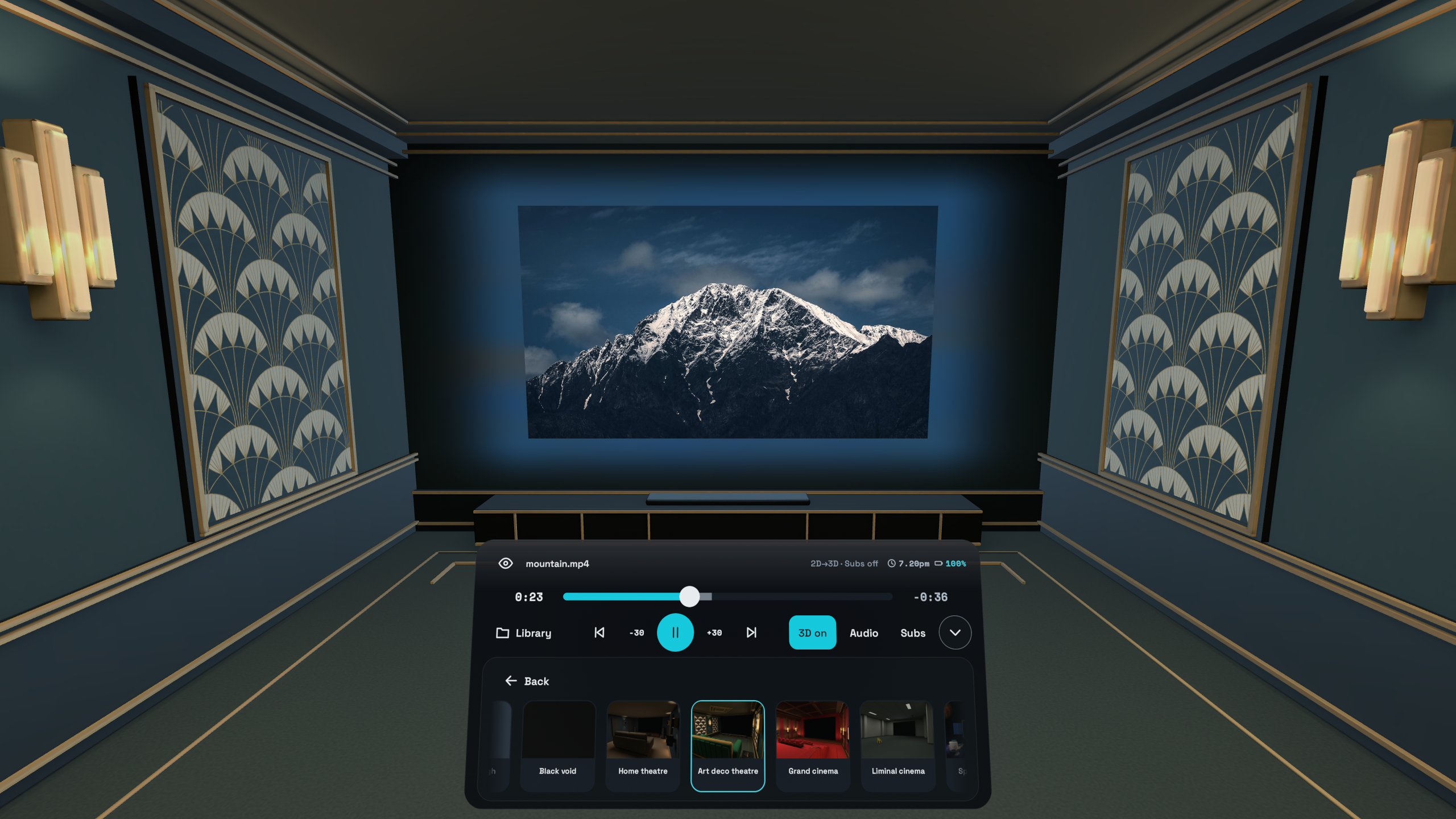
Art Deco theater

Inspiration
I had an earlier experiment of my own that ran a depth model on a streamed game and turned it into stereo 3D on the headset. I kept thinking to myself, could I do this all on the headset without my PC? The answer to that was Depthray, a fully standalone player built from scratch with the same idea at its heart. I actually started planning this out 3 weeks before the competition was announced, hence putting it into the adapted category, but it was the competition that encouraged me to really get down to it and make this something worthwhile, so thanks for the motivation! The hand tracking and the whole mixed reality side were built specifically for the competition.
What it does
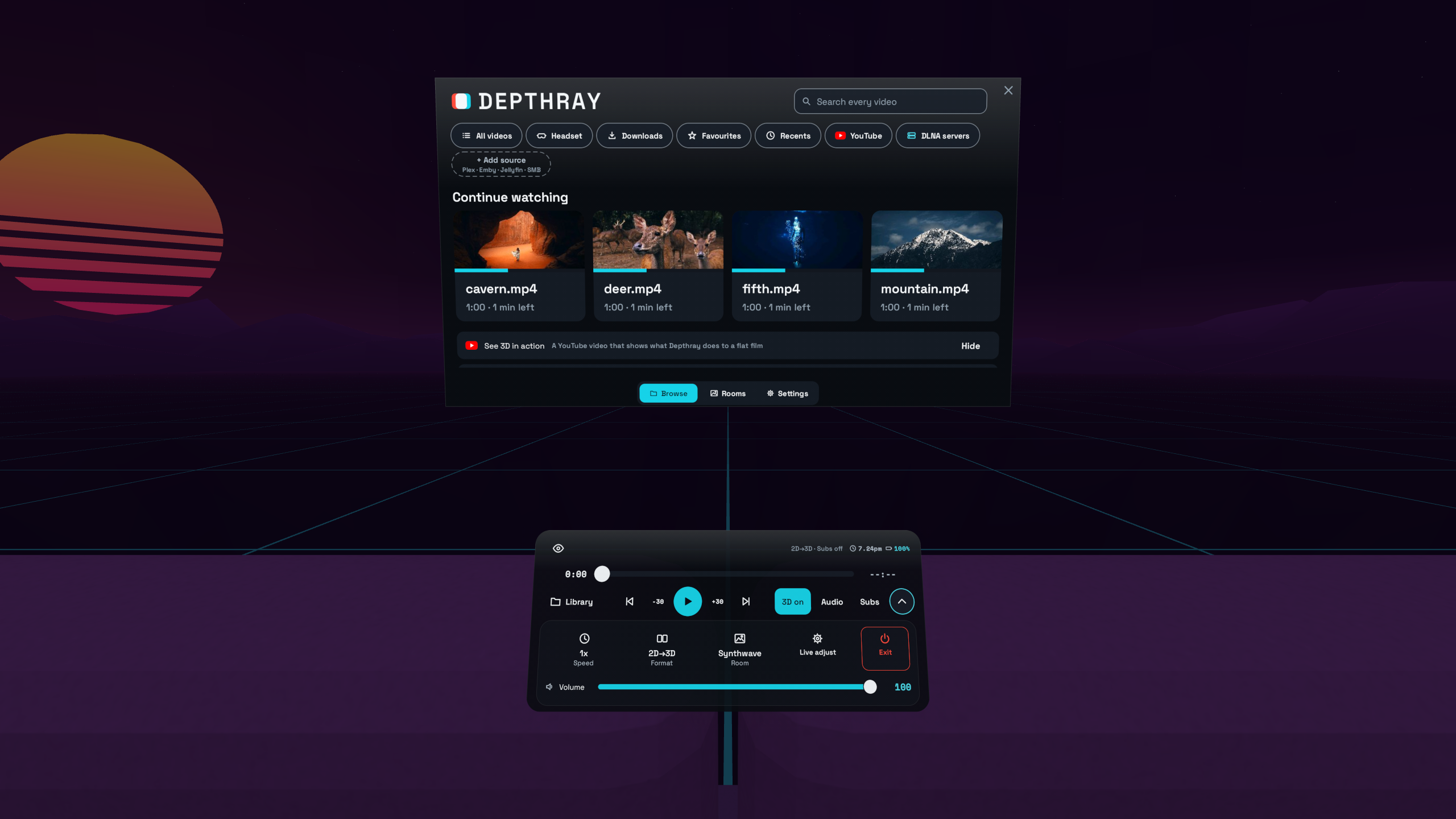
Depthray plays video on standalone headsets and converts flat video to 3D in real time, on the headset. No PC, no cloud, no pre-conversion. A depth network reads the picture as it plays and a warp synthesises the second eye. It plays local files, USB, SMB, WebDAV, DLNA, Emby, Jellyfin, Plex and YouTube, and has a built-in web browser. Native SBS, over-under, 180 and 360 play as they are. 5.1 and 7.1 tracks are rendered binaurally and locked to the world, so the centre channel stays on the screen when you turn your head. You can watch in passthrough, or a wide range of 3D environments with hands, eyes or controllers.
It is hands-first. From a cold start to a film playing, and through every setting, it works seated with a hand ray and a pinch, with no controller paired.
In passthrough, your real room becomes part of the film. Depthray reads the headset's room scan, so the screen can pin to a real wall and be there next time, its light falls on your walls and floor, your table holds the controls or a hologram of the film, your wall art becomes film posters, and real furniture stays in front of the picture.
Room scan: Depthray draws the room the headset scanned as glowing edges, a floor grid and names.
On my TV: the picture sits over the real TV in the room, in the film's shape.
Wall portal: a real wall opens onto a virtual cinema, its light falling into the room.
Real things in front: real things, like a hand, show over the picture.
The room joins in
The mixed reality effects take their colour, light and timing from the film that is playing, and their shape from your room.
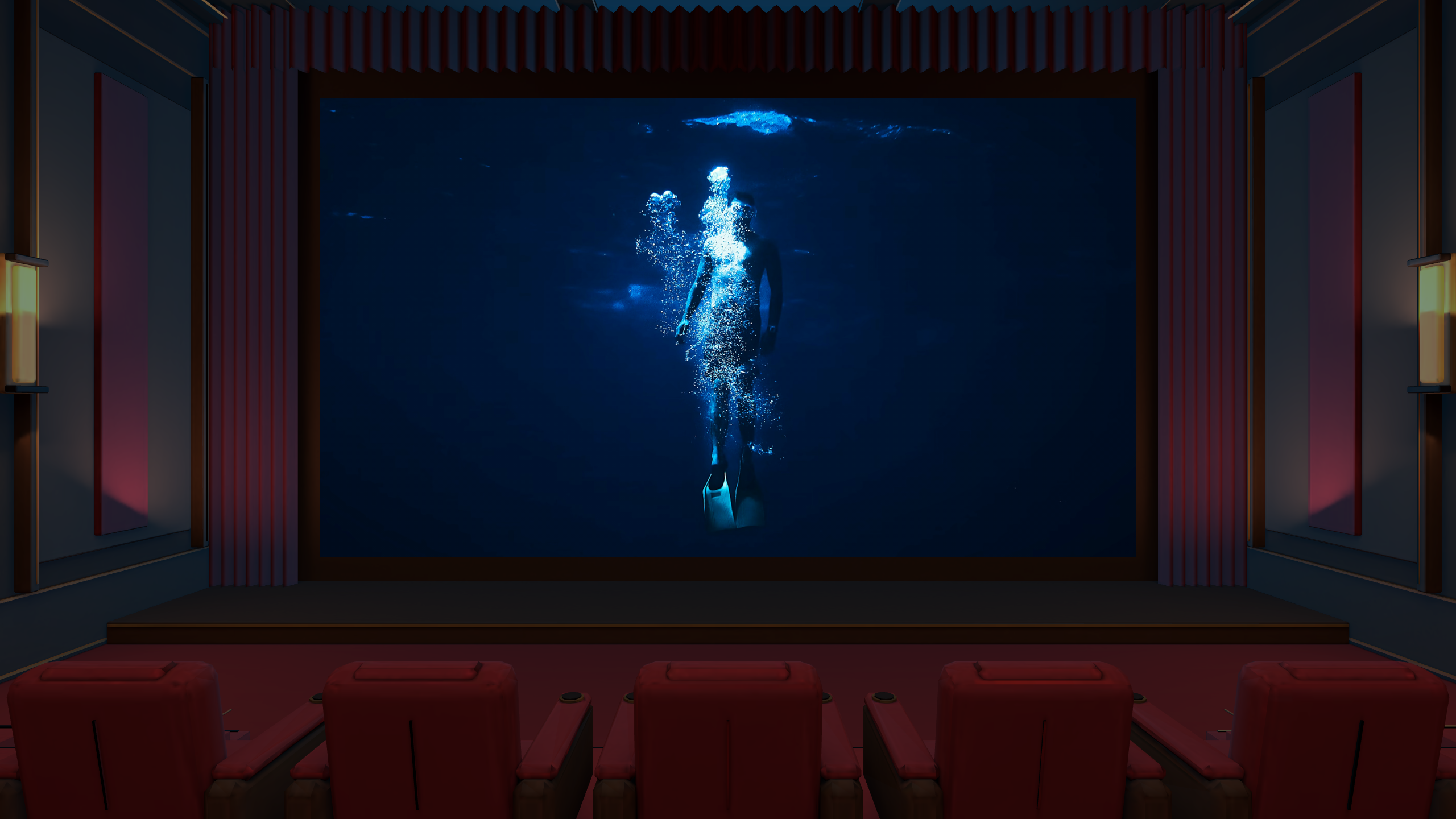
Cinema mode: the room is dressed as a cinema, with curtains, exit signs and lights that follow the film.
Mood lights: lamps placed around the room take the picture's colours.
Light strips: strips of light round the room in the picture's colours.
Film weather: snow, rain, embers or leaves from the film fall into the room.
Room pulse: rings of light move through the room in time with the film's sound.
Mirror ball: a mirror ball throws the picture's colours round the room.
Open sky: the ceiling opens to a night sky while a film is open.
How I built it
One hand-written OpenXR renderer in C, this allowed for the headroom needed to pull off the 3D conversion at a high quality and framerate. Video goes straight to the compositor as per-eye layers, so it is sampled once at native resolution. The default depth model (3 to choose from) is EdgePad, a 16:9 fine tune of ZipDepth, converted to fp16 LiteRT on the GPU with an int8 fallback. Media3 does playback, with AC3, DTS and TrueHD through a separately built FFmpeg module. Rooms are baked offline into ASTC atlases so they cost a known number of milliseconds. Hand tracking, eye gaze and controllers all supported.
The mixed reality mode uses Meta's scene, spatial anchor, environment depth and environment raycast extensions directly, with no engine in between. Each effect has a measured cost and is weighed against a 2.8 ms budget, so the frame rate holds.
Room outlines: the room drawn as glowing lines in the picture's colour.
I used AI coding tools throughout, and Meta VR CLI extensively for the mixed reality work, which let me build and test against the headset far faster than I could have alone.
Challenges I ran into
Getting a 3D depth model to run while rendering rooms and keeping frame rates high was a challenge that involved a lot of optimising and iteration, it's something I'm going to continue improving!
The Quest 2 and Quest 3 are very different chips. What runs comfortably on a Quest 3 falls over on a Quest 2, so I ended up with a smaller depth model and a reduced profile for the older hardware, and a lot of time making sure both still felt good. Things that look fine on a monitor often look wrong once you're wearing the headset, so everything had to be checked on my head before I trusted it.
Designing for hands changed the layout. A hand ray from your lap can't comfortably reach a panel low under the screen, so the controls moved to where a resting hand can reach them. With gaze and pinch it was easy to jump the timeline by accident, so seeking there takes two pinches.
Mixed reality has to work in rooms I have never seen. Real scans are rough, with gaps and clutter, so I built a tool that writes a stand-in scan of a small cluttered room and tested the effects against it as well as my own room.
Film posters: pictures on the walls become posters with stills from the film.
Screen stand: the screen gets a frame, a stand and a shadow on the wall behind.
Accomplishments that I'm proud of
Doing this as a solo dev, actually finally building and releasing my first app that I made which has been a dream for years and I have attempted many times but this time finally did it!!
Beyond that, the thing I'm proudest of is that the live 3D actually works. this is something I personally really wanted and use a lot now myself. Flat video goes in, 3D comes out, in real time on a Quest, with no PC and no waiting. A 4K60 film with 3D on holds the display rate on a Quest 3, and 24 fps content runs clean at 72 Hz. The surround sound stays locked to the screen when you turn your head, which still makes me smile every time.
And it's a proper player, not a demo. Local files, USB, network shares, Plex, Jellyfin, Emby and YouTube all work, with subtitles, resume and a file browser. The fact that people are already using this app literally makes my day every single day, it's a dream come true and I'm so happy other people can enjoy! Also, there's something that's just so uniquely magical in VR about creating a 3D space yourself and then actually being "there", like physically present in this digital space you imagined. It's an unbeatable feeling.
What I learned
Measure, don't guess! Every performance claim in this project has a number from the headset next to it, and most of my guesses were wrong. A hand-written renderer is more work up front and cheaper every day after. I've learned a lot personally about time management, delivering a project on your own watch and also the additional work that goes into getting something out there that's beyond just the software itself. It's been very humbling but super enjoyable.
I also learned that supporting hands properly is a design job, not just another input. It changed where everything goes.
What's next for Depthray
Better rooms is a big one, along with more optimisation, more video format support, and hopefully improved 3D depth models in the future. Tuning for Meta VR Glasses and more room-aware mixed reality effects are next too. The dream is to be involved with the creation of the depth inference model itself, I think this tech is so incredibly interesting and has so much potential to keep improving.

