-
-
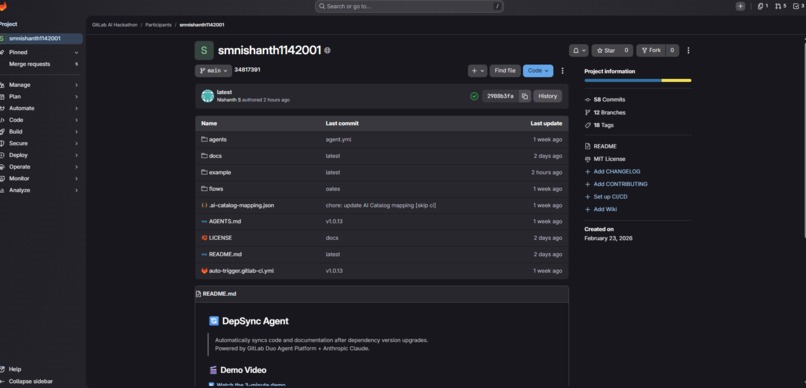
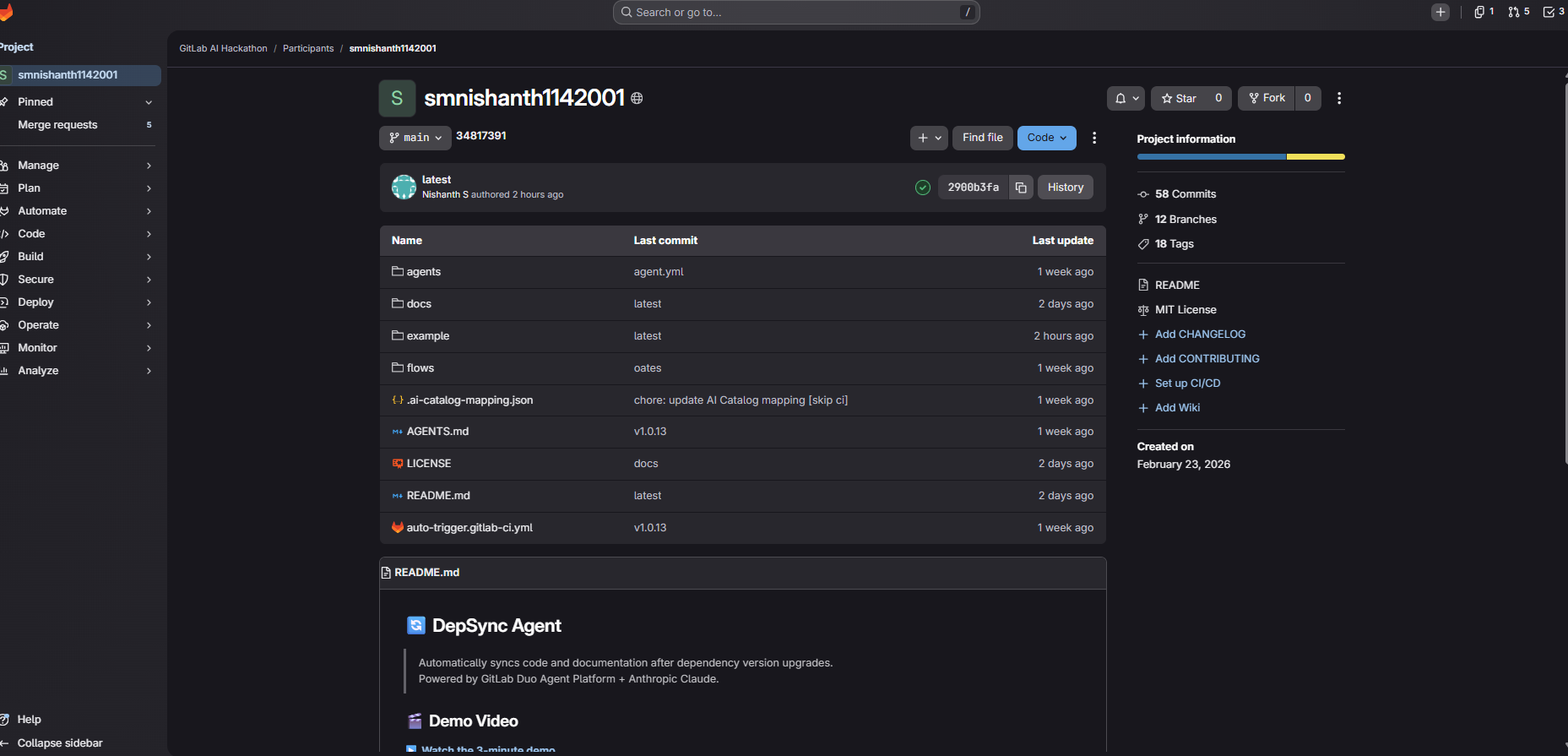
Project Repository
-
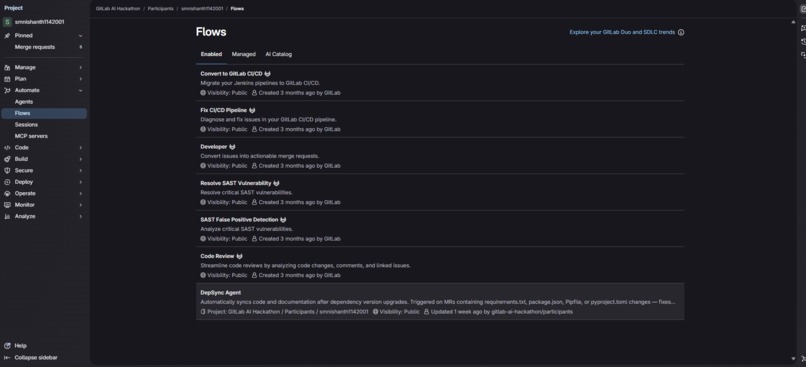
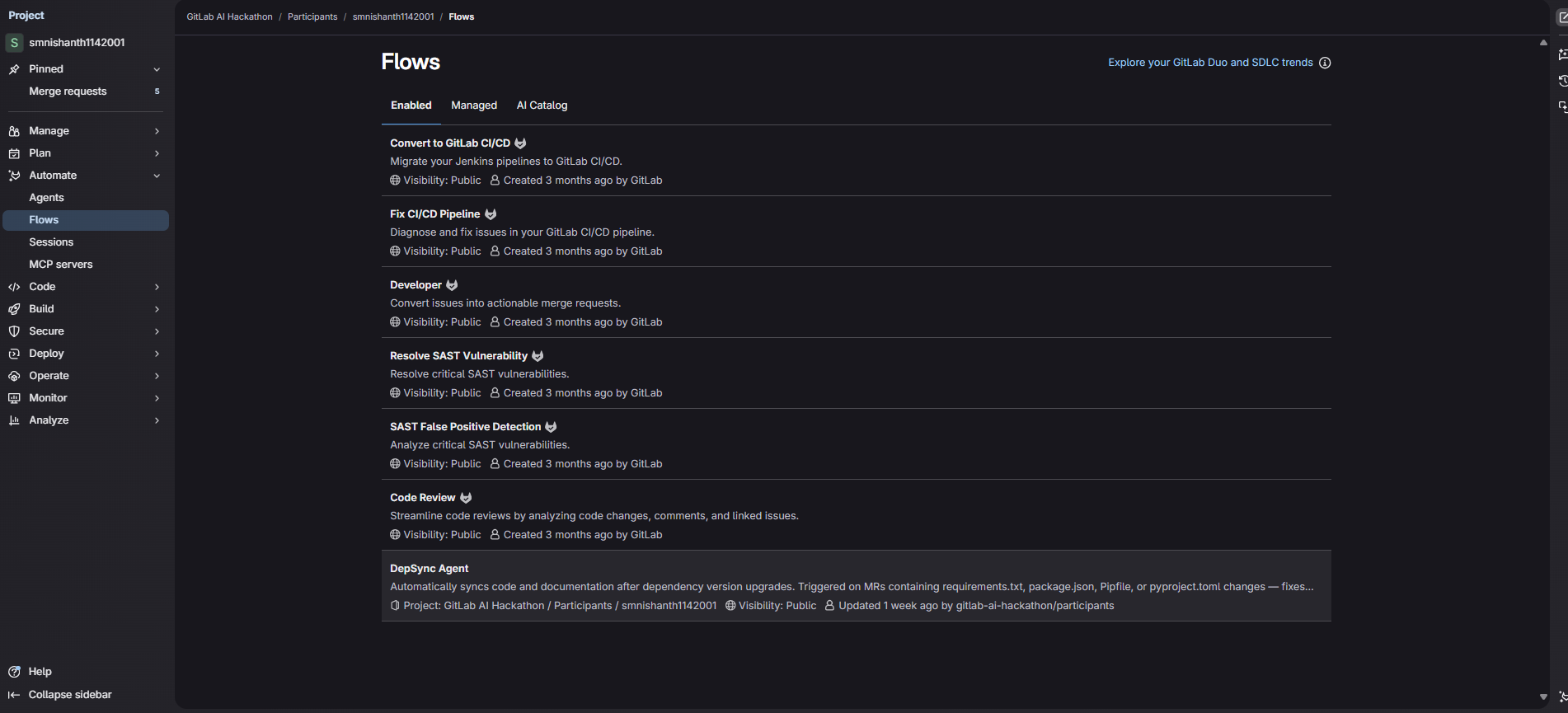
Automate->Flows->DepSync
-
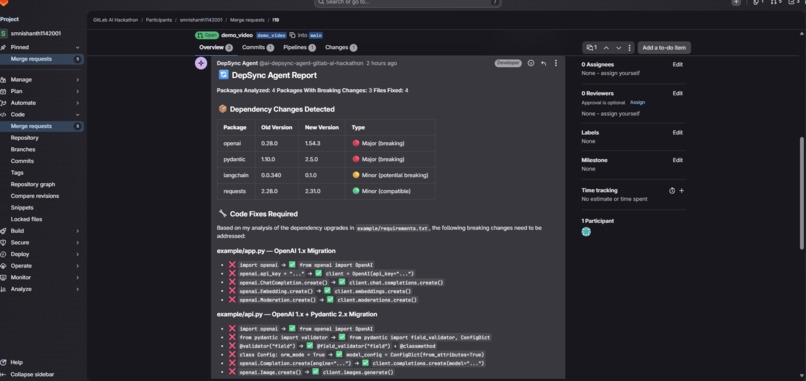
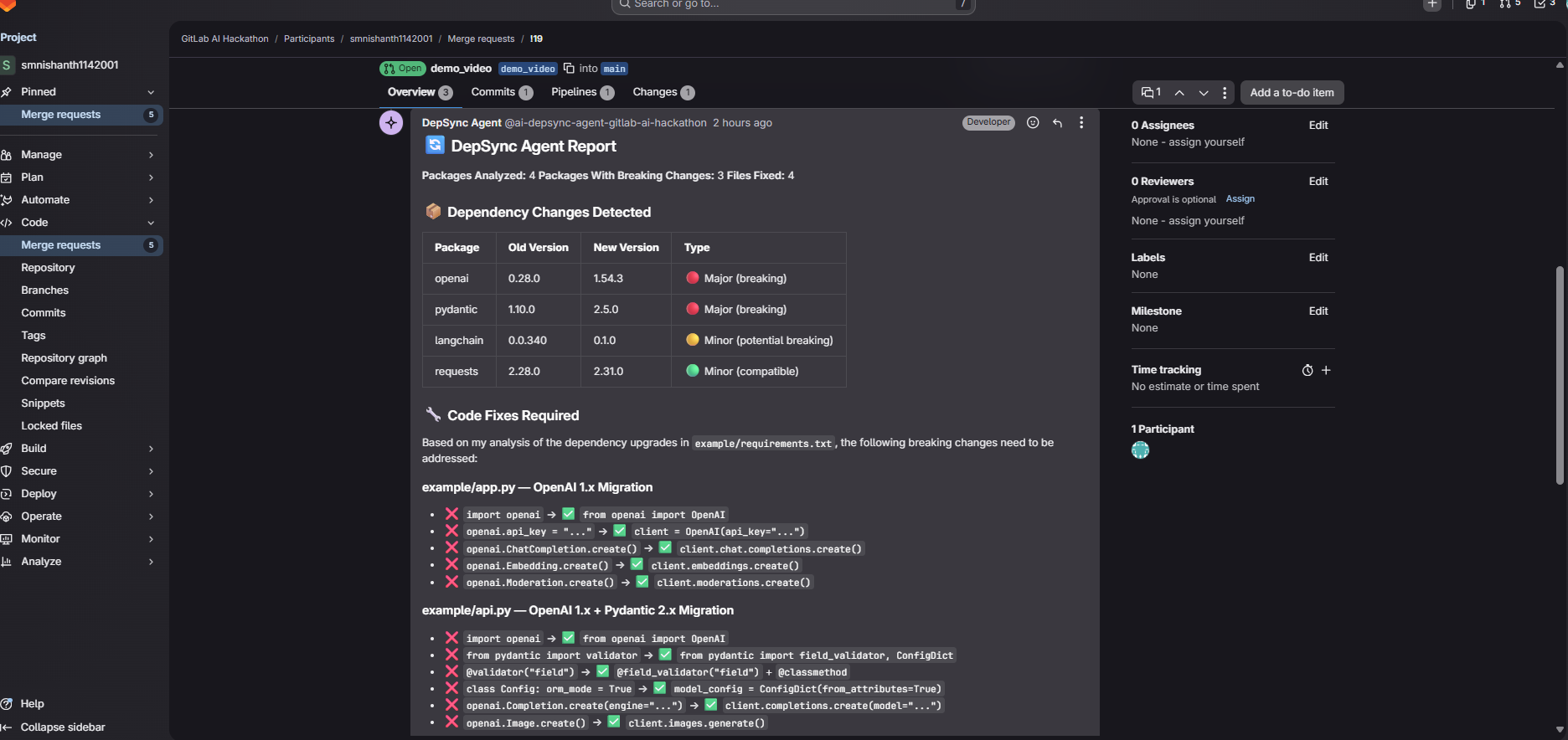
Agent Report
Inspiration
Every developer has felt this pain: you upgrade a dependency like openai from v0.28 to v1.54, and suddenly your entire codebase breaks. Every file that imports the package uses the old API. Your README still tells users to install the outdated version. Tools like Dependabot and Renovate bump the version number — but nobody fixes the actual code and docs automatically.
That's the gap DepSync fills.
What It Does
DepSync Agent automatically syncs code and documentation after dependency version upgrades. When a developer upgrades a package in requirements.txt or package.json and opens a Merge Request, DepSync:
- Detects which packages were upgraded and their versions
- Scans the entire codebase for every affected file
- Fixes broken imports and deprecated API calls
- Updates documentation with new versions and examples
- Commits all fixes to the MR branch
- Posts a detailed report as an MR comment
The developer just reviews and merges. Main branch never sees broken code.
How I Built It
Built as an ambient flow on the GitLab Duo Agent Platform using Anthropic Claude as the AI backbone.
The flow uses 10 GitLab tools:
get_merge_request— extracts source branch for commitslist_merge_request_diffs— reads dependency file changesgrep+find_files— locates all affected filesread_file+edit_file— reads and applies fixescreate_commit— pushes fixes to MR source branchcreate_merge_request_note— posts formatted report
Claude's built-in knowledge of breaking changes across 20+ packages handles the actual fix logic — no external APIs needed.
Two trigger modes are supported:
- Manual — comment
@ai-depsync-agent-gitlab-ai-hackathon please sync dependencieson any MR - Automatic — CI pipeline detects dependency changes and triggers DepSync automatically
Challenges
The biggest challenge was getting the agent to reliably identify the correct project ID and MR source branch. GitLab's ambient flow context required explicitly declaring project_id as an input using context:project_id — without this declaration, the template variable {{project_id}} would crash the workflow before it even started.
The second major challenge was preventing the agent from looping endlessly when tool calls failed. Implemented a strict 20-tool-call budget and anti-loop rules in the prompt, plus fallback strategies for every critical step.
What I Learned
- How to build production-ready ambient flows on GitLab Duo Agent Platform
- The importance of explicit context passing in flow inputs
- Prompt engineering for reliable, non-looping agent behavior
- Fallback strategies make agents robust in real-world conditions
What's Next
- Deeper changelog analysis for unknown packages
- Support for Ruby gems, Cargo, and Go modules
- Slack/Teams notifications when fixes are committed
- PR summary generation for code review ```
Built With
- anthropic-claude
- gitlab-ci/cd
- gitlab-duo-agent-platform
- javascript
- python

Log in or sign up for Devpost to join the conversation.