-
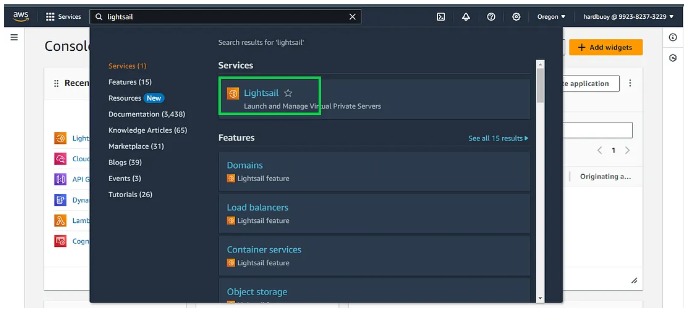
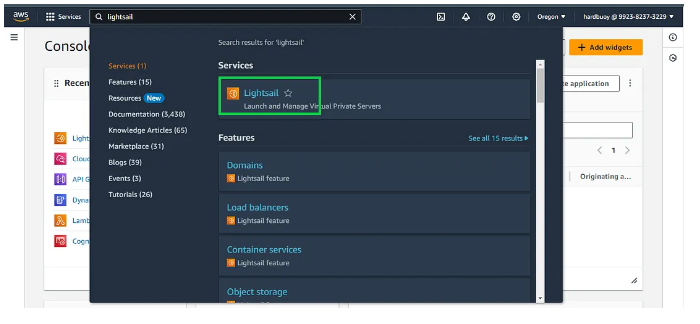
Lightsail console
-
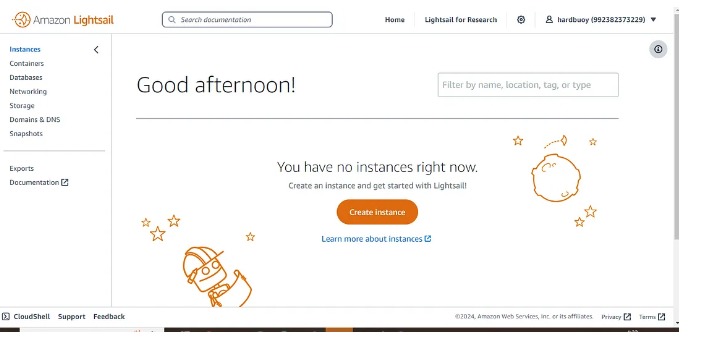
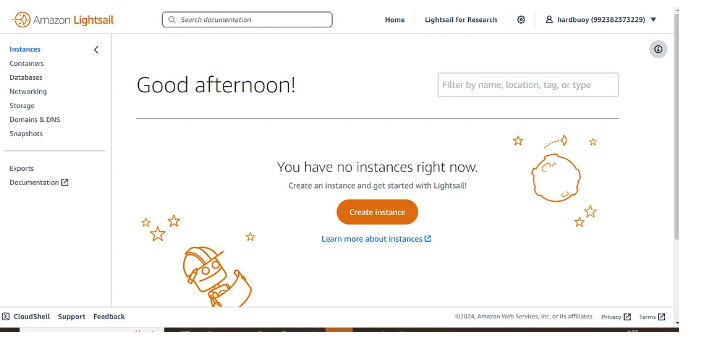
Create an instance
-
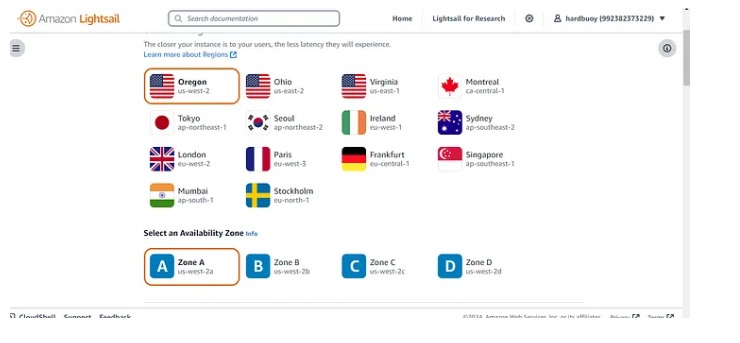
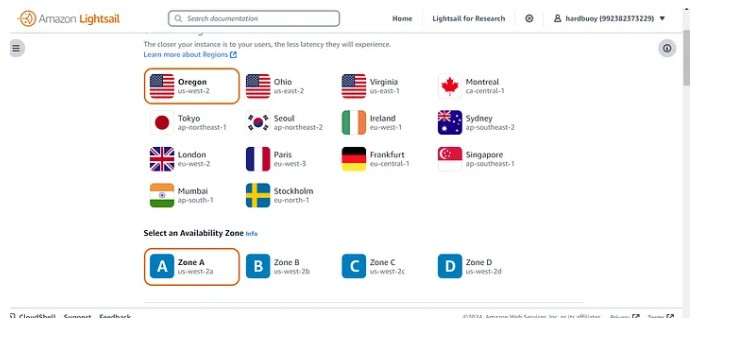
choose region and availabity zone
-
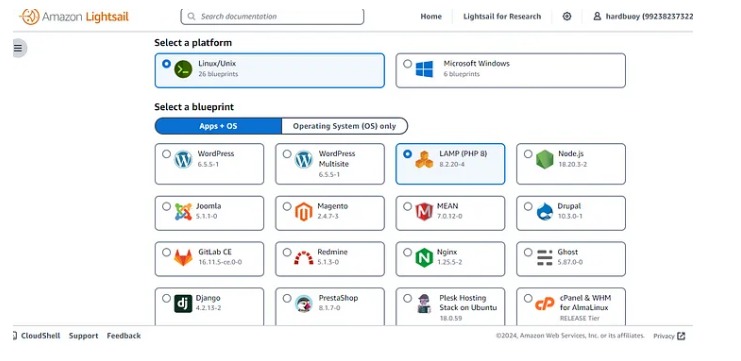
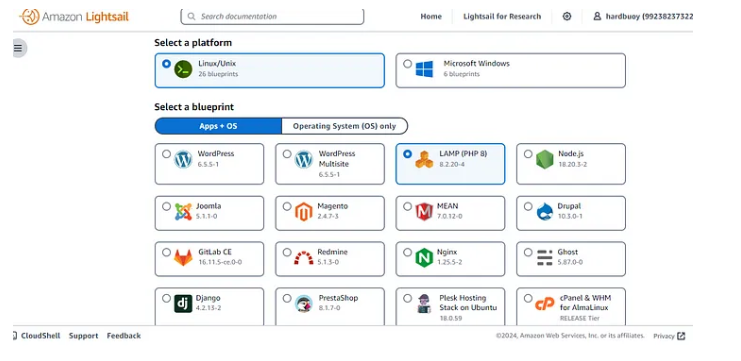
Retain linux as platform and choose lamp php-8
-
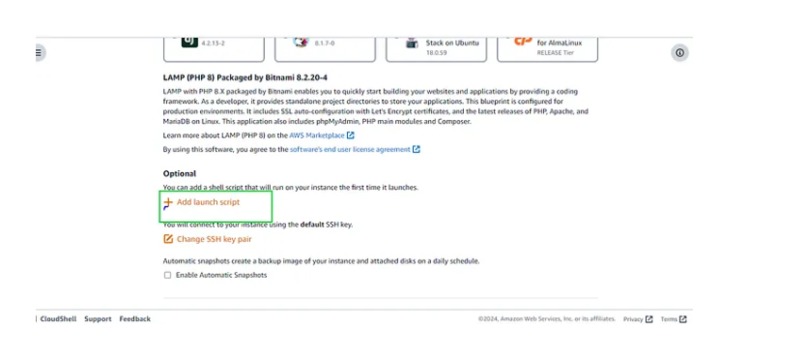
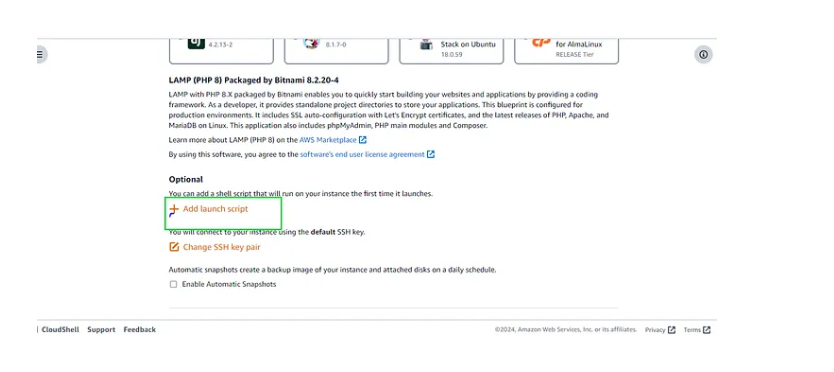
Add lauch script
-
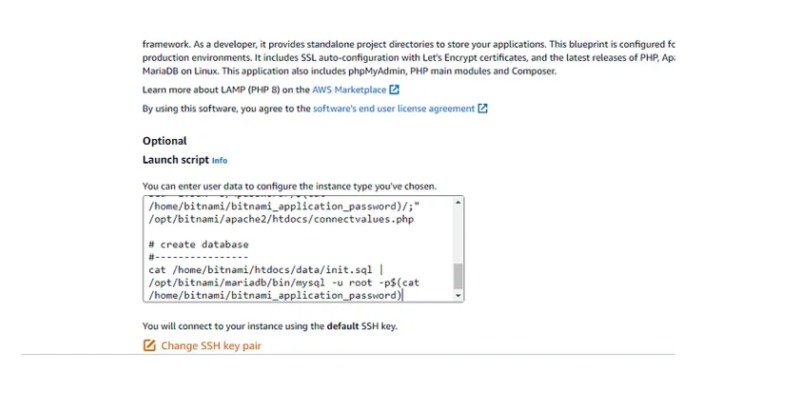
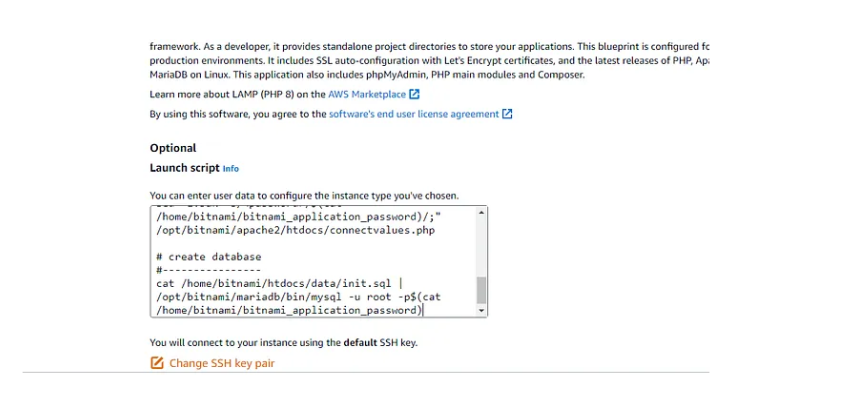
paste script into lauch script text box
-
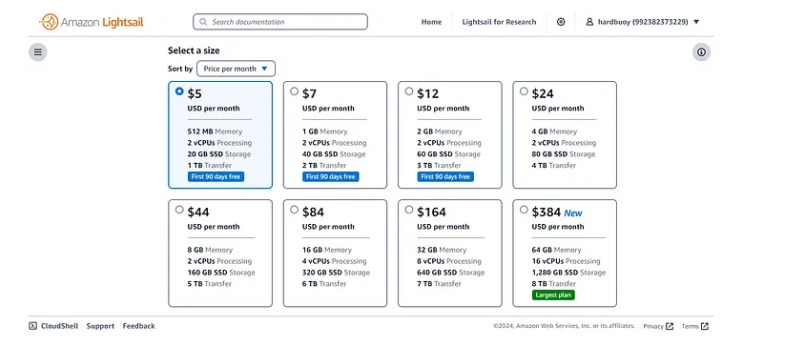
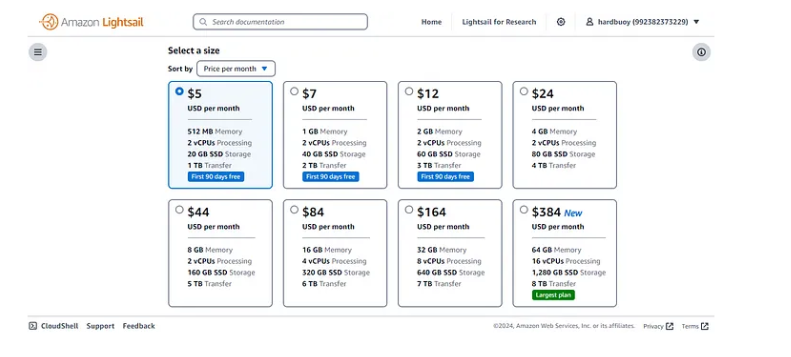
choose free tier instance plan
-
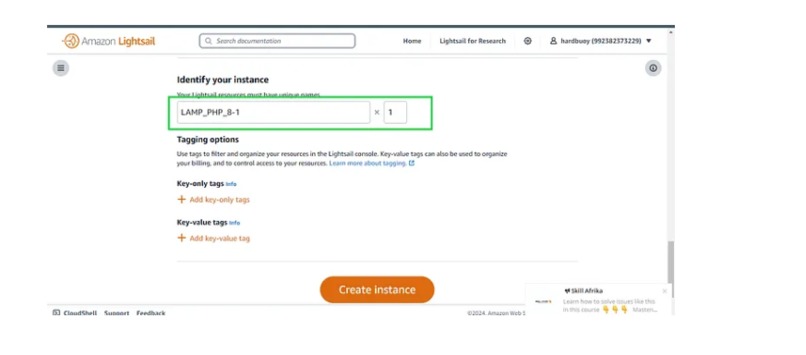
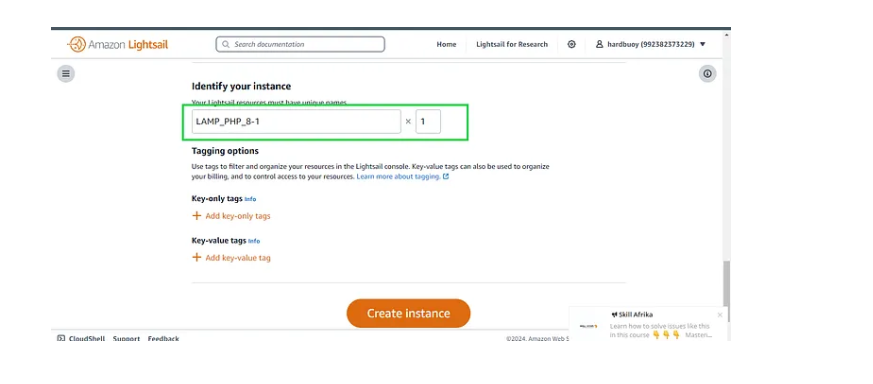
enter name of instance
-
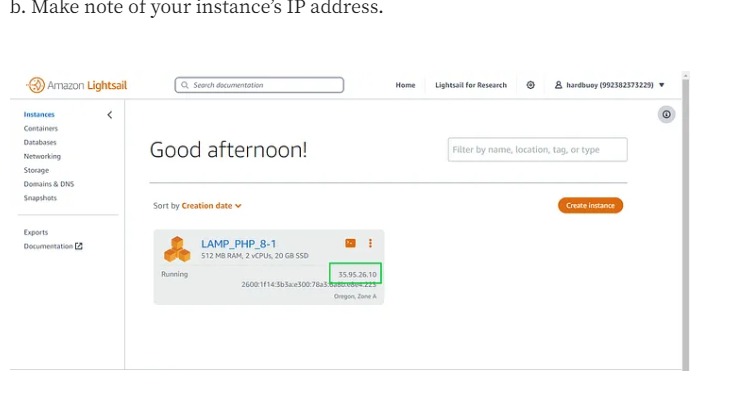
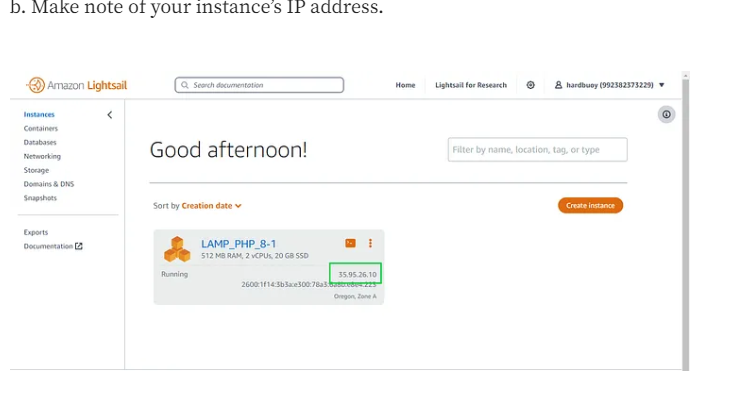
copy instance ip address into browser
-
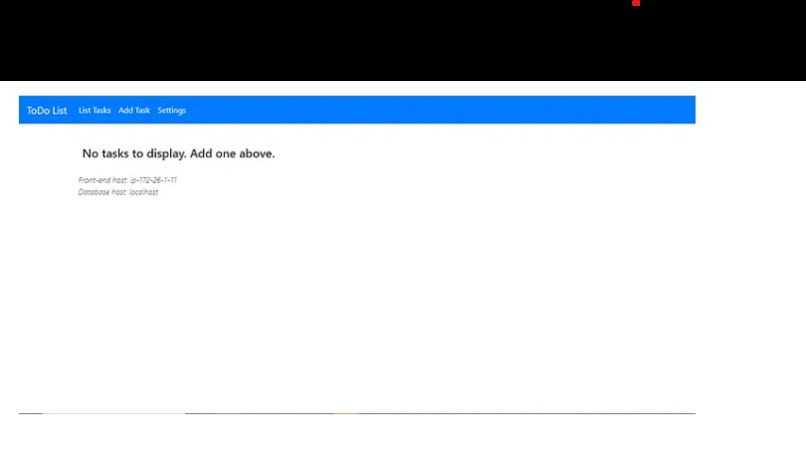
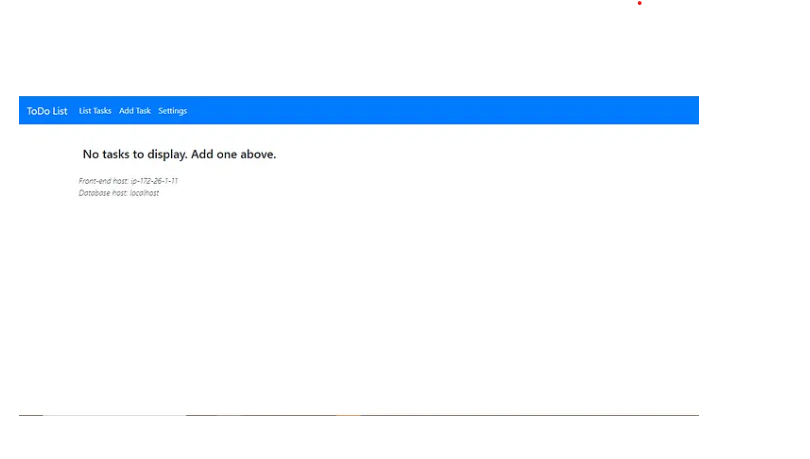
application up and running
Inspiration
Challenge myself
What it does
Deploys a Lampstack application to amazon lightsail
How we built it
Created an aws account and navigate to lighsail console Create an Amazon Lightsail instance chose an aws region and availabity zone Retained Linux/Unix as the platform and under Select a blueprint chose LAMP (PHP 8) Chose +Add launch script Pasted the script below into the launch script text window Choose the free tier instance plan Gave a name to my instance and chose create instance It will take 2–3 minutes for your instance to start up Copied instance’s IP address and pasted in a browser Voila! application was up and running
Accomplishments that we're proud of
Deployed an application to amazon lightsail
What we learned
Amazon Lightsail is one of the easiest ways to get started on AWS. It offers virtual servers, storage, databases, and networking, plus a cost-effective, monthly plan.
