-
-
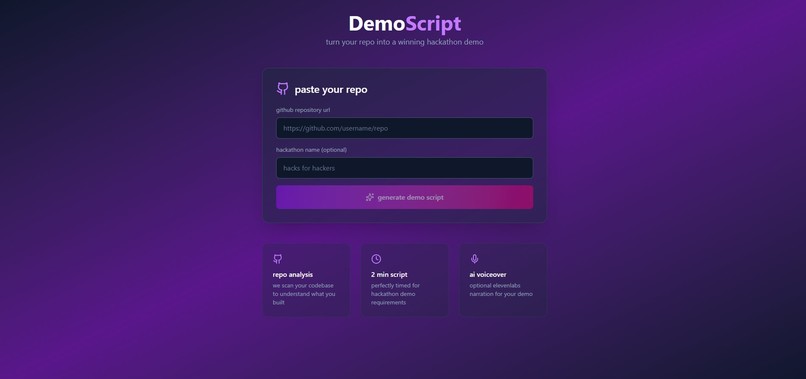
Webpage
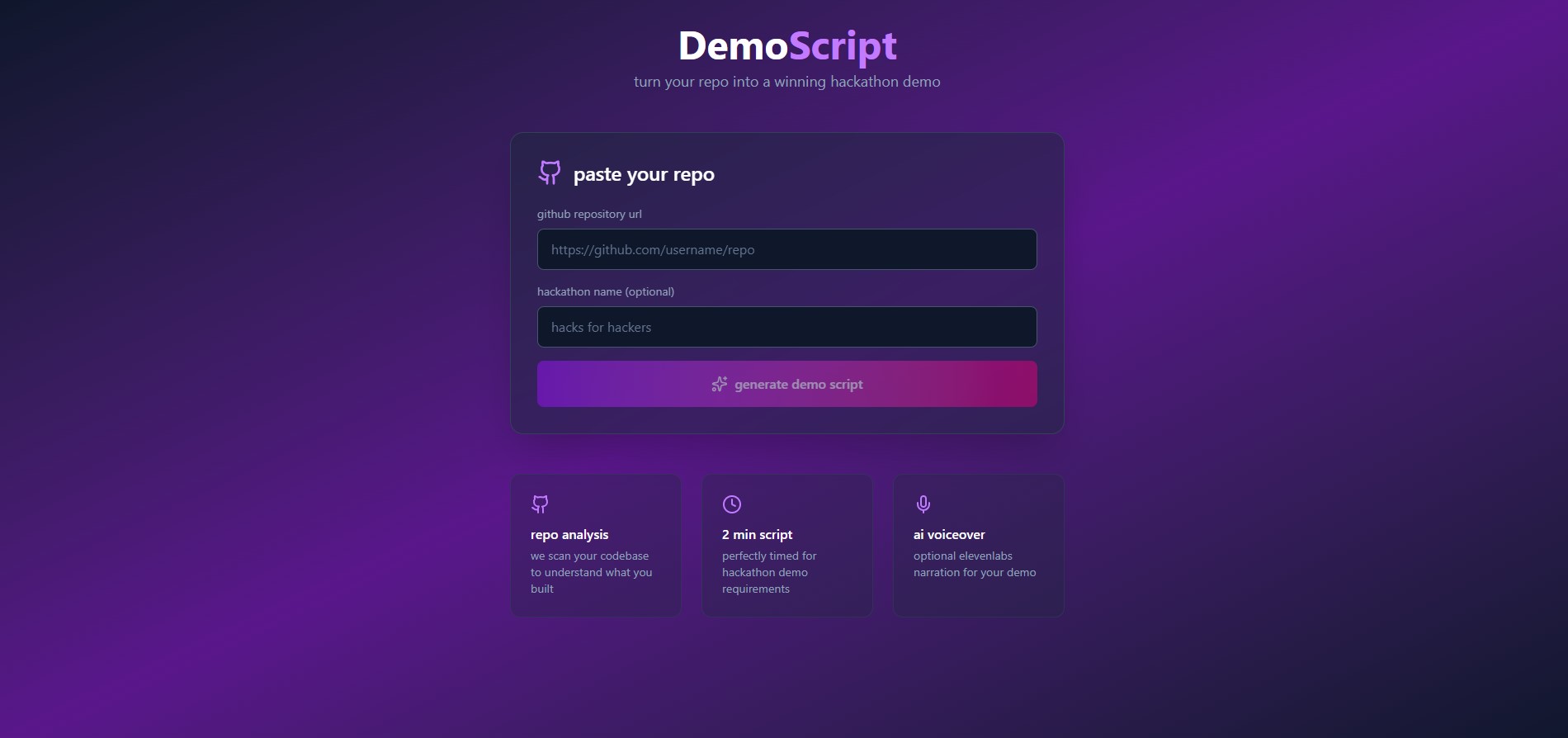
Inspiration
If you've ever done a hackathon, you know the feeling. You just finished building something cool, but now you have like 30 minutes to make a demo video. You're sitting there staring at nothing, trying to figure out what to say and how to make it sound good. I built DemoScript to solve that problem for myself and every other hacker out there.
What it does
DemoScript looks at your GitHub repo and writes a 2-minute demo script for you. You just paste your repo URL, click a button, and it gives you a full script with a hook, problem, solution, features, tech stack, and a closing. Ready to read and record.
How I built it
- Frontend: React with Vite and Tailwind CSS
- Backend: Express.js server that talks to GitHub and handles the AI stuff
- AI: Google Gemini API (gemini-2.5-flash) reads through your codebase and actually understands what you built
- Smart Analysis: It pulls your README, package.json, and source files to get the full picture
Challenges I ran into
- Hit Gemini API quota limits and had to try different model versions until one worked
- Getting the prompt right so the scripts sound like a real person talking, not a robot
- Making sure the script length actually fits in 2 minutes when you read it out loud
Accomplishments I'm proud of
- The scripts genuinely sound human
- Works instantly with any public GitHub repo
- The timestamps in the output make recording way easier
What I learned
- Prompt engineering matters a lot. Small changes make a big difference
- Gemini is surprisingly good at understanding code
- Building dev tools is fun
What's next for DemoScript
- Adding ElevenLabs for voice generation so you get audio too
- Letting users customize the tone and style
- Supporting private repos with GitHub login
Built With
- express.js
- github
- google-gemini-api
- node.js
- react
- tailwind-css
- vite


Log in or sign up for Devpost to join the conversation.