-
-
Report
-
Thumbnail
-
Storyboard
Inspiration
A short software demo is a sequence of promises: save something, reload the page, and show that it is still there. A feature list alone does not explain whether that result was actually observed, whether the data was simulated, or whether the promise changed after the last rehearsal.
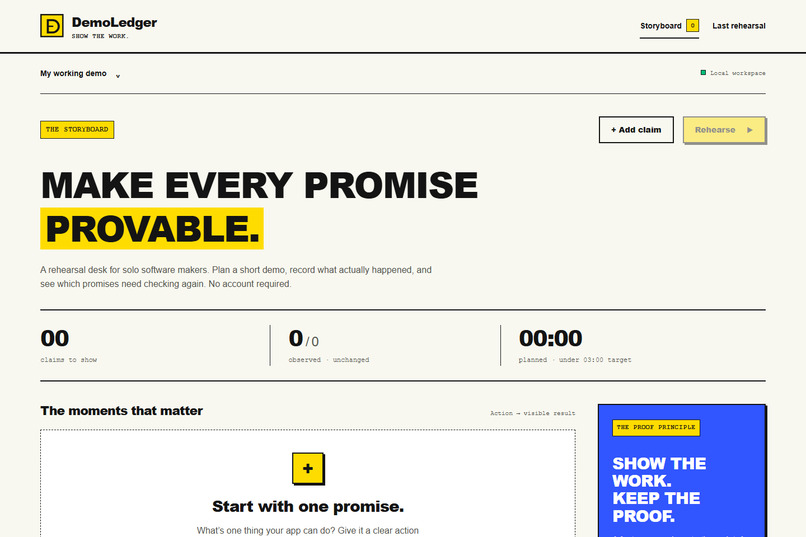
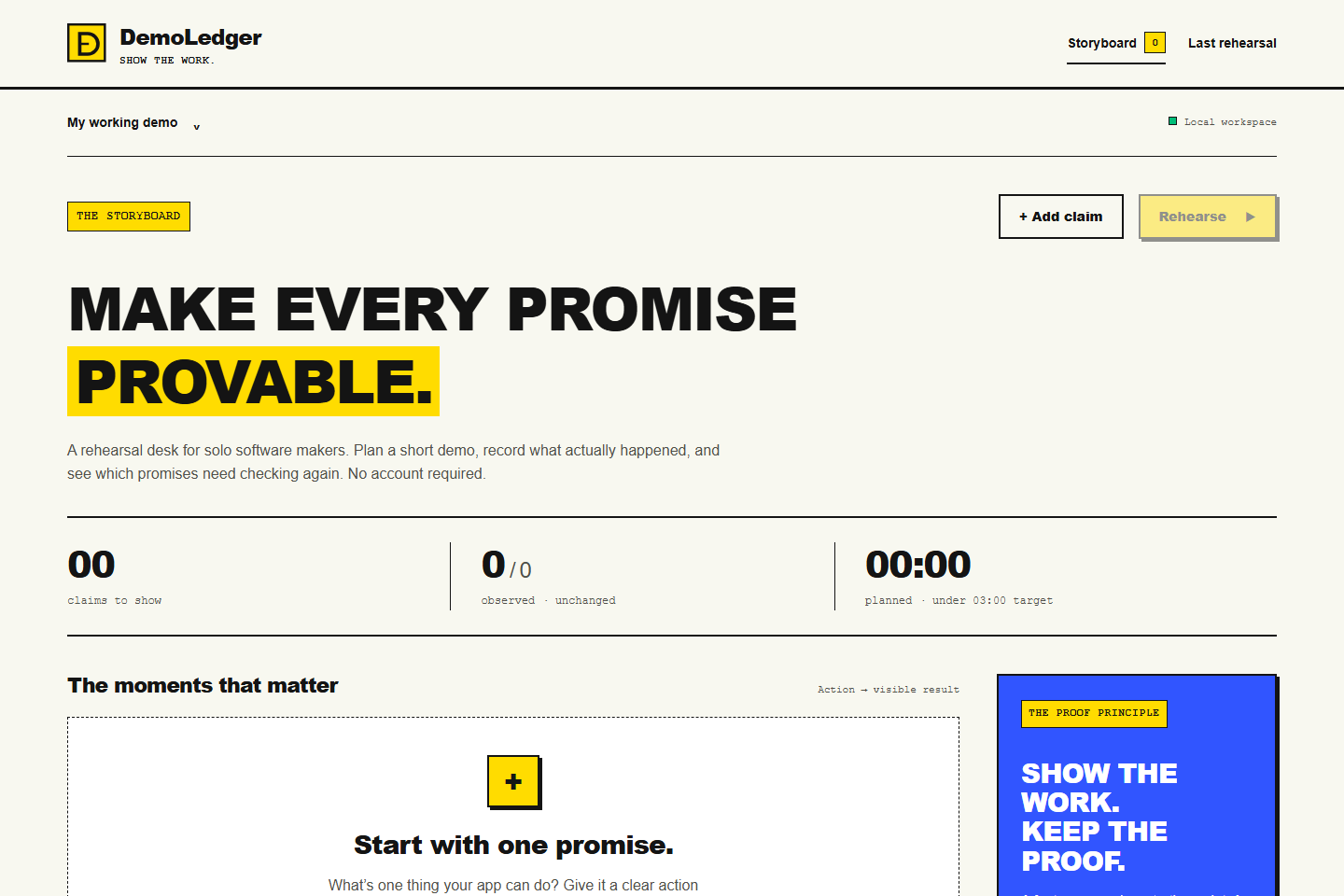
DemoLedger gives solo software makers a focused rehearsal desk for preparing a clear and credible demonstration.
What it does
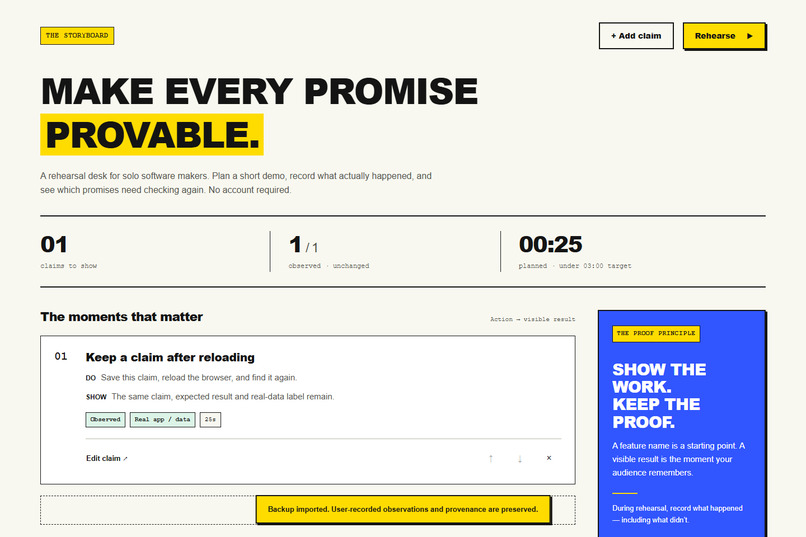
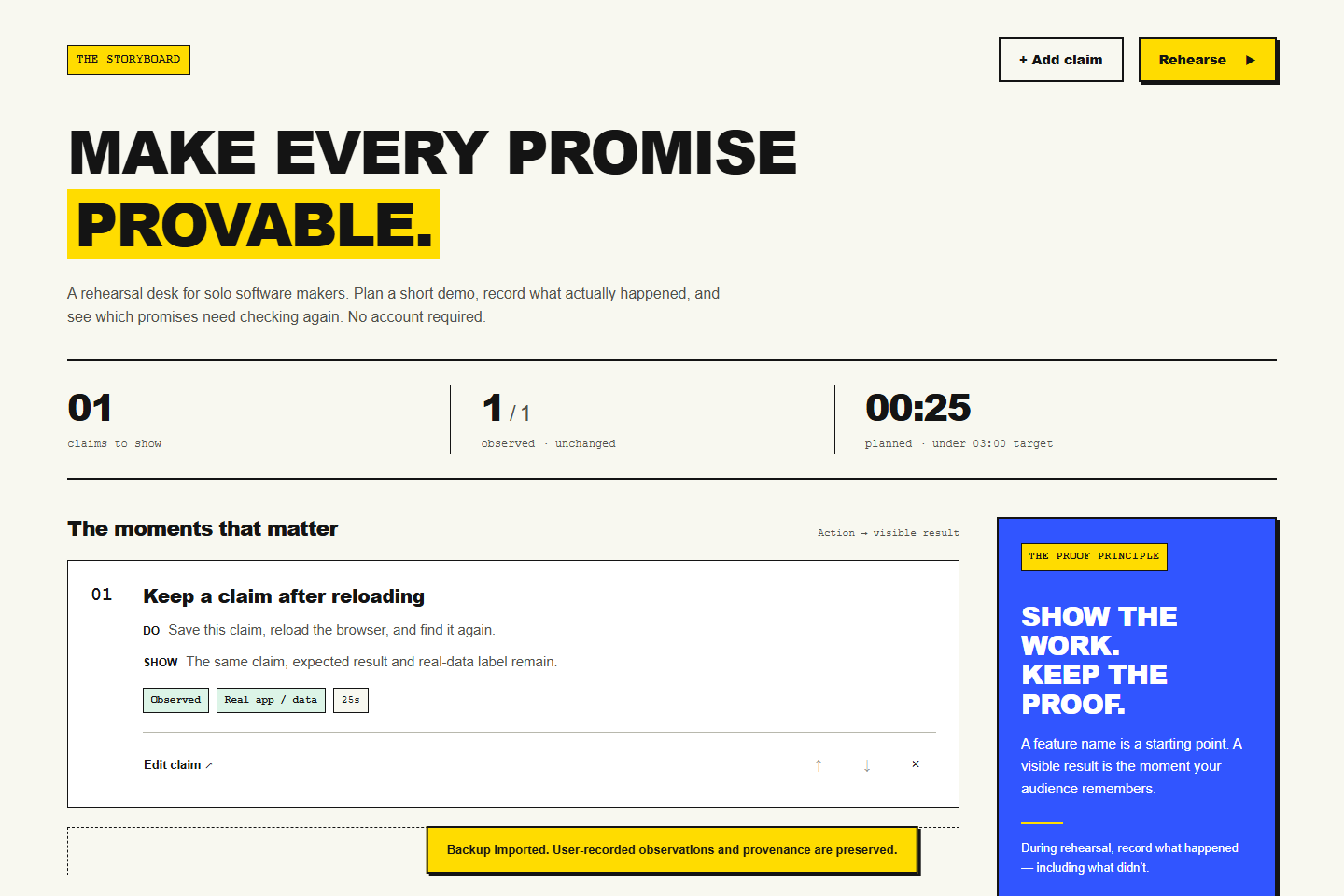
DemoLedger connects each promise to an action, an expected result, a time allowance, and a real, sample, or mock data label.
The core journey is simple:
- Define what the application should demonstrate.
- Specify the action and visible result.
- Rehearse the demonstration.
- Record what actually happened.
- Review the outcomes and identify what needs checking again.
- Export a report or backup.
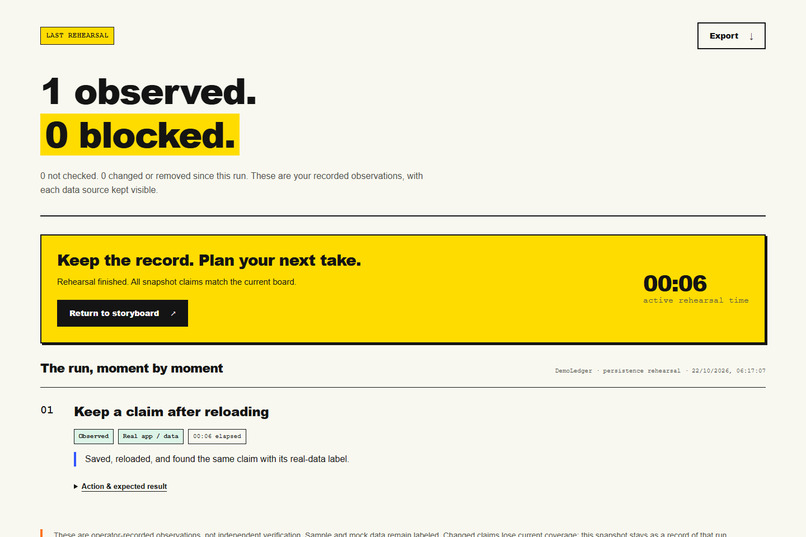
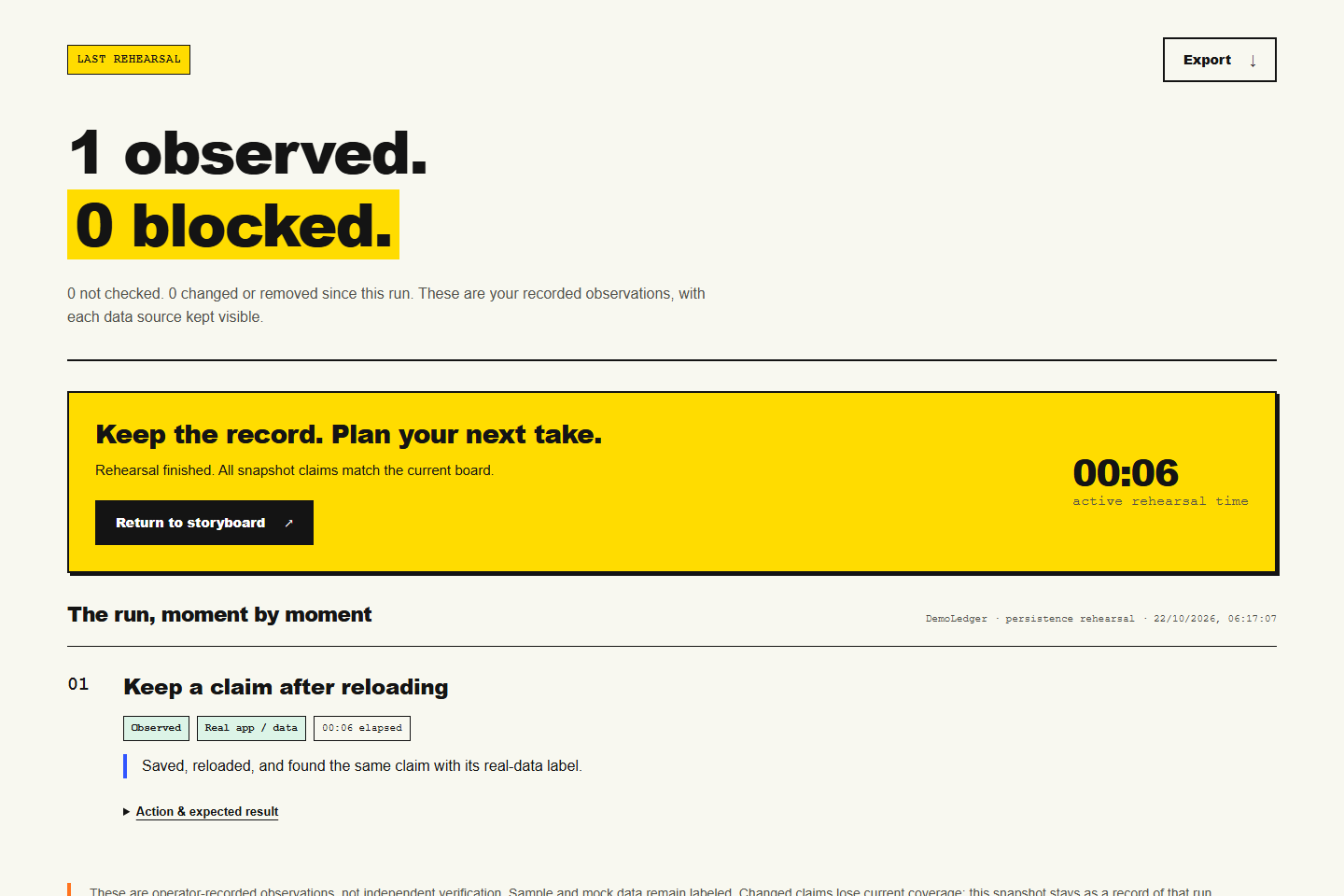
Observed and Blocked outcomes require a note. Skipped steps remain Not checked. A pauseable timer and an under-three-minute planning target help keep the demonstration focused.
The last rehearsal is preserved as a snapshot. Current coverage only counts observed claims that still match that snapshot. Editing a claim's title, action, expected result, timing, or data source invalidates its previous coverage. Sample and mock observations never count toward real-data coverage.
The application opens without registration or an API key. A clearly labeled fictional example board lets visitors explore the workflow. Boards stay in the visitor's browser, with JSON export and import for portable backups and Markdown export for readable rehearsal records.
How it was built
DemoLedger started from an empty application directory during the hackathon.
The Devpost Learn Skill Pack structured the scope, product requirements, technical specification, implementation checklist, verification, and delivery preparation. The public repository includes scope.md, prd.md, and spec.md under devpost/, together with a checklist, code map, and all six pinned official skills.
Implementation was delegated to an AI coding agent under autonomous instructions. That workflow is disclosed in the planning documents. Learner-led interviews and personal learning checkpoints that did not occur are not claimed.
The application uses HTML, CSS, and native JavaScript modules. A separate domain module handles validation, rehearsal snapshots, evidence freshness, and report generation. Node.js provides the local server and domain tests. Playwright checks browser interactions, while Vercel hosts the static application without server functions or an application database.
The interface follows a consistent visual direction: cream backgrounds, bold black typography, yellow primary actions, square borders, hard shadows, and restrained blue accents.
Challenges
A readiness review found a persistence problem that the original checks had missed. A board could pass validation and save successfully, yet exceed the backup parser's 256 KiB limit. The application could then reject its own valid data after a reload.
A regression test reproduced the failure before the fix. The revised allowance accommodates the bounded data model, including full rehearsal snapshots, multibyte Unicode, and JSON-escaped text. Browser checks verify that previously oversized records can be restored, saved, exported, imported, and reloaded without truncation.
Another challenge was keeping observations meaningful after edits. Exact comparison between the current claim and its recorded snapshot prevents an old observation from silently supporting a changed promise.
What is working
The complete create, save, reload, rehearse, report, export, and restore journey is implemented.
Verification includes:
- 15 passing domain tests.
- 14 passing local browser tests.
- 13 passing applicable browser tests against the public deployment.
- Responsive checks at 320, 390, 768, and 1440 pixels.
- Checks for invalid imports, storage failures, recovery, conflicting tabs, keyboard interaction, and stale evidence.
The updated demo video is 1 minute 54 seconds long. It shows actual application behavior, including persistence, required observations, exports, coverage invalidation, and backup restoration.
Starting at approximately 1:20, the video explains the build through actual project evidence. Scope, PRD, and spec excerpts lead into the snapshot comparison in model.js, the freshness regression, and output from a fresh passing test run. This section is labeled as recorded source and test evidence, not a live coding session.
Engineering lessons
Validation, persistence, export, and restore must agree about what valid data means. A successful save is insufficient if the application cannot read the result back.
The same principle shapes DemoLedger: expected behavior and observed behavior should remain distinct, and changed promises need fresh checks.
Clear access and presentation also matter. Visitors can immediately see who the application is for, understand the main workflow, and start using it without creating an account.
What's next
The next step is hands-on feedback from solo makers preparing real demonstrations, particularly whether the coverage labels and next actions are easy to understand.
DemoLedger currently supports one local board and one last-run snapshot. Observations are manual records, not independent or automatic verification. Real-user impact and time savings have not yet been measured.
Try it
Website: https://demoledger-one.vercel.app
Source code: https://github.com/duclucky/demoledger
MIT license: https://github.com/duclucky/demoledger/blob/master/LICENSE
Built With
- css3
- html5
- javascript
- node.js
- playwright

Log in or sign up for Devpost to join the conversation.