-
-
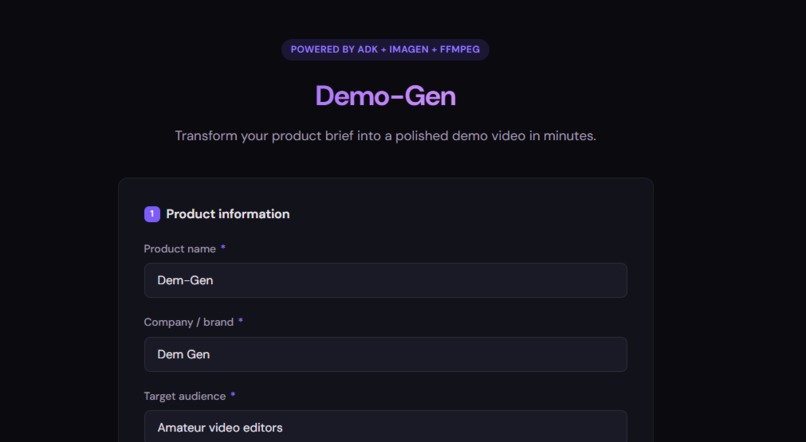
product info upload page
-
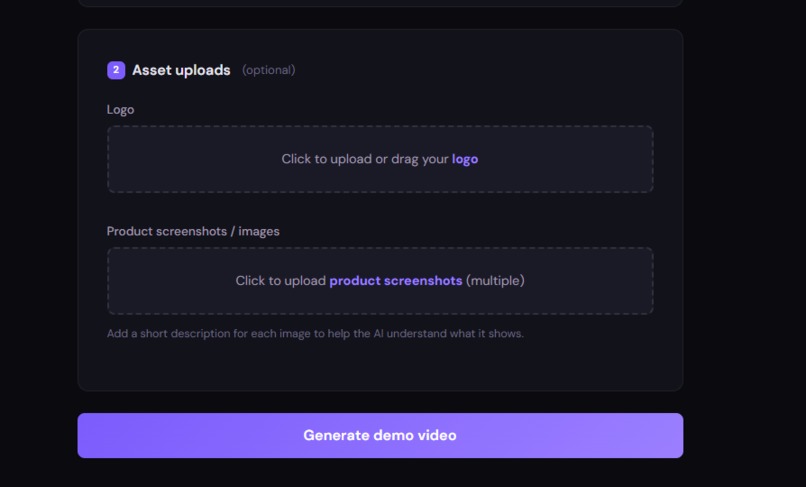
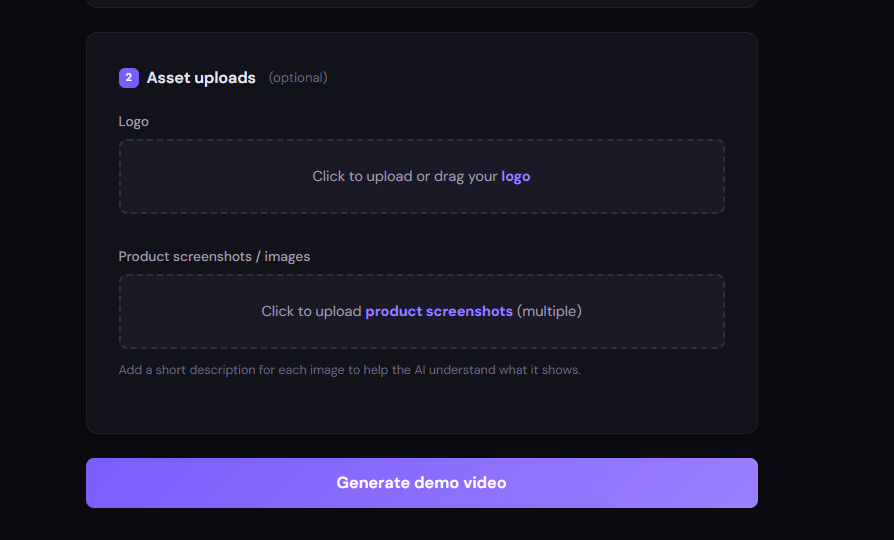
product asset upload page
-
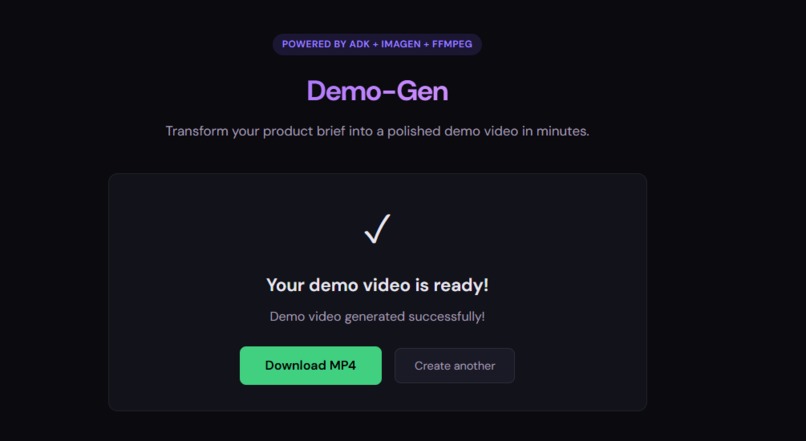
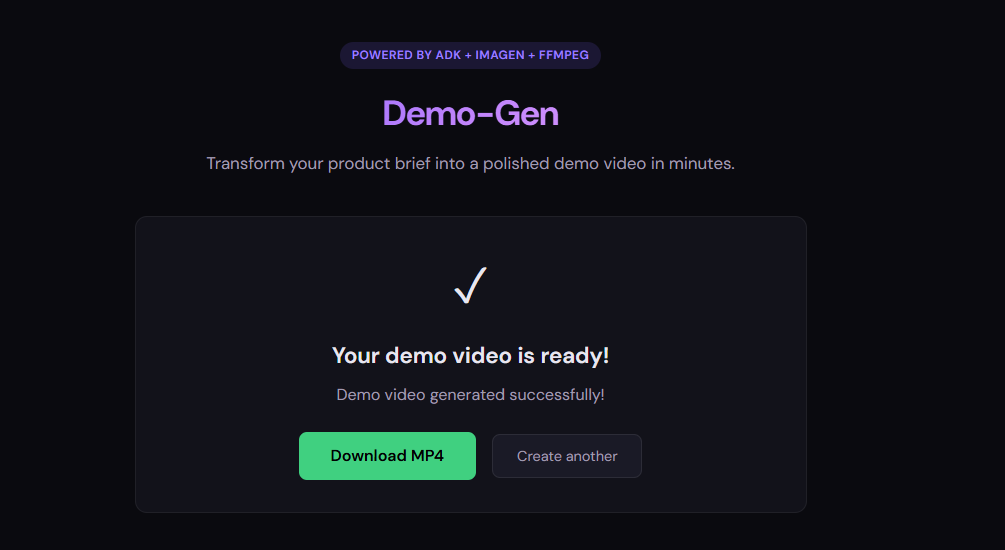
demo video download page
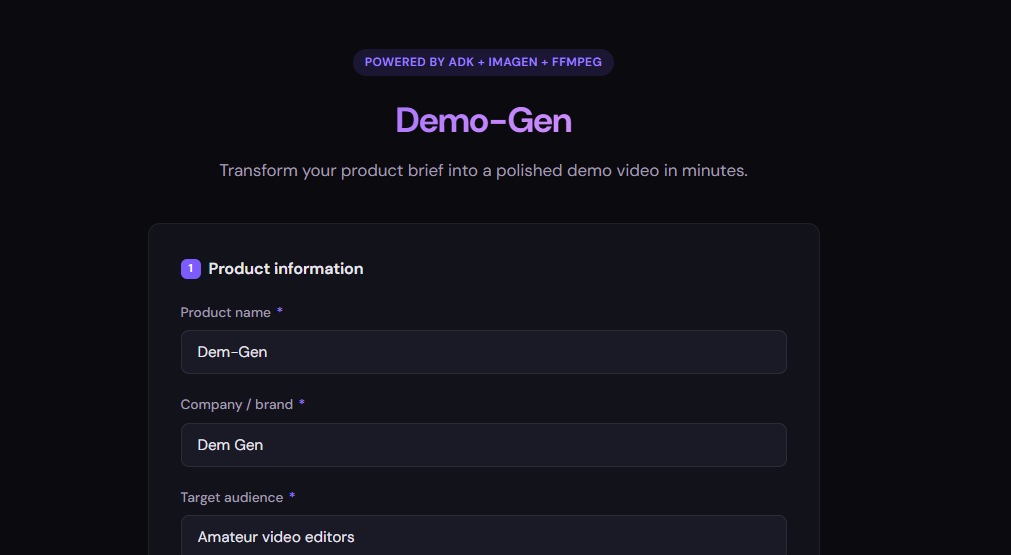
Inspiration
Creating demo videos for a product shouldn't require professional editing skills or expensive software. As developers and founders, we've all been there, you have a great product but need a quick, polished demo video for a landing page, pitch deck, or social media. Hiring a video editor or learning complex tools like After Effects for a 30-second clip feels like overkill. We wanted to make demo video creation as simple as filling out a form. The Demonstration Video for this hackathon submission was done with Demo-gen
What it does
Demo-Gen transforms a simple product brief into a professional demo video in minutes, fully automated. Users provide their product name, description, target audience, call-to-action, and optionally upload screenshots and a logo. The system then:
Writes a scene-by-scene video script tailored to the product Generates custom marketing visuals for each scene using AI Synthesizes natural-sounding voiceover narration Mixes in background music with proper fade-in/fade-out Stitches everything into a downloadable MP4 video The entire process runs autonomously: no editing timeline, no drag-and-drop, no manual work.
How we built it
Demo-Gen is powered by a multi-agent pipeline built on Google's Agent Development Kit (ADK), with each agent handling a specialized stage:
ScriptPlanner Agent: Takes the product brief and generates a structured 4–6 scene plan with image prompts, voiceover scripts, and timing.
ImageGenerator Agent: Creates scene visuals using Gemini 3's native image generation, producing marketing-quality images from text descriptions.
VoiceoverGenerator Agent: Synthesizes narration audio using Gemini 2.5 Flash TTS with natural-sounding voices.
QA Loop (Critic + Regenerator): Validates that all assets were generated correctly and re-creates any that failed.
VideoAssembler Agent: Uses FFmpeg to stitch images into video clips, merge audio tracks, mix in background music, and produce the final MP4.
The backend is a FastAPI application with async background processing. Final videos are stored in Google Cloud Storage and served via signed URLs. The whole system is containerized with Docker and deployed on Google Cloud Run.
Challenges we ran into
FFmpeg complexity: Getting FFmpeg to properly handle image-to-video conversion, audio concatenation, background music mixing with fade effects, and final muxing took significant trial and error. The command-line flags are powerful but unforgiving.
Audio-video sync: Early versions had videos cutting off while the voiceover was still playing because we used planned durations instead of actual audio durations. We solved this by probing each audio file's real length with ffprobe and using the longer of planned vs actual duration.
Concurrent API calls: Running parallel agents caused TLS connection failures under Python 3.14. We switched to sequential asset generation for reliability.
Cloud deployment: Configuring Cloud Run with the right timeout (15 min for long pipelines), memory allocation for FFmpeg processing, and GCS integration for persistent file storage required careful tuning.
Accomplishments that we're proud of
Built a fully working end-to-end pipeline, from text input to downloadable video, with no human intervention, Successfully orchestrated 5+ AI agents working together using Google ADK, Integrated background music mixing with professional fade-in/fade-out effects, Deployed to Google Cloud Run with Cloud Storage integration for production use, Created a clean web UI where anyone can generate a demo video in minutes
What we learned
How to architect multi-agent systems using Google's ADK framework, designing agent responsibilities, managing shared state between agents, and handling failures gracefully Cloud deployment of AI agent pipelines on Google Cloud Run, including container optimization, environment configuration, and GCS integration FFmpeg's powerful but complex audio/video processing pipeline: from image loops to audio mixing to MP4 muxing The importance of using real audio durations rather than estimates for video synchronization
What's next for Demo Gen
Faster generation: Optimize the pipeline to reduce end-to-end time by parallelizing where possible and caching common assets.
Video input support: Allow users to upload short video clips alongside screenshots for richer, more dynamic demos.
Professional transitions: Add Ken Burns effects (zoom/pan on images), cross-fade transitions between scenes, and text overlay animations.
Template system: Pre-built video styles (startup pitch, product launch, tutorial walkthrough) that users can choose from.
Voice cloning: Let users upload a voice sample to generate narration in their own voice.
Built With
- adk
- fast-api
- ffmpeg
- google-cloud
- python

Log in or sign up for Devpost to join the conversation.