-
-
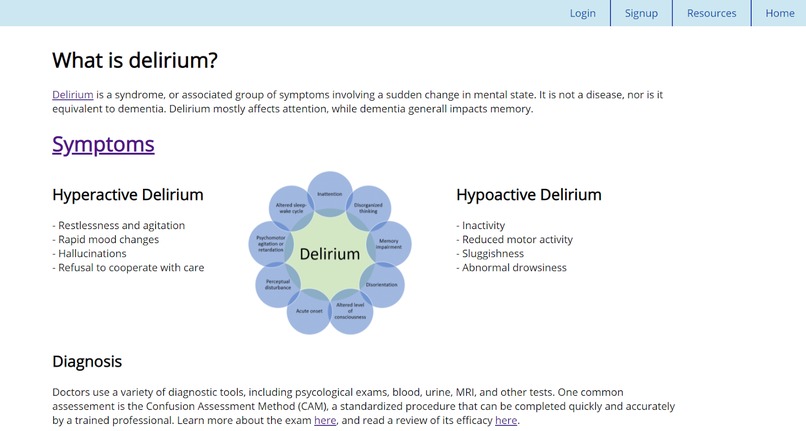
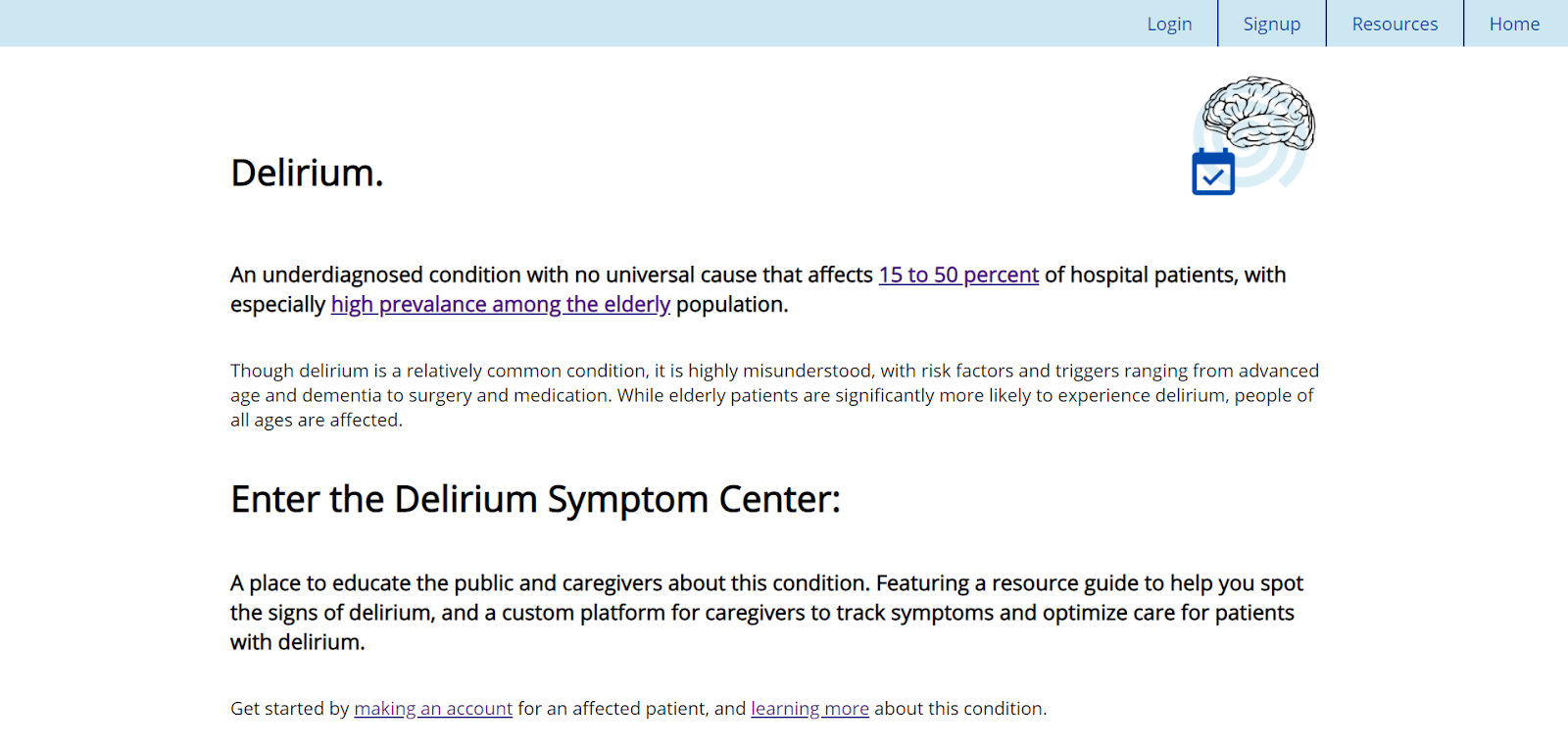
Home page
-
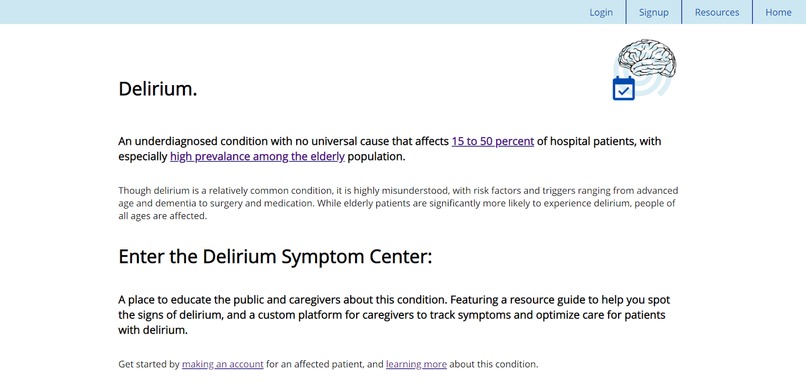
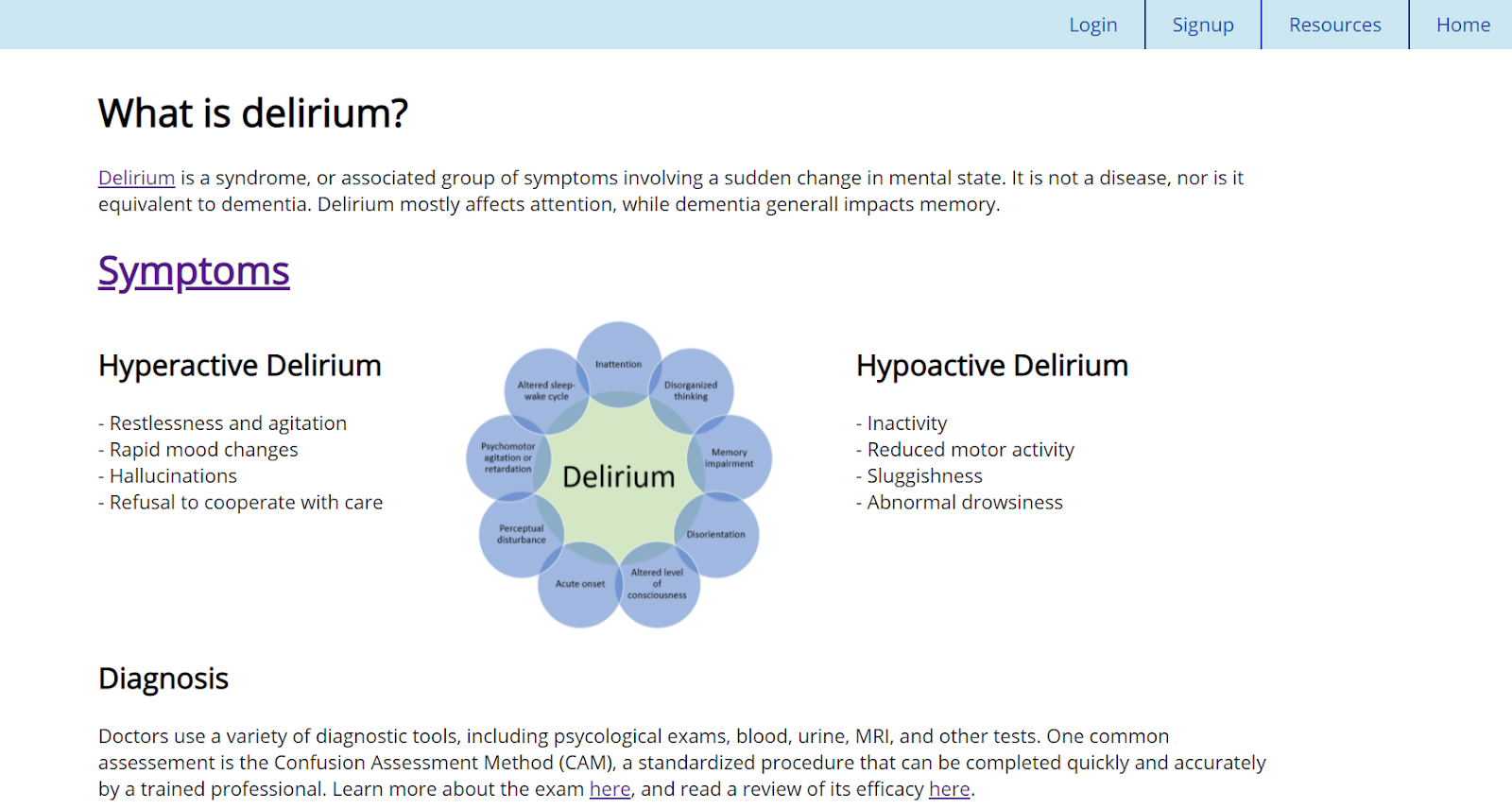
About delirium: resources page
-
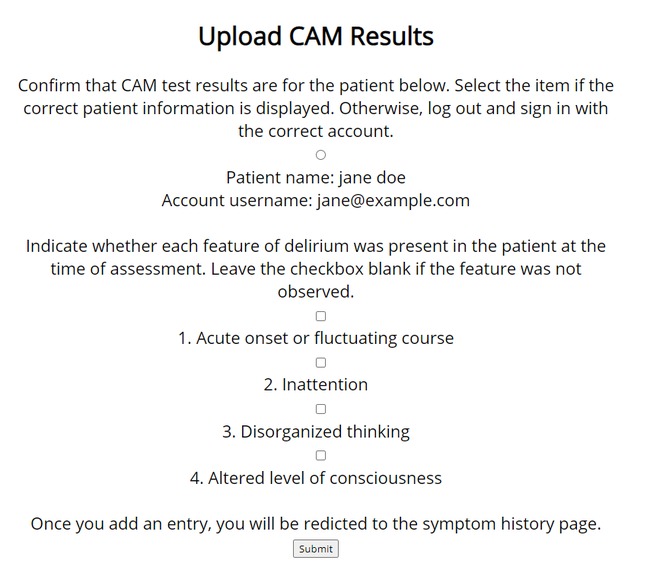
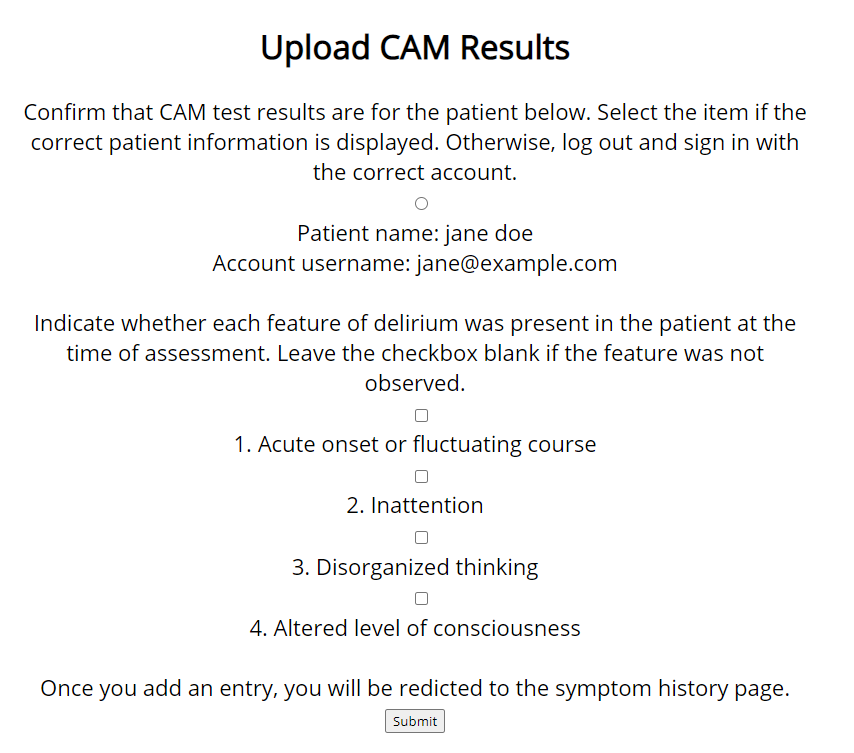
Upload test results
-
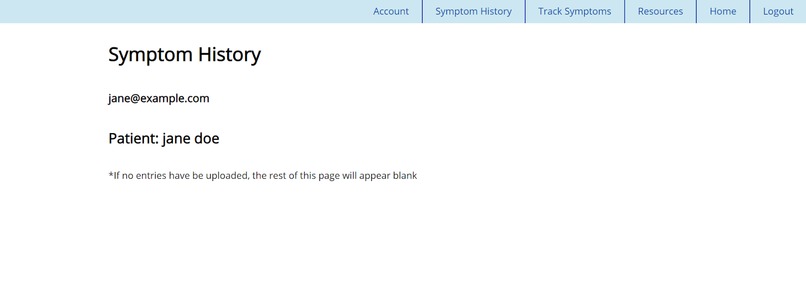
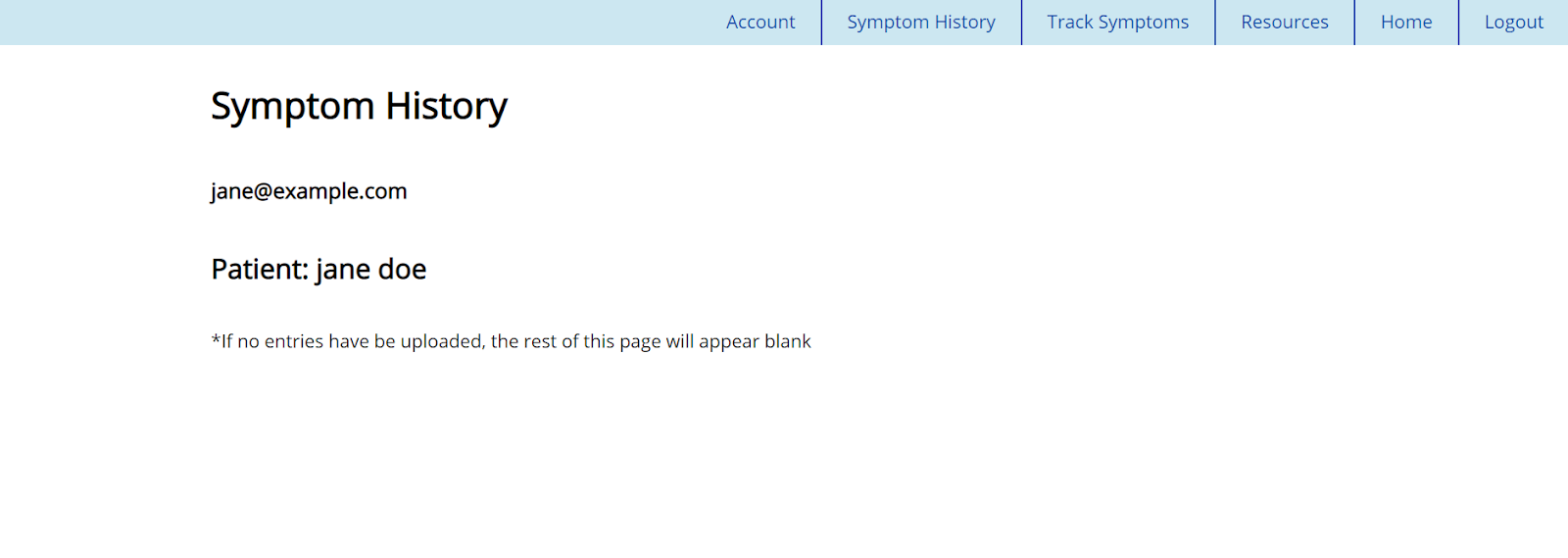
View all test results
Delirium Symptom Center
Inspiration
I'm taking a biomedical problem-based learning class this summer, and our first case (around mid-July) was about delirium. That's where I first learned about it and got the sense that we can address some of the issues described in this site with technology.
What this project does
- Educates the public about delirium, a common syndrome without a universal cause that is frequently misunderstood and misdiagnosed
- Improves care for patients with delirium by tracking their Confusion Assessment Method (CAM) results
Why this project is useful
This is one of the first sites exclusively dedicated to raising awareness about delirium. Researchers have experimented with diagnostic apps to assist doctors in identifying delirium, but there are no programs whose goal is to facilitate improvement of the treatment itself.
Tracking CAM test results gives caregivers a birds-eye view of how the patient is recovering. Because the road to recovery is not linear, the perspective this tool provides will help reduce premature discharge and allow caregivers to personalize the treatment, leading to a faster, fuller recovery.
How I built this
HTML, CSS, JS, Qoom, Qoom databases + APIs
I started by drawing wireframes on paper, then built the site "skeleton", creating all the HTML pages. Next, I added CSS styling and coded the signup/login forms in HTML using the Qoom Authentication Database. I also added a second database (Qoom's Open Database) to store results from the CAM upload form, using mustache templating on the navigation bar to hide that page for users who aren't logged in. Finally, I used JS to filter out and display only select data entries based on which user is logged in.
Challenges I ran into
Navigating and having to somehow "link" two databases was challenging, though I figured out a semi-workaround with a required radio button on the CAM form whose value was linked to the current account username.
The most challenging part was displaying the data. I managed to retrieve the JSON data from the server in script.js, and wrote what I believe is a close-to-correct interpretation of a JS filter to hide certain elements. However, the filter doesn't work as intended and displays entire (unfiltered) JSON string. To fix this, I believe I would need to find a way to set a JS variable to the username when the login form is filled out, and then export that variable onto script.js so I can use it in the later filter comparison.
Accomplishments that I am proud of
Prior to this project, I had written maybe less than 10 lines of JS. I'm proud to say I wrote more than 10 lines of JS today, even though it didn't quite work out the way I intended. This project was rather ambitious, and I'm glad I went for it.
I also learned how to use mutache templating and two of Qoom's database APIs (Authentication and Open).
What is next for this project
After fixing the JS filter, I plan on adding a function to either text or email the caregiver at certain times to check in on the patient. One reason why this would be useful is that patients often have irregular sleep schedules due to both the delirium and the lack of exercise from laying in a hospital bed most of the day. Reminding the resident on duty to encourage their patients to move around a bit during the afternoon is a good way to help patients sleep at night. Re-establishing sleep patterns and regularity is a key component to successful recovery.
References
No code in this project was copied from any of these places. I am simply sharing them here so that others can also make use of these guides to get started on future projects.
Qoom Database and Authentication API
Qoom Tutorial: Build a Open Poll with Qoom DB
Built With
- css
- html
- javascript
- qoom
- qoom-database-apis
- qoom-databases


Log in or sign up for Devpost to join the conversation.