Inspiration
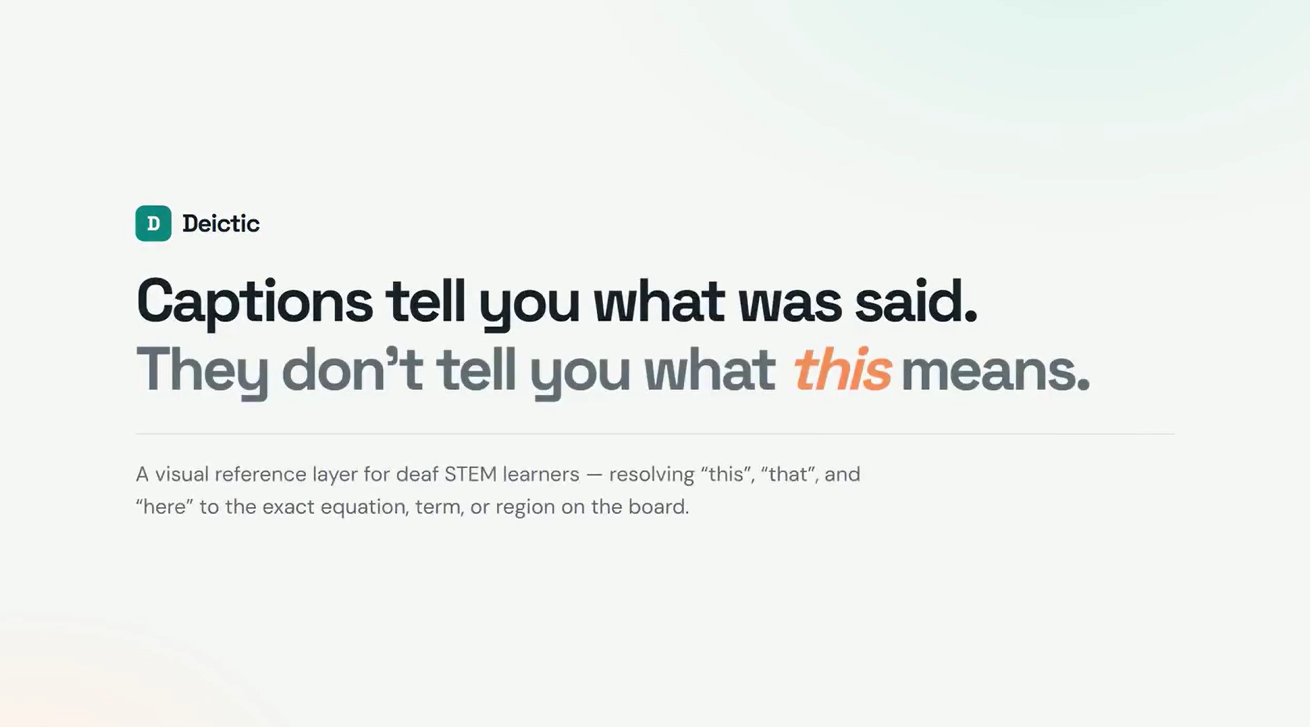
A physics lecturer says: "Now this becomes negative."
A hearing student follows the pointing finger to the −v₀ term on the board and moves on. A student relying on captions gets six words and loses the one thing that made the sentence mean anything.
Captions solved the audio channel and left the visual channel broken. The missing information isn't another sentence — it's the referent. We wanted to attack that single gap rather than build another general-purpose accessibility platform, because "this", "that", and "here" are everywhere in STEM instruction and nowhere in the transcript.
What it does
Deictic reconstructs the visual context that ordinary captions leave implicit.
It takes a timestamped transcript and the lecture frame, detects phrases that require visual context, and resolves each one to a specific target on the board:
Normal caption:   "Now this becomes negative."
Deictic caption:  "Now [THIS → −v₀] becomes negative."
Click the reference and the exact equation term highlights on the frame. Open the inspector and you see every candidate the resolver weighed — the whole equation, both of its terms, a chalk note — ranked, with a per-signal breakdown of where each score came from and which spoken words matched. The rejected candidates stay visible and stay clickable.
The verification panel recalculates the proof live, and an adversarial test moves the referenced term and re-resolves from scratch.
Impact Statement
Captions solve half of a deaf STEM learner's problem. They transcribe "Now this becomes negative" — and then leave the student to guess which of the four things on the board "this" was. In technical subjects, that referent is the content: the equation term, the vector, the region below the line. A hearing student resolves it for free from the lecturer's pointing and gaze. A caption-only student re-watches the clip, guesses, or falls behind — not because the material is hard, but because the transcript is structurally incomplete.
Deictic closes that gap. It links every "this," "here," and "that" in a lecture caption to the exact target on the frame, and shows its work: the candidates it weighed, the distractors it rejected, and why it chose what it chose. On a seeded mechanics lecture, plain captions leave all 10 references unresolved and the naïve "biggest thing nearby" heuristic gets 7 of 10 wrong — Deictic resolves 10/10, and re-resolves correctly when an adversarial test moves the referenced term.
The people who benefit first are the ~1.5 million deaf and hard-of-hearing students in post-secondary education, but the same missing referent hurts anyone learning from recorded lectures: non-native speakers, blind students working from audio descriptions, note-takers, and every search or AI tool that indexes lecture transcripts without knowing what the pronouns point to. Deictic is a prototype on seeded lectures, not a deployed product — but it demonstrates that reference resolution, not more transcription, is the accessibility primitive that recorded STEM education is missing.
How we built it
Next.js, TypeScript, and a hand-written resolver. The public demo calls no runtime model — the proof is ordinary code you can read in lib/deictic.ts.
Resolution scores every visible candidate on five signals that can disagree:
| Signal | Weight | What it reads |
|---|---|---|
| Temporal | 42 | Distance from the reference to the target's frame |
| Phrase type | 34 / 16 | Head noun, ranked against target type |
| Cross-modal | 24 | Board glyphs expanded into spoken words |
| Spatial | 14 | Cues like "below the line", relative to peers |
| Prominence | 8 | Target area, kept weak so it can't dominate |
The cross-modal signal is the interesting one. A lecturer says "negative" while the board shows −; says "change" while the board shows Δ. So we built a small lexicon that expands rendered glyphs into the words a lecturer could speak, then matches that against the caption. It's what separates v₂ from an identically-typed, identically-sized v₁ when the caption says "the final velocity."
Confidence is the margin to the runner-up, not the raw score — so a close call reads as a close call instead of inflating to 99%.
Target geometry is measured, not drawn. Every candidate is a real DOM element carrying data-target-id; the viewer reads it with getBoundingClientRect() and positions the highlight at the measured box, so it can't drift from the thing it points at. Ground truth is generated by a script that opens the frames in a real browser and records all 55 boxes.
Challenges we ran into
Our proof proved nothing. This was the big one. The first version reported 10 → 0 and 10/10 correct — and it was meaningless. Each frame contained exactly one visual target, so every reference had exactly one candidate. The scoring function ran, but never chose. The result was guaranteed by the fixture, not earned by the system. A judge probing for hardcoding would have found nothing behind the number.
Fixing it meant rebuilding the fixture so every frame carries three or four plausible referents (36 candidates across 10 references), and adding a naive baseline that runs on the same data: "pick the biggest target near the timestamp" — exactly what a system faking this would do. It gets 7 of 10 wrong. That gap is the actual evidence; accuracy alone never was.
Geometry that drifted with the browser window. The board sized its type with viewport-relative clamp(), so the same equation term occupied a different percentage of the frame at different window widths. Agreement between the highlight and the annotation collapsed to 0.43 IoU on a narrower layout. We rebuilt the board inside a fixed 1200×675 coordinate space that scales to fit — now IoU 1.0000 across 760–1920px, asserted by a script.
Measuring before scaling. A subtler version of the same bug: the first measurement pass ran before the scale was applied, so it measured an unscaled layout. Headless browsers reported 0 of 4 boxes agreeing while a headed browser looked fine. Scale now derives during render from an observed width, and measurement runs after it.
Chrome's screencast has no reliable timeline. For the demo video we tried recording the app with page.screencast(). That API only emits a frame when the page repaints, so a static hold produces almost no frames and the clip ends up seconds shorter than the time it took to record — drifting 2 to 7 seconds per take, in both directions. Forcing continuous repaints didn't fix it. We switched to capturing discrete states at 2× and animating the camera in Remotion, which gives a frame-accurate timeline and crisper imagery.
Building the video also surfaced two rendering bugs we'd have shipped otherwise: a fraction whose numerator and denominator collapsed onto the text baseline, and dark-navy text on a dark-navy background in the adversarial comparison — the one panel the anti-hardcode claim rests on.
Accomplishments that we're proud of
- A metric with a counterfactual. Plain captions leave 10 unresolved; the naive heuristic gets 7 wrong; Deictic gets 0. Three numbers side by side, all recalculated at render time.
- The system shows its reasoning. The inspector displays the rejected candidates and why they lost. You can disagree with it.
- The adversarial test re-resolves from scratch and reports both the IoU with the old box (0.00) and what a fresh run now picks. A cached answer can't survive that.
- 28 tests that test the reasoning, not the fixture — including one asserting the naive baseline must score strictly worse, so removing the distractors fails the build.
- A demo video whose numbers are computed, not typed. It imports
calculateProofMetricsand runs it against the real fixtures. - Verified in a fresh browser against the production build at two widths: no console errors, no overflow, every interactive path working.
What we learned
A number without a counterfactual isn't evidence. We had 10/10 for a while and it felt like proof. It wasn't. The question that broke it open was "what would this number look like if the system didn't work?" — and the answer was exactly the same. Every accuracy claim now ships next to a baseline that could beat it.
Measuring instead of asserting finds real bugs. The moment we compared measured geometry against our annotations, three layout bugs surfaced that no test was catching, because the app kept rendering — the highlight just quietly stopped pointing at the right thing.
Write down the dead ends. The screencast failure isn't obvious, and the next person to reach for it would lose the same afternoon. It's documented in the repo rather than silently dropped.
What's next for Deictic
- Replace the hand-built lexicon with OCR plus a learned model. It covers the notation in these two lectures; arbitrary lectures need real symbol recognition.
- Close the loop on real video. Frame extraction, audio capture, and timestamped transcription already work in the lab; the gap is target extraction robust enough on real board footage.
- Add pointer and gesture as a sixth signal. Where a lecturer's hand is at the moment they say "this" is the strongest cue available, and we don't use it yet.
- Evaluate on recorded lectures we didn't author, so the fixture stops being ours.
- Test with deaf STEM learners. We built this for a user we haven't yet put it in front of. Until we do, every claim here is about a mechanism, not about access — and we'd rather say that than imply otherwise.
Deictic does not replace an interpreter, and does not claim to solve accessibility in STEM education.
Built With
- and-typescript-?-hand-written-css
- measured-with-puppeteer
- next.js-16-(app-router)
- no-ui-framework
- pupeteer
- react-19
- typescript
- vecel
- vitest
- zero-runtime-dependencies-beyond-react;-tested-with-vitest


Log in or sign up for Devpost to join the conversation.