-
-
UI
-
Sample Course Plan
Inspiration
As current undergraduate students trying to navigate college life, being able to plan out course schedules effectively is an integral part of setting ourselves up for success by balancing workloads and thus being able to learn course material thoroughly. We have not found a degree planner that effectively accomplishes this, so we created our own.
What it does
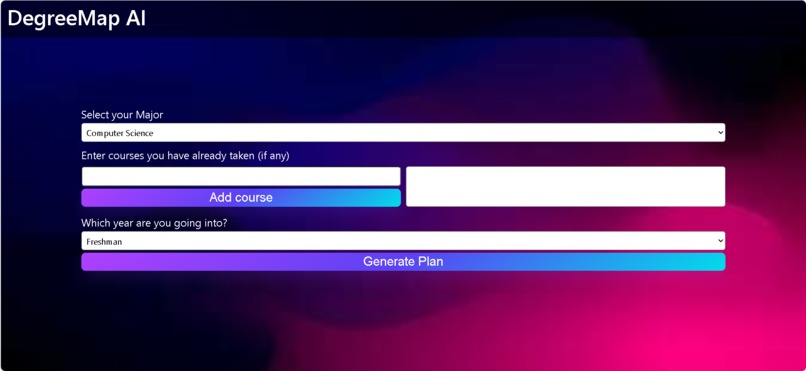
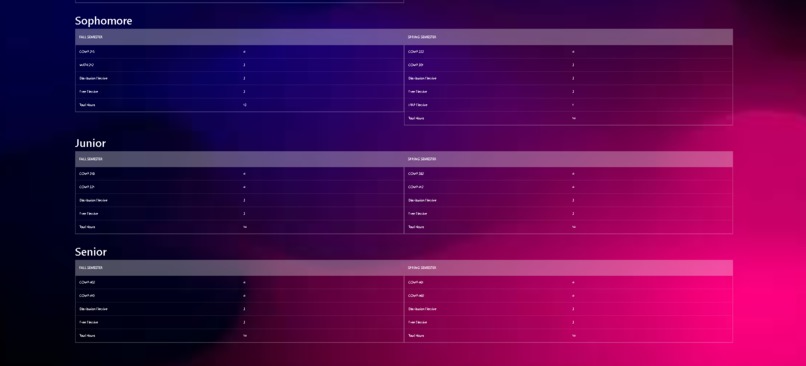
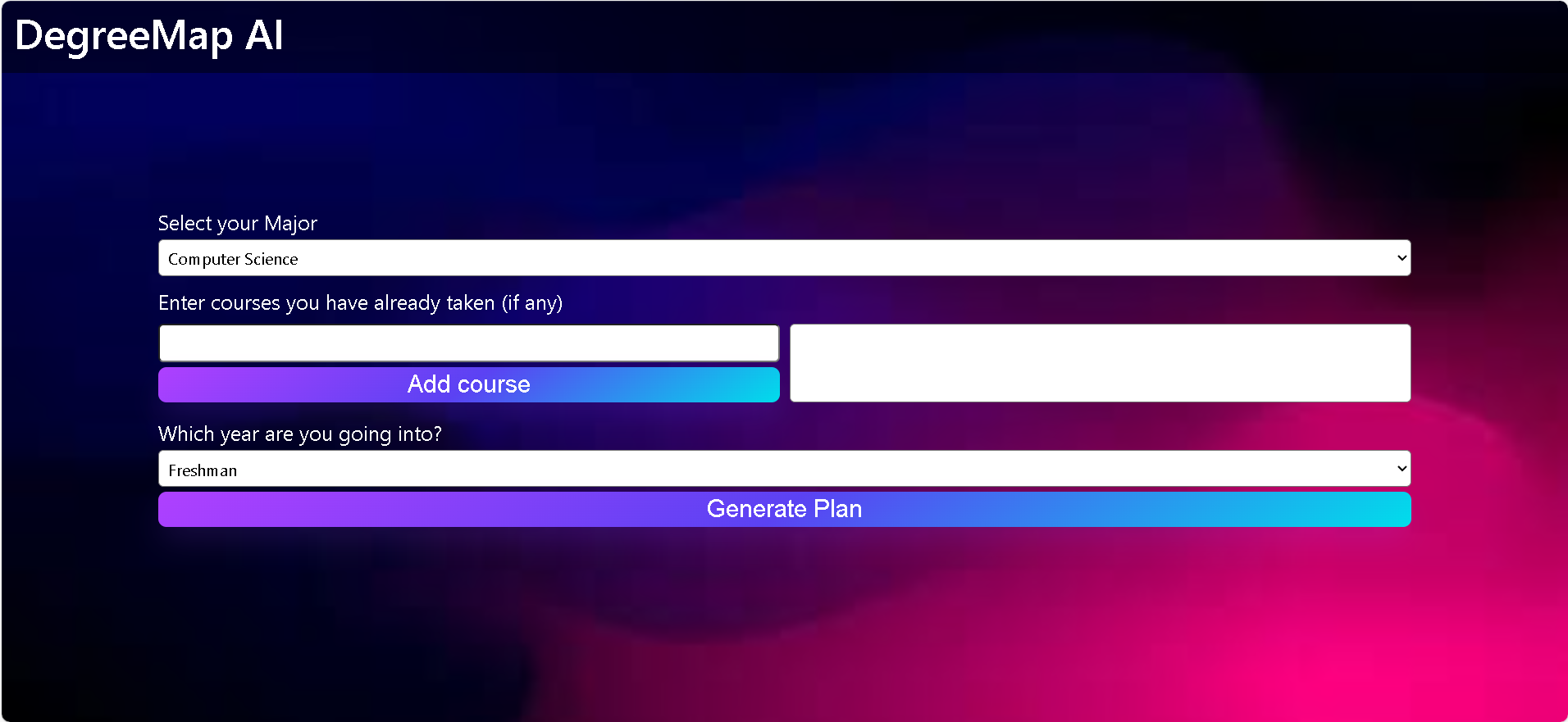
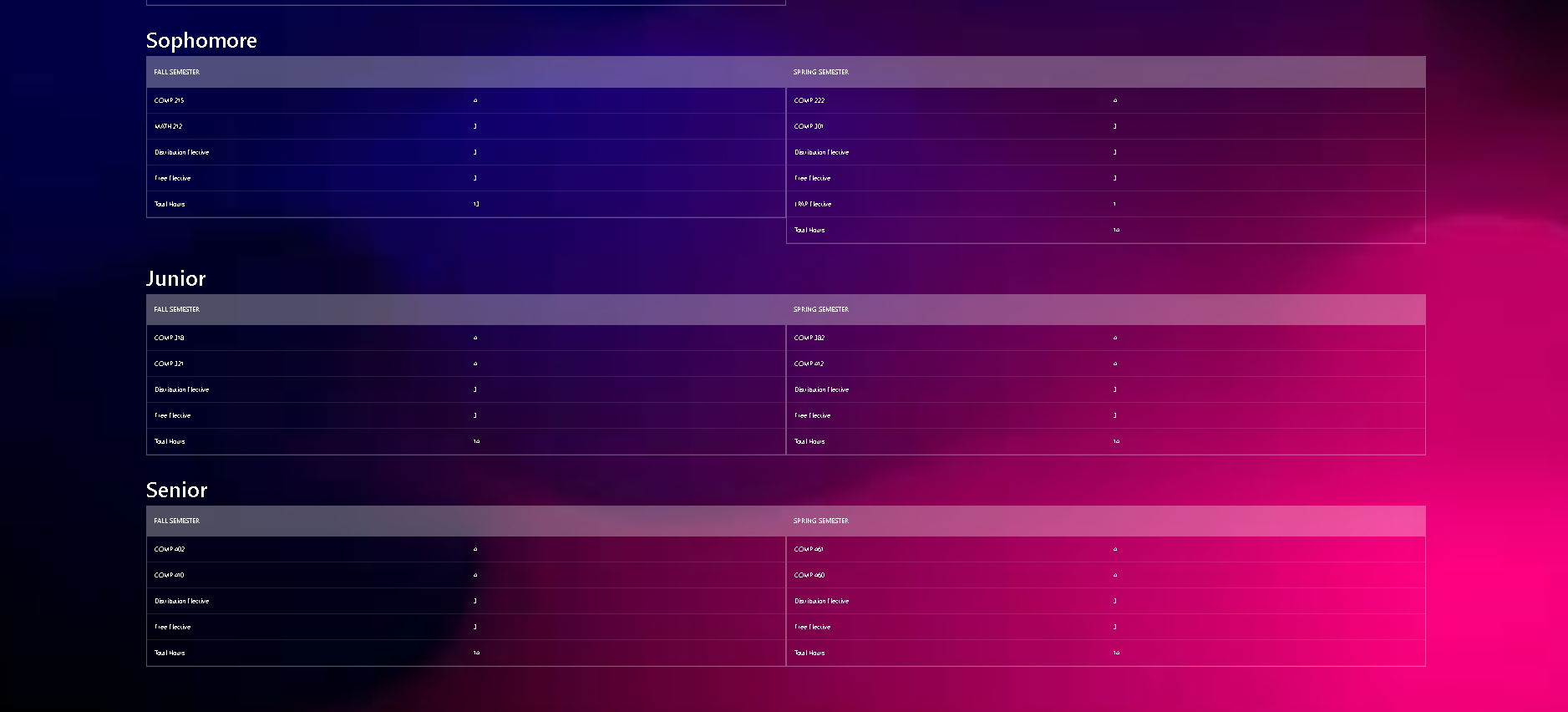
Degree Map AI includes a React front-end and a Flask Python server that generates a personalized degree plan based on user-inputted information through the front end. Course requirements are scraped from Rice University's website using a C++ scraper, and the following course information is stored in CSV files. The Flask server passes a dynamic input from the selected values in the website along with the associated CSV file to an underlying GPT functionality to create a personalized degree plan, which is returned as a table to the user for easy reading.
How we built it
We first started by working on the scraper, frontend, chatgpt caller, and server separately. We ensured each component's basic functionality was complete and began enabling these components to interact with each other via api calls and library imports. The scraper ran prematurely from the server lifecycle to simply compile the .txt files to use as course reference for the server. We then tweaked each component to allow for a better interaction such as tweaking the prompt to send to chatgpt and the format that the scraper would have for the .txt files.
Challenges we ran into
One challenge we faced was figuring out the best way to format the GPT output for the React front end. We needed a structure that was easy for the front end to parse and efficient for table rendering to display it to the user easily. We decided to format the GPT output into a JSON object so that the front end could parse it into a table. Another issue we faced was ensuring that chatGPT generated sufficient course plans that satisfied all the graduation and degree requirements such as minimum credit hours, FWIS courses, LPAP courses, etc.. We managed to refine the prompt to output a satisfactory course plan in a consistent format.
Accomplishments that we're proud of
We're proud to have successfully connected the React front end to the GPT wrapper, enabling seamless interaction with AI. This integration allows for dynamic, real-time degree planning based on user input.
What we learned
We learned to set up OpenAI's ChatGPT, scrape website information effectively, and build a simple Flask server in Python. This knowledge enhanced our project’s functionality and efficiency.
What's next for Degree Map AI
Given the limited amount of time, we were only able to implement OpenAI's ChatGPT model where the user can only input very basic parameters. A more optimal way is to create a custom bot through Botpress with a customized knowledge base of courses that could remember conversations and process conversations in a consistent format. We also would like to add features that would allow users to tweak the course plans generated for them via the UI and save them for future edits. This would allow for a feature in the front end that interacts directly with the language model for more personal edits to the user's degree plan. And, of course, we would extend our website's functionality to account for more than just four majors.
Built With
- c++
- javascript
- openai
- pyflask
- python
- react

Log in or sign up for Devpost to join the conversation.