-
-
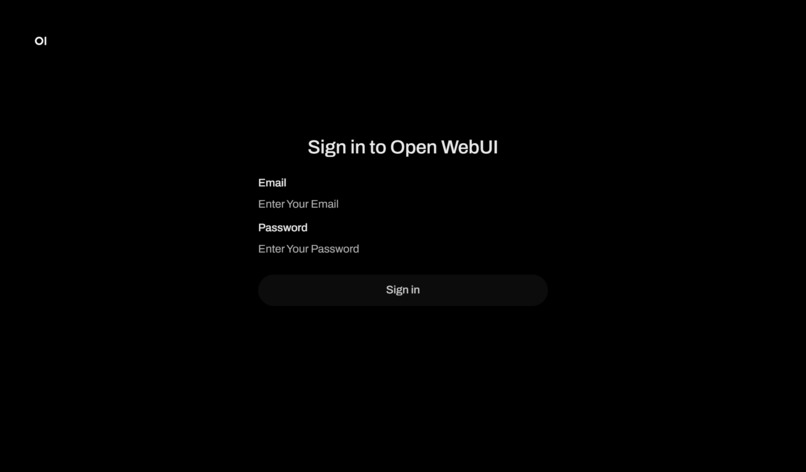
Registering an Account
-
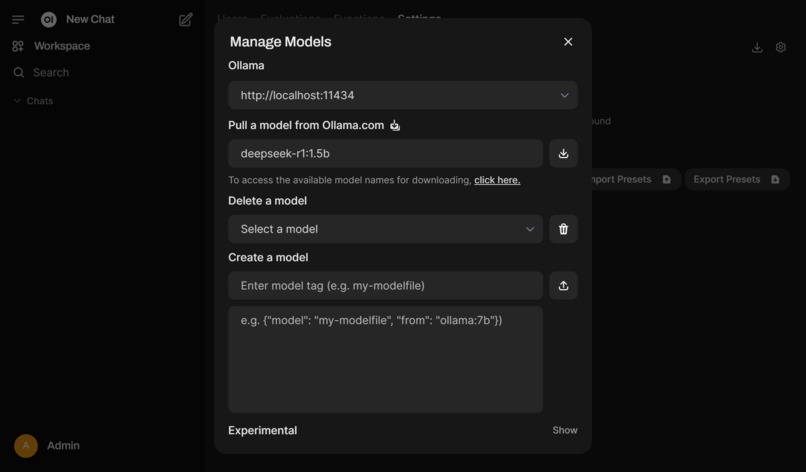
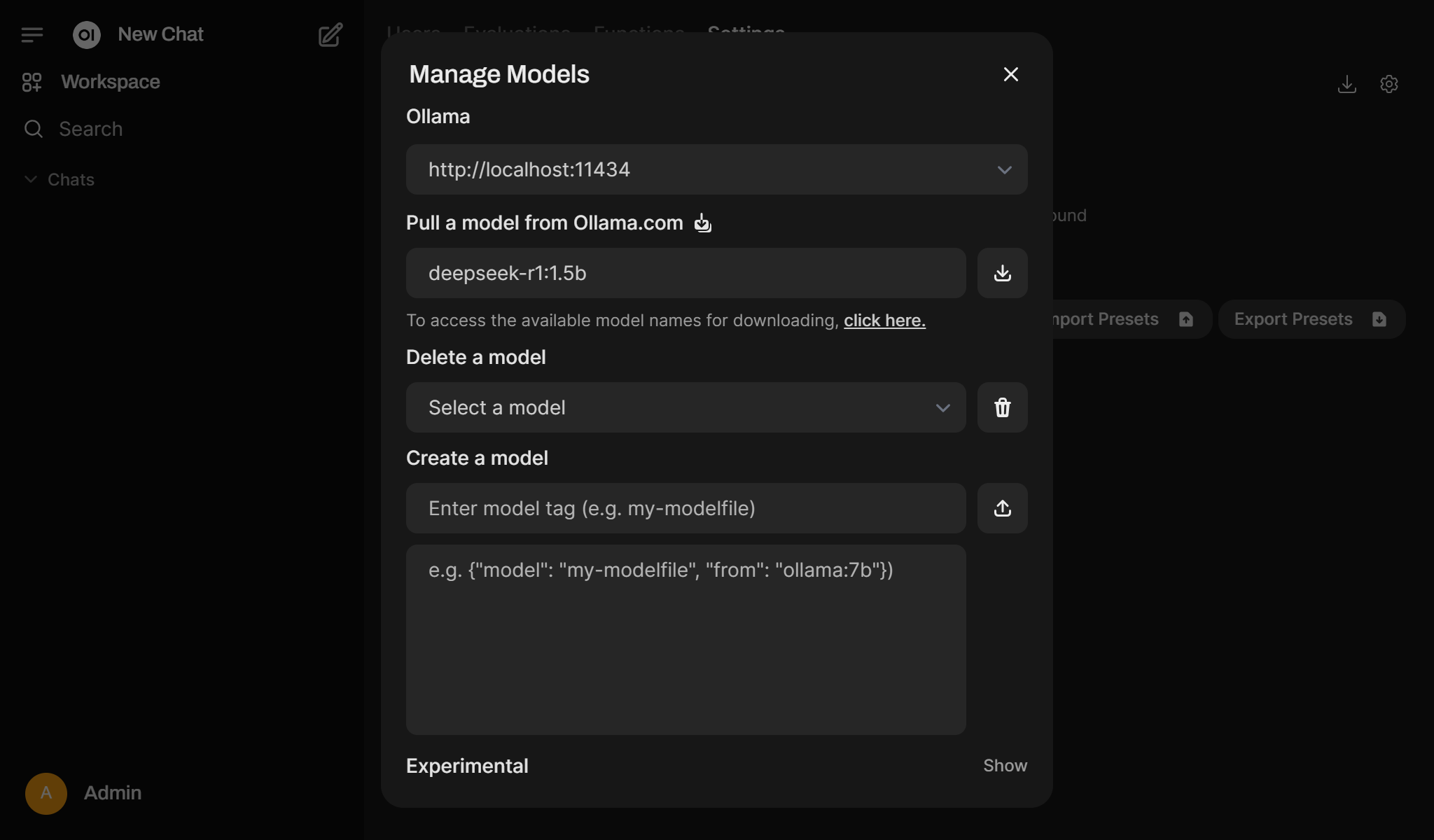
Downloading the DeepSeek Model
-
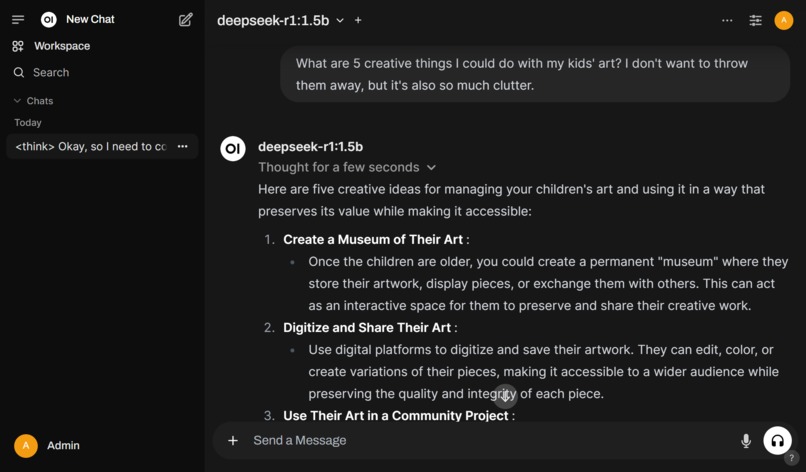
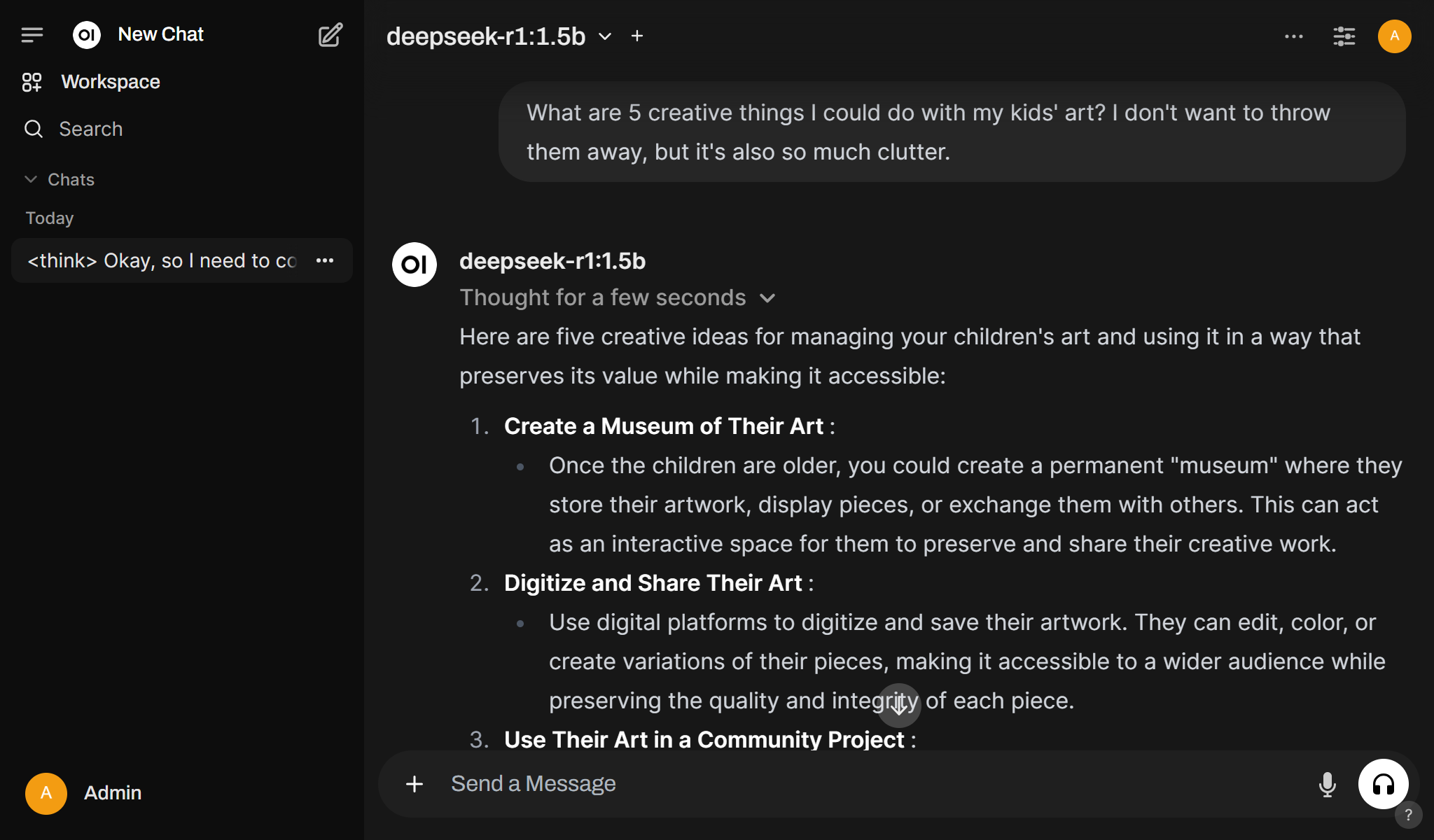
Start Chatting
Inspiration
We were motivated by a desire to explore the latest DeepSeek-R1 model and enable easy interaction through a web UI.
What it does
The project provides a user-friendly web interface for seamlessly chatting with the DeepSeek-R1 model.
How we built it
We used Docker and Docker Compose to ensure a smooth deployment process. With just a few commands, users can set up the web UI and download the model quickly, requiring minimal time and technical knowledge.
Challenges we ran into
Finding a suitable web UI to run the DeepSeek R1 model proved challenging, especially since this was my first experience deploying an AI chat model and web UI locally.
Accomplishments that we're proud of
We are incredibly proud of how user-friendly and efficient the deployment process is, allowing users to quickly set up a local version of DeepSeek with minimal effort.
What we learned
Throughout this project, we learned a great deal about:
- Docker and Docker Compose.
- The capabilities and potential of open-source solutions.
- The powerful functionalities of the DeepSeek-R1 model.
What's next for DeepSeek Web UI
Enhance the Docker Compose file for better optimization and to incorporate community feedback.
Built With
- deepseek
- docker
- docker-compose
- ollama


Log in or sign up for Devpost to join the conversation.