-
-
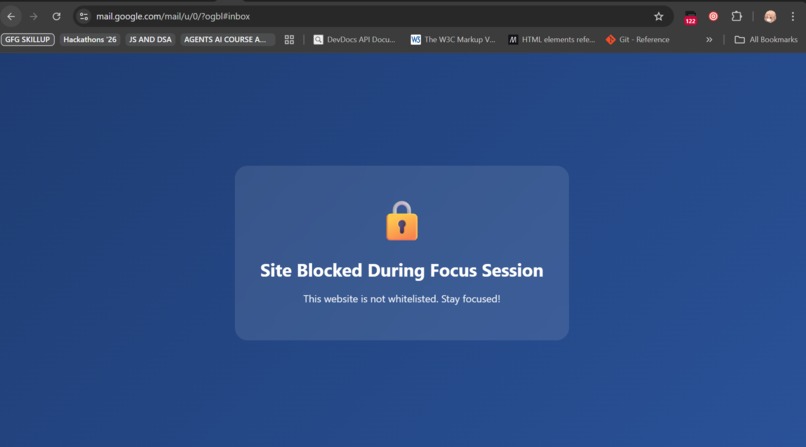
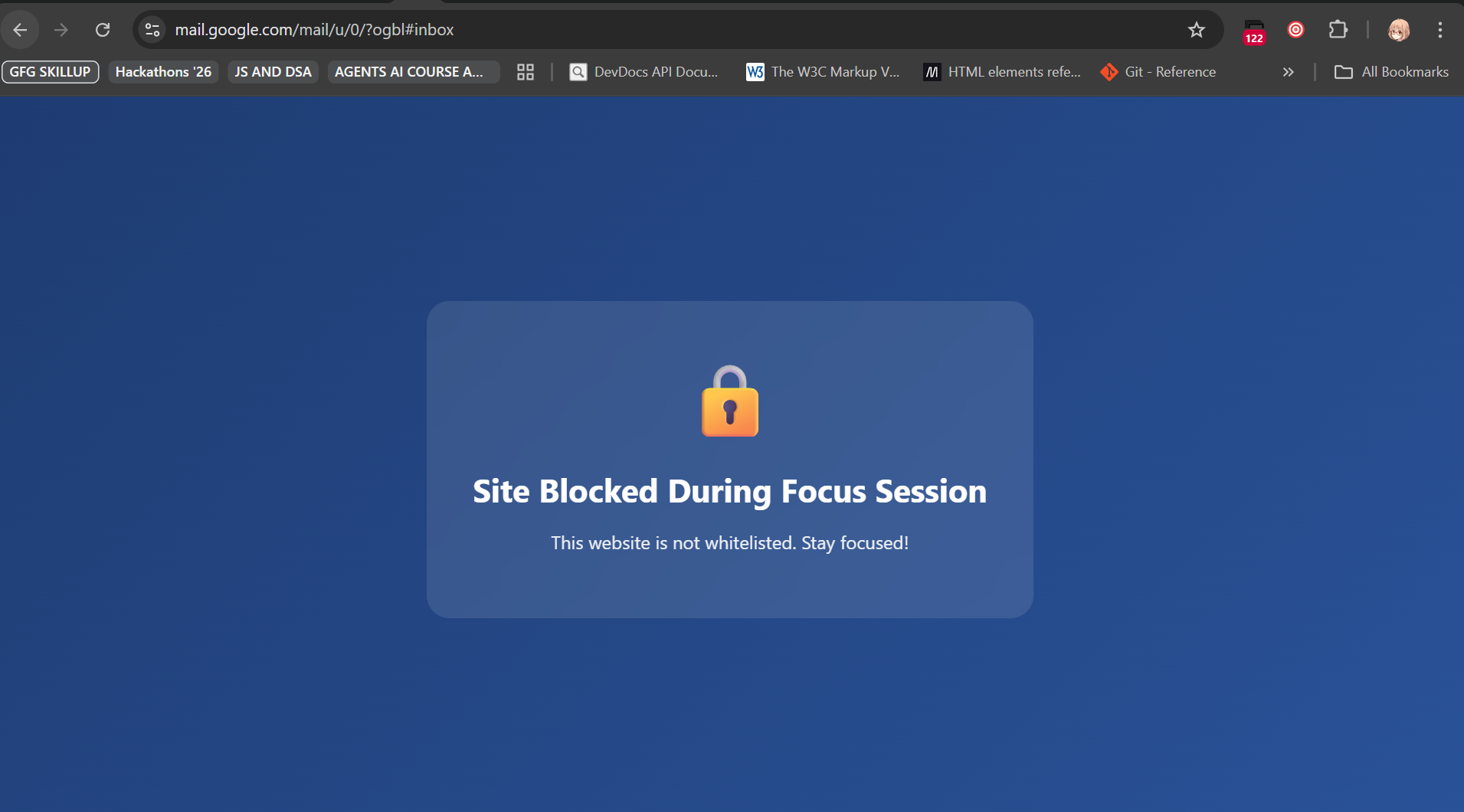
blocked sites during active session
-
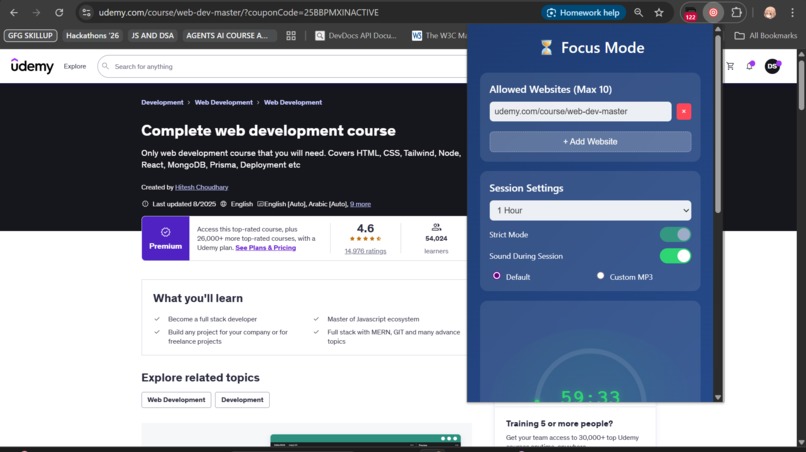
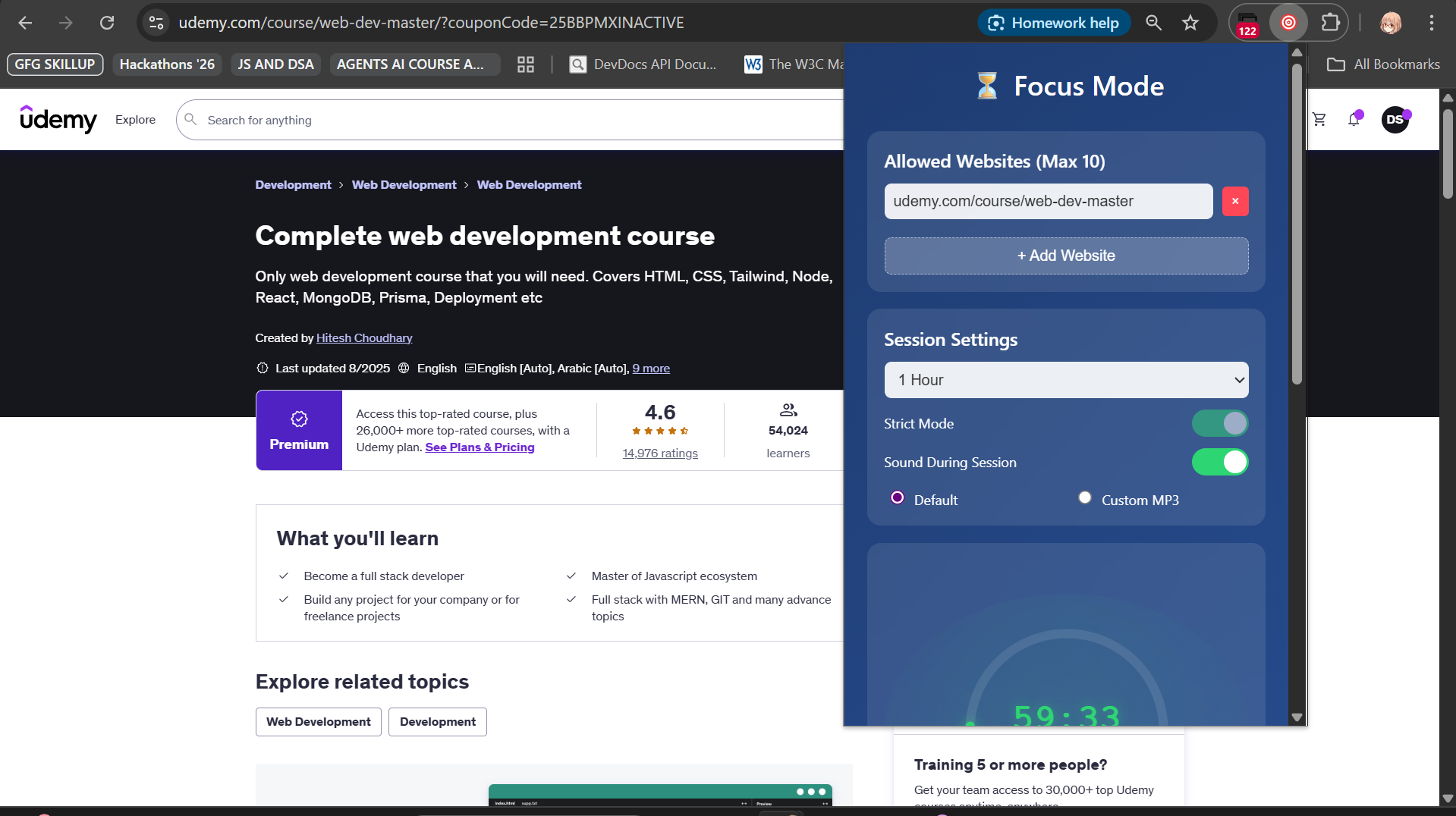
The chrome extension ui
Inspiration
I use Forest app and love time-blocking, focused study sessions, and Pomodoro technique. But Forest only works best on mobile device only - no apps are blocked on my phone when I set it that way, and on laptop, the interface is poor. I wanted to build something better for serious productivity work. This Chrome extension was my solution. I restricted it to max 10 whitelisted sites, blocking everything else and redirecting chrome://* pages to blank. I added Pomodoro-style sessions with built-in sounds (plus custom audio upload), and most importantly - a strict mode that's much harder to break than normal focus apps. Users must set a strong 8+ character emergency phrase and solve logical questions to exit sessions early. Sessions run 1-2 hours for deep work. I built this lightweight extension and have been using it daily, and I absolutely love it.
What it does
DeepLock Focus provides military-grade focus sessions with two modes: • Standard Mode: Easy session control with manual stop capability • Strict Mode: Tamper-resistant sessions requiring emergency phrase + logic challenges to exit
Key features: • Smart Website Blocking: Whitelist up to 10 sites, blocks everything else • Extension Protection: Blocks chrome://extensions access in strict mode • Audio Focus: Built-in Pomodoro sounds or custom audio upload • Session Persistence: Survives browser crashes and restarts • Emergency Controls: 8+ character phrase with strength validation • Logic Challenges: Logical questions to help prevent impulsive session breaks
How I built it
Built entirely using Amazon Q Developer as my AI coding assistant throughout the development process:
Architecture: Chrome Extension (Manifest V3) with service worker background script • Background.js: Session management, audio control, extension protection • Content.js: Website blocking, keyboard shortcut interception • Popup Interface: React-style vanilla JS with real-time session controls • Offscreen Audio: Dedicated audio playback handling
Amazon Q Developer Usage: • Generated complete extension structure and manifest configuration • Built complex session persistence logic with storage management • Created tamper-resistant strict mode with UI element hiding • Implemented audio system with custom upload capabilities • Developed emergency phrase validation with strength checking • Built logic challenge system • Created responsive popup interface with real-time updates • Debugged cross-browser compatibility issues • Optimized performance and memory usage
Technical Stack: Vanilla JavaScript, Chrome APIs, HTML5 Canvas (for icons), CSS3
Challenges I ran into
Offscreen Document Management: Chrome only allows one offscreen document. Q Developer helped implement proper cleanup and recreation logic to prevent "single document" errors.
Extension Protection: Chrome security prevents extensions from completely blocking their own removal. I worked around this by blocking access routes (chrome://extensions, keyboard shortcuts, UI hiding) rather than preventing uninstall directly.
Session Persistence: Ensuring sessions survive browser crashes required complex storage synchronization. Q Developer helped design a robust state management system.
Audio System: Implementing continuous audio playback while maintaining low memory usage required careful offscreen document management and audio context handling.
Strict Mode Logic: Creating truly tamper-resistant sessions while maintaining usability required balancing security with user experience.
Accomplishments that I'm proud of
• Tamper-Resistant Design: Successfully created strict mode that genuinely prevents users from breaking their own focus rules • Production-Ready Quality: Built enterprise-grade extension with proper error handling, performance optimization, and security features • Real-World Impact: Personal daily usage proving the solution solves actual productivity problems • Technical Innovation: Unique combination of extension protection, audio management, and session persistence • User Experience: Intuitive interface that doesn't compromise on powerful features
What I learned
Chrome Extension Security: Deep understanding of Manifest V3 limitations and security boundaries, learning creative workarounds for extension protection.
State Management: Complex session persistence across browser events, crashes, and user attempts to circumvent the system.
Audio Engineering: Offscreen document lifecycle management and continuous audio playback optimization.
User Psychology: Balancing strict controls with emergency access - understanding when users genuinely need to break focus vs. procrastination.
Amazon Q Developer Mastery: Leveraging AI assistance for complex problem-solving, debugging, and optimization throughout the entire development lifecycle.
What's next for DeepLock Focus
Team Collaboration: Shared focus sessions across team members with synchronized break times and productivity analytics.
AI-Powered Blocking: Smart distraction detection using machine learning to automatically identify and block time-wasting content.
Biometric Integration: Heart rate and stress level monitoring to optimize focus session timing and intensity.
Enterprise Features: Admin controls, usage analytics, and compliance reporting for organizations.
Mobile Companion: iOS/Android apps with cross-platform session synchronization.
Calendar Integration: Automatic session scheduling based on calendar blocks and meeting schedules.
Advanced Analytics: Detailed productivity insights, focus pattern analysis, and personalized recommendations for optimal work sessions.
Built With
- amazon-q-developer
- canvas-api
- chrome-extension-apis
- chrome-manifest-v3
- css3
- html5
- javascript
- local-storage-api
- web-audio-api


Log in or sign up for Devpost to join the conversation.