-
-
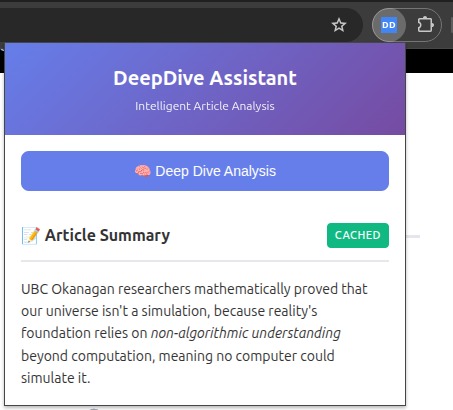
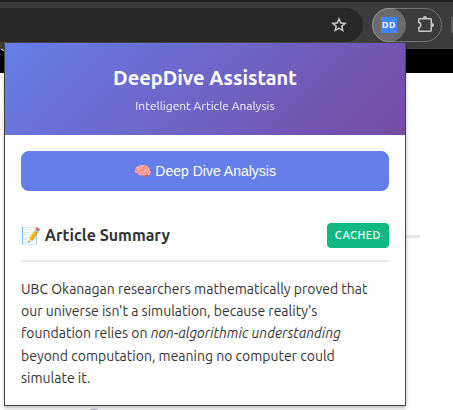
DeepDive Extension Icon get clicked - Local AI Summary starts
-
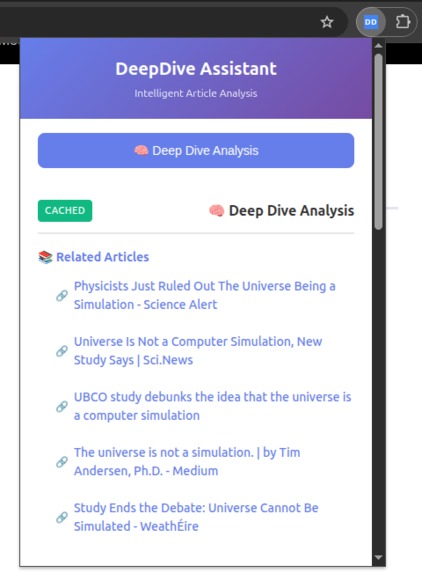
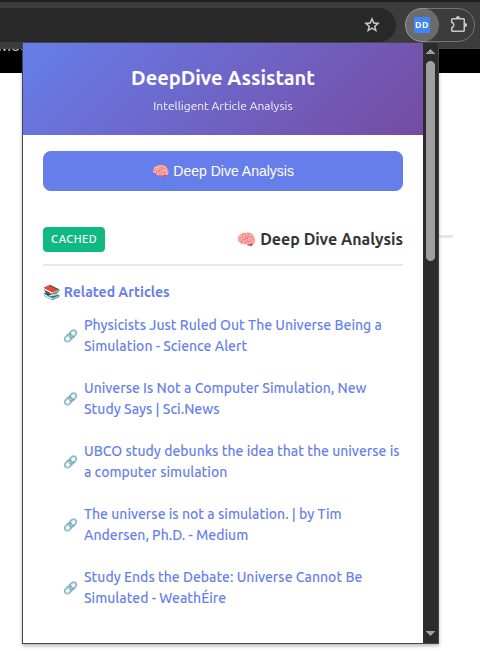
Deep Dive Analysis related links results
-
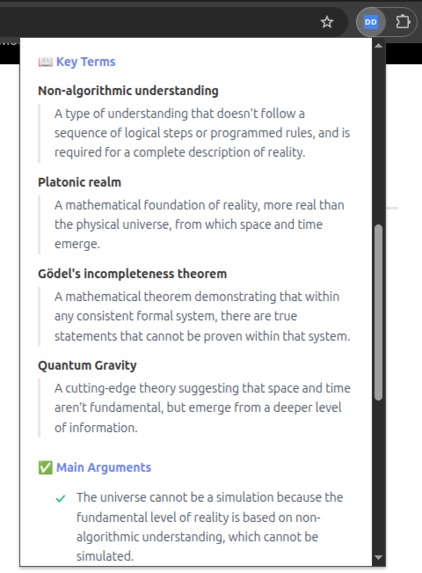
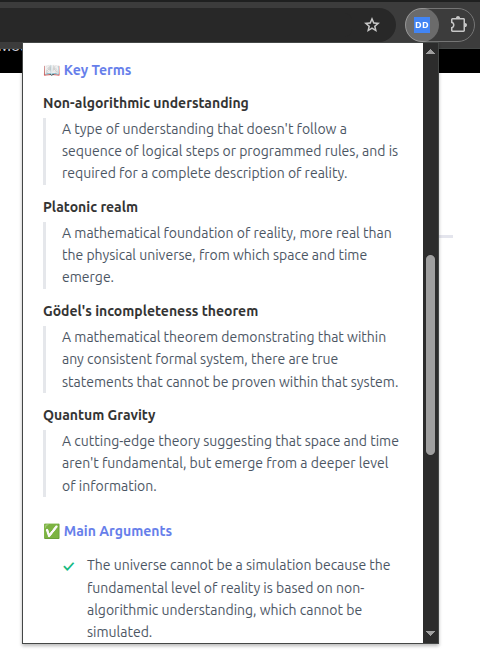
Deep Dive Analysis key terms in this article
-
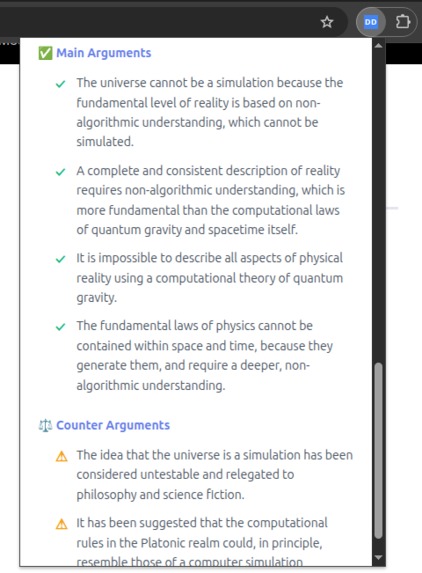
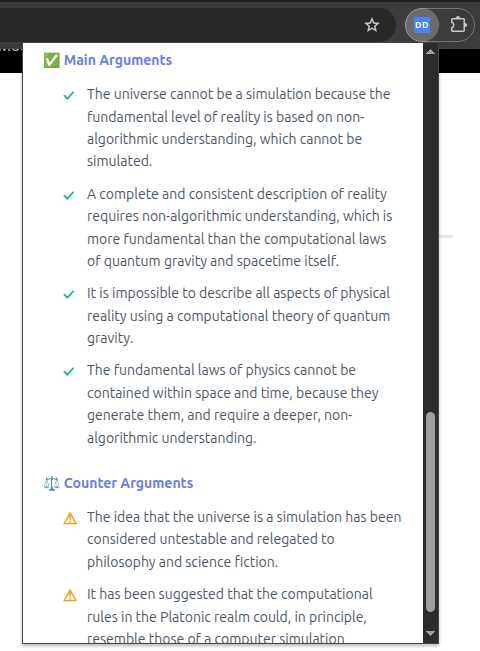
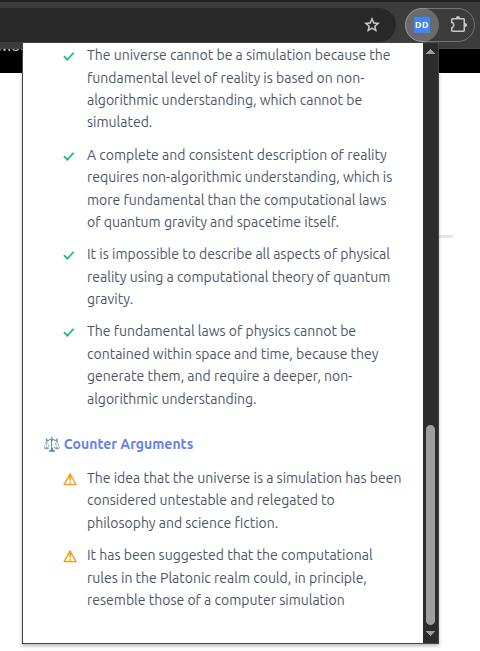
Deep Dive Analysis main arguments of the article
-
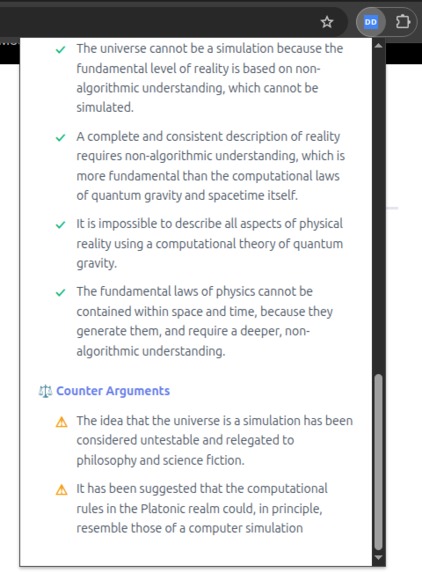
Deep Dive Analysis counter arguments to the topic
Inspiration
I’m the person who keeps dozens of “read later” tabs open—deep investigations, long opinion pieces, breaking news updates. I wanted something that could give me trustworthy context quickly, without handing everything to a third-party server. When Chrome introduced on-device AI features like the Summarizer API, it clicked: combine local intelligence with optional, explainable deep research in a single extension.
What it does
DeepDiveAssistant offers two complementary modes inside a Chrome popup: ⚡ Instant Summary – Streams a concise TL;DR using Chrome’s built-in Summarizer API. It all happens on-device, so the article text never leaves the browser. 🧠 Deep Dive Analysis – Sends the article to a local Node.js backend that calls Google’s Gemini API for structured insights: related sources, key terms, and main vs. counter arguments. Both modes cache results, so returning to the same article is nearly instant.
How I built it
Chrome Extension (MV3): Vanilla JavaScript, a service-worker background script, and a content script that extracts the main article body while filtering ads and sidebars. Esbuild bundles everything into extension/dist. On-Device AI: The popup instantiates Summarizer.create() for streaming summaries and even generates search queries to support deep dives. Backend Service: Express + @google/generative-ai on Node 18, with /health, /analyze, and /search endpoints. Prompts enforce structured JSON, strip citations, and validate URLs before returning them. Resilience & UX: Before making API calls, the popup hits /health to ensure the backend is running. Errors flow through a friendly handler that explains what happened and how to recover.
Challenges I ran into
API Availability: The Summarizer API is experimental, so the UI needed to recognize “downloadable,” “downloading,” and missing user activation states gracefully. Content Extraction: Articles are wild. Selector cascades, noise removal, and smart truncation (keeping summaries under 10k characters) became essential. Grounded Links: Gemini occasionally produced placeholders. A multi-tier fallback—grounding metadata, redirect detection, and suspicious-domain filtering—keeps the related-article list believable. Developer Experience: Chrome’s extension UI logs benign network warnings as “errors,” so the popup now proactively checks health and surfaces actionable guidance instead of raw stacks.
Accomplishments that we're proud of
A privacy-first hybrid workflow: instant on-device summaries paired with Gemini-powered research, all inside one popup.
What I learned
On-device AI changes user expectations; people need clarity whenever the model is still downloading or waiting for activation. Defensive parsing is mandatory with LLM responses. Multiple JSON extraction passes and citation stripping avoid brittle integrations.
What's next for DeepDiveAssistant
Hosted Backend: Switch from localhost to an environment-aware HTTPS endpoint (Cloud Run or Firebase Functions). Collaboration Tools: Export summaries to Notion, share deep-dive reports, or generate annotated reading lists. Accessibility & Localization: Keyboard navigation, screen-reader labels, and optional translation via Chrome’s Translator API. Custom Prompts: Let users choose tone, depth, or academic vs. casual framing for both summaries and deep dives.
Built With
- css-chrome-extensions-mv3
- dotenv-google-gemini-via-@google/generative-ai-custom-rate-limiter
- esbuild-chrome-summarizer-api-(on-device)-node.js-18
- express.js
- html
- javascript-(es-modules)

